
At a glance
Ecommerce ad creative tools help online stores turn product information into ad-ready images, videos, copy and testable variations for platforms like Facebook, Instagram, TikTok, Pinterest and Google.
| Workflow layer | Tool type | Main output |
|---|---|---|
| Product image production | AI product photography, background removal, model generation | Approved source visuals |
| Creative packaging | Design tools, templates, image resizers | Feed, story, carousel and catalog ads |
| Motion | Image-to-video, product video, avatar video | Short clips for Reels and Stories |
| Message testing | Copy tools and hook generators | Primary text, headline and offer angles |
| Measurement | Ad platform reporting and creative scorecards | Winners, losers and next tests |
The strongest setup is a stack, not a single tool. A product-photo engine creates the visual truth; design and platform tools package it for different ad environments.
Why product visuals come first
Product visuals come first because every ecommerce ad is judged in a fraction of a second before the buyer reads the copy.
Clear product identity
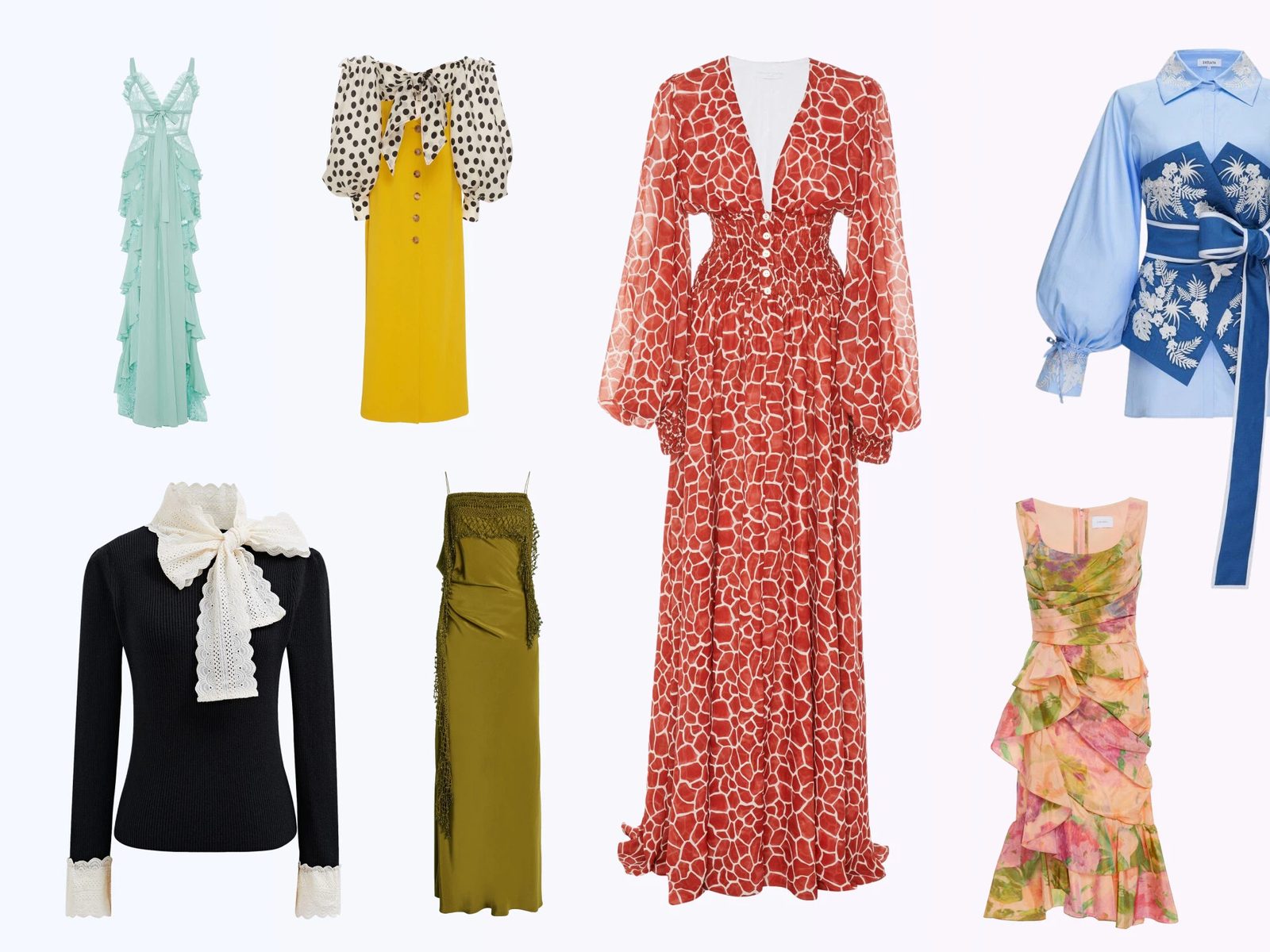
If the image does not show the item, material and use case, no headline can fix the ad. For fashion, this means seeing the garment on a model, a flat-lay, a detail crop or a styled outfit depending on the funnel stage.
Consistent catalog quality
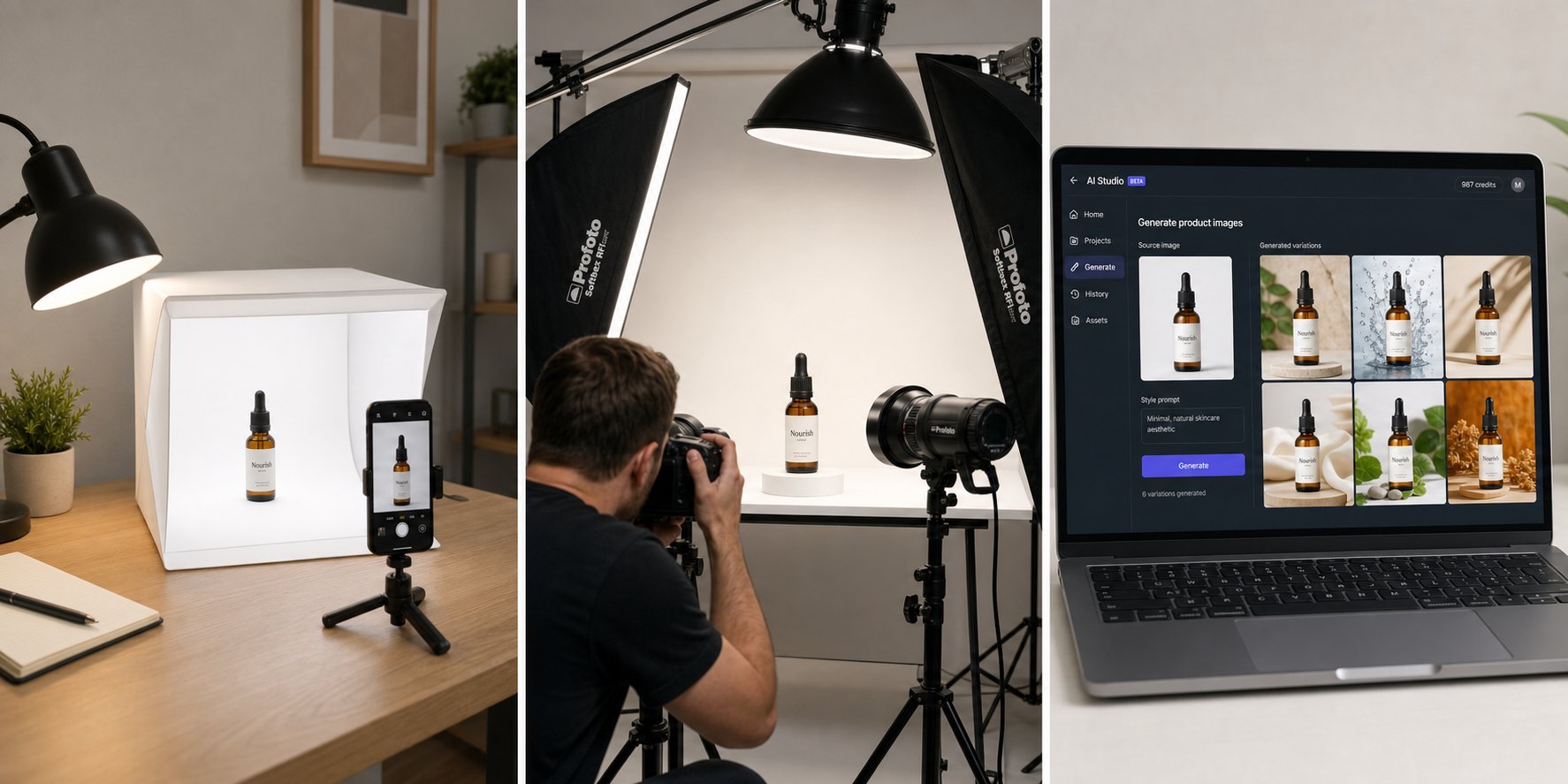
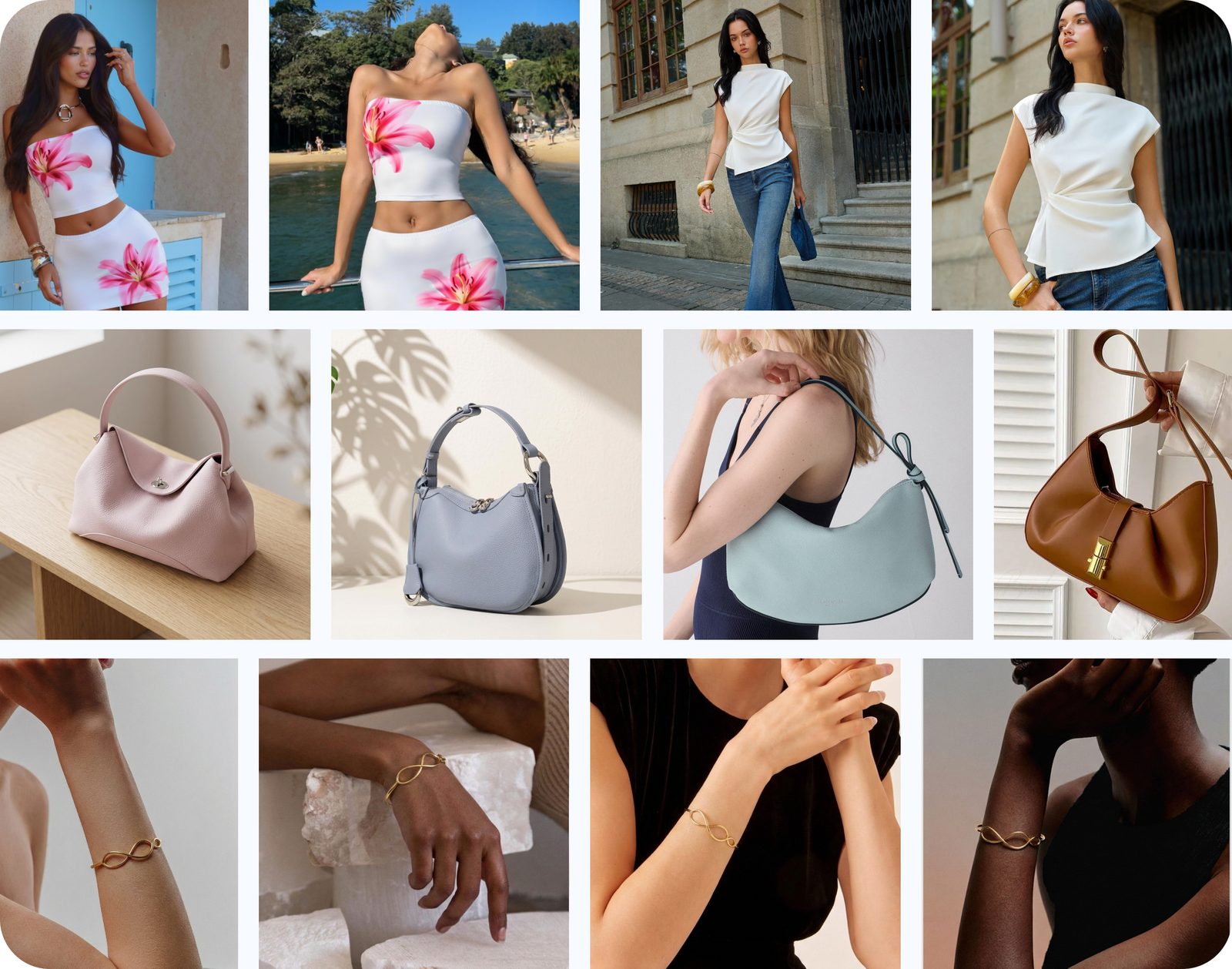
Many stores have ads made from supplier photos, phone photos and old studio images mixed together. AI tools can normalize backgrounds, lighting and scene direction so the ad account does not look like several brands at once.
Lower creative waste
When product photos are weak, teams waste time designing around the wrong asset. Start with AI product photography or AI fashion model images, then build the ad variants.
Core ecommerce ad creative tool categories
Think of the stack as six working layers: source-image creation, model or on-body visualization, motion, layout, copy support and performance review.
| Category | Use it for | Good output looks like |
|---|---|---|
| AI product photography | Lifestyle scenes, white backgrounds, image consistency | The product remains accurate and central |
| AI fashion/model tools | Apparel, shoes, accessories, jewelry and styling visuals | Fit, scale and model pose support the SKU |
| Image-to-video tools | Short motion creatives from a still photo | The product moves or is revealed without distortion |
| Design/layout tools | Sale graphics, frames, carousel cards | Readable mobile-first composition |
| Copy tools | Hooks, angles, captions and headlines | Specific claim tied to the product benefit |
| Testing tools | Creative matrix and performance notes | A clear reason to keep, cut or iterate |
For a deeper image-quality framework, use the AI product photography benchmark before committing a tool to paid traffic.
Build a small creative matrix first
A creative matrix is a controlled set of variations that changes one or two elements at a time so you can learn from the result.
Image angle
Test product-only, on-model, lifestyle and close-up detail. For fashion, on-model creative often answers fit and styling questions; for accessories, lifestyle scale can matter more than the isolated packshot.
Offer angle
Use separate versions for new arrival, limited color, bundle, gift, back-in-stock and problem-solution messaging. Keep the promise consistent with the landing page.
Format angle
Build square, 4:5 and 9:16 assets from the same source set. Use the free image resizer to create square, 4:5 and 9:16 exports for Facebook and Instagram.
Tool stack by business size
The right ecommerce ad creative stack changes as the store moves from founder-led production to team-led creative operations.
| Business stage | Best stack | What to avoid |
|---|---|---|
| New store | Snappyit visuals, simple design templates, native Meta testing | Buying enterprise tools before the offer is proven |
| Growing Shopify brand | AI product images, model photos, video, shared creative calendar | Letting every channel use different visual standards |
| Marketplace plus DTC | Catalog images, lifestyle images, resizing, feed hygiene | One image style for every marketplace and ad placement |
| Agency or multi-brand team | Repeatable briefs, approval checklist, batch production, reporting | Unreviewed AI outputs and unclear ownership |
Research on multi-object advertisement generation highlights the same challenge ecommerce teams feel in practice: product authenticity and scalable lifestyle imagery are hard to combine, which is why review and product preservation matter.
Recommended workflow for ecommerce ad creative production
A practical workflow starts with source photos, creates approved visual variants, then turns those variants into platform-specific ads.
- Pick one product or category, not the whole catalog.
- Generate a small set of clean product, model and lifestyle images.
- Resize and crop into feed, story and carousel ratios.
- Write two or three offer hooks, not twenty.
- Launch a controlled test and judge the creative by downstream events, not likes alone.
Build the source visuals first. Use Snappyit to create ad-ready product and model images before layout work. Try Snappyit free
Build a creative operating system
An ecommerce creative operating system is the repeatable process that turns product launches into approved ad assets without starting from a blank page each time.
Shared source library
Keep product masters, approved model images, lifestyle scenes, video exports and ratio crops in one place. This prevents teams from reusing old low-quality screenshots because they cannot find the latest approved image.
Brief and approval rules
Each creative request should name the product, audience, placement, offer and forbidden changes. For AI-generated visuals, include product details that must not change: color, print, logo, material, hardware and package contents.
Version naming
Name files by SKU, angle and ratio. A simple pattern such as SKU-model-4x5 or SKU-lifestyle-9x16 is enough for a small brand and prevents upload mistakes.
Metrics that reveal tool quality
The best ecommerce ad creative tool should improve production speed without lowering product accuracy or downstream conversion quality.
| Metric | What it shows | Healthy sign |
|---|---|---|
| Approval rate | How many AI outputs survive human review | Most images need only light edits |
| Time to first asset | How quickly a marketer gets a usable visual | Minutes, not a new shoot request |
| Variant usefulness | Whether variations answer different buyer questions | Each image has a clear test purpose |
| Post-click quality | Whether clicks become sessions, carts or sales | Traffic quality does not collapse |
How to brief an AI creative tool
A strong brief turns AI ad creative software into a repeatable workflow instead of a random image generator.
Give the tool a concrete product reference
Use a clear product image or model photo whenever possible. Text-only prompts are weaker for ecommerce because they do not lock product shape, texture, logo or exact color.
Describe the buyer moment
Instead of asking for “a nice lifestyle ad,” define the moment: commute bag, airport outfit, summer resort dress, back-to-school shoe, bathroom shelf beauty product or gift-ready jewelry.
Define the output placement
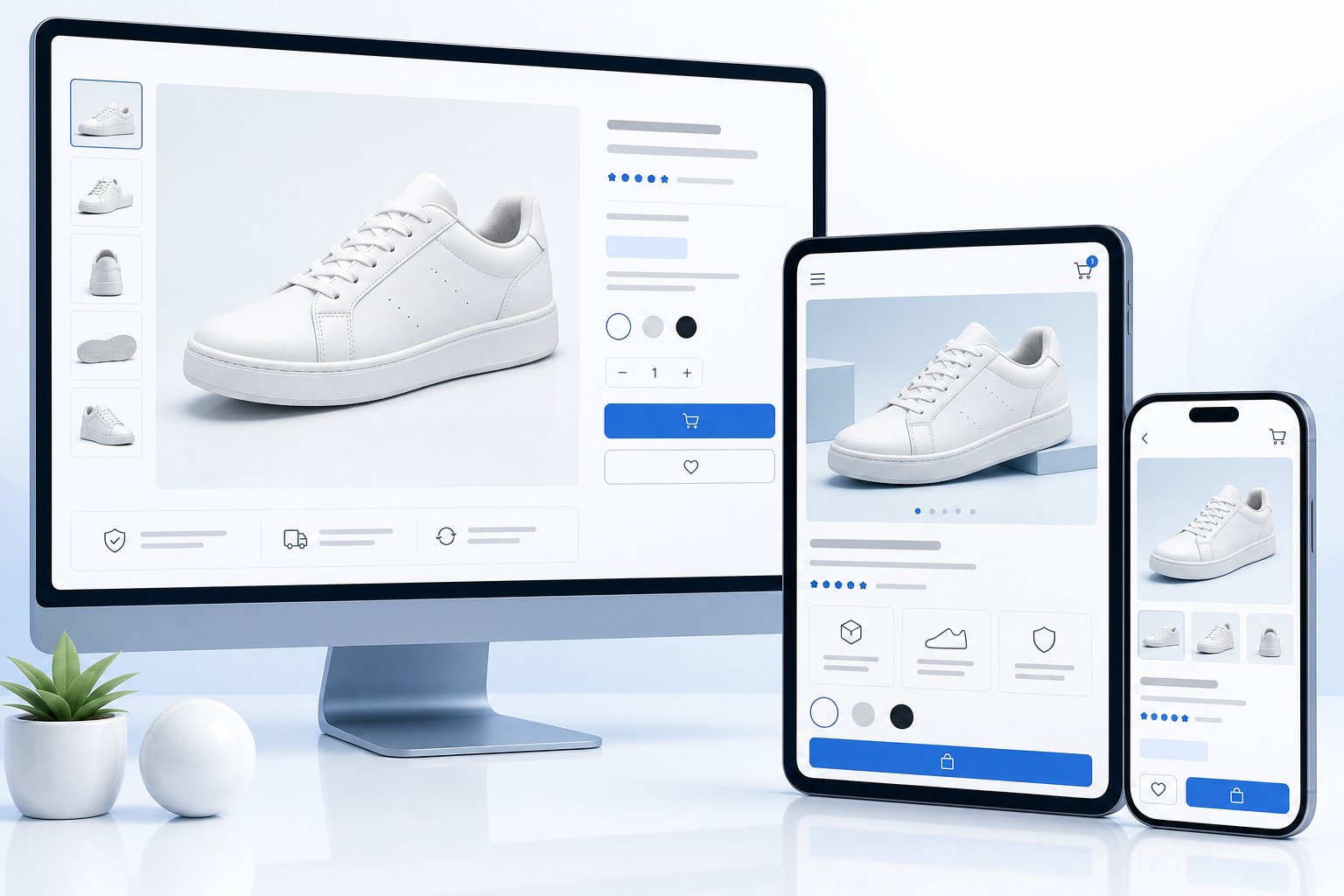
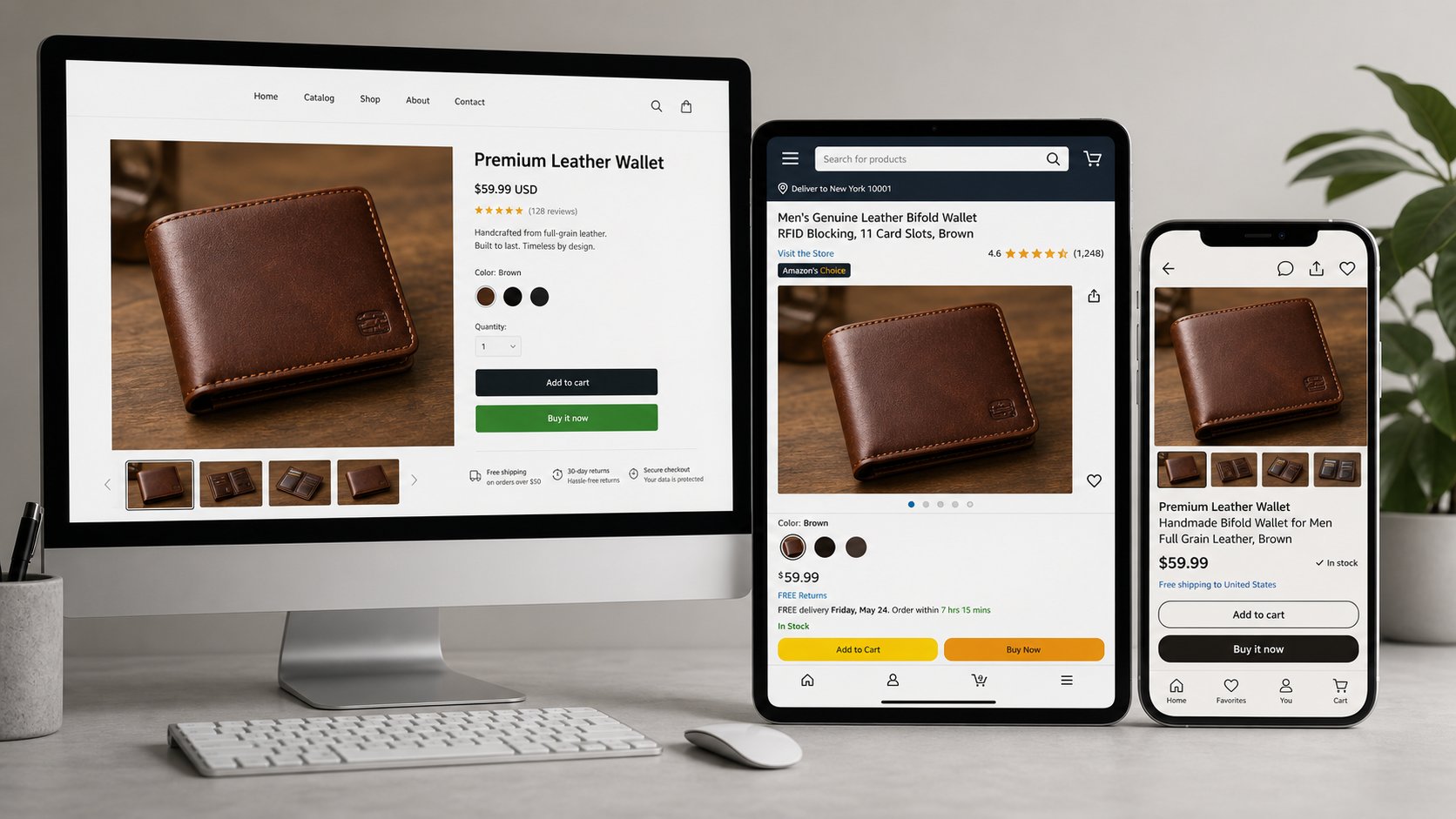
Tell the workflow whether the result is for a Shopify PDP, Meta feed ad, Instagram Story, Pinterest pin, email header or marketplace listing. Placement changes crop, text density and how much context belongs in the scene.
A repeatable creative review routine
A review routine makes ecommerce ad creative tools safer because it catches product, copy and format problems before they reach paid traffic.
| Review pass | Question | Owner |
|---|---|---|
| Product pass | Does the image match the shipped SKU? | Merchandising or founder |
| Brand pass | Does the mood match the store? | Creative or marketing |
| Ad pass | Is the first frame clear on mobile? | Performance marketer |
| Claim pass | Can the offer and benefit be proven? | Marketing lead |
| Landing pass | Does the click destination confirm the ad? | Ecommerce owner |
Ad creative tool selection checklist
Before paying for another ecommerce ad creative tool, decide which part of the workflow is actually slow or unreliable.
| Question | What it reveals | Best next step |
|---|---|---|
| Are source images weak? | The product is not clear enough before layout begins | Start with product photography or model-image generation |
| Are crops inconsistent? | The team lacks a ratio system for feed, story and catalog placements | Create reusable export templates |
| Are hooks generic? | The creative brief is not tied to product benefits | Write offer angles before producing more assets |
| Are winners hard to explain? | The test matrix changes too many things at once | Control one variable per test round |
This checklist keeps the tool decision grounded in the store's real bottleneck. A founder-led shop may need faster product visuals first; a team with strong images may need resizing, review and naming discipline instead. If the brand sells apparel, shoes, bags or jewelry, visual accuracy should stay ahead of speed because a polished but inaccurate image can increase returns and buyer distrust.
Frequently Asked Questions
What are ecommerce ad creative tools?
Ecommerce ad creative tools are software products that help create, format, test or optimize ad images, videos and copy for online stores. They can include AI product photography tools, design tools, video tools, copy tools and ad platform automation.
Which tool should an ecommerce store use first?
Use the tool that fixes the weakest part of your current ads. If your product images are weak, start with AI product photography. If your images are strong but slow to format, use design and resizing tools.
Can AI product photos be used for paid ads?
Yes. AI product photos can be used for paid ads when they accurately represent the product and follow the ad platform and marketplace rules that apply to your store.
How do I make ecommerce ad creatives faster?
Create a reusable visual system: one packshot, one model or lifestyle image, one detail crop, and one short video per key SKU. Then resize and copy-test from that source set.
What is the difference between product photography tools and ad design tools?
Product photography tools create or improve the source image. Ad design tools place that image into a feed, story, carousel or offer layout.
Do I need video creative for ecommerce ads?
You do not need video for every product, but short motion assets are useful for Reels, Stories and scroll-heavy placements. Start with your best still image and convert it into a simple product motion clip.
How many tools should a small ecommerce brand use?
A small brand can start with three tools: one visual production tool, one design/resizing tool and the ad platform itself. Add more only when a real bottleneck appears.
How does Snappyit fit into an ecommerce ad stack?
Snappyit fits at the beginning of the stack by creating product, model, lifestyle and motion-ready visuals that can be turned into ad layouts and tested in Meta or other ad platforms.
Build a cleaner ecommerce ad production system
Use Snappyit as the visual source of the stack, then format, write and test from images your team has already approved.
Try AI Product Photography Free