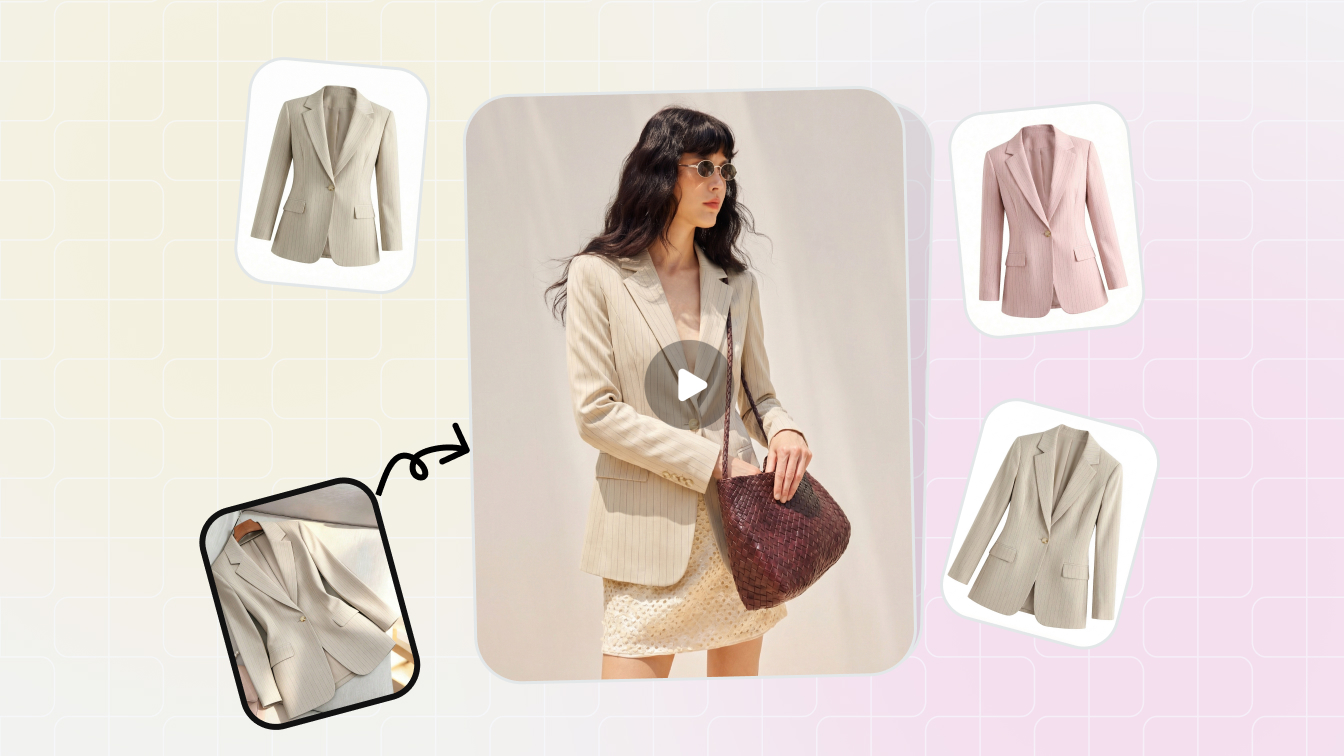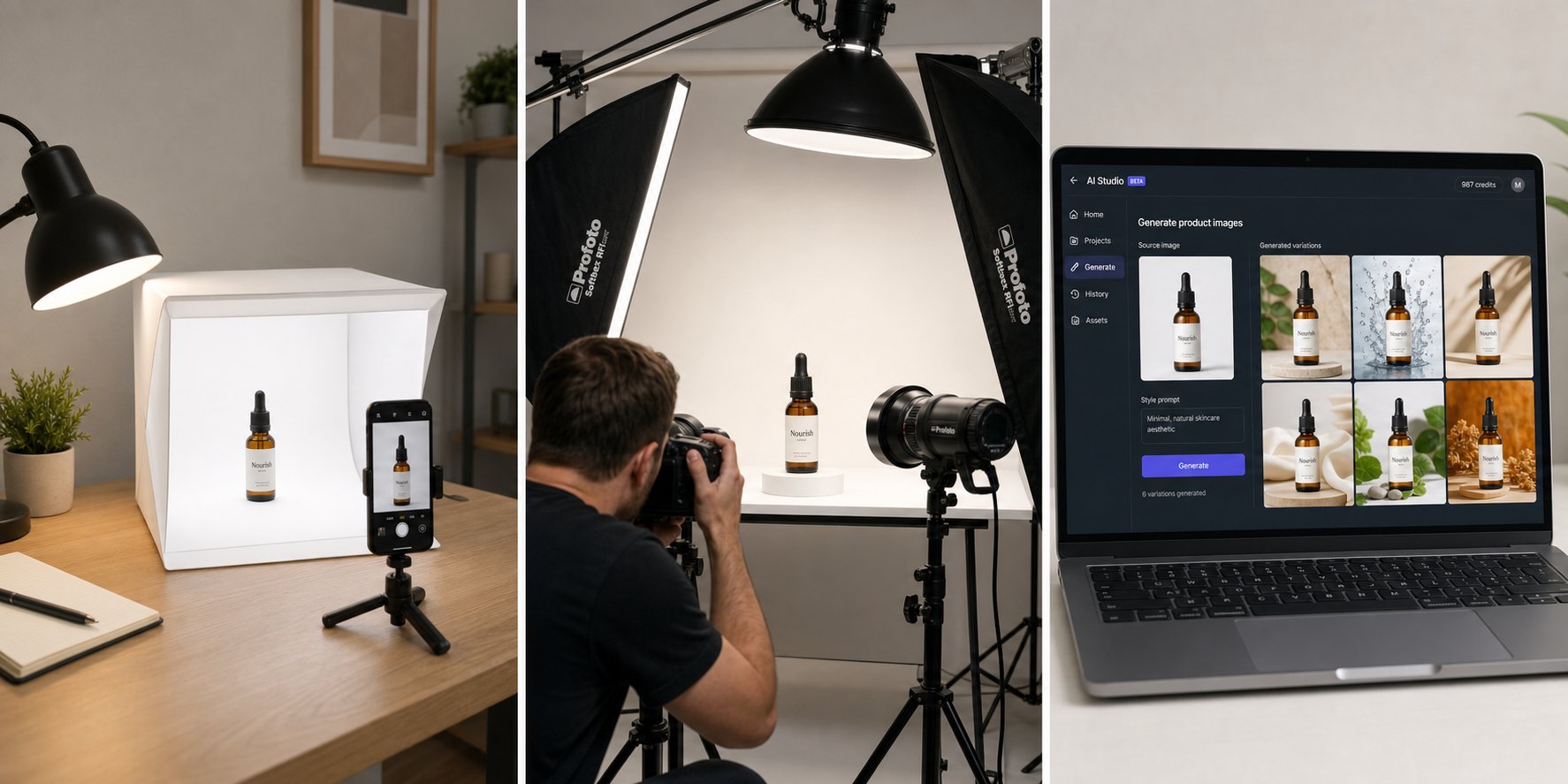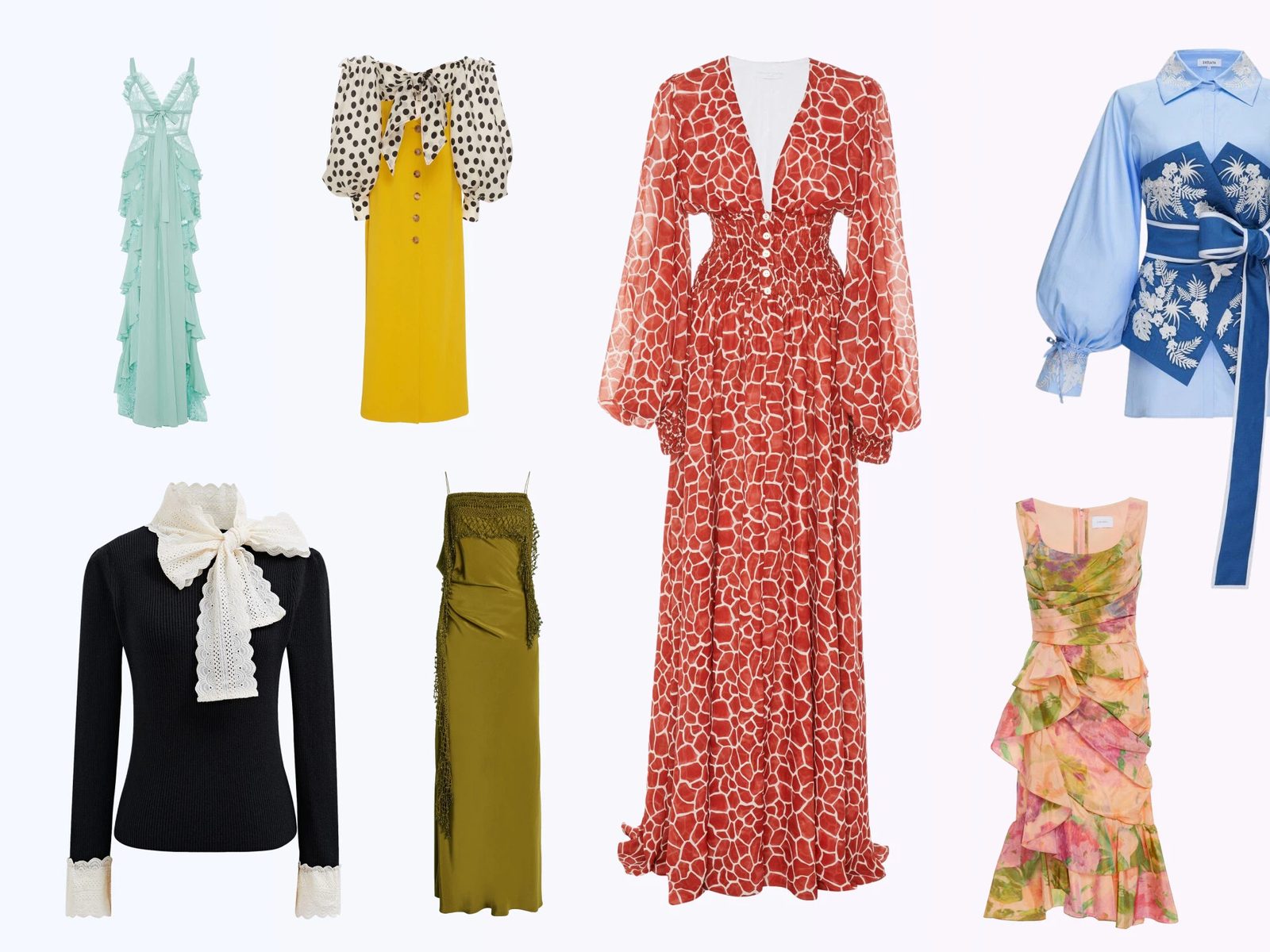

At a glance
A clean ecommerce sizing system starts with four reusable exports: square feed, 4:5 mobile feed, 9:16 full-screen and SKU-safe catalog images.
| Ratio | Use it for | Creative advice |
|---|---|---|
| 1:1 | Feed, carousel, catalog-style ads | Keep product centered and readable |
| 4:5 | Mobile feed product or model ads | Use for fashion, beauty and lifestyle images |
| 9:16 | Stories, Reels and full-screen placements | Leave safe space at top and bottom |
| 16:9 | Some video or external placements | Use only when the product remains visible |
| Catalog square | Dynamic ads and shop surfaces | Use clean background and exact SKU match |
Placement rules can change, so keep a current internal spec sheet and use the free image resizer to export a reviewed batch before upload.
Why ratios beat one fixed size
Ratios beat one fixed size because Facebook and Instagram show ads across many surfaces where one crop cannot stay readable everywhere.
A single square ad can look acceptable in feed but weak in Stories. A 9:16 story can look immersive but lose product detail if reused as a feed crop. A 4:5 image often gives the best mobile-feed presence, but it still needs its own composition.
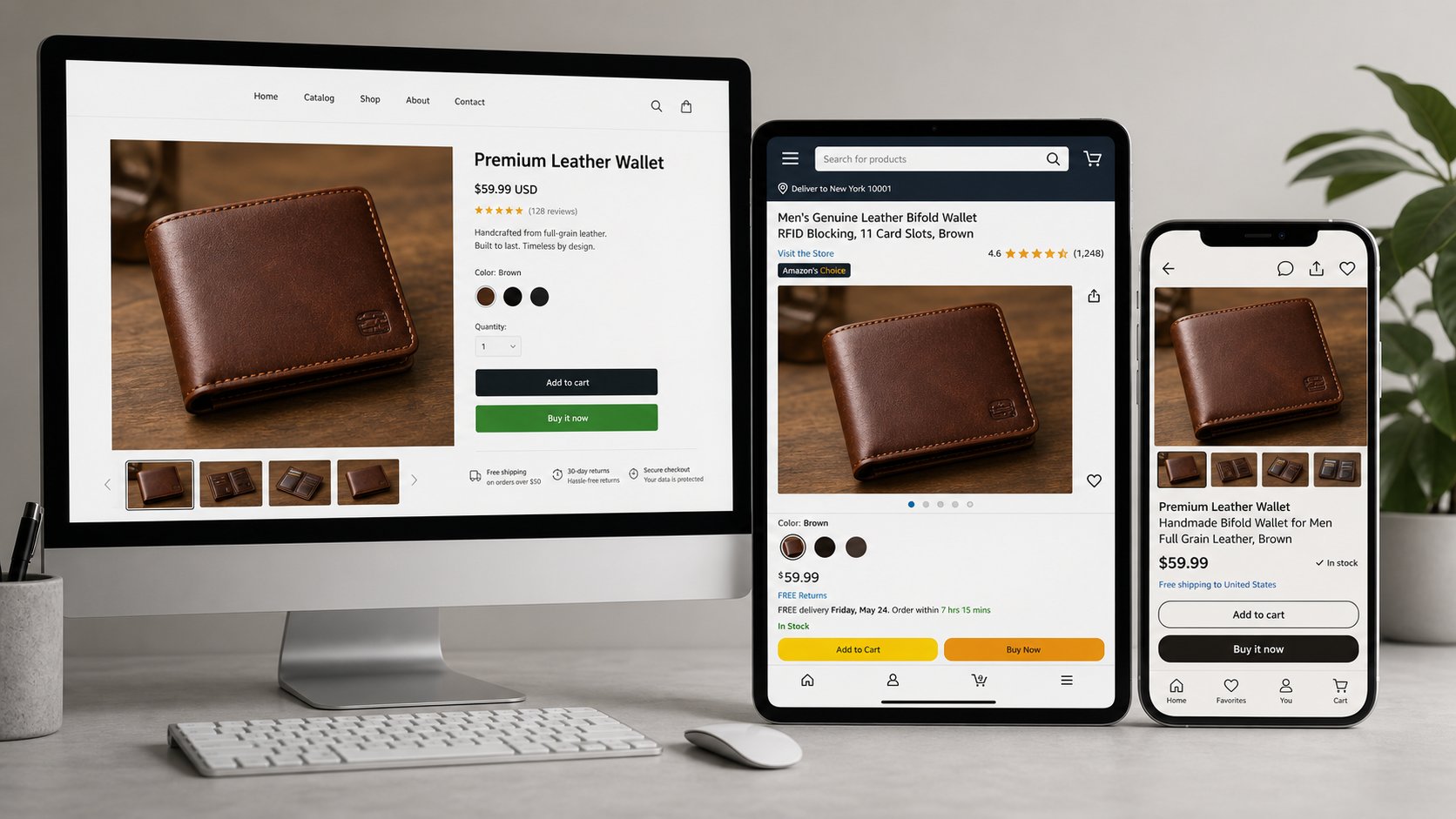
Think in masters: create one strong image, then export ratio-specific versions with adjusted crop, spacing and text placement.
Recommended size system for ecommerce ads
The recommended size system gives each product at least three ad-ready image masters and one clean catalog image.
| Master | What to include | Common mistake |
|---|---|---|
| Square feed | Product, benefit and optional short overlay | Tiny product lost in whitespace |
| 4:5 feed | Model or product-in-use image | Cropped head, shoes, straps or handles |
| 9:16 story | Full-screen scene with safe margins | Text under UI controls |
| Carousel card | One product idea per card | Too many details per slide |
| Catalog image | Exact SKU on clean background | Lifestyle image where catalog needs clarity |
If you need a practical resize workflow, use the free image resizer to create consistent square, 4:5 and 9:16 exports from one master image.
Product photo rules that matter more than pixels
Pixel dimensions help, but product visibility, crop safety and truthfulness matter more than memorizing one number.
Make the product large enough
Mobile users should understand the product without zooming. If the item occupies only a small part of the frame, the ad may look beautiful but fail commercially.
Keep critical edges inside the crop
Do not cut off shoes, bag straps, jewelry closures, hems, sleeves or product labels unless the crop is intentionally a detail shot.
Match the product page
The ad image and landing page should show the same product variant. If the ad shows a red dress and the click opens a black variant, the creative has created friction.
Safe zones and text placement
Safe zones keep the product and claim visible after Meta adds interface controls, captions or placement-specific cropping.
| Placement | Safe-zone habit | Best use |
|---|---|---|
| Feed square | Keep offer text away from edges | Product clarity and simple sale message |
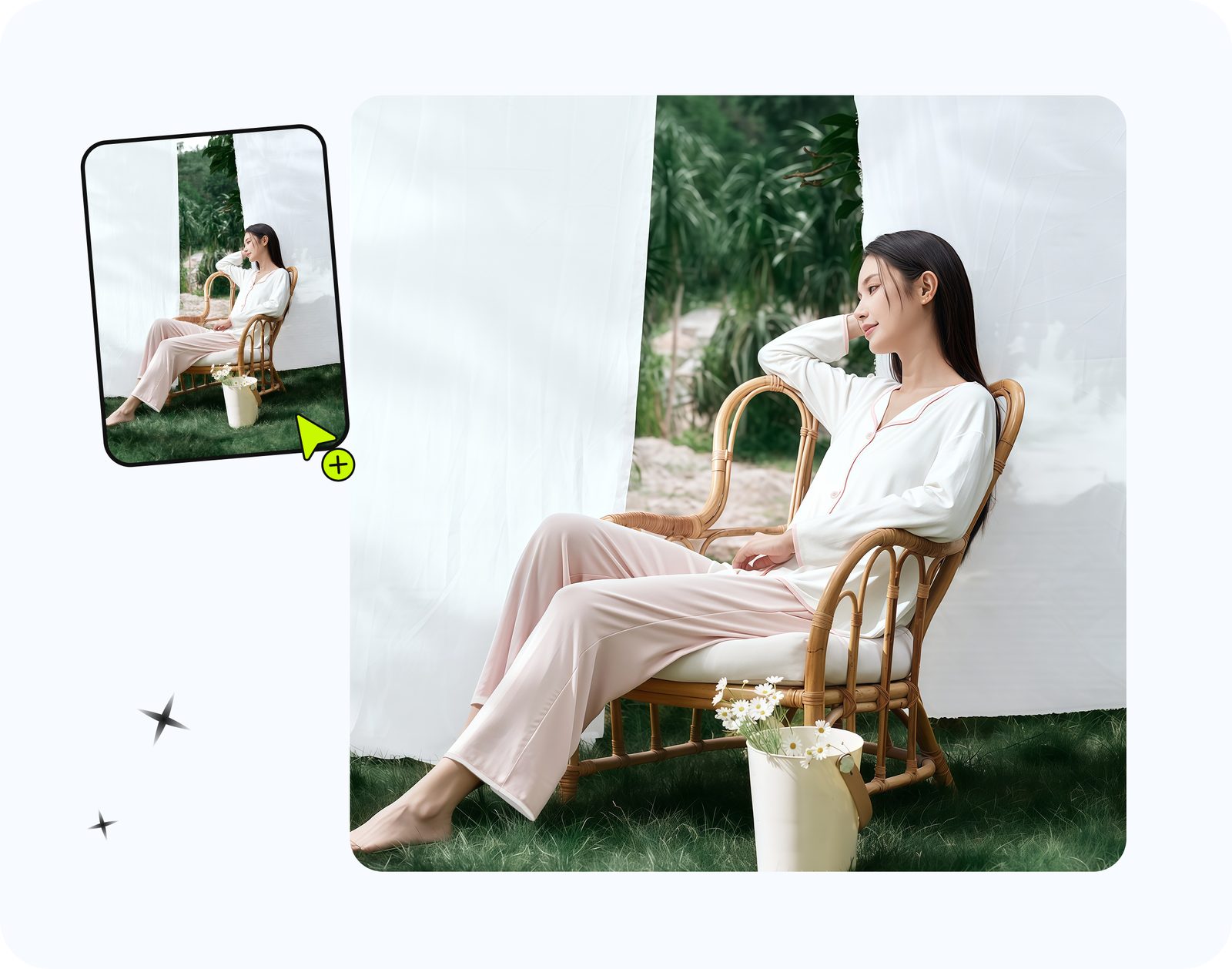
| 4:5 feed | Leave breathing room above model head and below shoes | Fashion and apparel ads |
| Stories/Reels | Avoid top and bottom UI zones | Launch, demo, lifestyle and motion assets |
| Carousel | Repeat layout rhythm across cards | Product sets, bundles, colorways |
| Catalog | Keep text off the product image | Dynamic product ads and shop surfaces |
Text overlays should be short. If the offer needs a paragraph, put it in primary text or the landing page, not on the image.
Workflow: create, crop, review, upload
A reliable ad-size workflow creates master visuals first, then exports ratio-specific crops and checks each one on mobile.
- Create source visuals in Snappyit: catalog, model, lifestyle or motion.
- Crop square, 4:5 and 9:16 versions manually instead of relying only on auto-crop.
- Check safe zones on a phone-width preview.
- Save filenames by product, angle and ratio.
- Upload the approved set to Meta and keep source masters for the next test.
Resize the ratio set from one master image. Use the free image resizer to export square, 4:5 and 9:16 versions.
Examples by product category
Ad creative sizes should be chosen around how the product is understood, not only around the platform slot.
| Product | Best first ratio | Why |
|---|---|---|
| Clothing on model | 4:5 feed | Shows body, fit and garment length with strong mobile presence |
| Shoes on-foot | 4:5 or 9:16 | Needs lower-body room and outfit context |
| Handbag | 1:1 and 4:5 | Works for product clarity and carried scale |
| Jewelry | 1:1 plus detail crop | Small products need closer framing |
| Home goods | 4:5 lifestyle or square catalog | Shows proportion while keeping product readable |
File naming and export QA
File naming and export QA prevent teams from uploading the wrong crop or product variant into a Meta campaign.
Name by product and ratio
Use filenames such as sku123-model-4x5.jpg or sku123-story-9x16.mp4. This is faster than opening every file during upload.
Check phone previews
Preview the creative at phone width before launch. A desktop preview can hide small text, cropped shoes, missing bag straps or products that are too small.
Keep the uncropped master
Do not overwrite the original image after cropping. A later placement, sale or holiday campaign may need a different composition from the same source visual.
Ratio priority by campaign type
Facebook and Instagram ad creative sizes should be prioritized by campaign goal, not exported mechanically for every product.
| Campaign type | Primary ratio | Secondary ratio |
|---|---|---|
| New product launch | 4:5 feed | 9:16 story or reel |
| Catalog retargeting | 1:1 clean product | Carousel square |
| Fashion styling | 4:5 model image | 9:16 outfit sequence |
| Sale event | 1:1 or 4:5 offer image | 9:16 reminder |
| Video prospecting | 9:16 | 4:5 feed crop |
The point is not to export every possible file. The point is to give each campaign the ratios that match the way buyers will discover the product.
Common crop failures to fix before upload
Most ecommerce ad size problems are crop problems: the product is technically the right size but visually wrong in the placement.
Fashion crop failures
Watch for cropped shoes, cropped sleeves, cut-off heads, hidden waistlines and product details blocked by interface overlays. On-model fashion images need breathing room.
Accessory crop failures
Bags, hats, shoes and jewelry often lose scale when cropped too tightly. Keep enough body or scene context to show how the item is used.
Catalog crop failures
Catalog images should not rely on text overlays or scene context. The product needs to be identifiable even when shown in a small dynamic ad tile.
Turn these size rules into internal export presets so every team member uses the same ratio names, safe-zone checks and review steps.
Export naming and review workflow
Creative size work becomes easier when every file name tells the team what the asset is for.
| File detail | Example | Why it helps |
|---|---|---|
| SKU or product name | linen-dress | Prevents wrong-product uploads |
| Angle | model, packshot, detail, lifestyle | Shows the creative purpose |
| Ratio | 1x1, 4x5, 9x16 | Prevents crop confusion |
| Offer or campaign | summer-sale, restock, bundle | Connects the image to the ad copy |
A simple name like linen-dress-model-4x5-summer-sale is enough for most ecommerce teams. It lets a marketer, designer or founder understand the asset without opening every file.
Before upload, review each ratio on a phone-sized preview. Check whether the product still reads clearly, whether any interface area may cover important details, and whether the same SKU appears on the landing page. This matters more than creating every possible size because a smaller set of reviewed assets usually performs better than a large folder of inconsistent crops, especially when several people manage uploads.
Frequently Asked Questions
What size should Facebook and Instagram ad images be?
Start with square, 4:5 mobile feed and 9:16 full-screen exports, then verify current placement specs before upload.
Is 1080 by 1080 good for Facebook and Instagram ads?
A square image is still useful for feed, carousel and catalog-style ads. It should not be the only version you create for a campaign.
What ratio is best for Instagram feed ads?
A 4:5 vertical image often gives strong mobile feed presence because it uses more screen height than a square crop while still fitting the feed experience.
What ratio should I use for Instagram Stories and Reels ads?
Use a 9:16 full-screen creative and keep important product details and text away from the top and bottom interface zones.
Should ecommerce ads use text on images?
Use short text only when it improves the offer. Keep product visibility first and avoid covering material, fit, logo or product edges.
How do I resize product photos for Meta ads?
Start with a high-resolution master image, then export separate square, 4:5 and 9:16 crops. Review each crop on mobile before upload.
Do catalog ads need lifestyle photos?
Catalog ads usually need clean product images that match the exact SKU. Lifestyle images can support prospecting and retargeting, but the catalog feed should stay clear and consistent.
Can Snappyit help create images for these sizes?
Yes. Snappyit helps create the product, model, lifestyle and motion-ready source images that you can crop into Meta ad ratios.
Create source images for every ad ratio
Use Snappyit to make product and model images with enough resolution and framing room for square, 4:5 and 9:16 versions.
More Snappyit Resources