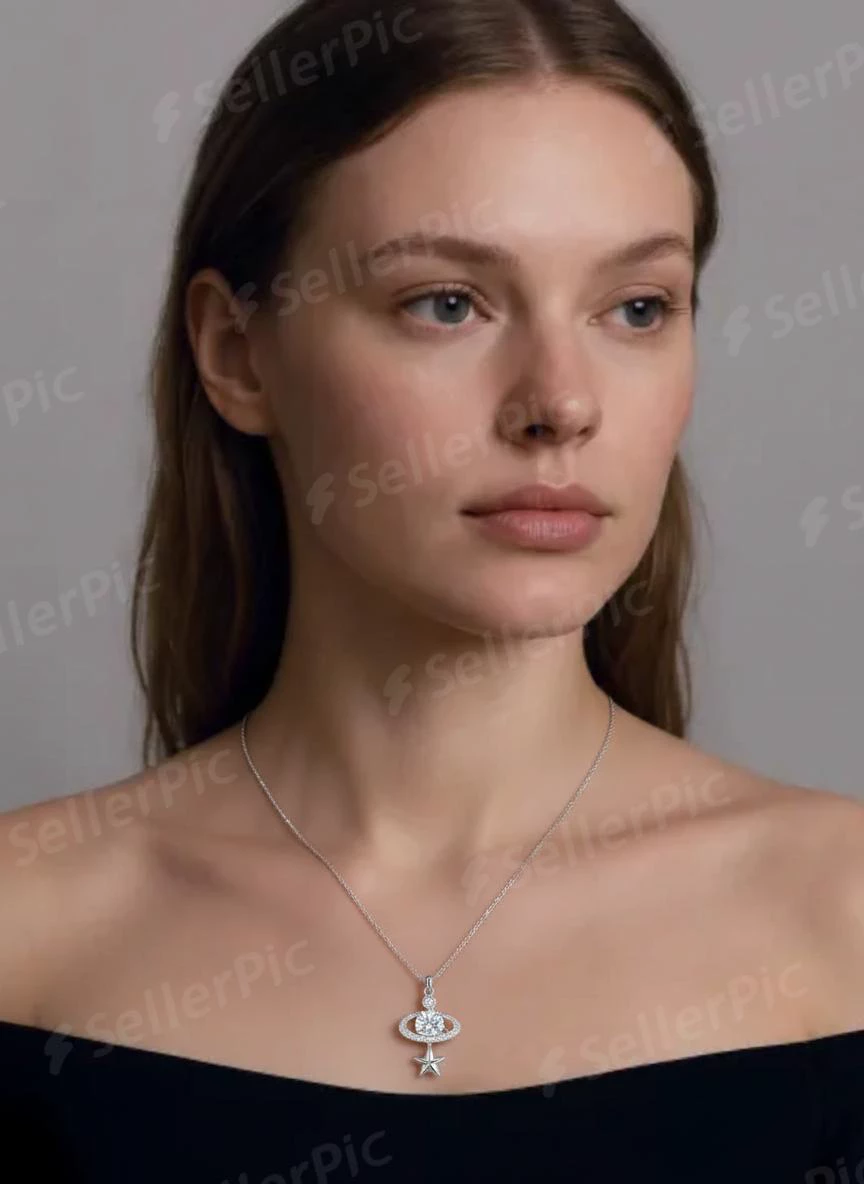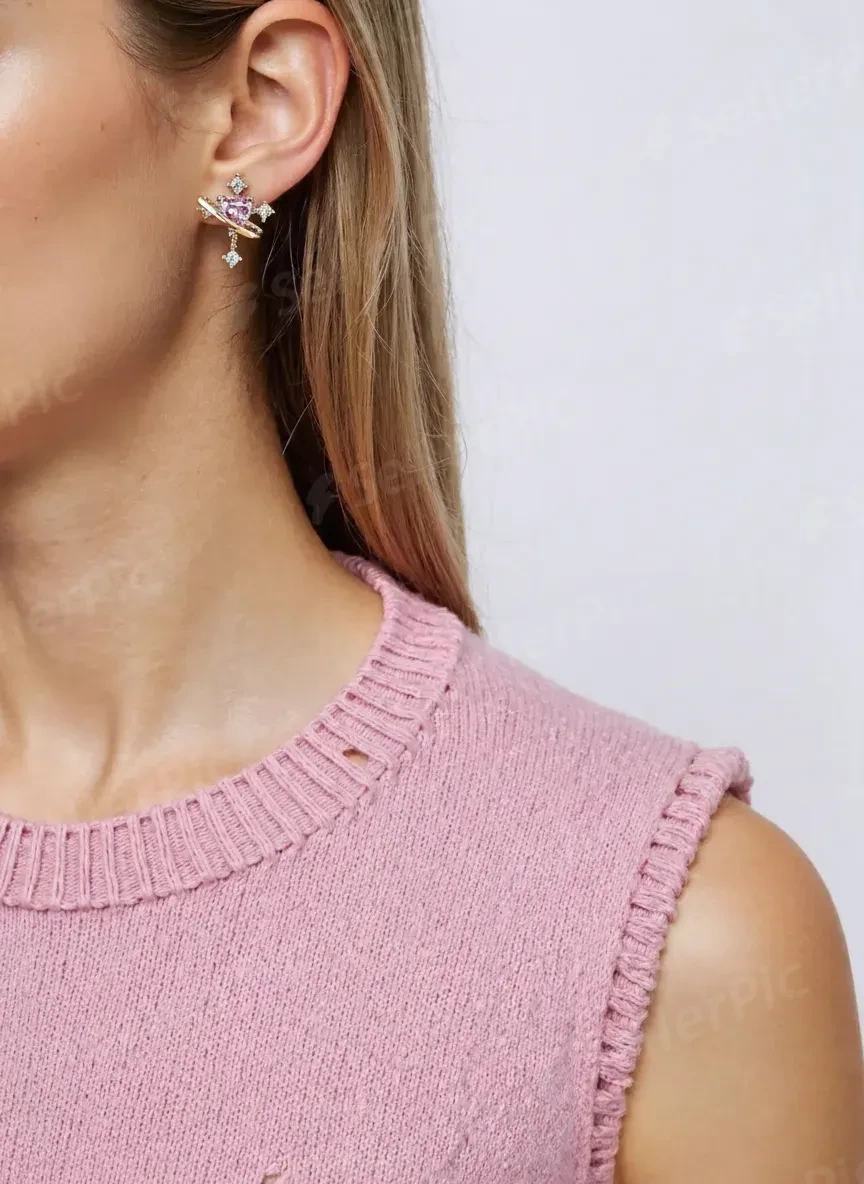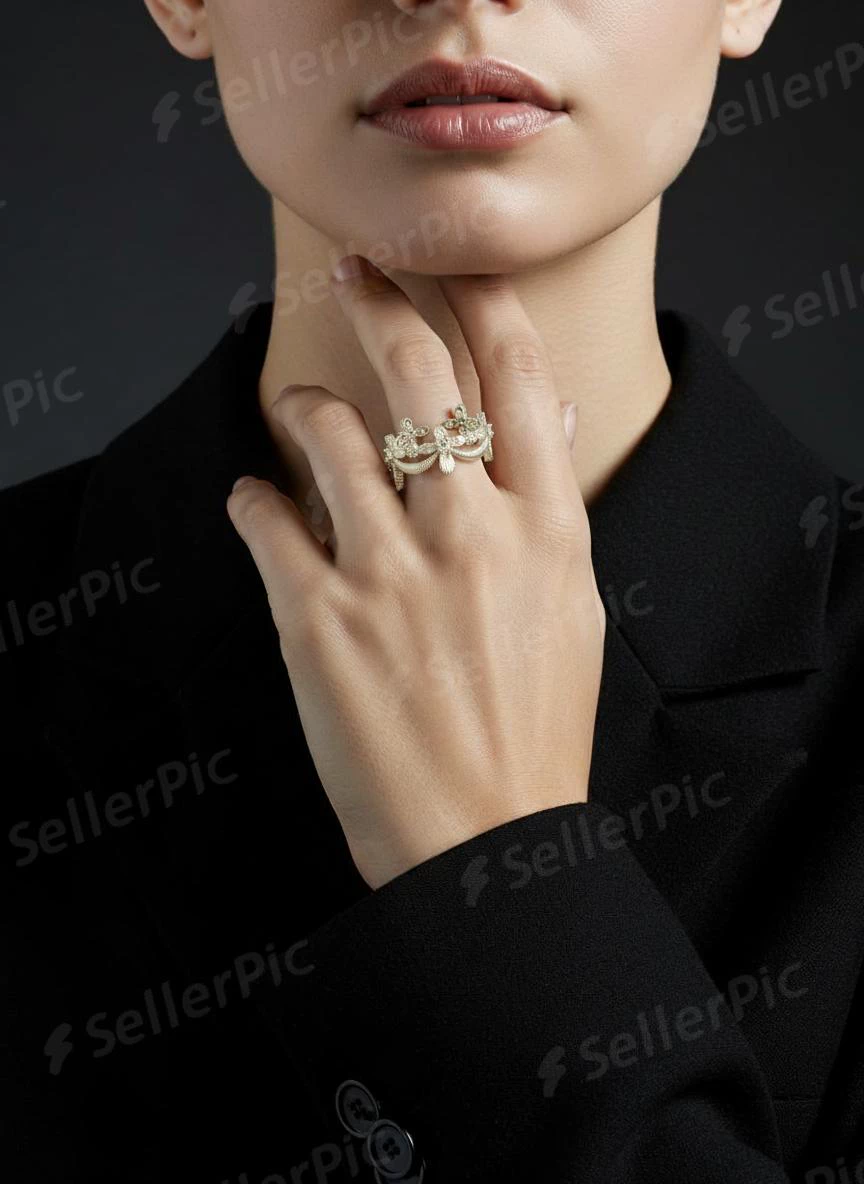

What Is a Jewelry Model and Why the Term Means Three Different Things
Search for "jewelry model" and you'll land on three completely different worlds depending on what you actually need. A brand manager looking for talent sees something different than a CAD designer preparing files for production, and both see something different than a seller exploring AI tools for product photos. The term carries three distinct meanings, and confusing them costs time, budget, and creative direction.
Three Meanings Behind One Search Term
Here's what a jewelry model can refer to, depending on context:
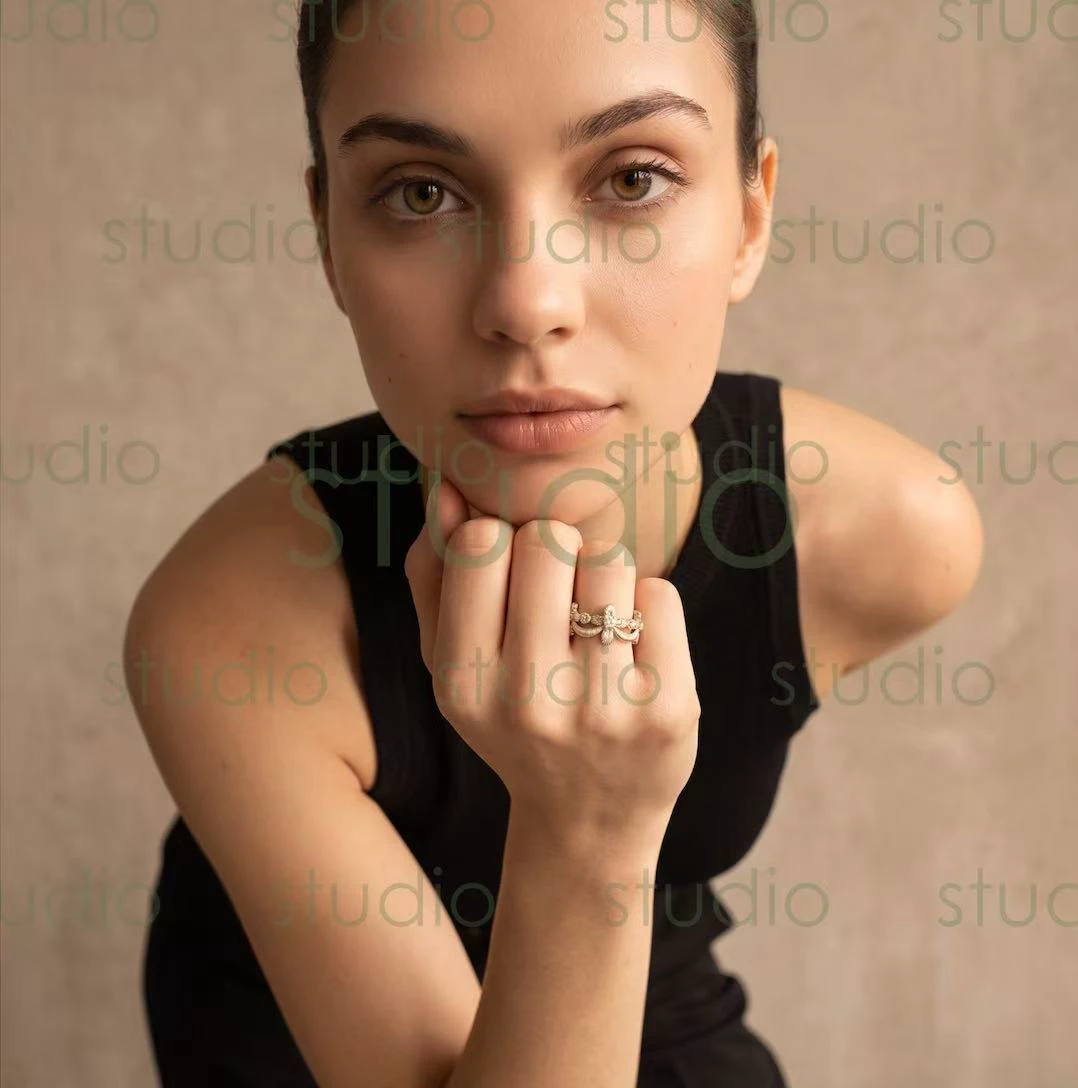
- A human model — a person (often a hand, neck, or ear specialist) who wears and showcases jewelry in front of a camera for editorial, e-commerce, or advertising purposes.
- A 3D CAD model — a precise digital design file or physical master used to produce jewelry through casting molds and manufacturing workflows. Traditionally, this referred to a finished piece or base-metal blank from which all subsequent copies are made.
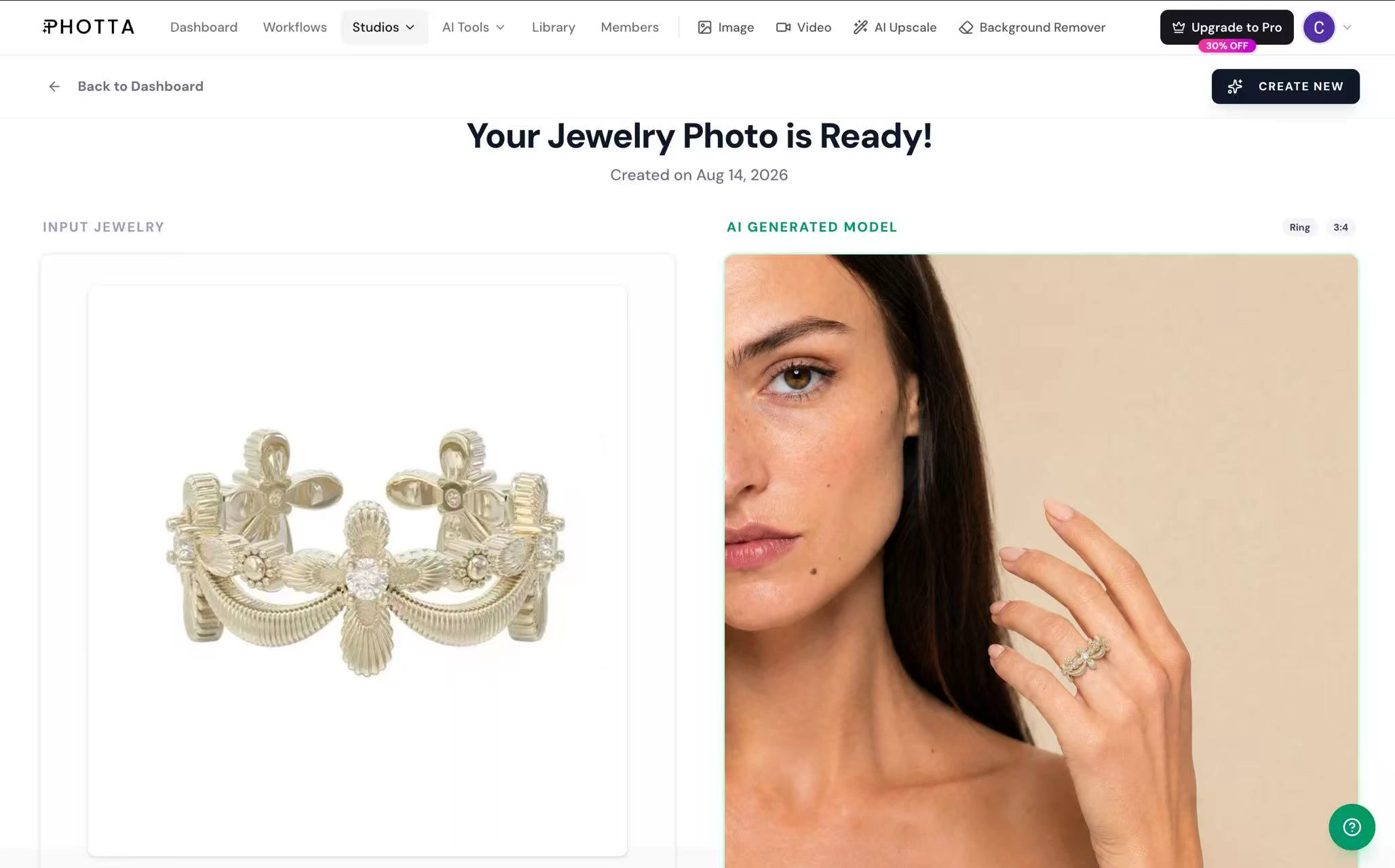
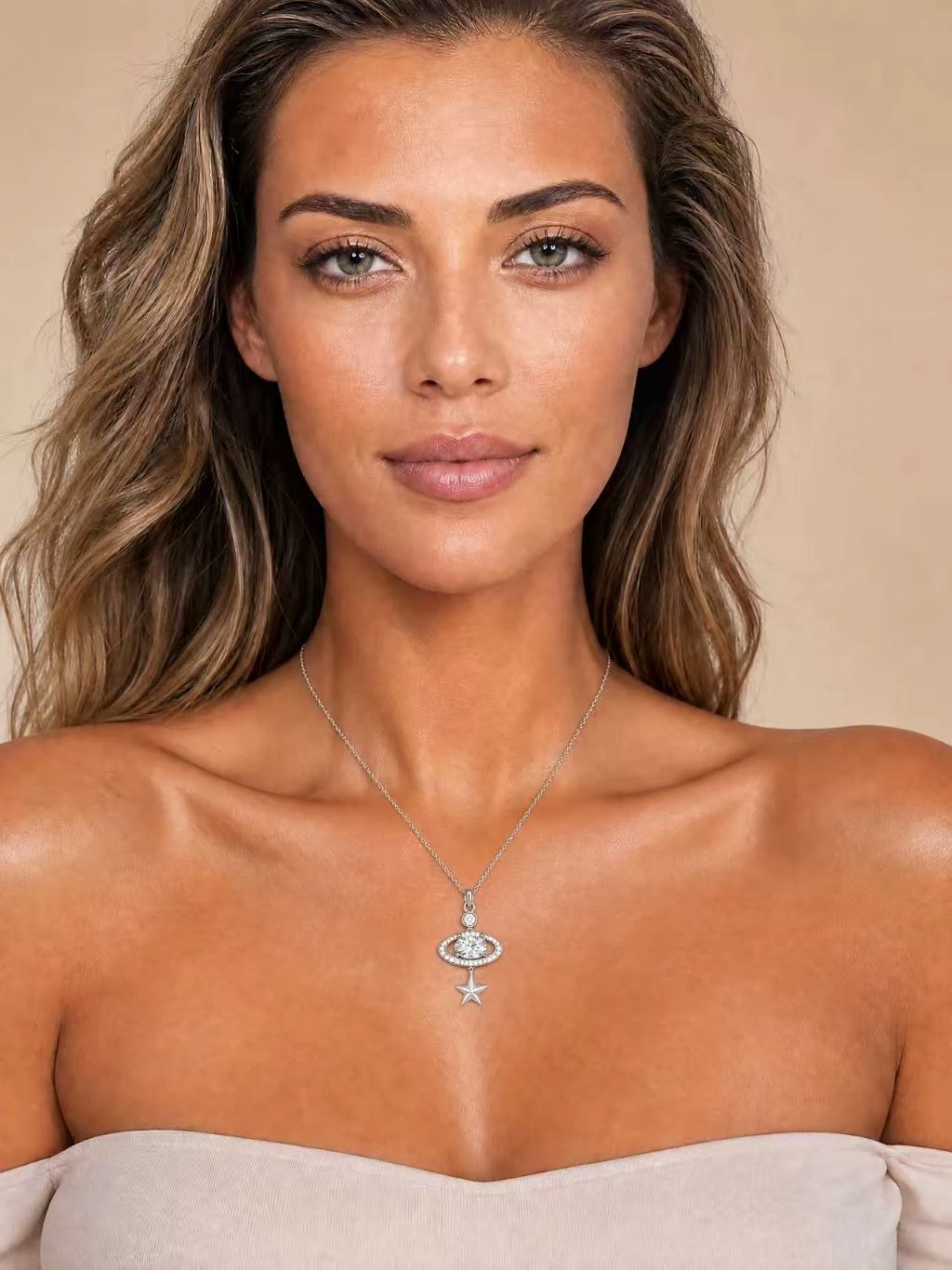
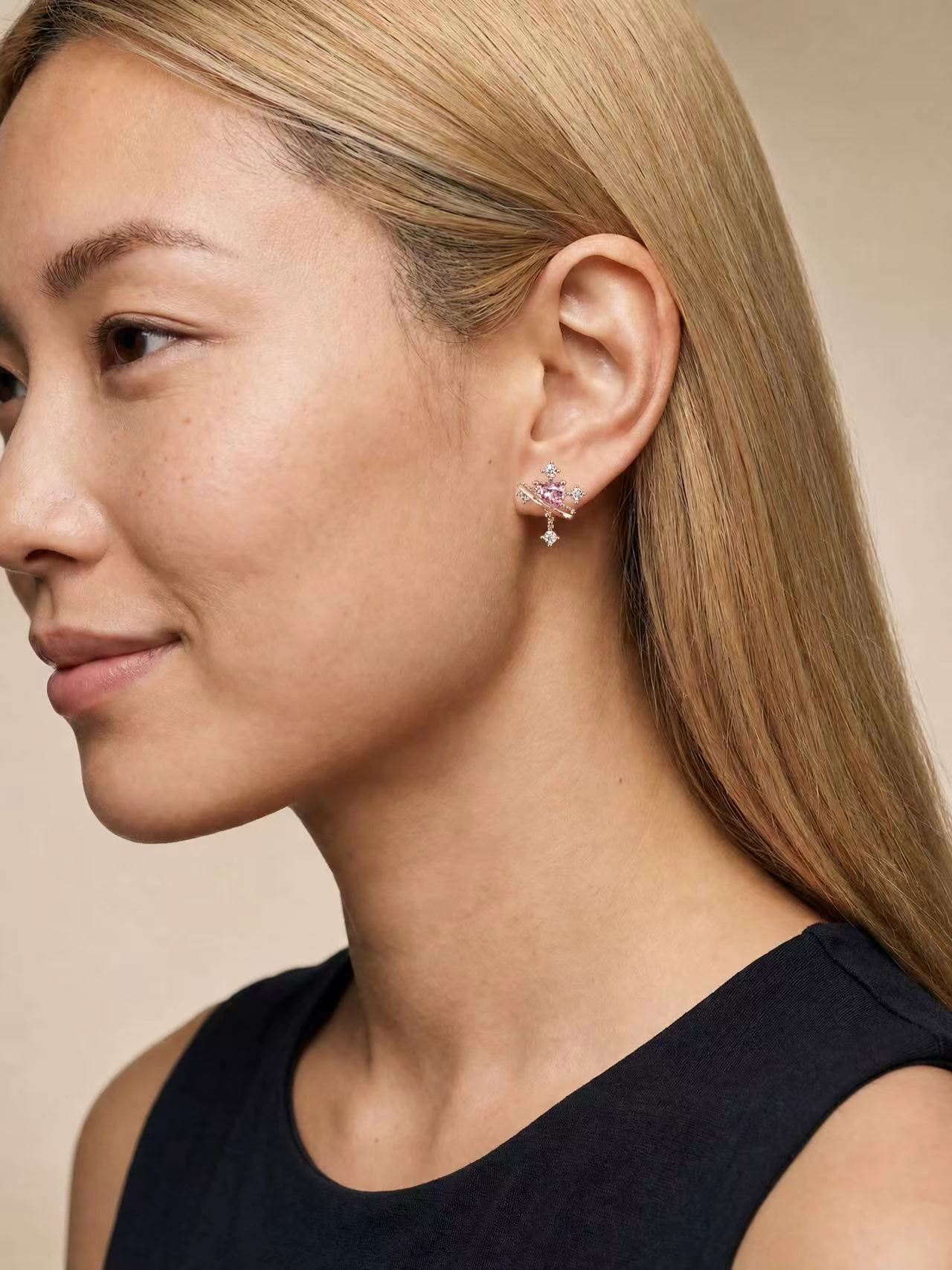
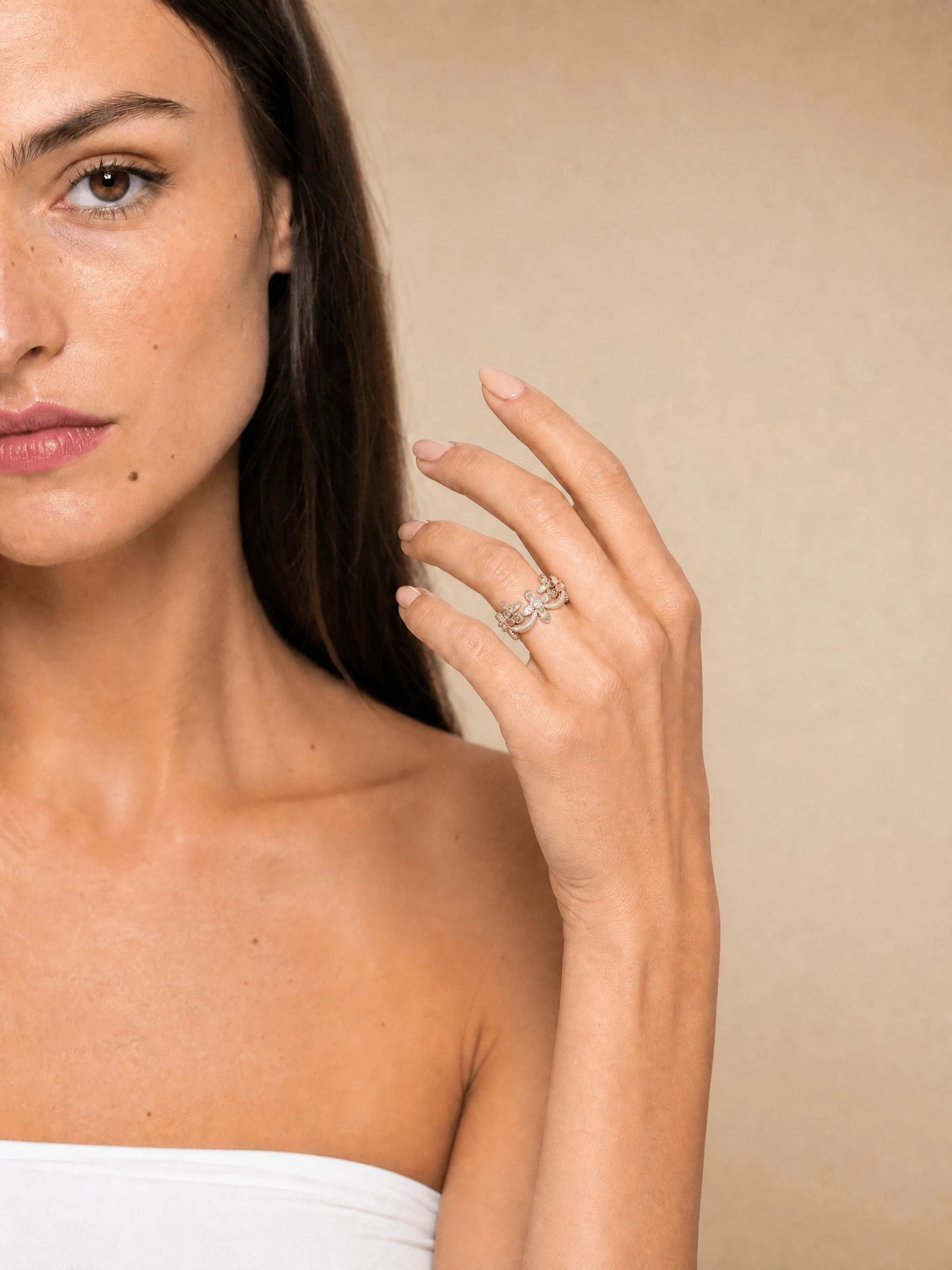
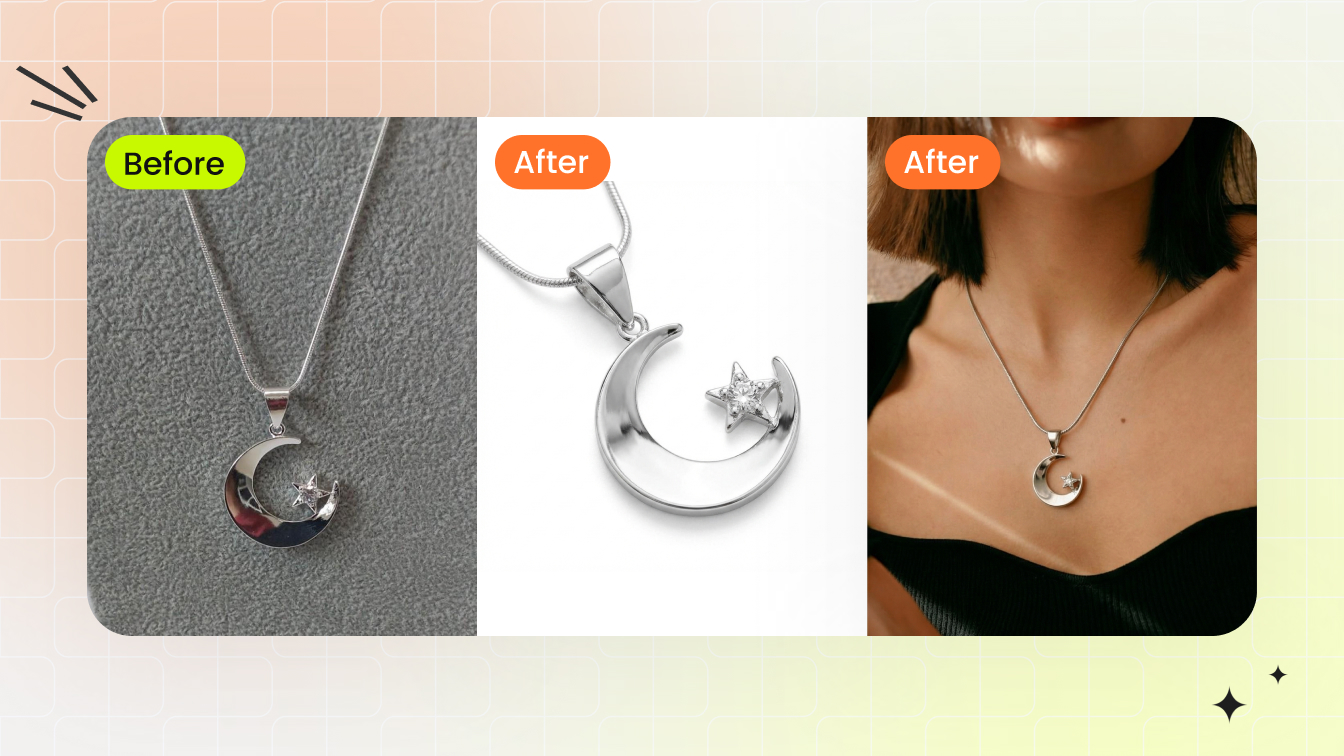
- An AI-generated virtual model — a digitally created figure produced by artificial intelligence to display jewelry in product imagery, eliminating the need for a physical photo shoot.
Each meaning serves a different stage of the jewelry business, from design to production to marketing. Yet most online resources only address one at a time, leaving readers to piece together the full picture on their own.
Why the Distinction Matters for Brands and Creatives
Imagine you're launching a new collection. You might need a 3D model to visualize a custom ring before committing to production. You might need a human model for your hero campaign shots. And for the remaining 200 SKUs in your catalog, you might explore AI-generated imagery as a free jewelry editing photo service alternative to booking dozens of shoot days.
Understanding which type you need shapes every decision that follows — whether you're hiring talent, learning design software, sourcing a jewelry description generator for product pages, or requesting free jewelry samples to photograph. This guide covers all three paths so you can move forward with clarity, regardless of which meaning brought you here.
The logical starting point is the most visible interpretation: the people who bring jewelry to life in front of the lens.
Human Jewelry Models and What Brands Look For
Fashion modeling puts the full body on display. Jewelry modeling flips that equation entirely. Here, the focus narrows to specific zones — hands, wrists, earlobes, the neckline — and the person wearing the piece becomes a frame for the product rather than the subject itself. It's a subtle but critical distinction that shapes everything from casting decisions to shoot direction.
Even as tools like ai jewelry design software and artificial intelligence jewelry visualization grow more capable, human talent remains the gold standard for hero imagery, editorial campaigns, and any context where authentic skin texture and natural movement sell the story. The question for brands isn't whether human models still matter — it's knowing exactly what to look for when casting one.
What Jewelry Brands Actually Look For When Casting
Forget height requirements and runway walks. When a jewelry brand reviews portfolios, they're zooming in — literally. The physical attributes that matter most are hyper-specific:
- Hands and nails — slender, well-proportioned fingers with smooth, unspotted skin. Nails should be clean, evenly shaped, and free of ridges. As Backstage notes, hand models tend to have narrow fingers and clear skin, with the thumb being the most scrutinized element.
- Neck and décolletage — even skin tone, minimal blemishes, and a collarbone structure that complements pendant and chain placement.
- Earlobes — symmetrical, smooth, and without visible scarring from previous piercings that could distract from the earring design.
- Stillness — the ability to hold a pose without micro-movements for extended periods, since macro photography amplifies even the slightest shift.
Experience level matters less than you might expect. A newer model with a sharp, well-lit portfolio of close-up jewelry shots often books over a seasoned fashion model whose book is full of full-body editorial work. Portfolio quality signals that you understand the niche — and that's what casting directors want to see.
Types of Jewelry Modeling Work
Not all jewelry shoots are created equal. The category of work determines casting standards, creative direction, and how you'll be compensated:
- Editorial shoots — magazine features and brand storytelling where artistic direction takes priority. These often involve full styling, creative lighting, and conceptual themes.
- E-commerce product photography — clean, consistent on-model shots for online stores. High volume, tight turnaround, and strict brand guidelines define this category.
- Lookbook campaigns — seasonal collections photographed in a cohesive visual style, bridging editorial creativity with commercial clarity.
- Social media content — short-form video and lifestyle imagery optimized for platforms like Instagram and TikTok. Movement, personality, and relatability matter more here than technical stillness.
- Trade shows and runway — live presentation work where models wear pieces in front of buyers and press. This is the one context where full-body presence and stage confidence come back into play.
Each category attracts different talent. A hand model thriving in e-commerce product work may never set foot on a runway, while a trade show model may lack the macro-ready skin detail needed for close-up ring photography. Understanding where you fit — or which type your brand needs — is the first step toward a successful collaboration.
The real question most aspiring talent asks next is practical: how do you actually break into this niche and start building the right portfolio?

How to Become a Jewelry Model
Breaking into jewelry modeling doesn't follow the same playbook as general fashion work. There's no single agency pipeline, no standard height requirement, and no universal casting call format. Instead, the path is built piece by piece — starting with a portfolio that proves you understand what this niche demands, then finding the right people to put it in front of.
Whether you're a hand model, a neck and ear specialist, or someone who photographs well in close-up detail work, the entry points are more accessible than most people assume. You don't need years of runway experience. You need the right images, the right connections, and the technical skill to make a $5,000 necklace look like it belongs on you.
Building a Jewelry-Focused Portfolio
Your portfolio is your audition — and for jewelry work, it needs to look nothing like a traditional modeling book. Forget full-body shots and dramatic editorial poses. Casting directors and brand managers want to see the specific body parts they'll be hiring, photographed in a way that mirrors actual jewelry campaign imagery.
Here's what to prioritize:
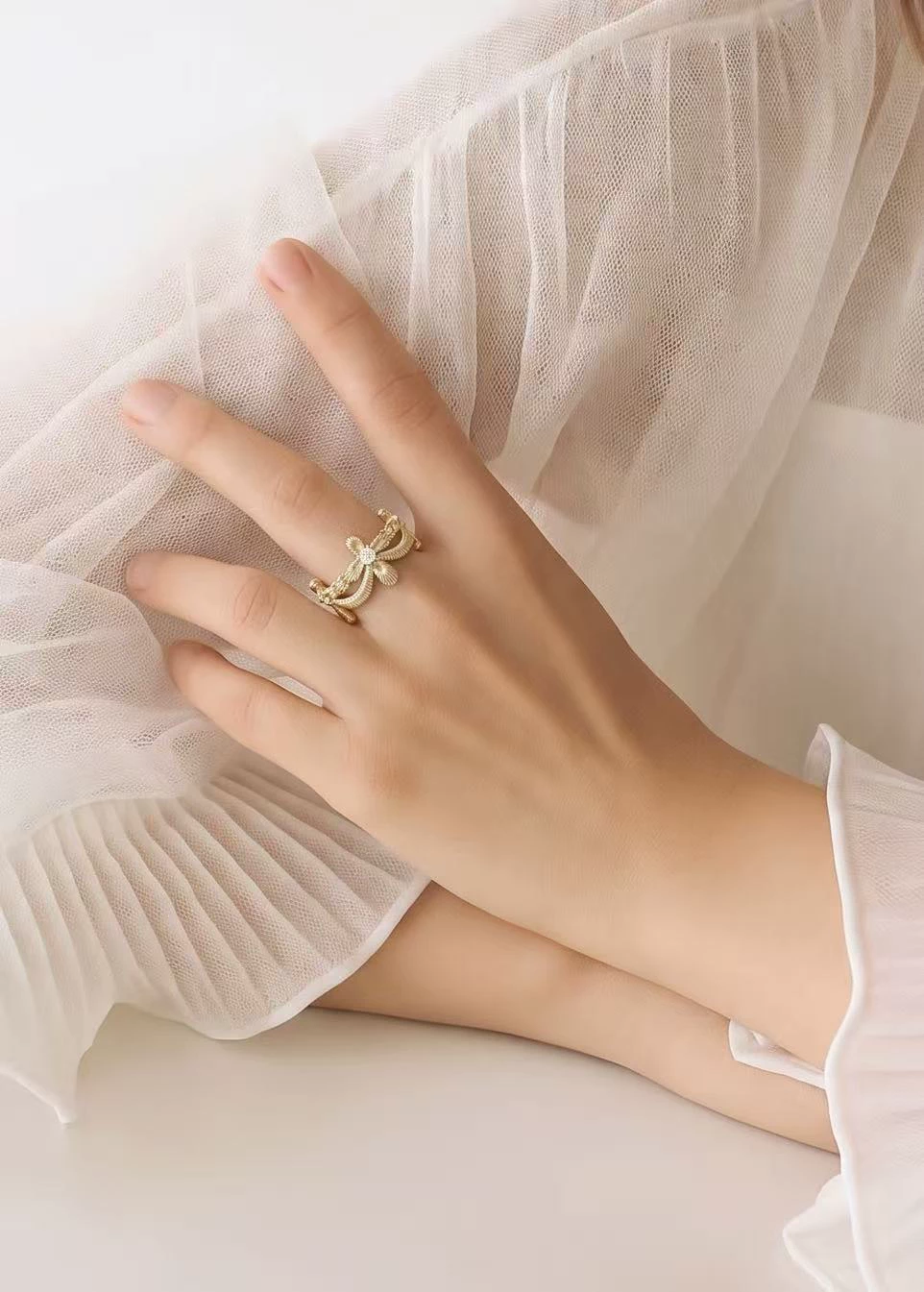
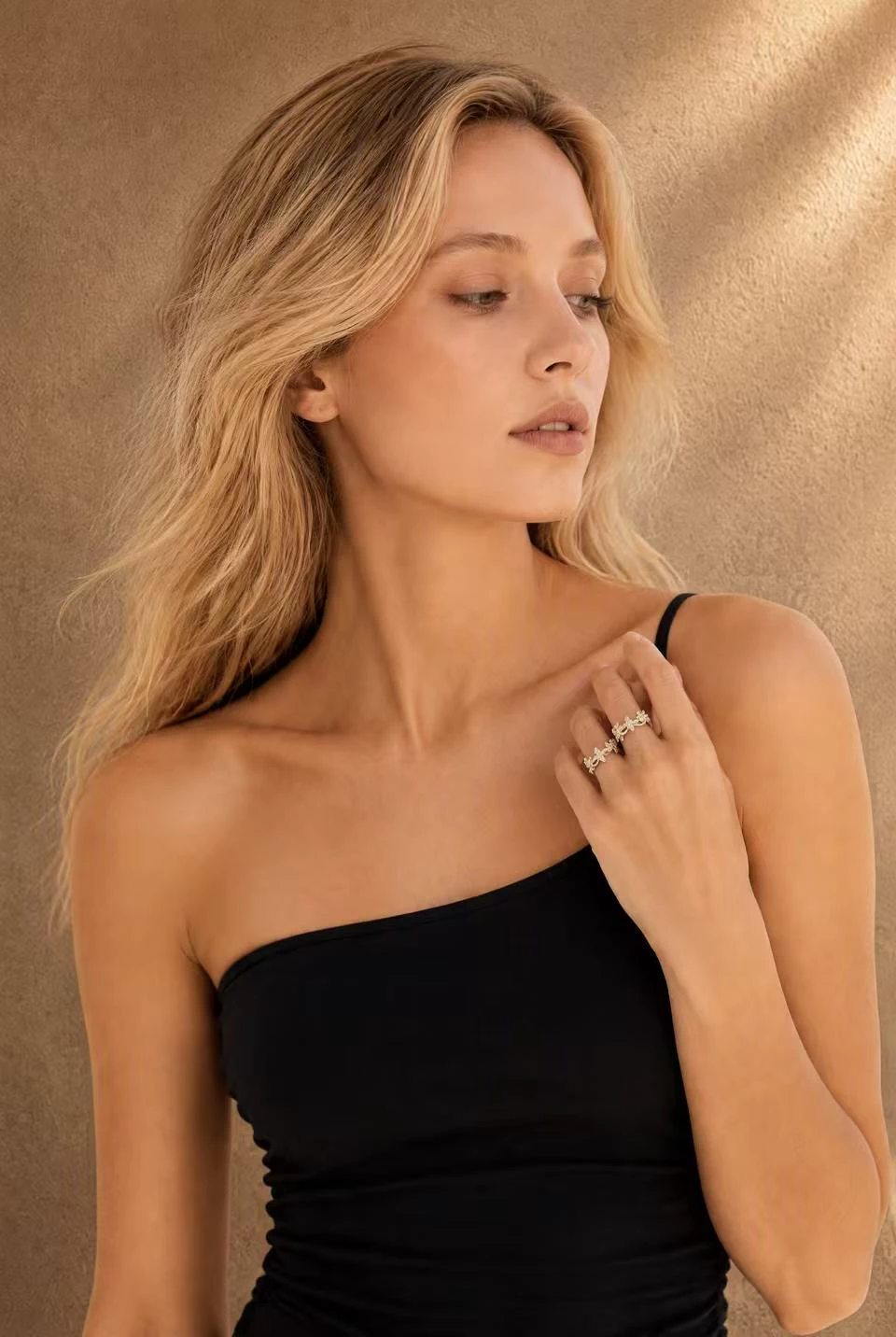
- Hand and ring close-ups — multiple angles showing rings on different fingers, with clean nails and smooth skin visible in sharp detail. Include shots with both minimal and statement pieces to show range.
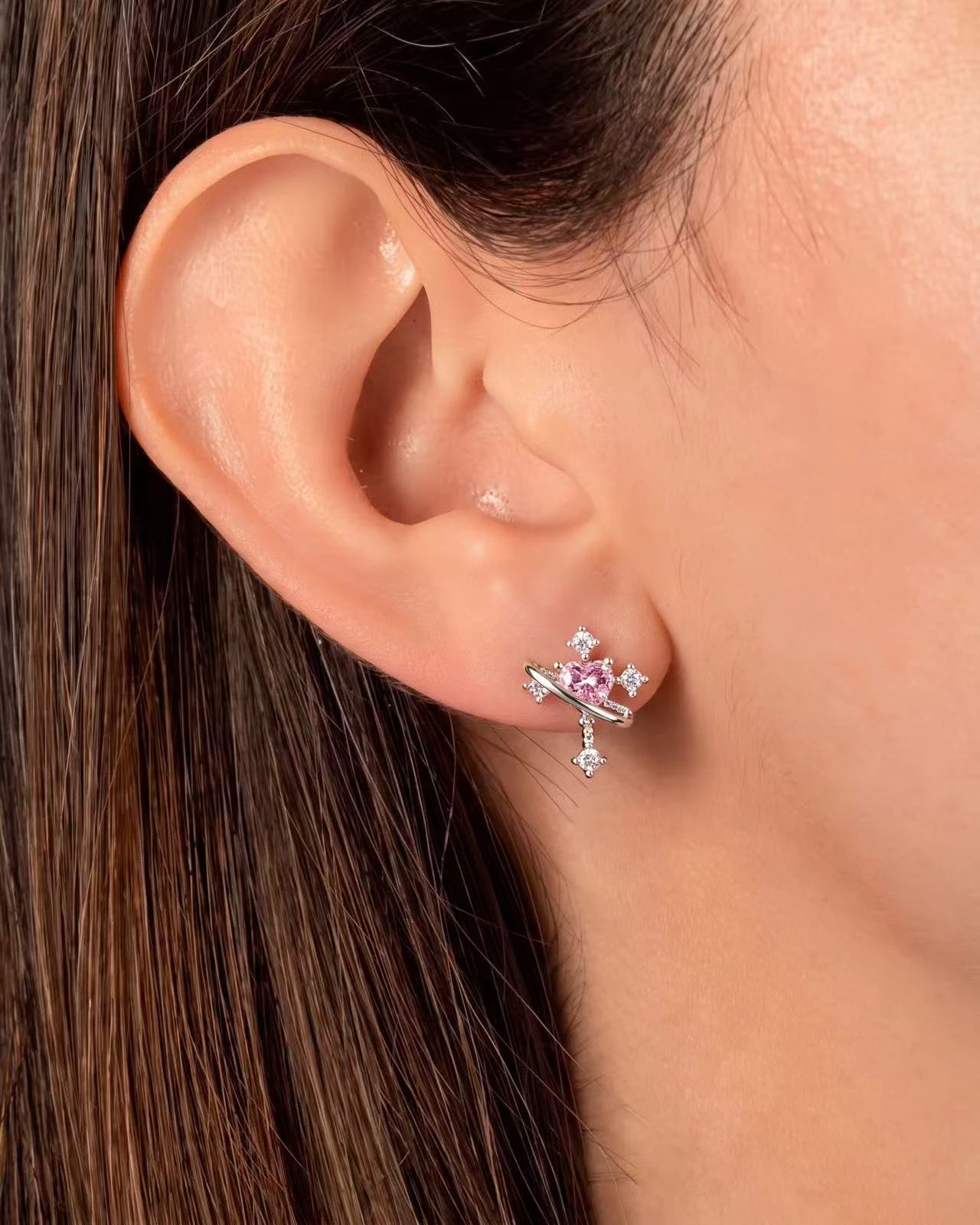
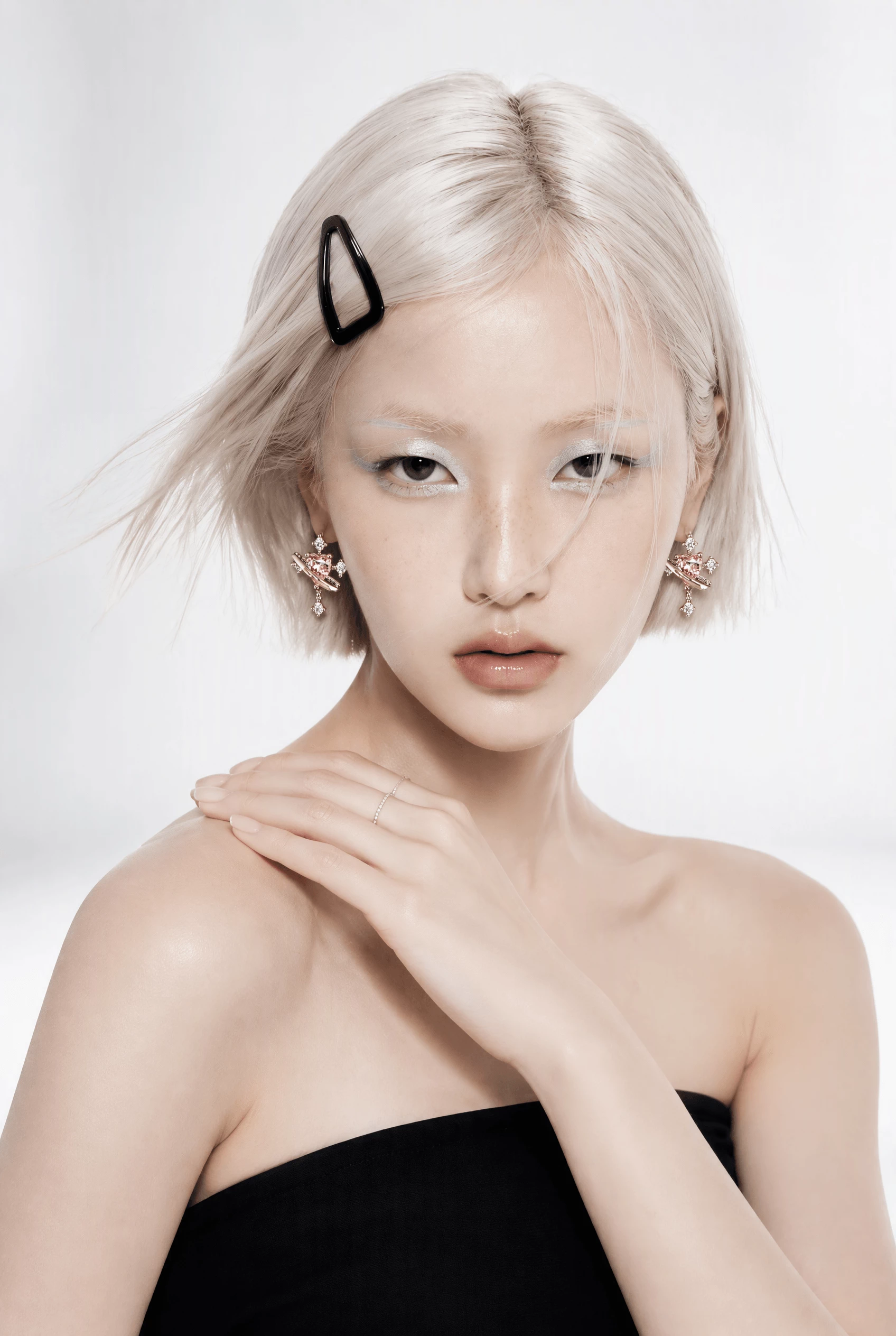
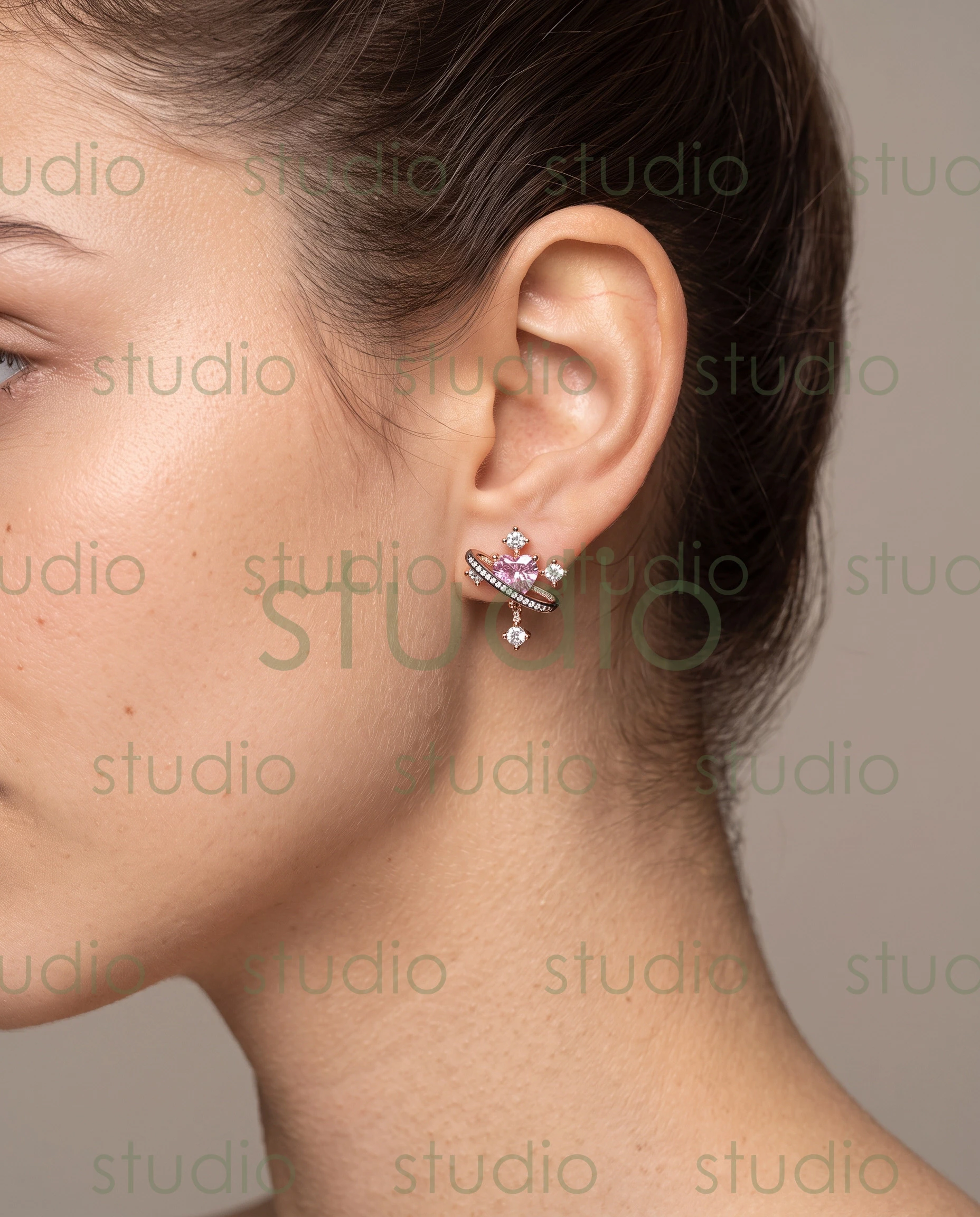
- Ear and earring shots — profile and three-quarter angles that highlight the earlobe, the earring's drop length, and how it catches light against your skin tone.
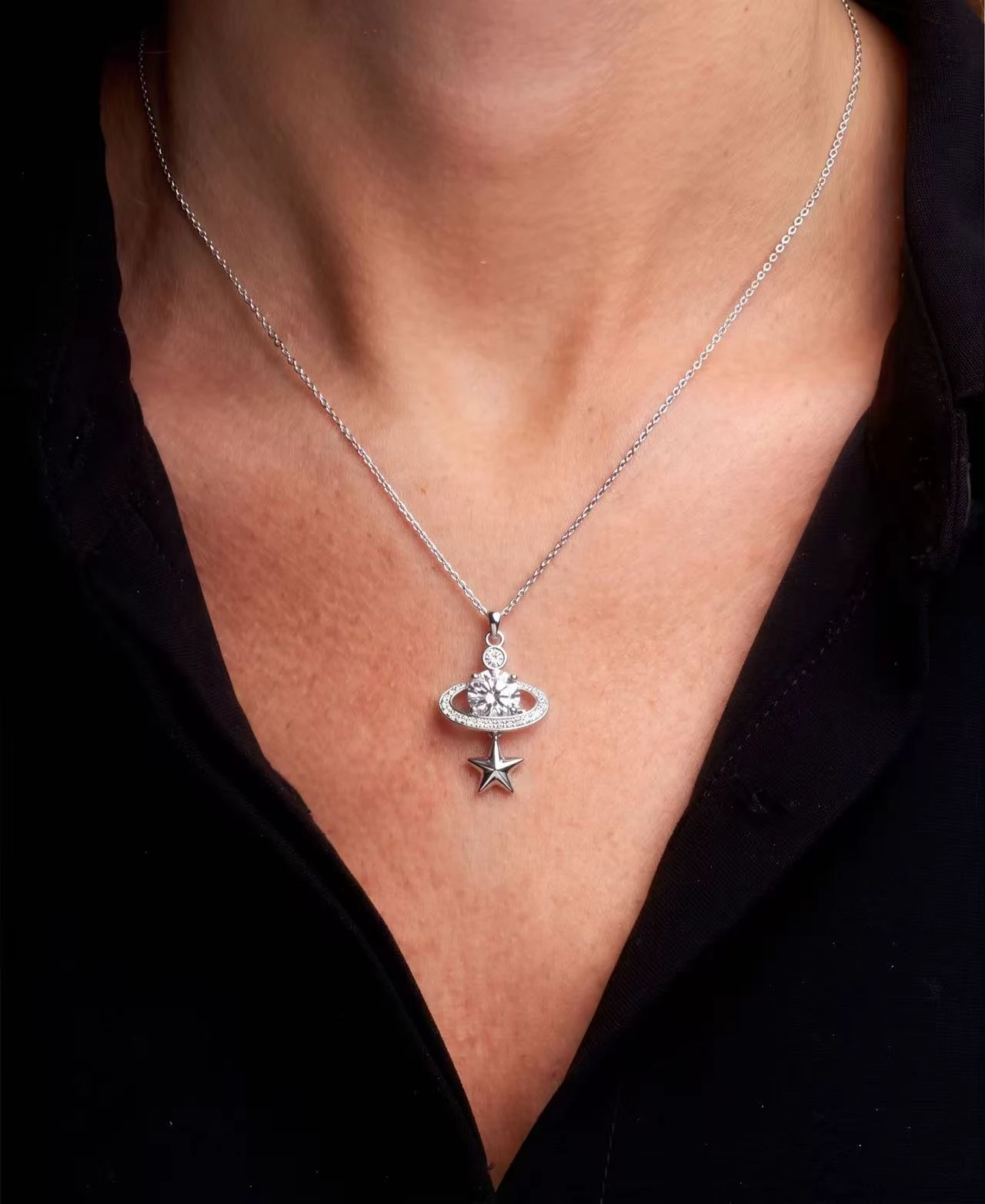
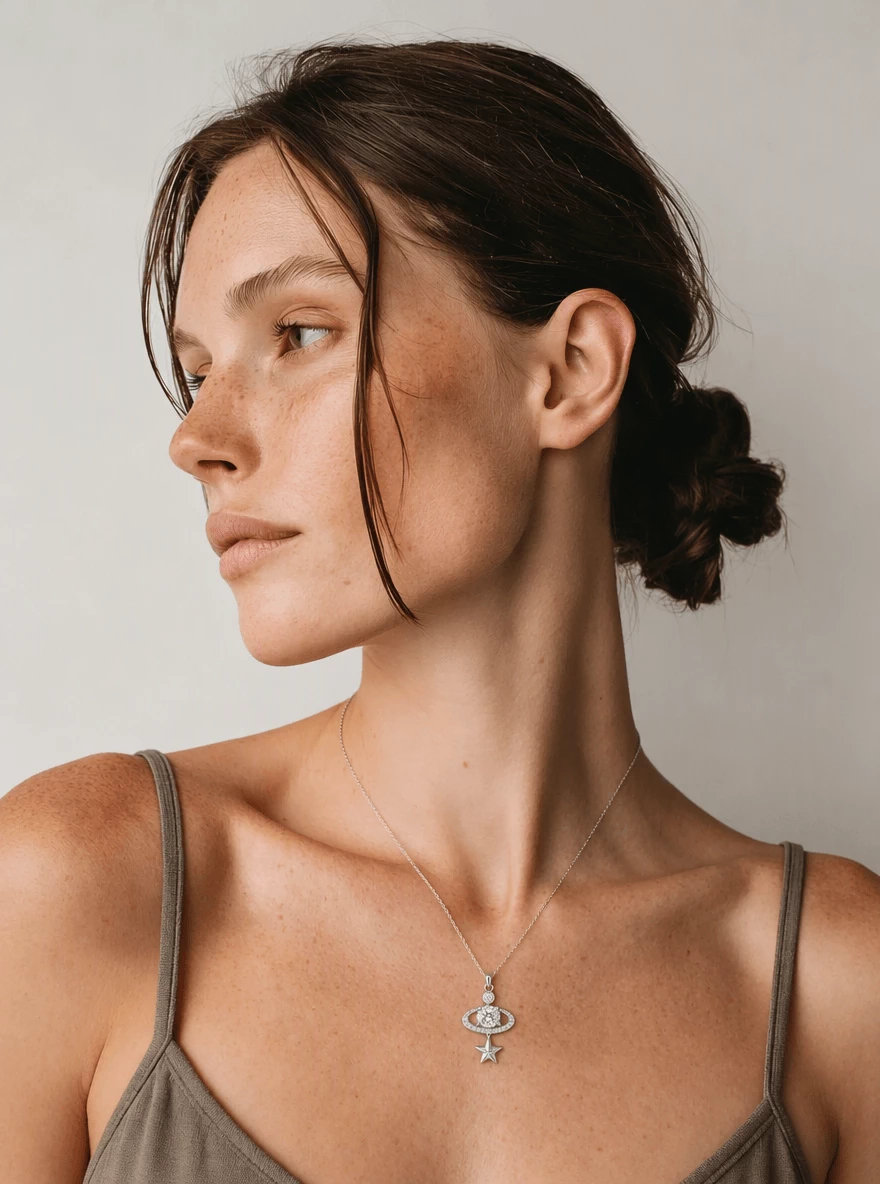
- Neckline and pendant imagery — shots framed from the collarbone up, showing how chains sit against your skin and how pendants fall at different lengths.
- Wrist and bracelet work — natural hand positions that display bracelets without obscuring the clasp or design details.
At the portfolio stage, clean and well-lit beats artistic and experimental every time. Work with a local photographer who understands product lighting — even a photographer who specializes in e-commerce or still life can produce stronger jewelry portfolio shots than a portrait specialist. Natural light or a simple softbox setup with a neutral background gives casting teams exactly what they need to evaluate your potential.
Backstage recommends hiring a professional photographer for portfolio shots and including at least one image that shows your face, so clients can recognize you at go-sees. Budget between $75 and $250 per image for professional-quality results. If that's out of reach initially, test shoots with photographers building their own books offer a no-cost alternative — just make sure the lighting quality meets the standard jewelry brands expect.
Finding Agencies and Casting Calls
Not every modeling agency handles jewelry talent. You're looking for agencies that specifically represent parts models — people booked for their hands, feet, neck, or other specific features rather than their overall look. In the U.S., agencies like Parts Models and Body Parts Models are well-known names in this space, but smaller regional agencies also represent jewelry-specific talent.
When reaching out to agencies, keep a few things in mind:
- Submit your portfolio using whatever method the agency specifies on their website — most accept digital submissions.
- Reputable agencies never charge upfront fees. They earn a percentage once you book work.
- If you're not getting responses, expand your search to commercial modeling agencies that handle product work broadly, not just dedicated parts agencies.
Beyond traditional agencies, online casting platforms connect models directly with brands posting jewelry shoots. These platforms list everything from e-commerce catalog work to social media campaigns, and many don't require agency representation. Freelance jewelry modeling through these channels lets you build experience and credits while you pursue agency relationships in parallel.
The freelance route offers flexibility but requires you to handle your own negotiations, scheduling, and rate-setting. Agency representation provides structure, access to higher-budget clients, and someone advocating for your compensation — but it also means sharing a percentage of every booking. Many working jewelry models maintain both paths simultaneously, taking freelance gigs between agency-booked campaigns.
Social media also functions as a discovery channel. Posting consistent, high-quality images of your hands or neck wearing jewelry — tagged with relevant hashtags — can attract brand attention directly. Think of it as a living portfolio that casting teams can browse without a formal submission.
Posing Techniques for Jewelry Shoots
Here's where jewelry modeling diverges most sharply from other work: your job is to disappear. The piece is the star. Every pose, every angle, every micro-adjustment of your fingers or chin exists to draw the viewer's eye toward the jewelry — not toward you.
Sounds simple, but it takes real technique. Consider these practical guidelines:
For ring shots:
- Slightly separate your fingers so the ring has visual breathing room. Fingers pressed together flatten the composition and hide the band.
- Angle your hand at roughly 45 degrees to the camera rather than shooting straight-on. This shows the ring's profile and catches light across the stone.
- Keep your wrist relaxed but not limp — tension reads as stiffness in close-up, while too much looseness looks lifeless.
For earring shots:
- A gentle head tilt away from the camera-side ear elongates the neck and gives the earring room to hang naturally.
- Tuck hair behind the ear or sweep it to the opposite side. Nothing should compete with the earring for attention.
- For drop earrings, subtle movement — a slow turn of the head — creates natural swing that photographers can capture mid-motion.
For necklace and pendant work:
- Posture matters enormously. A straight spine and slightly lifted chin create a clean canvas for the chain to lay flat.
- Avoid touching the necklace unless directed — fingerprints on polished metal show up in post-production and create extra retouching work for the jewelry photo editor.
- Breathing control helps. Deep breaths cause the chest to rise and shift the pendant's position, which disrupts consistency across a series of shots.
The underlying principle across all jewelry posing is stillness combined with intention. You'll often hold a single position for minutes while the photographer adjusts lighting or swaps lenses. Strengthening your hands and practicing static holds — similar to how a virtual jewelry try on tool freezes a piece in perfect position on screen — builds the endurance these shoots demand.
One more thing worth noting: communication with the photographer and creative director matters as much as physical technique. Ask which details they want emphasized. Confirm whether the shot is about the clasp, the stone, or the overall silhouette. The best jewelry models aren't just still and beautiful — they're collaborative problem-solvers who understand that every frame exists to sell the piece.
Skill and portfolio quality open doors, but the practical question that follows every aspiring model into this niche is straightforward: what does the work actually pay?
Jewelry Model Pay Rates and What Affects Compensation
Compensation in jewelry modeling isn't a single number you can look up on a chart. It's a layered equation shaped by the type of work, who's hiring, and — critically — how the resulting picture of jewelry gets used after the shoot wraps. Understanding these variables helps both aspiring talent and brands set realistic expectations before anyone signs a contract.
Factors That Influence Jewelry Model Pay
Several variables stack on top of each other to determine what a jewelry model earns on any given project:
- Type of shoot — editorial work for magazines often pays less in upfront fees but offers prestige and portfolio value. E-commerce catalog shoots typically pay moderate per-image or per-hour rates with high volume. Advertising campaigns for national or international distribution command the highest fees because the imagery reaches the widest audience.
- Usage rights and licensing terms — this is where compensation gets complex. A brand using your hands in a single Instagram post pays differently than one placing that same image on billboards, packaging, and web banners for two years. As photographer Heidi Rondak explains, the more platforms and media a brand chooses to operate on, and the longer they plan to use the images, the more expensive the buyout becomes.
- Geographic market — rates in New York, Los Angeles, and London differ substantially from smaller regional markets. A hand model shooting for a luxury brand in Manhattan operates in a different pay bracket than someone shooting for a local jeweler in a mid-size city.
- Experience and reputation — a model's former campaigns, publications, and industry recognition directly influence their pricing. The more prominent the past work, the higher the day rate a model can command.
- Parts modeling vs. full-body work — jewelry-specific parts modeling (hands, ears, neck) often follows its own rate structure separate from full-body fashion rates, since the skill set and physical maintenance requirements are specialized.
Usage rights and licensing often represent a larger portion of total compensation than the shoot fee itself. A model might earn a modest day rate on set, then receive a buyout payment several times that amount based on how widely and how long the brand uses the resulting imagery.
Freelance vs. Agency Compensation Structures
How you're represented changes both what you earn and how you earn it.
Freelance jewelry models typically negotiate per-shoot or per-hour rates directly with the client. This gives you full control over pricing, but it also means handling your own contracts, usage terms, and payment collection. Rates tend to be lower than agency bookings because there's no middleman adding overhead — but you keep everything you negotiate. Freelancers can also offer more flexible usage terms, which sometimes makes them attractive to smaller brands working on jewelry photo editing projects or catalog refreshes with tight budgets.
Agency-represented models work on day rates set by the agency, with the agency taking roughly 15-20% as commission. Some sources place the total cost to clients at 20-30% higher than freelance equivalents once booking fees are factored in. In exchange, agency models gain access to higher-budget campaigns, standardized contracts with legal protection, and someone actively negotiating usage buyouts on their behalf — which, as noted above, can represent the most significant portion of total earnings.
Compensation data varies widely by market, and no single rate sheet applies universally. If you're entering this space, research rates specific to your city and niche. Talk to other working models. Ask photographers what they typically see budgeted for talent on jewellery photo editing and campaign shoots in your area. The structural factors above give you a framework for evaluating whether an offer is fair — even without a universal price list to reference.
Pay rates tell part of the story, but they don't exist in isolation. What ultimately determines a jewelry model's earning potential is how effectively the imagery performs once it reaches shoppers — which brings the conversation squarely into e-commerce territory.

Jewelry Model Photography That Sells in E-Commerce
A beautifully shot jewelry image means nothing if it doesn't move product. For online sellers, the gap between a browser and a buyer often comes down to one thing: can the shopper picture themselves wearing the piece? That's where on-model photography stops being a creative preference and becomes a conversion tool.
75% of online shoppers rely on product photos to make purchase decisions. For jewelry — where texture, scale, and sparkle can't be felt through a screen — that dependency is even more pronounced. The question isn't whether your product imagery matters. It's whether you're using the type of imagery that actually closes sales.
Why On-Model Jewelry Photos Outperform Flat Lays
Flat-lay photography has its place. It's cost-effective, easy to standardize, and useful for showing isolated product details. But it leaves critical questions unanswered for the shopper: How big is that pendant relative to a real neckline? How does the ring band look on an actual finger? Does the bracelet drape or sit rigid?
When you show jewelry on a person, you solve three problems simultaneously:
- Scale reference — a ring on a finger instantly communicates size in a way that a ruler graphic or dimension listing never will. Shoppers stop guessing and start deciding.
- Lifestyle context — on-model shots create an emotional bridge. The viewer sees someone wearing the piece in a way that mirrors their own life, which moves the purchase from rational evaluation to personal desire.
- Fit and movement — how a chain falls, how an earring swings, how a cuff sits on a wrist. These details only become visible on a human body, and they're often the details that tip a hesitant buyer toward checkout.
The data backs this up. Professional on-model imagery has been shown to increase conversion rates by up to 33% compared to lower-quality visuals, while also reducing product return rates by as much as 22%. Returns drop because shoppers who see jewelry on a real person develop more accurate expectations about what they're buying. Fewer surprises at unboxing means fewer packages going back.
Think of it this way: a flat-lay answers "does this piece exist?" An on-model shot answers "would this piece look good on me?" Only one of those questions leads to a sale.
Planning a Jewelry Model Photo Shoot for E-Commerce
Running a successful on-model jewelry shoot for e-commerce requires more planning than a typical product photography session. You're coordinating talent, lighting, styling, and post-production — all while keeping the jewelry as the undisputed focal point. Here's the workflow in sequence:
- Define your brand aesthetic and target audience — before casting anyone, clarify the visual identity you want. Is your brand minimal and modern, or ornate and luxurious? Your model's look, the background palette, and the overall mood should all align with how your ideal customer sees themselves.
- Cast the right model for the jewelry — match skin tone to metal color. Warm-toned skin tends to complement gold beautifully, while cooler undertones can make silver and platinum pop. Consider hand size relative to ring proportions, neck length for pendant shots, and earlobe shape for earring work.
- Choose backgrounds and lighting that serve the product — neutral, non-competing backgrounds keep attention on the jewelry. For lighting, diffused softbox setups minimize harsh reflections on metal surfaces while still revealing texture and dimension. As Scouty's photography guide recommends, watch for hotspots where lighting is too bright on reflective surfaces, and consider lighting from the side rather than directly above.
- Direct poses that showcase product details — brief your model on which elements matter most for each piece. A cocktail ring needs finger separation and angled hand positioning. A layered necklace needs a straight spine and lifted chin. Every pose exists to reveal the jewelry's design, not to flatter the model.
- Shoot multiple angles per SKU — 60% of online shoppers want to see at least three to four images before purchasing. For on-model jewelry shots, capture front-facing, profile, and detail close-ups at minimum. Movement shots add dimension for pieces that swing or drape.
- Plan post-production for consistency — color grading, background cleanup, skin retouching, and cropping should follow a standardized process across your entire catalog. Inconsistent editing across product pages signals unprofessionalism to shoppers browsing multiple pieces.
If you're working with a large catalog and the logistics of shooting every SKU on a model feel overwhelming, this is where many brands begin exploring whether artificial intelligence jewelry design tools or AI-generated imagery might handle the volume — a topic covered in depth later in this article.
Common Mistakes in Jewelry Model Photography
Even well-planned shoots go sideways when these pitfalls creep in. You'll notice these mistakes across product pages everywhere once you know what to look for:
- Over-retouching skin texture — smoothing skin until it looks plastic removes the realism that makes on-model shots effective in the first place. Shoppers need to see jewelry on what looks like a real person, not a mannequin with a skin filter. Light retouching that removes temporary blemishes while preserving natural texture strikes the right balance.
- Skin tone and metal color clashing — placing yellow gold on a model with strongly cool-toned skin (or white gold on very warm skin) can make the metal look dull or the skin look off. This isn't about rigid rules — it's about testing combinations during casting and adjusting if something reads poorly on camera.
- Poor hand positioning that obscures details — fingers curled too tightly hide the ring's setting. A wrist angled away from camera conceals bracelet details. Every hand position should be evaluated from the camera's perspective, not the model's comfort level.
- Inconsistent styling across the catalog — mixing different nail polish colors, skin tones, background shades, or lighting styles across a product collection creates visual chaos. When a shopper browses your store, the inconsistency signals that the brand itself may be disorganized, eroding the trust needed for a high-consideration purchase.
- Letting the model overpower the jewelry — heavy makeup, bold nail art, or distracting clothing pulls focus from the product. The model's styling should be deliberately understated so the jewelry image remains the clear hero of every frame.
Avoiding these mistakes doesn't require a massive budget. It requires intentionality — a clear shot list, a prep day to test lighting and combinations, and a commitment to consistency that carries through from the first SKU to the last.
On-model photography remains the most trusted format for jewelry e-commerce, but it's not the only way to create compelling product visuals. For brands managing hundreds of SKUs or exploring ways to design jewelry online free of traditional shoot constraints, a different kind of model — one built entirely in software — offers an alternative path worth understanding.

3D Jewelry Modeling and CAD Design Workflows
When a jeweler says "model," they're rarely talking about a person. In manufacturing and design studios, a jewelry model is a precise digital file — a 3D representation of a ring, pendant, or bracelet built inside specialized software. This is the second meaning of the term, and it's the one that drives the entire production pipeline from concept to finished piece.
What Is 3D Jewelry Modeling
3D jewelry modeling is the practice of creating dimensionally accurate digital representations of jewelry using CAD (Computer-Aided Design) software. These digital models serve multiple purposes throughout the design and production cycle:
- Client visualization — photorealistic renders let customers see exactly what a custom piece will look like before any metal is cut or cast. This shortens the feedback loop and reduces costly revisions.
- Design approval — teams can rotate, zoom, and evaluate a piece from every angle on screen, catching structural issues or aesthetic problems early.
- Direct manufacturing — the same file used for visualization can be exported for 3D printing castable wax or resin patterns, which are then used in lost-wax casting to produce the final metal piece. This digital workflow eliminates the need for time-intensive hand carving of master patterns.
The result is a process where a single digital model travels from concept through client sign-off to physical production — no handoff gaps, no reinterpretation between stages.
Popular Software and Workflows
Several CAD platforms dominate professional jewelry design, each with a different philosophy about how modeling should work:
- Rhino with Grasshopper — a NURBS-based modeling platform paired with a parametric design environment. RhinoGold, a plugin built on top of Rhino, adds jewelry-specific tools like ring builders, stone setters, and pave wizards while retaining full access to Rhino's freeform surface modeling. Grasshopper enables algorithmic design, generating infinite variations from adjustable parameters. The learning curve is steep — typically 3 to 6 months — but creative freedom is unmatched.
- MatrixGold — a standalone application built from the ground up for jewelry. Its wizard-driven workflow guides designers through structured steps (select ring profile, choose stone shape, configure prong style), making it the fastest path from concept to production-ready file. Experienced operators can complete an engagement ring model in 30 to 60 minutes.
- ZBrush — used for organic, sculptural jewelry that defies geometric precision. Think nature-inspired forms, flowing textures, and asymmetric art pieces that parametric tools struggle to produce.
- Blender — a free, open-source alternative increasingly used for jewelry rendering and presentation. While not purpose-built for jewelry CAD, it handles visualization and organic modeling well for designers exploring ai jewelry design software options without upfront investment.
The general workflow follows a consistent pattern regardless of which tool you choose: start with a concept sketch or reference image, build the geometry using parametric or freeform modeling, place stones and configure settings, render for client approval, then export a manufacturing-ready file. Common export formats include STL for 3D printing, STEP and IGES for CNC machining, and 3DM (Rhino's native format) for archiving editable source files.
AI is also reshaping the front end of this pipeline. Rather than starting with a blank screen, many CAD operators now begin with an AI-generated concept image that defines proportions and aesthetic intent — essentially using a free ai ring design tool to explore ideas before committing to precise modeling. The CAD program's role then shifts from creative ideation to technical execution.
Career Paths in 3D Jewelry Design
Demand for skilled 3D jewelry modelers spans multiple work arrangements. Freelancers take commissions through platforms like Fiverr and Upwork, producing custom models for independent jewelers who lack in-house CAD capability. In-house modelers work at jewelry manufacturers, translating designer sketches into production files day after day. Independent designers sell digital files directly — downloadable 3D models that other jewelers purchase and cast, creating a passive revenue stream from a single design.
Regardless of the path, the core skills that define a competitive 3D jewelry modeler remain consistent:
- CAD proficiency — fluency in at least one major jewelry CAD platform, with the ability to produce clean, manufacturing-ready geometry.
- Metallurgy awareness — understanding how different metals behave during casting, including shrinkage rates, minimum wall thicknesses, and structural limitations that affect what's actually producible.
- Gemstone setting knowledge — knowing how prong, bezel, channel, and pave settings work mechanically so that digital models translate to physically secure stone placements.
- Rendering ability — producing photorealistic visualizations that communicate design intent to clients who can't read wireframe geometry. This skill overlaps with jewellery photo edit work, since both aim to present jewelry in its most compelling visual form.
For designers evaluating which top ai jewelry design tool might complement their CAD workflow, the key insight is that AI handles creative exploration while CAD handles engineering precision. They're not competing — they're sequential stages in the same pipeline.
3D modeling produces the digital blueprint. But once a piece is manufactured and ready to sell, brands face a different challenge: creating product imagery at scale. That's where the third meaning of "jewelry model" enters — one that exists entirely as pixels, generated by artificial intelligence rather than built in CAD or booked through a casting call.
AI-Generated Jewelry Models and Virtual Try-On Technology
Imagine uploading a photo of a gold pendant and receiving, minutes later, a polished image of a realistic person wearing it — no photographer, no studio, no casting call. That's the third and fastest-growing meaning of "jewelry model": a digitally generated figure created by AI specifically to showcase jewelry in product imagery. For brands managing large catalogs or tight budgets, this technology is reshaping how every image of jewelry gets produced.
The concept sounds futuristic, but it's already a working reality across thousands of e-commerce stores. Understanding how it works — and where it falls short — helps you decide whether it belongs in your visual workflow.
How AI Jewelry Model Technology Works
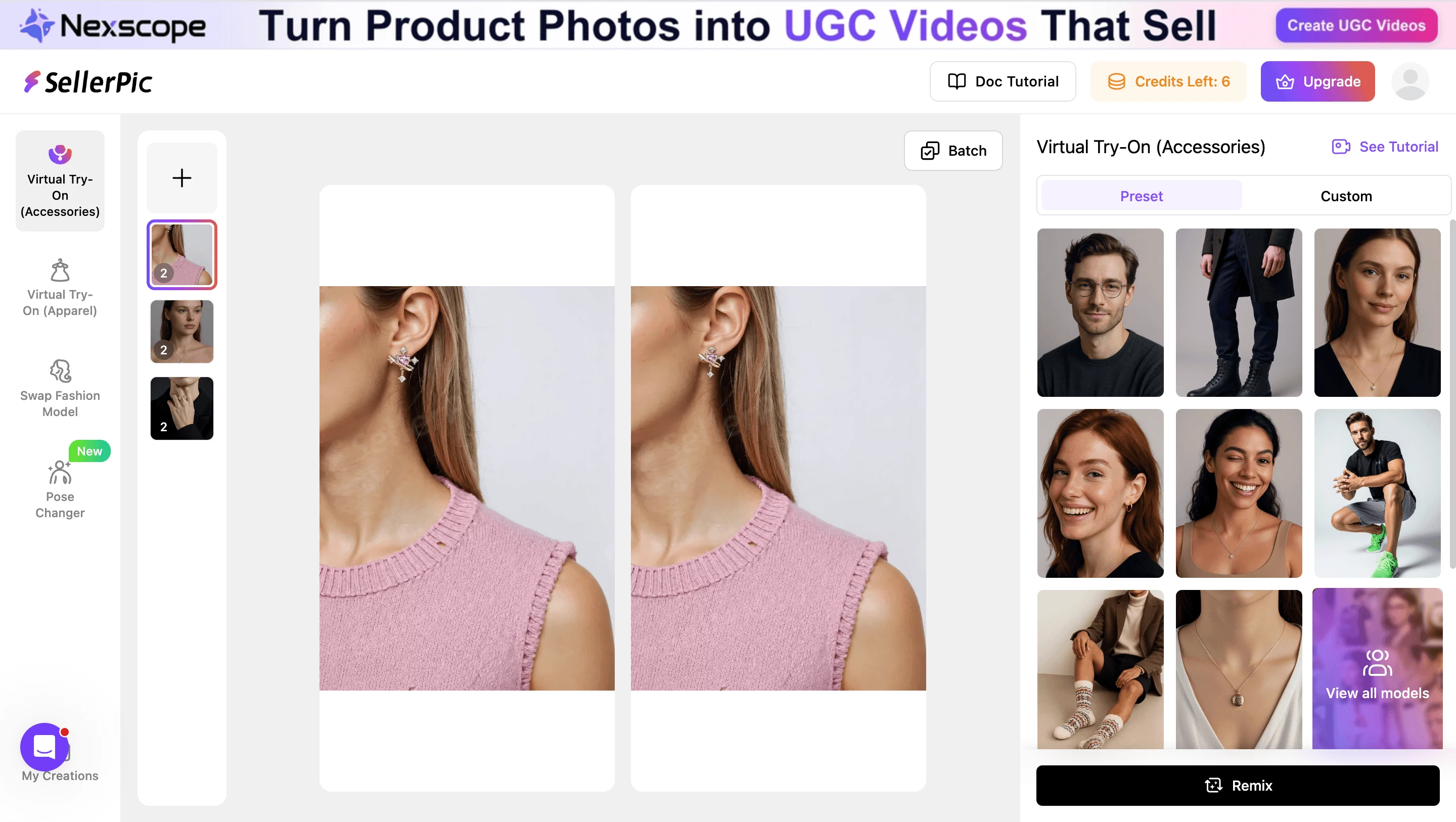
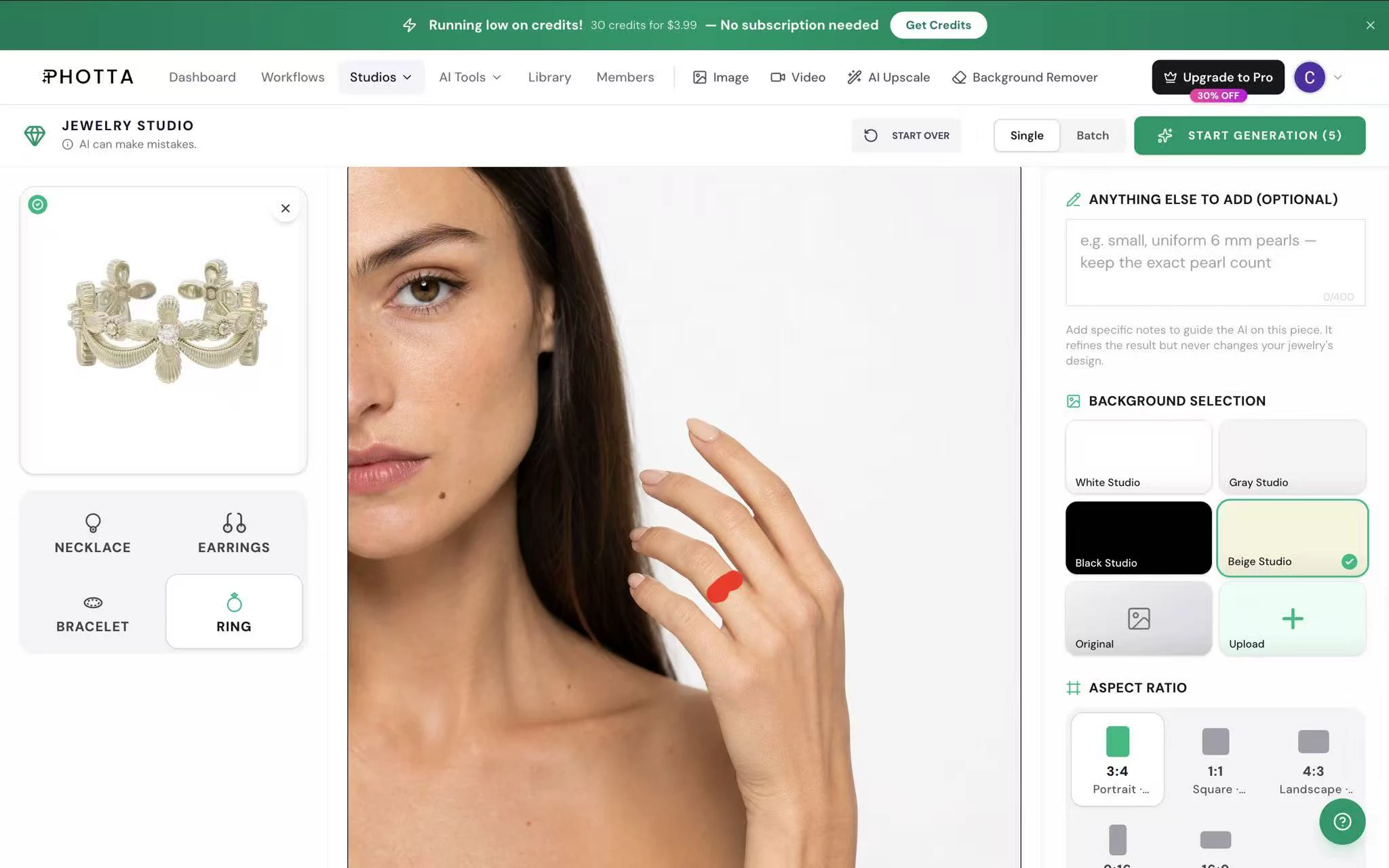
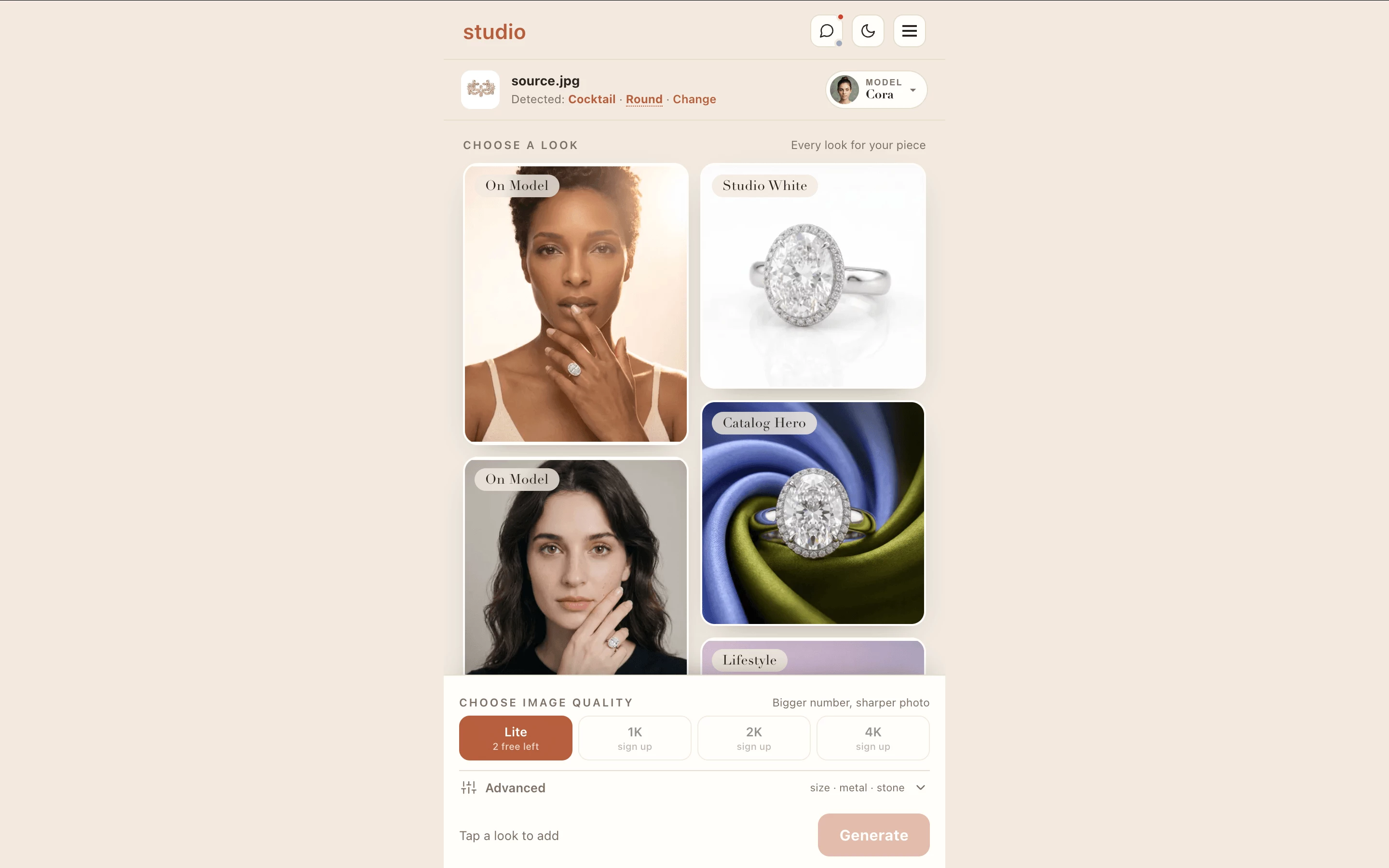
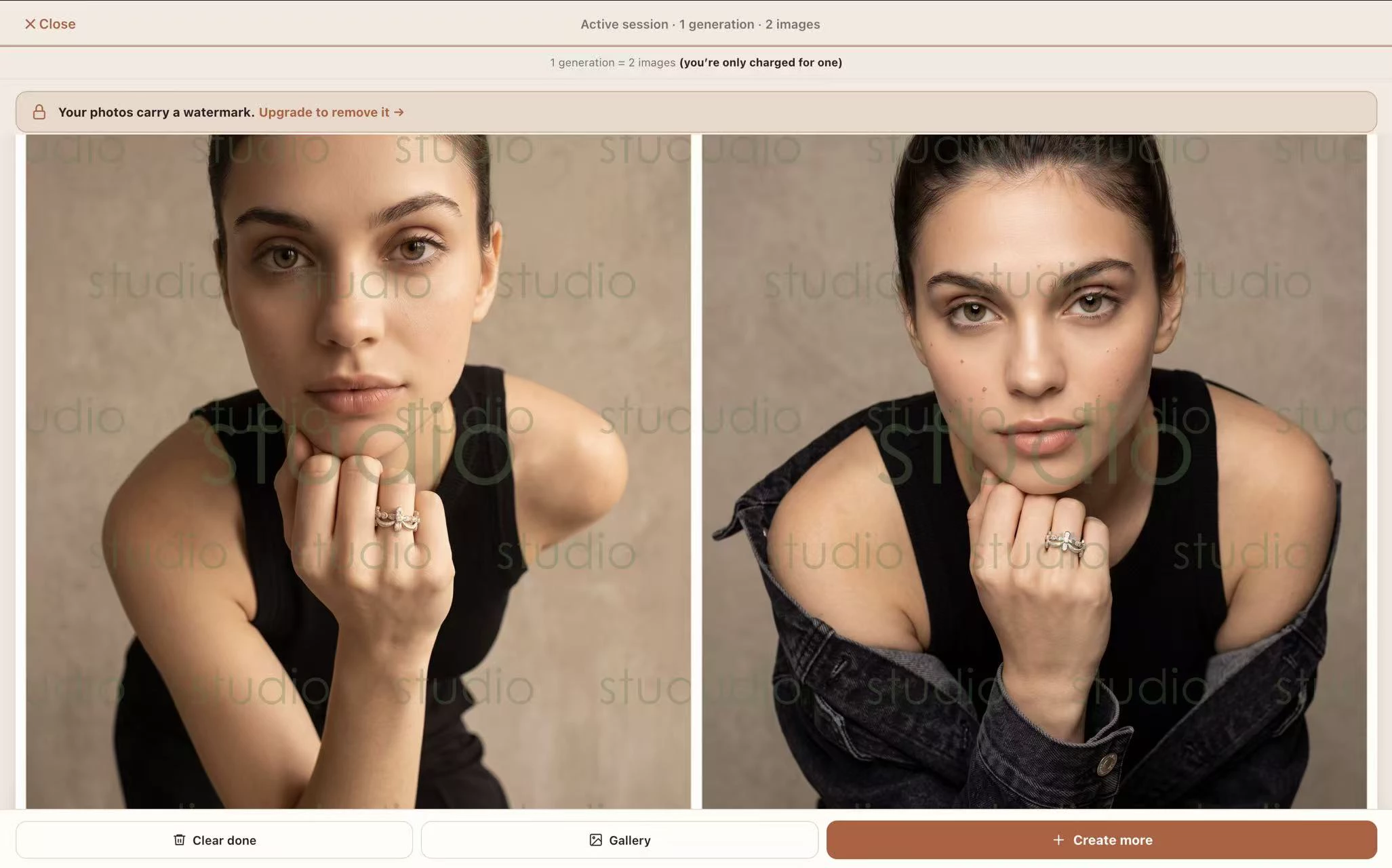
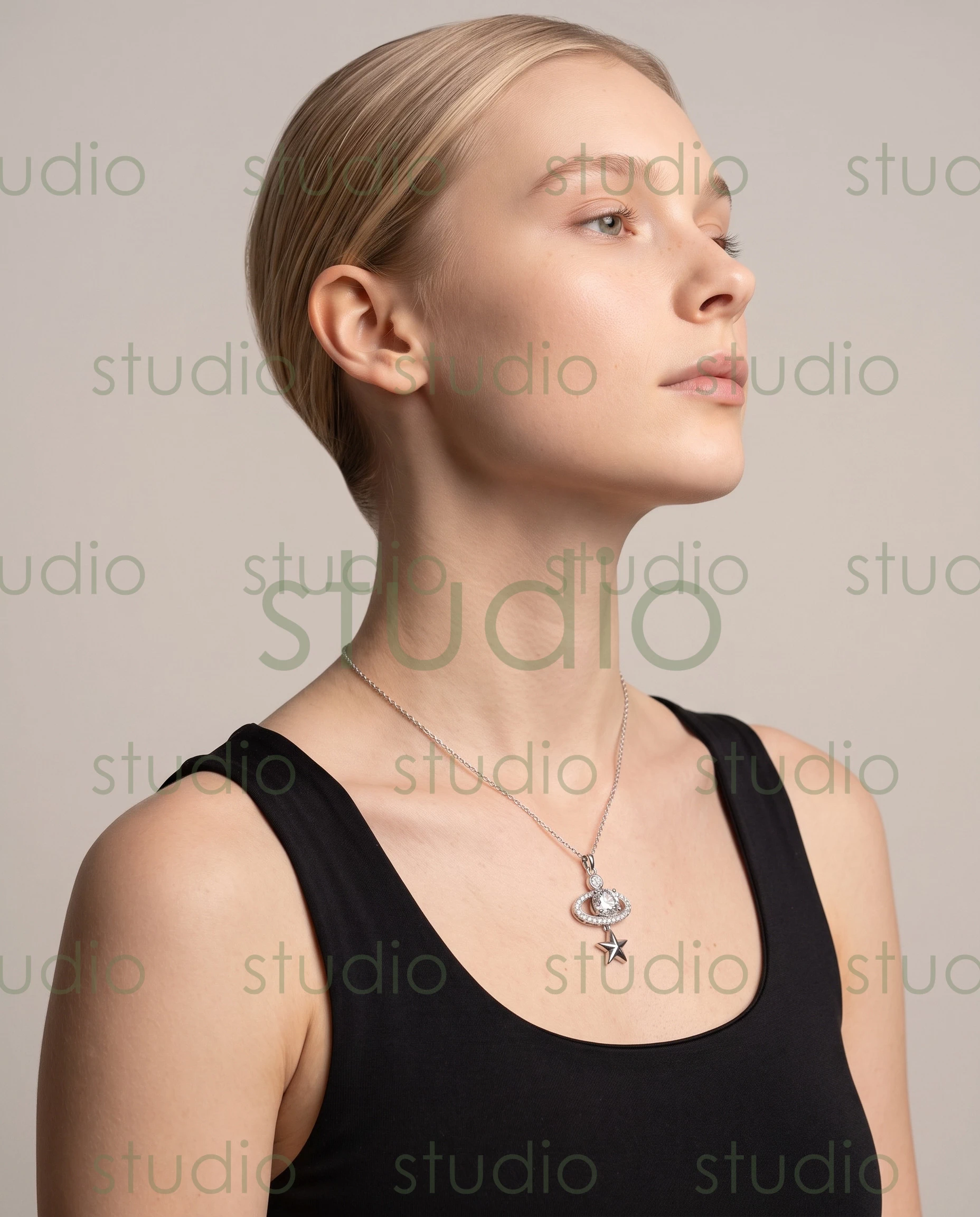
At its core, AI jewelry photography uses generative artificial intelligence to create product images without a camera, a studio, or a human model. You upload a photo of your piece — a ring, a necklace, a pair of photo earrings — and the AI system produces photorealistic images of people wearing it. The output looks like a professional on-model shoot, but nothing was physically photographed.
The underlying technology relies on deep learning models trained on massive datasets of human images, jewelry photography, and lighting scenarios. These systems learn how metals reflect light, how chains drape across skin, and how different skin tones interact with gold, silver, and rose gold finishes. Convolutional neural networks handle the material rendering — capturing the way a polished surface catches a highlight or a gemstone refracts color — while separate models generate realistic human features like skin texture, facial geometry, and natural poses.
Two distinct approaches exist within this space:
- Full scene generation — the AI creates an entirely new image from scratch: a virtual person, a background, lighting, and your jewelry piece composed into a single photorealistic frame.
- Digital placement — the AI takes your product photo and composites it onto an existing or generated model image, adjusting shadows, reflections, and scale to make the piece look authentically worn.
Both approaches eliminate the traditional shoot logistics — booking talent, renting studio space, coordinating schedules, and waiting days for edited deliverables. The American Gem Society tested multiple AI platforms for jewelry visualization and found that while no single tool delivers perfection on its own, the technology has reached a point where AI-generated imagery can serve as a genuinely usable marketing asset when applied strategically.
When AI Jewelry Models Make Sense
Not every brand needs AI-generated on-model imagery. But for certain scenarios, it's the most practical path to professional product visuals:
- High-SKU catalogs — when you're selling 200 or more pieces and shooting each one on a human model would take weeks and cost tens of thousands of dollars, AI handles the volume at a fraction of the time and expense.
- Rapid product launches — seasonal collections, limited drops, and trend-responsive releases need imagery fast. AI delivers finished visuals in minutes rather than the 5-to-10-day turnaround of a traditional shoot.
- A/B testing model demographics — want to see how the same necklace performs when shown on different skin tones, age groups, or styling contexts? AI generates unlimited variations without rebooking talent. Brands using this approach report running 3 to 5 times more creative tests per campaign.
- Small brands without photography budgets — a startup selling handmade rings on Etsy can produce catalog-quality on-model shots without the $2,500-plus cost of a single traditional shoot day.
- Inclusive representation at scale — showing your pieces on models reflecting diverse backgrounds becomes the default rather than an expensive add-on.
The cost and workflow differences between traditional and AI-generated approaches are significant enough to warrant a direct comparison:
| Dimension | AI-Generated Jewelry Model Imagery | Traditional Photo Shoot |
|---|---|---|
| Cost per product | Low ($2 - $15 per image) | High ($80 - $250 per product) |
| Turnaround time | Minutes per image | 5 - 10 business days |
| Scalability | Unlimited — generate hundreds of images in a single session | Limited by studio time, model availability, and editing capacity |
| Model diversity | Unlimited skin tones, poses, and styling variations | Typically 1 - 2 looks per shoot unless additional models are booked |
| Customization | Backgrounds, lighting, and model appearance adjustable on demand | Requires reshooting for significant changes |
| Reshoots | Instant and free — regenerate with adjusted parameters | Costly and time-consuming to reschedule |
| Best for | E-commerce catalogs, social ads, marketplace listings, rapid testing | Hero campaigns, editorial storytelling, ultra-luxury brand imagery |
These numbers come from industry data tracking U.S. jewelry sellers who have adopted AI photography workflows. The gap is especially stark for brands operating across multiple channels — Shopify product pages, Amazon listings, Etsy shops, and social media ads — where each platform demands different image formats and styling contexts.
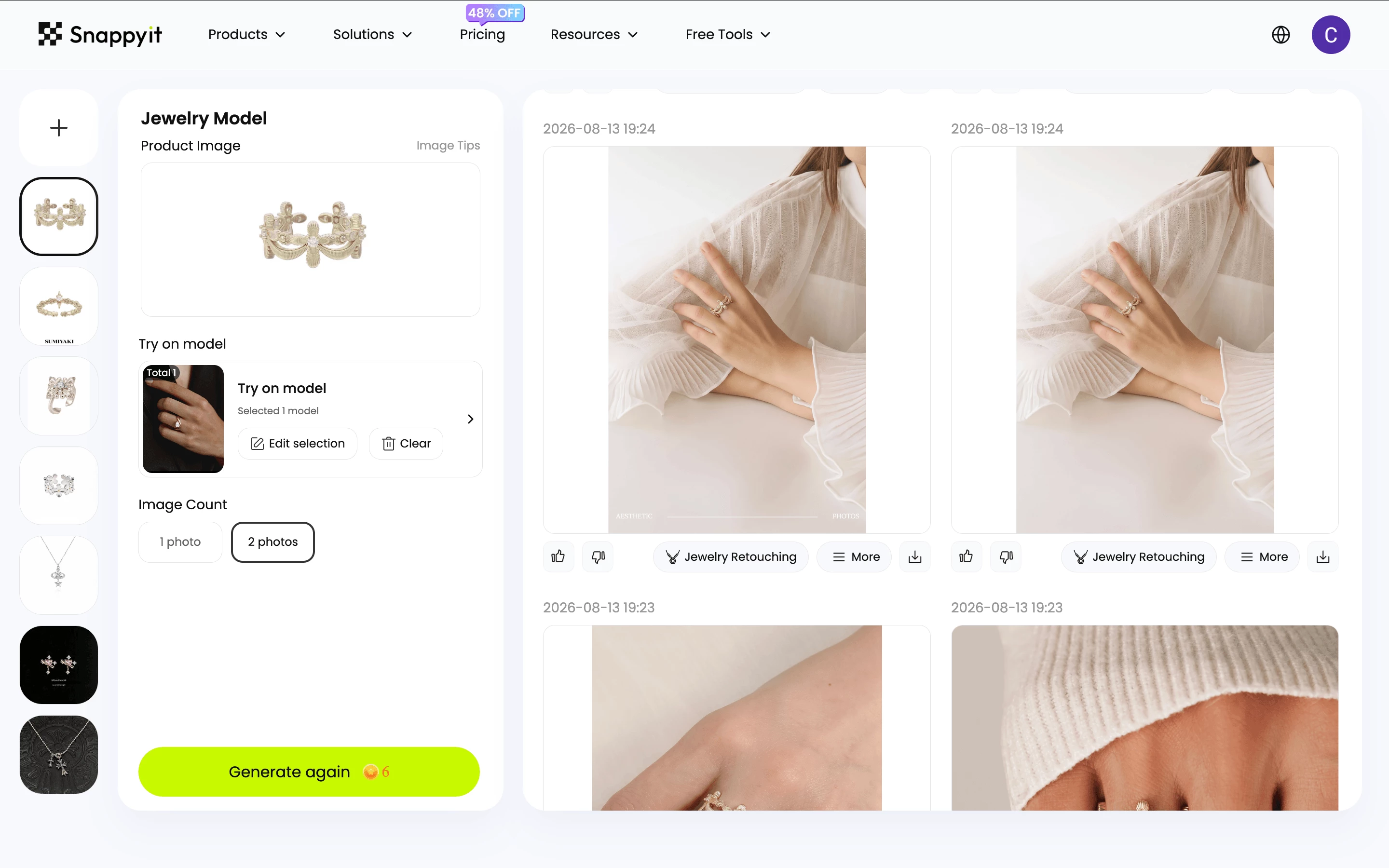
Platforms purpose-built for this use case make the process accessible even for sellers with no design experience. Snappyit's Jewelry Model tool, for example, is designed specifically for generating on-model jewelry visuals — you upload your product photo and receive polished, conversion-ready imagery showing the piece worn by a realistic AI-generated figure. For brands that have decided AI fits their workflow, tools like this connect directly to the practical need: getting professional on-model shots without coordinating a traditional shoot.
Limitations and Quality Considerations
Editorial balance matters here. AI-generated jewelry imagery has real limitations, and ignoring them leads to disappointing results or, worse, product pages that erode customer trust.
Catalog consistency — generating images one at a time can produce subtle variations in lighting, skin tone, and background that break visual cohesion across a product collection. The same issue that plagues inconsistent traditional photography applies here, just in a different form. Brands need to establish style parameters upfront and review batches for uniformity before publishing.
Reflective metals and transparent gemstones — gold modelling and silver rendering have improved dramatically, with AI lighting algorithms now handling metallic reflections that challenge even experienced photographers. But transparent and refractive materials — diamonds, sapphires, emeralds — remain tricky. The way light passes through a faceted stone depends on precise geometry that generative models sometimes approximate rather than replicate. The result can look slightly flat or miss the fire and brilliance that makes a gemstone compelling in person.
Anatomical accuracy — AI-generated hands remain one of the technology's persistent weak spots. Extra fingers, unnatural joint angles, or awkward ring placement can appear in outputs and require careful review. The American Gem Society's testing found that while product accuracy on necklaces and earrings was strong, the surrounding human context sometimes fell short of photorealistic standards — particularly skin texture that could appear "flat and noticeably AI-generated" in certain tools.
Ultra-luxury editorial storytelling — for brands where the making-of process, artisan craftsmanship, and behind-the-scenes narrative are core to the marketing identity, AI-generated imagery can feel disconnected from the brand's soul. A handcrafted $15,000 necklace photographed in a Tuscan villa tells a story that no algorithm can replicate. AI excels at volume and efficiency; it doesn't replace creative vision.
The practical takeaway? Review every AI-generated image before it goes live. Check hands for anatomical errors. Compare metal rendering against your actual product. Evaluate whether the overall quality matches the price point and brand positioning you're communicating to shoppers. AI is a production tool, not an autopilot — and the brands getting the best results treat it that way.
With three distinct types of jewelry models now on the table — human, 3D CAD, and AI-generated — the real challenge for brands isn't understanding each option in isolation. It's knowing which one fits a specific product, budget, and business goal. That decision framework is where strategy meets execution.

How to Choose the Right Jewelry Modeling Approach for Your Brand
Three options, three different cost structures, three different strengths. The brands that waste the most money on visual content aren't the ones that pick the wrong approach — they're the ones that apply a single approach to every situation. A $12,000 fine jewelry campaign and a 300-SKU fashion earring catalog have completely different needs, and treating them the same way burns budget in one direction and sacrifices quality in the other.
The right question isn't "which type of jewelry model is best?" It's "which type fits this specific product, this specific budget, and this specific timeline?"
Matching Your Modeling Approach to Product Type and Budget
Different jewelry categories naturally align with different visual strategies:
- Fine jewelry and luxury pieces — high price points justify the investment in professional human model shoots. When a single ring retails for thousands of dollars, the brand prestige communicated by a real model with earrings in an editorial setting reinforces the perceived value. Shoppers spending at this level expect polished, authentic imagery that reflects the craftsmanship behind the piece.
- Fashion and mid-market jewelry — catalogs with hundreds of SKUs rotating seasonally can't sustain the cost of shooting every item on a human model. This is where AI-generated imagery delivers the most value — producing consistent, professional jewellry images across an entire collection without the logistics of multi-day shoots. Brands that need to add jewelry to photo with ai free of traditional production constraints find this approach scales naturally with their catalog size.
- Custom and bespoke pieces — when a piece doesn't physically exist yet, 3D CAD models are the only option. Clients commissioning a custom engagement ring or a one-of-a-kind pendant need to visualize the design before manufacturing begins. Photorealistic renders from CAD software bridge the gap between concept and commitment, reducing revision cycles and building buyer confidence.
A Decision Framework for Jewelry Brands
This comparison lays out the practical tradeoffs across all three approaches:
| Factor | AI-Generated Models | Human Models | 3D CAD Models |
|---|---|---|---|
| Best use case | E-commerce catalogs, marketplace listings, social ads | Hero campaigns, editorial features, luxury brand imagery | Custom orders, pre-production visualization, client approvals |
| Typical cost | Low | High | Medium |
| Turnaround time | Minutes to hours | Days to weeks | Hours to days per design |
| Scalability | High — hundreds of images per session | Low — limited by shoot days and talent availability | Medium — each piece requires individual modeling |
| Brand perception impact | Professional and consistent; ideal for volume-driven brands | Premium and authentic; signals luxury positioning | Technical and precise; builds trust for custom work |
For brands leaning toward the AI column, platforms built specifically for on-model jewelry visuals simplify the process considerably. Snappyit's Jewelry Model tool connects directly to this workflow — upload a product photo, select your parameters, and receive polished imagery showing the piece on a realistic figure. It's a practical starting point for sellers who've decided AI fits their catalog needs but want a purpose-built solution rather than a generic image generator.
Combining Multiple Approaches
The strongest visual strategies aren't either-or decisions. Many successful jewelry brands run a hybrid workflow that pulls from all three approaches based on context:
- Hero and campaign imagery — shot with human models for maximum emotional impact and brand storytelling. These are the images that lead your homepage, populate your Instagram grid, and anchor seasonal marketing pushes.
- Product catalog and marketplace listings — generated with AI tools for speed, consistency, and cost efficiency. When you need every SKU shown on a model across Shopify, Amazon, and Etsy, AI handles the volume without the scheduling headaches.
- Custom and pre-production work — rendered in 3D CAD for client-facing visualization. Before a bespoke piece goes to the bench, a photorealistic render confirms that designer and client are aligned on every detail.
This layered approach lets you invest heavily where it matters most — the hero shots that define your brand — while using efficient tools to cover the remaining 90% of your visual needs. The goal isn't to replace one method with another. It's to match each method to the job it does best, so every piece in your collection gets the visual treatment it deserves.
Choosing the right approach gets your imagery produced. But production is only half the equation — those visuals still need to reach the right audience, look consistent across every channel, and perform in search results. That's where visual strategy shifts from creation to distribution.
Building a Jewelry Visual Strategy That Converts
A stunning product image that lives on one platform and looks out of place on another isn't a strategy — it's a missed opportunity. Whether you're shooting with a human model, generating visuals with AI, or rendering 3D CAD designs for client presentations, the real challenge starts after the image exists. Consistency across channels, proper optimization for discovery, and formatting for each platform's requirements determine whether your visuals actually reach buyers or sit buried under competitors who got the technical details right.
Creating Consistent Jewelry Visuals Across Channels
Visual inconsistency is one of the fastest ways to erode brand trust. As Timothy Hogan Studio puts it, even the most exquisite diamond ring looks ordinary in poor lighting or mismatched editing — and when content doesn't feel unified, the brand appears unfocused. Customers notice, even if your team doesn't.
This applies whether you're working with a single photographer, an AI generation tool, or a mix of both. The goal is a cohesive look that makes every product page, social post, and ad feel like it belongs to the same brand. Here's what unifies imagery from different sources:
- Lighting style — establish a consistent lighting direction and quality. If your hero shots use soft, diffused light from the left, your AI-generated catalog images should mirror that same feel. Mismatched shadows across a product collection signal disorganization.
- Color grading — apply the same color temperature and tonal adjustments across all imagery. A warm, golden palette on your homepage that shifts to cool blue-white on product pages creates cognitive dissonance for shoppers browsing your store.
- Background choices — pick a background system and stick with it. Neutral tones work for most jewelry brands, but whatever you choose, maintain it across every SKU. Mixing lifestyle backgrounds with flat white with textured surfaces within the same collection looks chaotic.
- Model demographic alignment — if your target audience is women aged 28 to 45, your on-model imagery (whether human or AI-generated) should reflect that demographic consistently. Jumping between vastly different model types across your catalog confuses the shopper about who the brand is for.
Post-production is where all of this comes together. A standardized editing workflow — consistent retouching depth, identical crop ratios, matched exposure levels — unifies imagery regardless of its source. Brands working with model with jewellery photography from multiple shoot days, AI-generated visuals for catalog fill, and 3D renders for custom pieces can make all three look like they belong together through disciplined post-production. The editing process becomes the connective tissue between different production methods.
Optimizing Jewelry Images for Search and Social
Beautiful imagery that nobody finds is wasted effort. Search engines and social platforms each have specific requirements for how images get discovered, and jewelry brands that ignore these technical details leave traffic — and sales — on the table.
Images account for roughly 22.6% of Google search results, and for visual product categories like jewelry, image search drives meaningful purchase-intent traffic. The optimization fundamentals are straightforward but consistently overlooked:
- Use descriptive, hyphenated file names — rename every image before upload. A file named "gold-hoop-earrings-on-model.webp" tells search engines exactly what the image contains. "IMG_4829.jpg" tells them nothing. This is a small but persistent ranking signal for Google Images.
- Write accurate alt text between 50 and 125 characters — describe the image's content naturally, including the product type and key visual details. "Rose gold pendant necklace on model, front view" serves both screen reader users and search crawlers. Avoid keyword stuffing or prefixing with "image of."
- Serve modern image formats — WebP delivers roughly 25-35% smaller files than JPEG at equivalent quality. For hero images where every kilobyte matters, AVIF cuts file size by up to 57%. Smaller files mean faster page loads, which directly impacts both search rankings and shopper patience.
- Compress without destroying quality — aim for the smallest file size that preserves visible detail. A product page loaded with uncompressed 5MB images tanks your page speed score and pushes shoppers to competitors who load faster.
- Format images for each platform's specifications — product pages need high-resolution square or 4:3 crops. Instagram favors 1:1 or 4:5 ratios. Pinterest performs best with 2:3 vertical pins. Modelling earrings for your website and repurposing the same image on Pinterest without reformatting means it won't display optimally on either.
- Add explicit width and height attributes — this prevents layout shift as images load, improving Core Web Vitals scores. For jewelry product pages where the image is often the largest element above the fold, this single fix can measurably improve your page experience signal.
- Lazy load below-fold images — defer loading for images shoppers haven't scrolled to yet. Keep your hero product shot eager-loaded with high fetch priority so it appears instantly, while gallery images and related products load as needed.
For platforms like Pinterest — where 93% of users plan purchases and the average order value runs 85% higher than other social platforms — jewelry imagery optimized for visual search can drive sustained discovery for months after posting. Unlike Instagram where content disappears from feeds within hours, a well-optimized jewelry pin continues generating traffic long after publication.
The thread connecting everything in this article — human models, 3D CAD workflows, AI-generated visuals — is that none of them deliver results in isolation. A jewelry model of any type produces raw material. Strategy turns that material into revenue. Consistent styling builds brand recognition. Technical optimization ensures discovery. And the brands that treat their visual pipeline as a system rather than a series of disconnected tasks are the ones whose product pages convert browsers into buyers, regardless of which modeling approach created the image in the first place.
Frequently Asked Questions About Jewelry Models
1. What does a jewelry model do?
A jewelry model specializes in showcasing rings, necklaces, earrings, and bracelets in photography or video. Unlike general fashion models, jewelry models focus on specific body parts — hands, neck, earlobes, and wrists — serving as a frame for the product rather than the subject. Their work spans editorial shoots, e-commerce product photography, lookbook campaigns, social media content, and trade show presentations. The role requires well-groomed features, the ability to hold still for macro photography, and posing techniques that draw attention to the jewelry rather than the wearer.
2. How much do jewelry models get paid?
Jewelry model compensation varies based on shoot type, usage rights, geographic market, and experience level. Editorial work pays less upfront but builds portfolio prestige, while advertising campaigns for national distribution command the highest fees. Usage rights and licensing often represent a larger portion of total earnings than the shoot fee itself — a brand using imagery across billboards, packaging, and web for two years pays significantly more than one using it for a single social post. Agency-represented models typically earn higher day rates but share 15-20% with their agency, while freelancers keep full earnings but handle their own negotiations.
3. What is 3D jewelry modeling and what software is used?
3D jewelry modeling is the practice of creating dimensionally accurate digital representations of jewelry pieces using CAD software. These files serve client visualization, design approval, and direct manufacturing through 3D printing or lost-wax casting. Popular software includes Rhino with Grasshopper for parametric design, MatrixGold for wizard-driven jewelry-specific workflows, ZBrush for organic sculptural forms, and Blender as a free open-source alternative. The typical workflow moves from concept sketch to parametric modeling to photorealistic rendering to manufacturing-ready file export in formats like STL, STEP, or IGES.
4. How do AI-generated jewelry models work for product photography?
AI jewelry model technology uses generative artificial intelligence trained on massive datasets of human images and jewelry photography to produce photorealistic on-model visuals without a physical shoot. You upload a product photo and the system generates realistic images of people wearing the piece, handling metal reflections, skin interactions, and natural poses. Platforms like Snappyit's Jewelry Model tool (https://snappyit.ai/jewelry-model) are purpose-built for this workflow, letting brands create polished catalog imagery in minutes rather than days. The approach works best for high-SKU catalogs, rapid launches, and A/B testing different model demographics at scale.
5. Should I use human models or AI for my jewelry product photos?
The choice depends on your product type, budget, and brand positioning. Fine jewelry with high price points benefits from professional human model shoots that reinforce luxury perception. Fashion jewelry with hundreds of SKUs suits AI-generated imagery for speed and cost efficiency — producing consistent visuals at $2-$15 per image versus $80-$250 per product with traditional shoots. Many successful brands use a hybrid approach: human models for hero campaign shots, AI tools for large catalog coverage, and 3D CAD renders for custom pre-production visualization. The strongest strategy matches each method to the job it does best rather than applying one approach universally.
Generate your first AI jewelry model image in 90 seconds
Stop juggling photographers, casting calls, and CAD freelancers for every SKU. Snappyit's AI Jewelry Model turns a single product shot into on-model imagery — at scale, in your brand style, ready for marketplace upload.
Try Snappyit AI Jewelry Model free →