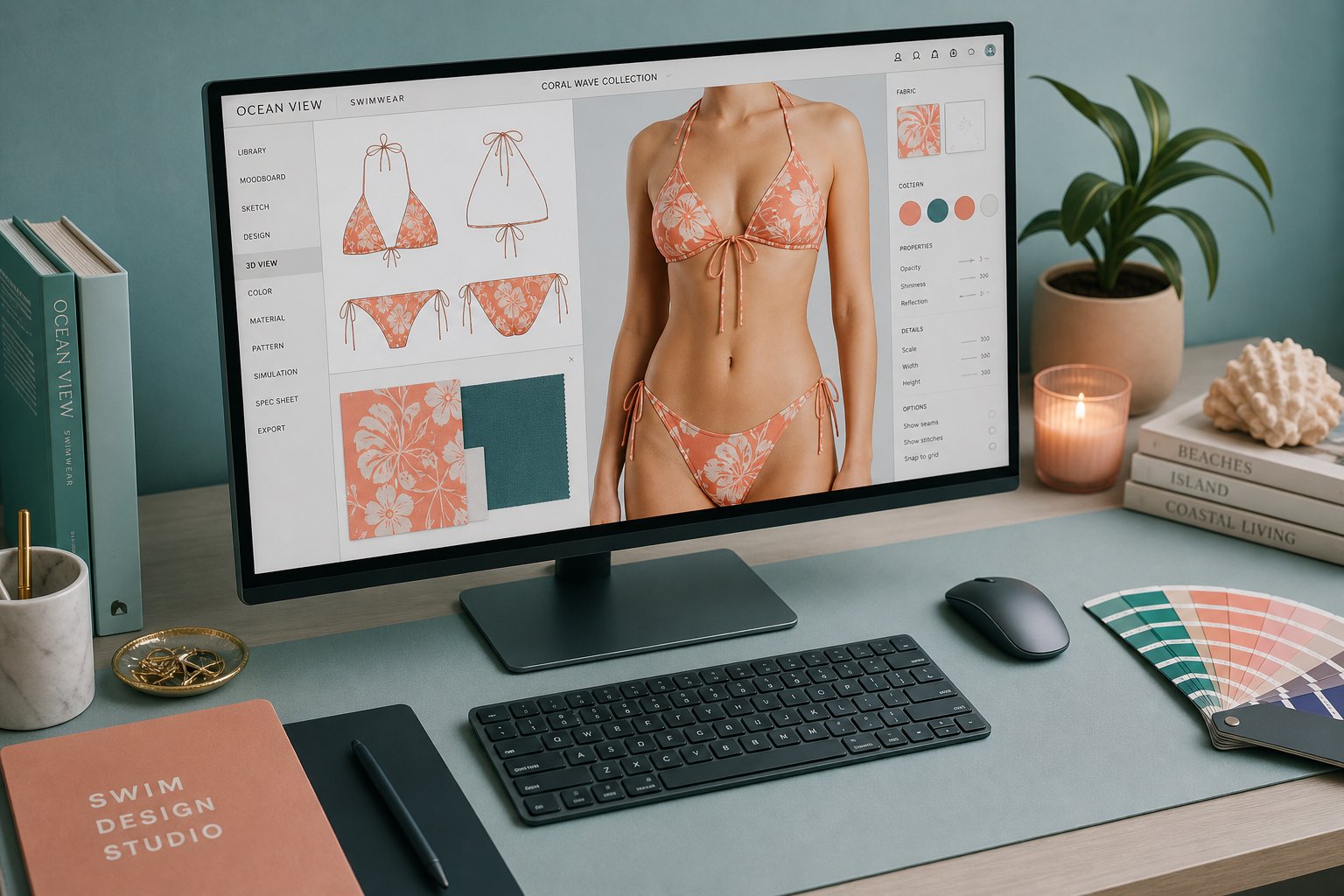

At a glance
An AI bikini photo editor is best used for authorized swimwear visualization: product mockups, campaign planning, catalog variants, and model-safe ecommerce previews. The useful workflow is not “one click and publish”; it is source-image preparation, AI generation, artifact review, consent and license checks, then final human approval.
| Use case | Good fit? | Review before publishing |
|---|---|---|
| Swimwear product previews | Yes, with approved product and model references | Fabric coverage, color, seams, and fit line accuracy. |
| Social campaign concepts | Yes, when marked and licensed correctly | Platform disclosure rules, model dignity, and brand consistency. |
| Editing another identifiable person without permission | No | Do not process or publish without explicit authorization. |
Commercial baseline: Use Snappyit’s AI Bikini Photo Editor for authorized adult model photos, product references, and swimwear content that your team can review before use.
What Is an AI Bikini Photo Editor
When you hear "ai bikini photo editor," you might picture a basic filter that slaps a swimsuit pattern onto a photo. The reality is far more sophisticated. These tools use trained neural networks to visualize swimwear on model imagery, adjust how fabric drapes across a body, refine lighting on skin and textiles, or generate entirely new bikini designs from text prompts.
An AI bikini photo editor is a software tool that uses artificial intelligence to create, modify, or visualize swimwear and lingerie on digital images, going beyond manual retouching by automatically understanding body geometry, fabric behavior, and lighting conditions.
The distinction from traditional editing matters. A Photoshop artist manually paints shadows, warps layers, and color-matches by hand. An ai bikini tool handles those steps through machine learning models trained on thousands of garment and body images. The result is faster output, more consistent quality across large batches, and the ability to iterate on designs without starting from scratch each time.
What AI Bikini Photo Editors Actually Do
These tools fall into a few core functions. Some swap existing clothing for ai swimwear on an uploaded photo. Others generate a full scene from a written description, producing ai bikinis that never existed as physical garments. A third category refines existing swimwear photos by correcting lighting, smoothing fabric wrinkles, or replacing backgrounds. What unites them is the underlying intelligence: the system recognizes body contours, predicts how a bikini ai model would sit on those contours, and renders fabric texture that matches the scene's light direction.
Who Uses These Tools and Why
The user base is broader than you might expect:
- E-commerce sellers visualizing swimwear on models without booking a full photoshoot
- Independent designers testing cut, color, and pattern ideas before producing samples
- Content creators generating lifestyle imagery for social feeds
- Fashion brands showing the same ai swimsuit across diverse body types to build shopper confidence
Each group has different priorities. A seller needs volume and speed. A designer needs creative flexibility. A brand needs realism that builds trust, since 93% of consumers consider visual appearance a key purchase decision driver. The common thread is efficiency: producing professional swimwear visuals without the traditional overhead of studios, models, and lengthy retouching cycles.
Understanding what these tools are is one thing. Knowing how the underlying technology actually produces those results, from diffusion models to virtual try-on architectures, reveals why some outputs look photorealistic while others fall flat.
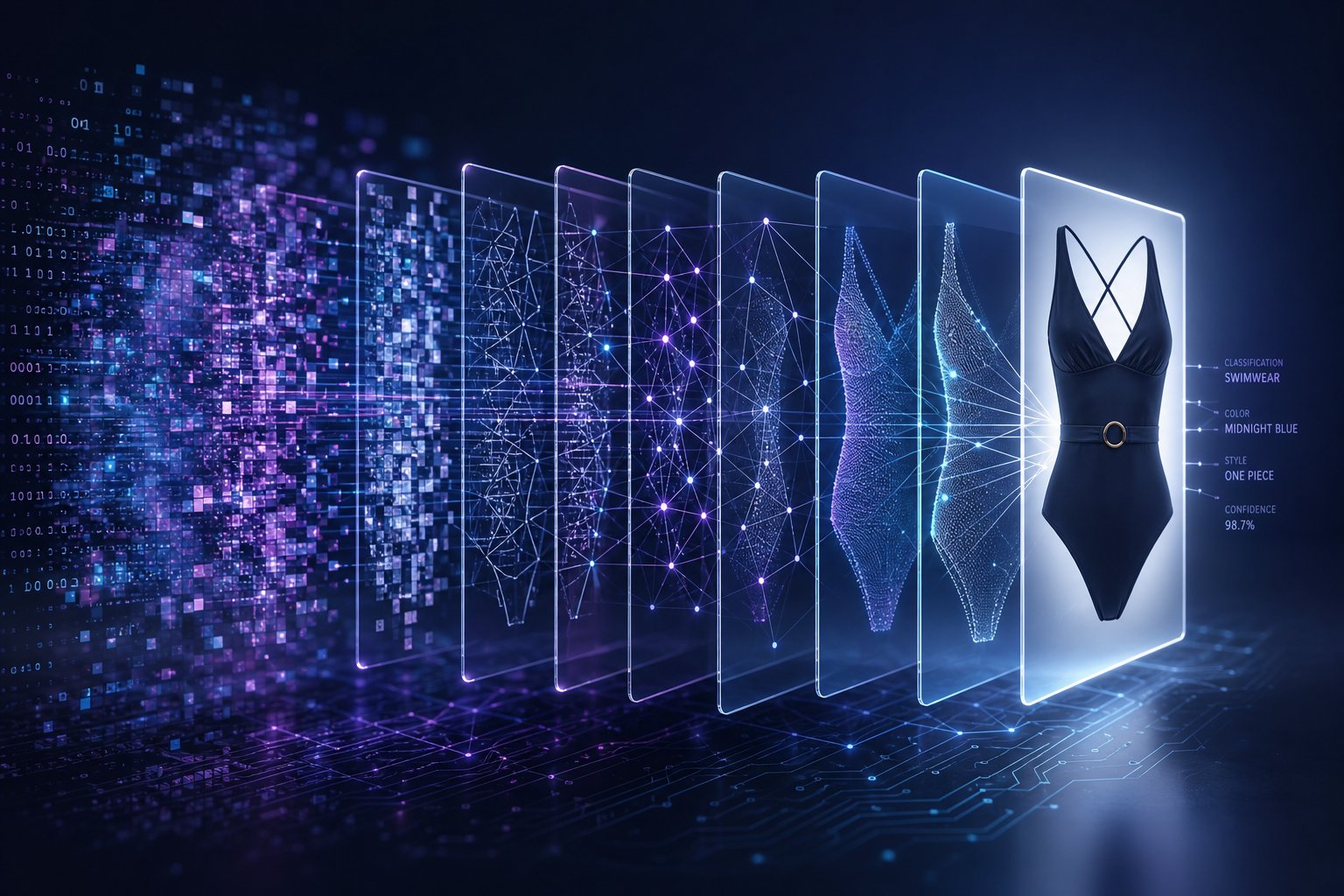
How AI Bikini Editing Technology Works
So how does a machine look at a photo and convincingly dress a figure in a swimsuit that was never physically there? The answer sits at the intersection of several AI architectures, each handling a different piece of the puzzle. You don't need a computer science degree to grasp the core ideas.
Most tools producing an ai generated bikini image rely on one or more of these technology categories:
- Text-to-image generation — creates a full scene from a written prompt, producing everything from realistic swimwear photos to cartoon bikini illustrations and swimsuit anime characters
- Image-to-image translation — takes an existing photo and transforms specific elements while preserving identity and pose
- Inpainting-based editing — masks a region of an image and fills it with contextually appropriate content, functioning like an ai bikini filter that replaces clothing within a defined area
- Virtual try-on warping — maps a specific garment onto a person's body using geometric understanding of pose and shape
Diffusion Models and Image Synthesis
Diffusion models power the majority of modern AI image tools. The concept is surprisingly intuitive: the model learns by gradually adding noise to training images until they become pure static, then trains a neural network to reverse that process step by step. When you prompt it to generate a stable diffusion bikini image, the system starts from random noise and iteratively refines it into a coherent picture, guided by your text description or reference photo.
Generative Adversarial Networks (GANs) were the previous standard. Two neural networks compete: one generates images, the other judges whether they look real. This adversarial loop produces sharp outputs, but GANs struggle with diversity and can collapse into repetitive patterns. Diffusion models largely replaced GANs for tasks like generating an ai generated woman full body image because they offer more stable training and greater variety in outputs.
Virtual Try-On Architecture Explained
Virtual try-on systems are particularly relevant for swimwear visualization. These architectures take two inputs: a person image and a garment image. The system then warps the garment to match the person's body pose and proportions. Recent DiT-VTON frameworks replace older U-Net denoisers with transformer blocks that process the person and garment as a unified token sequence. This approach achieves structural similarity scores above 0.92 on standard benchmarks, meaning the output closely preserves the person's identity while realistically fitting the new garment.
The key innovation is how these systems fuse conditioning information. Rather than stacking garment data into extra channels, transformer-based architectures let the model attend to both person and garment tokens simultaneously through self-attention. This produces more natural boundaries where fabric meets skin, a persistent challenge for ai women in bikini imagery generated by older methods.
How AI Handles Fabric and Lighting
Fabric rendering is where things get technically demanding. The system must understand that a bikini string catches light differently than a structured bandeau, and that wet lycra behaves differently than dry cotton. Models trained on diverse garment datasets learn these material properties implicitly. They analyze the lighting direction in the source photo, the skin's specular highlights, and the expected shadow patterns under straps and ties, then render fabric that respects all these cues.
Skin tone preservation works through latent-space encoding. The model encodes the original photo into a compressed representation that retains color and texture information, then uses this as a constraint during generation. The result: generated fabric interacts realistically with the existing skin tones rather than floating on top like a sticker.
These technical foundations explain why results vary so dramatically between tools. But technology categories alone don't tell you which type of tool fits your actual workflow, and that distinction matters more than most users realize.
Three Types of AI Bikini Tools and How They Differ
Knowing the technology behind these tools is useful, but it won't help much if you pick the wrong category for your task. Someone searching for a photo to bikini ai converter has a fundamentally different need than a designer who wants to create bikini concepts from scratch. The market splits into three distinct tool types, and confusing them is the fastest way to waste time and credits.
Clothes-Changing and Virtual Try-On Tools
These are the tools most people picture first. You upload an existing photo of a person, select or upload a bikini garment image, and the AI swaps the current outfit for swimwear. The system uses virtual try-on warping and inpainting to map the new garment onto the subject's body while preserving their pose, skin tone, and identity.
This category works best when you already have model photos and want to visualize how specific swimwear designs look on those bodies. Fashion sellers use them to change clothes to bikini ai free of the usual reshooting costs, testing colorways or cuts across multiple model images without booking another session. The ai bikini try on workflow is straightforward: upload, select garment, generate, review.
Text-to-Image Bikini Generators
A bikini ai generator takes a different approach entirely. Instead of modifying an existing photo, you write a text prompt describing the scene you want, and the diffusion model produces a completely new image from noise. There is no source photo required. You might prompt something like "model on a tropical beach wearing a coral halter bikini, golden hour lighting" and receive a fully generated composition.
Designers use this workflow to explore concepts rapidly. You can create bikini designs that don't exist yet, test color palettes against different skin tones, or produce mood board imagery without any photography at all. Some users also look for an ai bikini video generator free option to animate these generated stills, though video quality from free tools remains inconsistent compared to still-image output.
AI Photo Retouching for Swimwear Content
The third category starts with a real bikini photo that already exists and refines it. These retouching tools handle background replacement, lighting correction, fabric texture enhancement, skin smoothing, and color grading. They don't swap garments or generate new figures. They polish what you already have.
Content creators shooting bathing suit imagery on location often deal with harsh shadows, distracting backgrounds, or uneven lighting across the fabric. AI retouching fixes these issues in seconds rather than the hours traditional editing requires. An ai bikini generator creates something new; a retoucher makes something existing look professional.
| Category | Input Required | Output Type | Best For | Typical Quality Level |
|---|---|---|---|---|
| Clothes-Changing / Virtual Try-On | Person photo + garment image or selection | Modified photo with new swimwear | E-commerce product visualization, testing designs on models | High realism on simple poses; drops on complex angles |
| Text-to-Image Generator | Text prompt only | Fully generated new image | Concept exploration, mood boards, social content | Stylistically strong; may lack photographic precision |
| AI Photo Retoucher | Existing bikini/swimwear photo | Enhanced version of the same photo | Fixing lighting, backgrounds, fabric appearance on real shoots | Highest realism since the base image is real |
The overlap between categories can be confusing. Some platforms bundle all three functions together, while others focus on a single workflow. The right pick depends on one simple question: are you starting with a photo you want to modify, starting with nothing and want to generate from imagination, or starting with a swimwear photo that just needs polishing?
Each category also maps to different real-world scenarios, from swimwear brands scaling their product pages to designers prototyping seasonal collections. Those practical use cases, and the specific workflow requirements that come with them, reveal even more about which tool type actually fits your situation.
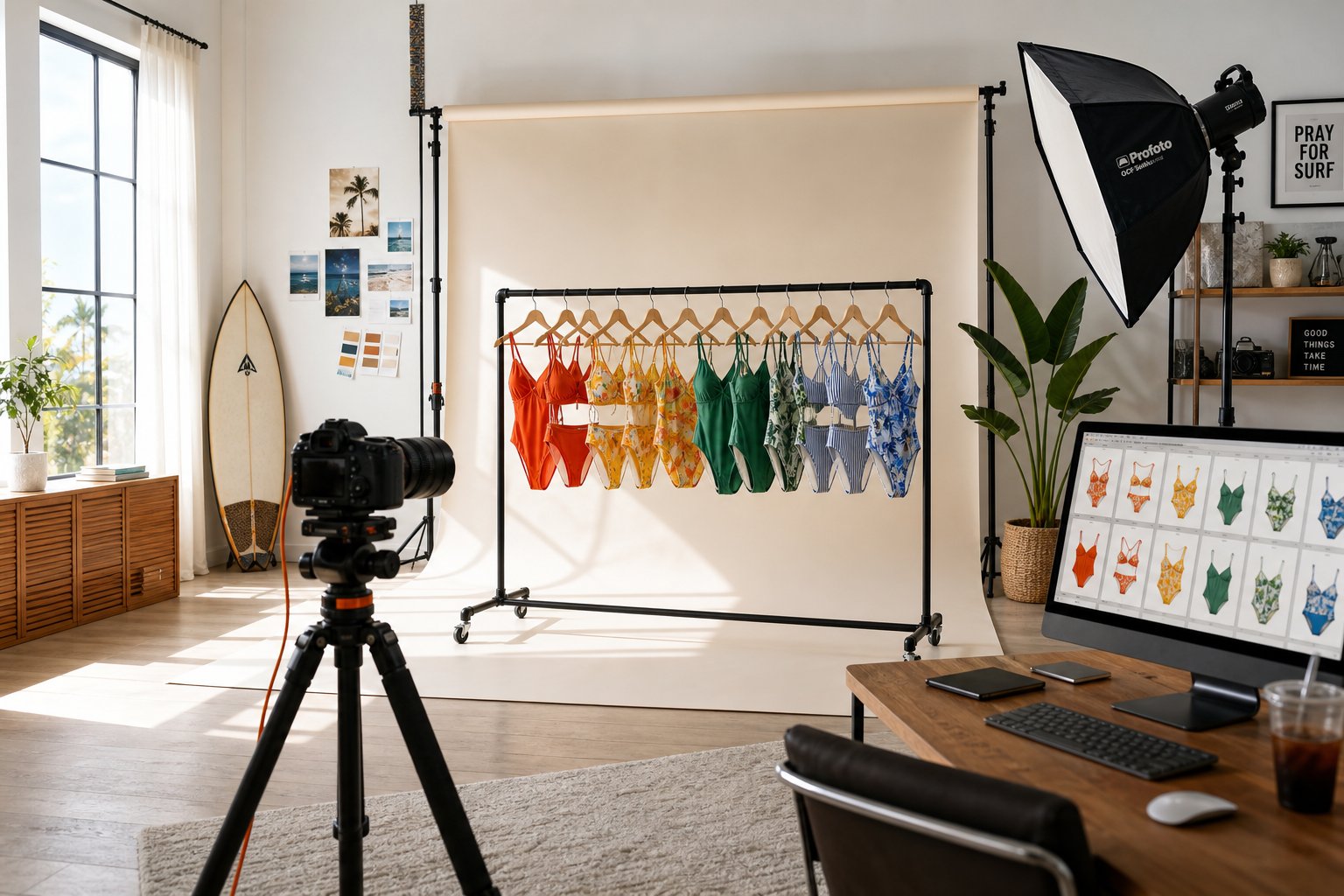
Practical Use Cases From Fashion to E-Commerce
Picking the right tool category is only half the equation. The other half is understanding what you actually need the output for, because a swimwear brand building an Amazon listing operates under completely different constraints than a designer sketching next season's collection. Each use case demands a different balance of realism, speed, volume, and output resolution, and mismatching those priorities is where most frustration begins.
E-Commerce and Swimwear Brand Visualization
Imagine you run a swimwear brand with 40 SKUs dropping for summer. Traditional on-model photography means booking a studio, casting models, coordinating sample shipping, and waiting days for post-production. The cost adds up fast. Verified 2026 rates put traditional e-commerce on-model photography at $130-830 per outfit, with hidden costs like model usage rights renewals and rush retouching adding another 30-50% on top.
AI-powered workflows collapse that entire timeline. Sellers photograph flat-lays on a neutral surface, feed them into an ai bikini model generator, and receive marketplace-ready on-model images in under a minute per SKU. The economics shift dramatically: AI imagery runs $0.50-2 per outfit at production quality, a ratio of roughly 50:1 compared to mid-tier traditional shoots.
The workflow requirements for e-commerce are strict:
- Pure white backgrounds at RGB 255,255,255 for Amazon main images at 2000-3000px resolution
- Lifestyle backgrounds for Etsy primary images at 4:5 aspect ratio
- Square crops at 2048x2048 for Shopify hero sections
- Consistent ai swimsuit model identity across the full catalog so listings feel cohesive
- Color variant generation for the same style in multiple colorways without reshooting
Tools built specifically for this workflow handle those specs natively. Snappyit's AI Bikini & Lingerie Photo Editor, for example, is designed around fashion seller needs: you upload authorized model photos, visualize swimwear on the figure, then refine fit, lighting, and fabric texture for polished product imagery. The same source image can feed into ghost mannequin rendering, color variant generation, and short-form video creation, giving sellers a full listing asset bundle from a single flat-lay. For brands managing a customer bikini photo gallery across multiple marketplace channels, that kind of pipeline integration eliminates the patchwork of disconnected tools.
On-model imagery also addresses the biggest cost driver in swimwear e-commerce: returns. Swimwear carries return rates of 30-35%, with 42% of returns citing size and fit as the reason. On-model photos convert 20-30% better than flat-lay alone, and time-on-page rises 40-60%. The math is straightforward: better visuals mean fewer returns and higher conversion, which is why ai swimsuit models have moved from novelty to operational necessity for sellers shipping more than a handful of SKUs.
Content Creation and Social Media Workflows
Influencers, content creators, and brand social teams face a different pressure: volume and variety over marketplace compliance. A creator posting swimwear content daily needs fresh visuals faster than any photoshoot schedule can deliver. The priority shifts from pixel-perfect product accuracy to eye-catching compositions that stop the scroll.
Typical social media workflows include:
- Generating lifestyle scenes with ai bikini models posed in aspirational settings like rooftops, beaches, or resort pools
- Producing carousel posts showing the same swimwear piece styled across multiple environments
- Creating short-form video clips from static AI-generated images for Reels, TikTok, or YouTube Shorts
- Testing how ai women in bikinis compositions perform across different audience demographics before committing to a paid shoot
Resolution requirements here are lower than e-commerce. A 1080x1350 Instagram feed image or a 1080x1920 Stories frame doesn't demand the 3000px output that Amazon needs. Speed matters more: creators want outputs in seconds, not minutes. And the aesthetic leans editorial rather than clinical. A slightly stylized ai bikini woman on a sunset beach performs better on social feeds than a sterile white-background product shot, even if the latter is technically more accurate.
The trap for creators is over-reliance on generated imagery without disclosure. Most platforms now require some form of AI content labeling, and audiences increasingly recognize synthetic visuals. The strongest social strategies use AI-generated swimwear content alongside real photography, blending efficiency with authenticity.
Fashion Design Prototyping
Designers occupy the most creative corner of the use case spectrum. Before cutting a single piece of fabric, a designer exploring swimwear concepts can generate dozens of variations in an afternoon: different strap configurations, color palettes, fabric textures, and cut lines, all visualized on diverse body types.
The prototyping workflow looks like this:
- Prompt-based generation to explore broad design directions: triangle tops versus bandeau, high-leg versus classic cut, bold prints versus solid neutrals
- Image-to-image refinement to iterate on promising concepts by adjusting specific elements
- Virtual try-on rendering to see how a design sits on different body proportions before sampling
- Client or team review of AI mockups to narrow options before any physical production begins, effectively letting you customize swim suit concepts at zero material cost
Realism requirements for design prototyping sit in a middle zone. The output needs to communicate cut, proportion, and color accurately enough for design decisions, but it doesn't need to fool a consumer into thinking it's a photograph. What matters is speed of iteration. A designer who can test 30 variations in two hours and present the strongest five to a buyer is operating at a fundamentally different pace than one waiting three weeks for physical samples.
Some brands now use AI-generated swimwear mockups in pre-order campaigns, gauging customer interest in colorways or cuts before committing to production runs. This approach reduces inventory risk in a category where trend cycles move quickly and overproduction eats margins.
Each of these use cases, from marketplace listings to social content to design prototyping, shares one critical dependency: the quality of your input. A stunning AI output almost always traces back to a well-prepared source image, and the gap between a good input and a great one determines whether you spend five minutes generating or five hours troubleshooting.
Getting the Best Results From AI Bikini Editors
A well-prepared source image does more for your final output than any amount of prompt tweaking or tool switching. Whether you're using a photo to bikini ai free tool or a premium platform, the principle holds: clean input produces clean output. The AI analyzes body contours, lighting direction, and background edges to make decisions about garment placement. Feed it a messy photo, and those decisions go sideways fast.
Optimal Photo Input Requirements
Before uploading anything, run through this preparation checklist. Each step directly reduces the chance of artifacts and distortion in your output.
- Shoot at high resolution. Aim for at least 2000x2000 pixels. Higher resolution gives the AI more detail for accurate edge detection and realistic fabric placement. Avoid cropping heavily after the fact, since that destroys the pixel data the system needs.
- Use a plain, uncluttered background. A solid wall, a white backdrop, or even a clean bedsheet works. Busy backgrounds confuse edge detection and cause the AI to blend garment boundaries into surrounding textures.
- Frame the full body. If you want a complete swimwear visualization, the image needs to show the subject from head to at least mid-thigh. A bathing suit with face visible helps the AI establish body orientation and proportions correctly. Cropped frames force the system to guess what's missing.
- Wear form-fitting, solid-colored clothing. The original garment acts as a mapping template. Tight basics in neutral tones let the AI identify body contours clearly. Patterns, logos, and baggy layers confuse the algorithms.
- Keep accessories minimal. Remove belts, scarves, layered jewelry, and bags. These interfere with body mapping and often produce ghost artifacts in the output.
- Upload in PNG or high-quality JPEG. Avoid heavily compressed files. JPEG artifacts at low quality settings introduce noise that the AI may interpret as texture detail.
Lighting and Pose Angles That Work Best
Lighting affects every pixel the AI processes. Uneven illumination creates inconsistent shadows on the generated garment, making the result look pasted on rather than worn naturally.
The ideal setup is soft, even lighting from a single direction. Indoor window light on an overcast day is perfect. If you're shooting under artificial lights, diffuse them with a white sheet or softbox. Avoid overhead fluorescents that cast hard downward shadows, and never mix warm and cool light sources in the same frame.
For bikini photoshoot poses, simplicity wins. A straight, front-facing stance with arms relaxed at the sides gives the AI the clearest body map. Slight angles work too, such as a three-quarter turn, but avoid anything where arms cross the torso or hands rest on hips. Those positions create occlusion zones where the AI has to guess what's underneath, and it rarely guesses well.
Bathing suit selfies taken at arm's length introduce lens distortion and awkward angles that confuse proportion calculations. If your source material is a selfie, expect the AI to struggle with shoulder width and torso length accuracy. A tripod or a friend holding the camera at chest height, about 5-6 feet away, produces far better results.
When someone is already wearing a bikini and you want to edit or swap the design, the same rules apply. A photo of a person wearing a bikini in even lighting with a clean background gives the AI a strong foundation to work from, whether you're refining fabric texture or testing a new colorway.
Common Mistakes That Ruin AI Outputs
Even experienced users hit these pitfalls. If you've tried to edit any image to bikini ai and gotten disappointing results, one of these is likely the culprit:
- Low resolution or motion blur. Without enough pixel detail, the AI invents textures and patterns that don't exist, creating visual noise across the garment area.
- Busy or patterned backgrounds. The system can't cleanly separate body from environment, leading to garment edges that bleed into surrounding elements.
- Instagram filters or heavy color grading. Saturated colors and altered white balance trick the AI into misreading the actual skin tone and fabric hue, producing outputs where the clothing appears in an entirely different color than intended.
- Complex poses with limb overlap. Arms crossed over the chest, hands in pockets, or legs twisted together create regions where the AI cannot determine body boundaries.
- Wrinkled or baggy source clothing. The AI maps the new garment based on the shape it detects. Baggy fabric hides actual body contours, so the generated swimwear inherits that shapelessness.
- Partial framing or cut-off limbs. A photo to bikini converter online free tool still needs complete body information. Cut-off arms or cropped waistlines force the model to hallucinate missing anatomy, often incorrectly.
- Mixed or harsh lighting. Multiple light sources create contradictory shadow directions. The generated garment can only follow one lighting logic, so it ends up clashing with the rest of the scene.
The pattern across all these mistakes is the same: the more the AI has to invent, the worse the result. Give it clarity, consistency, and completeness in your source image, and you remove most of the guesswork that produces artifacts.
Of course, even with a perfect input photo, these tools have hard limits. Some types of outputs consistently fail regardless of preparation, and understanding those boundaries saves you from chasing results the technology simply cannot deliver yet.
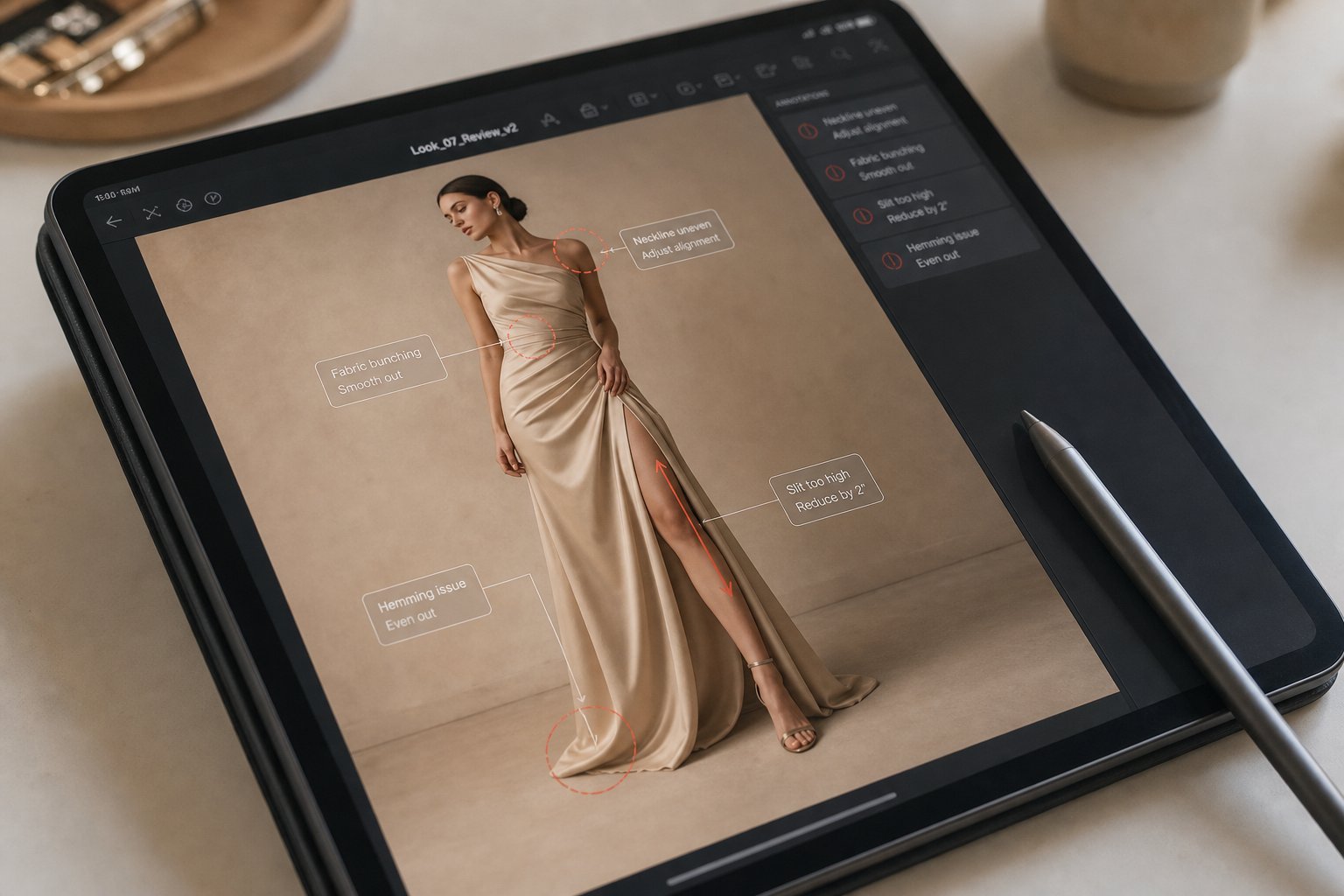
Limitations and Artifacts You Should Expect
Ethics, Consent, and Legal Considerations
An AI bikini photo editor belongs in a documented, authorized swimwear workflow: your own photos, licensed model imagery, approved product references, or fully generated fictional models. Do not use it to alter another identifiable person without explicit permission, and do not publish outputs that misrepresent a model, product, or brand relationship.
Consent and Authorized Use Boundaries
For ecommerce and campaign work, keep the authorization trail as carefully as you keep product SKUs. Confirm that the model release or asset license allows AI editing, swimwear visualization, commercial use, and the channels where the image will appear.
- Use images you own, licensed assets, or authorized adult model photos only.
- Keep product references separate from body or model references so review teams can audit what changed.
- Reject tools that position themselves around permissionless identity transformations, even if your immediate project is legitimate.
- Label synthetic or heavily edited campaign assets when the platform, client, or local rules require disclosure.
Commercial Review Before Publishing
Before a swimwear image goes live, check the fit line, fabric coverage, product color, body proportions, and any brand marks against the approved reference. The practical standard is simple: a shopper should understand the product more clearly after the edit, not less.
Responsible Use Guidelines for Swimwear Teams
Set one internal checklist for every AI-edited swimwear image: authorization confirmed, product accuracy reviewed, model dignity preserved, file history retained, and platform requirements checked. That workflow keeps speed from replacing accountability.
How to Choose the Right AI Bikini Photo Editor
You understand the technology, you know the use cases, and you're clear on the ethical boundaries. The remaining question is practical: which tool deserves your time and, eventually, your money? The market is crowded with every bikini generator claiming to be the best, so you need a structured way to separate genuine quality from marketing noise.
Evaluation Criteria That Actually Matter
Most comparison lists rank tools by feature count alone. That approach misses what actually affects your workflow. A tool with 50 features that produces unrealistic fabric rendering is less useful than a focused platform that nails the three things you need. Here's what to weigh when evaluating any ai bikini photo generator:
| Criterion | What to Look For | Red Flags |
|---|---|---|
| Output Realism | Natural fabric-skin boundaries, consistent lighting direction, accurate body proportion preservation. Snappyit's AI Bikini & Lingerie Photo Editor focuses specifically on refining fit, lighting, and fabric texture for fashion workflows using authorized model photos. | Garments that look painted on, visible halos around edges, inconsistent shadow direction between skin and fabric |
| Processing Speed | Under 30 seconds per image for standard outputs; batch processing for catalogs | Queue times exceeding several minutes with no transparency about server load |
| Privacy and Data Handling | Clear data retention policies, option to delete uploads immediately, no training on user images without consent | Vague or missing privacy policy, no mention of where images are stored or for how long |
| Customization Options | Control over garment style, color, fabric type, background, and lighting adjustments | Single-click output with no ability to refine or iterate on results |
| Pricing Transparency | Clear credit costs per generation, no hidden fees for high-resolution downloads | Pricing only visible after account creation, unexpected charges for basic features like watermark removal |
| Commercial Usage Rights | Explicit license granting full commercial use of generated outputs in product listings, ads, and social media | Terms that retain ownership of generated images or restrict commercial application without premium tiers |
Realism and commercial rights tend to matter most for professional users. A best ai bikini generator free tier means nothing if the outputs carry watermarks that disqualify them from marketplace listings, or if the terms of service claim co-ownership of your generated imagery.
Pricing Models and Commercial Rights
Free tiers exist across nearly every bikini ai generator free online, but they vary wildly in what "free" actually means. Some models worth understanding:
- Credit-based systems: You receive a set number of generations per month. Unused credits may or may not roll over. This works well for occasional users testing an ai bikini generator free before committing, but heavy catalog work burns through allocations fast.
- Subscription tiers: Monthly fees unlock higher resolution, faster processing, and commercial licensing. Compare the per-image cost at your expected volume. A $20/month plan generating 100 images costs $0.20 each; a $10/month plan capped at 20 images costs $0.50 each.
- Pay-per-generation: No commitment, but typically the most expensive per image at scale. Best for infrequent, high-stakes outputs where you need maximum quality on a handful of images.
- Watermark policies: Some platforms watermark free-tier outputs but offer full-resolution, unmarked downloads on paid plans. Others watermark everything below a certain subscription level. Check whether the watermark placement would interfere with your intended use.
Commercial rights deserve specific attention. Industry comparisons show that some platforms grant commercial use only on paid plans, while others include it at all tiers. If you're using outputs in product listings or advertising, confirm the license explicitly before publishing. An app bikini tool that looks perfect in testing becomes a liability if its terms restrict commercial deployment of the images you've already integrated into your store.
Privacy and Data Security Red Flags
Every image you upload to a cloud-based tool leaves your device. That reality demands scrutiny, especially when the images contain human figures in swimwear. Research from Purdue University demonstrates that AI editing platforms can inadvertently leak biometric attributes like facial features, eye color, and age group from uploaded images, even when those attributes aren't relevant to the edit being performed.
When evaluating any app bikini editor or swimwear visualization tool, ask these questions:
- Does the platform state how long uploaded images are retained after processing?
- Are your uploads used to train the platform's AI models? If so, can you opt out?
- Is there a one-click delete option that removes your images from their servers immediately?
- Does the platform process images on-device or require cloud upload?
- Are images transmitted over encrypted connections, and is data stored encrypted at rest?
A platform that's transparent about all five points signals operational maturity. One that dodges these questions, or buries the answers in pages of legalese, warrants caution regardless of output quality. Snappyit's focus on authorized adult model photos and fashion-specific workflows reflects the kind of intentional scoping that correlates with responsible data handling: a platform built for swimwear brands and designers operates under different accountability pressures than a general-purpose image generator with no stated use-case boundaries.
The best tool for you balances all these criteria against your specific workflow. A solo designer prototyping concepts has different priorities than a brand managing thousands of SKUs. Start with free tiers to test output quality and interface fit, then upgrade only when you've confirmed the platform matches your resolution needs, commercial rights requirements, and privacy standards. The technology is mature enough that you shouldn't have to compromise on any of these dimensions to find a tool that works.
Create Reviewed Swimwear Visuals Faster
AI can shorten the swimwear content cycle, but review still matters. Use Snappyit to create authorized bikini previews, then check product color, fabric shape, fit line, and usage rights before publishing.
More Resources on Swimwear Content
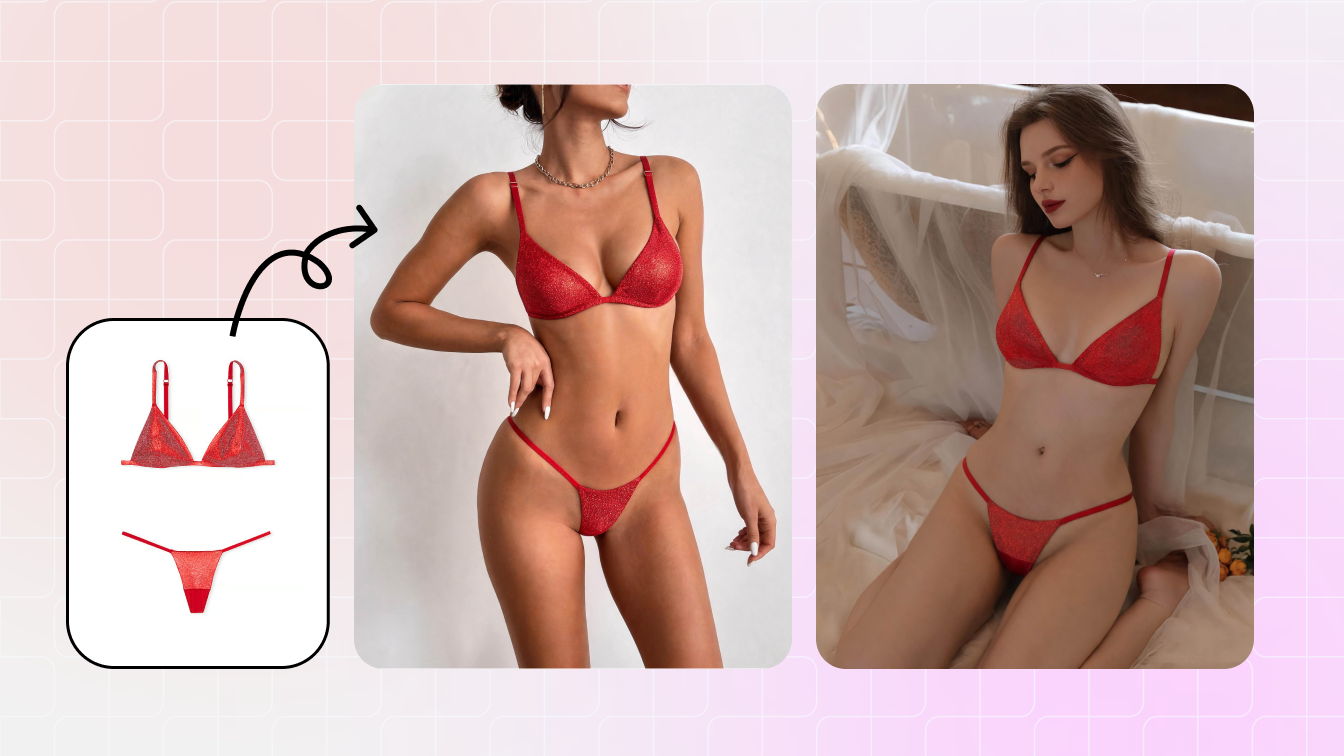 Related guideAI Bikini Photo EditorUse Snappyit’s dedicated bikini editor for authorized swimwear visualization workflows.
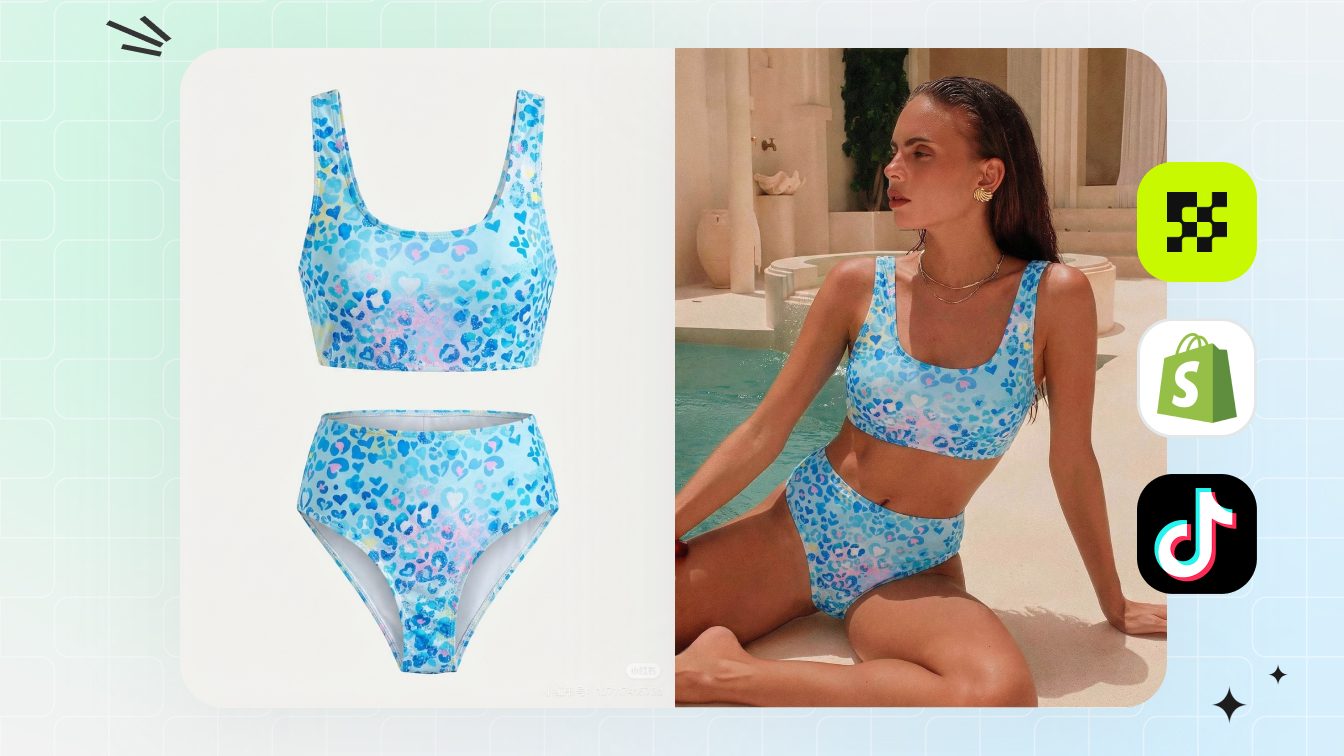 Related guideBikini Instagram PhotosPlan swimwear social crops, pose coverage, and ecommerce-safe bikini content faster.
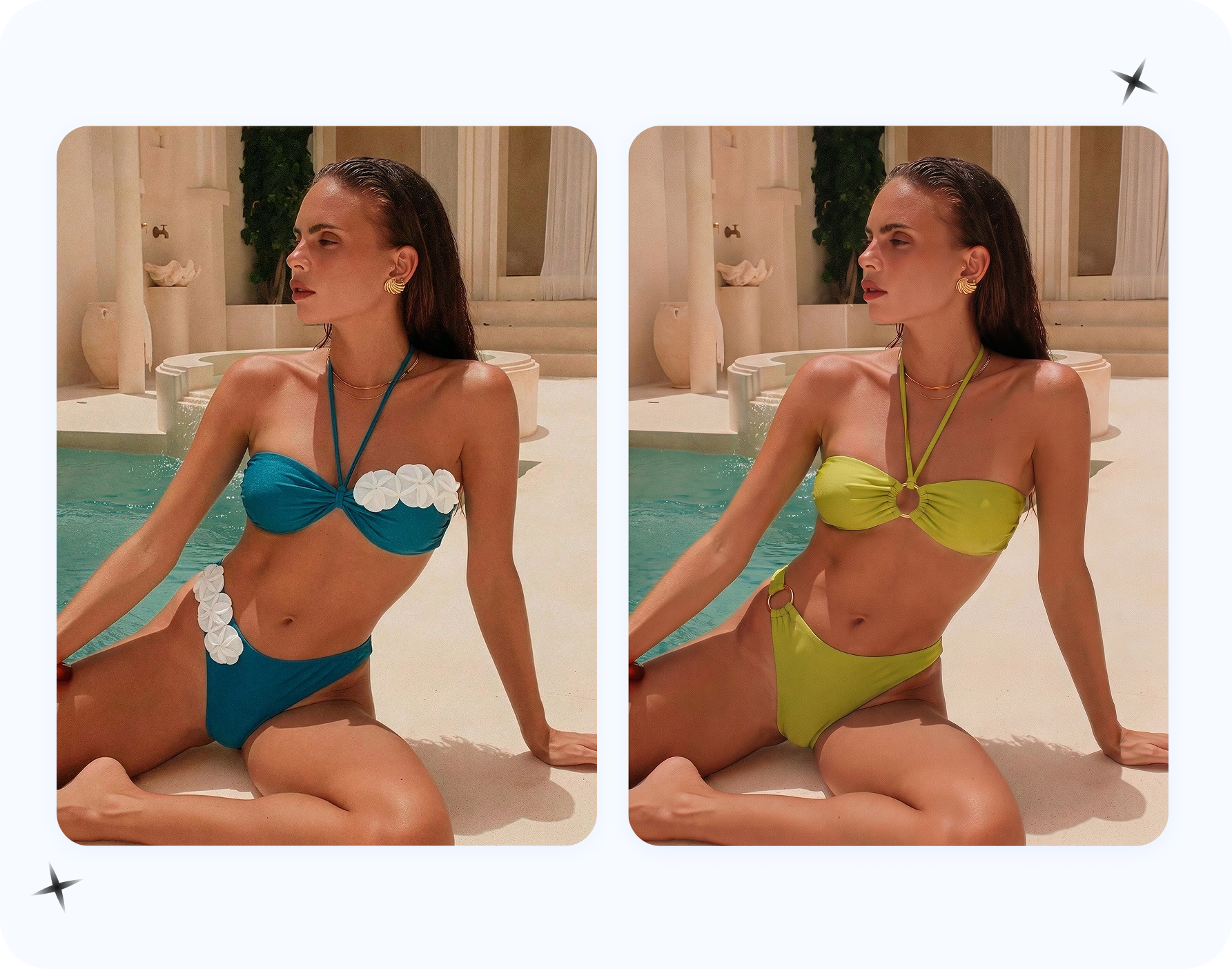 Related guideHow to Put Bikini on Model With AIA workflow for turning swimwear products into reviewed on-model visual concepts.
Frequently Asked Questions About AI Bikini Photo Editors
1. Is it legal to use an AI bikini photo editor?
Use an AI bikini photo editor only when you own the image, have a license that allows AI editing, have explicit model authorization, or are working with fully generated fictional figures. Rules vary by jurisdiction, platform, and commercial channel, so treat this as a rights-and-review workflow: confirm permission before upload, keep the license or model release on file, and avoid publishing edits that misrepresent an identifiable person or product.
2. What is the difference between an AI bikini generator and an AI bikini photo editor?
An AI bikini generator creates entirely new images from text prompts using diffusion models, requiring no source photo. An AI bikini photo editor modifies existing photographs by swapping outfits to swimwear, refining fabric texture, adjusting lighting, or replacing backgrounds. A third category, AI photo retouchers, polishes existing swimwear photos without changing the garment. Tools like Snappyit's AI Bikini & Lingerie Photo Editor fall into the editing category, helping fashion sellers visualize swimwear on authorized model photos while refining fit and fabric appearance for professional product imagery.
3. How do I get realistic results from an AI bikini photo editor?
Start with a high-resolution image (at least 2000x2000 pixels) shot against a plain background with soft, even lighting from a single direction. The subject should wear form-fitting, solid-colored clothing and stand in a simple front-facing or slight three-quarter pose with arms relaxed at the sides. Remove accessories, avoid Instagram filters, and upload in PNG or high-quality JPEG format. These steps give the AI clear body contours and consistent lighting data to produce natural-looking garment placement without artifacts or distortion.
4. Can AI bikini editors handle all swimwear styles accurately?
Not equally. Wider-strap designs with moderate coverage and solid colors produce the most reliable outputs. Minimal-coverage styles like micro bikinis or string bikinis with thin ties frequently cause rendering failures including straps fusing into skin, floating above the body, or disappearing at connection points. Complex details like crochet textures, mesh overlays, and intricate tie arrangements also tend to flatten or distort. For best results, start with simpler designs and increase complexity only after confirming the tool handles basic styles well.
5. Are free AI bikini photo editors good enough for e-commerce product listings?
Free tiers can work for testing and prototyping, but most impose limitations that disqualify outputs for professional e-commerce use. Common restrictions include watermarks on generated images, reduced resolution below marketplace requirements (Amazon requires 2000px minimum), limited commercial usage rights, and slower processing speeds. If you plan to use outputs in product listings or advertising, verify the platform explicitly grants commercial rights at your tier level and delivers unwatermarked images at sufficient resolution before building your catalog workflow around it.