
At a glance
The best ecommerce tools for fashion brands cover five systems: storefront, product visuals, marketing, operations and measurement.
| System | Tool category | Why fashion brands need it |
|---|---|---|
| Storefront | Shopify, headless or marketplace storefront | Product pages, checkout and merchandising |
| Visual production | AI product photography, fashion model, outfit generator | Product images, lookbooks and ads |
| Marketing | Email, SMS, Meta ads, Pinterest, creator workflow | Demand generation and retention |
| Operations | Inventory, returns, reviews and helpdesk | Size, fulfillment and customer trust |
| Measurement | Analytics, creative scorecards, attribution | Know what actually sells |
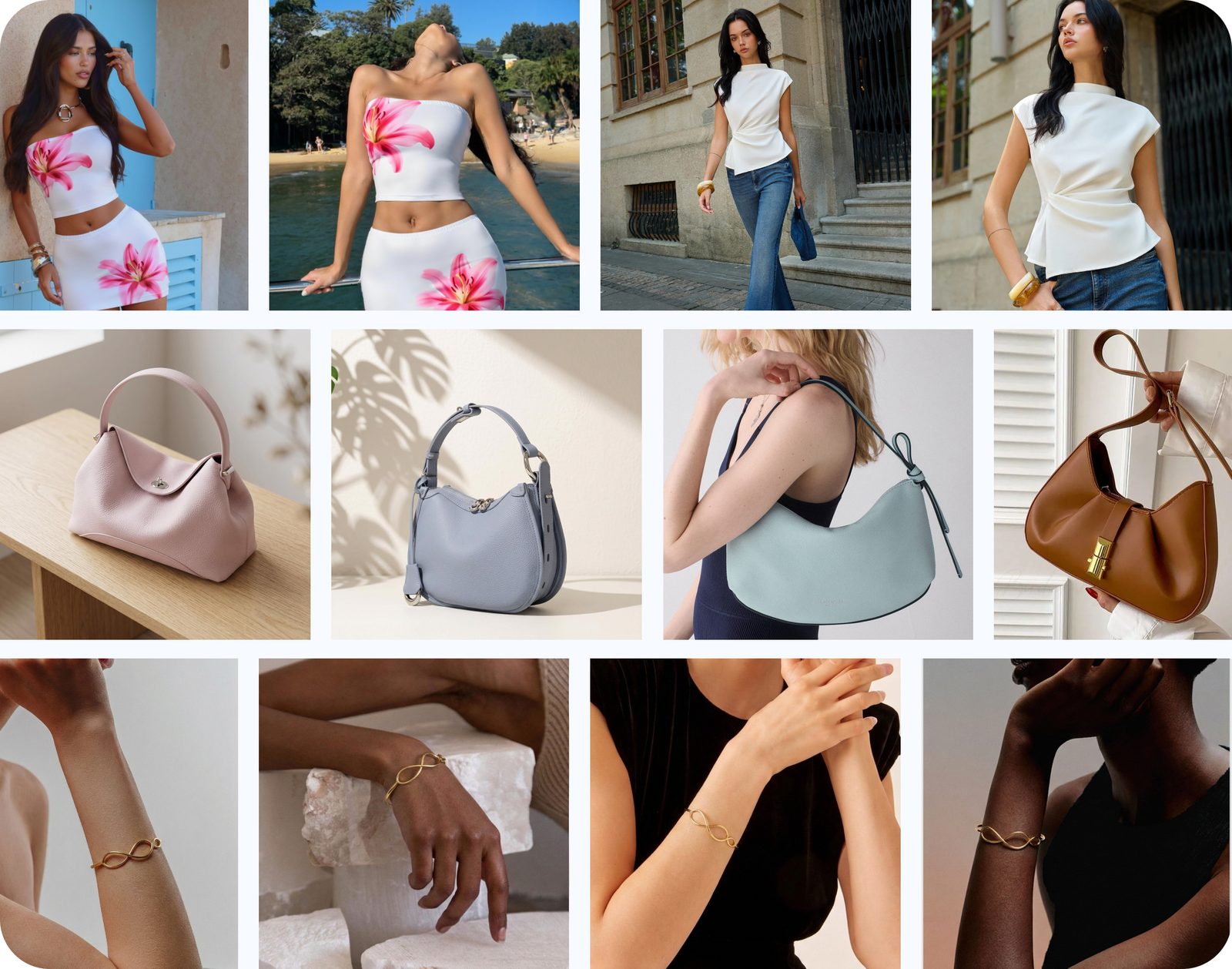
For fashion, visuals are not a supporting tool category. They are the sales interface because shoppers judge fit, styling, material and brand mood before reading specs.
Visual tools for fashion ecommerce
Visual tools are the first ecommerce tool category fashion brands should audit because image quality affects product pages, ads, emails, social posts and marketplaces at once.
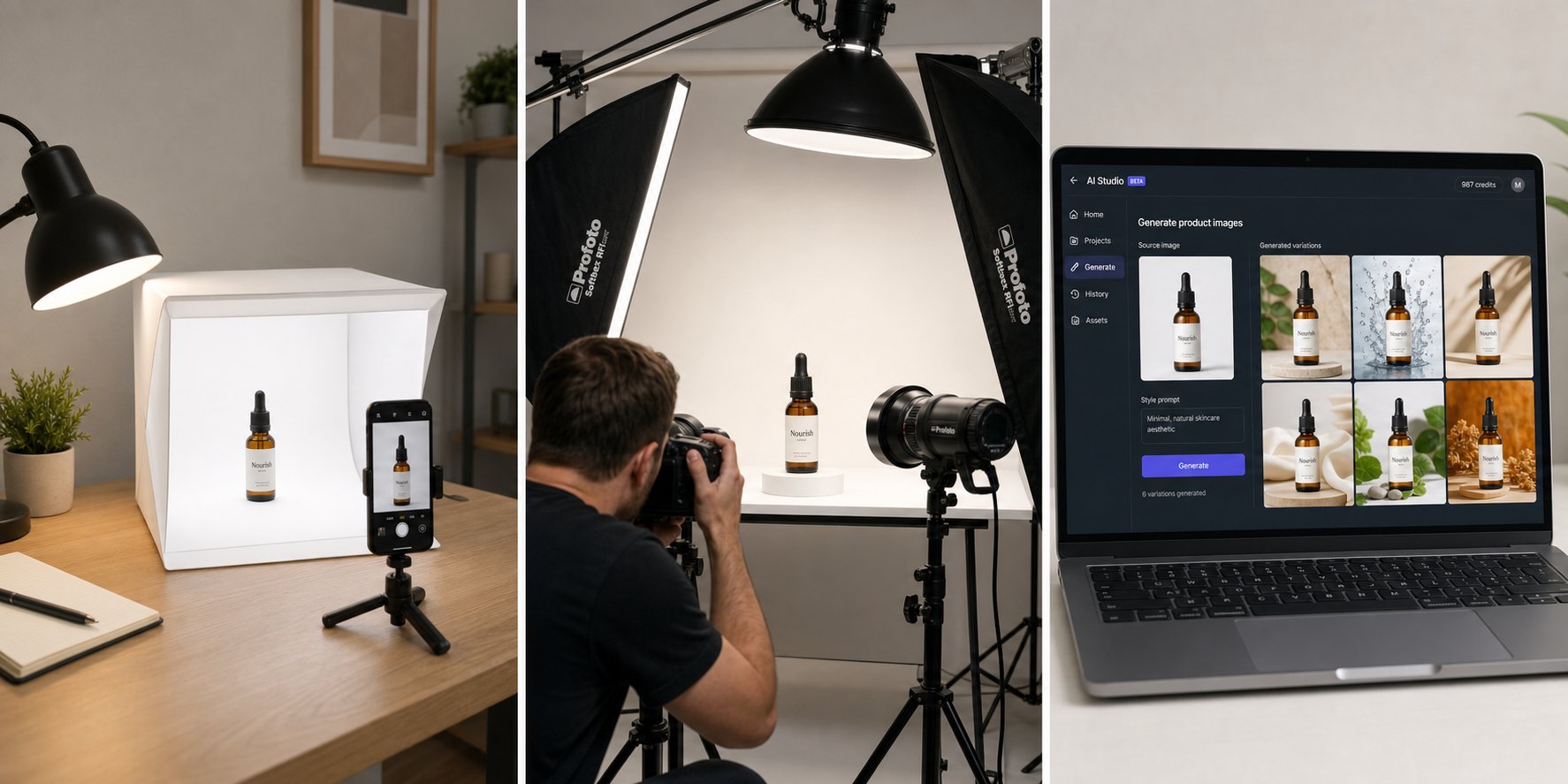
AI product photography
Use product photography tools to create clean packshots, lifestyle scenes, colorway visuals and campaign images from a smaller source set.
AI fashion model images
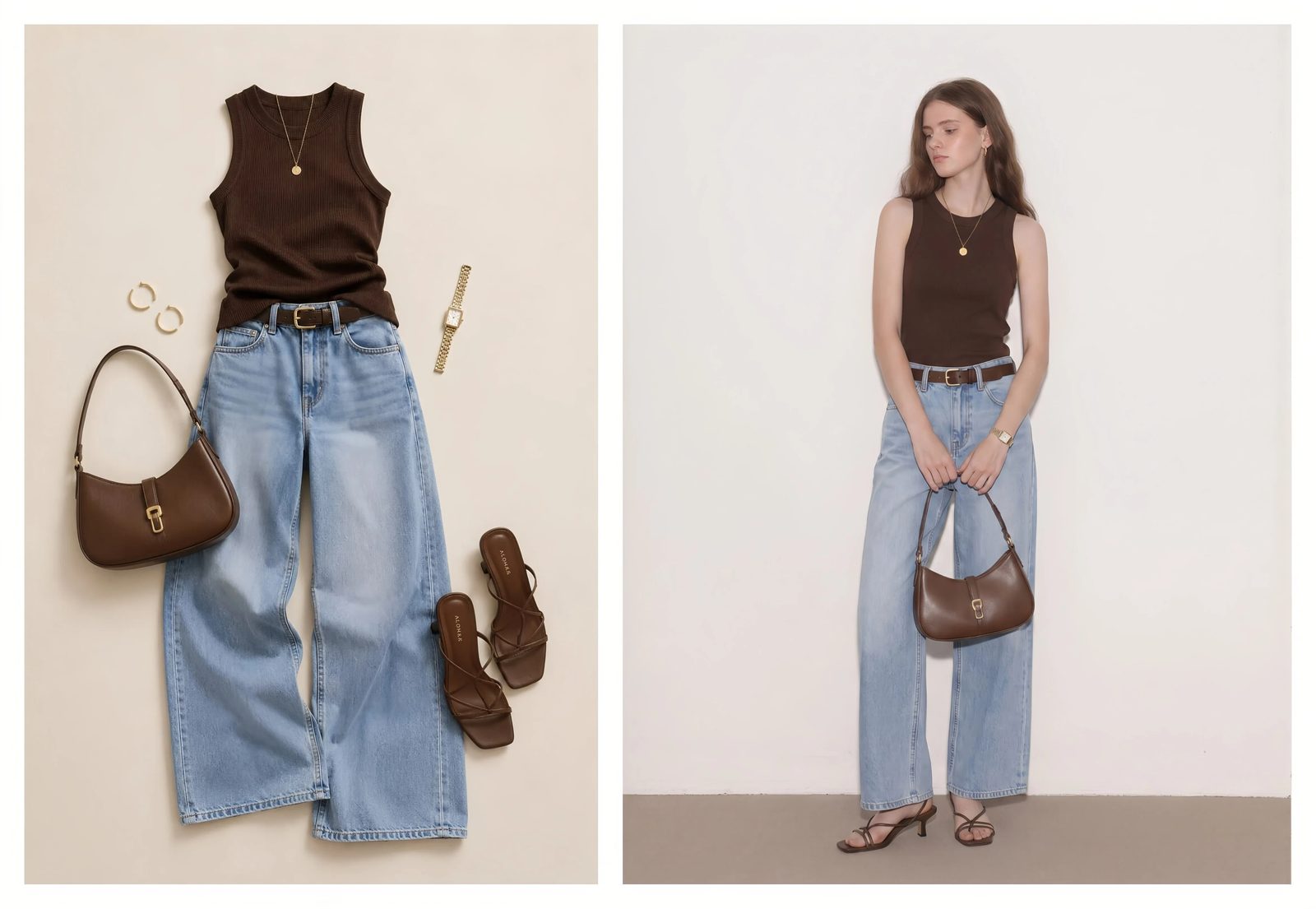
Use model generation when buyers need to understand fit, scale, drape and outfit context. This is especially valuable for new drops, color variants and seasonal content.
AI outfit and accessory previews
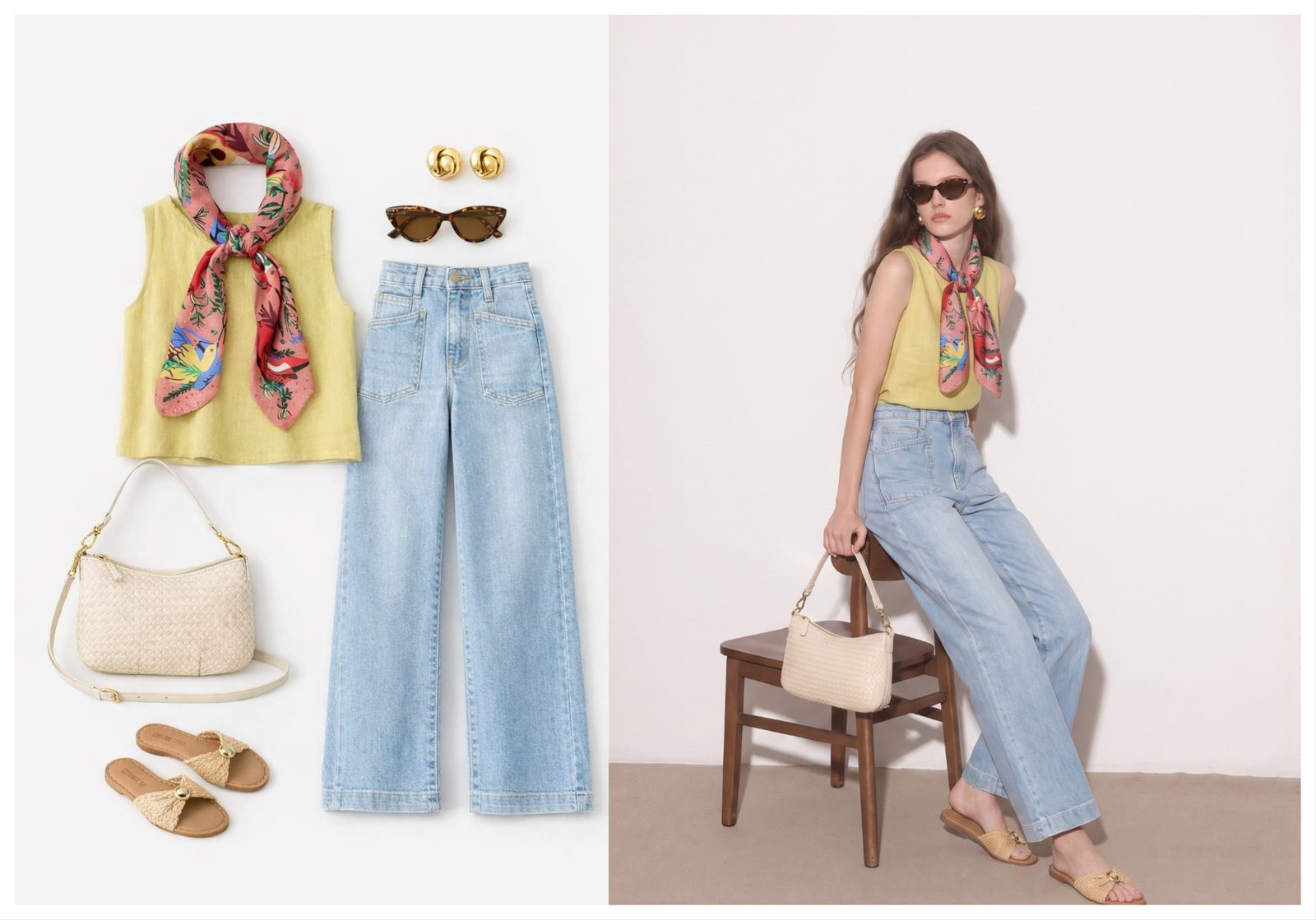
Use outfit, shoe, bag and jewelry previews for styling boards, ads and merchandising. The AI outfit generator can support product-to-model and accessory try-on workflows.
Storefront and merchandising tools
Storefront tools should make fashion products easy to browse, filter, compare and buy on mobile.
| Need | Tool category | Fashion-specific note |
|---|---|---|
| Product pages | Shopify theme, PDP apps, variant logic | Show size, fit, model height and material |
| Collections | Merchandising and search tools | Group by style, occasion and season |
| Checkout | Payments and fraud tools | Keep mobile checkout short |
| Reviews | Review and photo-review apps | Use real customer images when available |
| Returns | Returns portal and sizing data | Feed return reasons back into PDP copy |
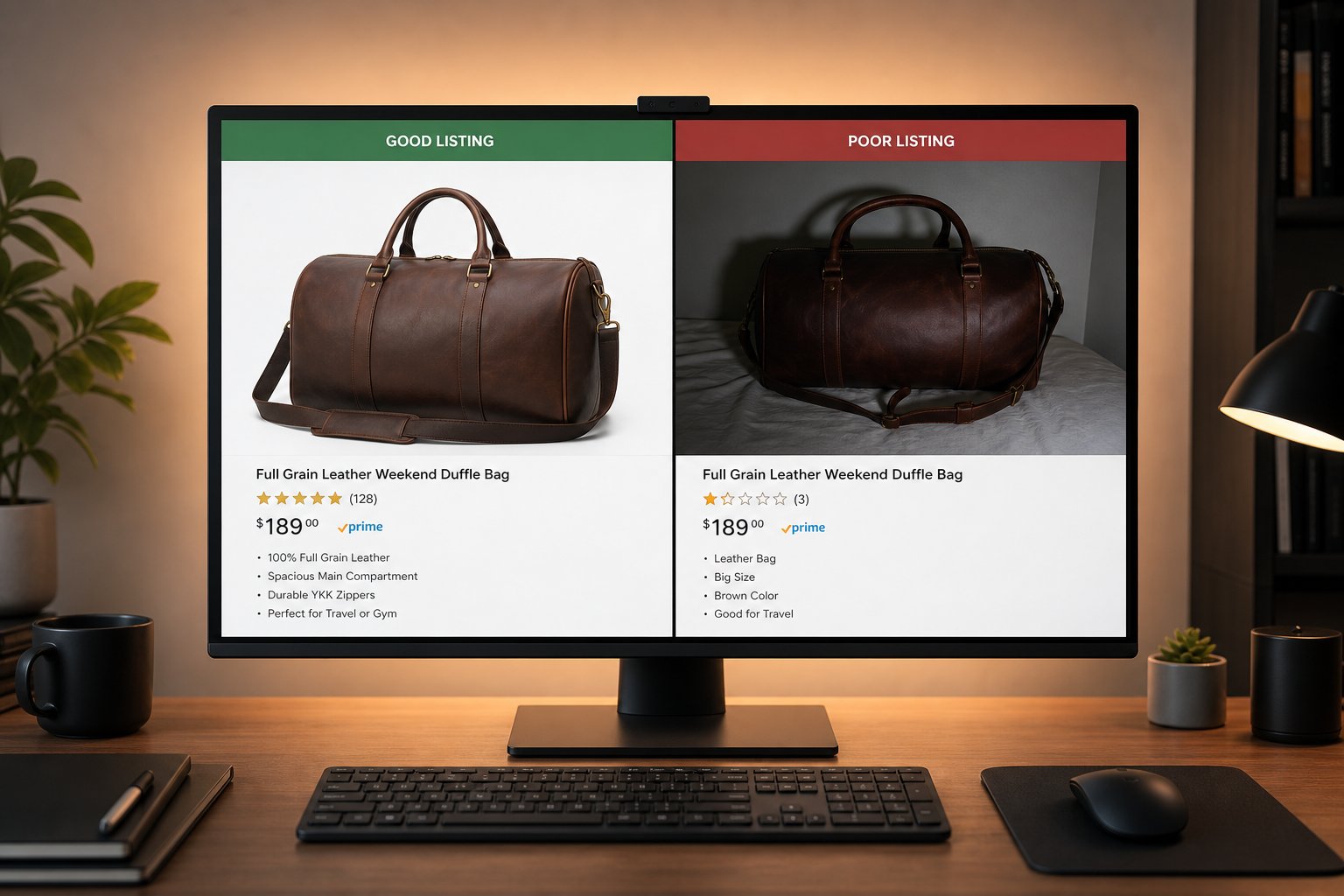
Do not let storefront tools hide weak images. A fast page with unclear product visuals still loses fashion buyers.
Marketing tools for fashion brands
Marketing tools should turn the same product story into email, ads, Instagram, Pinterest and creator content without rebuilding images from scratch.
Email and SMS
Use email and SMS for launch drops, back-in-stock, abandoned cart and post-purchase styling. Product visuals should match the PDP and ad creative.
Meta and Pinterest ads
Use the ecommerce ad creative tools guide to plan a stack for product images, video and creative testing. For Pinterest, visual variety matters because pins continue circulating over time.
Creator workflow
Use creator briefs, content rights, UGC management and review systems when real creators are involved. AI should support production, not replace disclosed partnerships.
Operations tools that protect fashion margin
Operations tools protect fashion margin by reducing stockouts, sizing confusion, return handling time and customer-service load.
| Area | Tool type | What to measure |
|---|---|---|
| Inventory | Inventory planner or ERP | Sell-through, stockout risk, size curve |
| Returns | Returns portal and reason tracking | Fit issues, color mismatch, quality complaints |
| Customer service | Helpdesk and chat | Response time and repeated questions |
| Reviews | Review collection and moderation | Photo reviews and sizing feedback |
| Analytics | Store and ad reporting | Contribution margin and creative winners |
When returns mention color, fit or expectation mismatch, look at images first. The issue may be a product-page or ad-creative problem, not only a logistics problem.
Recommended ecommerce stack by brand stage
The right ecommerce stack depends on brand maturity, catalog size and how often the brand launches new styles.
| Stage | Recommended focus | Visual workflow |
|---|---|---|
| Pre-launch | Storefront, product photography, email capture | Create core PDP and launch ad visuals |
| First 50 SKUs | Catalog consistency, Meta ads, reviews | Use AI to create model and lifestyle variants |
| Growing brand | Inventory, returns, retention, creative testing | Build repeatable creative systems per drop |
| Multi-channel brand | Marketplace feeds, analytics, operations | Normalize images across Shopify, ads and marketplaces |
Give the stack stronger source visuals. Generate model, product and campaign photos before investing in more ad spend. Try Snappyit free
Tool examples by fashion workflow
Fashion ecommerce tools should map to real workflows: launch, sell, retain, restock and learn.
| Workflow | Tool group | Output |
|---|---|---|
| Launch a drop | Storefront, visuals, email and paid social | PDPs, launch images, ads and SMS |
| Merchandise a collection | Search, filters and visual styling | Collections by occasion, color and trend |
| Sell variants | AI model photos and color tools | Colorway and size-context images |
| Reduce returns | Reviews, returns portal and image QA | Better fit expectations and feedback loops |
| Plan next season | Analytics and creative scorecards | Data-backed product and content decisions |
How to evaluate tools without overbuying
Fashion brands should evaluate ecommerce tools by workflow impact, not by the longest feature list.
Start with the bottleneck
If product pages are weak, start with images. If traffic is weak, start with ads and social. If returns are high, start with fit information and return-reason tracking.
Check team adoption
A tool that only one expert can use will not become a system. The best early tools are easy enough for a founder, marketer or merchandiser to run repeatedly.
Measure before adding another platform
Track time saved, images approved, conversion quality and return reasons before buying more software.
Where AI fits in the fashion ecommerce stack
AI fits best in the parts of the fashion stack where creative volume is high and product truth can still be reviewed.
Before the product page
Use AI to test model styling, colorway presentation, outfit direction and campaign mood before every image becomes a final PDP asset.
Before paid ads
Use AI to turn a small set of product references into enough visual variety for Meta, Pinterest, Instagram and email. This reduces the pressure to shoot every channel separately.
Before merchandising decisions
Use outfit boards and visual concepts to compare how pieces work together. This helps with collection planning, bundle ideas and styling content.
Tool stack red flags for fashion brands
A fashion ecommerce tool stack is too heavy when it creates more handoffs than decisions.
| Red flag | What it causes | Fix |
|---|---|---|
| Too many disconnected image tools | Different visual standards across channels | Centralize source visuals and approval |
| No image review owner | AI artifacts reach product pages or ads | Assign merchandising sign-off |
| Ad tools before PDP quality | Traffic leaks after the click | Improve product-page visuals first |
| Analytics without creative notes | No learning from winners | Record image angle, crop and offer |
| Returns data ignored | Same fit issues repeat | Feed return reasons into PDP and creative updates |
Minimum tool stack by growth stage
Fashion brands do not need every ecommerce tool on day one. The better approach is to add tools when the next bottleneck is clear.
| Stage | Minimum stack | Priority |
|---|---|---|
| Pre-launch | Product photography, store builder, email capture | Make the collection understandable |
| First sales | AI model photos, product-page reviews, analytics | Improve trust and fit clarity |
| Paid ads | Ad creative workflow, Meta catalog, image-to-video | Create testable assets quickly |
| Repeatable drops | Inventory, email/SMS, creative calendar, reporting | Coordinate launches across channels |
| Scale | Automation, BI, merchandising and team approvals | Protect consistency while volume grows |
This keeps software spend connected to the business model. A small fashion brand may get more value from better model imagery than from a complex dashboard. A growing DTC team may need sharper ad production and catalog rules before advanced automation. Marketplace sellers may need image consistency and listing optimization first because buyers compare products side by side.
The common thread is visual trust. Fashion buyers need to see fit, length, styling, material and use case clearly. Tools that improve those signals tend to support both product pages and paid creative.
Frequently Asked Questions
What ecommerce tools do fashion brands need first?
Fashion brands need a storefront, product photography system, email or SMS tool, ad channel, inventory process and basic analytics. The exact products can change, but those systems are the foundation.
Is Shopify enough for a fashion brand?
Shopify can handle the storefront and checkout, but a fashion brand usually needs additional tools for product visuals, email, ads, reviews, returns and analytics.
What is the most important tool category for fashion ecommerce?
Product visual production is one of the most important categories because fashion shoppers buy based on fit, styling, material, color and brand mood.
Can AI model photos replace fashion photoshoots?
AI model photos can replace some product-page, ad and concept-shoot needs, especially for variants and early testing. Brands should still review garment accuracy and use traditional shoots when needed for high-stakes campaigns.
What tools help fashion brands make ads?
Fashion brands need product image tools, model image tools, video tools, design tools, copy tools and ad platform reporting. Snappyit fits the product and model visual-production layer.
How do fashion brands reduce returns with tools?
Track return reasons, improve size and fit information, use clearer model images and make sure product colors and materials look accurate across product pages and ads.
What ecommerce tools help small fashion brands compete?
Small fashion brands can compete with a focused stack: Shopify, AI product photography, email, Meta or Pinterest ads, review collection and simple inventory planning.
Where should Snappyit sit in a fashion ecommerce stack?
Snappyit should sit before storefront publishing and ad production, creating the model, product, lifestyle and motion-ready visuals used across the rest of the stack.
Build the fashion tool stack around stronger visuals
Use Snappyit to create the model, product and lifestyle assets that your storefront, email and ad tools can reuse.
More Snappyit Resources