



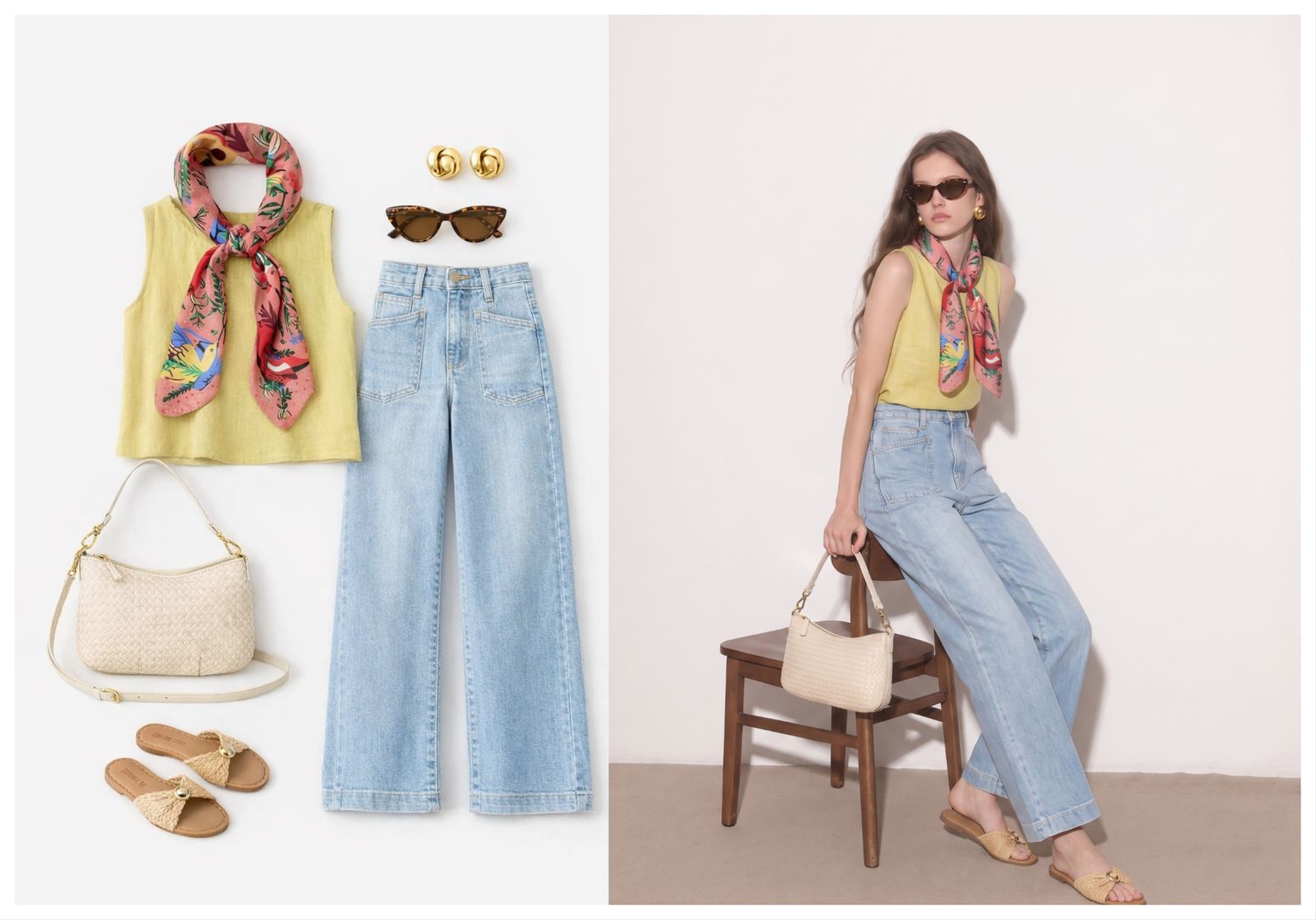
Create on-model photos from your product images
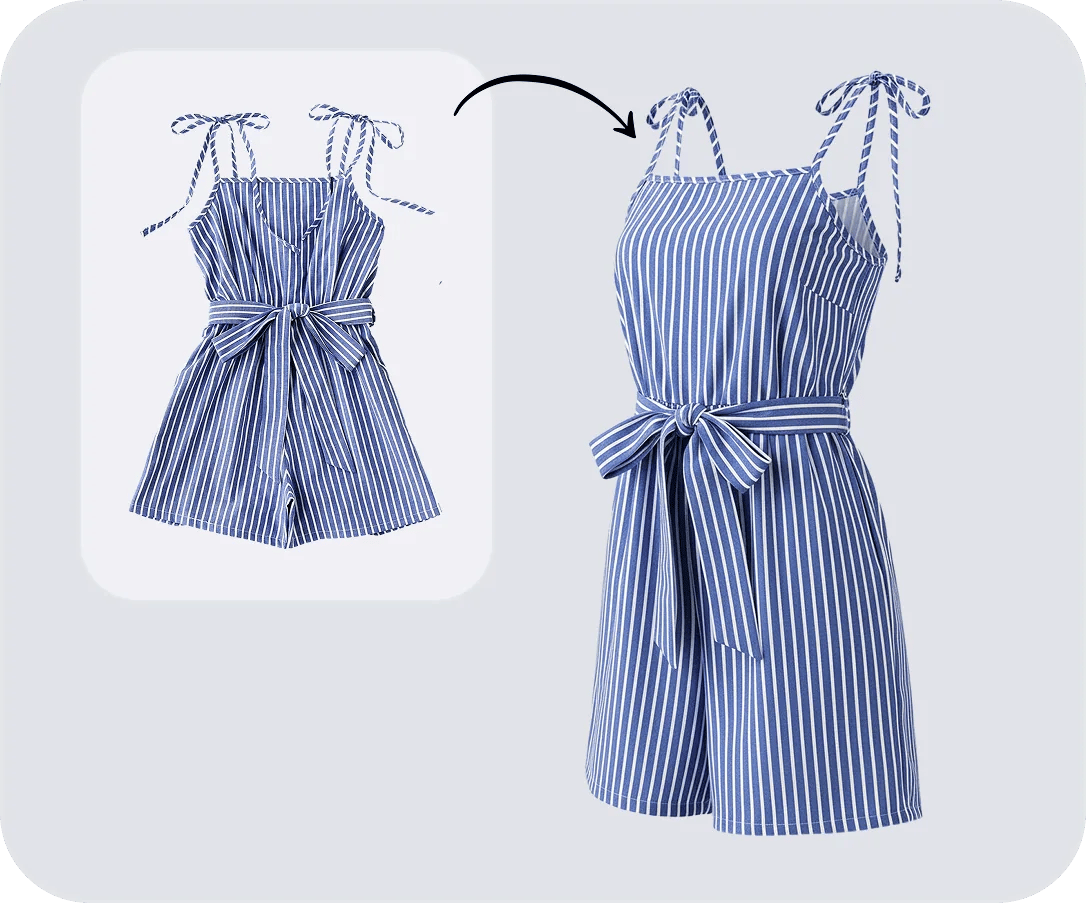
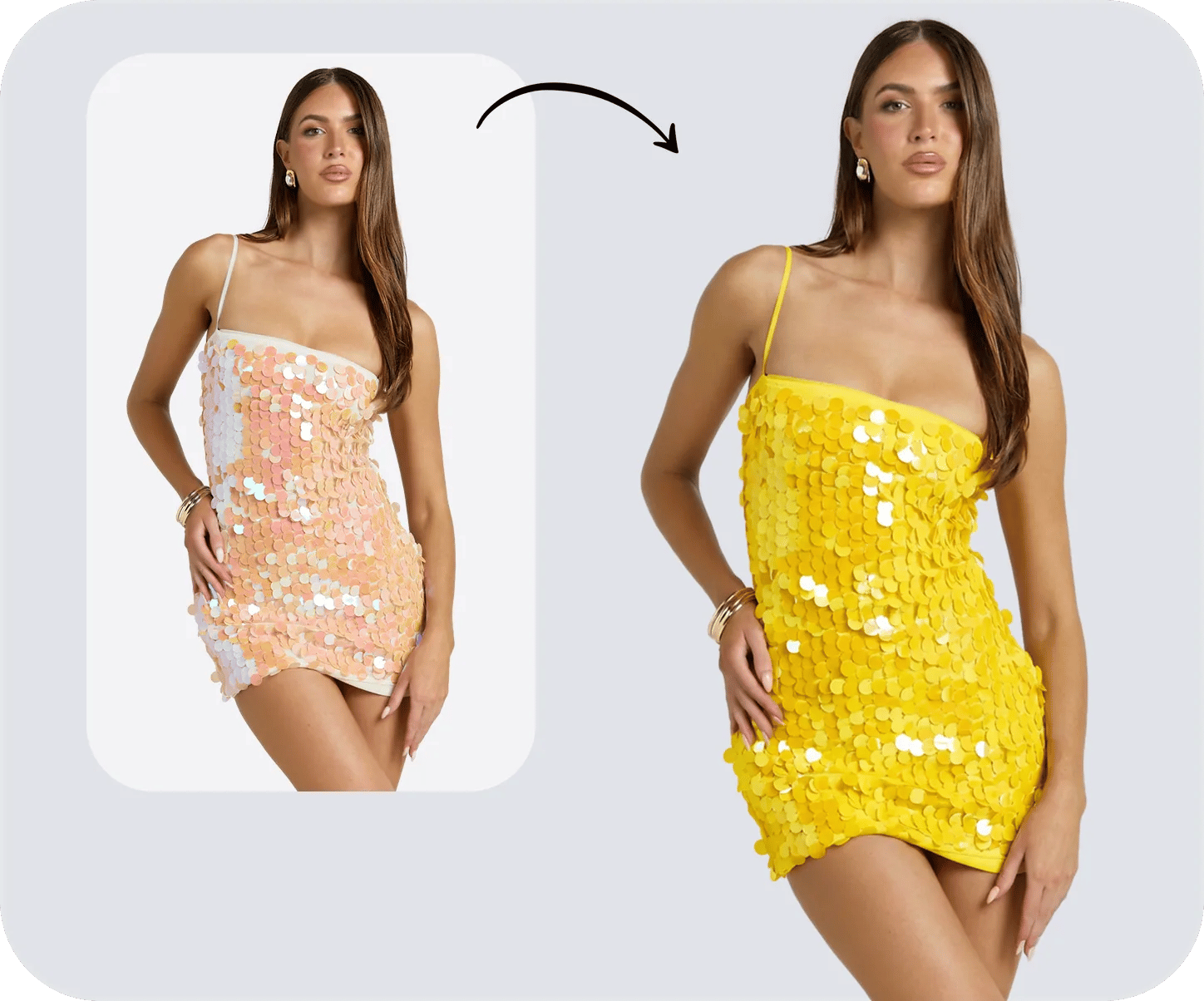
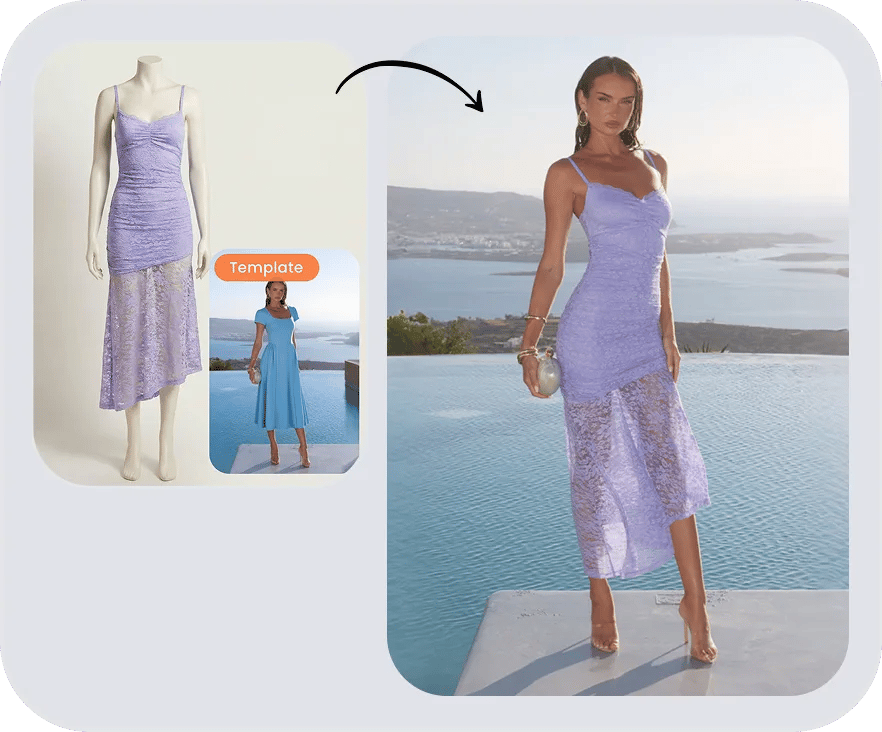
Start with a clear product shot, flat-lay or hanger photo, then choose an AI model or upload a model photo you have permission to use. Create visuals for product pages and lookbooks from your existing images. Before publishing, compare the result with the original item, especially its color, print, seams and logos.
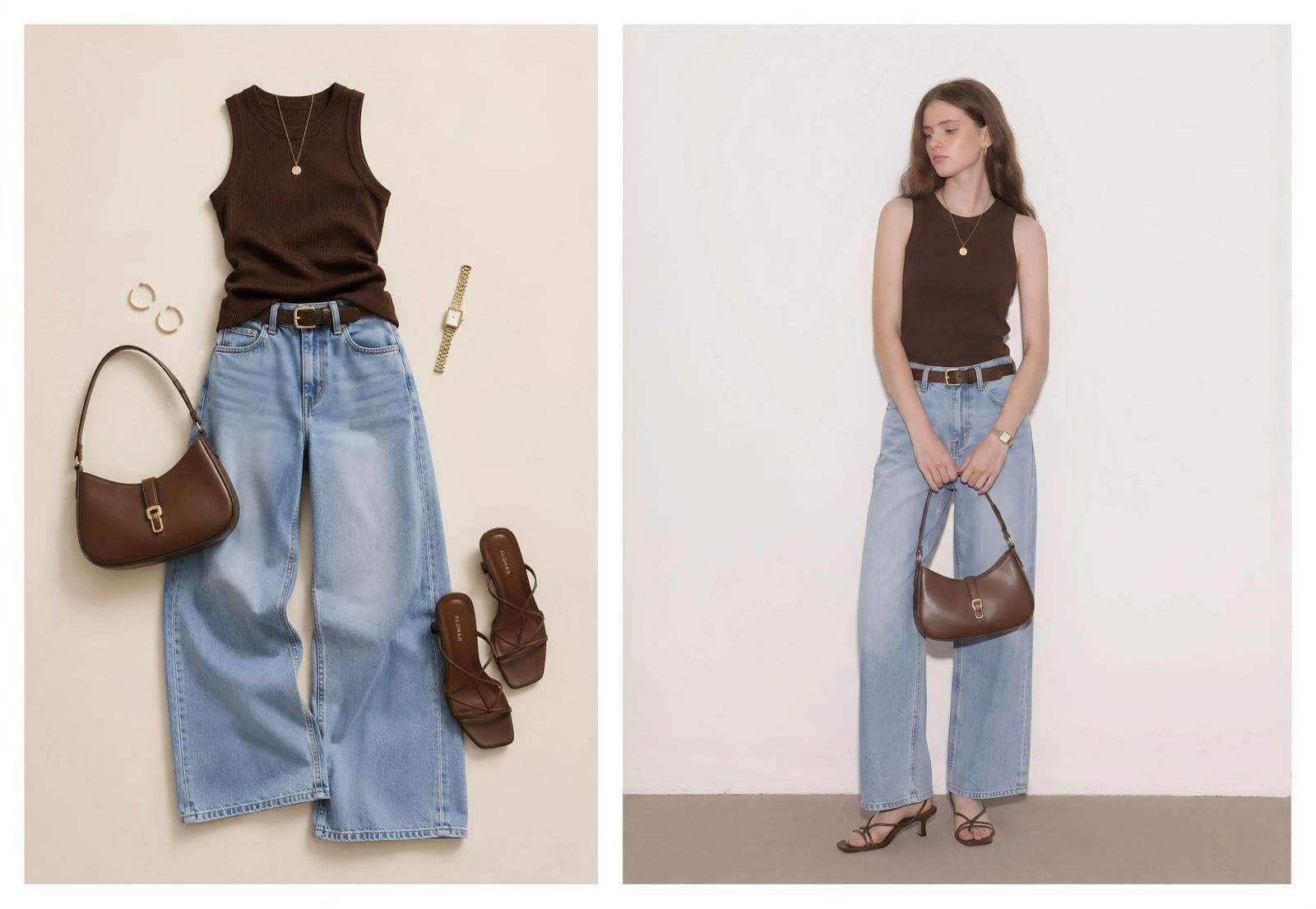
Preview styling ideas before a shoot
Use photos of your garments to explore colors, silhouettes and layers on a model. Share the previews with your team to discuss styling and plan a shoot. Generated images are visual concepts; use physical samples to assess fabric weight, construction and fit.
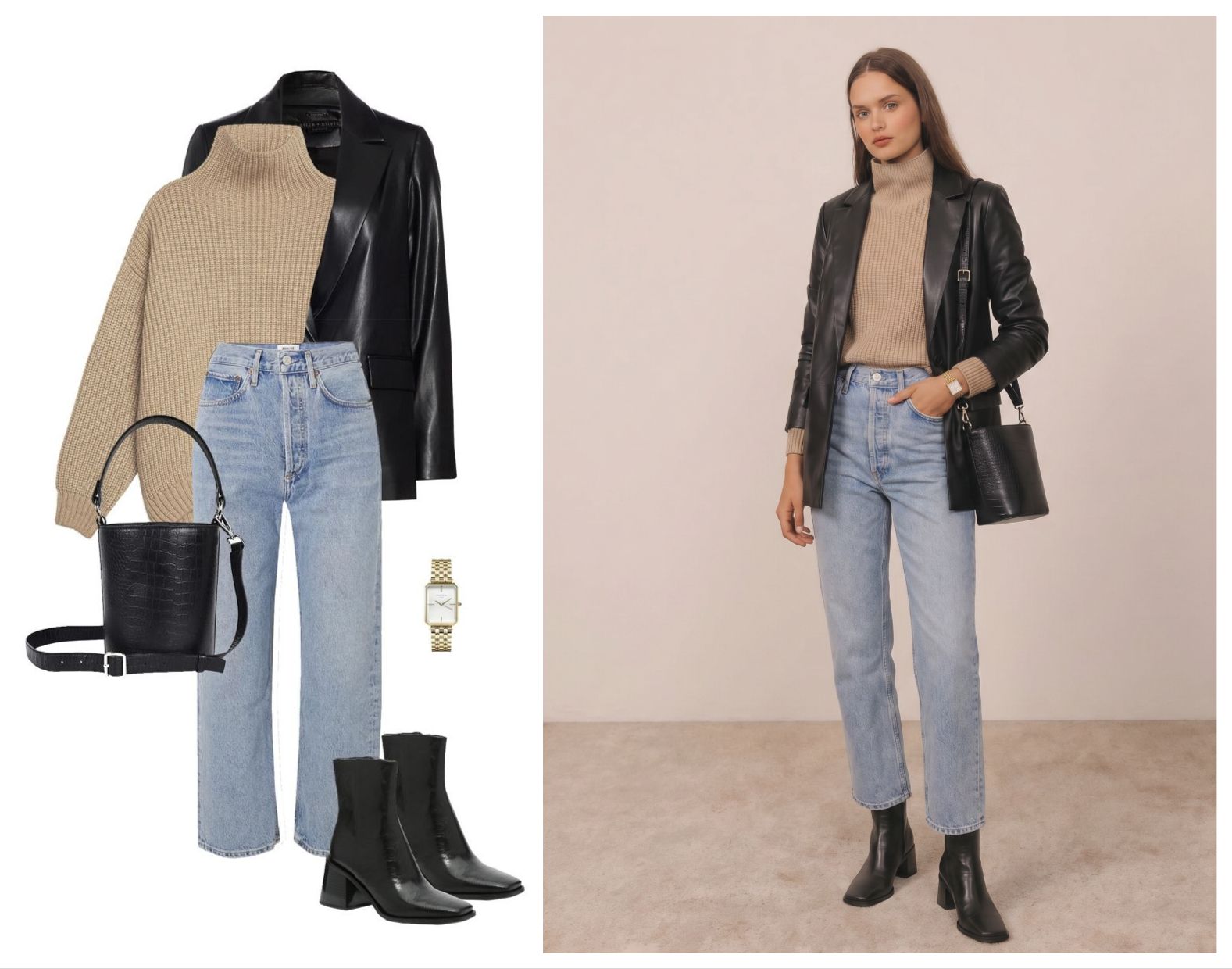
See yourself in clothes you already own
Upload a photo of your clothes, then add your own adult photo in the generator. Preview an outfit for work, travel or an event before deciding what to wear. The result can help you compare looks, but it cannot tell you which size will fit.
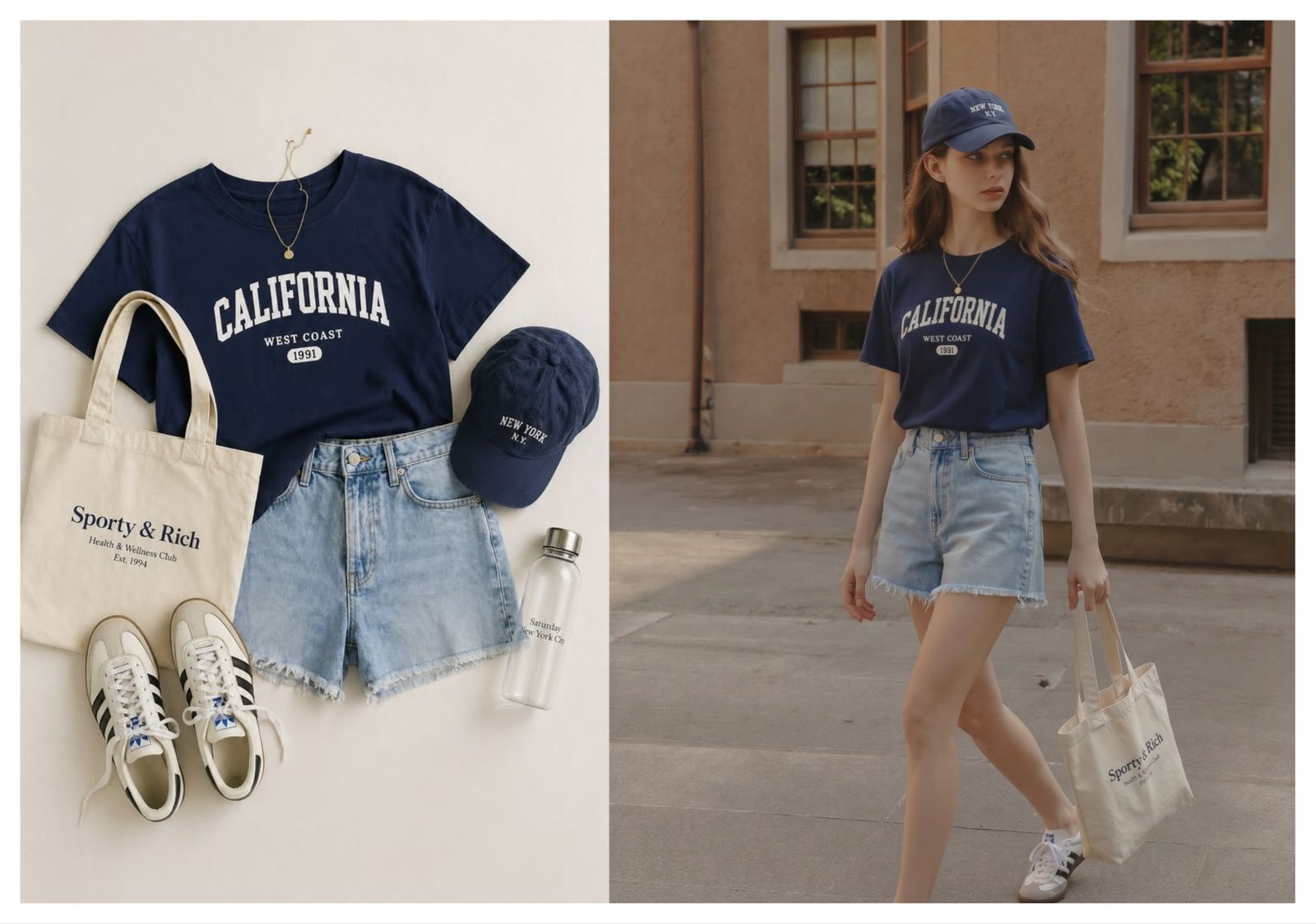
How the AI outfit generator works
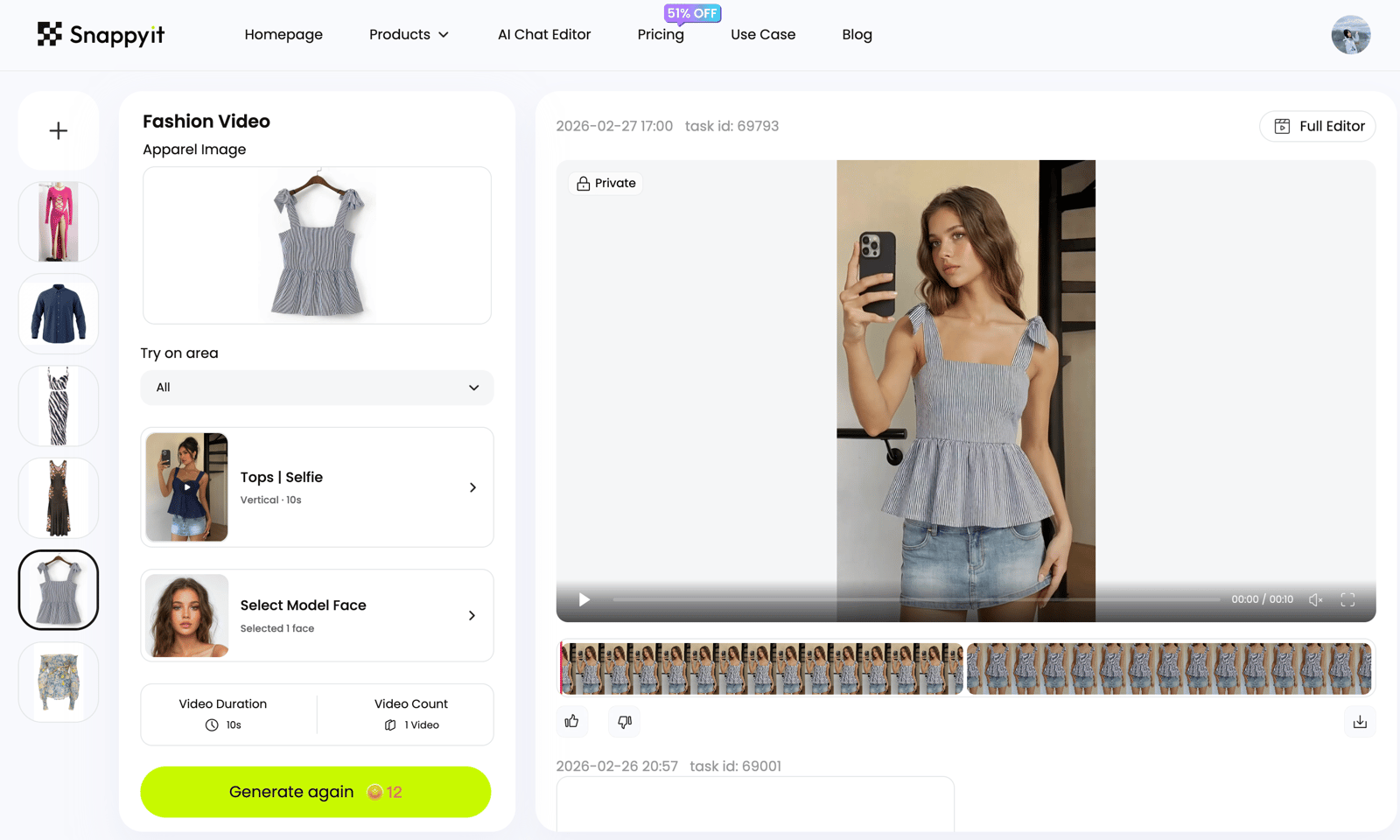
Upload a clothing, jewelry or accessory reference, choose who wears it, then generate an on-model try-on result.
Upload the clothing photo
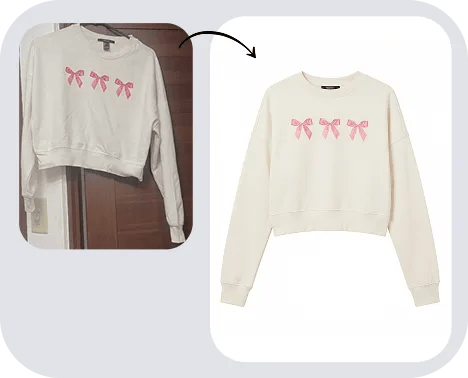
Use a clear photo of the item, such as a flat-lay, hanger shot or mannequin image. Keep the full garment visible and avoid heavy shadows.
Choose who wears it
Choose an AI model from the library, or upload your own adult photo or a model photo you have permission to edit.
Generate and check the result
Generate the outfit preview, then compare it with the source photo. Check colors, prints, logos and garment edges before downloading or using it in a listing.
Ways to use your outfit photos
Start with the clothes or accessories you want to show. Use the preview to explore a look, prepare product visuals or discuss styling with your team.
Clothes you already own
Photograph an item from your wardrobe and preview it on your own photo before choosing what to wear.
A different outfit on your photo
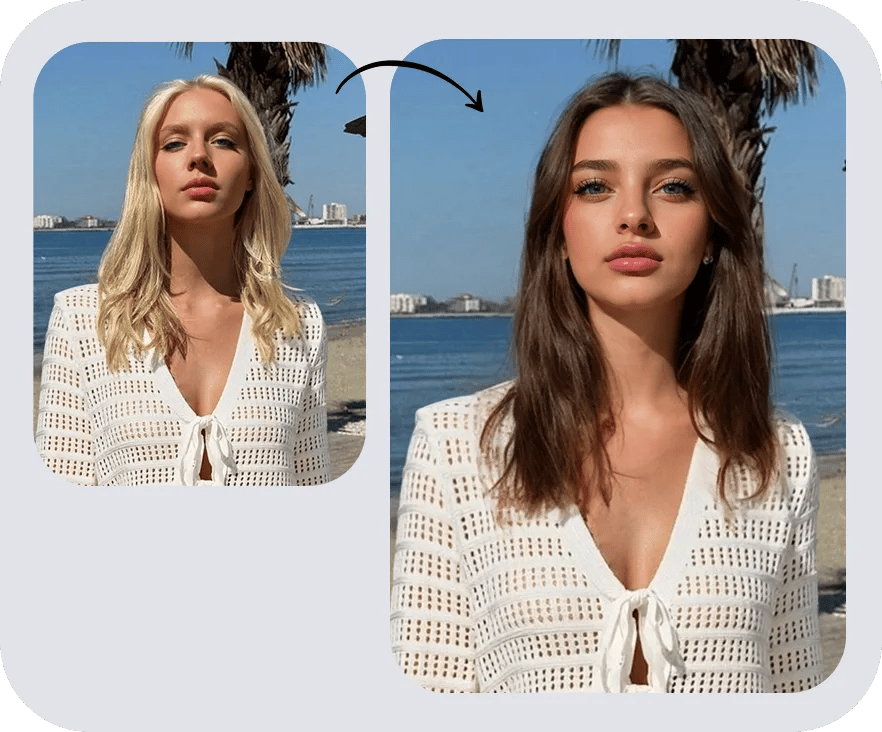
Keep your chosen person photo and try another clothing reference to compare looks.
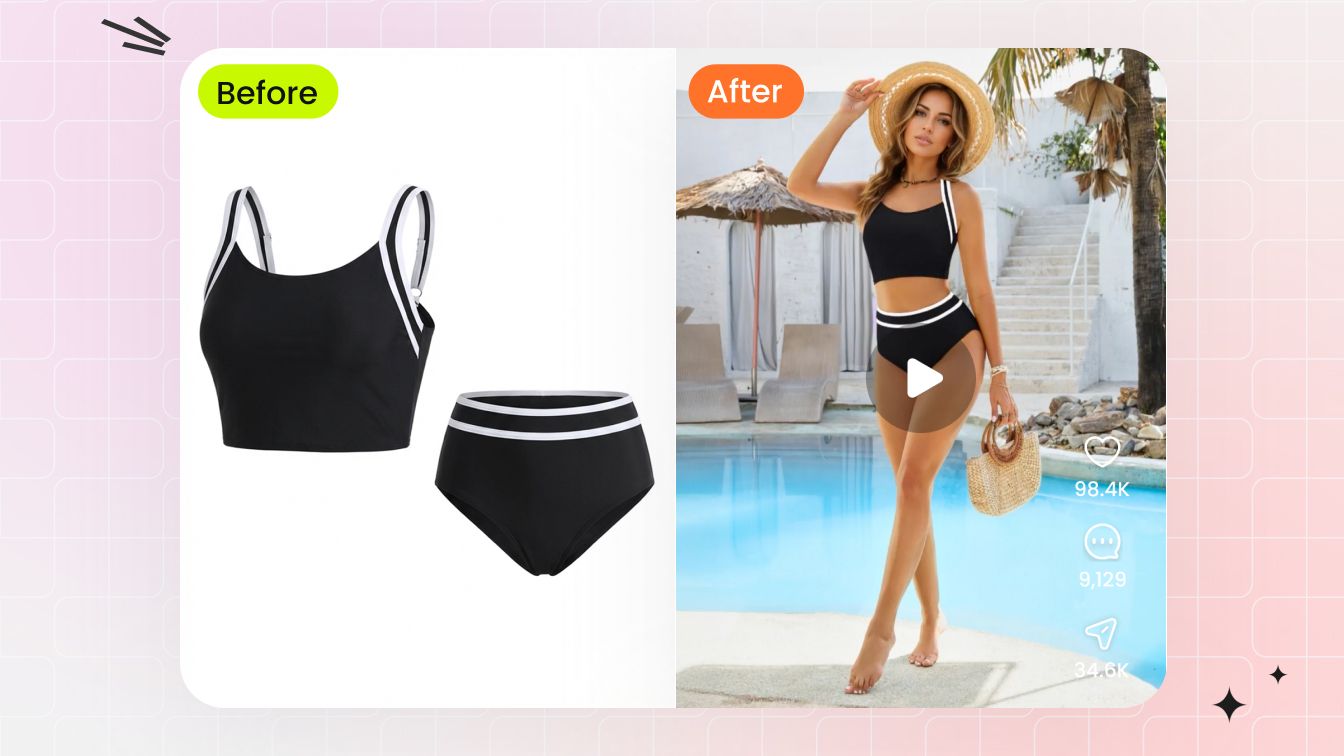
Flat-lay to on-model
Use a flat-lay or hanger shot as the starting point for a model image.
Personal virtual try-on
See how a look might appear on you. Treat the image as a styling preview, not a size recommendation.
Product detail checks
Compare the generated garment with your source photo, including logos, prints, seams and edges.
Store and lookbook visuals
Create model images from existing product photos, then review them before adding them to your store.
Event outfit ideas
Preview clothes you are considering for a trip, celebration or work event.
Styling references
Explore an inspired look using your own wardrobe photos or product images you have permission to use.
Jewelry and accessories
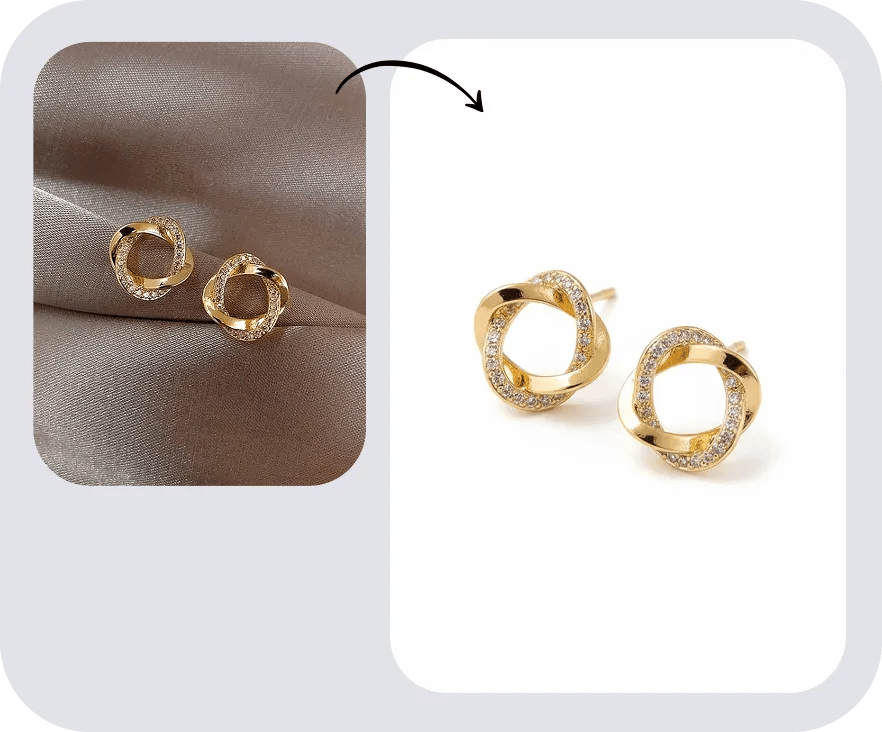
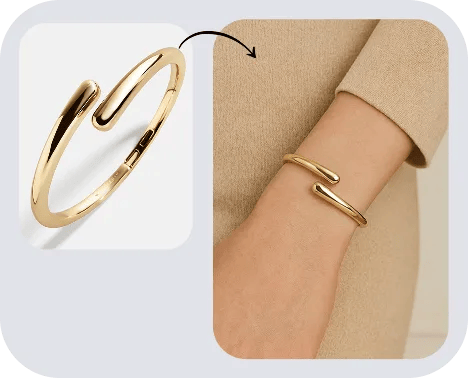
Try a bag, hat or piece of jewelry on a model photo. Check its size and placement against the original item.
Why use an AI outfit generator?
Create realistic outfit previews for ecommerce, design, creator styling and personal virtual try-on while keeping the garment direction clear.
- Fashion and accessory sellers. Create on-model visuals from existing product photos. Check that each result represents the item accurately and meets your marketplace’s image requirements.
- Designers and merchandisers. Compare styling concepts before committing to a shoot. Use samples for decisions about construction, fabric behavior and fit.
- Creators and social teams. Preview outfit ideas for upcoming posts or brand collaborations using clothing references you have permission to use.
- Personal styling. Compare clothes for everyday wear, travel or an event using your own photo. Choose the items yourself and use the generated images to explore the look.
- Photographers and agencies. Share outfit concepts with clients to agree on styling and plan the next shoot.
- Catalog teams. Explore how a product looks on different models. Review garment proportions and details in every result before publishing.
More AI model-photo editing tools
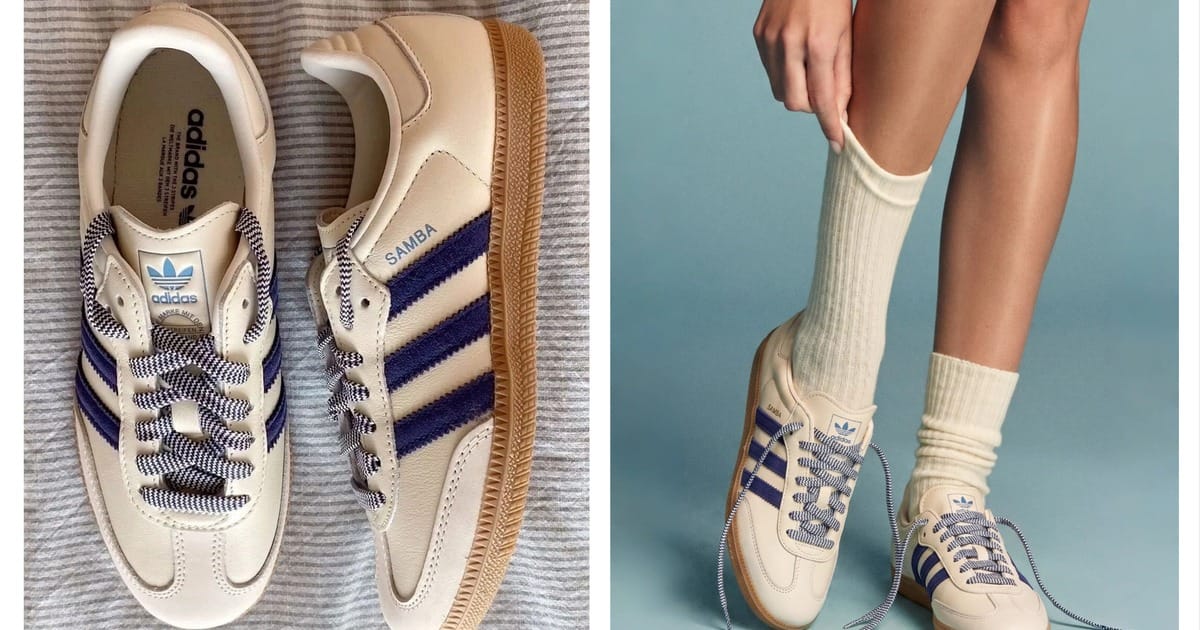 Virtual Try-On ShoesPreview shoes on a model photo to explore footwear styling.
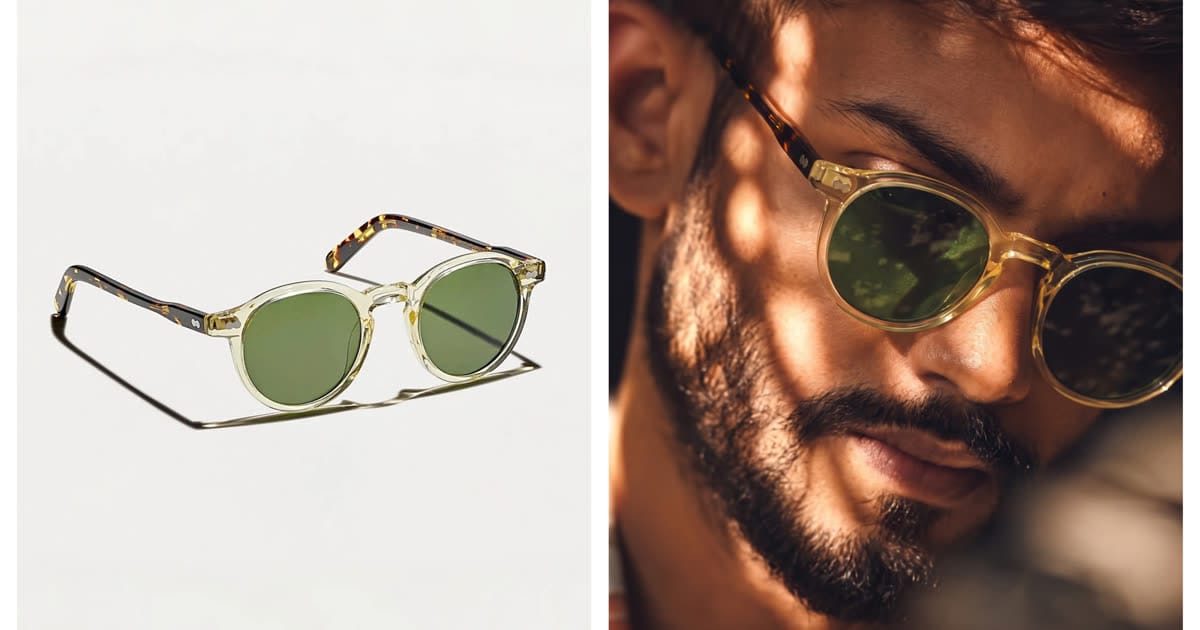 Virtual Try-On GlassesPreview glasses on a face photo to compare frame styles.
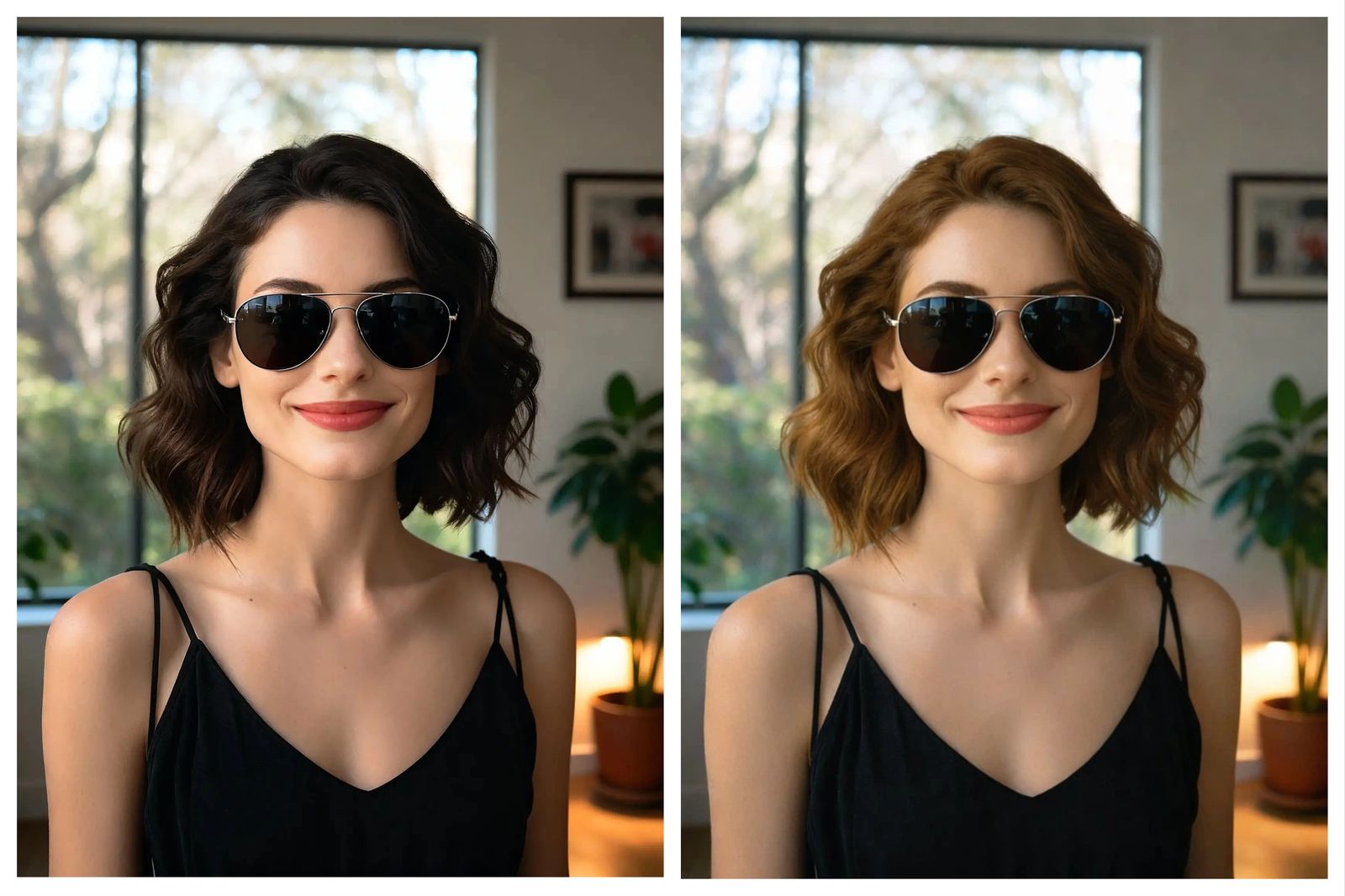 AI Hair Color ChangerTry a different hair color in your photo before choosing a new look.
 AI Image to VideoTurn finished outfit and model photos into short motion clips for ads, PDPs and social posts.
Go deeper: outfit, try-on and fashion photography guides
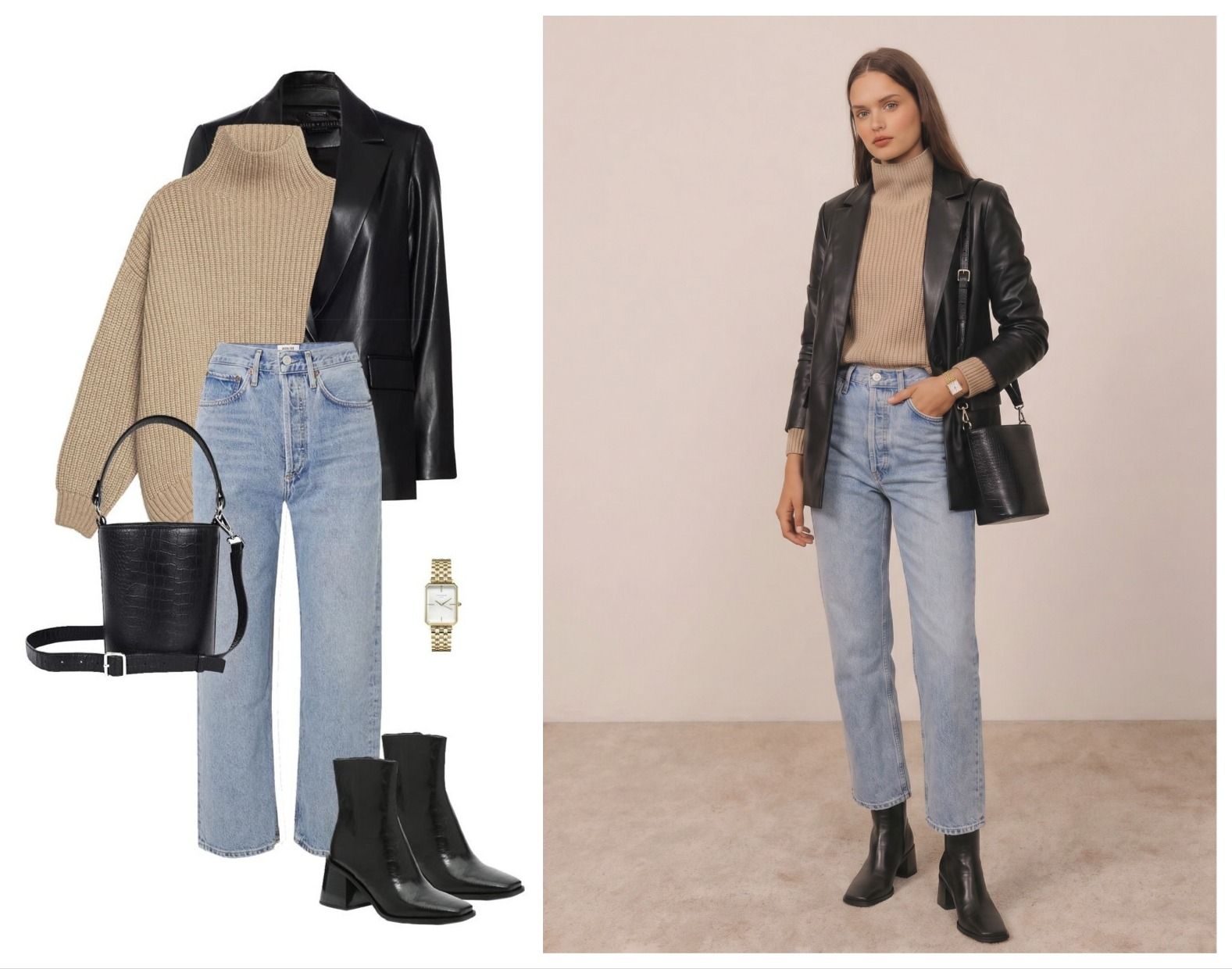 Recreate Pinterest Outfits with AITurn an outfit reference into a personal preview and learn what to check in the result.
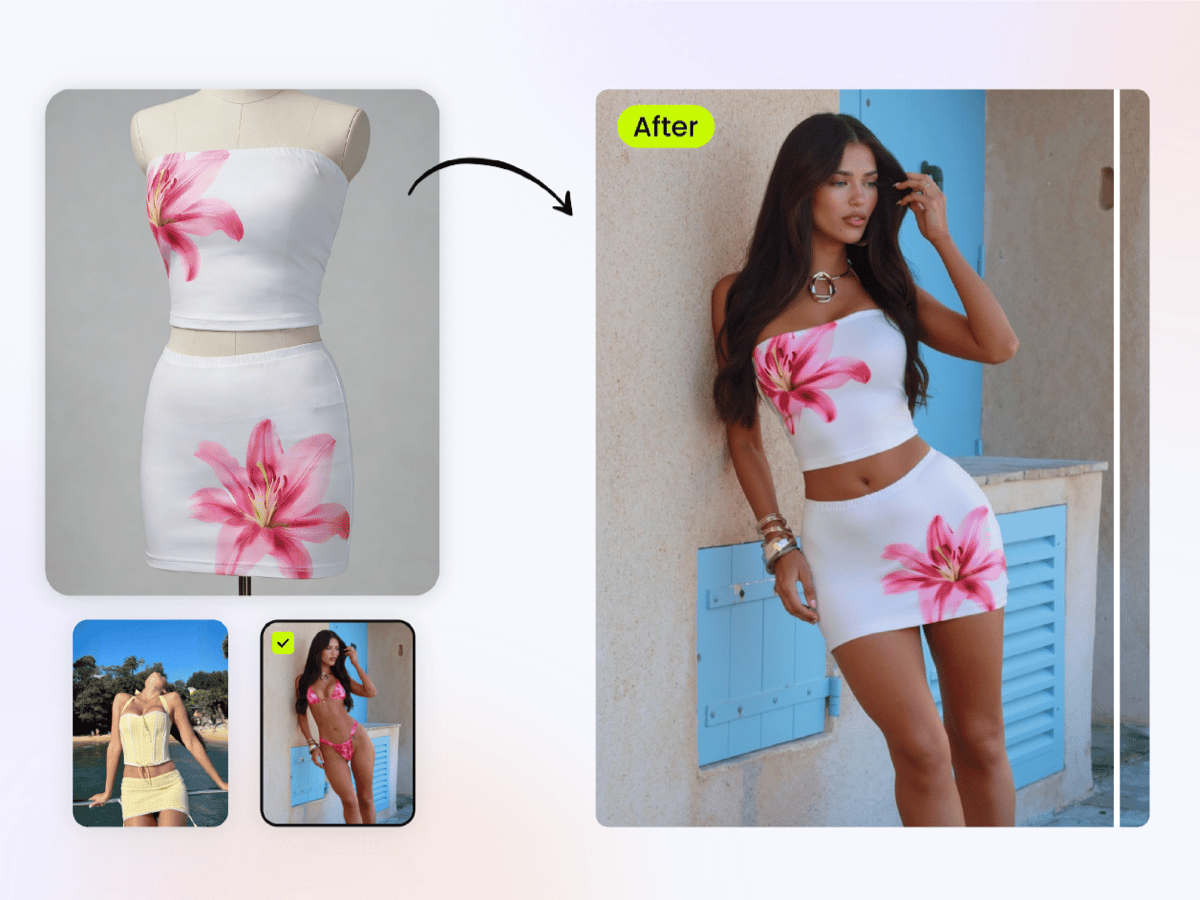 AI Fashion Model & Try-On ToolsCompare tested tools for turning garment photos into on-model ecommerce images.
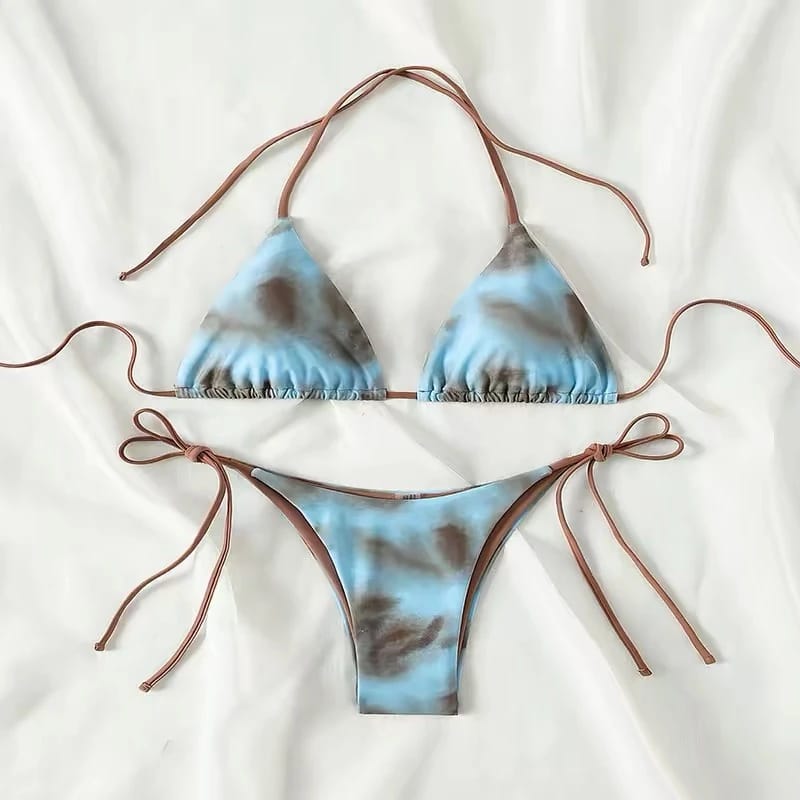
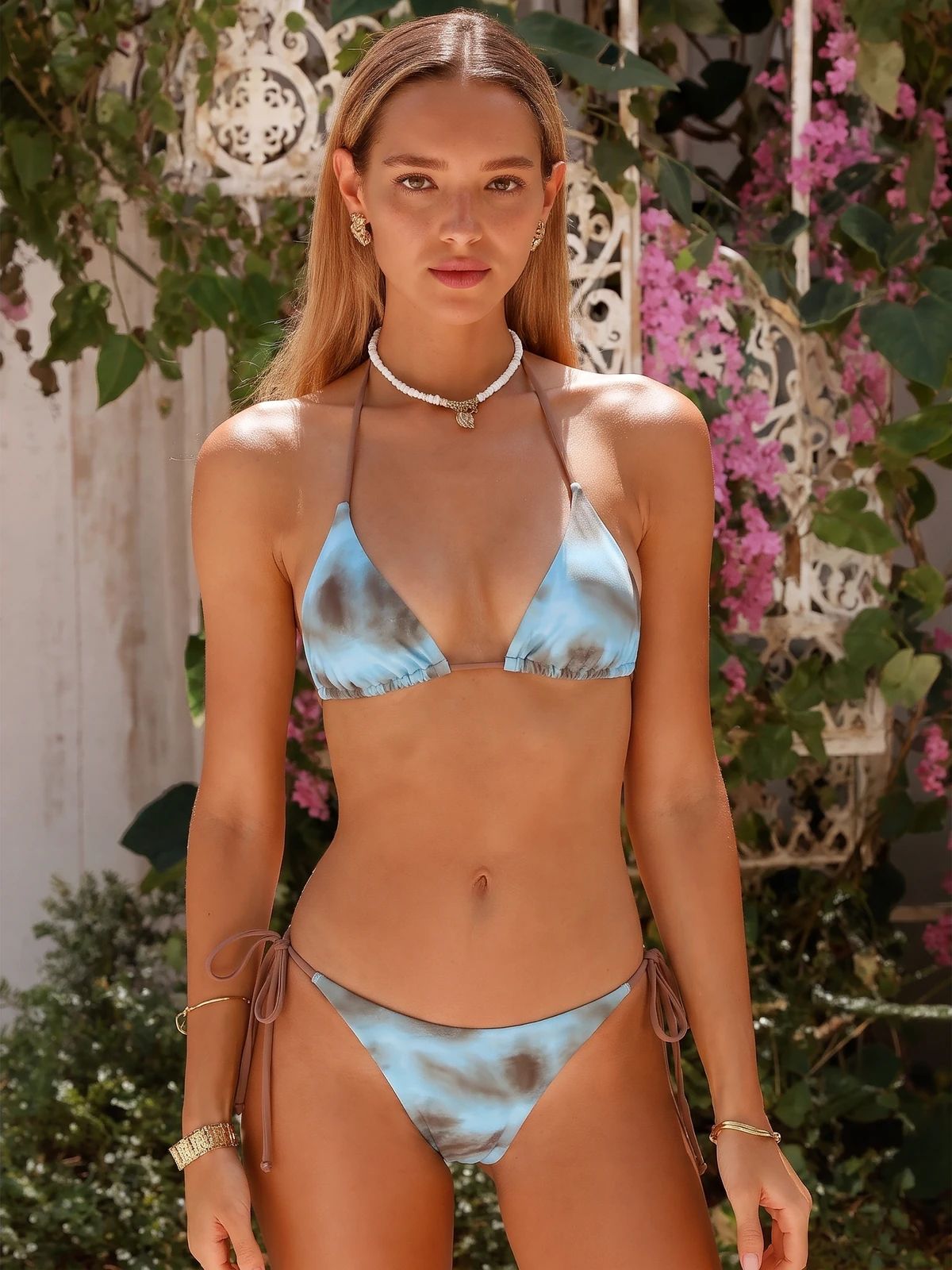 AI Swimwear Model GeneratorsCompare five tools and follow a flat-lay-to-model workflow for swimwear listings.
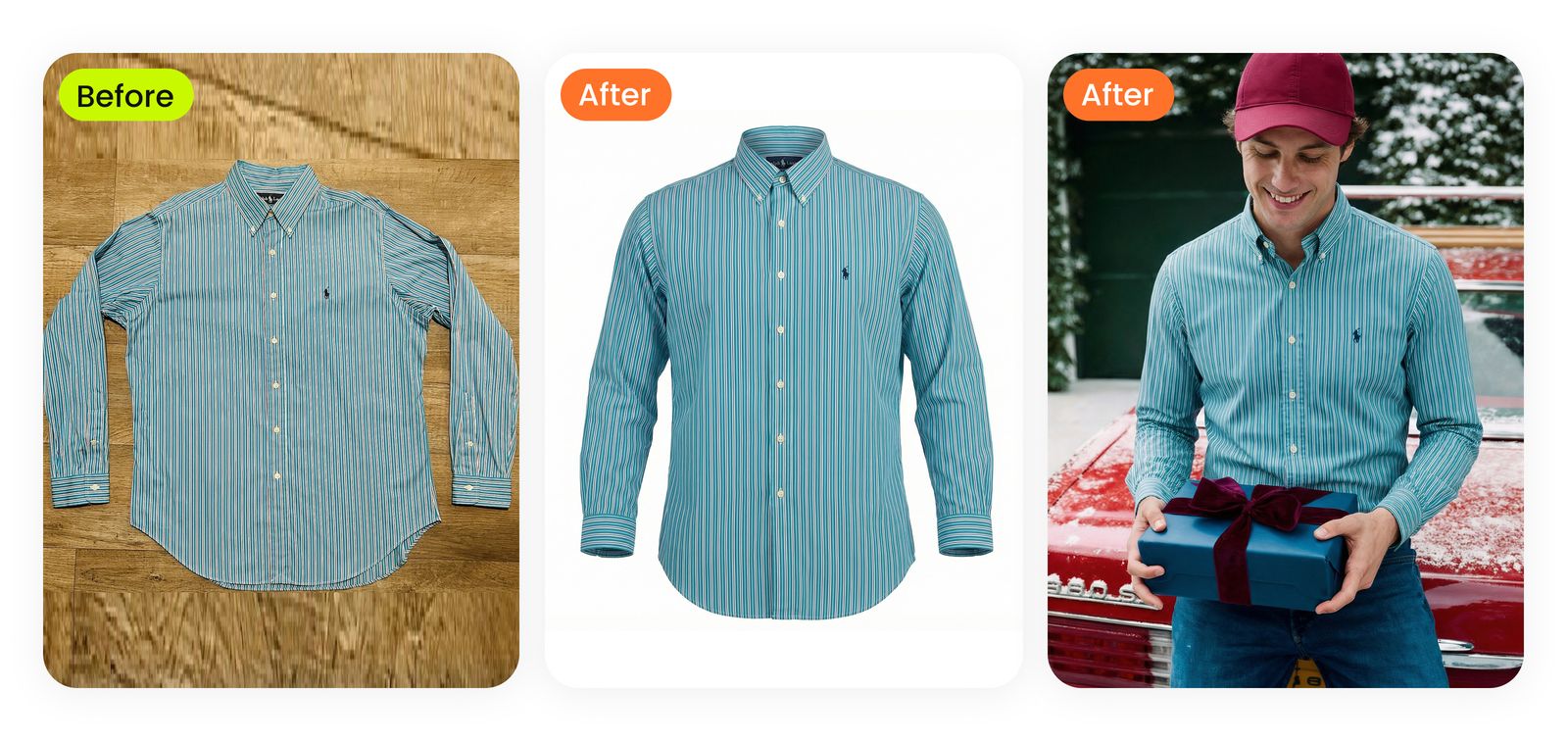 Photograph Clothes for ResalePrepare clear clothing photos, capture details and check your resale listing before publishing.
AI outfit generator FAQs
What is an AI outfit generator?
Snappyit’s AI outfit generator creates an image of a person wearing the clothing or accessories in your reference photo. Upload the item first, then choose an AI model or add a person photo. The result is an outfit visual for personal styling, lookbooks or product listings that you can review before use.
How do I generate an outfit from a picture?
Upload a clothing or full-outfit reference as a JPG, PNG or WebP image. Next, choose an AI model or upload the person who should wear it. Generate the preview, then compare the result with the reference. Start with the clothing image; you will add the person photo in the next step.
Can I use an AI outfit generator with my own clothes?
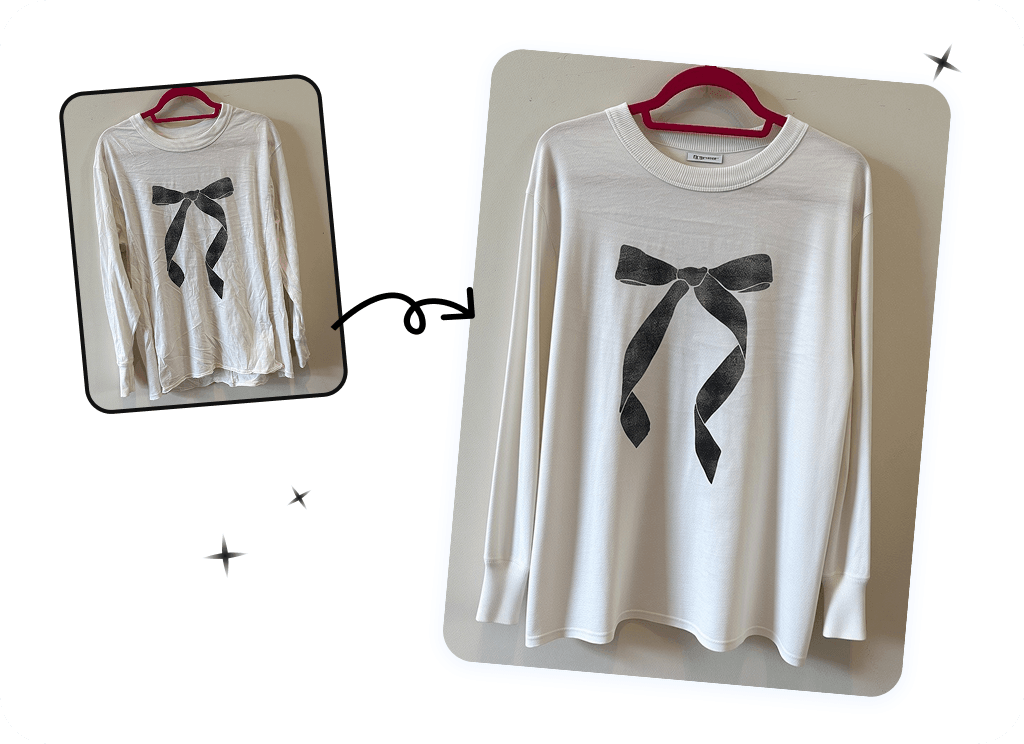
Yes. Photograph the clothes you already own and use that image as the outfit reference in Snappyit. A clear flat-lay, hanger shot or mannequin photo can provide the starting point. Keep the whole item visible so the reference shows its shape, color and details.
Can I see the outfit on my own photo?
Yes. After uploading your clothing reference, add your own adult photo in the generator. Choose a photo where the area you want to dress is visible; for a head-to-toe look, use a full-body photo. Use an image you own or have permission to edit.
What photos work best for clothing try-on?
Use sharp, evenly lit photos with the garment fully visible. Avoid cropped hems, hidden sleeves and heavy shadows. For the person image, choose a clear view with minimal obstruction over the clothing area. Keep the original product photo available to check small details such as prints, seams and logos after generation.
Is an AI outfit generator the same as an AI clothes changer?
The terms can describe overlapping tasks. A clothes changer replaces the outfit shown in a person photo; an outfit generator may create or visualize a look. Snappyit uses clothing references to create on-model images. This page’s workflow starts with a photo rather than a text-only clothing design prompt.
Can it suggest matching shoes, bags or jewelry?
This workflow is for previewing items you provide. Choose the shoes, bag or jewelry you want to include in your reference, then check whether they appear correctly in the result. It does not automatically select products from your wardrobe or a shopping catalog. Use it to visualize your styling choices.
Will the generated outfit show the correct size and fit?
An AI outfit image is a visual styling preview, not a fit measurement. It cannot confirm your size, comfort, fabric stretch or how a garment will hang in real life. Check the seller’s measurements and size chart when buying. For product listings, compare the generated image with the actual item before publishing.
Can I create product photos without hiring a model?
Yes. Choose an AI model in Snappyit to create an on-model image from a product photo. Review the color, silhouette, prints, logos and construction details against the real product. Generated images should complement the photos needed to show an item’s actual features, condition and measurements.
Can I use a saved outfit or Pinterest look as a reference?
You can use an outfit reference that you own or have permission to use. Saving a public image does not automatically grant editing or commercial-use rights. You can also photograph your own clothes to recreate an inspired look. Our Pinterest outfit guide explains the workflow and what to check in the preview.
Is Snappyit’s AI outfit generator free to try?
Snappyit offers free starter credits to newly registered users. Generation uses credits, so a free trial does not mean unlimited outfit images. Check the current pricing and credit allowance before generating; additional use may require a paid plan.
Explore More AI Product Photography Tools
Preview your next outfit
Start with a photo of your clothing. Choose an AI model or add your own photo, then generate and review the look.






