



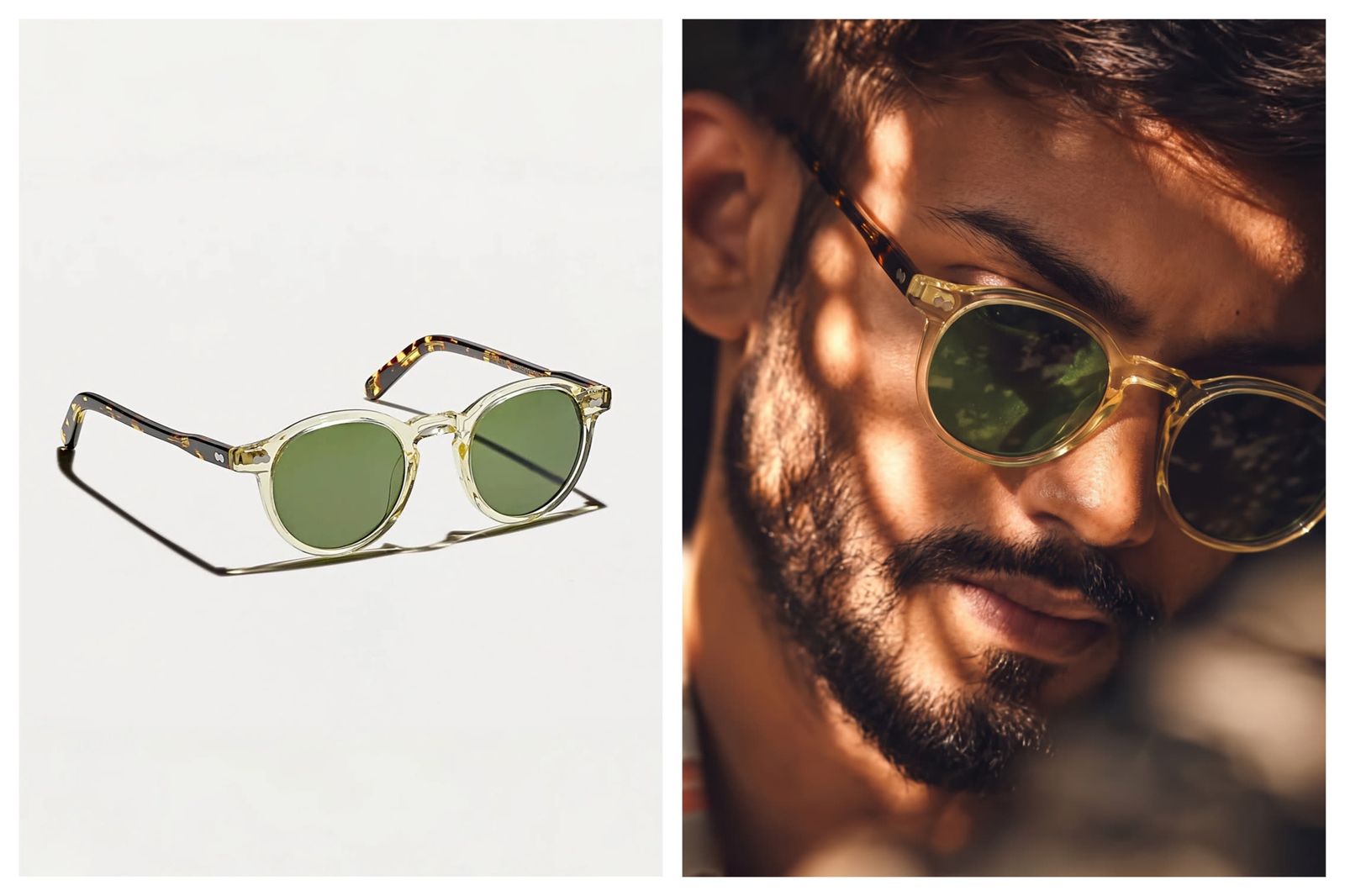
Create sunglasses PDP images from a product reference
Upload a clean sunglasses product image first, then preview the frame on an authorized model photo or a Snappyit AI fashion model. This supports try on sunglasses online, virtual sunglasses try-on, eyewear PDP testing, marketplace listings and ad creative when teams need to judge lens tint, frame scale and face styling without another shoot.
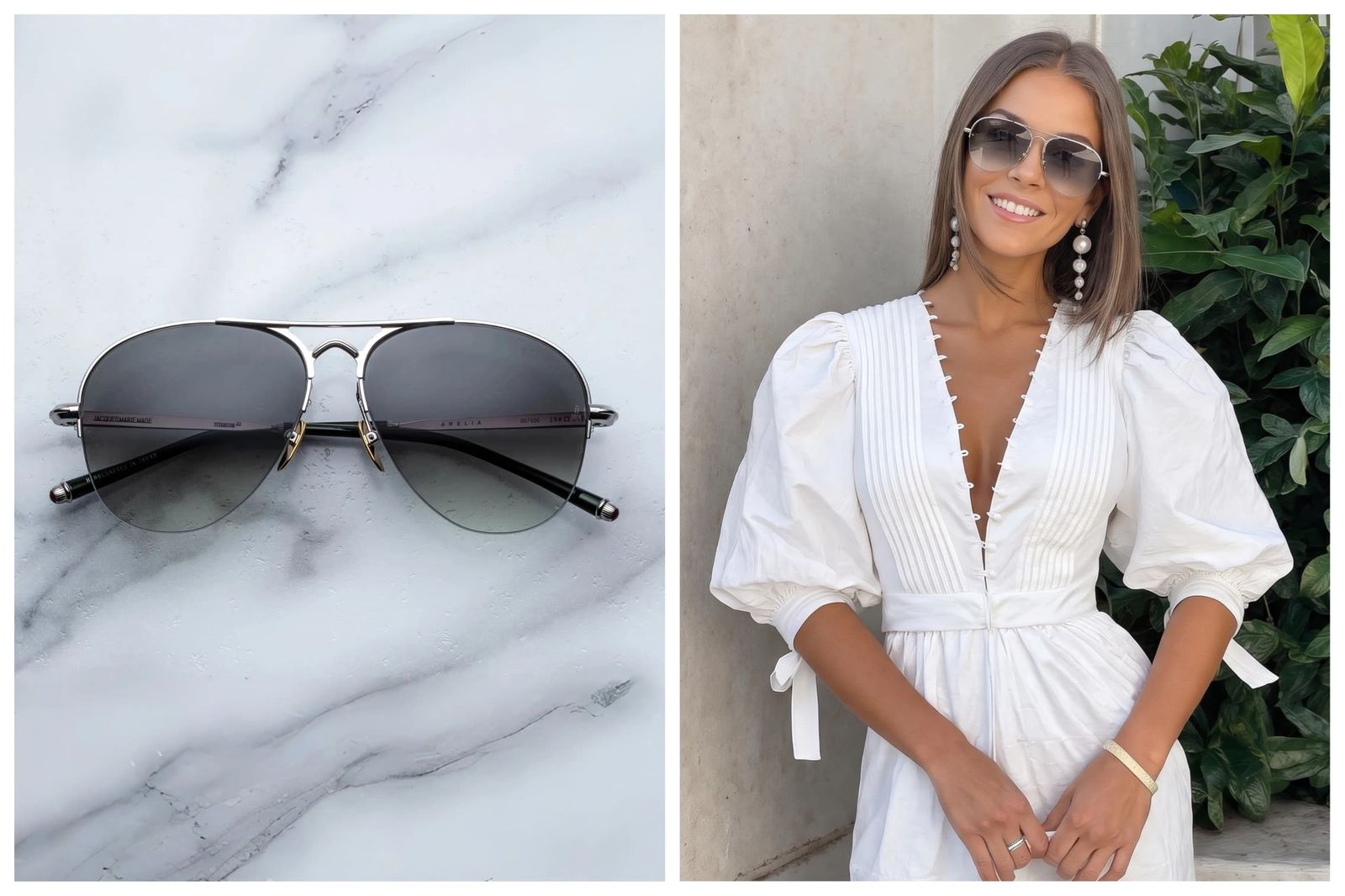
Preview eyeglass frames for catalog and listing pages
For eyewear sellers, the useful output is a reusable visual system: one frame reference can support PDP images, SKU galleries, frame collection pages, ads and lookbooks. Review bridge placement, lens shape, frame width, rim color, temple angle, outfit match and whether the glasses fit the merchandising story.
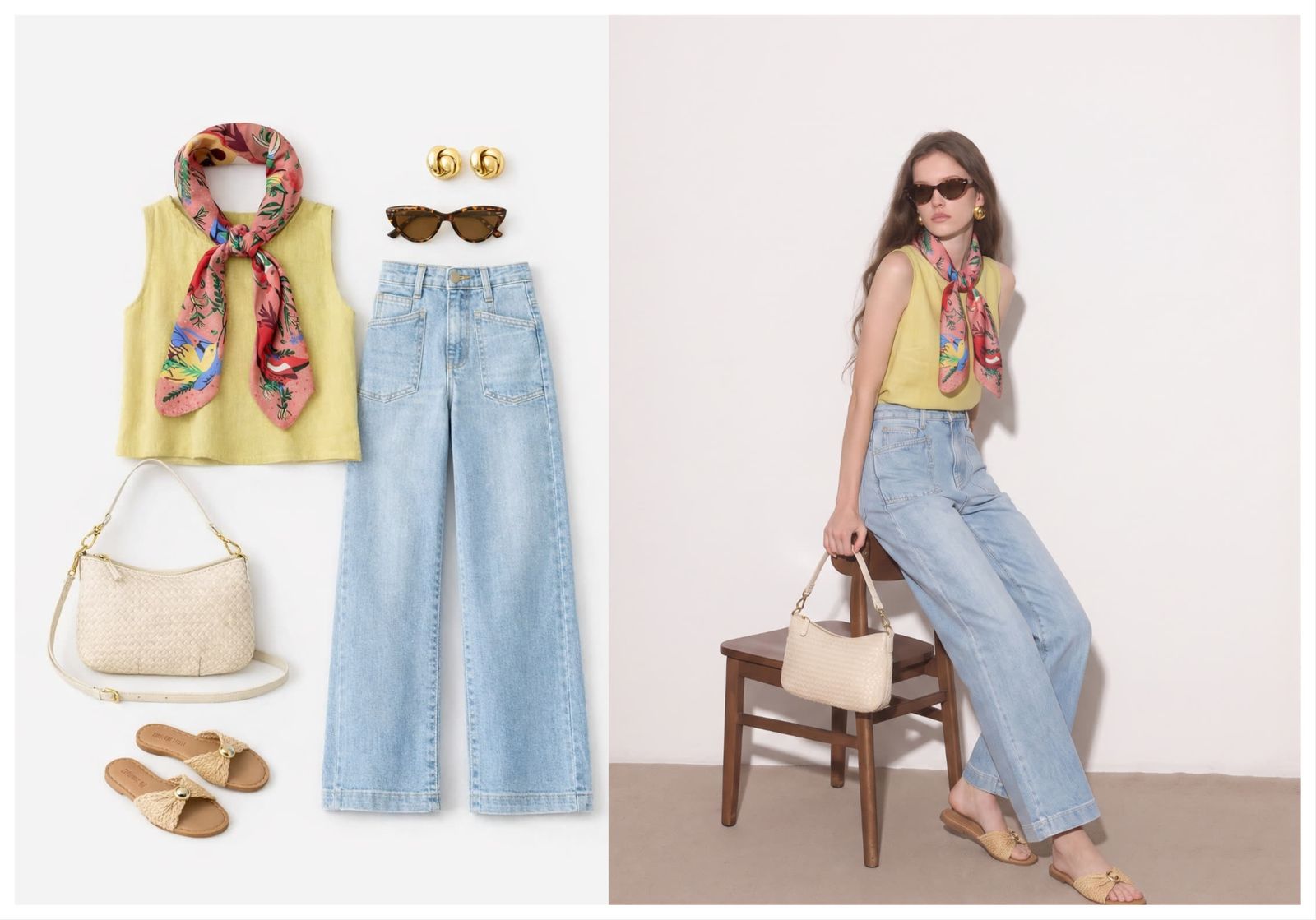
Support buyer selfie try-on and style previews
Shoppers can upload a personal or permitted photo to preview glasses before buying, compare prescription frame styling, and check whether a rimless or tinted frame suits the face. This view is a visual style preview, not an optical measurement or exact fit check.
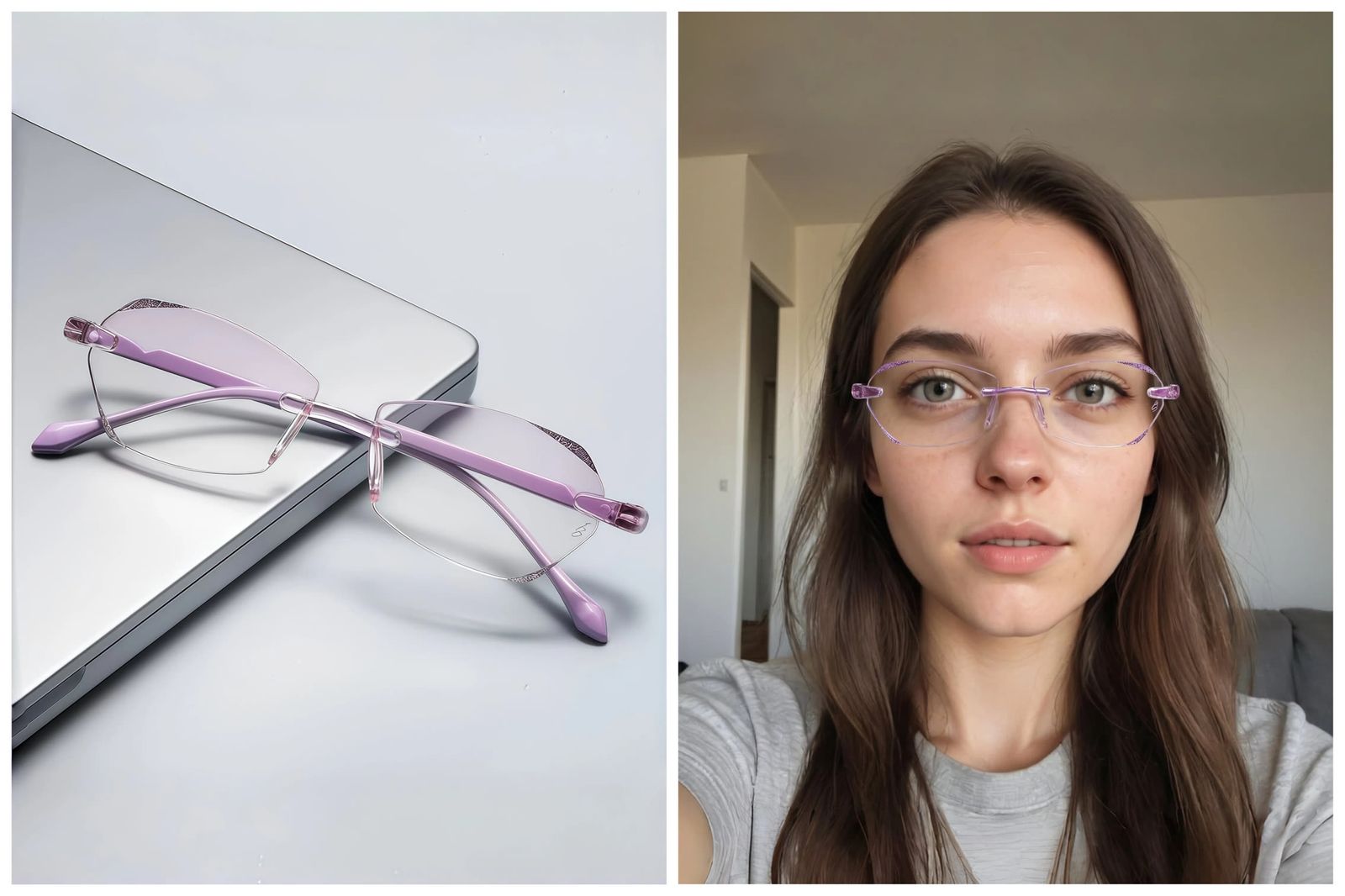
How virtual try-on glasses works
Upload the eyewear reference, choose the model image, then generate a glasses try-on preview for PDP, catalog, campaign or content review.
Upload the frame reference
Use a product photo of glasses, sunglasses, clear lenses, tinted lenses, rimless glasses, aviators, cat-eye frames, metal frames or acetate frames.
Upload model photo
Use an authorized model photo, an AI fashion model direction or your own adult photo where the face, eye line and lighting are clear enough for frame placement.
Generate the try-on result
Review frame alignment, lens opacity, scale, shadows and outfit match, then export visuals for PDPs, marketplace galleries, collection pages, lookbooks or social content.
One editor for virtual try-on glasses, eyewear product photography and AI glasses try-on
Use the same glasses try-on workflow for ecommerce production and shopper previews: eyewear brands can create frame visuals for PDPs, Shopify stores, marketplaces, catalogs, ads and campaign testing.
Virtual try-on glasses
Preview how eyeglasses or sunglasses look on a face image before merchandising, buying or creating ecommerce visuals.
Eyewear virtual try-on for sellers
Create model-worn frame previews for DTC eyewear brands, optical retailers, boutiques and marketplace sellers.
AI glasses try-on
Generate a realistic glasses-on-face image from a product reference and a person or model photo.
Try on sunglasses online
Check lens tint, frame scale and outdoor styling direction before a campaign, product launch or creator post.
Upload photo glasses try-on
Start from an authorized model image, AI model direction or buyer photo when you need a visual style preview.
Eyeglasses frame preview
Compare rimless, metal, acetate, clear, cat-eye, aviator and round frames on the same face direction.
Eyewear product photography
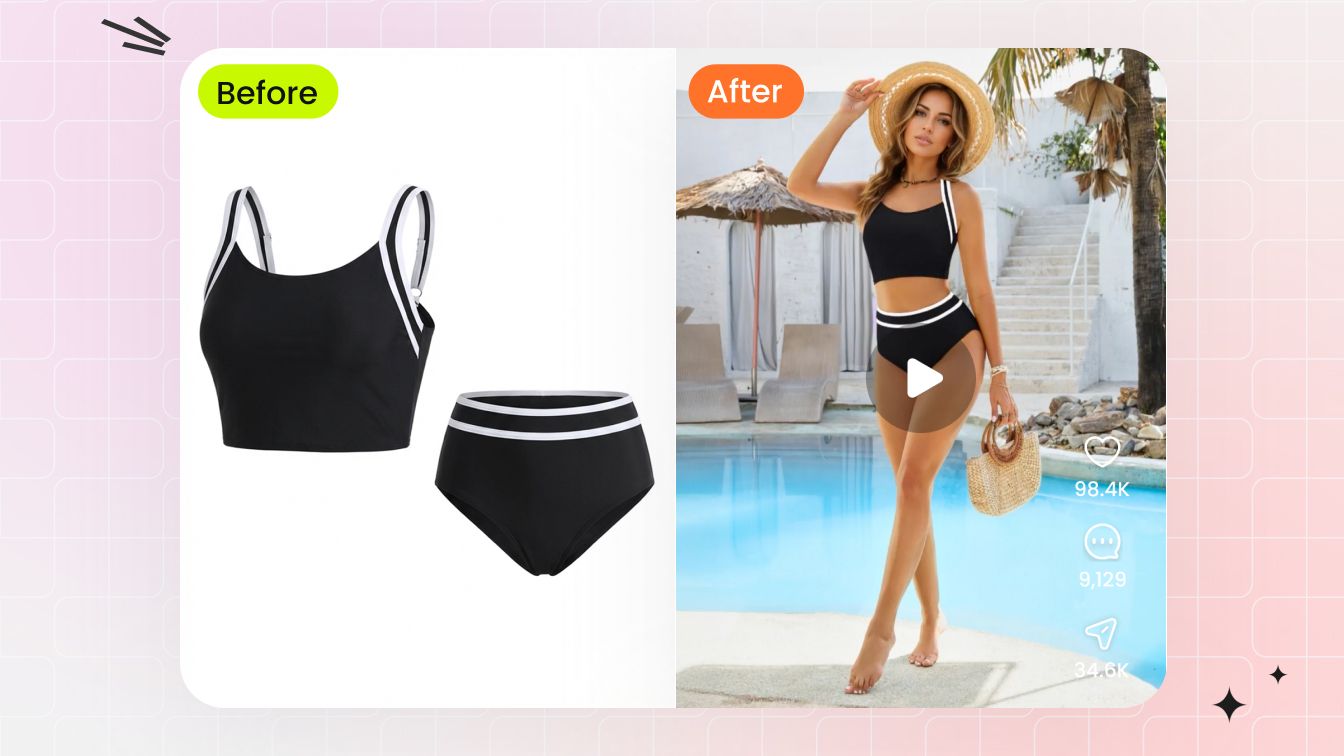
Turn frame-only product shots into on-model visuals for ecommerce, campaigns and merchandising review.
Shopify eyewear product images
Create glasses try-on visuals for Shopify PDPs, collection tiles, variant galleries and product launch pages.
Marketplace glasses listing photos
Prepare frame previews for Amazon, Etsy, Walmart, boutique marketplaces and reseller listing galleries.
Eyewear brand campaign visuals
Test model direction, styling, lens mood and seasonal creative before booking a full photo shoot.
Prescription frame styling
Judge the visual style of a prescription frame while leaving measurement and optical fit to the retailer or optician.
Accessory try-on
Coordinate glasses with jewelry, bags, hats, shoes and clothing so the full fashion look reads clearly.
Why use virtual try-on glasses?
Create eyewear previews for product merchandising, ecommerce teams, frame catalogs and accessory campaigns while keeping the frame reference clear.
- Eyewear sellers. Turn frame product photos into on-model previews for Shopify PDPs, marketplace images, ads, lookbooks, frame collection pages and social posts without photographing every SKU on every model.
- DTC eyewear brands. Test acetate, metal, rimless, tinted and sunglasses variants across model looks before committing to seasonal campaign shoots or final launch creative.
- Optical retailers and marketplaces. Create visual merchandising assets for prescription-frame categories, catalog pages, collection filters, reseller listings and paid-shopping tests.
- Fashion and accessory teams. Test how sunglasses or eyeglasses match clothing, jewelry, bags, hats, shoes, hair, makeup and campaign mood before a shoot or merchandising decision.
- Content and ad teams. Produce fast creative directions for frame launches, color variants, seasonal sunglasses campaigns and lifestyle banners before selecting final samples or booking talent.
More AI model-photo editing tools
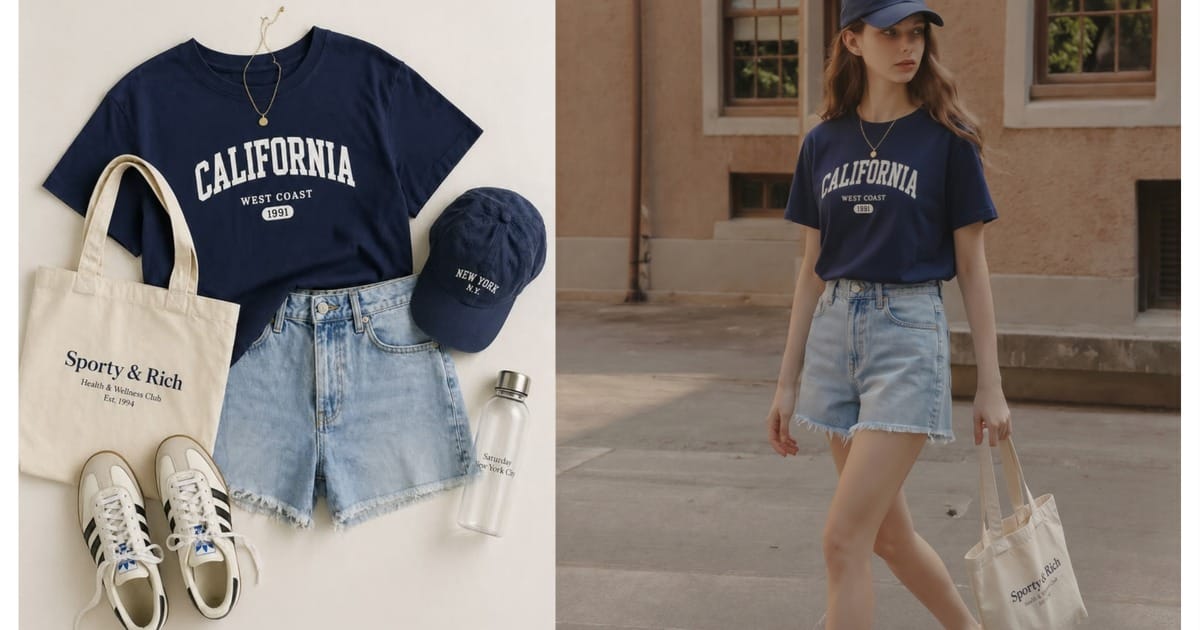
Go deeper: eyewear product photography and try-on guides
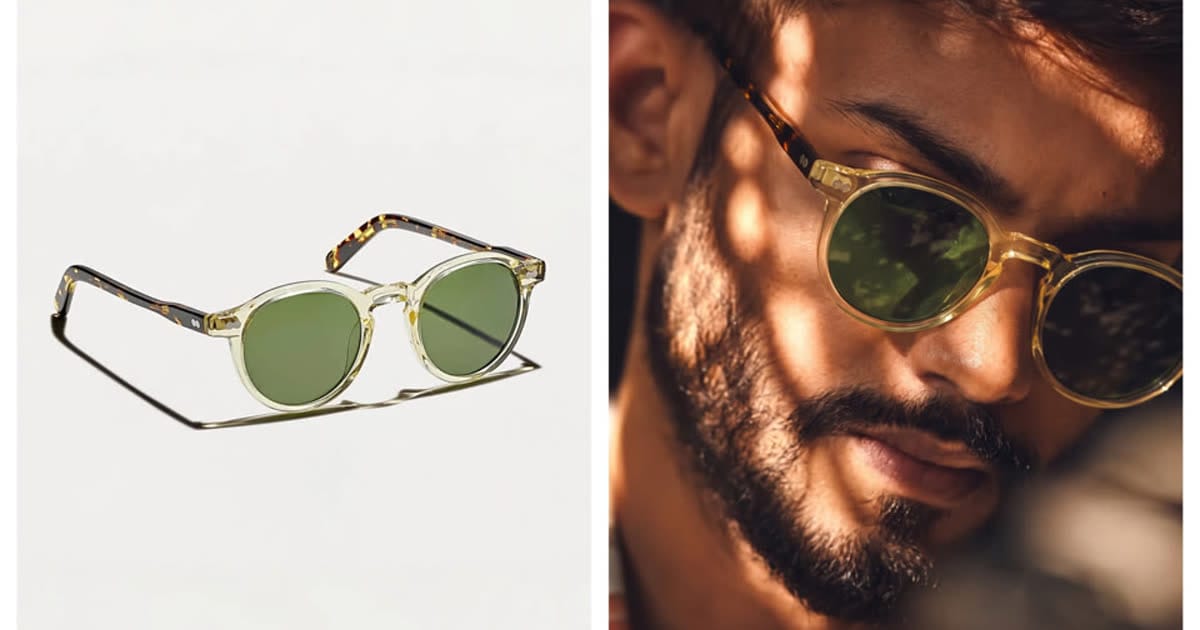 Eyewear Product Photography Without a PhotoshootBuild PDP, catalog, marketplace and ad visuals for glasses SKUs from clean frame references.
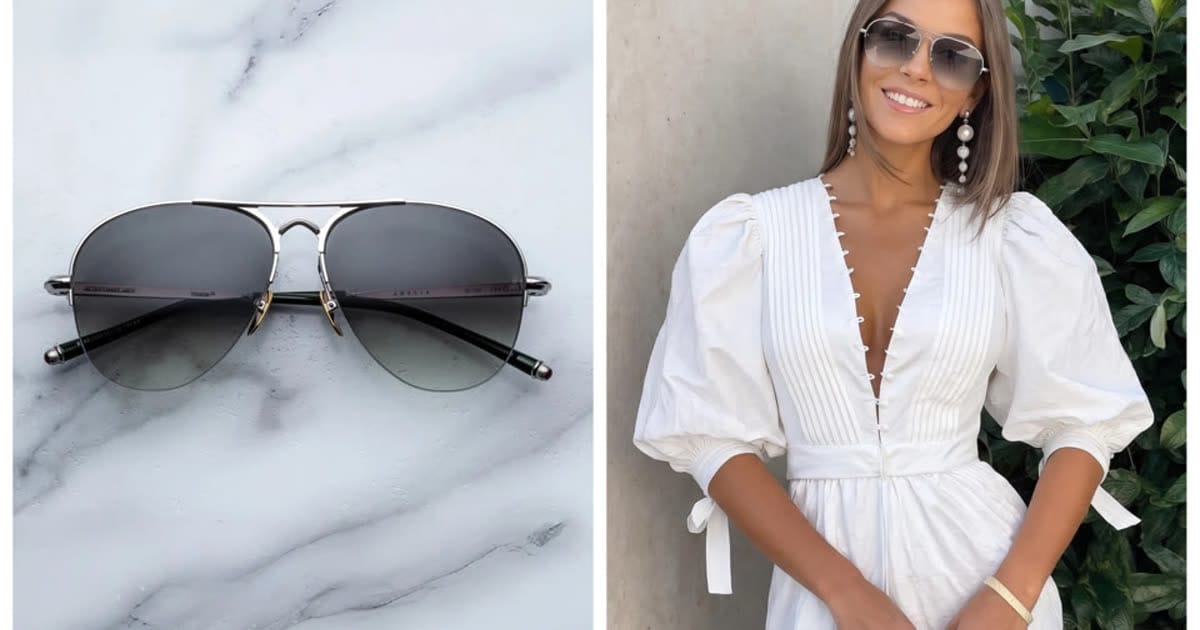 Virtual Try-On Glasses for EcommerceConnect frame references, PDP previews, catalog pages, ads and buyer upload-photo workflows.
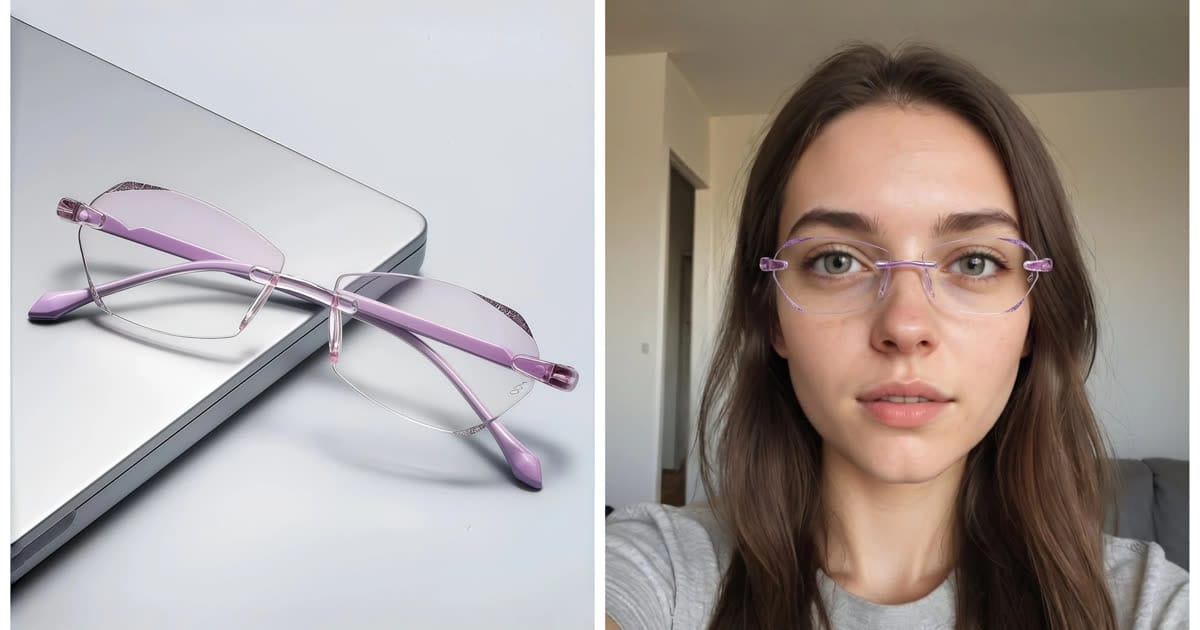 Try On Glasses Online From a PhotoSupport consumer upload-photo intent with honest style preview limits and seller QA steps.
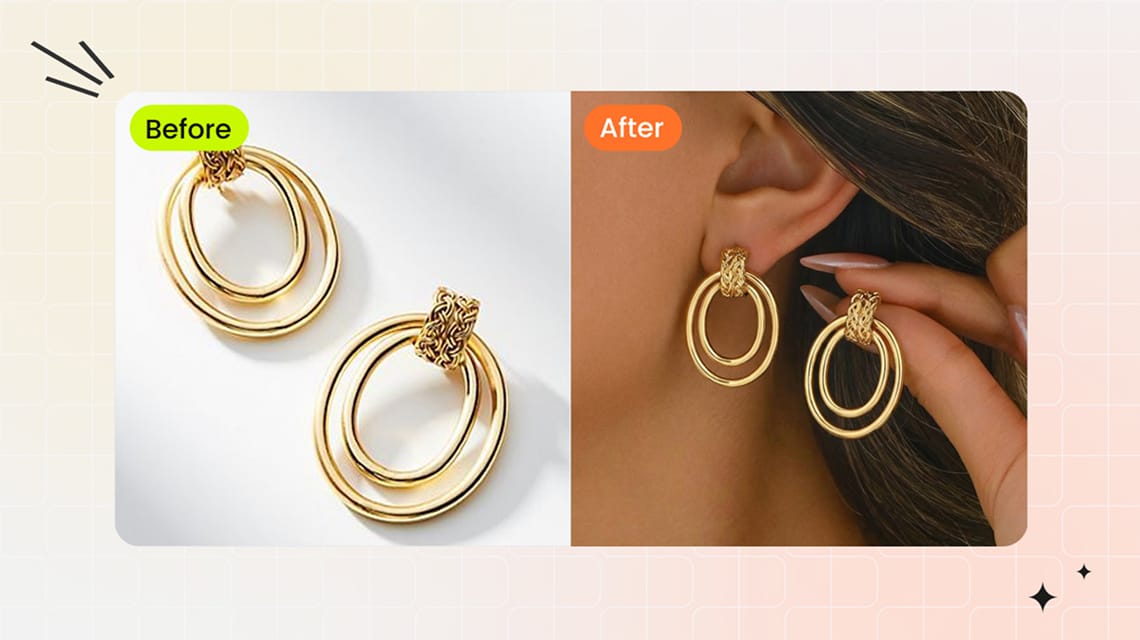 Product Photography for Accessories Without a PhotoshootCreate seller-ready visuals for sunglasses, bags, shoes, jewelry and other accessories from simple product photos.
Frequently asked questions
What is virtual try-on glasses?
Virtual try-on glasses is a photo workflow that places an eyeglass or sunglasses product reference on a face or model image so eyewear sellers can preview frame shape, lens tint, scale and styling for PDPs, catalogs, ads, lookbooks and campaign content.
How does the AI glasses try-on workflow work?
Upload a clear glasses or sunglasses reference first, then choose the person who should wear it: your own adult photo, an authorized model photo or an AI fashion model. Generate the result and review frame alignment, lens opacity, temple angle, shadows and overall realism.
Can I try glasses on my own photo?
Yes. Use your own adult photo, keep the result as a visual style preview and do not treat it as a medical, prescription or measurement-accurate fitting.
Can I try on sunglasses online with this page?
Yes. The same workflow supports sunglasses, eyeglasses, clear lenses, tinted lenses, rimless frames, metal frames, acetate frames, cat-eye frames, aviators and fashion eyewear references.
Is the result size-accurate for buying prescription glasses?
No. AI try-on is a visual preview for style, content and merchandising. For prescription glasses, frame size, bridge width, lens height, pupillary distance and optical fit still need retailer or optician guidance.
Can eyewear sellers use it for product visuals?
Yes. Eyewear sellers, DTC eyewear brands and optical retailers can create on-model glasses previews for Shopify PDPs, marketplace listings, frame catalog pages, ads, lookbooks, social posts and creative tests without reshooting every SKU on every model.
What glasses photos work best?
Use a clean front or three-quarter product photo with visible frame shape, lens color, bridge, hinges and temples. Avoid heavy blur, cropped frames, harsh reflections or tiny screenshots when frame details matter.
Can it style glasses with outfits and accessories?
Yes. Snappyit can place eyewear into a broader fashion look with clothing, jewelry, bags, hats and shoes so teams can judge whether a frame matches the outfit, campaign mood or creator styling direction.
Can I create visuals for multiple frame colors?
Yes. Start with one clean reference for each colorway, generate on-model previews in the same crop and lighting direction, then compare every result with the real SKU before publishing.
Is this a face swap or identity editing tool?
No. This page is for visible eyewear styling on images you control. It is not for impersonation, identity changes, private-photo editing or non-consensual face edits.
Explore More AI Product Photography Tools
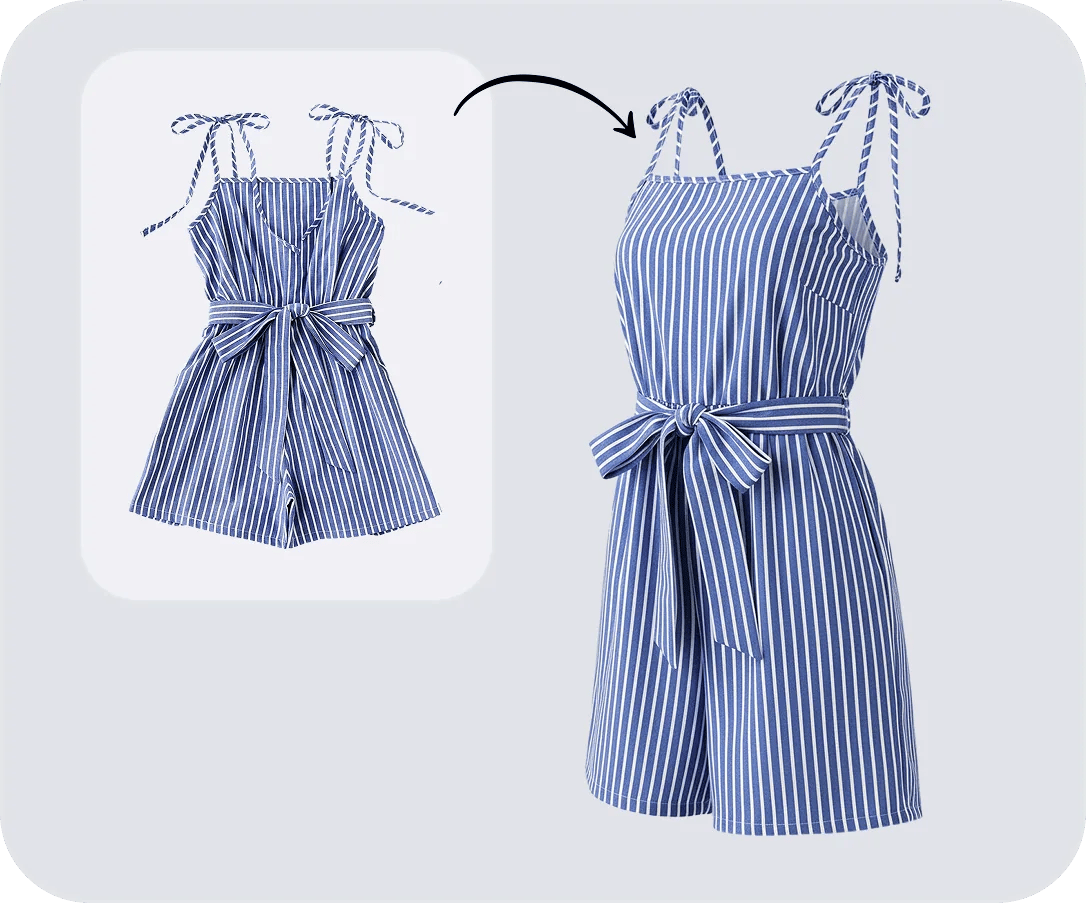
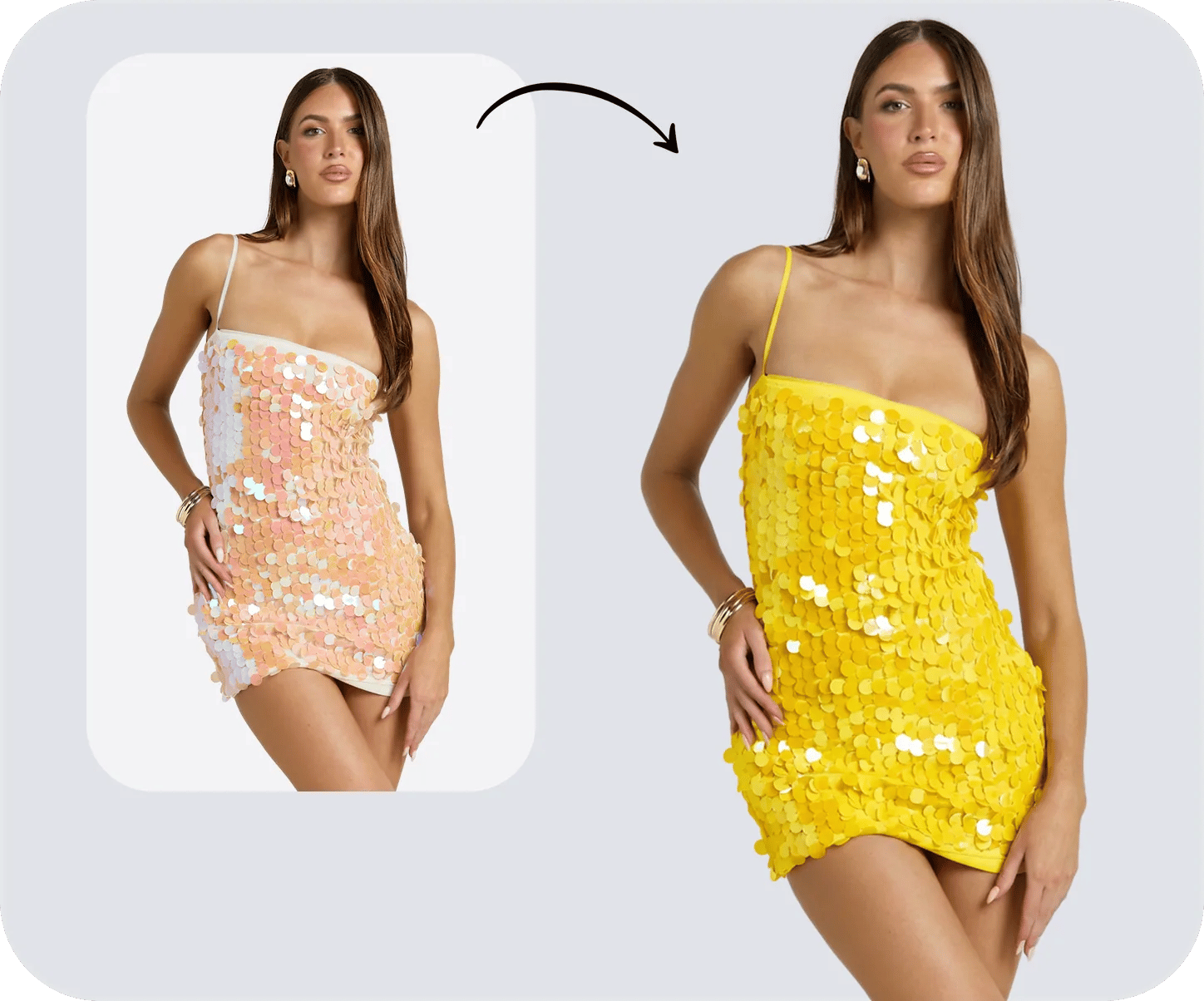
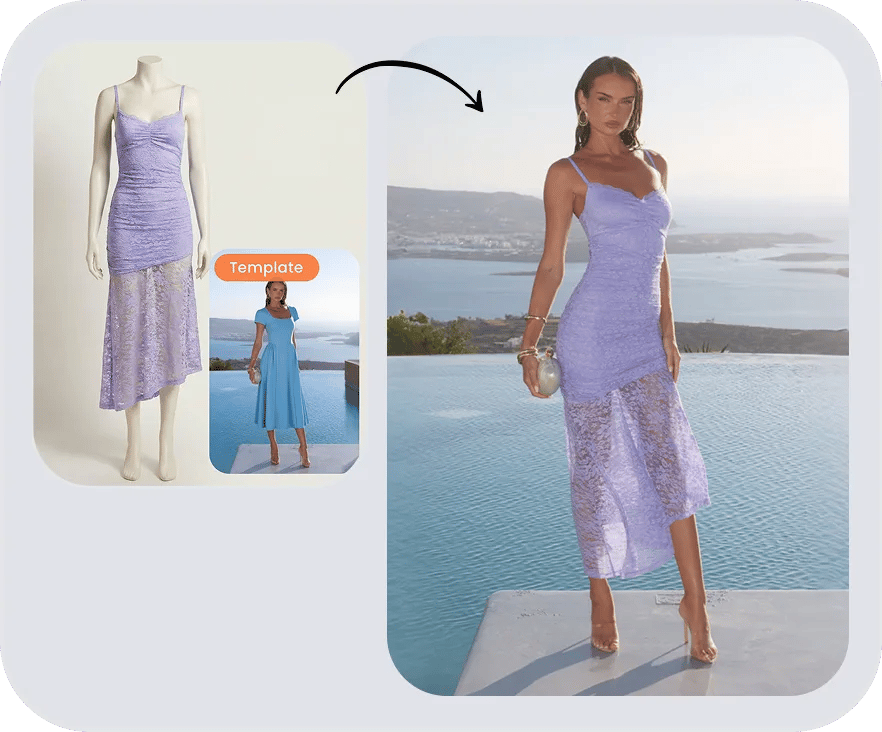
Create virtual try-on glasses images in Snappyit
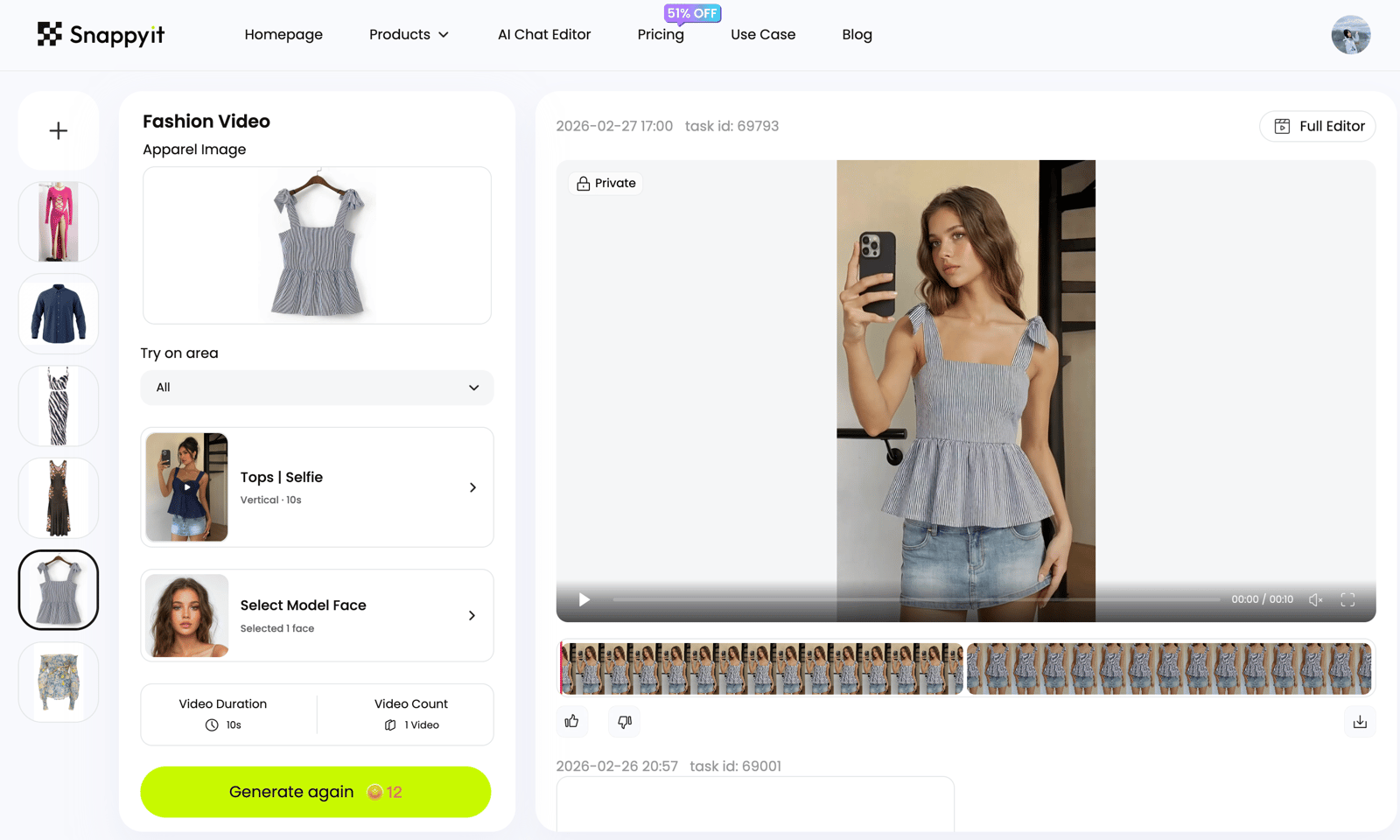
Upload the eyewear reference. Snappyit sends it to the Fashion Model generator, where you add an authorized model photo, a model-library choice or your own adult photo for virtual try-on glasses, AI glasses try-on and eyewear product photography previews.






