



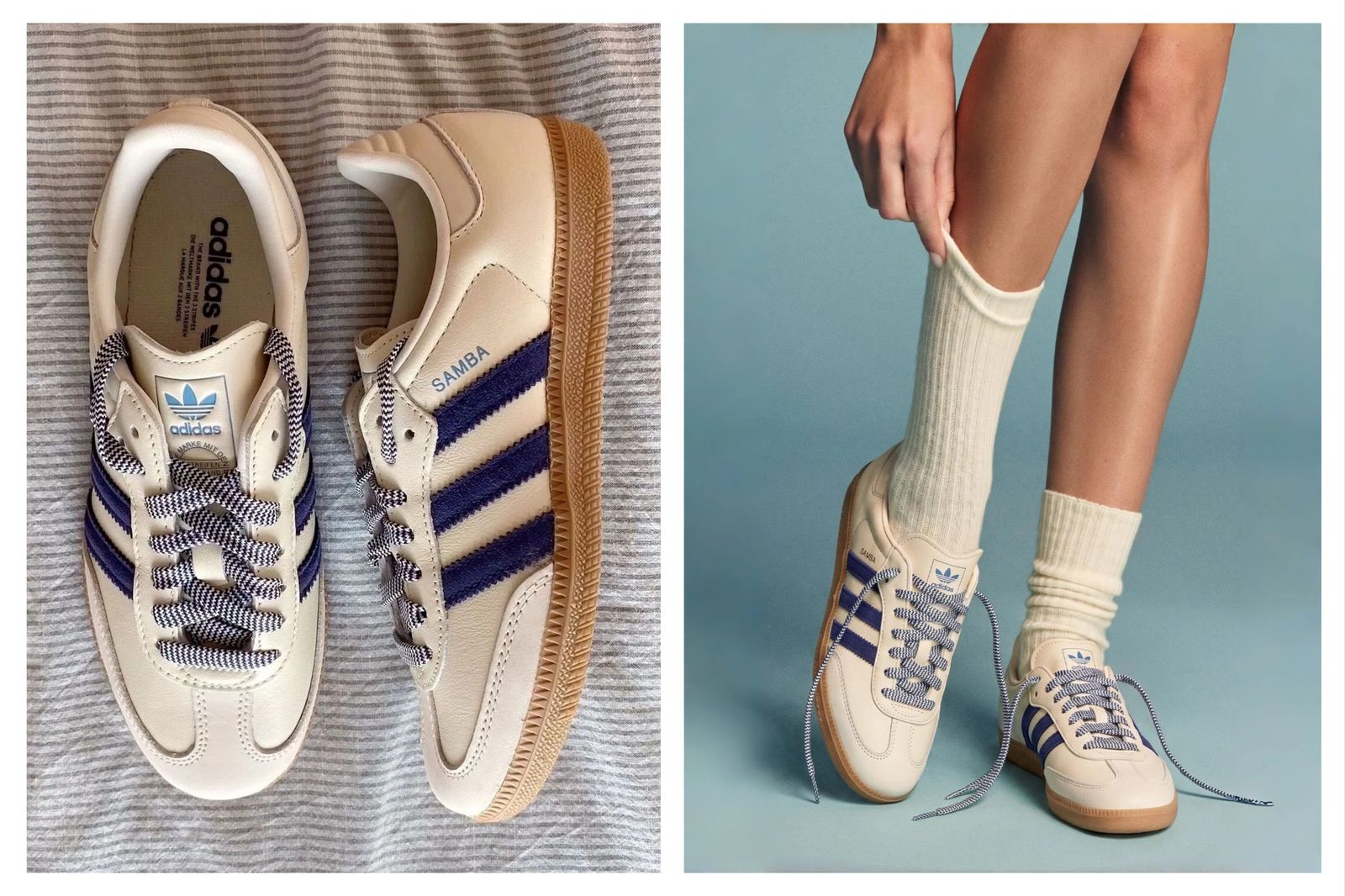
Create on-foot model photos for shoe listings
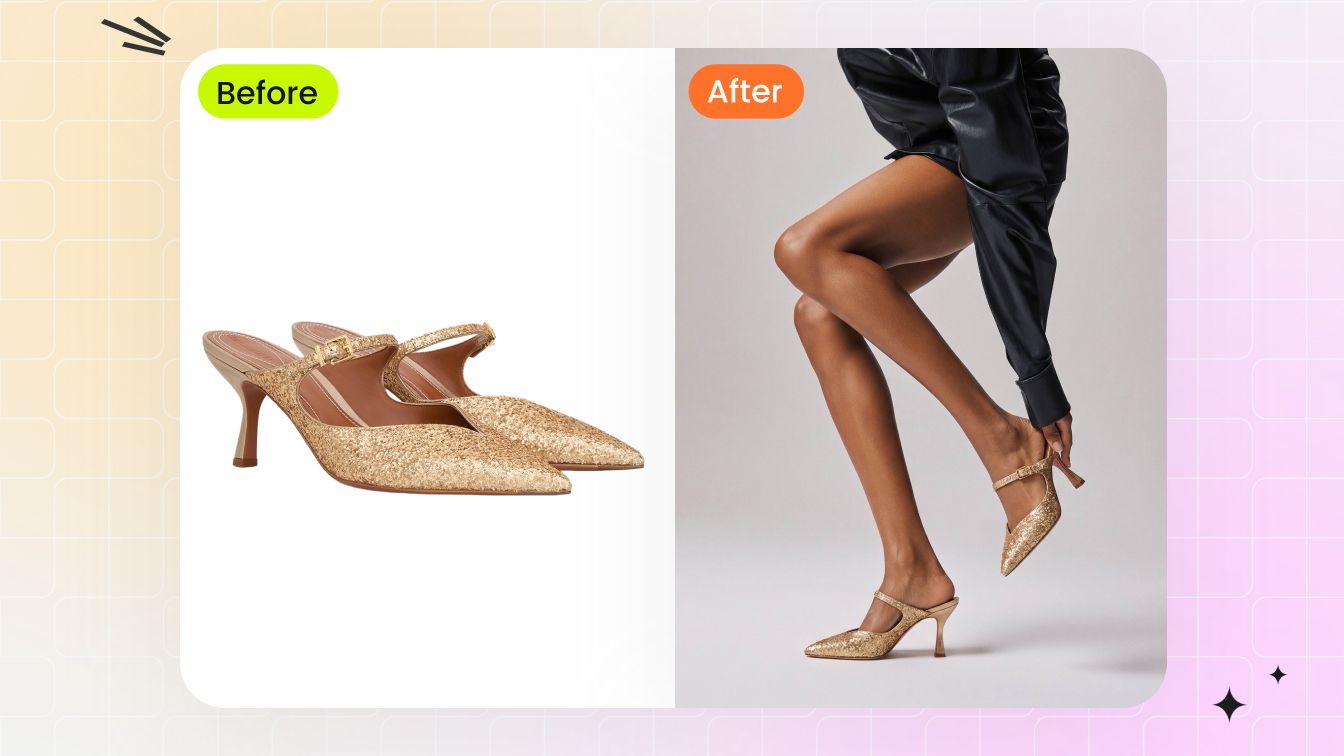
Upload a shoe product shot, catalog image, flat-lay or clean footwear reference, then create an AI shoe model photo for PDPs, marketplace galleries and paid ads. Footwear sellers can turn sneakers, heels, sandals, boots, loafers and flats into product-to-model images for Shopify, Amazon, Etsy, TikTok Shop and DTC product pages without arranging a new model shoot for every SKU.
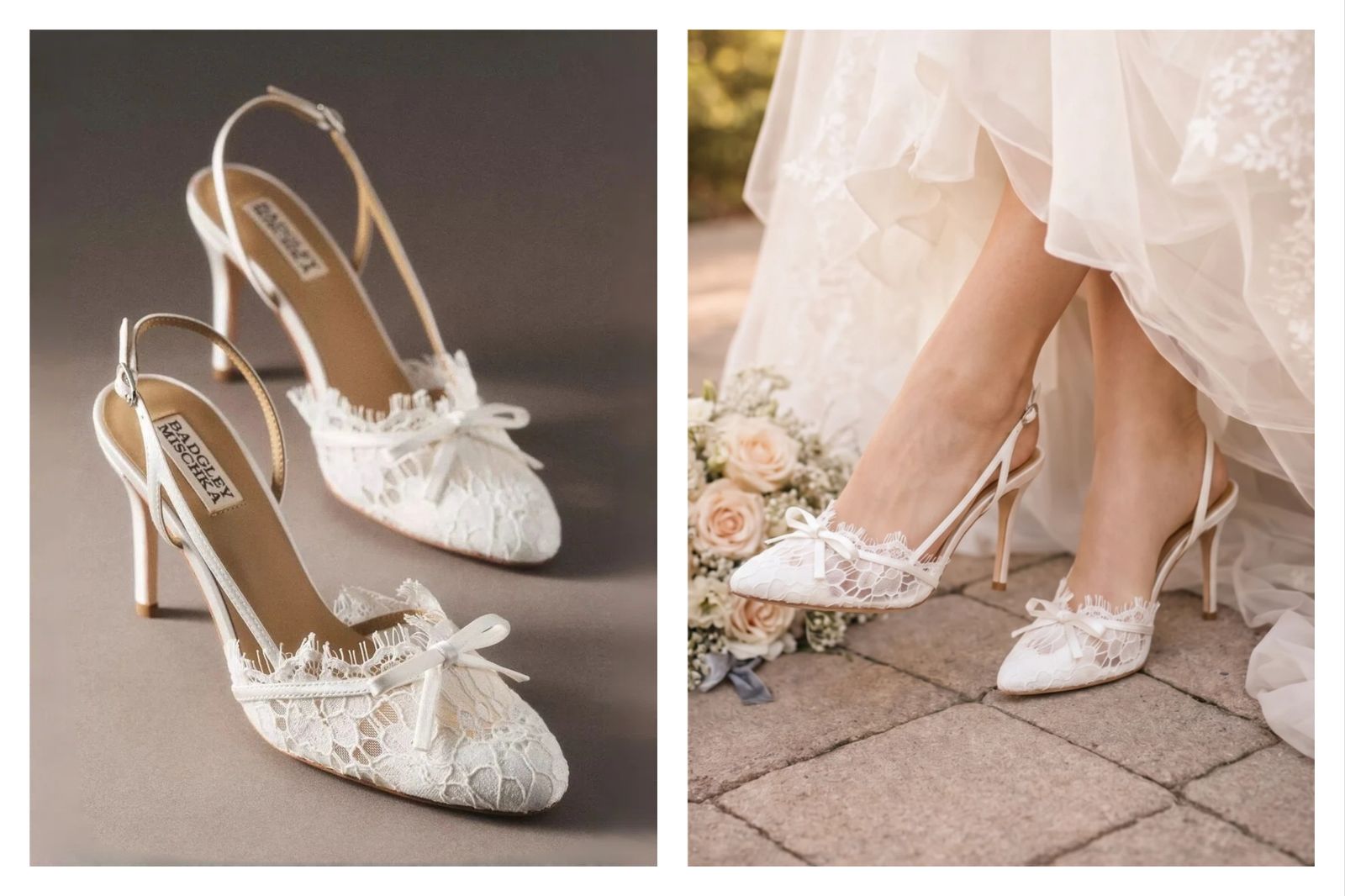
Generate lifestyle scenes and social media shoe creatives
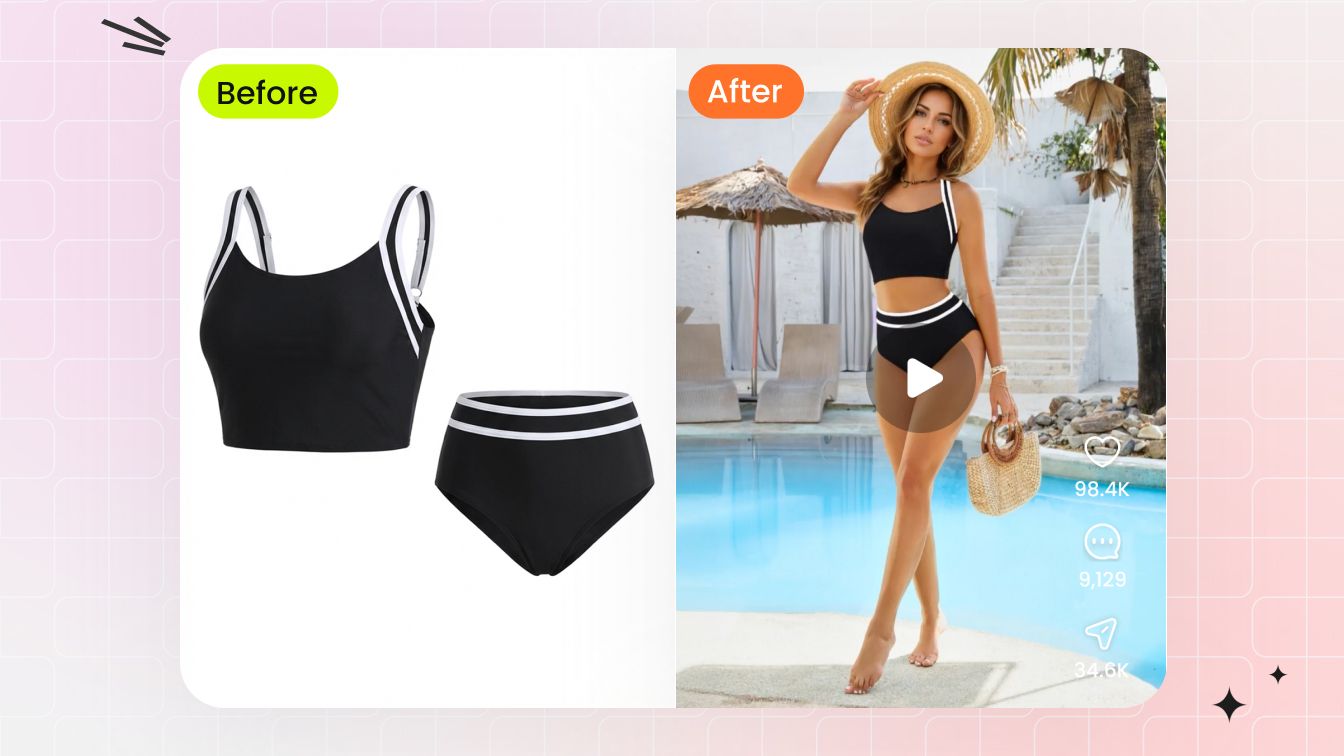
Use virtual try-on shoes to move beyond a white-background product image. Create shoe lifestyle photography, outfit styling images, Instagram and TikTok creatives, sneaker drop visuals, seasonal campaign scenes, lookbook tests and ad concepts from one product reference. Teams can test different model directions, styling moods and backgrounds before booking a location, stylist or photographer.
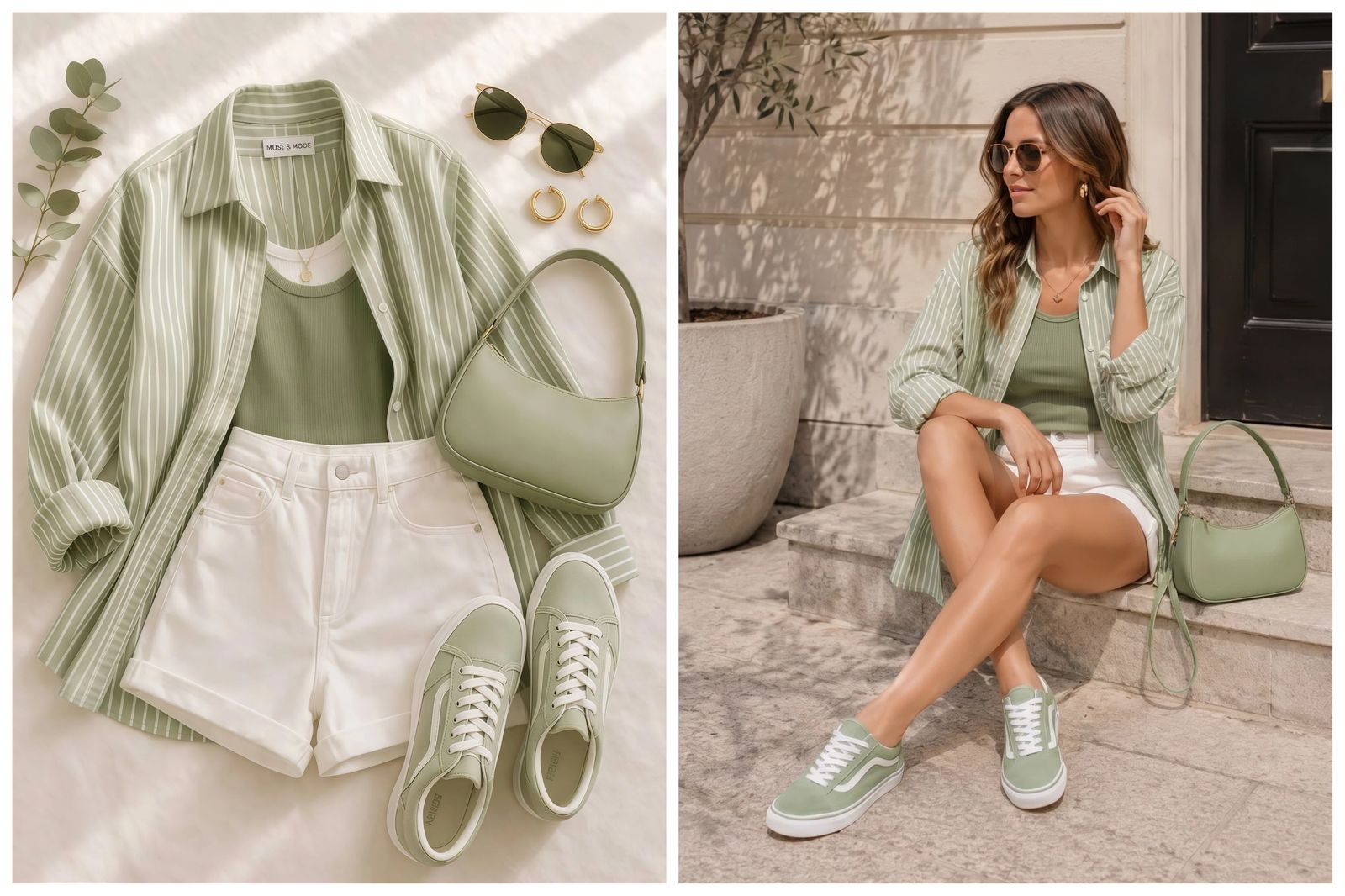
Scale footwear campaign tests without reshooting
For footwear brands, agencies and marketplace teams, a single shoe reference can become multiple on-foot images for campaign review, SKU launches, colorway planning and creative testing. Use AI shoe try-on to compare foot angle, stance, sock styling, outfit context, shadow direction and scene type before committing studio budget to the final campaign.
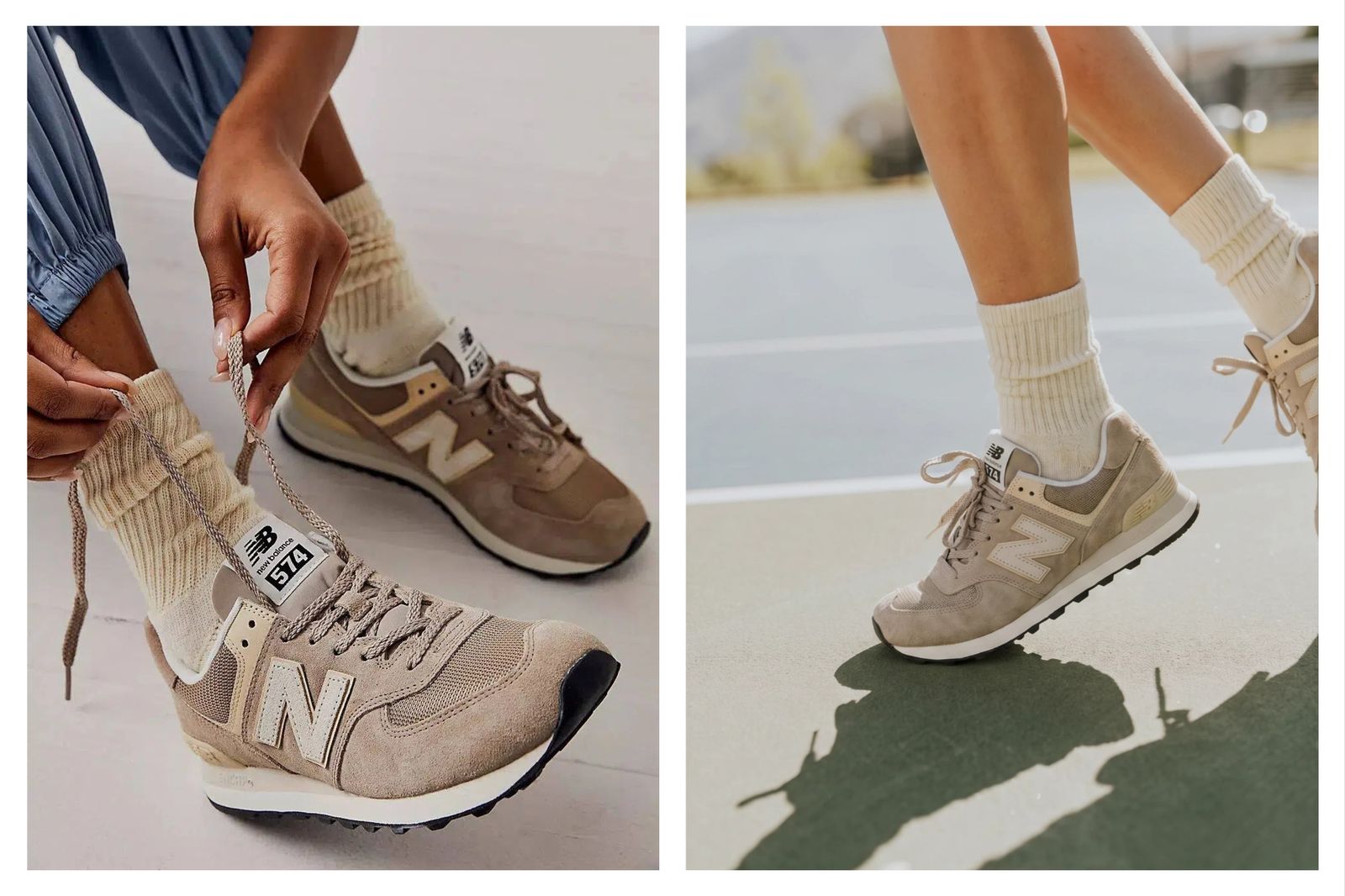
How virtual try-on shoes works
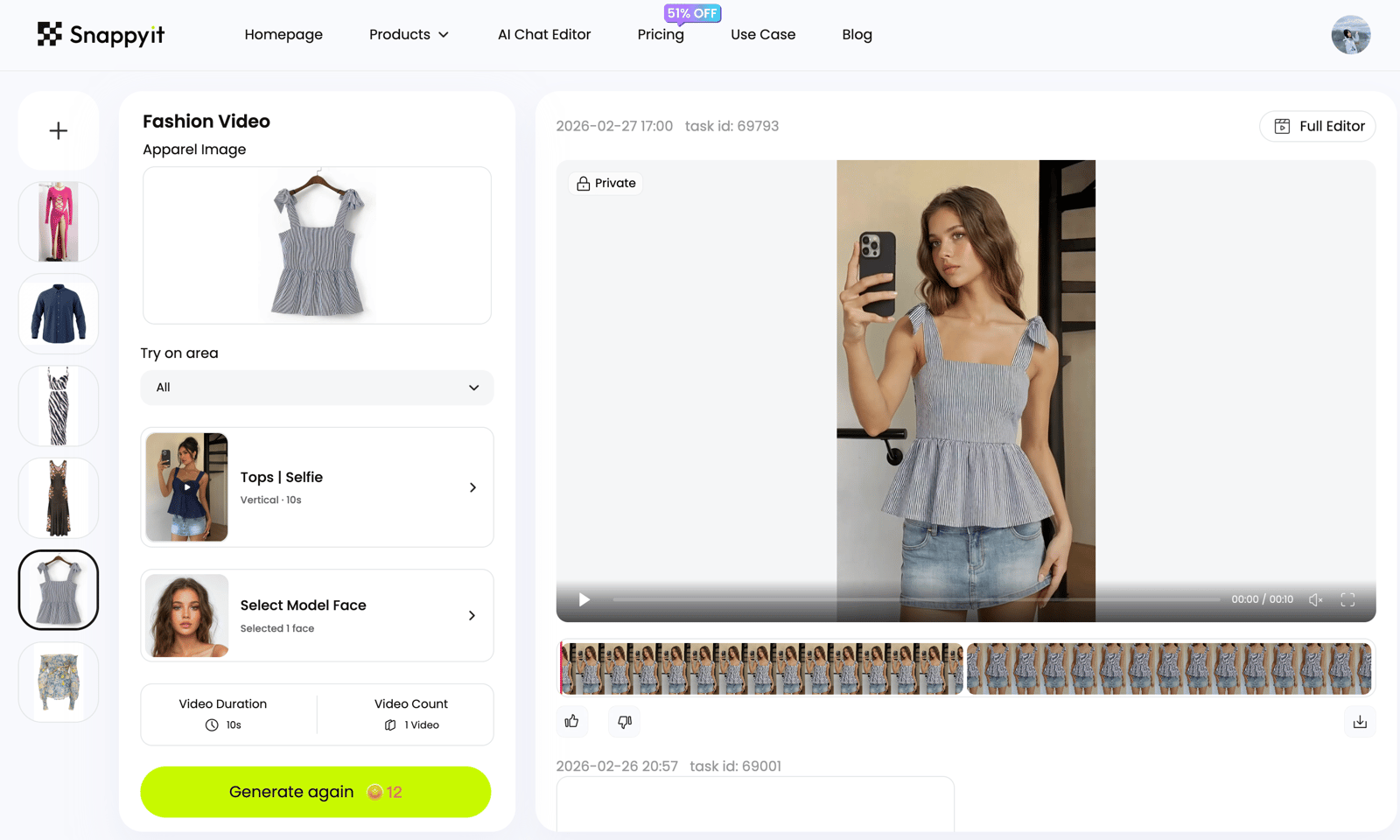
Upload a footwear product image, choose the model direction, then generate an on-foot result for listings, social creatives or campaign review.
Upload the shoe reference
Use a sneaker, heel, boot, sandal, flat, loafer, slipper or footwear product image with clear shape, side profile, sole, logo and material details.
Choose or upload a model
Choose from the Snappyit model library or upload an authorized model photo. Snappyit places the shoe product on the selected model directly.
Generate shoe visuals
Create on-foot model photos, shoe listing images, lifestyle scenes or social media creatives, then review scale, shadows, foot angle and SKU accuracy.
One workflow for virtual try-on shoes, AI shoe model photos and footwear content
Footwear teams use this workflow to move from a shoe product image to on-foot model photos, listing visuals, lifestyle scenes and campaign concepts without rebuilding a full shoot.
Virtual try-on shoes
Turn footwear product photos into realistic on-foot model images for ecommerce, ads and product launches.
AI shoe try-on
Create a shoe try-on image from a sneaker, heel, boot, sandal, flat or loafer reference.
AI shoe model generator
Place shoes on an AI fashion model or authorized model photo while keeping product details visible.
Shoe product photography
Generate footwear product photos for PDPs, marketplace galleries, secondary listing images and lookbooks.
Shoe listing images
Create Shopify, Amazon, Etsy, TikTok Shop and DTC product visuals without reshooting each SKU.
Shoe lifestyle photography
Preview streetwear, bridal, resort, running, casual and studio scenes for footwear campaigns.
Sneaker try-on generator
Test sneaker launch visuals, socks, stance, street scene context and social media ad angles.
Footwear product-to-model
Start from a product reference and create model-worn footwear images for catalog and campaign review.
Social media shoe creatives
Build Instagram, TikTok, Pinterest, UGC-style and paid social concepts from one shoe image.
Why use virtual try-on shoes?
Create footwear visuals for listings, ads and campaign planning while keeping the shoe design direction visible.
- Footwear ecommerce sellers. Turn shoe product photos, flat-lays and catalog references into on-foot model photos for Shopify, Amazon, Etsy, TikTok Shop, DTC product pages, PDP galleries, marketplace secondary images, ads and lookbooks. It supports virtual try-on shoes, AI shoe try-on, AI shoe model photos, shoe product-to-model images and footwear listing content without scheduling a new shoot for every SKU.
- Footwear brands and DTC teams. Use AI shoe try-on to preview launch visuals for sneakers, running shoes, heels, sandals, boots, loafers, flats, bridal shoes and slippers. Compare model stance, styling, scene direction, sock choices, outfit context and campaign mood before committing budget to a studio, location or model day.
- Marketplace and catalog teams. Scale product visuals across colorways, size families, seasonal drops and reseller inventory. The workflow helps teams create consistent shoe listing images, lifestyle product photos, social media shoe creatives and AI footwear photography from one clear reference image while keeping the real SKU as the source of truth.
- Social media and ad creative teams. Build TikTok ads, Instagram posts, Pinterest pins, paid social tests, UGC-style concepts, lookbook fillers and product launch teasers from the same shoe reference. Instead of waiting for another sample, location or model booking, teams can explore creative angles first and reserve production spend for the winning direction.
- Agencies, photographers and merchandisers. Use AI shoe model images for client review, pre-production boards, merchandising approvals and campaign layout tests. Review the output for product scale, foot angle, contact shadow, heel height, toe shape, outsole curve, logo clarity, stitching, laces, buckles, leather, suede, mesh, canvas and rubber details before publication.
- Rights-safe commercial workflows. Use footwear images, brand assets and model photos you own, licensed or have permission to edit. Commercial shoe try-on should avoid misleading fit claims, protect model rights and keep product details accurate for customers.
More AI model-photo editing tools
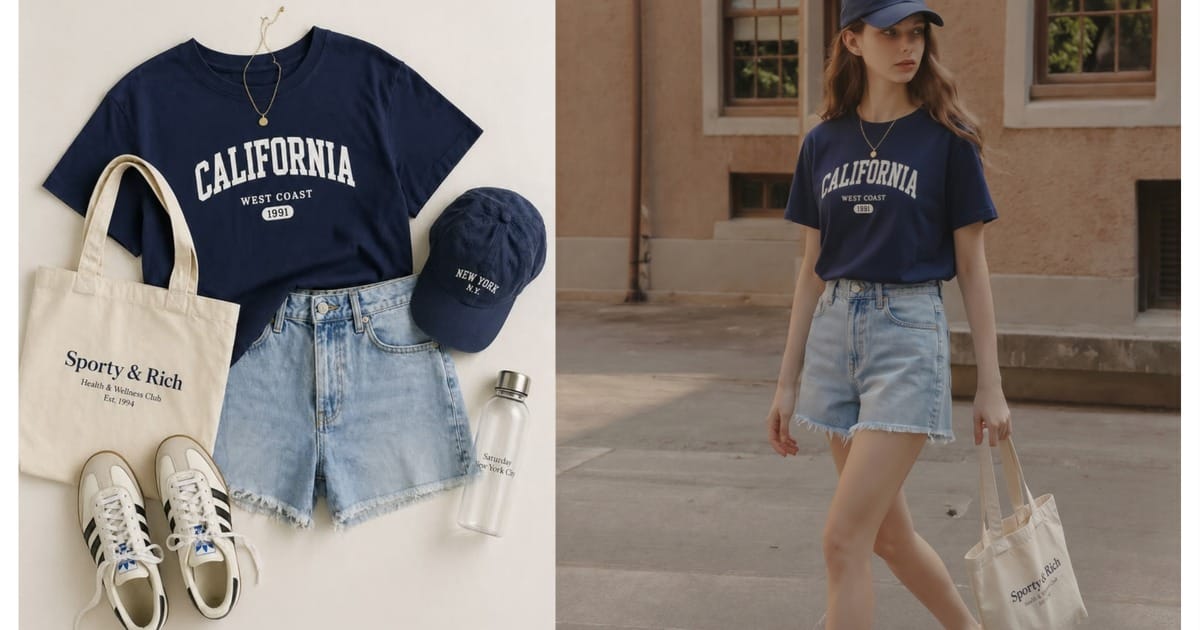
Go deeper: virtual shoe try-on and footwear photography guides
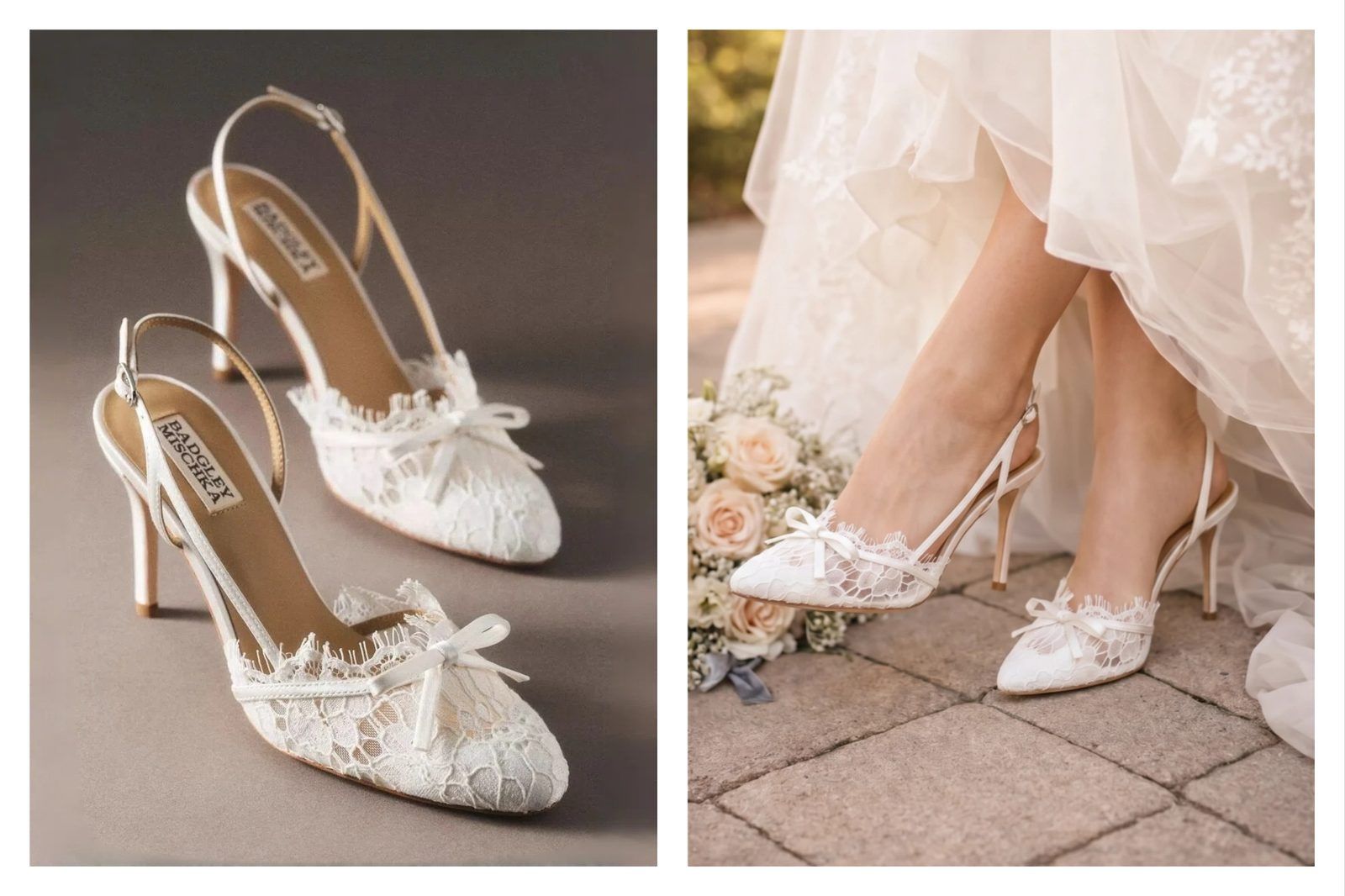 Best Virtual Shoe Try-On AppsCompare AR shoe try-on widgets with AI on-foot image tools, pricing and seller trade-offs.
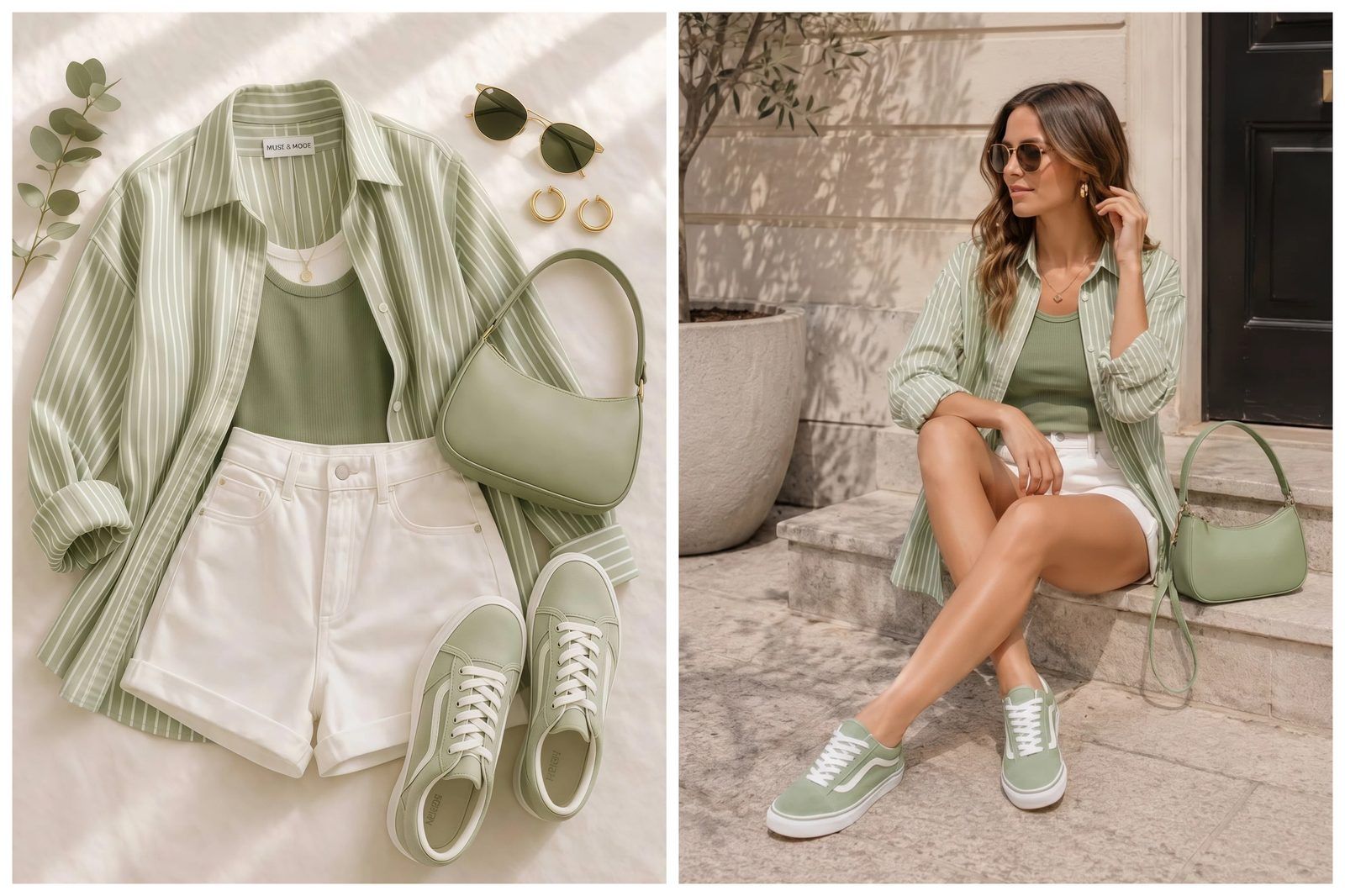 AR Shoe Try-On vs AI Shoe ImagesUnderstand when live AR foot tracking helps and when AI shoe model photos are enough.
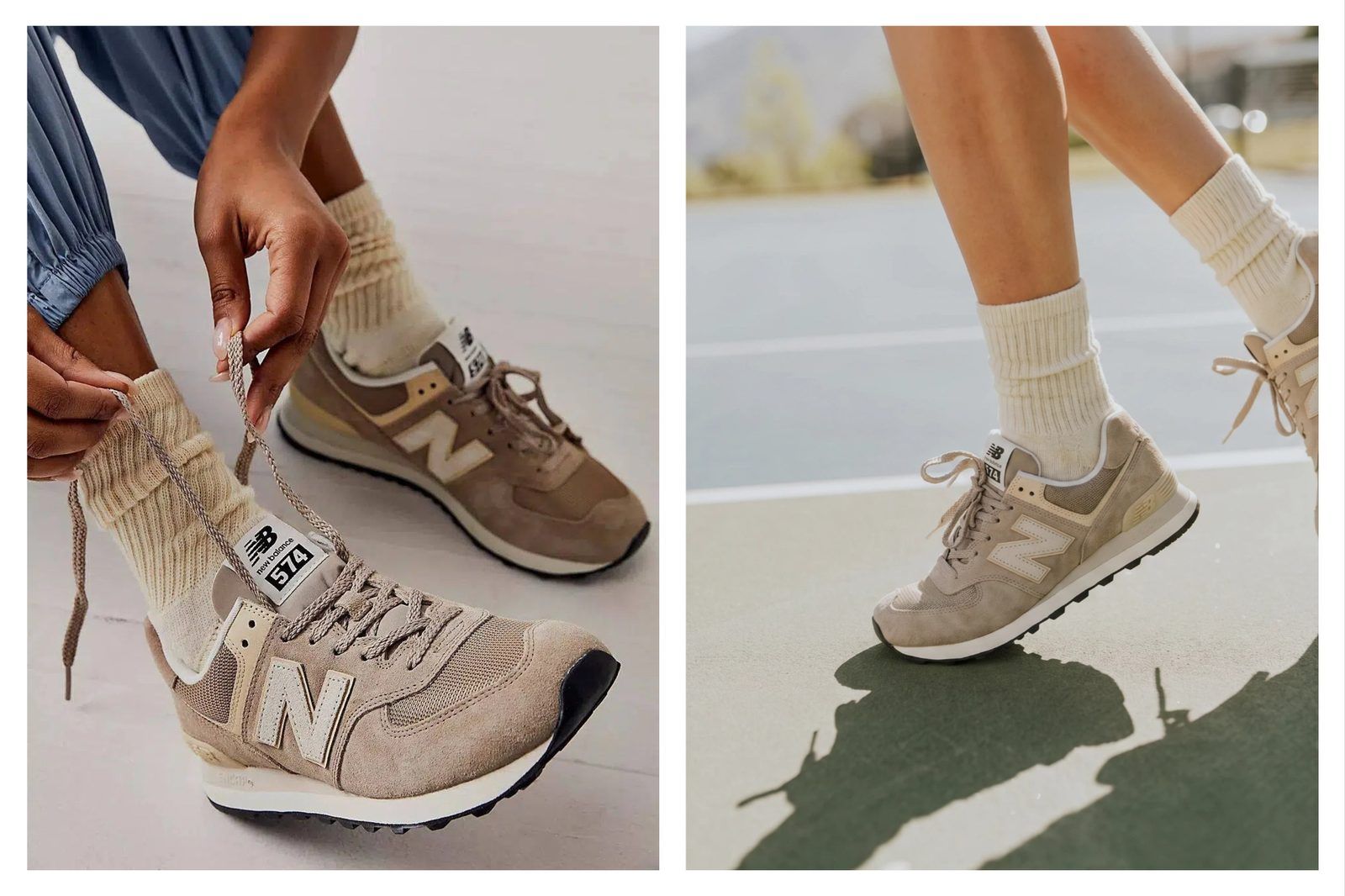 Virtual Shoe Try-On for ShopifyAdd on-foot shoe visuals to Shopify product pages before paying for a full AR setup.
 How to Photograph Shoes for EcommerceBuild listing-ready footwear image sets from product, on-foot and lifestyle angles.
Frequently asked questions
What is virtual try-on shoes?
Virtual try-on shoes is an AI workflow that turns a shoe product image into on-foot model photos, product-to-model footwear images, shoe listing visuals, lifestyle scenes and campaign concepts for ecommerce use.
How does AI shoe try-on work for sellers?
Upload a clear shoe reference first. Snappyit sends the image to the Fashion Model generator, where a seller can choose from the model library or upload an authorized model photo. The product is then placed on the model for an on-foot result that can be reviewed for scale, material detail, logo placement and shadow realism.
Can it create shoe listing images?
Yes. Footwear sellers can create AI shoe listing images for PDPs, Shopify stores, Amazon secondary images, Etsy listings, TikTok Shop creatives, lookbooks and ad tests. Final listing use should be reviewed against the real SKU.
Can it create lifestyle and social media shoe photos?
Yes. Use it to generate shoe lifestyle photography, social media shoe creatives, outfit styling images, seasonal campaign concepts, sneaker drops, heel styling scenes and ad visuals without arranging a separate model or location shoot.
What shoe product images work best?
Use clear shoe photos with the shape, toe box, side profile, sole, heel height, lace structure, logo, stitching and material texture visible. Clean product photos, flat-lays and catalog images work better than blurry screenshots or heavily cropped references.
Does it replace a shoe photoshoot?
It can reduce extra shoots for SKU variants, colorways, lifestyle tests and social media concepts. For hero campaigns or final marketplace images, sellers should still review the AI output for product accuracy, fit representation and platform rules.
Can it handle sneakers, heels, boots and sandals?
Yes. The workflow can be used for sneakers, running shoes, heels, sandals, boots, loafers, flats, slippers, bridal shoes and other footwear categories, provided the source product image is clear enough for the AI to preserve the main design details.
What should footwear sellers check before publishing?
Check shoe scale, left-right pairing, toe shape, heel height, outsole curve, lace position, logo clarity, stitching, material finish, contact shadows and whether the generated model pose makes the product look commercially accurate.
What rights do I need?
Use shoe product images, brand assets and model photos you own, licensed or have permission to edit. If a real person appears in the workflow, use an adult model image with permission and avoid minors, private photos, social screenshots or non-consenting people.
Which Snappyit generator opens after upload?
After you upload a shoe reference, Snappyit opens the Fashion Model generator with the image attached. From there, create AI shoe model photos, on-foot images, listing visuals or lifestyle scenes.
Explore More AI Product Photography Tools
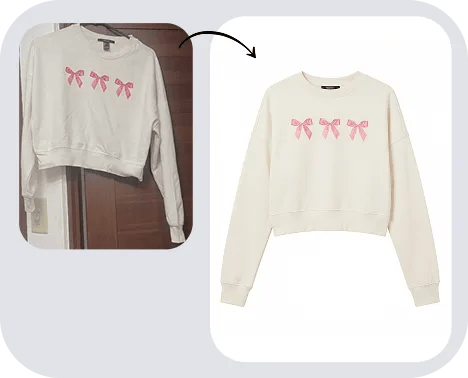
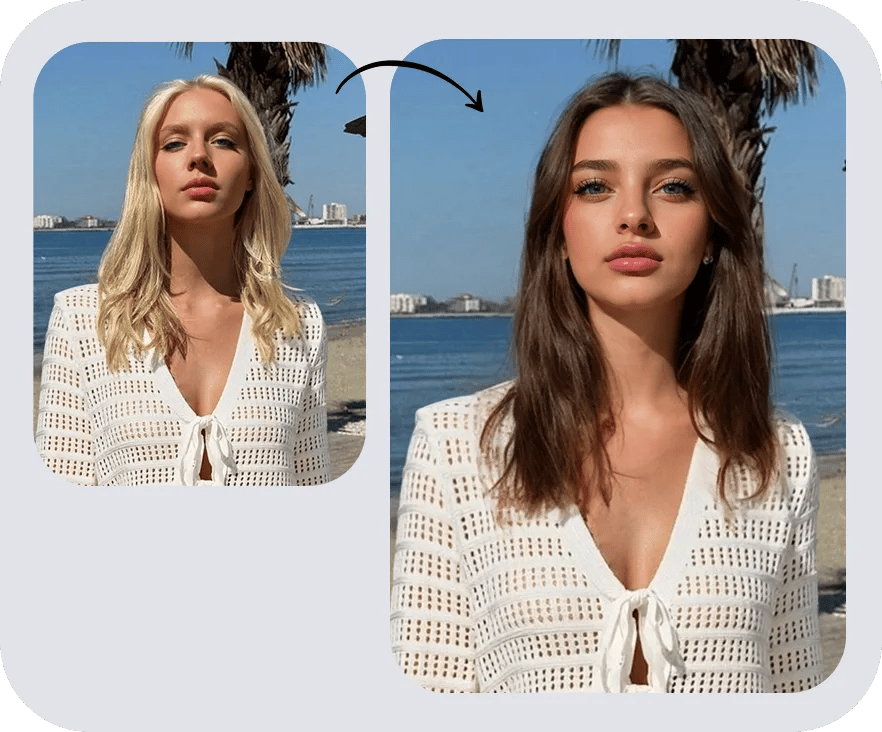
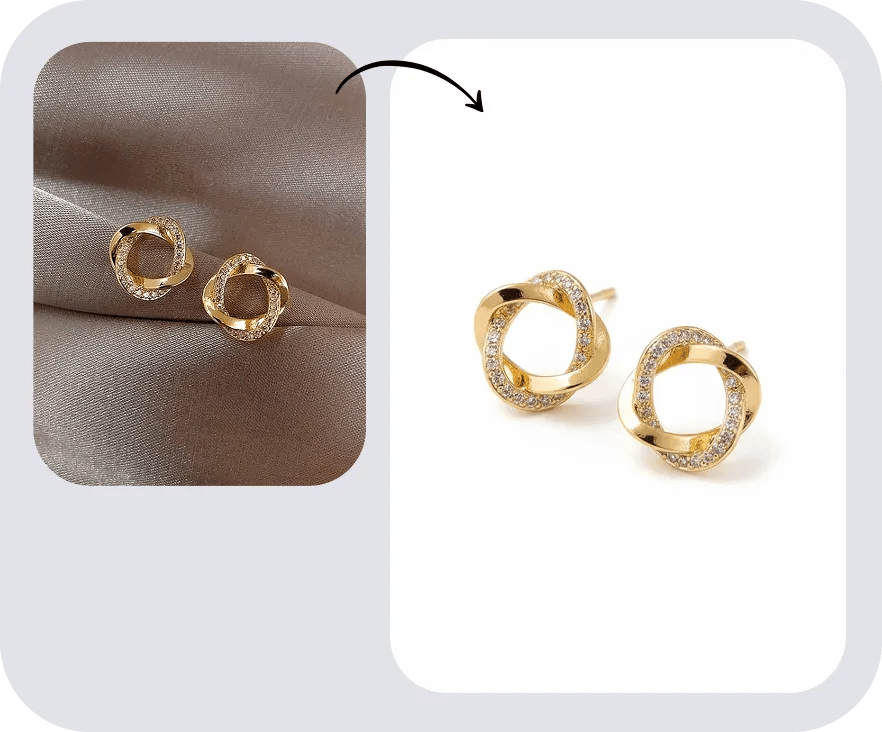
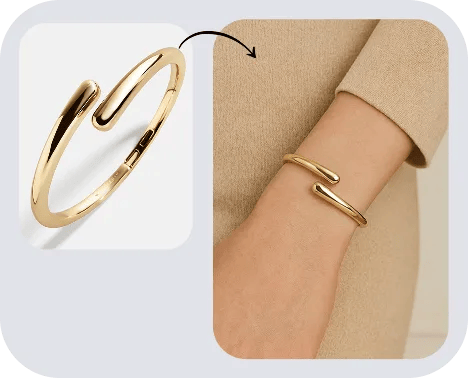
Create AI shoe model photos in Snappyit
Upload the shoe reference. Snappyit sends it to the Fashion Model generator, where your team can create virtual try-on shoes, on-foot model images, shoe listing photos, lifestyle scenes and social creatives from the same product direction.






