



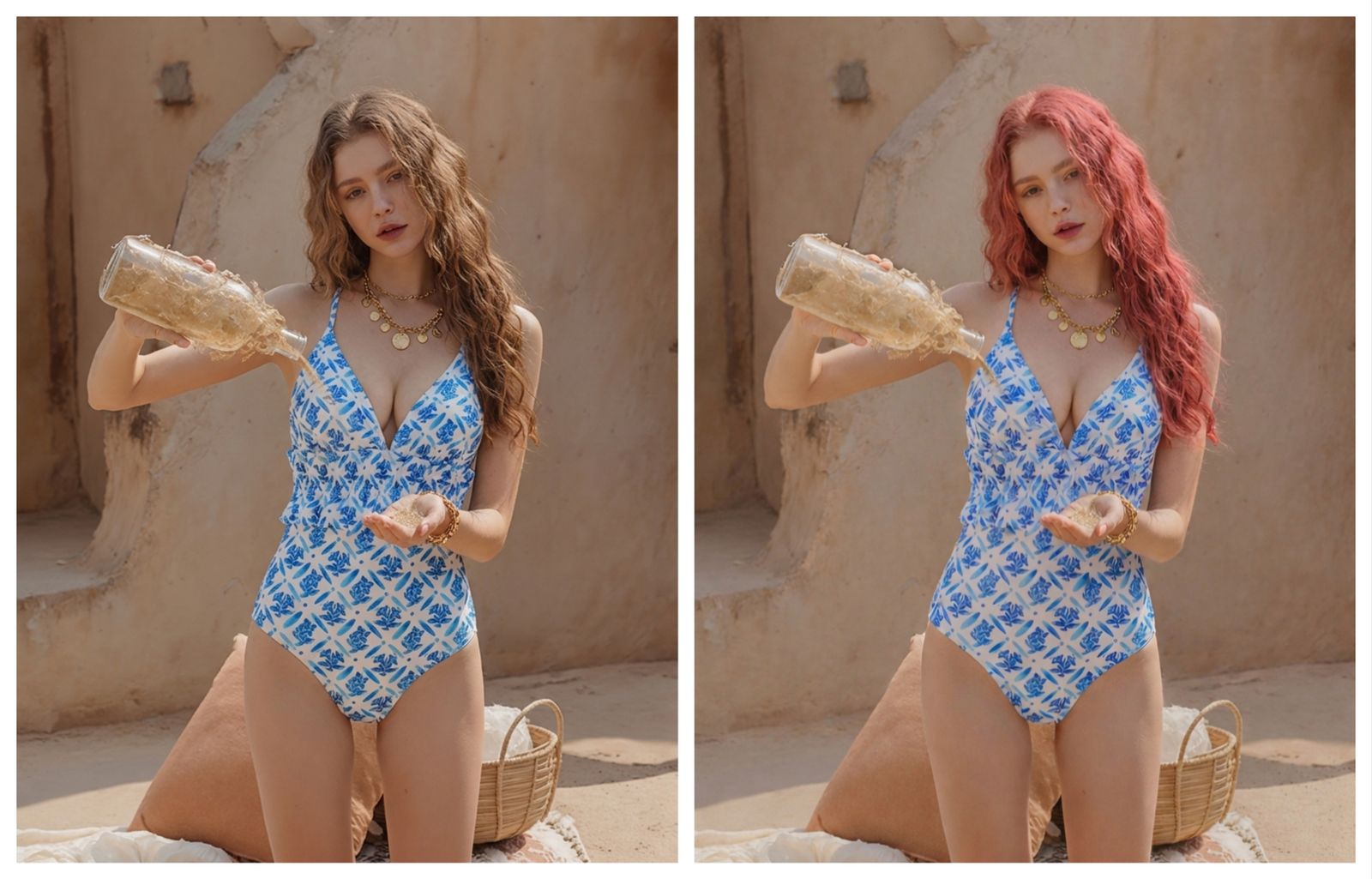
Try blonde, brunette, copper, red and gray hair colors from one photo
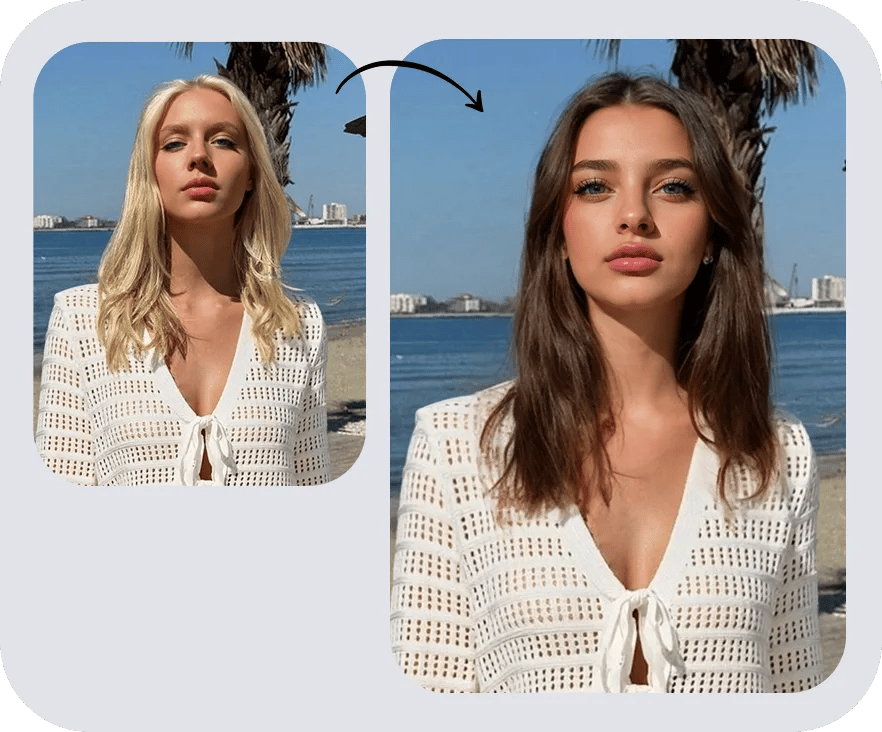
An AI hair color changer is most useful when you compare several directions on the same face, pose and lighting. Keep the photo stable, then test natural brunette, chocolate brown, honey blonde, copper, auburn, cherry red, silver gray or pastel tones. This makes it easier to judge contrast, warmth, face framing and whether a color feels natural or editorial.
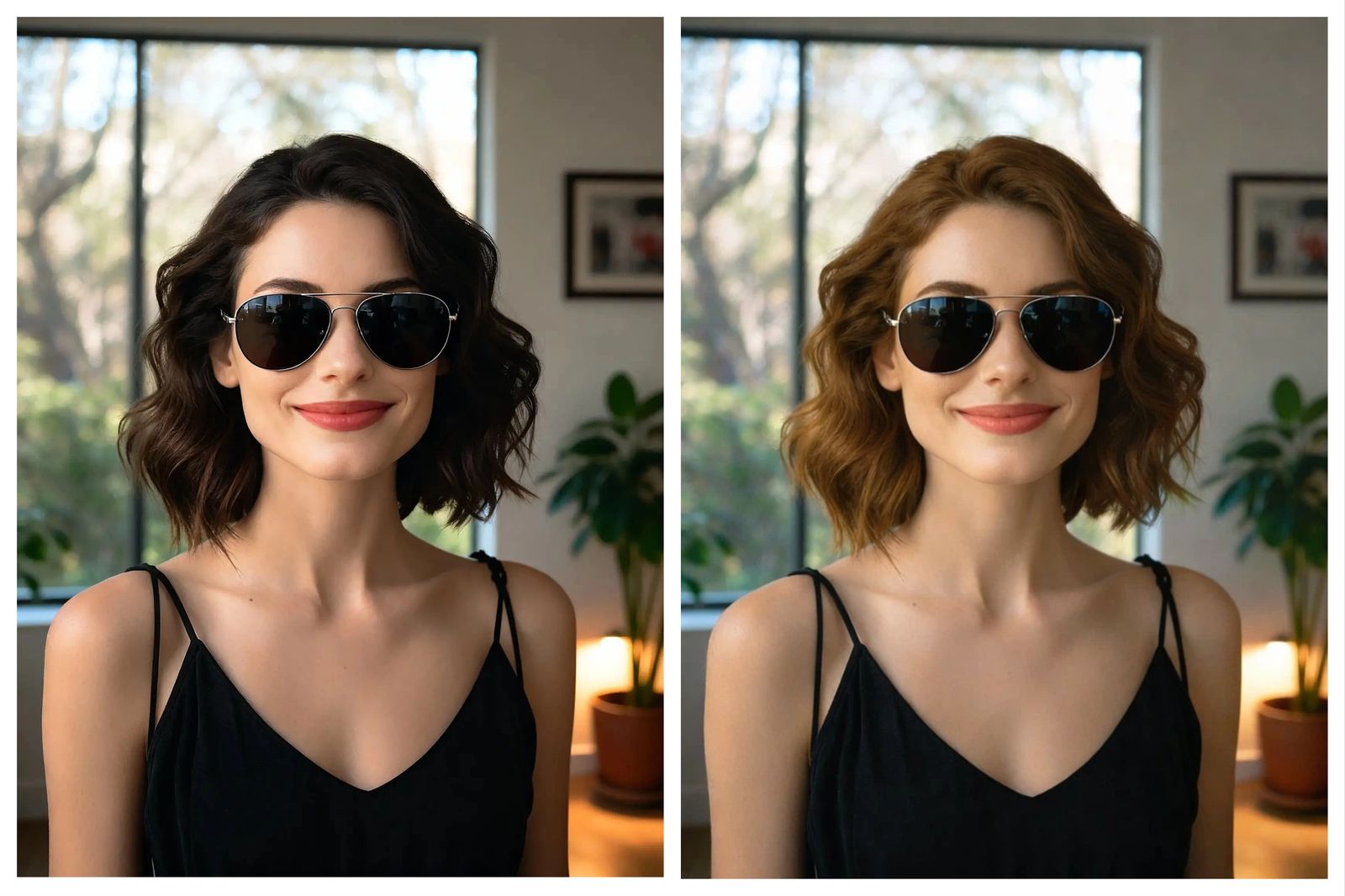
Preview a hair color before dyeing or booking a salon appointment
Use the preview as a visual planning layer, not a chemical formula. Compare whether copper hair works with a black dress, whether brunette hair balances bright resort outfits, or whether a model hair color should shift when the outfit color changes. For salons, stylists and fashion teams, a hair color try-on image helps discuss color direction before the professional or creative team decides what is technically possible.
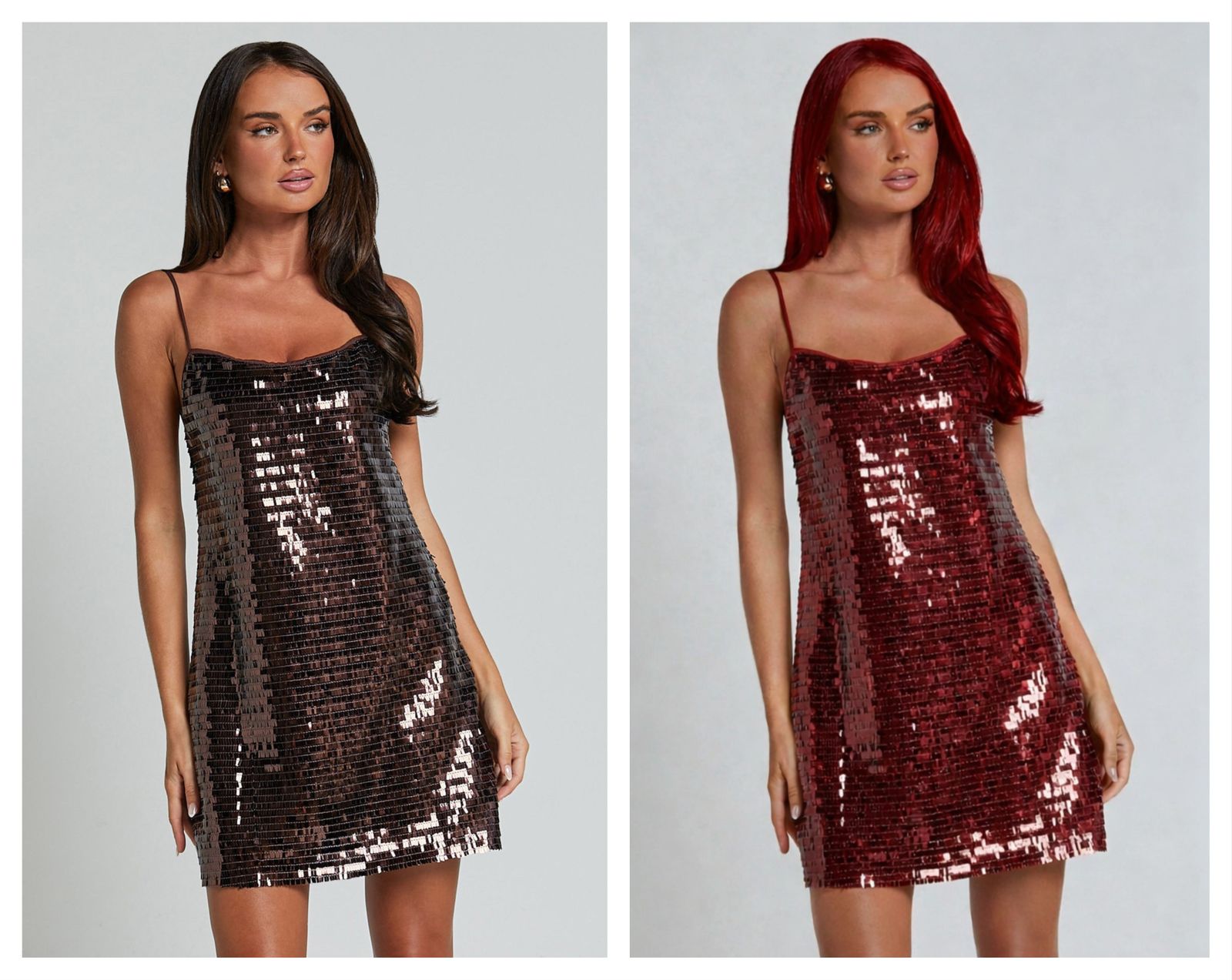
Create beauty content and campaign color boards without another shoot
Creators, stylists, beauty brands and salons can turn one approved portrait into color directions for posts, ads, moodboards and client previews. Use it for hair color ideas, seasonal hair color filters, red hair previews, blonde hair previews, gray hair previews, balayage concepts and model-photo color direction.
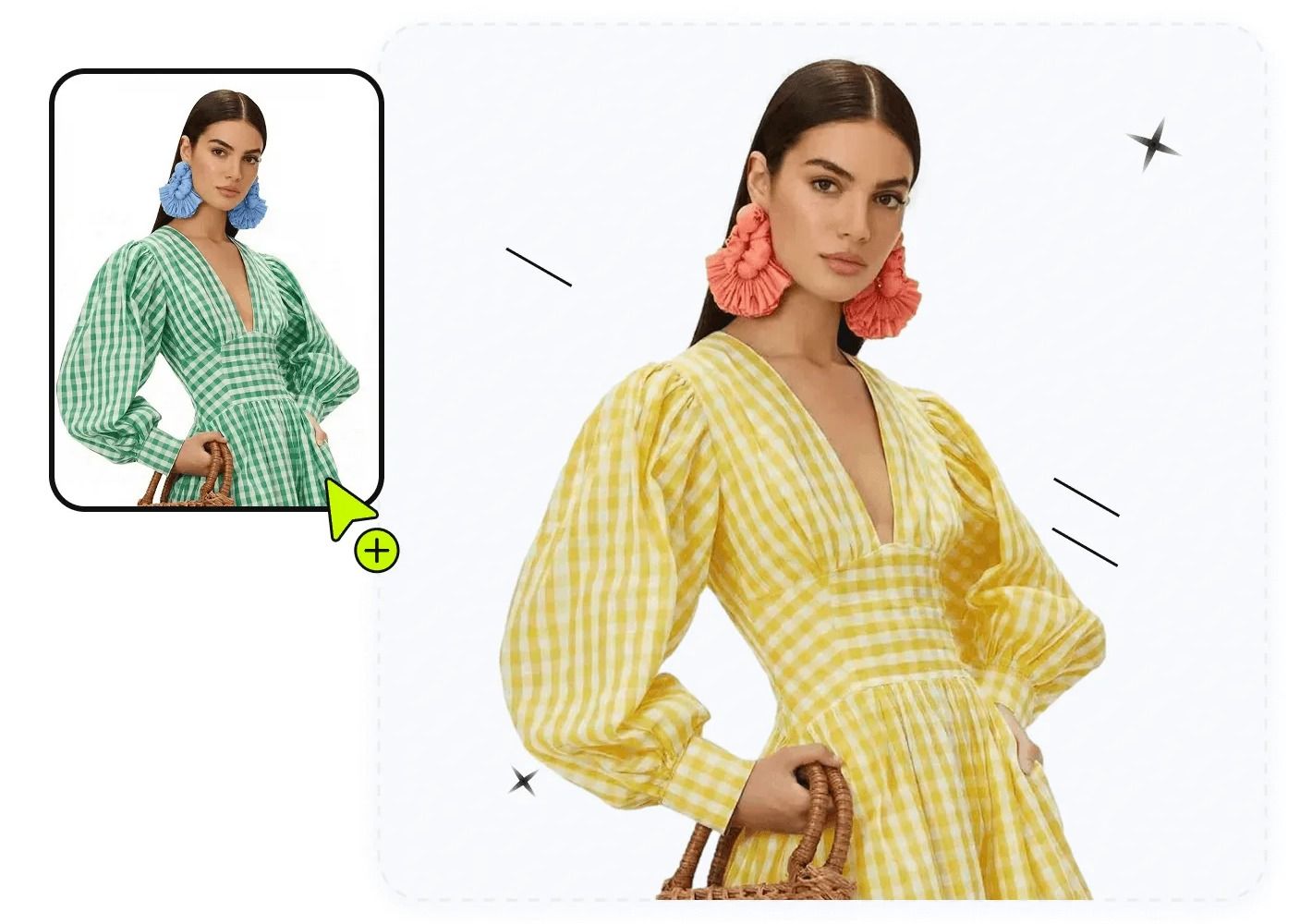
How the AI hair color changer works
Upload a portrait, mark hair, choose any color or hex code, then generate.
Upload a model photo or selfie
Use a clear selfie, headshot or approved model photo with visible hair.
Describe the area and pick a color
Tell the editor to change hair, then choose any color or enter a hex code.
Click generate and review
Check hairline, flyaways, shadows and face edges before using the result.
One editor for hair color changer, hair dye preview and virtual try-on workflows
Preview natural or bold hair colors from one portrait for personal try-on, salon planning, creator content and campaign looks.
Personal hair color try-on
See whether blonde, brunette, copper, red, gray or vivid hair color matches your photo, skin tone, wardrobe and travel mood before you commit.
Salon consultation
Build a visual color board for clients before discussing lift level, undertone, root shadow, highlights, balayage or maintenance.
Creators and profiles
Test hair color filters for thumbnails, profile photos, beauty content, seasonal looks and creator campaigns without reshooting.
Beauty marketing
Preview hair color directions for model images, ads, UGC briefs, color-story boards and social posts using images you can legally edit.
Why use an AI hair color changer?
Compare hair color directions before dyeing, styling, posting or planning a campaign.
- For personal users: preview a hair color before dyeing, compare warm vs cool tones, test blonde hair from photo, see yourself with red hair, try gray hair or decide whether a bold color works with your wardrobe and travel photos.
- For salons and stylists: use virtual hair color try-on as a consultation aid. It helps show color direction, but the final formula still depends on lift level, previous dye, undertone, hair health and maintenance plan.
- For creators and beauty marketers: make hair color filter concepts, thumbnail looks, profile image variations, UGC color boards and campaign previews without another shoot, while keeping the image permission-first.
- For fashion sellers and product teams: test outfit color and model hair color together before reshooting. Sellers can change dress color, swimwear color or accessory color, then adjust blonde, brunette, copper or red hair to see which pairing looks best for PDP images, ads, lookbooks and seasonal campaigns.
Explore more AI photo editing tools
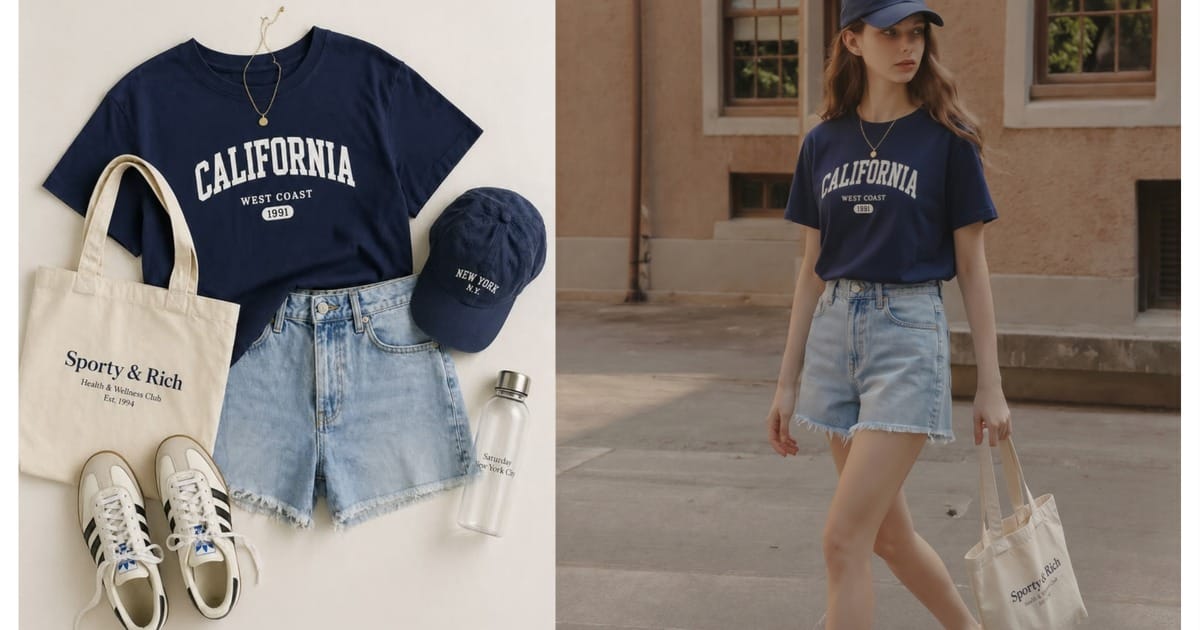 AI Outfit Generator
Go deeper: hair color, recolor and fashion editing guides
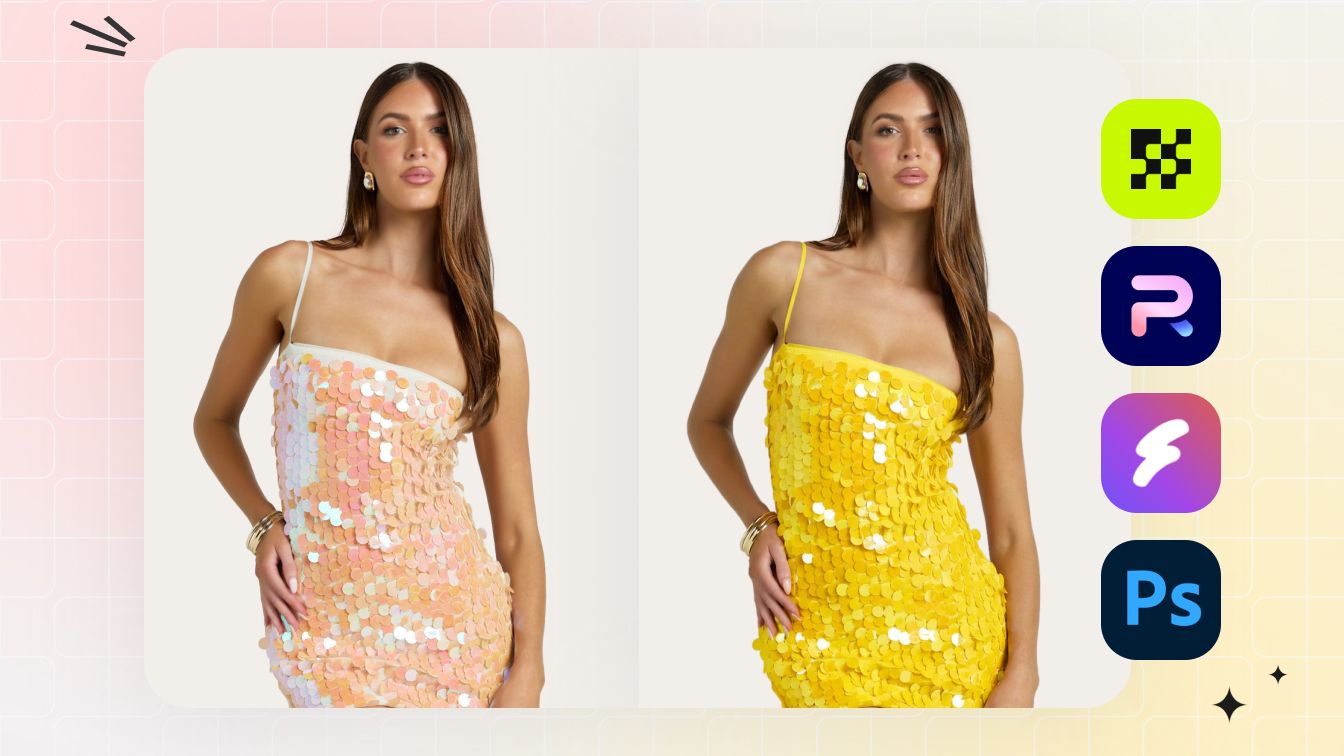 Best AI Recolor ToolsCompare AI recolor tools for clothes, accessories, product photos and model visuals.
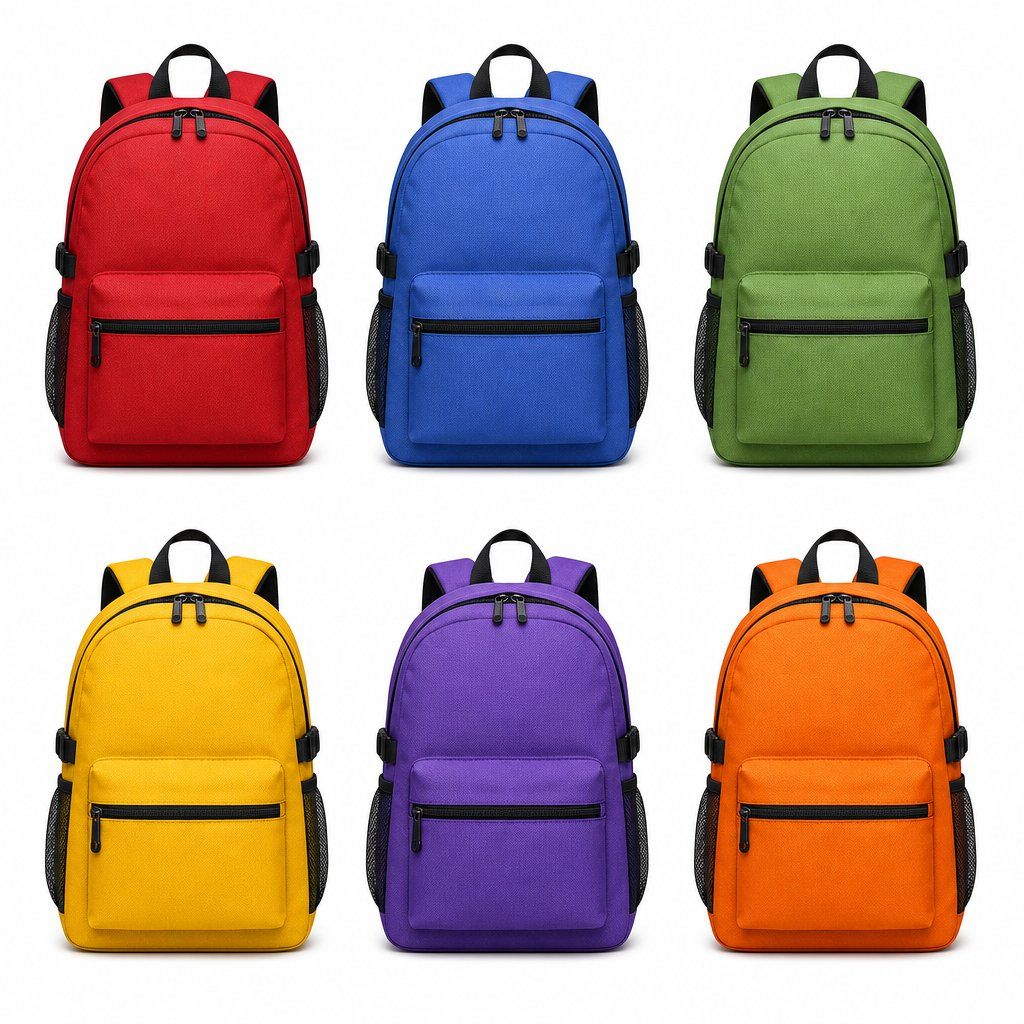 Change Color of an ImageManual Photoshop workflow for realistic color changes and product variants.
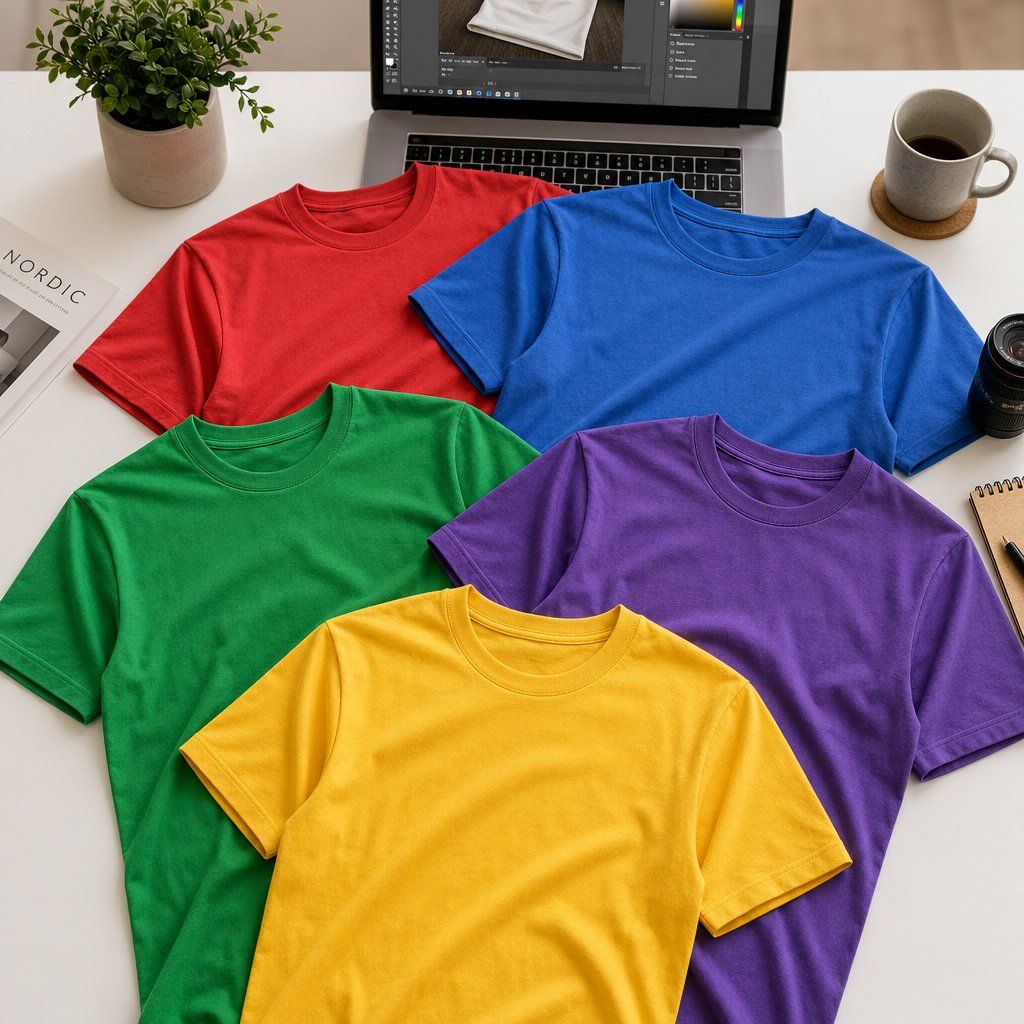 Change Shirt ColorCompare shirt recolor methods for apparel, fabric texture and listing images.
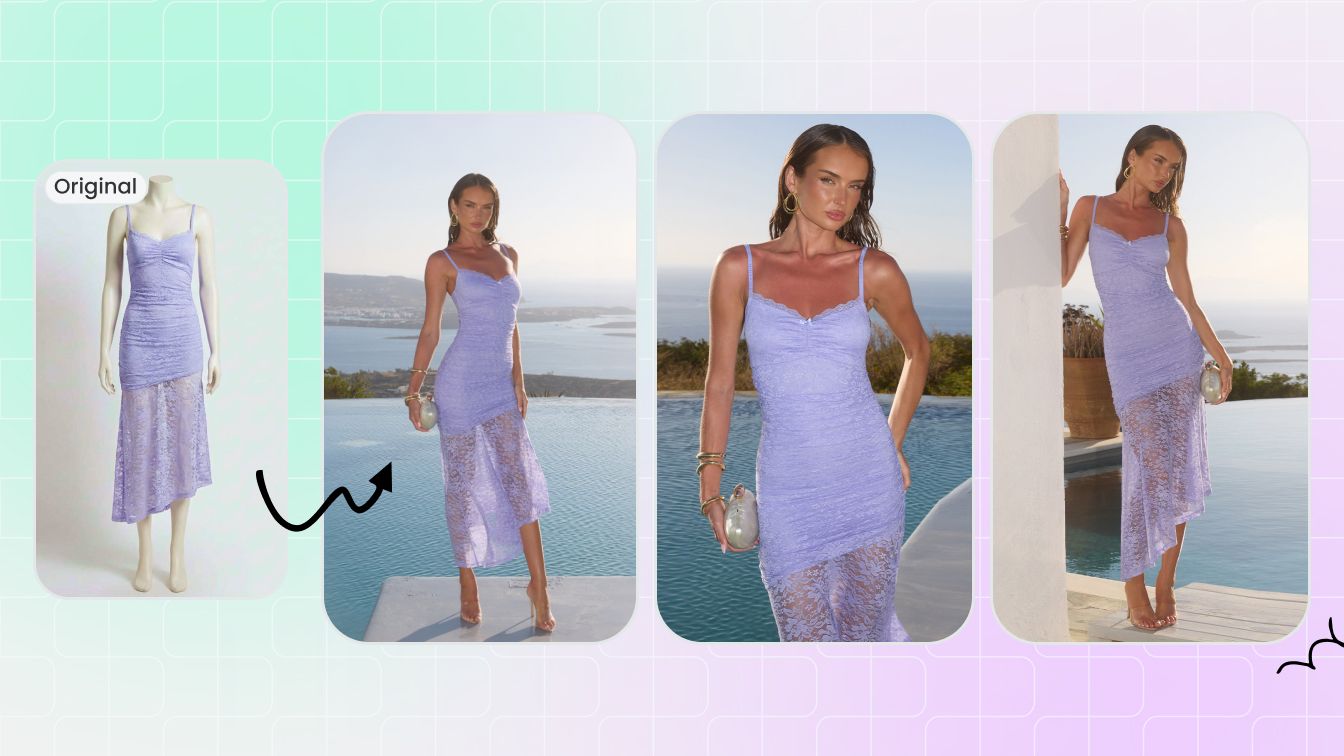 Change Clothes With AIUse outfit replacement, AI clothes changer and model-photo workflows together.
Frequently asked questions
Can I change hair color online from a photo?
Yes. Upload a clear portrait and continue into Snappyit Color Change to test a new hair color from your photo.
Is this an AI hair color filter?
Yes, it can work as an AI hair color filter, hair dye preview and virtual hair color try-on tool for images you have permission to edit.
Can I try blonde hair, brown hair or red hair?
Yes. You can test blonde, brunette, black, copper, auburn, red, gray, silver, pink, purple and other color directions.
Can I use it before dyeing my hair?
Yes, as a visual preview. It helps compare color direction, but real dye results depend on your current hair level, undertone and hair condition.
Does it change hairstyle or haircut?
No. This page focuses on changing hair color in a photo. It is not a haircut simulator or hairstyle generator.
What kind of photo should I upload?
Use a sharp selfie, portrait or model photo where the hair is visible and not heavily covered. Good lighting gives better hairline and strand-edge results.
Can salons use it with client photos?
Yes, if the client has consented. Salons can use it for consultation and color direction, then decide the professional formula separately.
Can I upload a celebrity or social media screenshot?
No. Upload only your own image, a synthetic model or an adult model photo you have permission to edit and use.
Where does the upload button send my image?
It opens Snappyit Color Change with your image attached so you can continue editing there.
Can I use the output commercially?
Only if you have the necessary rights to the input image and model consent for the intended use. For ads and campaigns, confirm model, photographer and brand usage rights.
Explore More AI Product Photography Tools
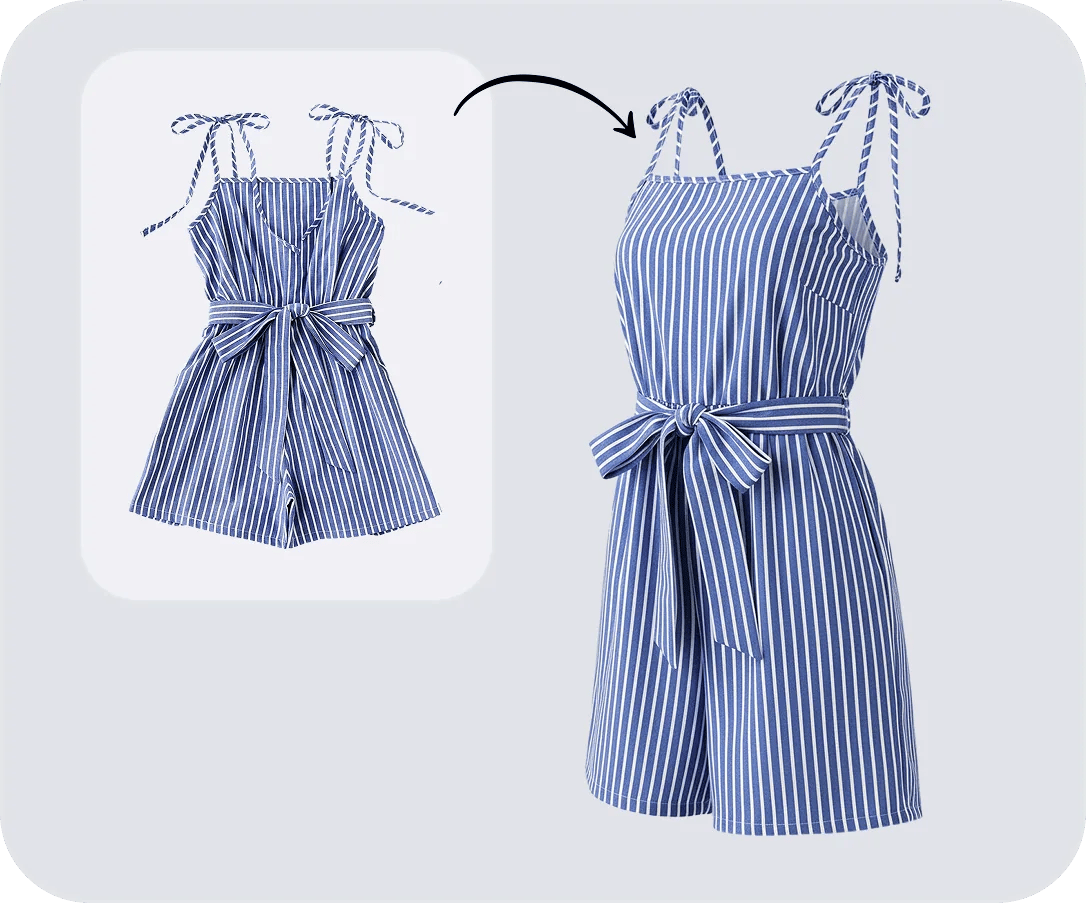
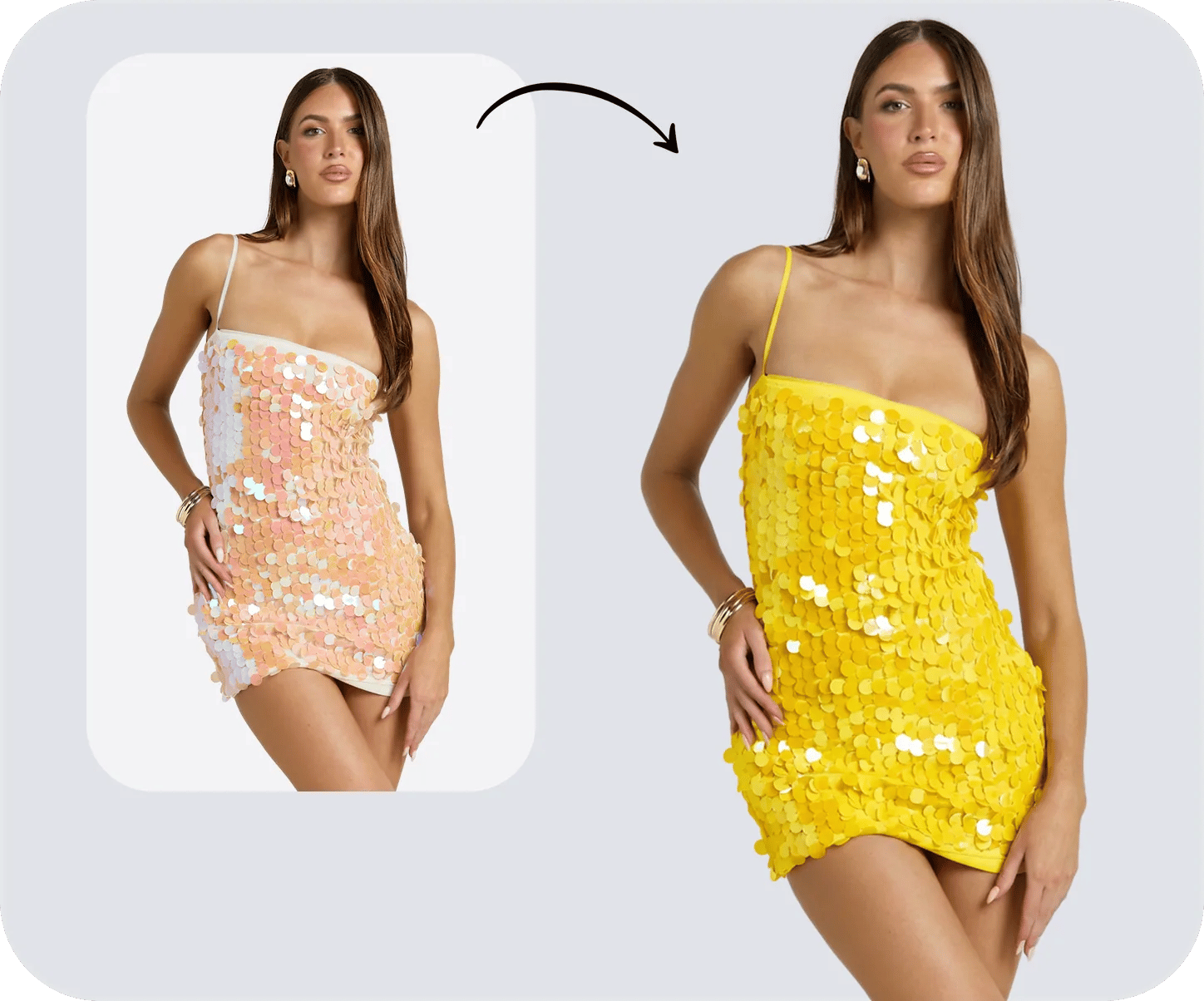
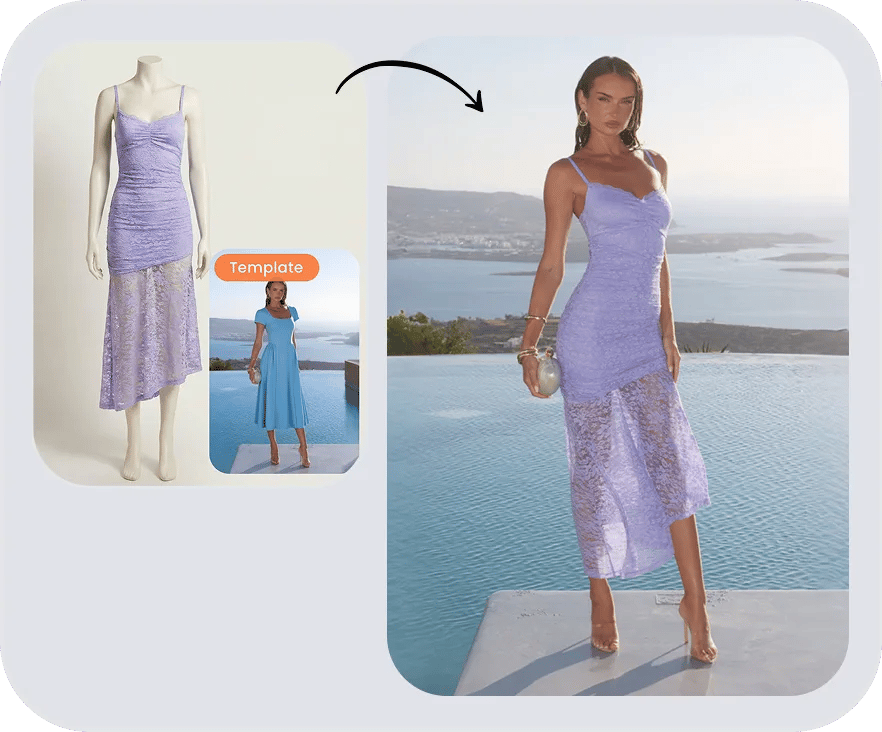
Try hair colors before you commit.
Use Snappyit as an AI hair color changer for personal try-on, salon consultation, creator content and beauty campaign planning. Upload your image and continue in Color Change with the file attached.






