 Snappyit Team
At a glance
A useful free breast editor app should let you test the actual chest control, inspect the full-resolution result and understand what happens to an uploaded photo before you pay.
Best overall dedicated editor: Snappyit. It gives a clothed, permission-first workflow with B–F size-direction presets instead of an open-ended liquify brush. Best general mobile app: YouCam Makeup. Its Body Tuner offers a familiar chest slider and background protection. Fastest one-click web option: AirBrush. It is simple, but its automatic workflow gives you less control over exactly how much clothing is redrawn.
| Tool | Platform | Free entry | Control | Best for |
|---|---|---|---|---|
| Snappyit | Web | Free starter access | B–F direction presets | Guided, clothed fashion edits |
| YouCam Makeup | iOS, Android, Web | Free download and web entry; premium limits apply | Chest slider on iOS/Web; Android availability varies | Subtle guided adjustments |
| AirBrush | Web, mobile, desktop Studio | Limited free use advertised | Automatic effect | Fast single-result edits |
| BeautyPlus | iOS, Android, Web | Free download; in-app purchases | Body slider or masked AI prompt | All-in-one portrait editing |
| Dreamina | Web | New-user trial credits | Prompt and intensity direction | Generative clothing-aware changes |
| Peachy | iOS, Android | Free download; ads and purchases | Auto and manual body reshape | Hands-on mobile control |
| AILabTools | Web | Free, no-login page advertised | Automatic effect | Quick browser trial |
How we evaluated the seven tools
On July 15, 2026, we opened each current product route and recorded its supported platforms, visible free entry, sign-in or credit friction, available controls and the privacy decision required before upload. We also reviewed each documented workflow and public examples for predictable failure points: warped straight lines, redrawn fabric, lost straps and lighting that no longer matches.
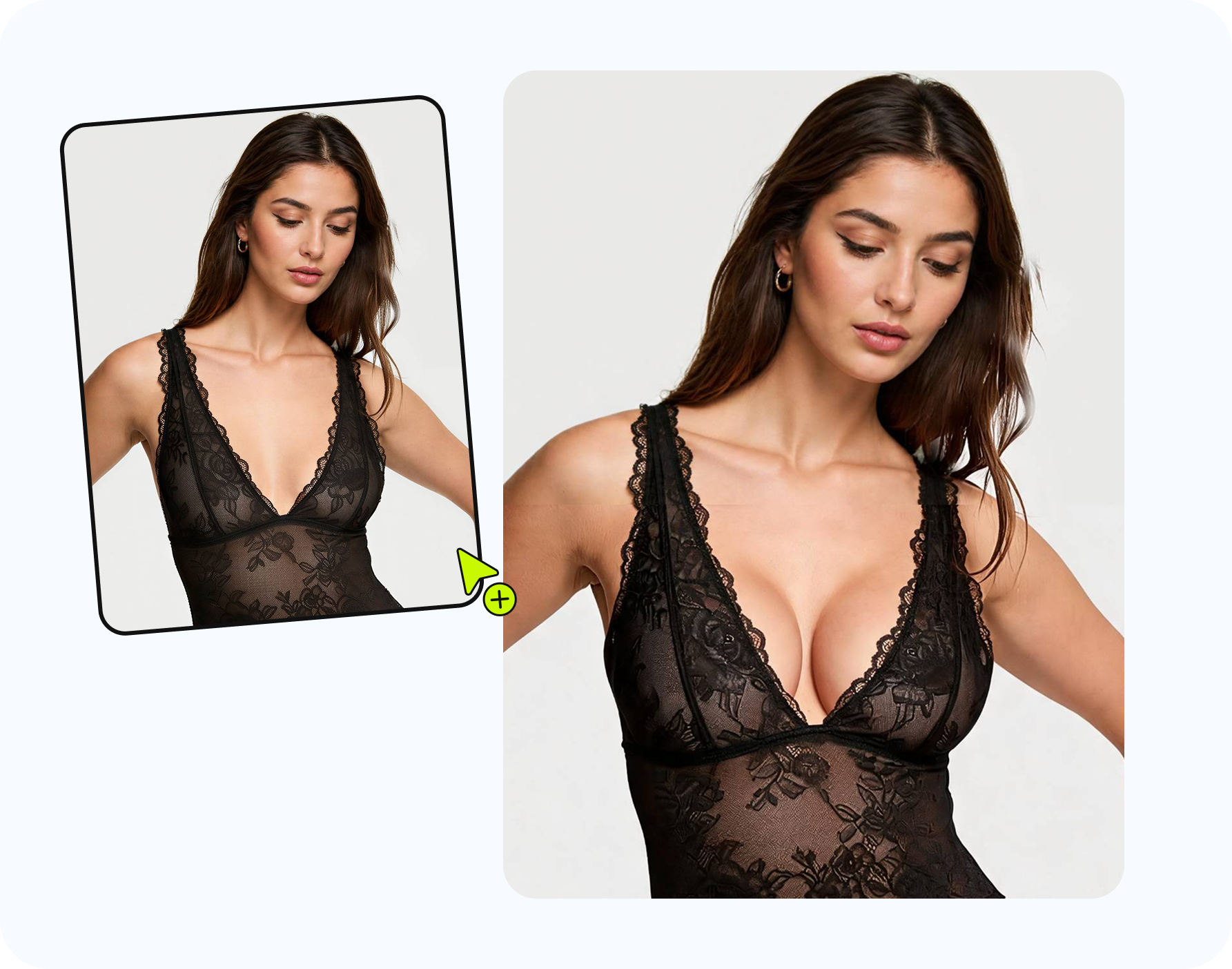
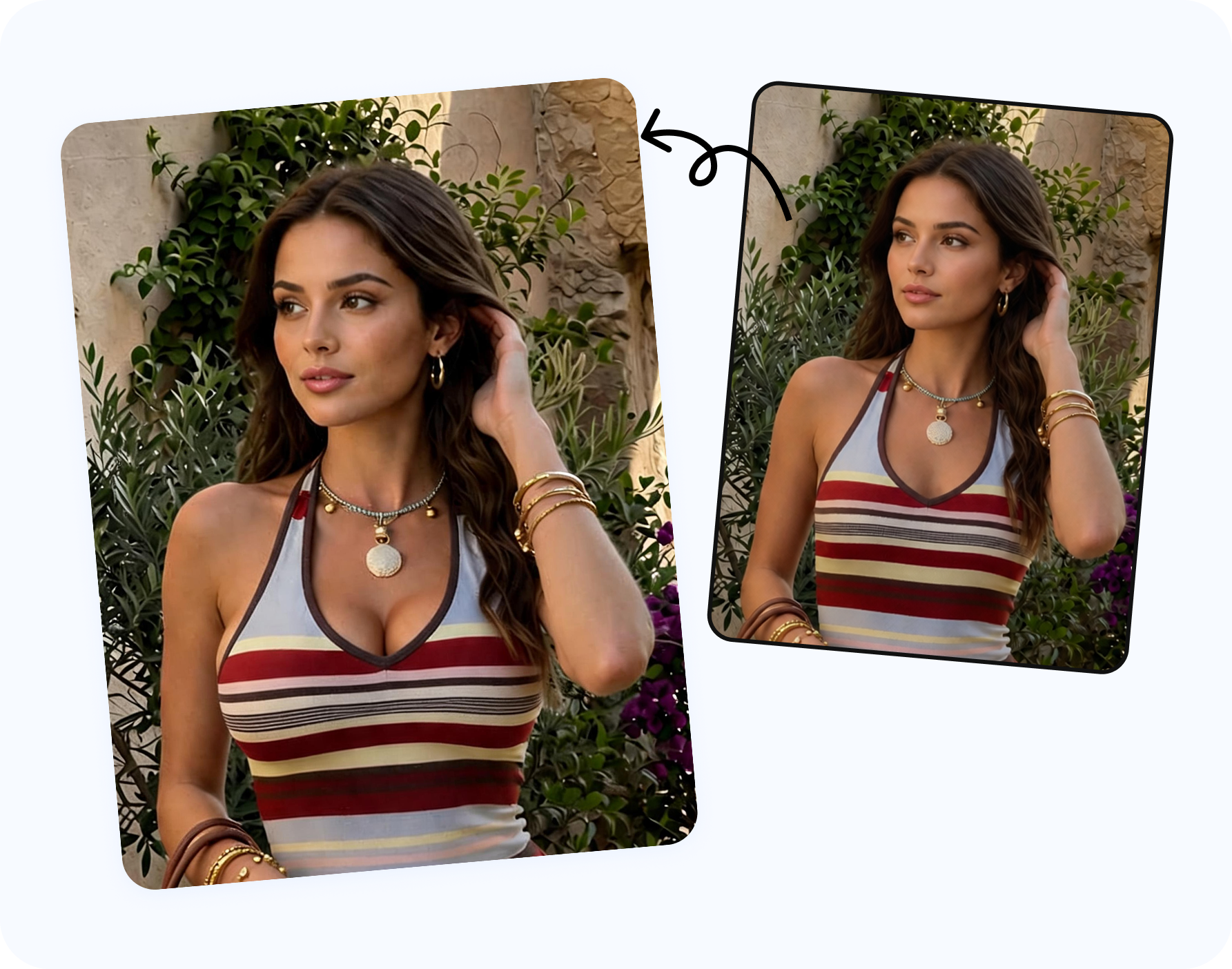
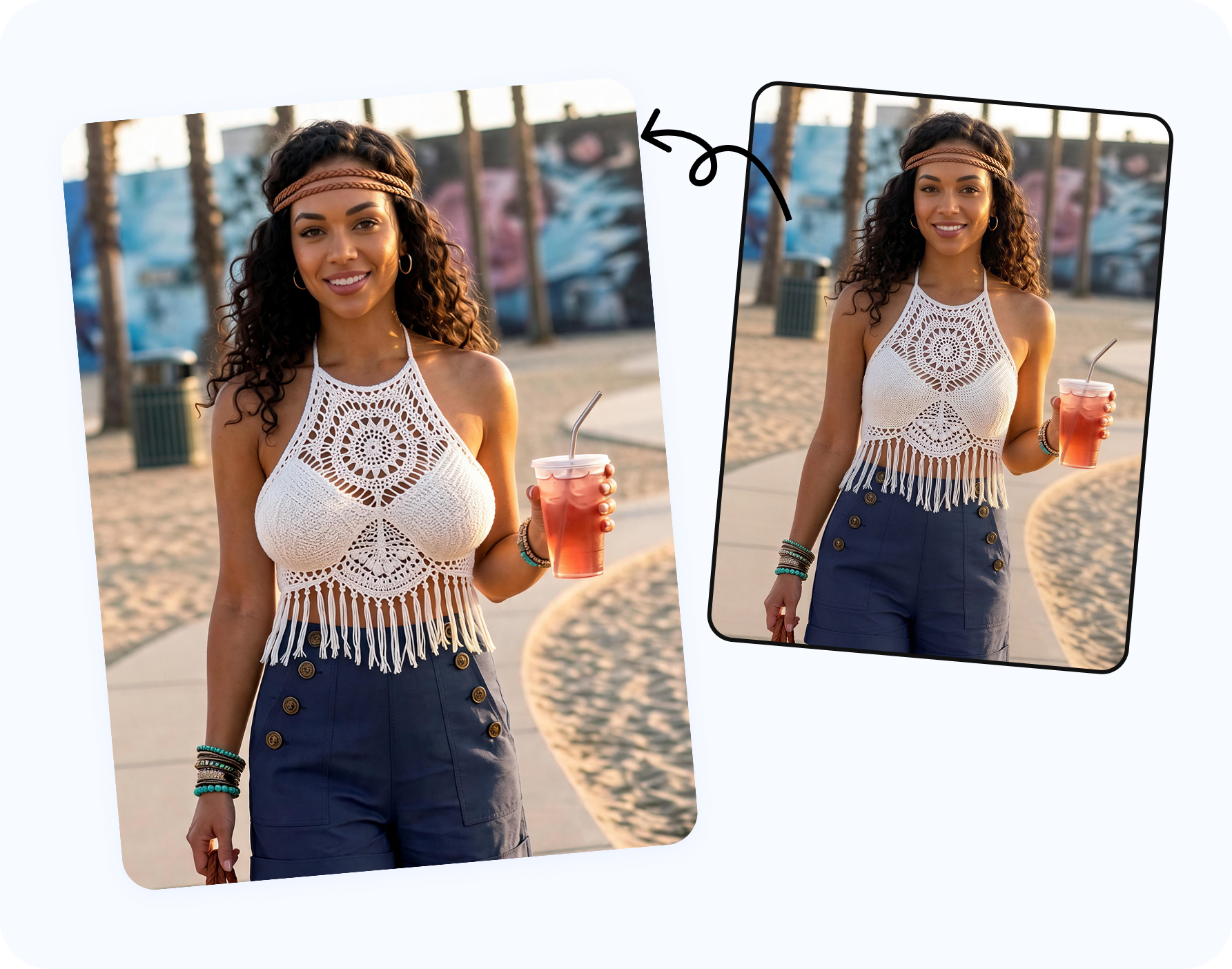
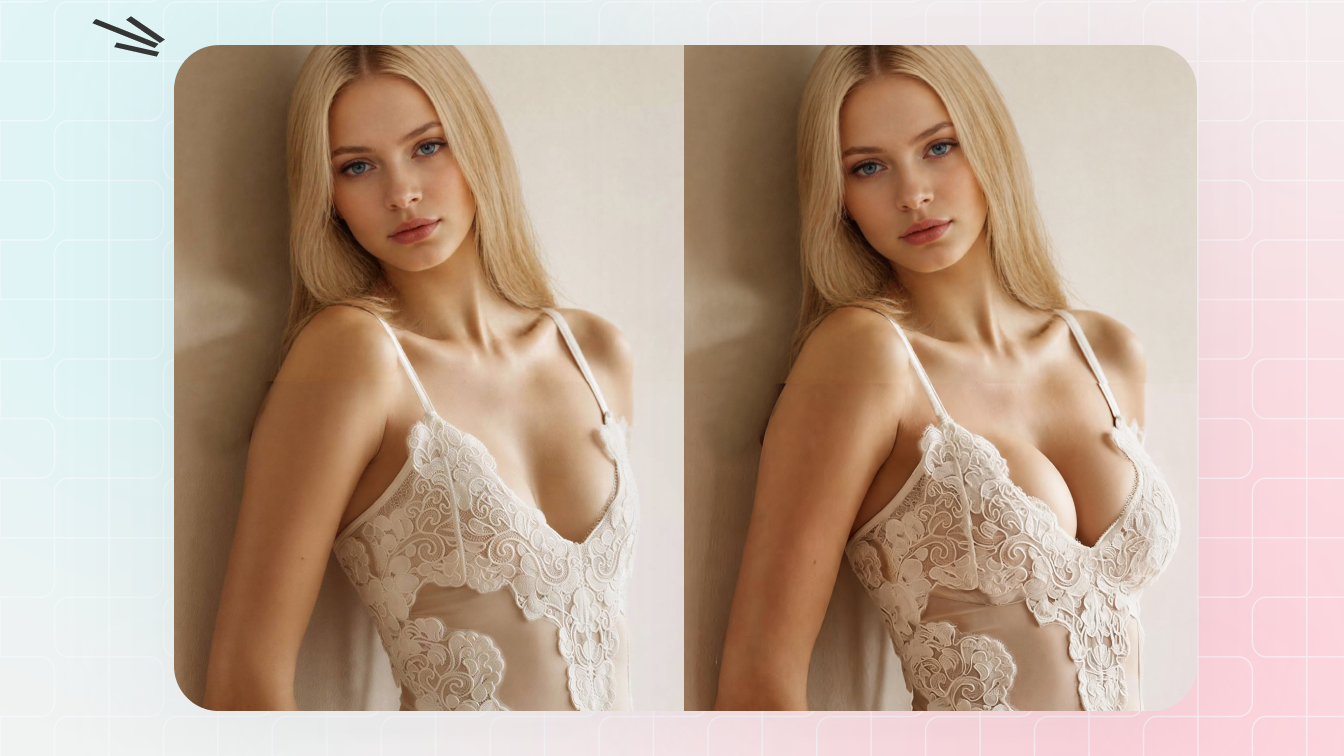
Why the matched pair below is shown only for Snappyit: the model release covers this Snappyit editorial test, not uploads to unrelated services. We did not send the photo elsewhere or assign made-up naturalness scores. The other entries describe the controls and public workflow you can verify before deciding whether to upload your own authorized image.
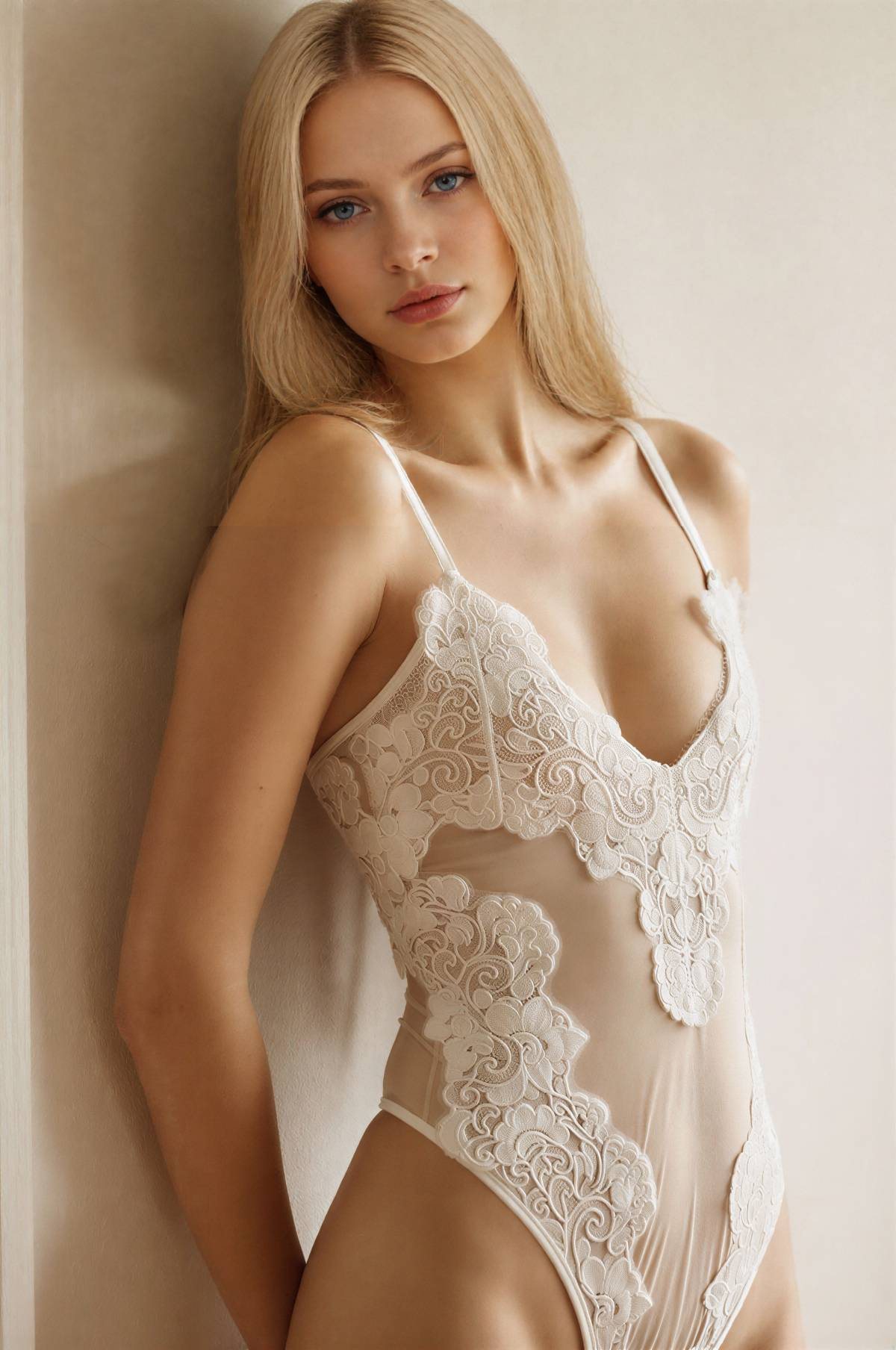
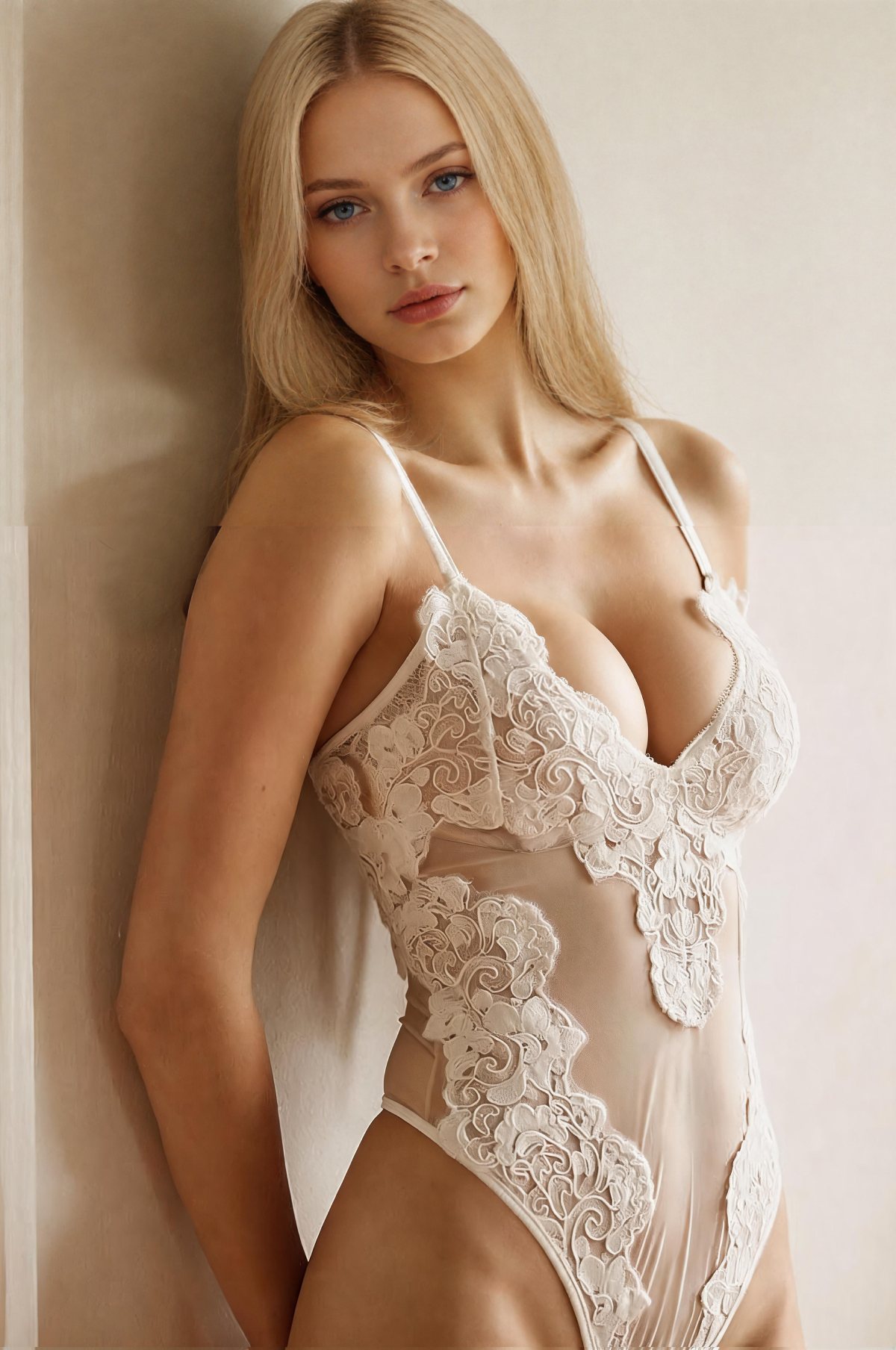
For your own full same-photo retest, use a synthetic adult image or obtain permission that names every service you plan to upload to. Keep the source, target direction and crop identical.
What “free” really means in 2026
None of these products should be assumed to offer unlimited free high-resolution exports forever. “Free” can mean a downloadable app with some unpaid tools, a handful of trial credits, an ad-supported workflow, a limited web generation, or a page that is free until its daily capacity is reached. Treat the free route as a compatibility test: confirm that your clothing, pose and background survive one subtle edit before paying.
- Check the export, not only the preview. A tool may let you edit free but reserve watermark-free or high-resolution download for a paid tier.
- Check the specific chest tool. A free app download does not guarantee that every Body or AI feature is included.
- Recheck regional pricing. App-store trials, limits and subscription prices can differ by country and change without notice.
If you want a browser-first walkthrough before comparing apps, follow the three-step guide to make breasts look bigger in photos with AI.
1. Snappyit — best dedicated editor for clothed, guided results
Snappyit AI Breast Expansion is the most focused option in this list. Upload an authorized clothed adult photo, choose a B, C, D, E or F size direction, and generate a new image that aims to preserve pose, face, outfit and scene. The preset model is easier to repeat than dragging a local warp brush, especially when a fashion team needs several comparable concepts.
Naturalness and clothing: generative reconstruction can preserve broad garment structure better than classic liquify editing, but you still need to inspect straps, seams, neckline folds, hair overlap and under-bust shadows. The B–F choices are visual directions, not real bra-size measurements.
Free and privacy: free starter access is available. Processing requires an upload, so use rights-cleared, non-sensitive images and follow the consent rule above.
Choose it if: you want a dedicated browser editor, repeatable presets and a clothed fashion-preview workflow rather than a general beauty app.
Try Snappyit free →2. YouCam Makeup — best general mobile app with a chest slider
YouCam Makeup combines makeup, face retouching and body shaping. Perfect Corp’s current documentation lists its Chest control as iOS-only in the mobile Body Tuner, while its online AI Body Reshape tool exposes chest adjustment in the browser. The Protect workflow is designed to keep selected background areas from bending; Android users should verify the current feature set in their regional app build.
Naturalness and clothing: a small slider move is predictable. A large move can stretch a neckline or move fabric folds because the tool is reshaping pixels rather than fully regenerating the garment. Paint protection over nearby door frames, tiles and furniture before editing.
Free and privacy: the app is free to download and the online tool advertises a free route; advanced features and unlimited use can require Premium. Review app permissions and Perfect Corp’s current privacy disclosures before using personal photos.
Choose it if: you want a familiar phone workflow and precise, subtle changes inside an editor you may already use.
3. AirBrush — fastest one-click online breast editor
AirBrush AI Breast Expansion offers one of the most direct single-purpose workflows in this comparison. Its dedicated page asks for an upload, applies the effect automatically and promotes results ranging from subtle to fuller. The web route is quick; AirBrush also points users to its wider Studio ecosystem.
Naturalness and clothing: automatic generation reduces manual work, but the dedicated page gives less repeatable size control than a numeric slider or preset sequence. Compare two generations instead of assuming the first is final. Watch for rewritten patterns, softened lace and changed neckline edges.
Free and privacy: the page promotes free use but can display usage caps. Treat it as limited trial access. It is a cloud upload, so do not use private or non-consensual photos.
Choose it if: speed matters more than exact repeatability and you want a dedicated one-click web page.
4. BeautyPlus — best all-in-one app for body and portrait finishing
BeautyPlus Body Editor supports chest and body adjustment on iPhone and Android. BeautyPlus also documents a browser workflow using AI Replacer: mask the clothed chest area, describe a subtle change, then generate. That gives users a choice between a traditional slider and a generative masked edit.
Naturalness and clothing: use the slider for small proportional changes and the masked workflow when the garment itself must be redrawn. Keep the mask inside the clothing area; painting over hair, jewelry or background invites unnecessary changes.
Free and privacy: the app is free to download with in-app purchases. The browser workflow uploads the image for cloud processing, while mobile features may have different data paths. Check the current policy and delete test exports you do not need.
Choose it if: you want one app for body tuning, skin, lighting and final social-photo polish.
5. Dreamina — best prompt-based online option
Dreamina AI Breast Enhancer uses a prompt-led generative workflow. Its current page advertises free trial credits for new users and suggests subtle, moderate or more noticeable changes. Prompt control helps when the request is really about how a blouse, dress or swim top should drape after the proportion changes.
Naturalness and clothing: generative editing can rebuild folds instead of stretching them, but it can also invent seams, alter prints or move straps. Write a constrained prompt such as “subtle proportional change; preserve face, pose, garment design, straps, fabric pattern, lighting and background.”
Free and privacy: free trial credits are not the same as unlimited access. The image is processed online; use non-sensitive, rights-cleared photos.
Choose it if: you are comfortable writing precise prompts and need the garment to be reconstructed rather than locally warped.
6. Peachy — best manual mobile reshape controls
Peachy is a broad face and body editor with automatic body tools and manual reshape controls. Its current store listing describes bust and curve enhancement, and the app is also listed on Apple’s App Store. The advantage is tactile control: you can make a very small change without regenerating the whole frame.
Naturalness and clothing: manual warp is most convincing against a plain background and a simple, solid garment. It is the riskiest method near vertical door frames, checks, stripes, logos, lace or hard neckline seams. Zoom out frequently; local editing can look acceptable at 200% while the full-body proportion looks wrong.
Free and privacy: free download, ads and in-app purchases. Review permissions, subscription prompts and export conditions in your region.
Choose it if: you prefer hands-on phone editing and can keep the adjustment restrained.
7. AILabTools — simplest no-login browser trial
AILabTools AI Breast Expansion markets a free, no-login route for clothed-photo preview. It is useful when you want to check whether a dedicated automatic effect understands the pose before creating an account elsewhere.
Naturalness and clothing: convenience comes with limited control. If the first output changes garment design, background or identity, there may be fewer ways to constrain the next attempt than in a prompt editor or preset workflow.
Free and privacy: no login reduces account friction, not upload risk. Read the current privacy terms before sending any personal photo and avoid sensitive originals.
Choose it if: you want the quickest possible browser compatibility check and accept an automatic result.
Naturalness and clothing distortion: what the editing method predicts
| Editing method | Strength | Typical failure | Best source photo |
|---|---|---|---|
| Guided generative preset | Repeatable direction; can rebuild fabric | Invented seam, altered neckline or inconsistent preset step | Front or three-quarter pose with clear clothing edges |
| Local chest slider / liquify | Fast, precise small adjustment | Warped background, stretched print, displaced strap | Plain background and solid garment |
| Masked prompt edit | Can preserve broader scene while redrawing cloth | Mask spill changes hair, jewelry or garment design | High-resolution image with easy-to-isolate torso |
| One-click automatic effect | Lowest effort | Wrong intensity and few correction controls | Centered pose, even lighting, minimal occlusion |
Whichever method you choose, run the result through the seven-point AI breast expansion before-and-after checklist before saving or publishing it.
How to choose a free breast editor app
Choose control first
Use presets for repeatability, a slider for a subtle local change, or a prompt when the garment needs to be rebuilt.
Test the hardest detail
Start with the photo that has straps, stripes, hair overlap or a straight background line. Easy images hide weak editors.
Judge the full frame
Inspect at 100%, then zoom out. A locally clean edit can still create an implausible torso or shoulder-to-waist ratio.
If the goal is a measured cup-size or bra-fit concept rather than a general body edit, use the separate AI bra fit and cup-size preview guide. It explains why an image preset is a visual direction, not a real sizing result. If the garment itself needs to change, use the AI Bikini Photo Editor instead of forcing a body-proportion tool to redesign it.
Privacy, consent and responsible use
A breast editor handles unusually sensitive image context even when the photo is fully clothed. “No login” does not mean “processed only on your device,” and an app-store download does not guarantee that every AI feature is local. Before uploading, check who operates the service, whether processing is cloud-based, how long files may be retained, how to request deletion, and whether images can be used to improve models.
For mobile apps, compare the App Store privacy information or the Google Play Data safety section, then read the service’s full retention and deletion policy. Store labels are a starting point, not a substitute for that policy.
- Use a synthetic adult or an image with explicit subject and photographer permission.
- Do not use screenshots, private messages or images copied from social media.
- Do not use any tool on a minor or to create sexualized, deceptive or humiliating edits.
- For commercial publishing, verify model releases, source-image rights and output terms.
- Do not treat a photo edit as medical, surgical, anatomical or bra-size advice.
Teams preparing commercial intimate-apparel images can use the lingerie seller workflow and AI lingerie photography guide for model releases, product-accuracy checks and marketplace-specific image planning.
FAQ
Can I use a breast editor app free of upfront payment?
Most are free to start, not unlimited. Free can mean trial credits, an ad-supported app, a limited web generation or a free download with premium body tools. Check the export and watermark rules before editing.
What is the best free AI breast enlargement app?
Snappyit is the strongest dedicated web option for guided clothed edits, while YouCam Makeup is the most practical general mobile app for subtle slider-based adjustments.
Is an app or online breast editor more natural?
The platform matters less than the editing method. Small slider edits are predictable but can warp nearby pixels; generative online editors can rebuild fabric but may invent seams or alter patterns.
How do I stop the background from warping?
Use a plain background, protect straight lines when the app offers masking, keep the adjustment small and compare door frames, tiles and furniture edges before and after.
Are uploaded photos private?
Do not assume so. Review the current privacy and retention policy for each service, use only rights-cleared non-sensitive photos and avoid private images even when a page says no login is required.
Can an AI breast editor predict a real cup size or surgery result?
No. These tools create visual photo edits. They cannot measure bra size, predict garment fit, provide medical advice or simulate a surgical outcome reliably.