



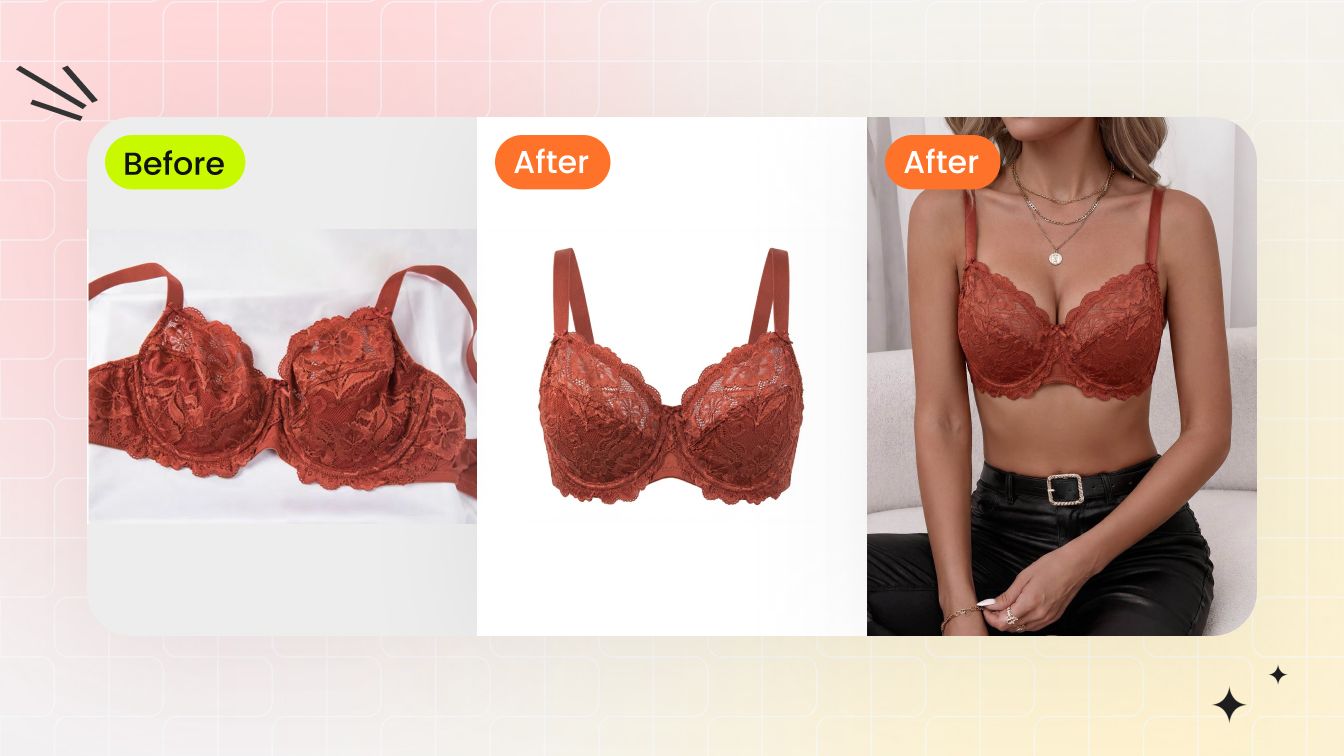
Make Product Accuracy the Center of the Workflow
Lingerie images carry more construction detail than a simple silhouette. Start from the exact SKU and keep support, coverage, materials and hardware consistent across every view.
Source Accuracy
Start with the exact SKU, clear edges and enough resolution to show small components.
Lace and Mesh
Keep transparency, pattern, scalloped edges and fine texture visible across each image style.
Merchandising Context
Use ghost or model views to explain shape and styling without turning them into fit claims.
Collection Consistency
Use a repeatable image order, crop and visual direction across related SKUs and video assets.
Choose the Workflow by Lingerie, Underwear and Swimwear Type
Different constructions need different source views. Use the product’s structure—not one universal template—to choose the next image or video.
| Product type | Best source set | Useful workflow | Key product information |
|---|---|---|---|
| Bra | Front, back, side and closure detail | Ghost mannequin plus on-model context | Cup construction, straps, underband and hooks |
| Bralette | Flat front/back with lace or mesh close-up | Ghost mannequin or fashion model | Coverage, lining, elastic and lace pattern |
| Underwear and briefs | Front, back, waistband and gusset detail | Product-only, ghost or fashion model | Rise, coverage, seams, lining and leg openings |
| Bikini or swimwear set | Top and bottom together, plus each piece separately | Ghost, fashion model and short video | Set contents, straps, closures, coverage and hardware |
| One-piece swimsuit | Full front/back, side and lining detail | Ghost mannequin plus on-model context | Neckline, back shape, leg opening and lining |
| Bodysuit | Full-length front/back and gusset closure | Ghost mannequin plus model context | Torso length, leg opening and closure type |
| Shapewear | Full product plus panel and waistband details | Product-only and contextual model image | Coverage zones, seams and stated compression level |
| Corset | Front, back, side and fastening details | Ghost mannequin or fashion model | Boning, lacing, hooks and panel structure |
| Coordinated set | Set together plus each included piece | Ghost, model and image-to-video | Exact set contents and matching materials |
One Product Reference, Three Merchandising Formats
Use the exact SKU as the reference for product-only images, on-model context and short-form video.
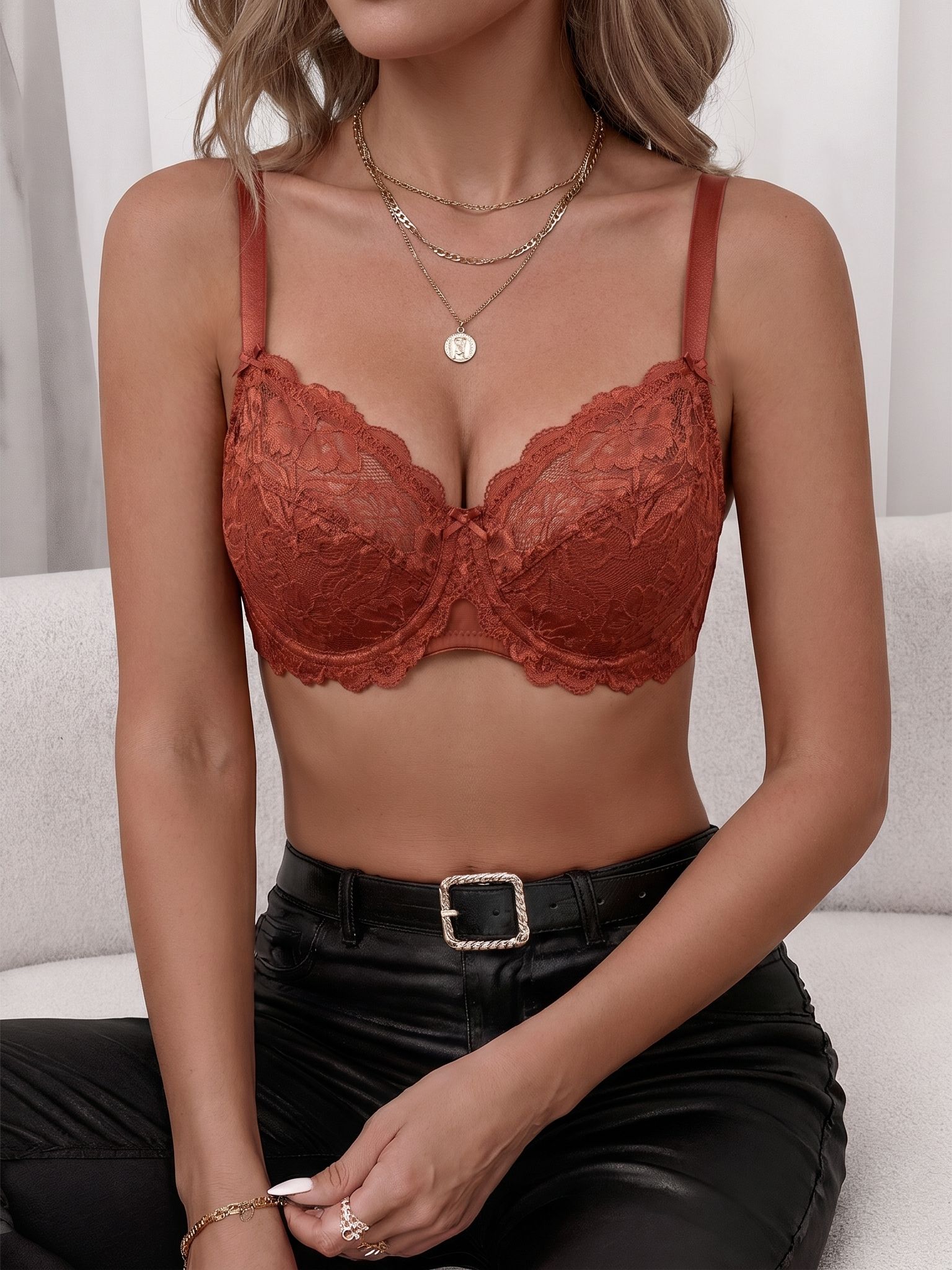
Add Styling Context with an AI Fashion Model
An on-model image can communicate styling, coverage and visual scale. Pair it with product measurements and fit guidance for the factual sizing information shoppers need.
Try Fashion Model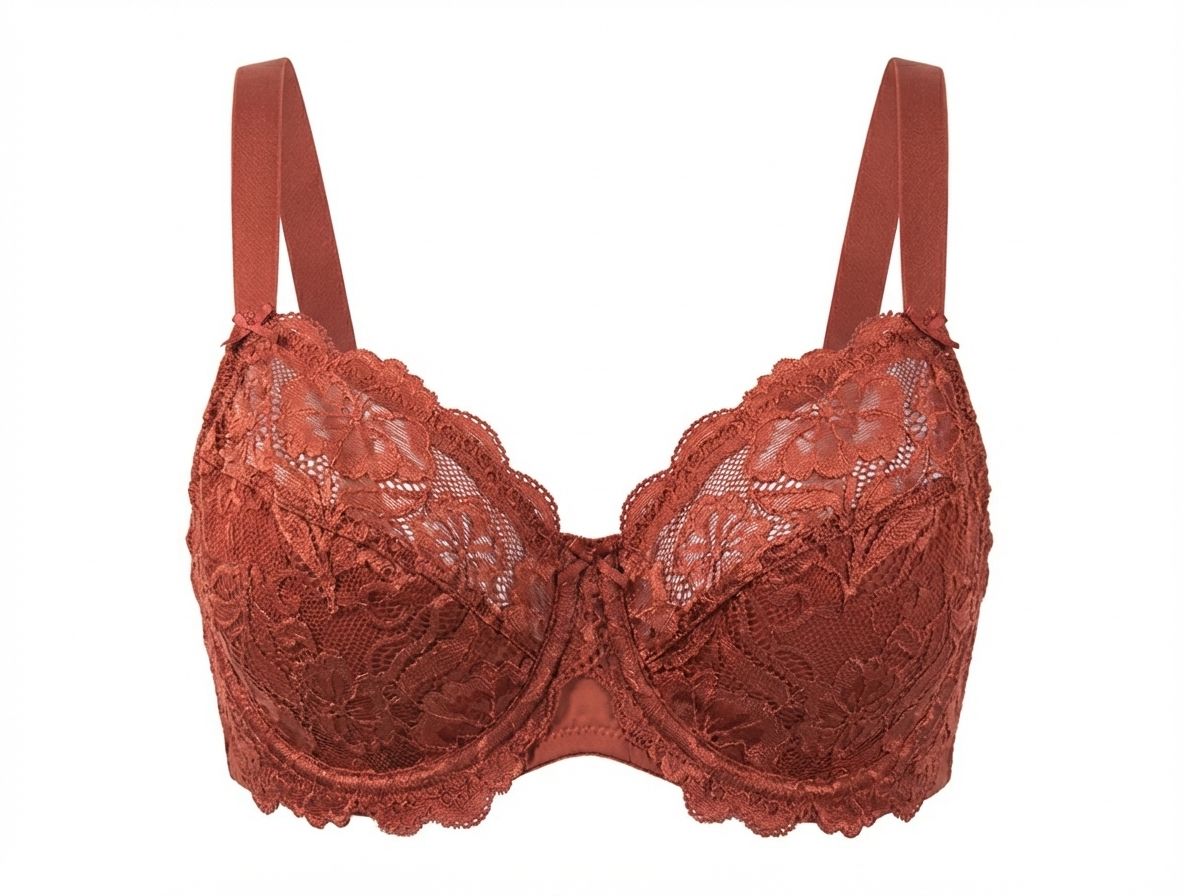
Show Shape with Ghost Mannequin
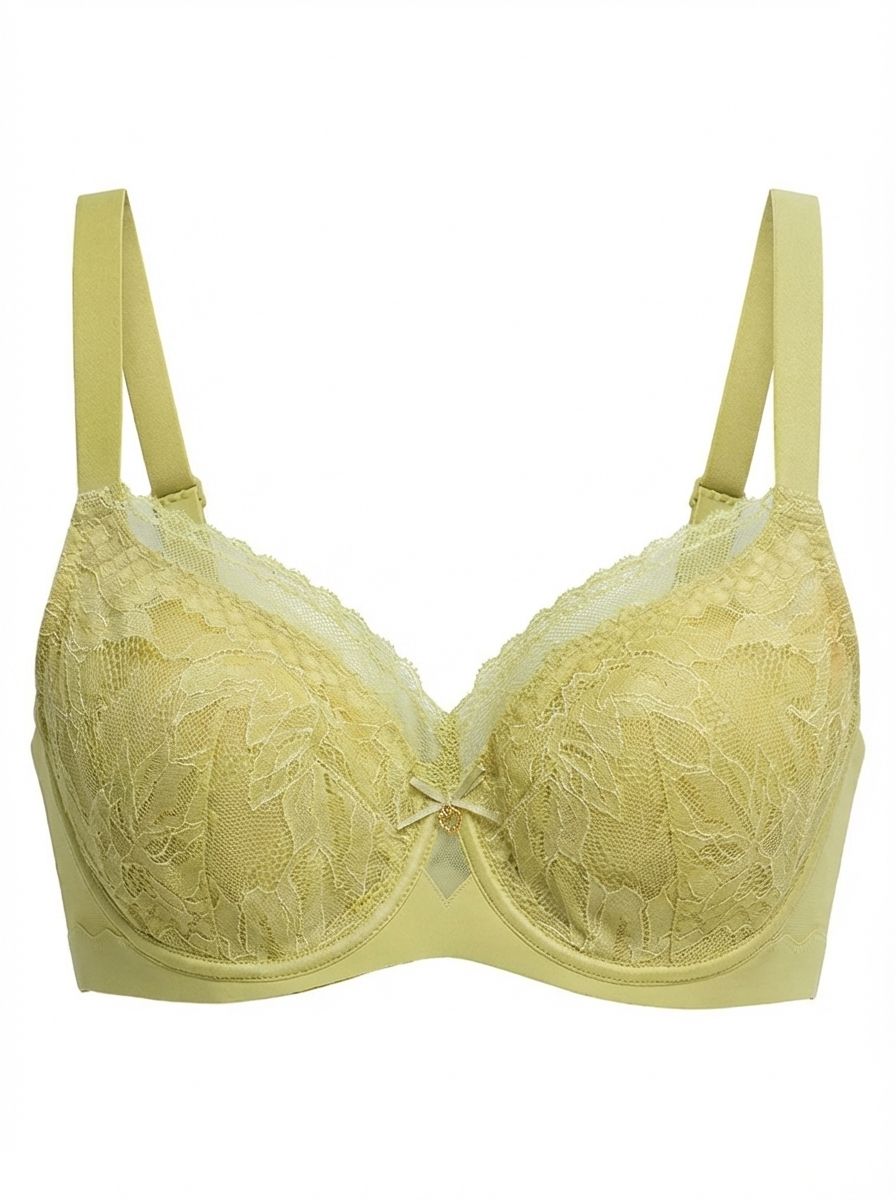
Use a hollow-body view to communicate structure without tying the item to one model. Keep straps, cup edges, underband, closures and transparent areas consistent with the product.
Try Ghost Mannequin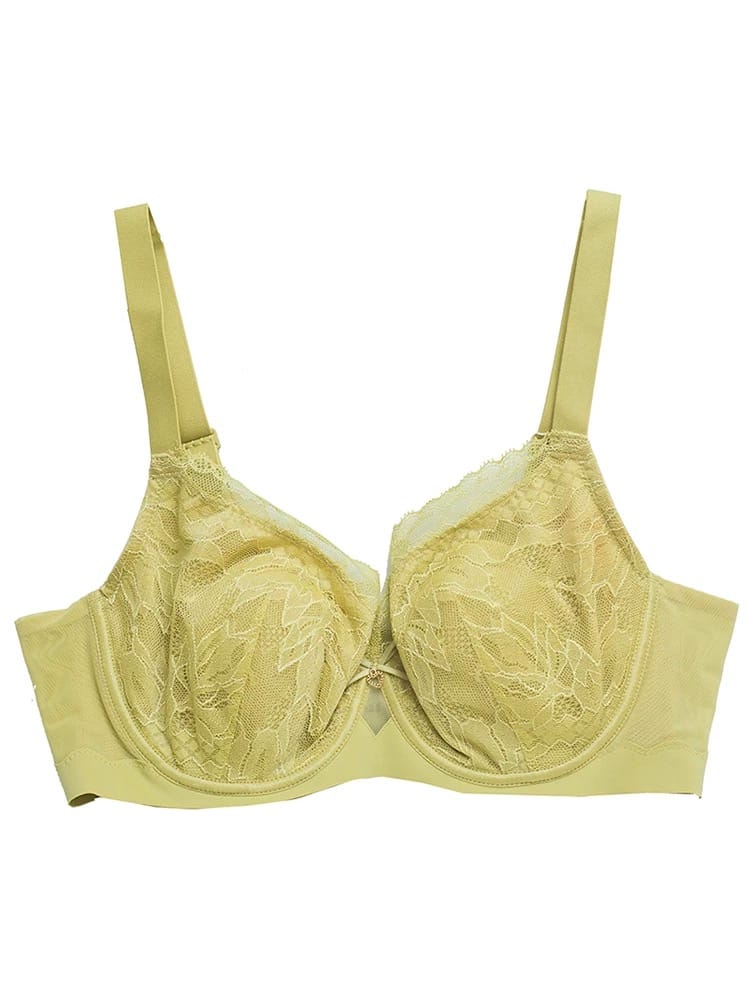
Turn an On-Model Image into a Short Product Video
Start with a finished on-model image and add controlled motion for product pages, ads or social placements. Keep the movement simple so lace, straps, coverage and the overall silhouette remain easy to see.
Try Image to Video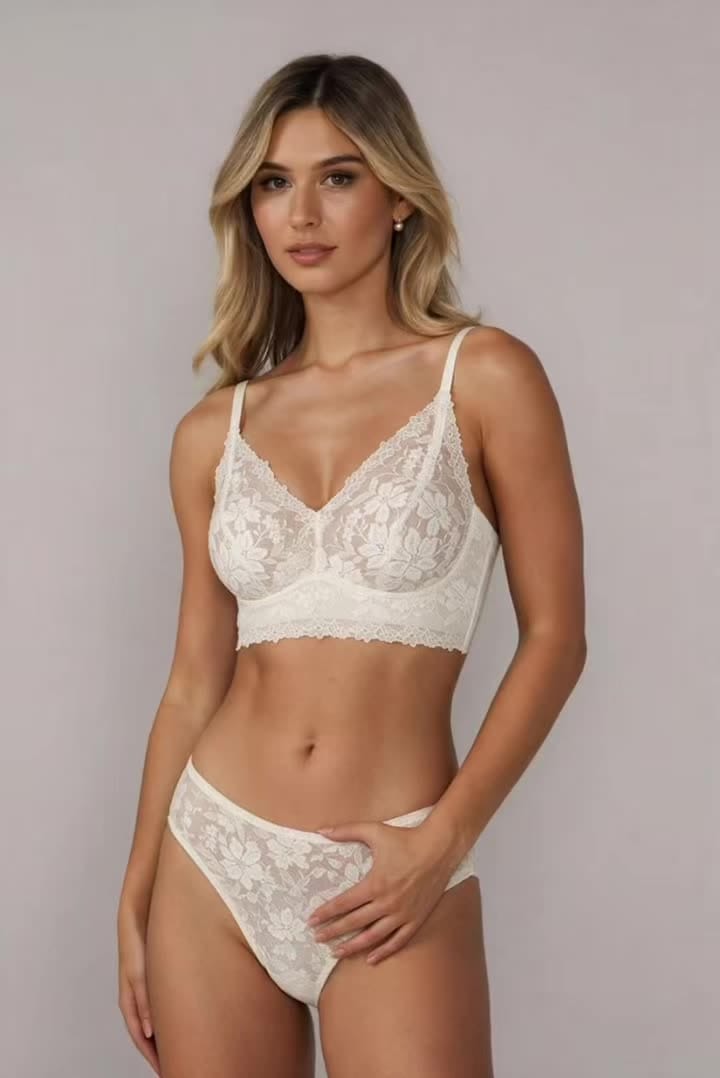
Keep Delicate Materials Recognizable
Material is part of the product description. Use a close source view to carry its texture and transparency into catalog and model images.
| Material | Source photo | What the image should communicate | Supporting detail |
|---|---|---|---|
| Lace | Sharp, evenly lit close-up | Pattern scale, scalloped edge and placement | Macro view of the lace motif |
| Mesh | Neutral background with visible transparency | Sheerness, lining and layered areas | Interior or double-layer detail |
| Satin | Soft directional light | Drape, smooth finish and controlled sheen | Close-up away from strong glare |
| Elastic | Relaxed product without stretching | Band width, edge finish and attachment points | Strap adjuster or waistband detail |
| Embroidery | Front-facing detail with accurate color | Motif, thread texture and placement | Close-up of the repeated design |
Show the Details That Define the Product
Use supporting views to communicate construction, coverage, materials and the components included in the SKU.
Straps and Closures
Show strap count, adjusters, hook-and-eye rows, fasteners and attachment points.
Cups and Underwire
Preserve cup shape, seams, padding, center gore and underwire placement.
Lace and Mesh
Show pattern, transparency, edge finish, lining and layered material.
Hardware and Color
Keep rings, sliders, charms, metal tone, elastic and the approved SKU color recognizable.
Build a Lingerie Product Gallery by Image Role
A complete gallery combines product information with merchandising context instead of relying on one image to answer every shopper question.
Front and Back
Show the complete SKU, coverage, closures and every included piece.
Construction Close-Up
Feature lace, mesh, lining, elastic, hooks, hardware and stitching.
Ghost Mannequin
Communicate silhouette and structure without a visible model.
On-Model and Video
Add styling context, then use measurements and size guidance for fit information.
Place Each Asset on the Right Ecommerce Channel
Use the storefront or marketplace’s current rules to decide how product-only images, on-model photos and short videos appear.
| Channel | Primary role | Supporting assets | Content note |
|---|---|---|---|
| Amazon | Category-appropriate product image | Detail, ghost or eligible model views | Follow current intimate-apparel and image guidance |
| Shopify | Brand-controlled product gallery | Ghost, model, close-up and video | Keep measurements and product data tied to the SKU |
| Etsy | Original product representation | Details and eligible styled context | Follow current listing-image and mockup requirements |
| TikTok Shop | Clear commerce image linked to the product | Short-form video and styling context | Follow current commerce and sensitive-content policies |
| Meta catalog | Consistent product feed image | Campaign image or video prepared separately | Keep catalog data, imagery and landing page aligned |
For the longer marketplace breakdown, read the AI Lingerie Photography Guide. This use case focuses on choosing and producing the asset set.
How to Build a Lingerie Photography Workflow
Separate product information, merchandising context and motion so each asset has one clear job.
Photograph the SKU
Capture front, back, labels, closures, materials and close-up detail in even light.
Choose the Image Job
Use ghost for shape or a fashion model for styling context.
Add Motion
Turn a finished on-model image into a short video for supported product, ad or social placements.
Prepare the Channel Set
Export the image and video mix that fits the storefront, marketplace or campaign placement.
AI Lingerie Photography FAQs
Can AI create lingerie product photos from a flat lay?
Yes. A clear flat lay can be used to create ghost mannequin or on-model images while the original product views remain part of the gallery.
Can I use the same workflow for swimwear and bikini photography?
Yes. Bikini sets, one-piece swimsuits and swim briefs can use the same product-only, ghost mannequin, fashion model and image-to-video workflows. Show each included piece, lining, straps, closures and coverage clearly, and follow the current content rules for each sales channel. See the AI Swimwear Model Generator guide for a dedicated swimwear workflow.
Can an AI model image show how lingerie fits?
It offers visual styling context. Use real measurements, size charts and fit guidance for support, comfort, compression and individual sizing information.
Which product details should appear in the gallery?
Include straps, cup seams, underwire, hooks, lace pattern, mesh transparency, lining, elastic, hardware, logos and every included piece.
Can I turn a lingerie product image into a video?
Yes. Image to Video can turn a finished on-model image into a short clip for supported product pages, ads or social content. Start with a clear still and use simple movement that keeps the garment visible.
Are AI lingerie images automatically compliant with Amazon?
No. Image and content rules vary by category and placement. Use Amazon’s current intimate-apparel guidance for the exact listing.
Do I need rights to the source image?
Use photos you own or have permission to edit. Rights and disclosure obligations depend on the source, channel and jurisdiction.
Can I use one visual direction across a collection?
Use a consistent crop, background, model brief and image order to help related products feel like one collection. Exact model identity or pose consistency depends on the source and generated result.
Should I disclose that an image is AI-generated?
Follow the current rules of the marketplace, ad platform and jurisdiction where the image appears. Requirements can differ by use and location.
Create a Complete Lingerie Content Set
Start from the real SKU, create the product and model views the gallery needs, then turn a finished still into a short video.
Try Image to Video Free