 Snappyit Team
New sellers often collect tools before they define a workflow. That creates duplicate product records, inconsistent file names, and numbers that cannot be reconciled at the end of the month. Start with one source of truth and add a tool only when it removes a specific bottleneck.
The lean stack at a glance
| Workflow | Free starting point | Output to keep |
|---|---|---|
| SKU and inventory | One spreadsheet or platform export | Stable SKU, quantity, channel listing ID |
| Product identity | GS1 guidance and marketplace exemption checks | Valid GTIN/UPC or approved exemption |
| Product photos | Snappyit Background Remover and Image Resizer | Approved master plus channel exports |
| Pricing | Marketplace fee calculator | Price floor and expected contribution margin |
| Shipping | Marketplace label flow or carrier portal | Paid label, tracking ID, actual postage |
| Bookkeeping | Transaction ledger and document folder | Income, expense, fee, tax, and payout records |
Create one product record first
Give every sellable variation a stable internal SKU before it appears on a marketplace. A size or color variant should not inherit an ambiguous file name such as IMG_2481-final-new.jpg. Use the SKU in the image name, inventory row, listing draft, and order record.
A starter sheet needs fewer columns than most templates suggest: SKU, product title, variant, quantity on hand, cost of goods, packaging cost, target price, channel, listing ID, and status. Add fields only when someone uses them. The sheet is not your forever system; it is the reference that prevents two free tools from inventing two versions of the same product.
Know what a free barcode generator cannot do
A barcode image generator can draw bars from a number you already control. It does not issue a valid GTIN or prove that your company owns the identifier. That distinction is missing from many seller-tool lists.
For products that need a UPC, start with GS1 US barcode guidance or the GS1 organization for your market. Each sellable variation normally needs its own identifier. Some marketplaces and categories permit exemptions, so check the destination before buying codes. Do not copy a random number into a free graphic generator and assume the listing will validate.
Use free photo tools for defined jobs
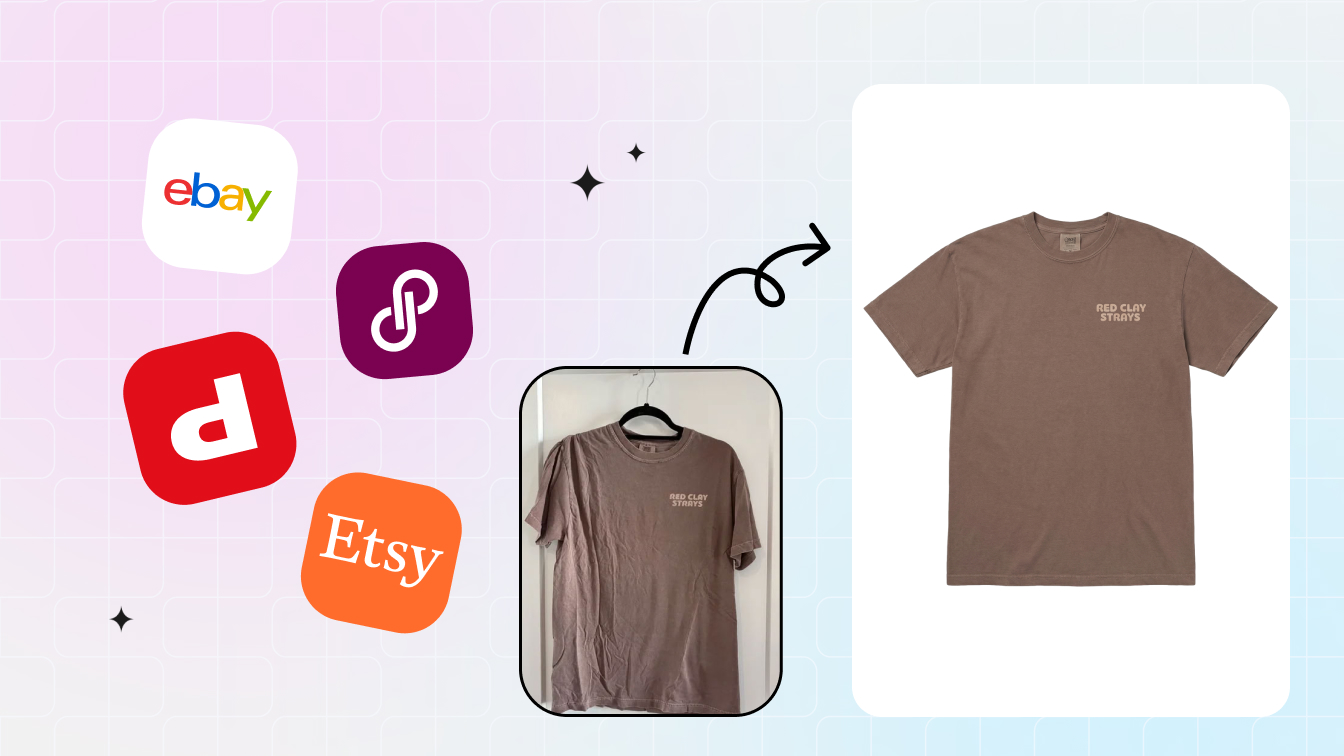
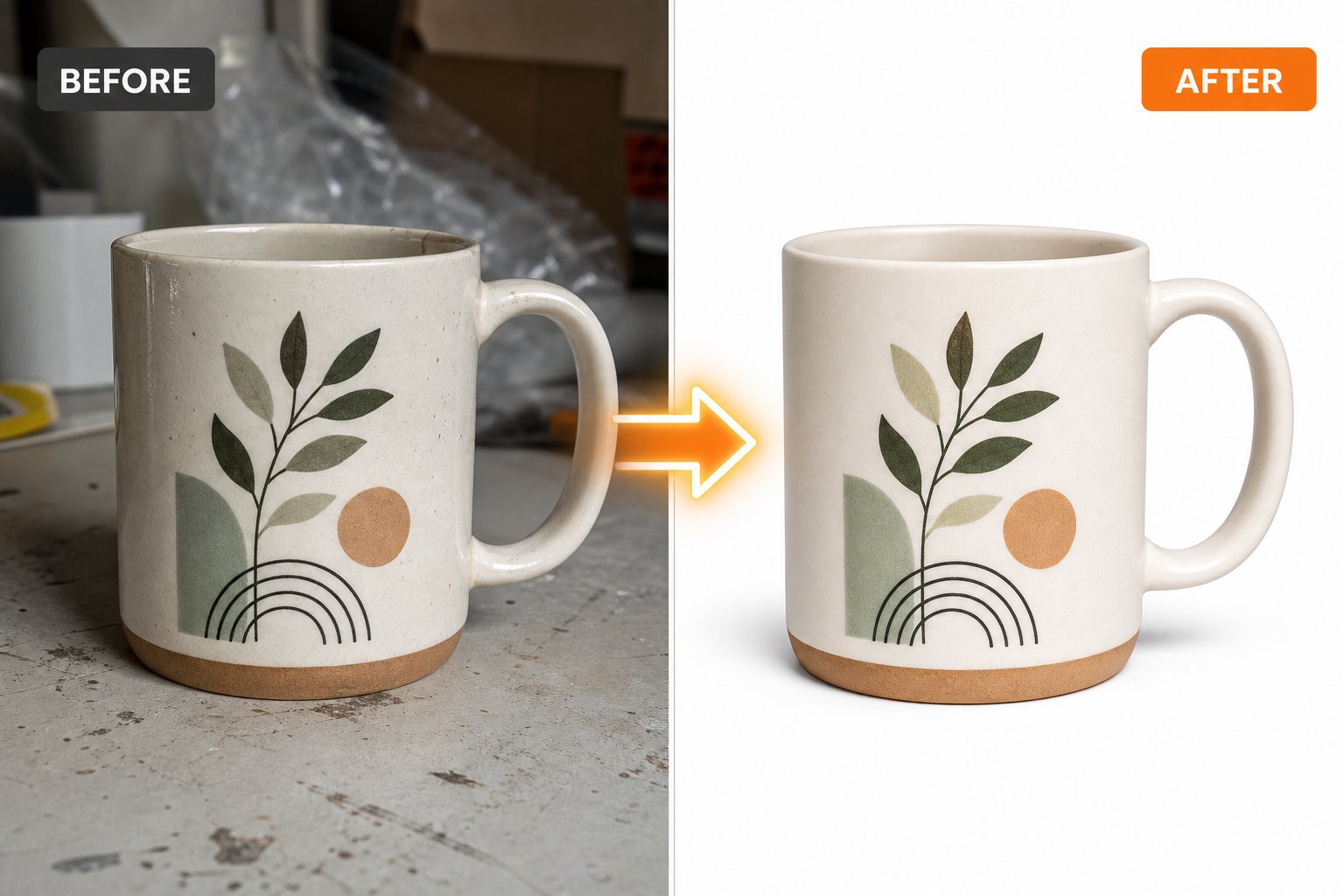
Photo cleanup and channel export are separate tasks. Snappyit's no-login Background Remover creates a transparent or solid-background PNG and includes manual edge refinement. The Image Resizer pads or crops a finished photo into marketplace and social presets in the browser.
These free tools are distinct from Snappyit's account-based AI product photography suite. The free utilities do not require credits; the wider AI studio uses credits for tools such as ghost mannequin, fashion model, recolor, jewelry retouching, and product video. Current new accounts receive six free credits, and paid plan details should be checked on the live pricing page rather than copied into an evergreen article.
Calculate margin before you publish
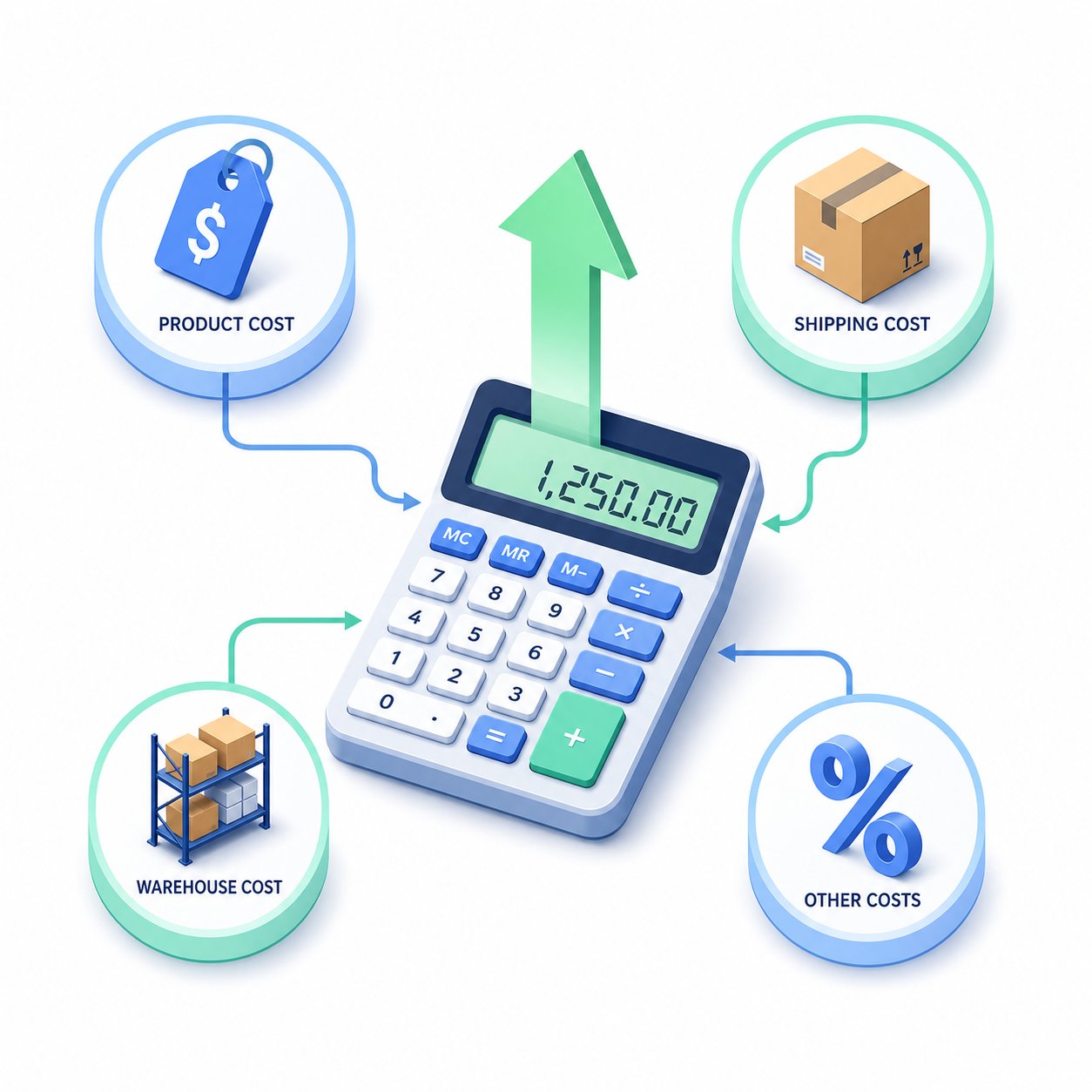
Sale price minus product cost is not profit. Include marketplace and payment fees, seller-paid shipping, packaging, advertising tied to the order, return allowance, and any fulfillment or storage charge that applies. Save the inputs with a date because marketplace rates change.
Snappyit's free Marketplace Fee Calculator compares eight channels without sign-up. Use it to estimate a price floor, then confirm unusual categories and current fees in the marketplace's official documentation before making a long-term decision.
Start shipping in the channel that owns the order
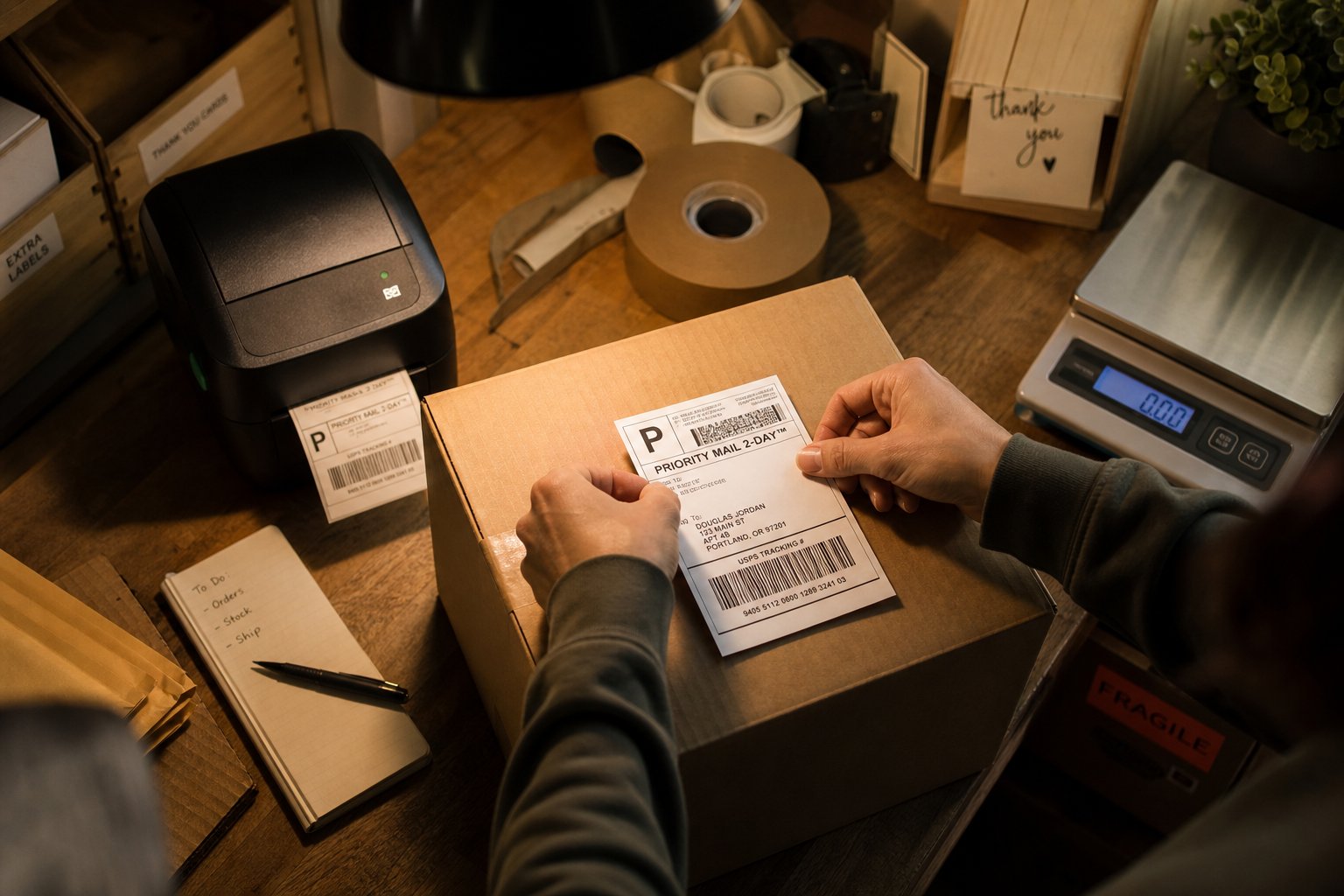
The simplest first option is often the marketplace's own label flow because the order address, service, and tracking handoff are already connected. For US sellers shipping directly, USPS Click-N-Ship uses a free USPS.com account and lets users pay postage and print labels without an additional service fee. Postage and optional services still cost money.
Whichever route you use, write the tracking ID, actual postage, package weight, and ship date back to the order record. A free label tool is not useful if the final shipping cost never reaches your margin or bookkeeping records.
Use a ledger that can explain every payout
At very low volume, a spreadsheet can be enough if it clearly shows income and expenses and retains the supporting documents. The IRS recordkeeping guidance allows any system suited to the business that clearly shows those amounts. Tax rules differ by country and business structure, so this is an operating baseline, not tax advice.
Keep a monthly folder for platform statements, payout reports, refunds, shipping receipts, supplier invoices, and advertising charges. Reconcile gross sales to fees, refunds, and the net bank deposit. A payout is a settlement, not the same thing as revenue.
Run the stack on a weekly schedule
- Reconcile new SKUs and quantities against the product sheet.
- Approve the photo master, then generate channel-specific exports.
- Recheck price floors for items whose costs or fees changed.
- Confirm that shipped orders have tracking and actual postage recorded.
- Download platform statements and store receipts in the monthly folder.
- Review exceptions: negative margin, missing GTIN, stock mismatch, return, or failed delivery.
This routine exposes where the free stack stops being efficient. Upgrade when the same data must be retyped across channels, stock regularly drifts, reconciliation takes hours, or tax and payroll obligations exceed a simple ledger.
Upgrade for a bottleneck, not a feature list
- Move to inventory software when overselling or multichannel stock sync becomes a repeated problem.
- Move to accounting software or professional help when reconciliations, sales tax, payroll, or entity reporting become complex.
- Move to shipping software when carrier comparison and batch labels save measurable handling time.
- Move to batch creative tools when manual photo preparation is delaying launches.
Open Snappyit's free seller tools →
Free ecommerce tool FAQ
Can a free barcode generator give me a valid UPC?
No. A graphic generator can render bars for a number, but it does not assign or license a GTIN. Obtain identifiers from the appropriate GS1 organization or confirm that the marketplace grants an exemption.
Are Snappyit's Background Remover and Image Resizer credit-based?
No. The current free Background Remover and Image Resizer work without login and do not use account credits. Snappyit's wider AI product photography suite uses a separate credit system.
What costs should a seller margin calculator include?
Include product cost, packaging, marketplace and payment fees, seller-paid shipping, advertising tied to the order, returns, and any fulfillment or storage charge that applies.
Can a spreadsheet replace bookkeeping software?
At low volume it can be a workable ledger if it clearly records income and expenses and you retain supporting documents. Move to software or professional help when reconciliation and compliance become complex.
When should a new seller pay for software?
Pay when a repeated bottleneck has a measurable cost, such as overselling, retyping data across channels, slow batch fulfillment, or hours of manual reconciliation.