
At a glance
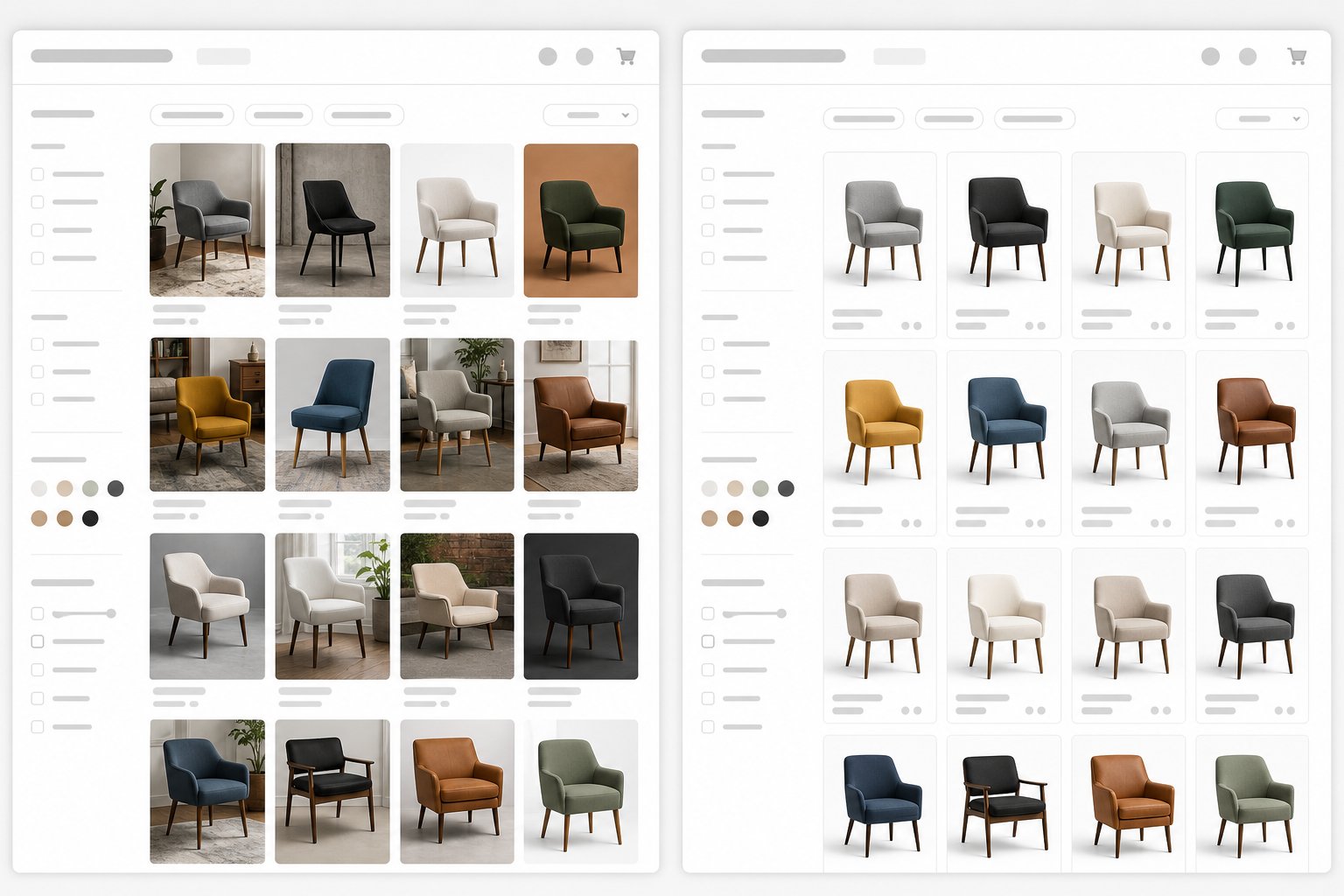
Meta Advantage+ Creative is best for platform-side adaptation, while external AI ad creative tools are better for producing and approving source visuals before paid distribution.
| Question | Use Meta Advantage+ Creative | Use external AI tools |
|---|---|---|
| Need more placement variants? | Yes | Maybe |
| Need product or model photos first? | No | Yes |
| Need strict review before spend? | Limited by workflow | Yes |
| Need catalog-scale lifestyle images? | Depends on source assets | Yes |
| Need ad delivery optimization? | Yes | No |
For ecommerce, the low-risk approach is controlled asset creation first and platform automation second.
What Meta Advantage+ Creative does
Meta Advantage+ Creative helps adapt ads inside Meta's ecosystem by testing and adjusting creative elements for Facebook and Instagram placements.
Meta's broader advertising roadmap is moving toward more automation around brand assets, product data and real-time format selection. That can help small teams, but it also makes review discipline more important because the platform may create or modify variants at scale.
Use Advantage+ Creative when you have already approved the source image and want help with format, text, background or delivery-side variation. Do not rely on it as the only place where product visual accuracy is created.
What external AI ad creative tools do
External AI ad creative tools are best used upstream, where teams can make product photos, model images, lifestyle scenes, video clips and designed layouts before those assets reach Ads Manager.
Product image tools
These tools improve or generate the product image itself. Snappyit belongs here because it focuses on product photography, AI model photos, outfit visuals and image-to-video assets.
Ad layout tools
These tools place approved images into feed, story, banner or carousel templates. They are useful, but only after the source image is trustworthy.
Copy and script tools
Copy tools can produce hooks and headlines, but product claims still need human review. A clever hook becomes a risk if it promises a feature the product does not have.
Control vs automation: the practical tradeoff
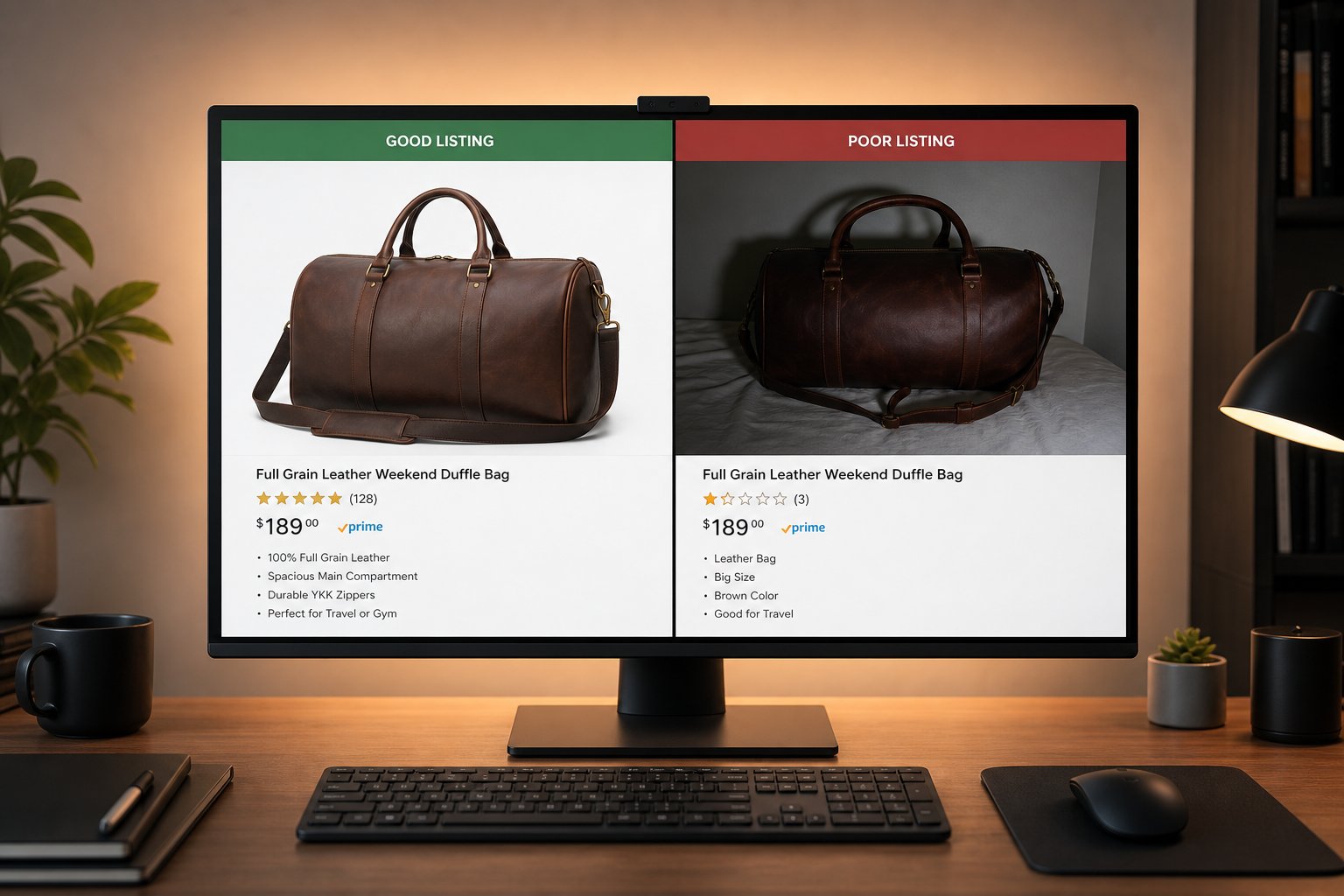
The main tradeoff is where control happens. Meta can adjust assets quickly after upload, while external tools let ecommerce teams decide what is allowed into the ad account.
| Need | Better fit | Reason |
|---|---|---|
| Exact product color and texture | External AI product workflow | You can approve the output before upload |
| Many placement crops | Meta Advantage+ Creative | The platform understands its own placements |
| New lifestyle scene set | External AI tool | You choose the visual direction |
| Text and background variants | Either | Depends on review workflow |
| Budget and delivery optimization | Meta Advantage+ | Only the platform has auction data |
A 2026 Business Insider report about an AI-modified REI ad shows why this matters for product categories with exact physical details. Ecommerce brands should not let automation change core product facts without review.
Review risks before using platform automation
Platform-side AI creative should be reviewed for product accuracy, brand fit, policy risk and destination match before meaningful spend is allowed.
Product detail errors
AI may alter straps, handles, wheels, logo placement, materials, included accessories or body fit. These changes can create buyer complaints even if the ad looks visually polished.
Brand drift
Auto-generated variants may use colors, models or moods that do not match your store. This is especially risky for premium fashion, jewelry, intimate apparel and technical products.
Review visibility
If a team cannot easily preview every variant, it should keep automation narrow. Use external AI tools to create fewer, better-approved assets first.
Recommended setup for ecommerce brands
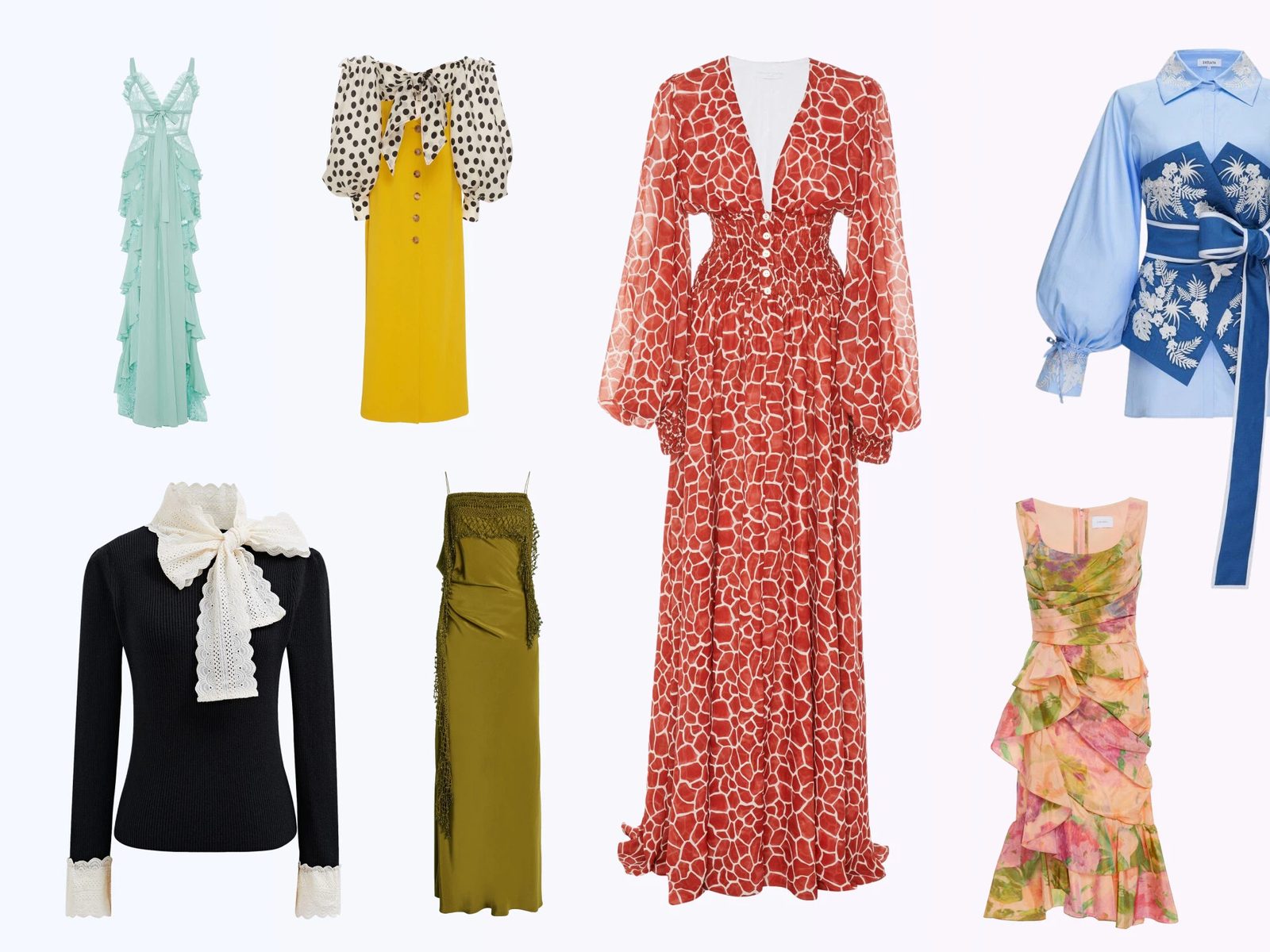
The recommended setup is to create a small approved visual library outside Meta, then let Meta test formats and copy within clear guardrails.
- Create product-safe images in Snappyit.
- Export the ratio set for feed, 4:5 and story placements.
- Write a short approved claim library.
- Upload only reviewed assets.
- Use Advantage+ features selectively and inspect generated previews.
Keep product truth under your control. Generate approved ecommerce visuals before platform automation. Try Snappyit free
When to use platform automation
Use Meta creative automation when the source image is already approved and the remaining question is placement, crop or text variation.
Good automation use cases
Automation is useful for testing feed versus story crops, background adjustments around an approved product, minor text variations and format adaptation across Facebook and Instagram placements.
Bad automation use cases
Automation is risky when the product has exact physical details: bicycles, technical gear, luxury jewelry, intimate apparel, shoes, bags with hardware or any item where a small generated change creates a false promise.
Team rule
If the team cannot easily preview and approve the generated asset, keep automation off for that campaign or use only the narrowest setting available.
A practical approval model
A practical approval model gives Meta room to optimize without allowing unreviewed product changes into paid media.
| Approval level | Allowed changes | Who signs off |
|---|---|---|
| Green | Crops, minor format changes, safe text variations | Performance marketer |
| Yellow | Background edits, lifestyle scene shifts, model swaps | Marketing plus ecommerce owner |
| Red | Product structure, logo, materials, included accessories | Do not automate without manual review |
This prevents a platform tool from becoming the source of product truth.
What to keep outside Meta before upload
Keep product creation, model selection, lifestyle direction and final approval outside Meta when those choices affect what the product appears to be.
Product creation
Use controlled tools to create the base image. For ecommerce, the source visual should be something your team can save, inspect, version and reuse across Shopify, email, Pinterest and Meta.
Model and scene direction
Fashion and beauty brands often need consistent model age range, styling mood, lighting and brand tone. Those decisions are easier to control in a dedicated visual workflow than inside delivery automation.
Approval history
Approved source files become a record. If a supplier, customer or teammate questions a product detail, you can trace which image entered the campaign.
Decision framework: native automation or external AI?
A simple decision framework keeps teams from using Meta automation for jobs that need creative control.
| If the question is... | Use... | Reason |
|---|---|---|
| Which crop or placement works? | Meta automation | The platform knows its surfaces |
| Which scene should the product appear in? | External AI workflow | The brand needs visual direction control |
| Which product detail is accurate? | Manual review | Ad automation should not decide product truth |
| Which audience converts? | Meta campaign tools | The ad platform has delivery data |
| Which SKU needs a new image set? | Ecommerce analytics plus creative review | Store data and returns data matter |
For a broader tool-stack view, pair this with the ecommerce ad creative tools guide.
How to combine both workflows
Most ecommerce teams get better results when they separate visual production from campaign optimization instead of forcing one system to do both jobs.
- Create the source image outside the ad platform where product details can be inspected.
- Save the approved asset with a SKU, ratio and campaign note.
- Upload only the approved set to Meta.
- Use Advantage+ Creative for placement adaptation, not product invention.
- Review previews after automation is applied and before budget scales.
This order protects the product while still giving Meta room to optimize delivery. It is especially useful for fashion, shoes, accessories, jewelry, home goods and technical products because those categories have visible details buyers may complain about if the ad changes them.
| Workflow moment | Keep manual | Can automate |
|---|---|---|
| Product shape, color and included parts | Yes | No |
| Model or scene direction | Usually | Only after review |
| Placement crop | Review | Yes |
| Headline and text variation | Approve claims | Yes |
| Audience and delivery learning | Set guardrails | Yes |
If your team treats external AI tools as the creative source and Meta as the distribution optimizer, both systems become easier to manage.
Frequently Asked Questions
What is the difference between Meta Advantage+ Creative and AI ad creative tools?
Meta handles placement-side adjustments after an asset enters the ad account. External creative tools help teams produce the product images, model visuals, clips and layouts that are reviewed before upload.
Should ecommerce brands use Meta Advantage+ Creative?
Yes, but carefully. It can help with placement and variation, but ecommerce teams should review product accuracy and brand fit before spending significant budget.
Why use external AI tools before Meta?
External tools let you create and approve product visuals before they enter the ad platform. That gives more control over color, material, scale, model choice and scene direction.
Can Meta AI change my product image?
Meta creative automation may modify or generate variants depending on the settings used. Review the account settings and previews before launch.
Is Advantage+ Creative enough for a Shopify store?
It is rarely enough by itself. A Shopify store still needs strong source images, product pages, catalog hygiene and clear offers before campaign optimization begins.
How do I reduce risk with AI-generated ads?
Use approved product images, keep claims factual, avoid changing product details, review every variant and compare the final ad against the landing page.
When should I turn off automated creative enhancements?
Turn them off or narrow them when your product has precise physical details, regulated claims, premium brand rules or a history of AI artifacts in previews.
Where does Snappyit fit with Meta automation?
Snappyit creates product, model, lifestyle and video-ready assets first. Meta automation can then test approved assets across placements and audiences.
Create the assets you want Meta to optimize
Use Snappyit to prepare approved source visuals, then let Meta automation work within boundaries your team understands.
Create Approved Ad Images Free
More Snappyit Resources