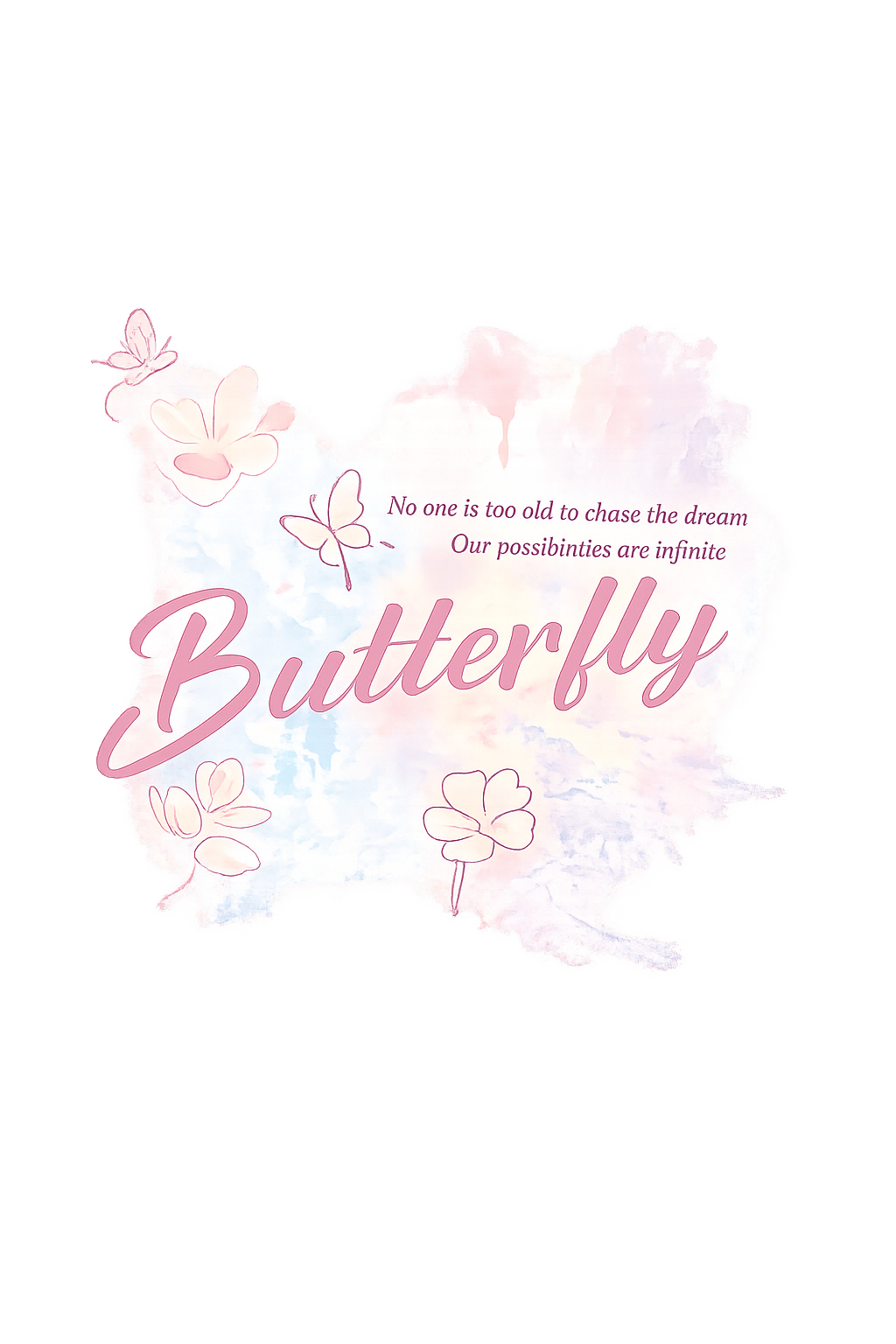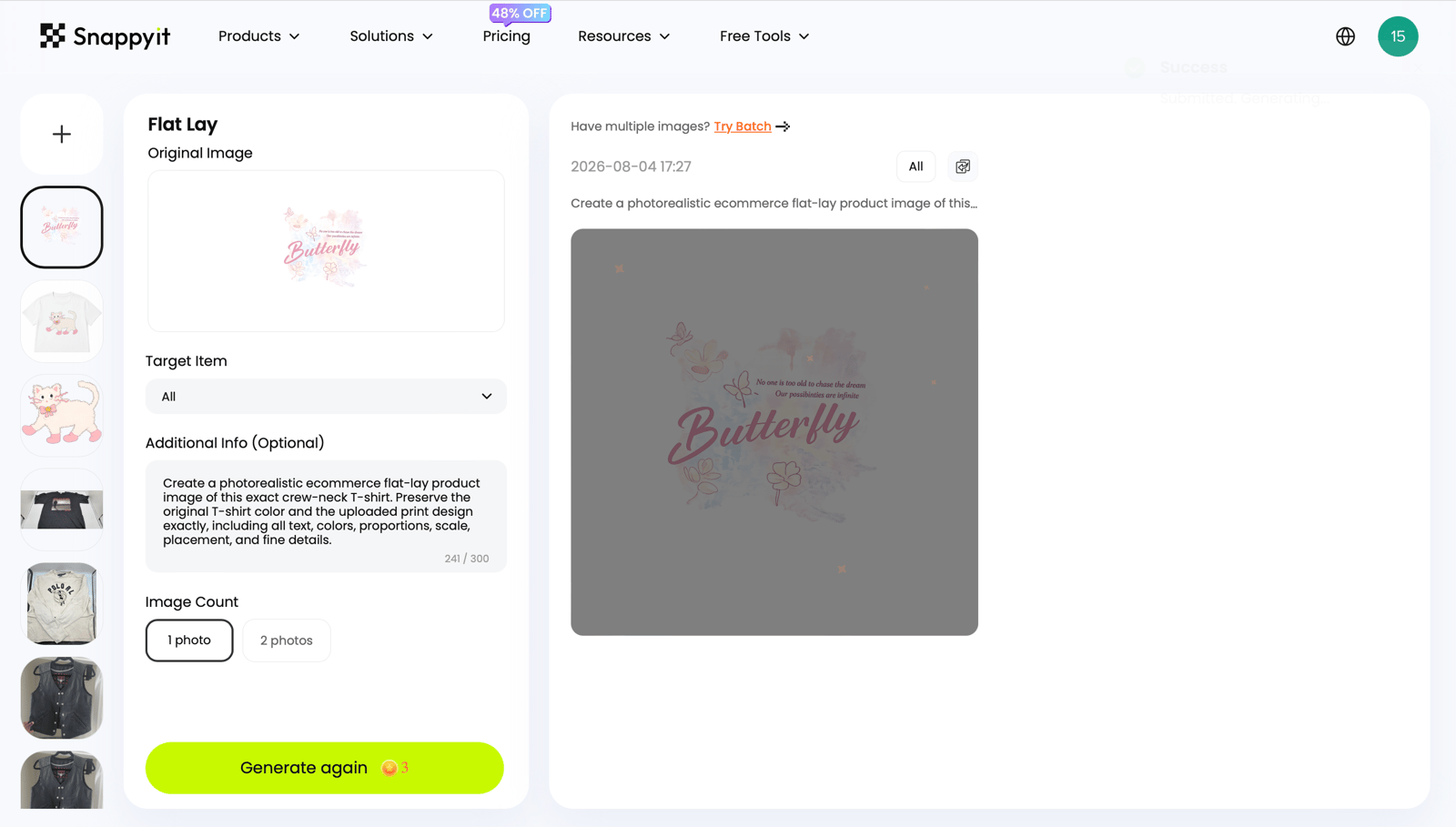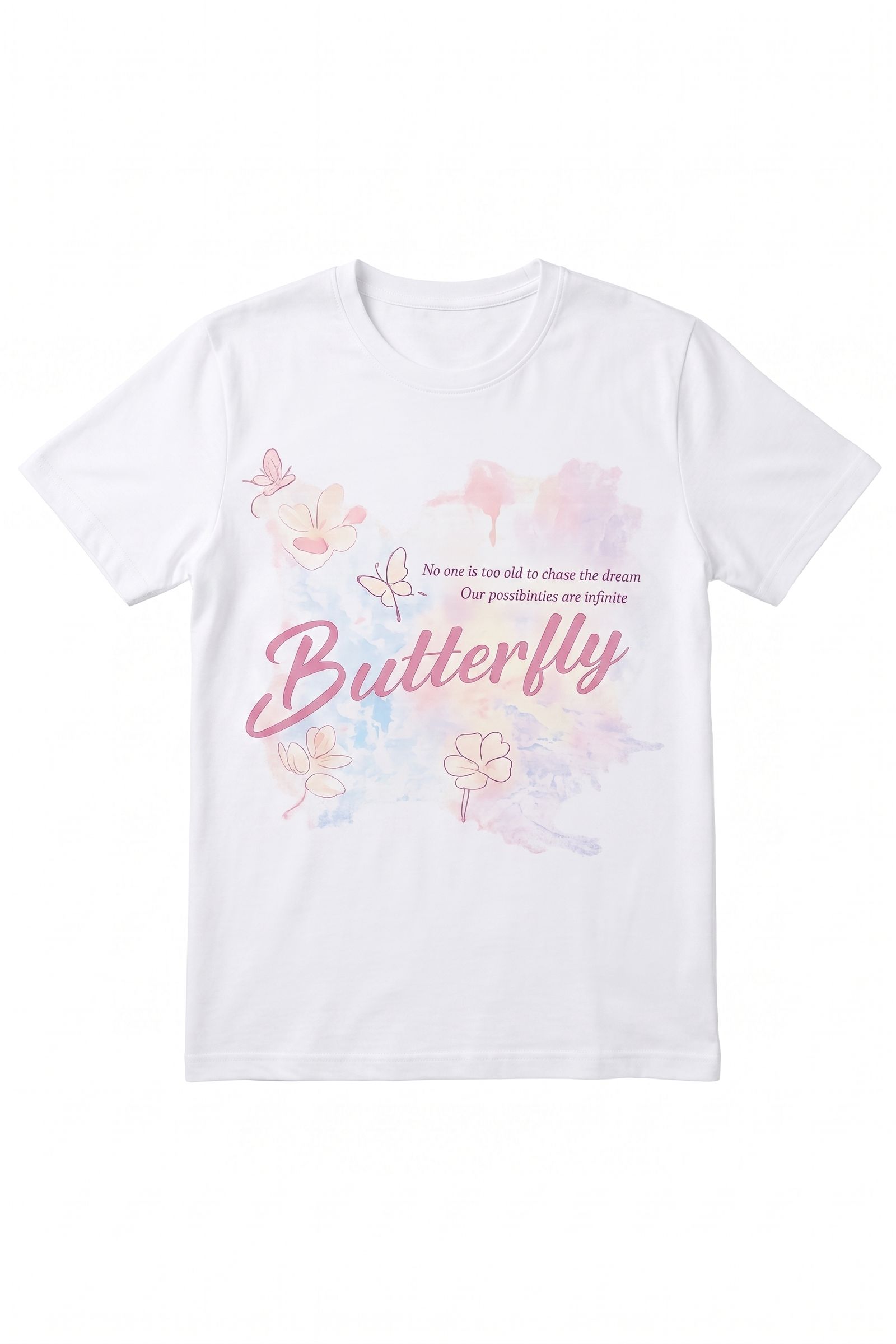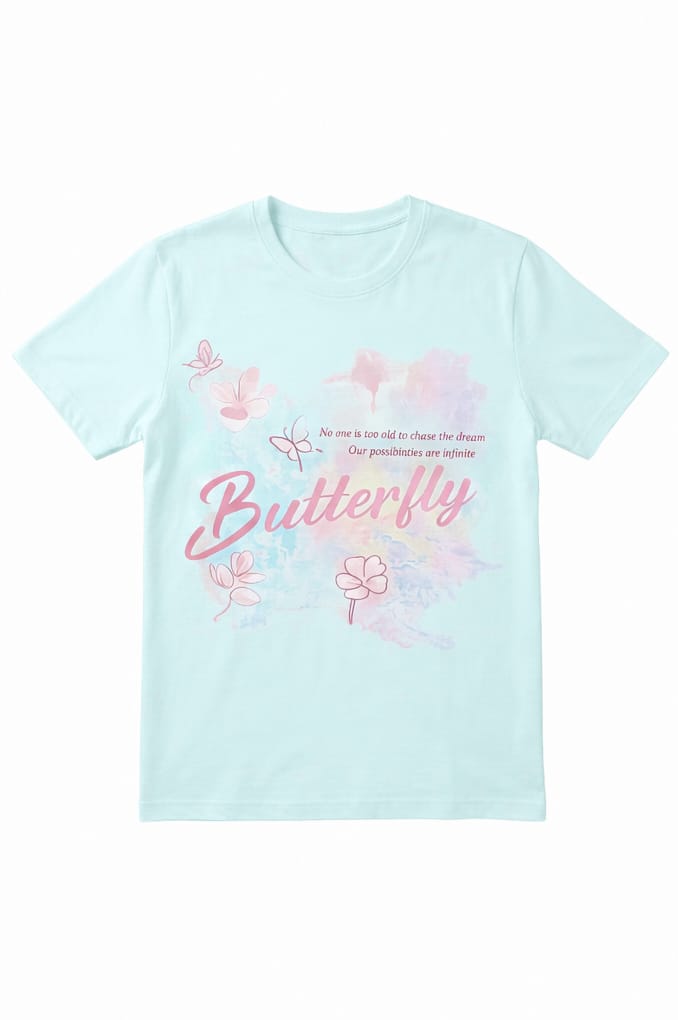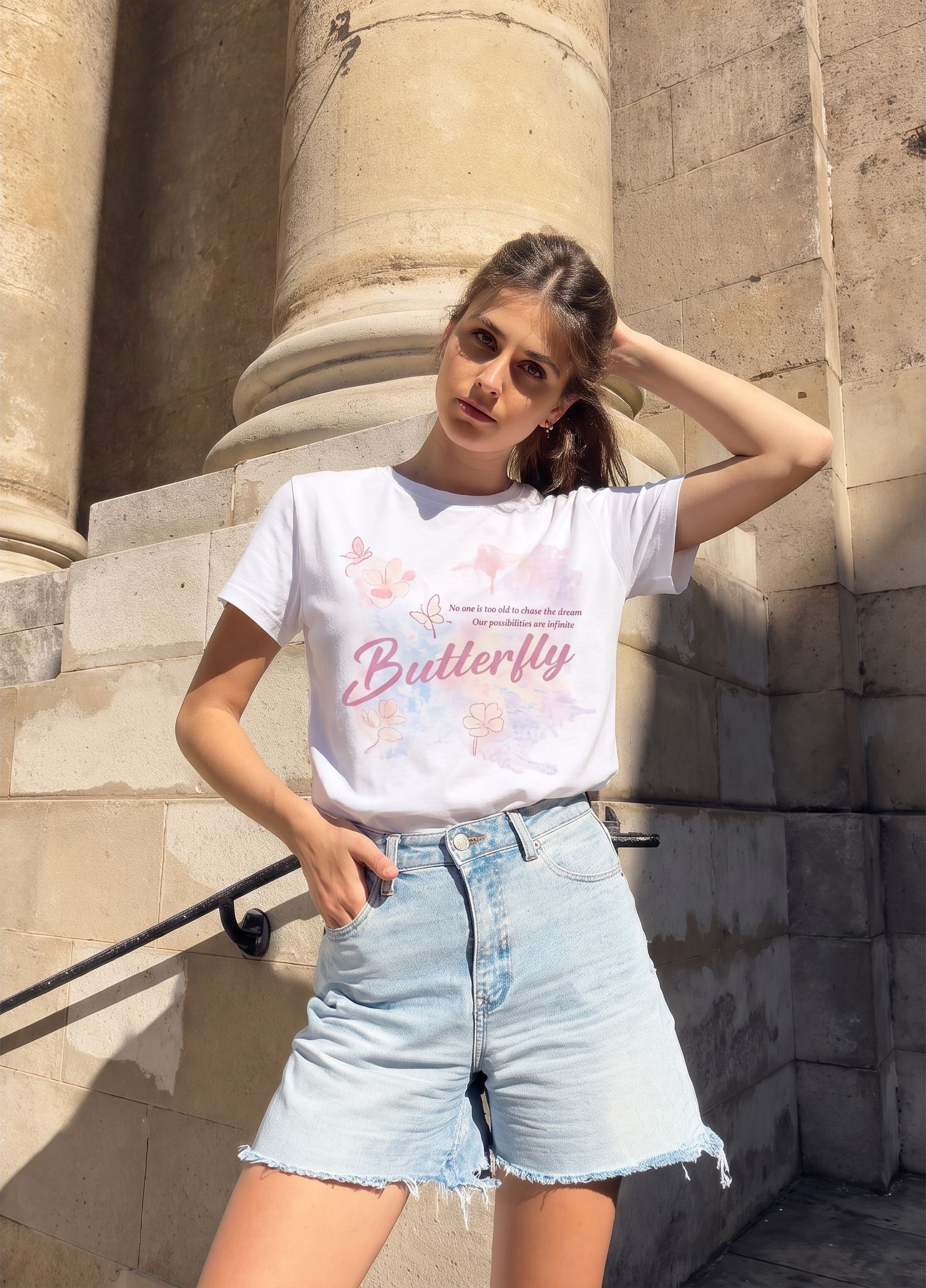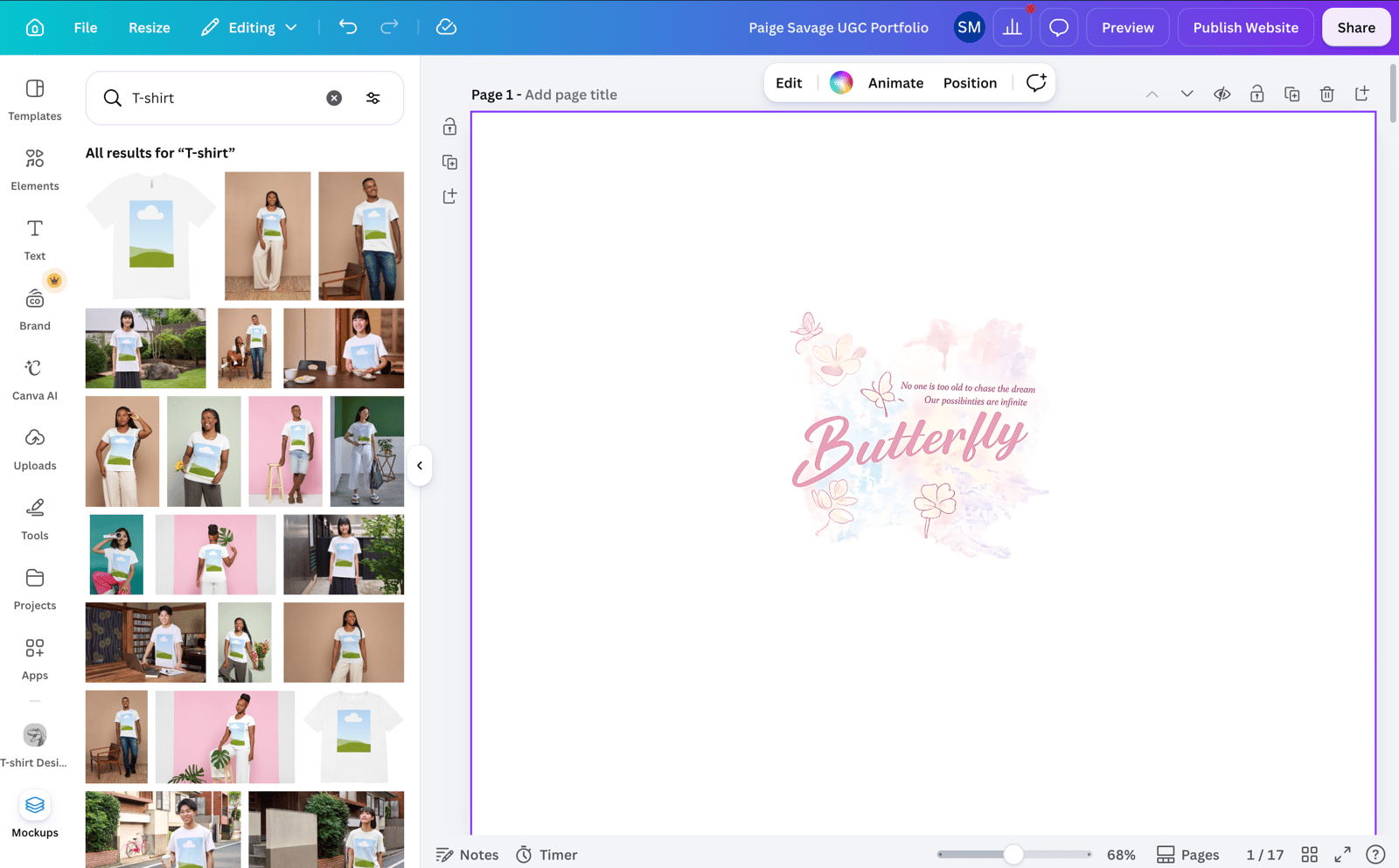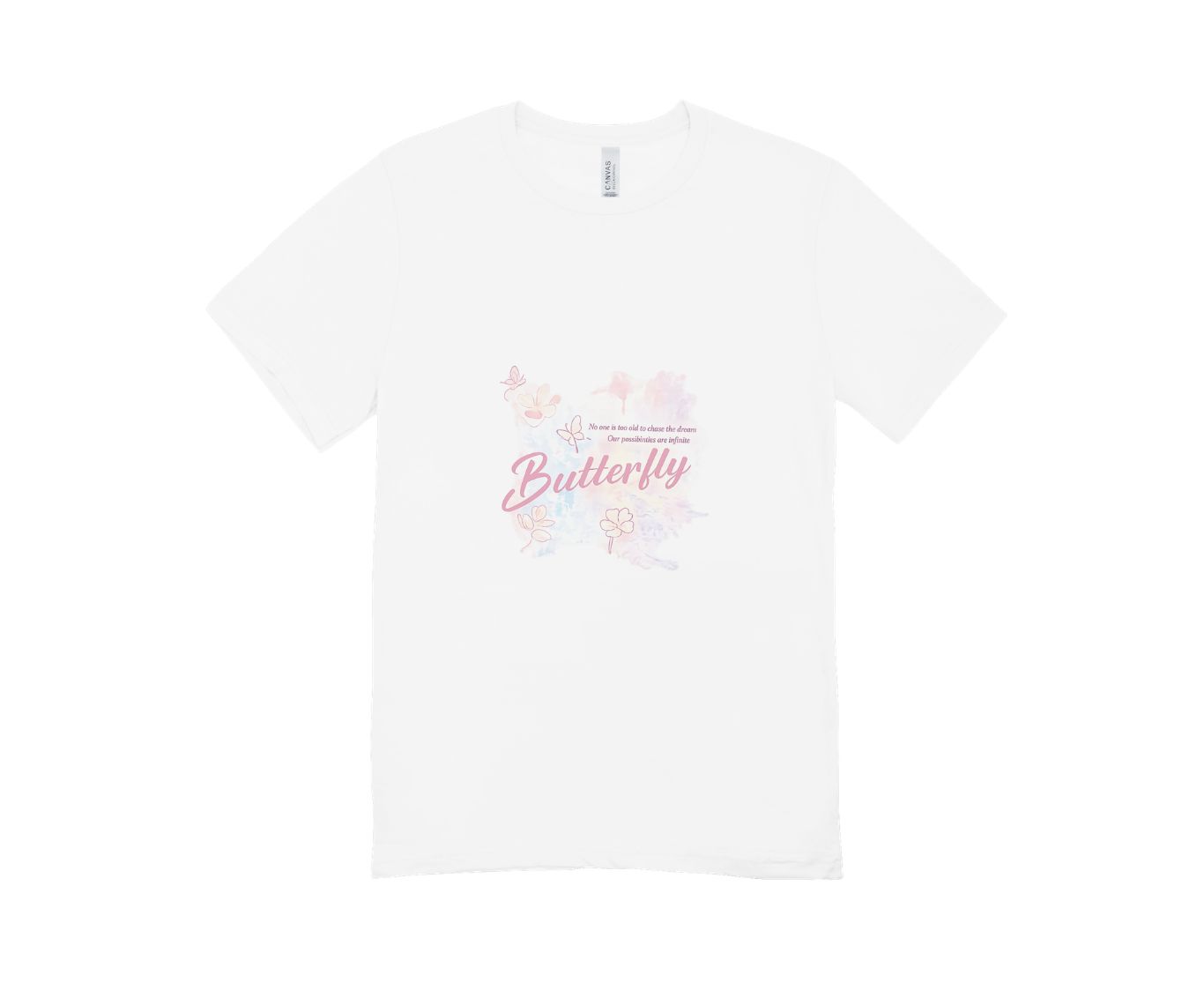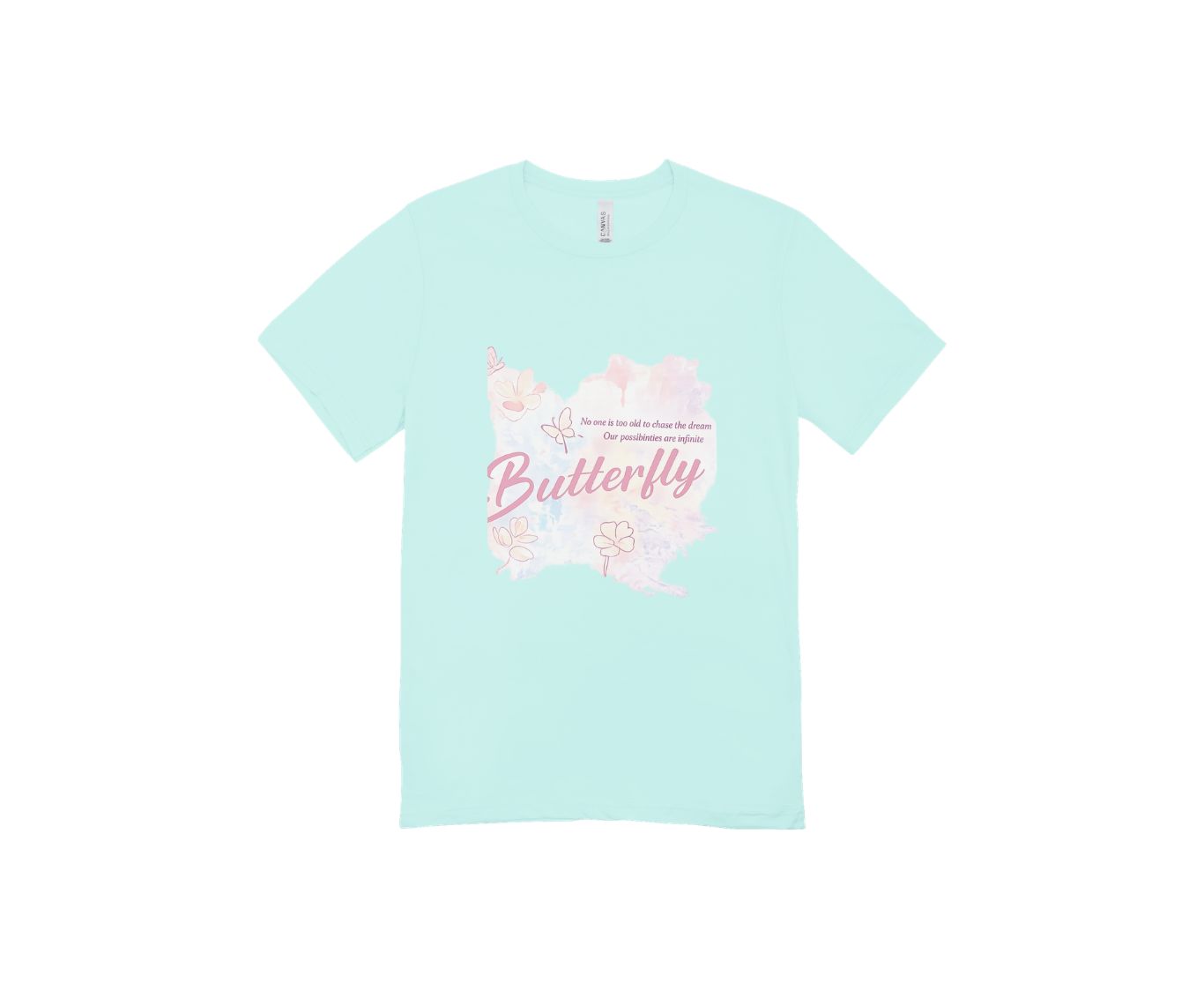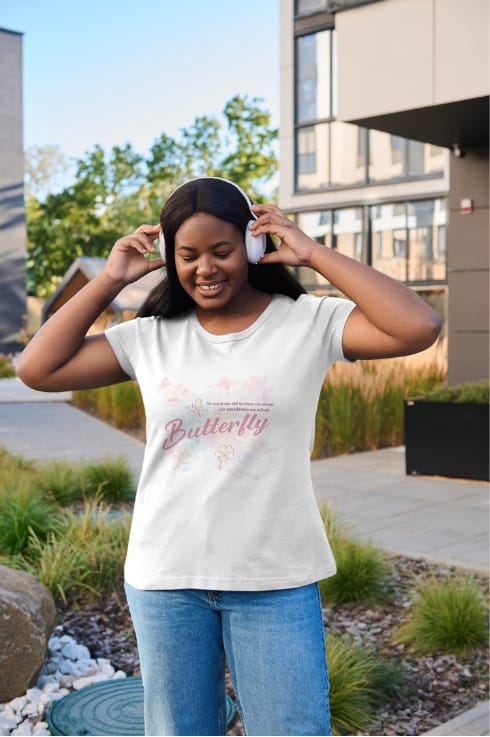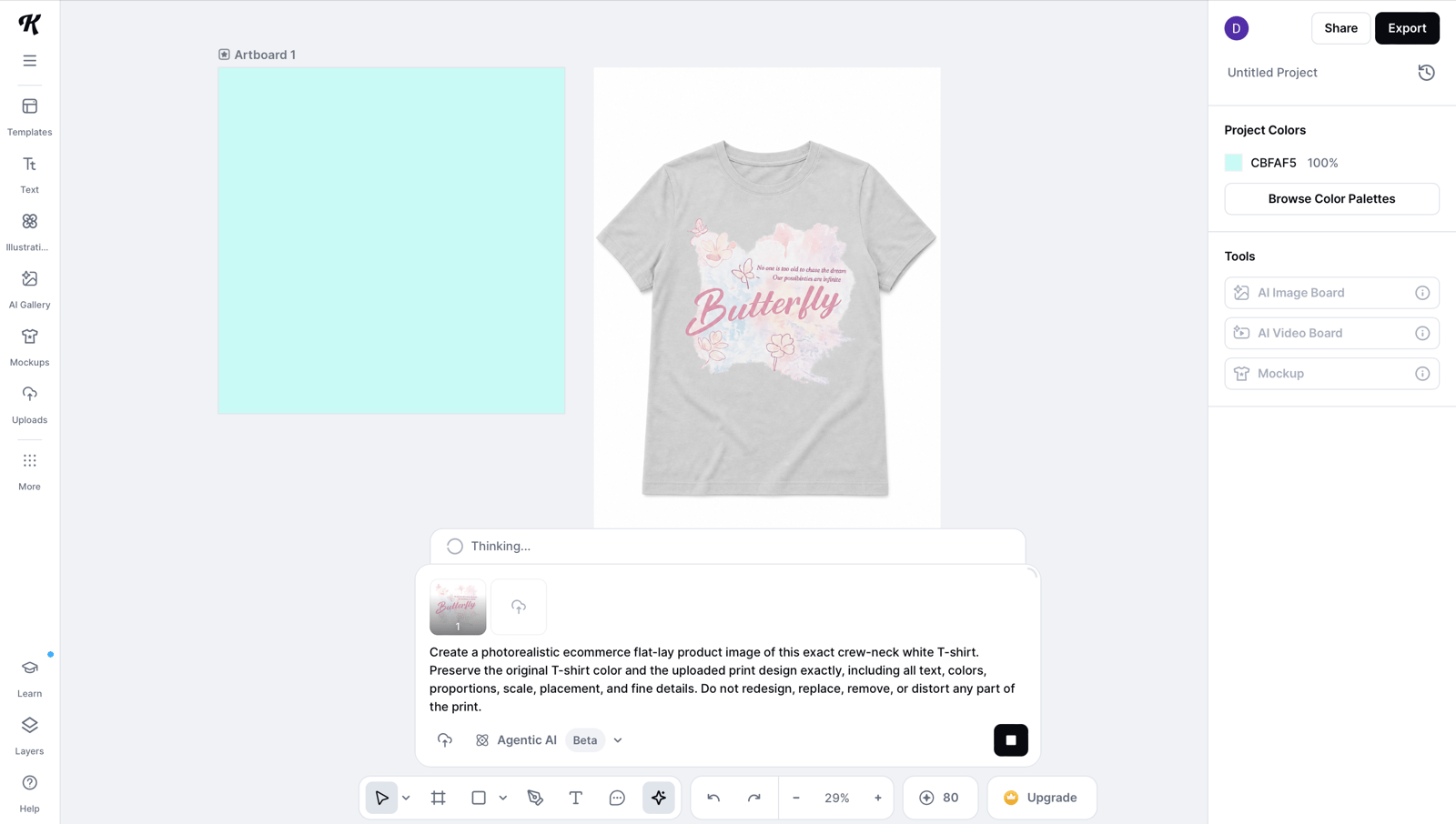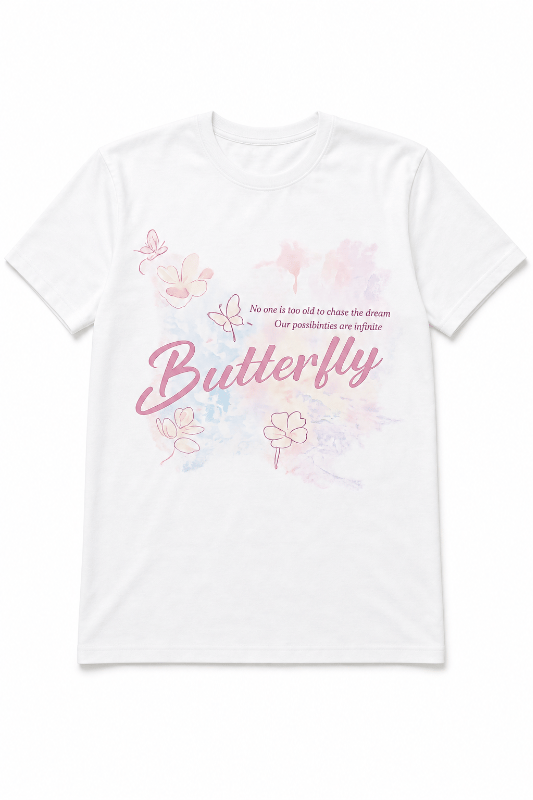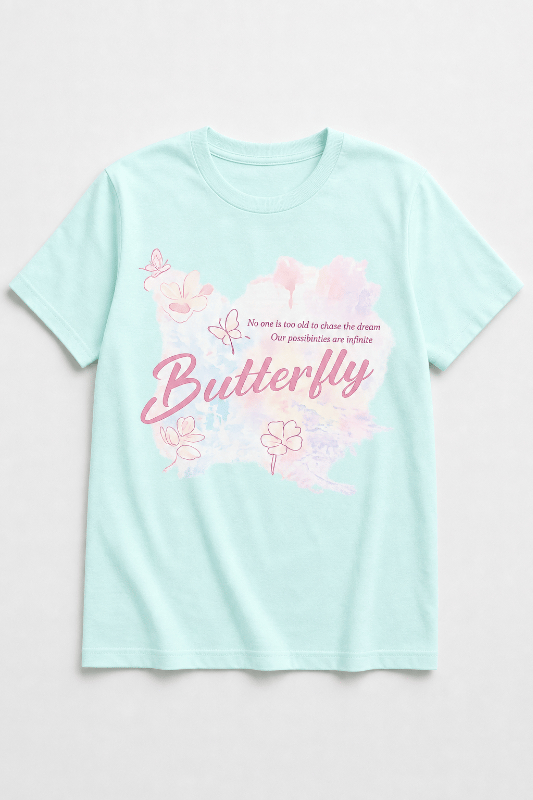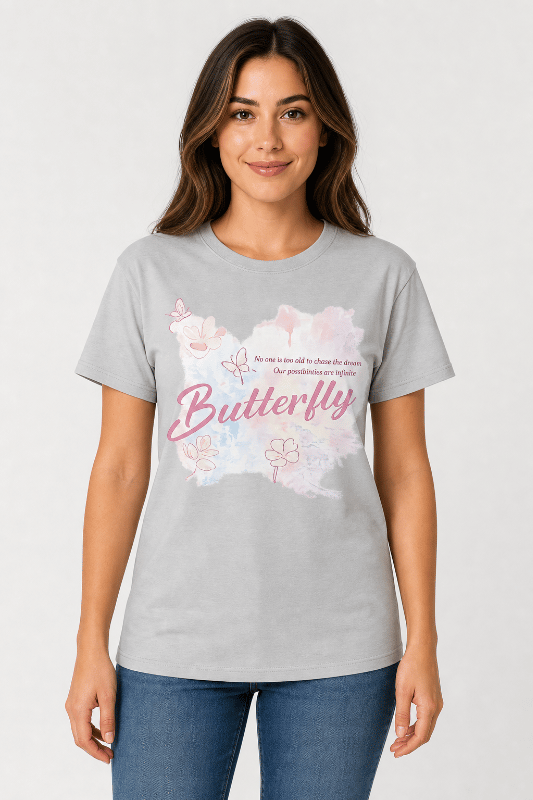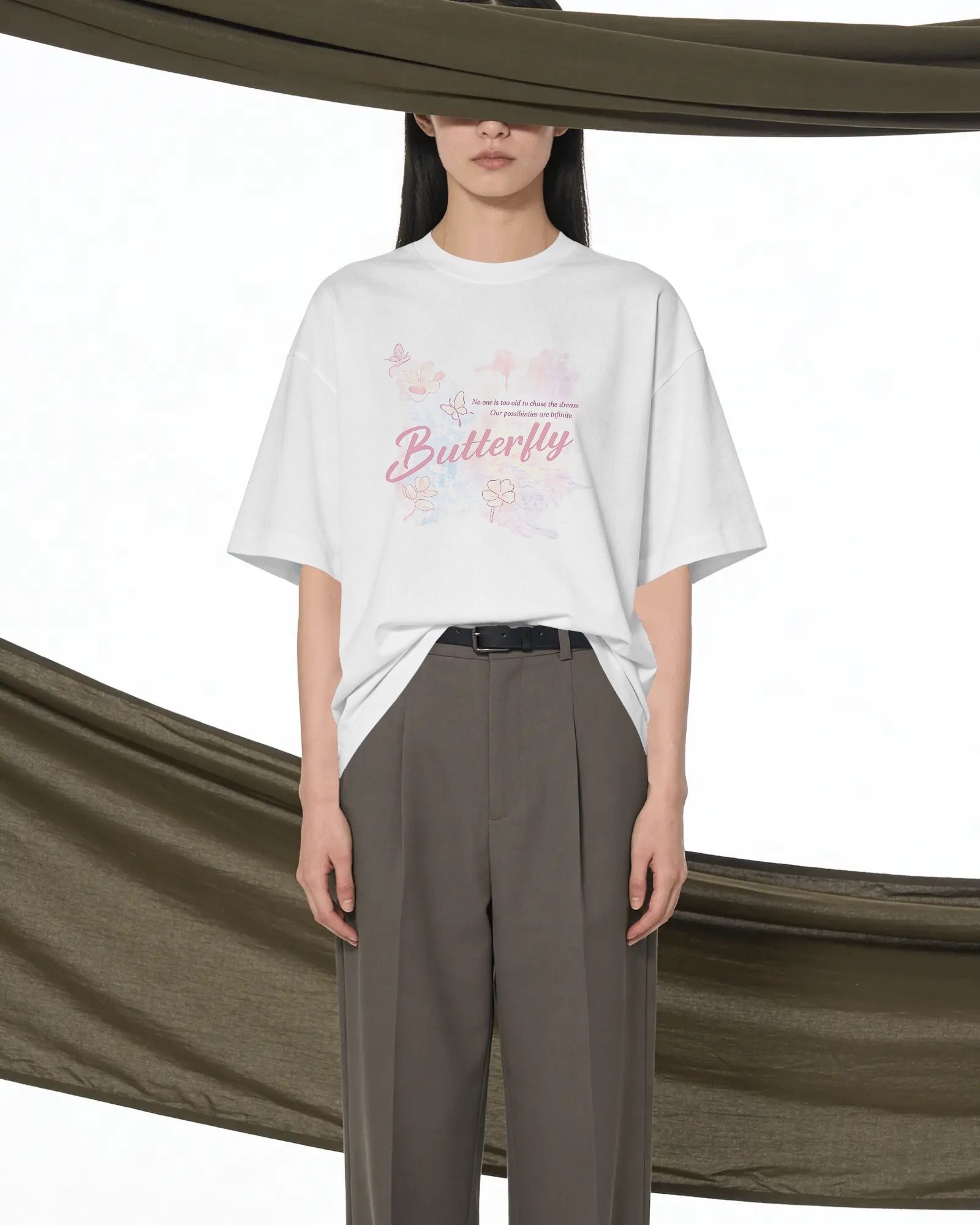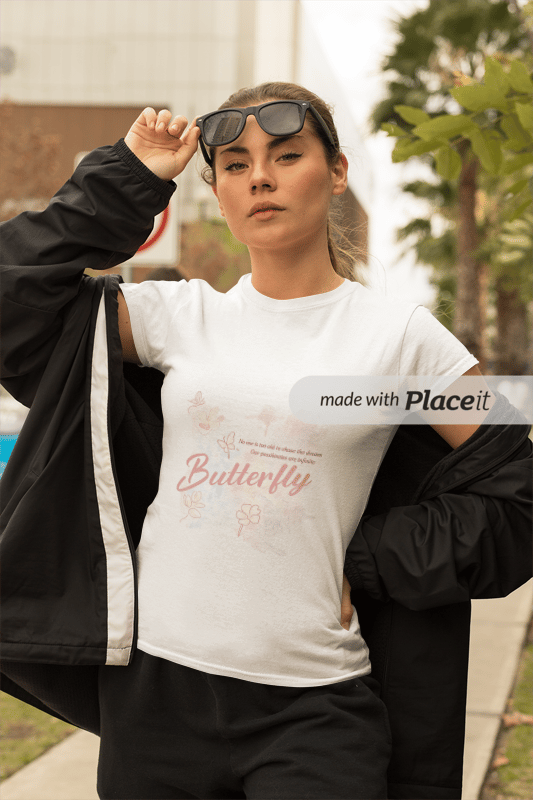
The single biggest time sink in the print-on-demand mockup workflow isn't the design itself — it's generating the same design across every color variant your shop sells. A POD tee in 8 standard colors (black, white, heather grey, navy, red, royal blue, forest, dusty pink) means cycling Printful or Printify's per-color mockup tool eight separate times. At 40–60 minutes per design and 50 designs per drop launch, that's 30+ hours of mockup cycling per launch — before you even start writing listings.
AI Color Change tools collapse that into a single batch pass. Upload one source mockup, list the target colors, and the AI generates each variant with the printed design layer, fabric texture, and shadow detail preserved through the recolor. Total time for an 8-color batch: under 5 minutes. The labor saved typically pays back the AI tool cost within the first drop launch.
This guide covers the full POD color variant workflow: how AI Color Change works on a printed tee, the marketplace requirements for Etsy variant photos and Shopify color swatches, the four tools that handle this workflow today, and the pitfalls (color picker accuracy, fabric texture loss, pattern preservation) to avoid before publishing the full colorway set.
Why POD Color Variants Drive Listing Conversion
Etsy and Shopify buyers in 2026 expect to see the design on every color before adding to cart. A POD listing showing a graphic on only one tee color (because the seller couldn't generate the full set) leaves real conversion on the table — buyers either guess at how the design will look on their preferred color and abandon the cart, or pick a different listing where they can see the actual variant they want.
The Etsy variant photo system specifically rewards listings with one image per variant. When a buyer hovers a color swatch, Etsy displays the variant photo if available — a design-on-color thumbnail rather than the original-color hero. Listings with complete variant photo coverage outperform listings using the same hero across all swatches in 2026 Etsy CTR studies, and the gap widens for graphic-heavy POD designs where the color background interacts with the design itself.
Shopify product variants work the same way structurally — one image per color variant — and the platform's quick-view modal pulls the variant image when a swatch is selected. Amazon Merch on Demand handles colorways as separate ASINs with separate product images, making the per-color mockup mandatory rather than optional.
What AI Color Change Actually Does to a POD Mockup
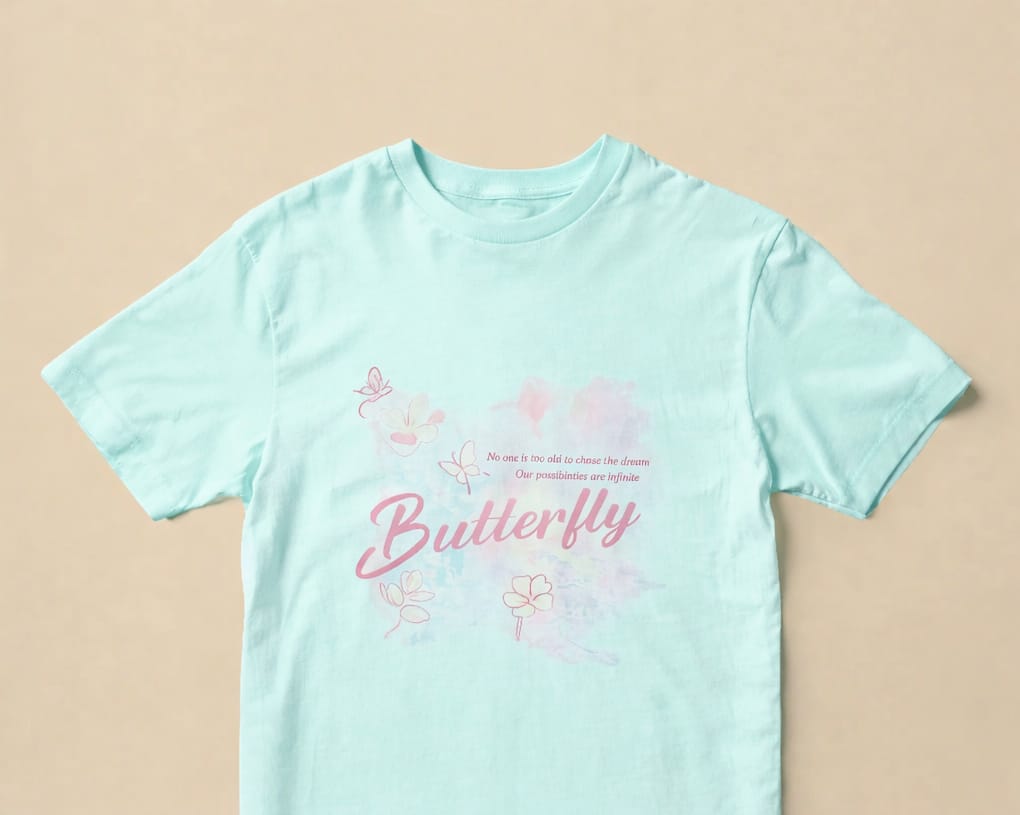
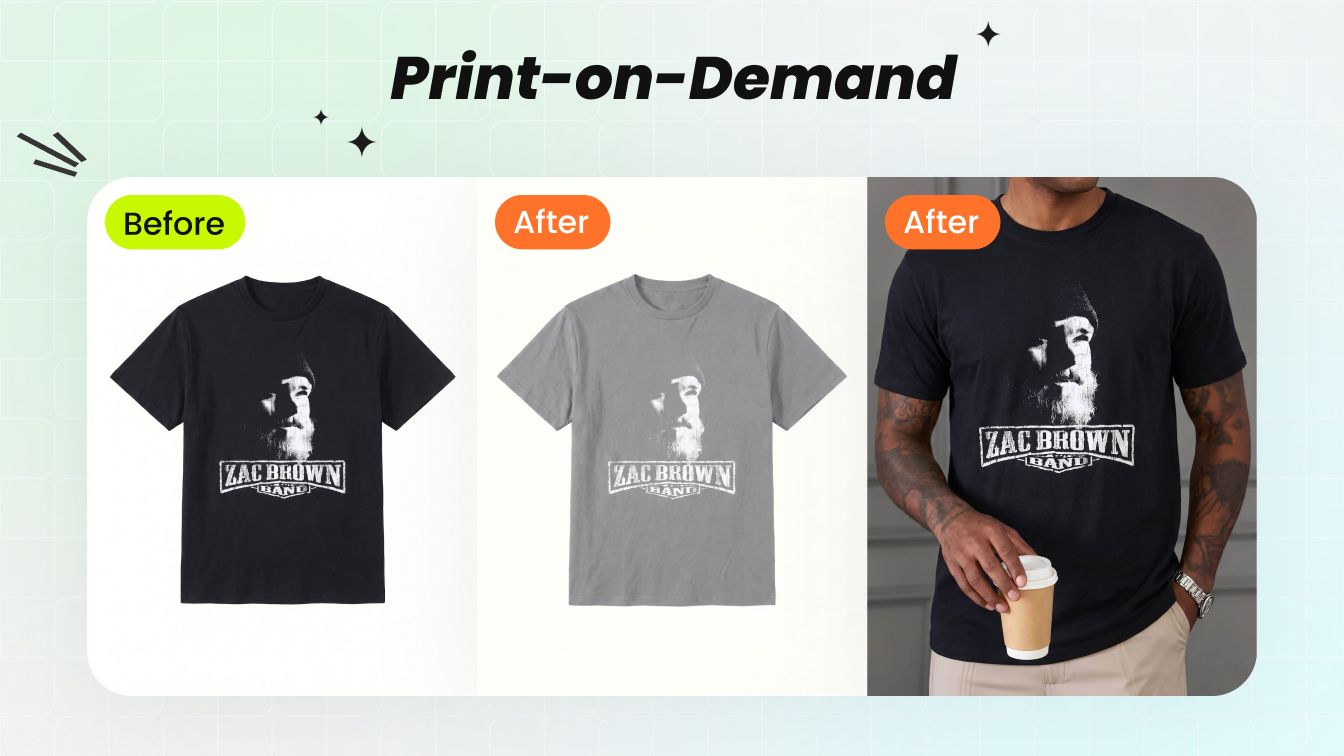
AI Color Change for printed apparel runs three operations in one generation pass: it identifies the garment region (separating it from the background and from the printed design layer), shifts the underlying fabric color to the target hue, and re-renders the lighting and shadow detail to match the new color. The printed design stays sharp; the fabric weave preserves; the shadow temperature shifts to match the new base color naturally.
The mechanism that matters for POD is the design-layer preservation. A graphic tee mockup has two color zones — the shirt body and the printed design on top. Generic AI recolor tools sometimes treat the whole image as one color region and bleed the recolor into the design. Specialized apparel-trained AI tools (Snappyit, SellerPic) hold the design layer separate from the shirt body and recolor only the body. For tight color separations between design and shirt — black design on dark navy, white design on light grey — the design-layer preservation is what determines whether the variant ships clean or needs manual touch-up.
Prompt + Color Picker: Precision Targeting
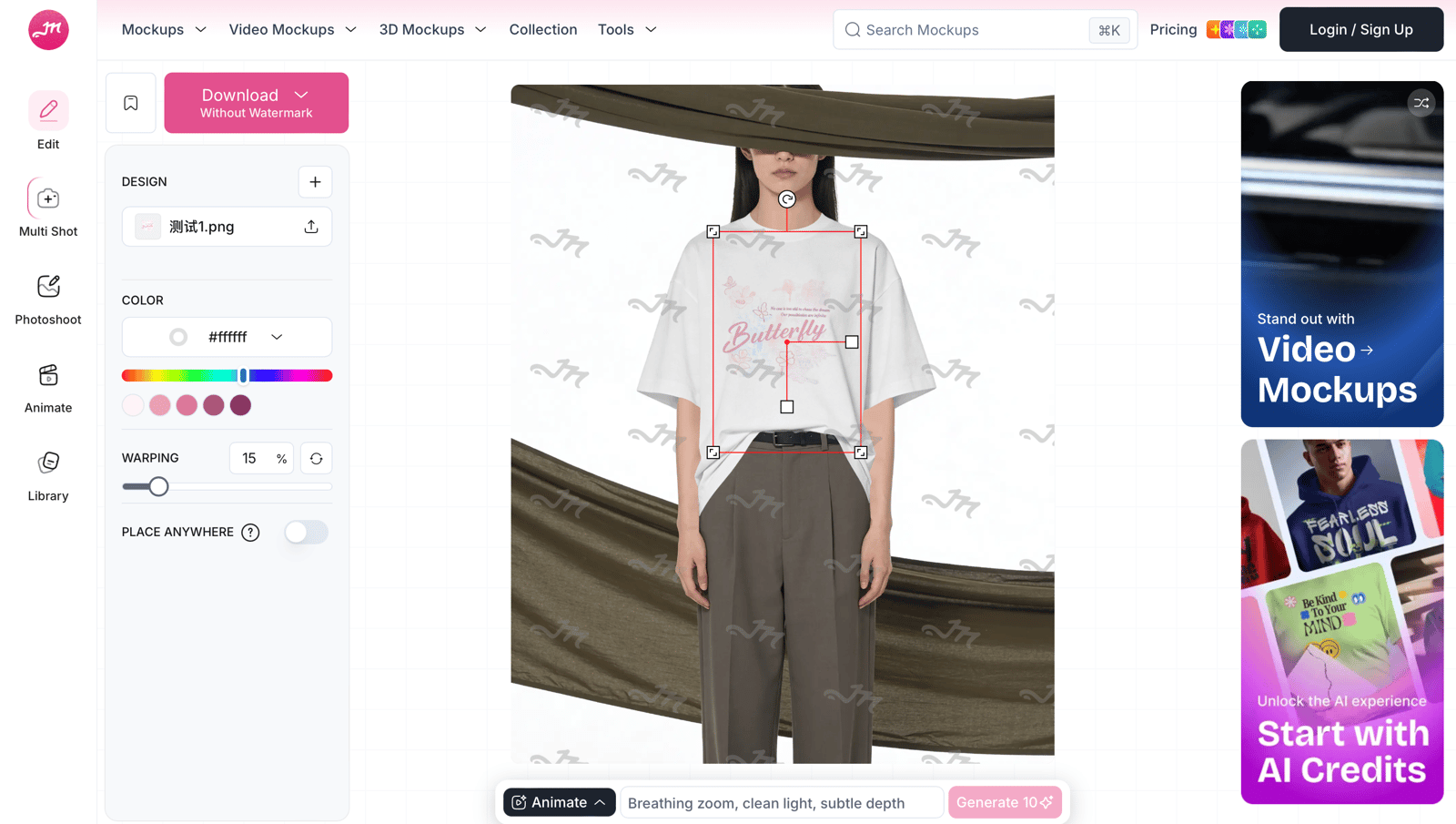
What makes Snappyit's AI Color Change granular at the POD level is a two-input UX: a natural-language area description box plus a hex / named color picker. Instead of treating the whole mockup as one color region, you tell the tool which zone to recolor — "the t-shirt body", "just the printed graphic", "the trim only", "the hood lining", "the leather panel", "the metal hardware" — and the AI shifts only that region. Everything outside the targeted region (other zones, background, shadow, fabric texture, model skin) stays untouched.

This unlocks several POD-specific workflows that whole-image recolor tools cannot handle cleanly:
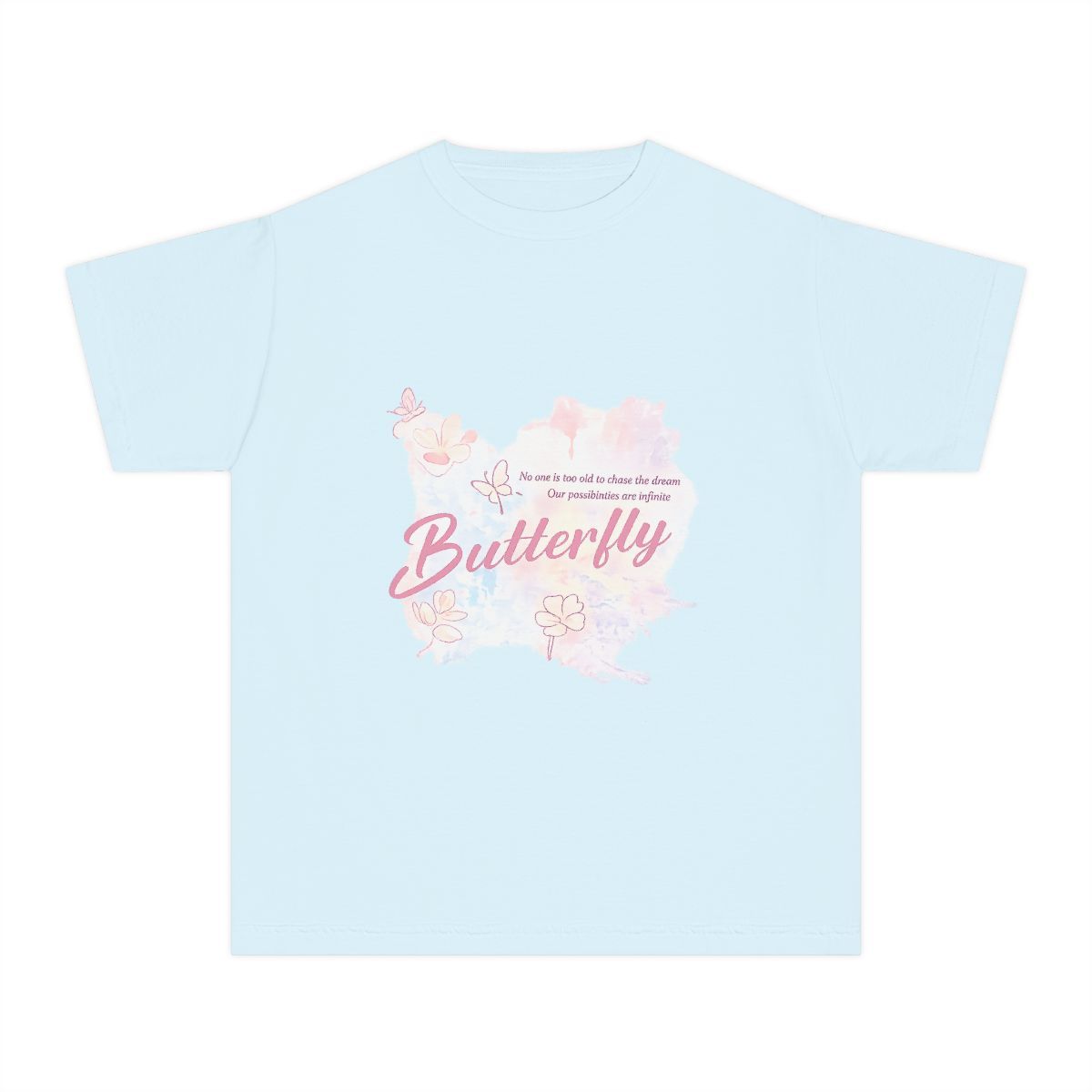
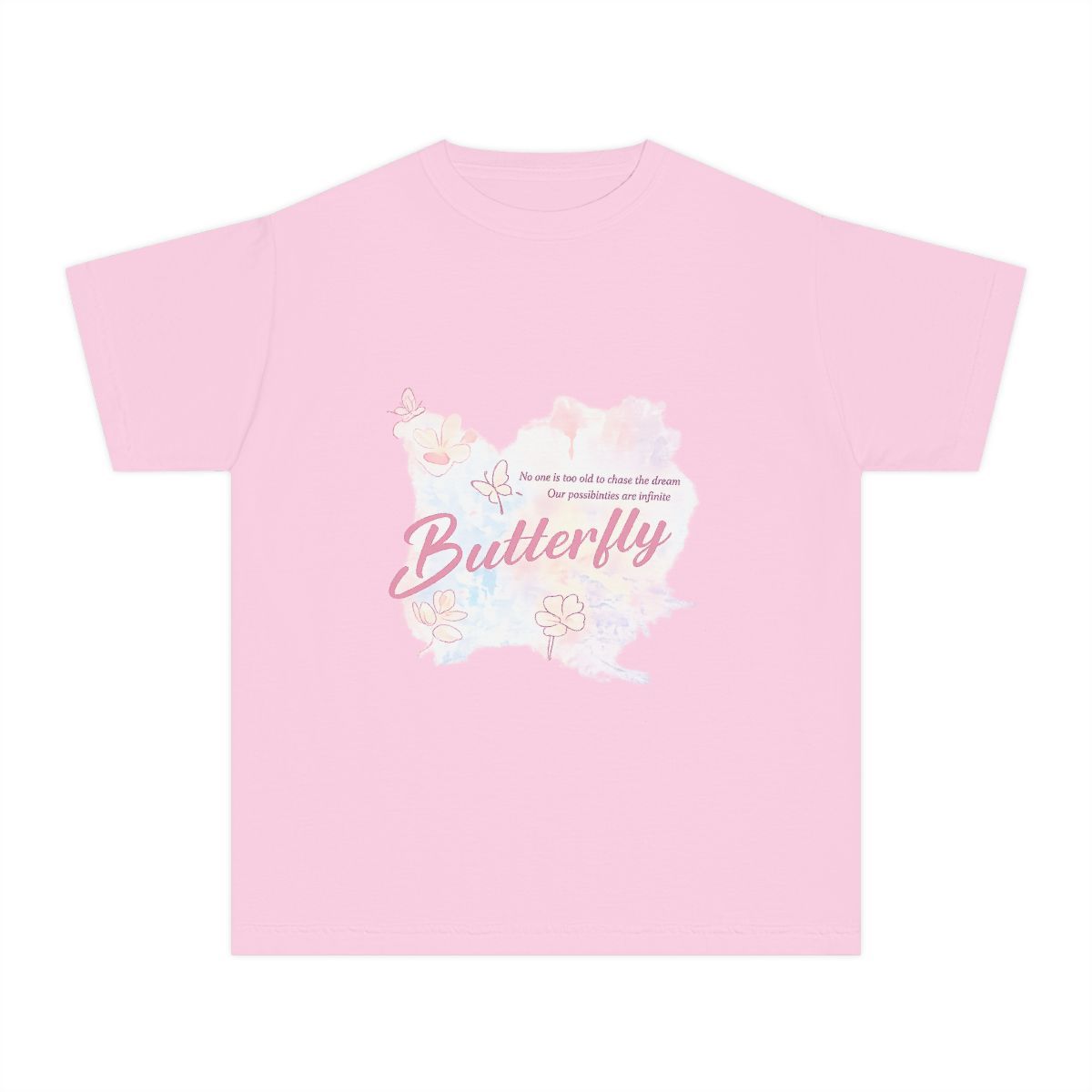
- Body-only recolor. Shift the shirt color without touching the printed design — every blank colorway from one source design, print stays exactly as drawn.
- Print-only recolor. Keep the shirt color, change only the design ink. Useful when A/B testing color treatments on the same garment base, or generating "white print on dark / dark print on light" variants from one source.
- Trim / detail recolor. Change just the collar ribbing, cuff color, or hood lining — the rest of the garment stays. Critical for sportswear POD with contrast trim variants and for varsity-style apparel where the trim color is the SKU differentiator.
- Pattern recolor preserving pattern geometry. Plaid grid stays aligned at the same scale, floral pattern keeps shape and orientation, all-over print structure holds — only the underlying color palette shifts. Pattern-aware recolor that generic AI tools tend to flatten.
- Per-material recolor on multi-zone products. On a tote bag with canvas body + leather strap + metal hardware, you can recolor each material zone independently with separate hex codes — the AI respects material boundaries (covered in the Multi-Material section below).
- Hex code from catalog. Pull the exact hex from your Printful or Printify blank catalog — guarantees the marketing imagery matches what the buyer receives. Plain-English fallback ("dusty pink", "heather grey", "forest green") accepted when hex isn't on hand.
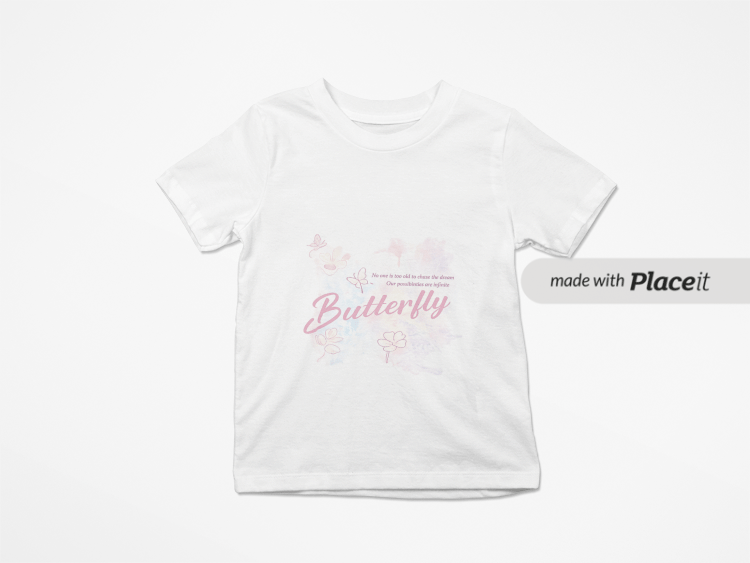
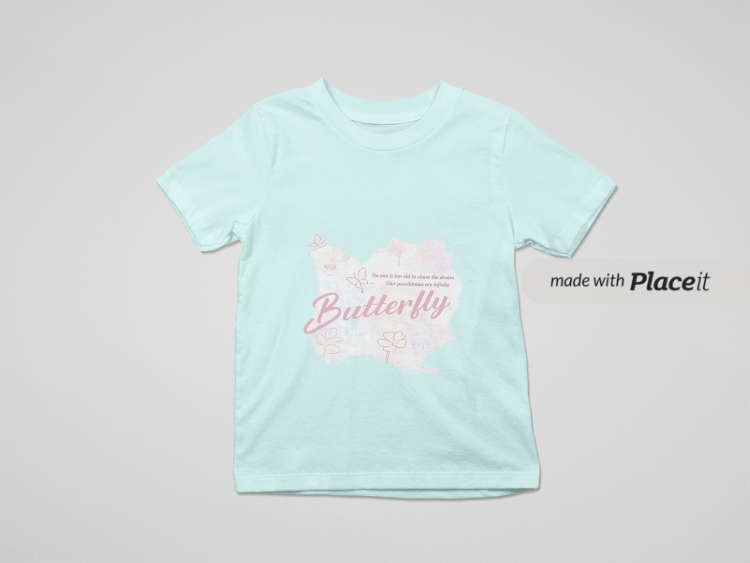
Body-only recolor — printed design stays sharp:
Try AI Color Change on a POD tee →
The 5-Minute POD Color Variant Workflow
The full workflow from source design to marketplace-ready colorway grid:
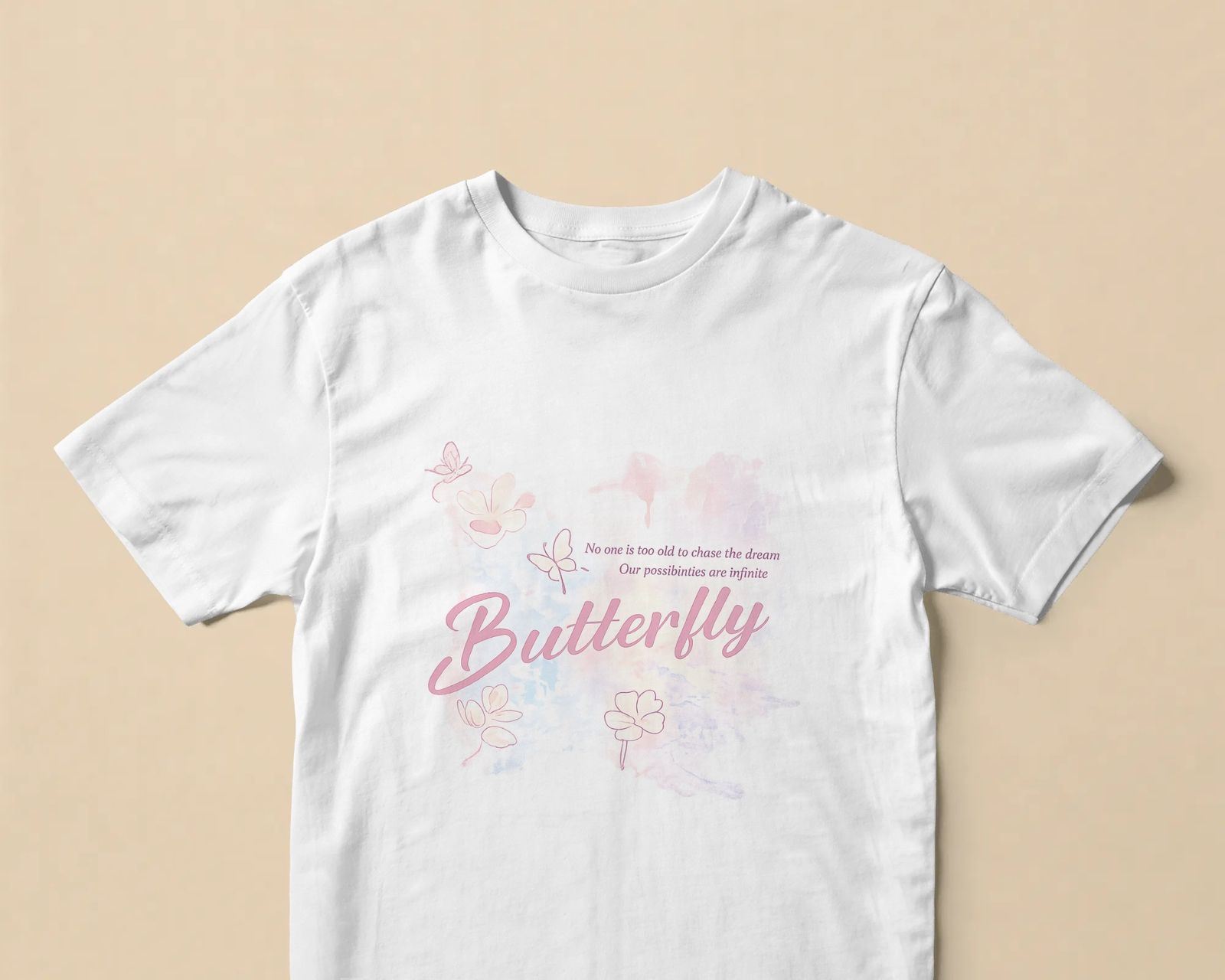
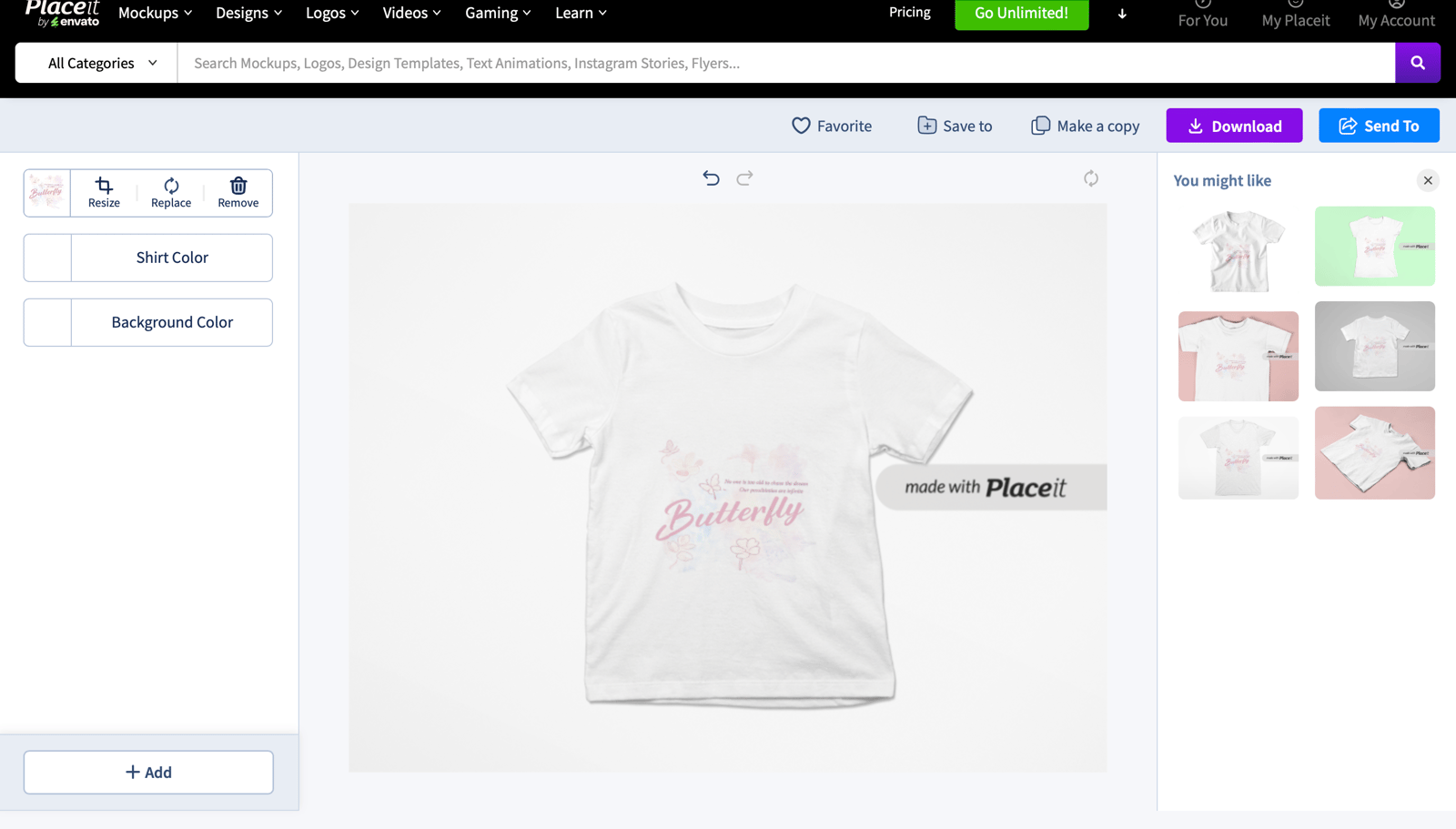
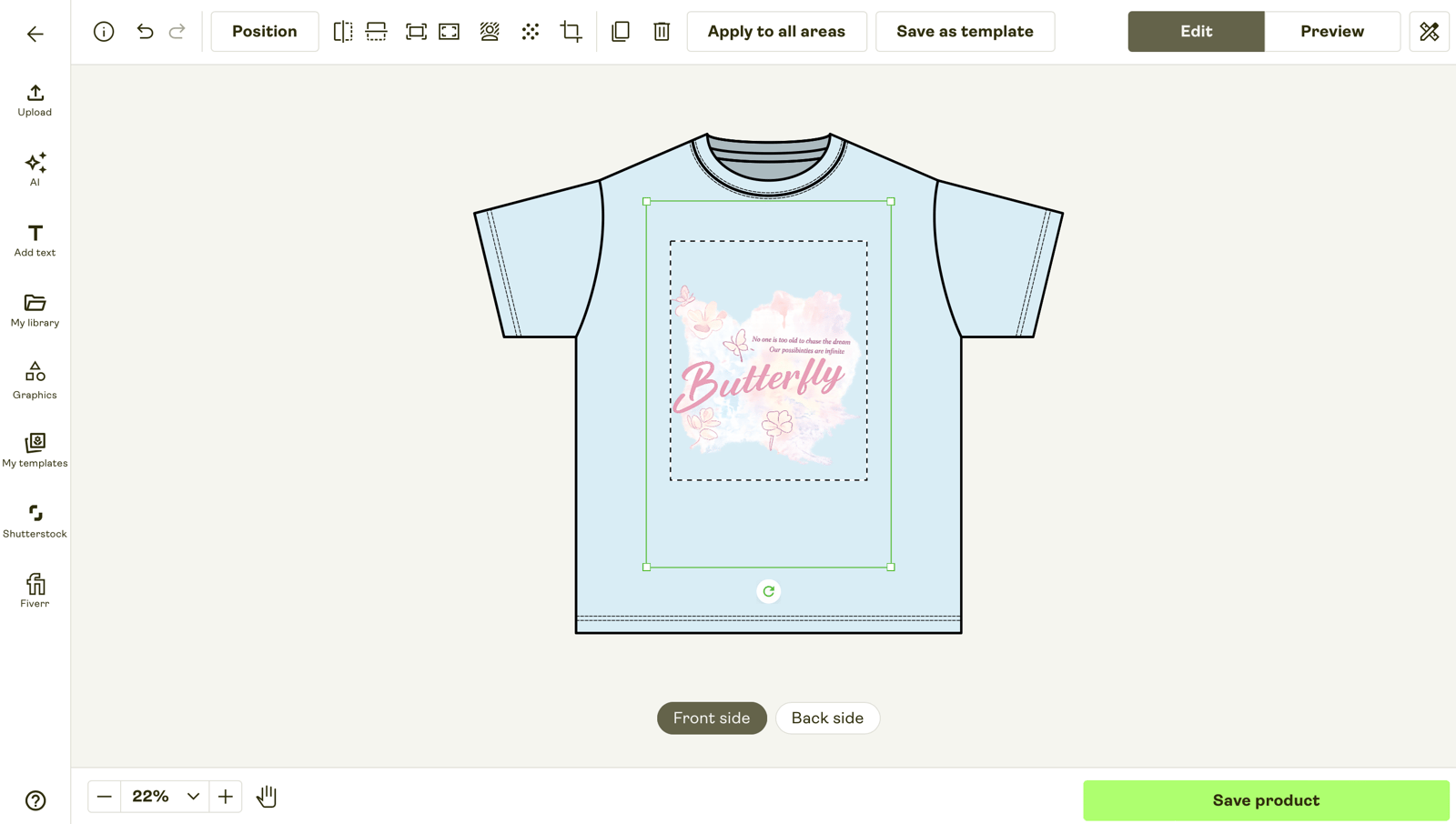
- Generate the source mockup. Upload your design PNG to Printful or Printify's built-in mockup generator and pick one base color (white or heather grey work best as the source — the AI handles the recolor better from a neutral base than from saturated colors). Download the source mockup at maximum resolution.
- Open the AI Color Change tool. Upload the source mockup. The tool detects the garment region and the printed design layer automatically. Spot-check the detection — if the design boundary is wrong, redraw the mask before continuing.
- List the target colorways. Either type the target colors in plain English ("black, navy, forest, dusty pink, red, royal blue, charcoal grey, heather natural") or paste the hex codes for each color from your Printful or Printify catalog. Hex codes give the most accurate match against the actual blank product Printful will print.
- Run the batch. The AI generates one variant per target color, preserving the printed design and fabric texture. Total batch time: 30–60 seconds per variant on Snappyit at standard quality.
- Review and download. Open the variant grid, spot-check each colorway at 200% magnification for color bleed, design distortion, or unusual shading. Re-run any variant that needs adjustment. Bulk download as a ZIP.
- Upload to marketplace. Etsy variant photos slot 2–10, Shopify product variant images, Amazon Merch parent-child listings, Printful product setup, Printify product setup. The same colorway grid works across all five.
The Four Tools That Handle POD Color Variant Batching
Most generic AI recolor tools handle solid-color recolor on a single product photo at a time. POD color variant batching specifically requires the tool to (a) preserve a printed design layer, (b) accept a list of target colors and run them as one batch pass, and (c) export the variant grid as a downloadable set. Four tools handle this workflow reliably in 2026:
1. Snappyit Color Change (Recommended for POD batching)
Snappyit Color Change is purpose-built for apparel color variant workflows. The interaction is the simplest: drop the source mockup, type or paste the target colorway list, and the AI runs the batch in 30–60 seconds per variant. Design-layer preservation is the strongest in this comparison — printed graphics on the shirt body stay sharp through every recolor pass.
- Entry plan: Basic $6.9/mo annual (100 credits)
- Per-variant cost: $0.10–$0.40
- Batch: One-pass colorway batching native
- Pattern handling: Plaid, floral, multi-color print preserved
- POD platforms: Manual download, Etsy / Shopify / Printful / Printify compatible
2. SellerPic Recolor
SellerPic's color variant feature is part of its all-in-one fashion AI suite. Solid POD tee recolor works reliably; complex prints handle as well as Snappyit but at higher per-variant cost. Best fit for shops already using SellerPic for ghost mannequin or virtual try-on workflows.
- Entry plan: Starter $14.5/mo annual (200 credits)
- Per-variant cost: $0.07–$0.15
- Batch: Batch upload with per-color generation
- Pattern handling: Plaid + floral preserved
- Trade-off: Annual billing required to hit the $14.5/mo price; monthly is significantly more
3. Photoroom Magic Studio
Photoroom's color and material change feature handles solid-color POD tee recolor reliably. Strong on the cutout-and-restage workflow (recolor garment + change background + add shadow), useful for shops that combine recolor with background staging in one tool.
- Entry plan: Pro $7.50/mo annual ($12.99 monthly)
- Per-variant cost: ~$0.08 + AI credits
- Batch: 500 batch exports/month on Pro
- Pattern handling: Solids best; complex patterns sometimes flatten
- Strength: Combined recolor + background + shadow workflow
4. Adobe Photoshop with Generative Recolor
Photoshop's Generative Recolor (Adobe Firefly) gives the most manual control. For POD designs with unusual fabric (sheer mesh, lace overlay, asymmetric color zones) where AI tools sometimes drift, Photoshop's manual selection workflow stays the highest-fidelity option. Trade-off is per-variant active time.
- Photography plan: $19.99/mo (Photoshop + Lightroom)
- Per-variant cost: $0.20 + your time (30s–2min active)
- Batch: No native batch; scriptable via actions
- Pattern handling: Manual control on any pattern
- Trade-off: Per-variant active time scales linearly — 8 colorways = 4–16 minutes active work
Tool comparison at typical POD volume
| Tool | 8-Color Batch Time | Cost / Batch | Pattern Handling | Best For |
|---|---|---|---|---|
| ★ Snappyit | 4–8 min | $0.80–$3.20 | ✓ All patterns | POD batch workflows |
| SellerPic | 5–10 min | $0.56–$1.20 | ✓ Most patterns | Shopify fashion suite users |
| Photoroom | 10–20 min | $0.64 + credits | ⚠ Solids best | Combined recolor + background |
| Photoshop | 4–16 min active | $1.60 + your time | ✓ Manual control | Unusual fabric / asymmetric zones |
Marketplace Requirements for POD Variant Photos
Each POD platform has its own variant photo system. The colorway grid you generate from AI Color Change has to fit each platform's structural requirements:
Etsy variant photos
Etsy listings support up to 10 photos total. Slot 1 must be the actual product (Etsy POD policy specifically — use the Printful or Printify built-in mockup here, not an AI lifestyle render). Slots 2–10 can be variant photos. Etsy's variant photo system attaches a photo to a specific color value — when a buyer selects "navy" from the color swatch dropdown, the listing displays the navy variant photo. A POD tee with 8 colorways uses slots 2–9 for the variant grid plus slot 10 for a styling shot.
Etsy's variant photos must be 2000×2000 or larger; smaller images get rejected at upload. Snappyit's batch export defaults to 2048×2048 to clear this requirement on every variant.
Shopify product variants
Shopify product variants take one photo per variant directly attached to the variant SKU. The "Quick view" modal pulls the variant photo when a buyer selects a swatch on the collection page. Shopify recommends 2048×2048 minimum; 4K (4096×4096) variants render crisper on retina screens but increase page load time. For most POD shops, 2048×2048 is the right balance.
Shopify's variant image field accepts one image per variant — for a tee in 8 colors × 4 sizes (32 SKUs), you upload 8 variant photos (one per color), and Shopify ties them to the size variants automatically. The AI Color Change batch covers the 8 colors; the size dimension stays photo-agnostic.
Printful and Printify product setup
Printful and Printify both have built-in mockup generators that handle the print-position proof per color. The AI Color Change variant grid you generate is for marketing imagery — it goes into your Etsy or Shopify product images alongside the Printful built-in mockup, not as a replacement for the print-position proof. Use both: Printful built-in for slot 1 (the "actual product" Etsy POD policy requires), AI Color Change for slots 2–9 (the variant photos buyers actually compare).
Amazon Merch on Demand
Amazon Merch on Demand handles colorways as separate ASINs with separate product images. The MAIN image must be the product on a pure white background per Amazon's image policy — use Snappyit's catalog white output mode for this. The variant images in slots 2–7 can be lifestyle on-model or color variant grid images. Amazon Merch's structural requirement is that each ASIN gets its own image set — at 8 colorways, that's 8 separate Amazon product setups.
Color Variants on Multi-Material POD Products
POD shops shipping accessories alongside tees (canvas + leather totes, fabric + rubber sneakers, ceramic mugs with metal handles) face an extra challenge with AI Color Change: each material has different recolor properties, and the "same color" rendered on canvas vs leather vs metal looks different. AI tools that handle per-region recolor (Snappyit, Photoshop Generative) let you specify different target colors for different material zones; tools that treat the whole product as one color region produce uneven results on multi-material products.
Two-material accessory (canvas tote + metal hardware):
Three-material footwear (fabric upper + leather panel + rubber sole):
Metal jewelry color shift (silver → gold variant):
Try AI Color Change on POD accessories →
Three Pitfalls That Sink POD Color Variant Batches
Most POD sellers running their first AI color variant batch hit one of these issues. Avoid them on the first run:
1. Saturated source color leading to washed-out variants
Choosing a saturated source color (deep navy, royal blue, forest green) for the variant batch source forces the AI to "subtract" the saturation when generating lighter target colors like white or heather grey. The lighter variants come out washed-out or with shadow ghosting. The fix: always source from a neutral base (white or heather grey), then generate every other color from the neutral source. Neutral-base recolor produces the cleanest output across the full target color range.
2. Color picker mismatch with the actual Printful or Printify blank
The color you pick in the AI tool is what gets rendered on the mockup — if it doesn't match the actual hex code of the Printful or Printify blank you'll print, the marketing imagery and the actual product won't line up. The fix: pull hex codes directly from Printful's color catalog (or Printify's, depending on which fulfillment service you use) and paste them into the AI tool. Don't pick colors visually — pick by hex code that matches the catalog blank.
3. Pattern alignment drift on plaid and all-over prints
For plaid, floral, and all-over print POD tees, the AI recolor pass sometimes shifts the pattern alignment slightly when generating each variant. The fix: spot-check pattern alignment at 200% magnification on every variant, especially at the seam lines. If the pattern drifts, lock the pattern mask manually before regenerating, or fall back to Photoshop's manual recolor for that variant.
The Time-Cost Math on POD Color Variant Workflows
The honest economic comparison between cycling Printful's per-color mockup tool vs running an AI Color Change batch:
| Workflow | Time / 8-Color Set | Tool Cost | Time × $20/hr | Total / Set |
|---|---|---|---|---|
| Printful built-in mockup (cycle 8×) | 40–60 min | $0 | $13–$20 | $13–$20 |
| Snappyit AI Color Change batch | 5 min (3 min review) | $0.80–$3.20 | $1.67 | $2.47–$4.87 |
| Photoshop Generative Recolor | 30–60 min active | $0.50 | $10–$20 | $10.50–$20.50 |
At a typical drop launch of 50 designs × 8 colorways each (400 mockups total), the time savings compound. Cycling Printful's per-color tool: 33–50 hours of cycling work per drop. Snappyit batch: around 4 hours total including review. The AI tool cost across 400 mockups runs roughly $40–$160 depending on tier; the labor saved at $20/hr is $580–$920 per drop. The math is decisive at any volume above 20 mockups per month.
Frequently Asked Questions
How do POD sellers generate color variant mockups quickly?
AI Color Change tools generate the full colorway set from one source mockup in a single batch pass. Snappyit handles a typical 8-color tee variant set in under 5 minutes versus 40–60 minutes cycling Printful's per-color mockup tool. The workflow: upload one source mockup, list the target colors (hex codes or named colors), and the AI generates each variant with fabric texture and printed design preserved.
Will AI color change preserve the printed design on a tee mockup?
Specialized apparel AI Color Change tools (Snappyit, SellerPic) are trained to preserve the printed design layer through the recolor pass. The shirt color shifts, the design stays sharp. Generic AI recolor tools sometimes bleed color into the print area on tight color separations. For POD designs with critical color edges, spot-check at 200% magnification before publishing the full colorway set.
How many colorways can I generate from one POD design?
Unlimited per session. A typical POD tee with 8 standard colors (black, white, heather grey, navy, red, royal blue, forest, dusty pink) takes around 4 minutes end-to-end. Drop launches with 50+ SKUs benefit most — the time saved compounds. Snappyit's Color Change credits work across recolor, ghost mannequin, and lifestyle mockup, so the same plan covers the full POD apparel workflow.
Does AI color change handle complex prints like plaid or all-over patterns on POD tees?
Yes — Snappyit and SellerPic both preserve plaid grids, floral pattern alignment, and multi-color print structure through the recolor pass. The AI shifts the underlying color palette without destroying the pattern geometry. Generic AI recolor tools (Cleanup.pictures, basic Photoroom) sometimes flatten or distort patterns. For pattern-critical POD designs, test a sample before committing to a full colorway batch.
Can I use AI color variant mockups in Etsy and Shopify product variant images?
Yes. Etsy variant photos and Shopify product variant swatches both accept AI-generated color mockups. Etsy POD policy specifically requires the first listing photo to be the actual product (use Printful or Printify built-in mockup); the variant photos in slots 2–10 can be AI mockups. Shopify product variants take one photo per color — AI Color Change generates that set from one source automatically. Disclose AI imagery in your shop About section as good practice.
How does AI Color Change compare to Photoshop Generative Recolor for POD tees?
Photoshop Generative Recolor gives the most manual control — you mask the area, type the target color, generate. For one-off precision work or unusual fabric (sheer, lace, asymmetric color zones), Photoshop wins on quality. For POD batch workflows (8+ colorways from one source), Snappyit's batch generation is meaningfully faster: 5 minutes for 8 colors versus 30–60 minutes in Photoshop. Cost is also lower at volume since Snappyit credits beat Photoshop's manual time investment.
What's the cost per color variant on Snappyit vs Printful's per-color mockup?
Printful's per-color mockup is free for Printful users — but the time cost of cycling the tool 8 times per design adds up. Snappyit's Color Change runs $0.10–$0.40 per generated color variant on Basic / Pro tiers. For shops launching 100 SKUs across 8 colorways each (800 mockups), Snappyit's total cost is around $80–$320 versus 50+ hours of cycling Printful's tool manually. The labor saved typically pays back the AI cost within the first drop launch.
Can AI Color Change recolor accessories (mugs, totes, hats) for POD shops?
Yes. The same Color Change workflow handles tote bags, mugs, hats, phone cases, and other POD accessories. Multi-material products (canvas + leather totes, fabric + rubber sneakers) work best with tools that handle per-region recolor — Snappyit and Photoshop Generative both support this. For pure single-material accessories (cotton totes, ceramic mugs), any AI Color Change tool produces clean output.
The Bottom Line: Building a POD Color Variant Workflow That Scales
For POD sellers shipping at any meaningful volume, the per-color cycling workflow on Printful or Printify is the single biggest productivity bottleneck — and it's the one most easily collapsed by AI Color Change tooling. The right workflow stacks the free Printful or Printify built-in mockup (for the print-position proof in slot 1, satisfying Etsy POD policy) with Snappyit AI Color Change (for the colorway batch in slots 2–9, generated in under 5 minutes per design).
For the 80% case — solid-color POD tees with a printed design layer — Snappyit's batch generation produces marketplace-ready output without manual touch-up. For the 20% needing precision (sheer fabric, asymmetric color zones, plaid alignment), Photoshop Generative Recolor stays the manual fallback. SellerPic and Photoroom cover specific niches when you're already using those tools for other workflows.
The labor saved per drop launch — 30+ hours on a 50-design × 8-colorway drop — typically pays back the AI tool cost on the first launch. The differentiation gain on Etsy and Shopify variant photos compounds across every listing in the shop.
Test the AI Color Variant Workflow on Your Next Drop
Snappyit gives free credits on signup. Drop one POD design into the AI Color Change workflow and see the 8-color batch in under five minutes before you commit to any plan.