
At a glance
3D virtual try-on vs AI photoshoot: how each works, what they cost, the images you actually get, and which one fits your fashion store in 2026.
| Need | What to do |
|---|---|
| Get oriented | Read the short summary, then use the checklist below. |
| Create a test image | Try AI Fashion Model Free |
Two answers to the same question
Both 3D virtual try-on and AI photoshoot start from the same frustration: a flat product photo does not sell a garment the way a person wearing it does. Shoppers want to see drape, fit, and styling, and a folded shirt on a white background gives them none of that. Where the two approaches split is in what they hand back to you.
A 3D virtual try-on builds an interactive experience that lives inside your store. A shopper can spin the garment, change the size, or even see it mapped onto their own camera feed. An AI photoshoot does something more familiar: it produces finished photographs of your garment on a model, the same deliverable a studio shoot would give you, minus the studio. One is a feature your customers interact with; the other is content you publish. Confusing them leads sellers to budget for the wrong thing.
What 3D virtual try-on actually is
A 3D virtual try-on turns a garment into a digital twin and drapes it on a three-dimensional body. That body is either a configurable avatar a shopper adjusts to roughly match their measurements, or, in augmented-reality versions, the shopper's live phone camera with the garment mapped onto their tracked pose. The technology grows out of fashion CAD tools used in design rooms and the AR platforms behind beauty and eyewear try-on.
The appeal is interactivity. A customer can rotate the piece, zoom into a seam, swap sizes, and get a feel for how fabric falls before committing. For categories where fit anxiety kills the sale, that confidence can be worth real money in fewer returns. The catch is what it takes to get there: every product has to be digitized into an accurate 3D asset, rigged to a body model, and embedded into a storefront that can host the widget. That is an engineering project with a per-garment cost, not a content task you finish in an afternoon.
What an AI photoshoot actually is
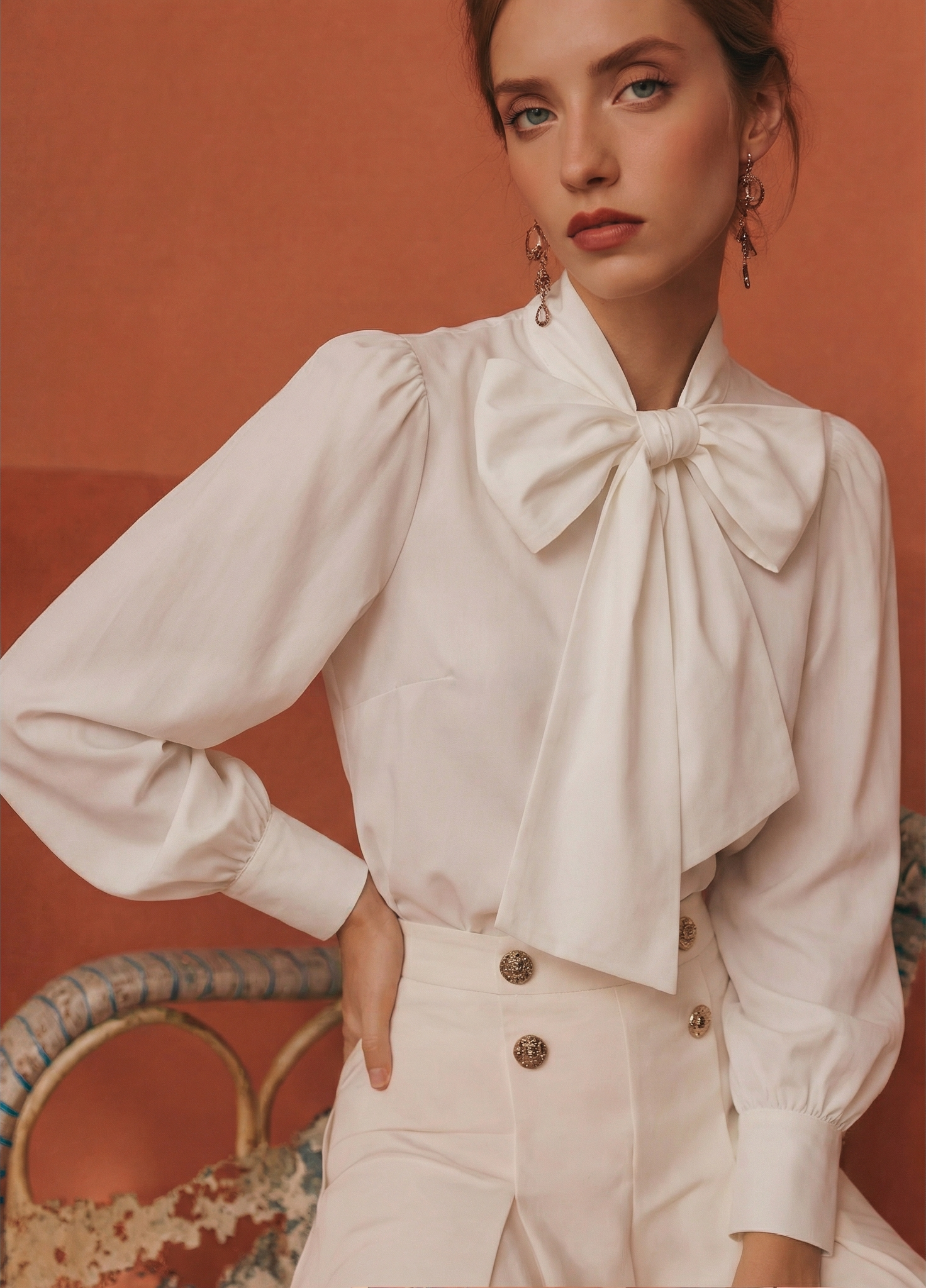
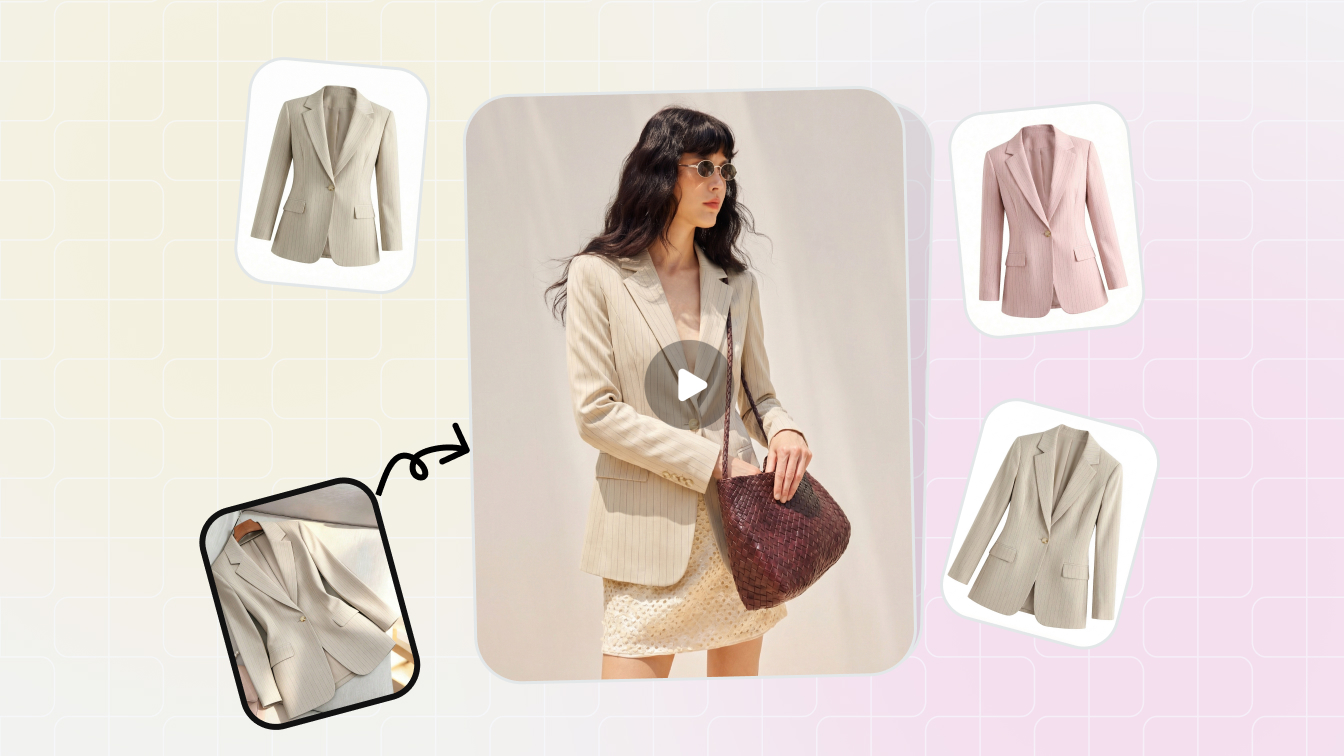
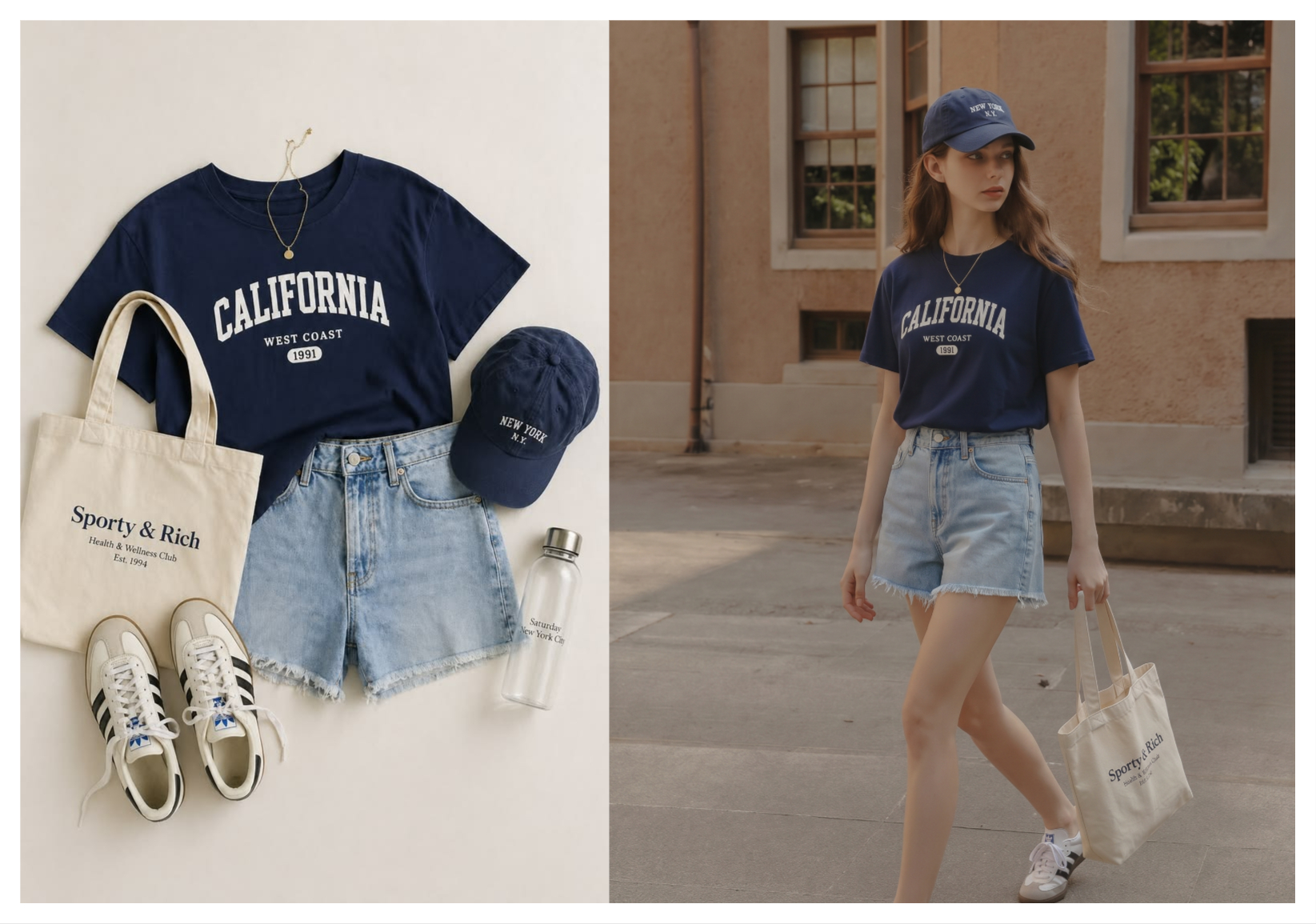
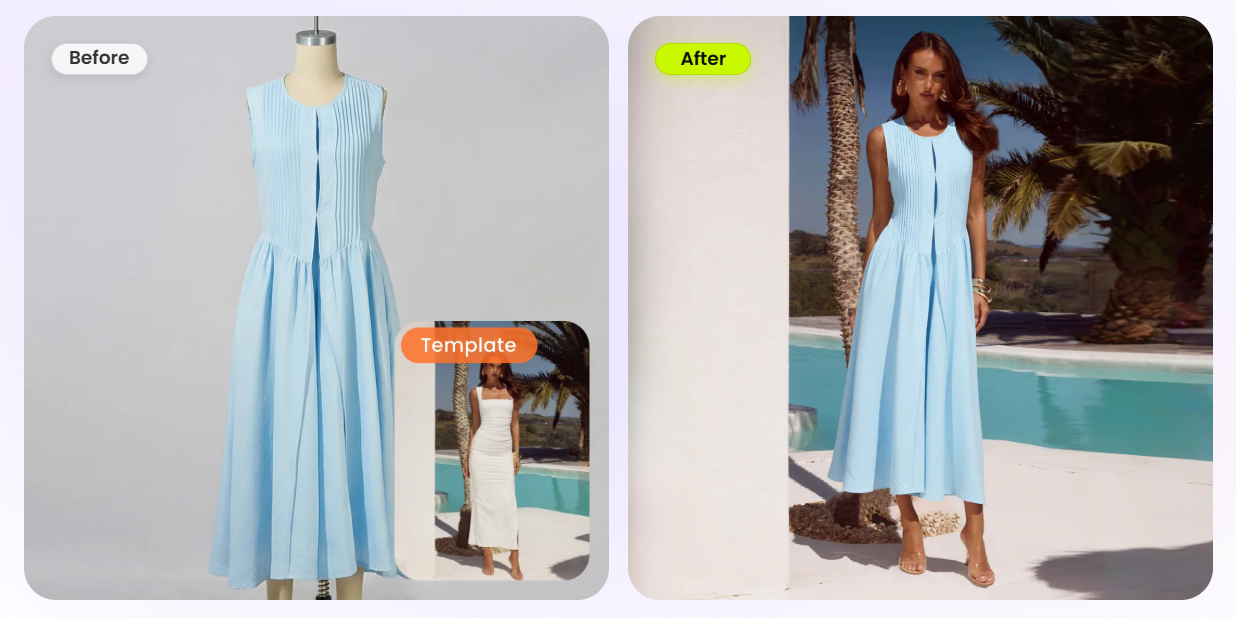
An AI photoshoot replaces the studio rather than the storefront. You upload a flat-lay, hanger, or mannequin photo, and a generative model renders the same garment on a photorealistic person in a pose and setting you choose. The output is a finished image, or a whole set of them, ready to drop into any listing. Tools built for this, like Snappyit's AI Fashion Model, return a usable shot in seconds and need no 3D assets and no integration.
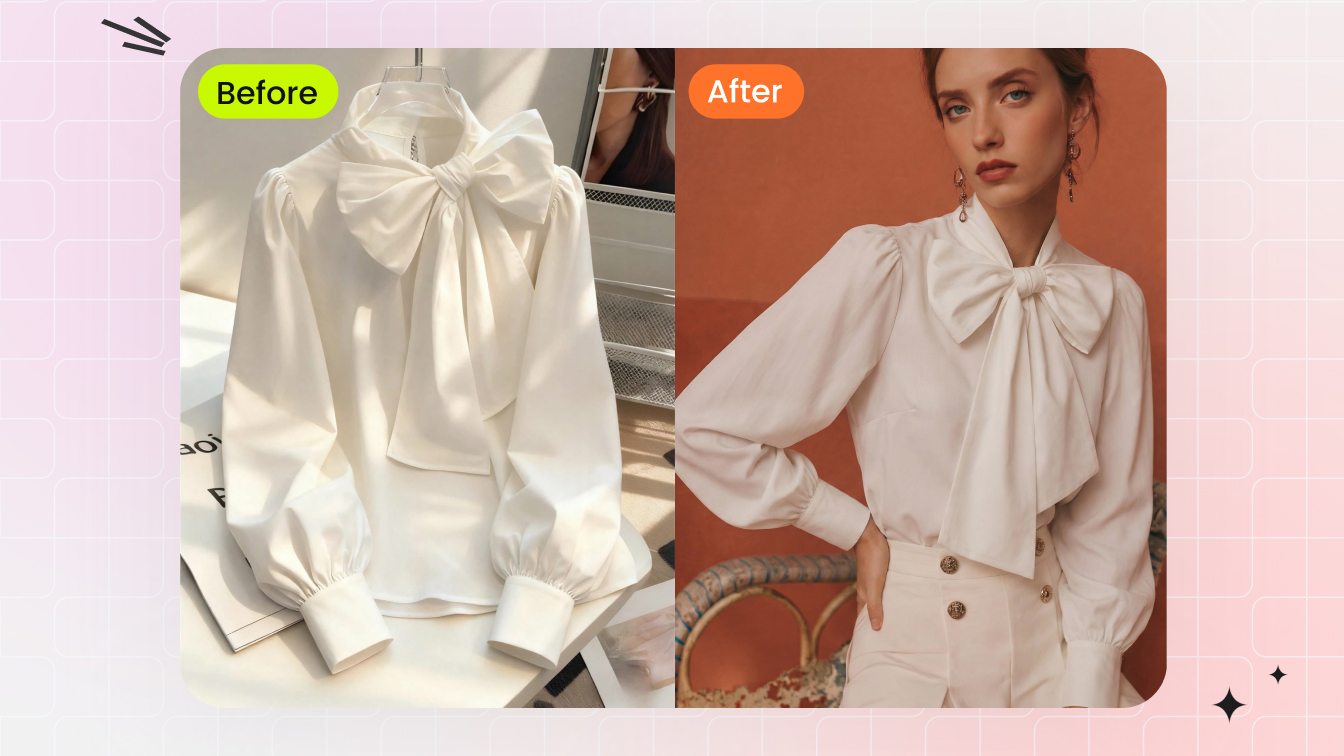
Because the result is just an image file, it goes wherever a photo can go: your product detail page, marketplace listings, paid ads, email, and social. The same source photo can yield a clean studio shot for the listing and a lifestyle scene for an ad, so one upload covers several jobs at once. For the overwhelming majority of sellers, "show the garment on a person" really means "I need on-model images," and that is exactly what an AI photoshoot delivers.
How each one works under the hood
The two methods are built on completely different machinery, and that explains every practical difference that follows.
3D virtual try-on: simulation
Here the garment becomes a 3D mesh with simulated fabric properties such as weight, stretch, and drape. A physics engine calculates how that cloth falls on a parametric body, and in AR versions the mesh is mapped onto live pose tracking from the camera. The output is computed in real time as the shopper interacts, so accuracy depends almost entirely on how well each garment was modeled in the first place. A rough 3D build looks rough no matter how good the viewer is.
AI photoshoot: generation
An AI photoshoot uses a diffusion model trained on a vast library of fashion images. It reads your source photo for color, pattern, cut, and structure, then synthesizes a brand-new photograph with coherent lighting, anatomy, and background. There is no physics simulation; the model predicts what a photographer would have captured. That is why a clean, well-lit input matters so much, and why the realism can be striking even though no cloth was ever simulated.
Side-by-side comparison
The clearest way to choose is to put the two against the jobs you actually need done.
| Dimension | 3D Virtual Try-On | AI Photoshoot |
|---|---|---|
| What you get | An interactive widget shoppers rotate and try on | Finished on-model images (listing, ad, social) |
| Where it lives | Inside your own store or app | Anywhere a photo goes — marketplaces included |
| Setup | 3D-digitize every SKU + integrate an SDK | Upload a photo — no integration |
| Time to first result | Weeks to months | Seconds to minutes |
| Skills needed | 3D artists and developers | Anyone who can upload an image |
| Cost shape | High fixed cost + per-garment 3D asset | Low per-image or flat subscription |
| Works on Etsy / Amazon / eBay | No — needs your own embed | Yes — it is just images |
| Best at | Fit confidence and AR experiences | The catalog, ad, and lifestyle imagery you publish |
Cost and speed at catalog scale
This is where most sellers make their decision. A 3D virtual try-on carries a serious fixed cost before a single product goes live: each garment has to be turned into a 3D asset, which commonly runs from tens to hundreds of dollars per SKU when outsourced, or a standing 3D team in-house. Add platform fees and developer time to embed it, and the lead time stretches into weeks. Spread across a large catalog, the bill grows with every style you add.
An AI photoshoot inverts that. There is no setup and no per-garment digitization; you pay cents to a few dollars per image, usually inside a subscription, and your first usable shot lands in under a minute. A seller can run an entire catalog through it in an afternoon. When the question is purely "how do I get great on-model images without a studio," the math is not close.
Try the marketplace-ready tool first. Turn one flat-lay into a studio-quality on-model shot in seconds. Try Snappyit free →
Image quality and realism
The two approaches fail and succeed in different ways. A 3D render is geometrically honest and endlessly consistent, but it can read as CGI-clean or even slightly uncanny unless the underlying 3D build is excellent. It is superb for showing fit and structure, less convincing for the warm, aspirational feel that sells on social and in ads.
An AI photoshoot produces genuinely photographic results: real-looking skin, hair, lighting, and environments that suit lifestyle marketing. The trade-off is that you are getting a convincing photograph, not a measured fit simulation. The detail to watch is fidelity to your actual product. Color, pattern, and trim should carry through from the source, and small text, logos, and busy prints are the most likely things to drift, so each output deserves a quick review. A tool built specifically for product accuracy drifts far less often than a general image generator.
Where each one wins
Neither is universally better; they fit different businesses.
Choose 3D virtual try-on if you run your own storefront, sell high-value or fit-sensitive items such as denim, footwear, eyewear, or formalwear, have budget and developers to spare, and returns are your single biggest cost. The interactivity earns its keep when fit uncertainty is what stops the sale.
Choose an AI photoshoot if you need listing, ad, and social images now, sell across marketplaces like Etsy, Amazon, eBay, Depop, or Shopify, carry many SKUs, and want studio-grade on-model shots without booking a studio. That describes the vast majority of fashion sellers, which is why an AI photoshoot is the default answer for product imagery.
Using both together
The choice is not actually exclusive, and framing it as either-or is a mistake. Even a brand that deploys a 3D virtual try-on still needs flat photographs for its marketplace listings, paid ads, email, and social feeds, and a 3D render rarely carries the emotion of a real lifestyle shot. In practice the two layer cleanly.
The sensible stack for almost everyone is to run an AI photoshoot for all of your imagery first, since that covers the channels where customers actually discover and buy. Then, if your margins and catalog justify it, add a 3D or AR try-on as an on-site conversion layer for the products where fit confidence moves the needle. Imagery is the foundation either way; interactivity is the premium upgrade on top of it.
Start with the images you need everywhere. Generate on-model shots from a single product photo. Try Snappyit free →
Run your first AI photoshoot in under a minute
You do not need a model, a studio, or a developer to put your products on a person. Upload one flat-lay and let Snappyit's AI Fashion Model render catalog-ready on-model images you can publish anywhere — then decide later whether an interactive 3D try-on belongs on top of that foundation.
Try Snappyit AI Fashion Model free →
Frequently asked questions
Is 3D virtual try-on the same as an AI photoshoot?
No. A 3D virtual try-on is an interactive experience that runs inside your own store, letting shoppers rotate a garment or see it on an avatar or their own camera feed. An AI photoshoot generates finished, photorealistic images of your garment on a model that you upload to listings, ads, and social. One is a shopping feature; the other is a content tool that replaces a studio shoot.
Which is cheaper for a small fashion seller?
An AI photoshoot is dramatically cheaper. It costs cents to a few dollars per image on a subscription, with no setup. A 3D virtual try-on requires every garment to be digitized into a 3D asset plus an integration into your storefront, which usually runs into thousands of dollars all-in and weeks of lead time before the first product is live.
Can I use AI photoshoot images on Amazon, Etsy, and eBay?
Yes. The output of an AI photoshoot is a standard JPG or PNG, so it works anywhere you can upload a photo: Amazon, Etsy, eBay, Depop, Shopify, Instagram, or an email campaign. A 3D virtual try-on, by contrast, only works inside a storefront that can host the widget, so it cannot be used on most marketplaces.
Does 3D virtual try-on reduce returns?
It can, especially for fit-sensitive categories like denim, footwear, and eyewear, because shoppers get a clearer sense of size and drape before buying. The trade-off is that this benefit only applies on your own site, and it depends on building an accurate 3D asset for every product, which is the expensive part.
How accurately does an AI photoshoot reproduce my garment's colors and print?
A good AI photoshoot tool preserves the color, pattern, and trim from your source photo, which is why a clean, well-lit flat-lay matters. You should still review each output, because fine details like text, logos, and small prints are the most likely to drift. Picking a tool built for product accuracy reduces how often that happens.
Do I need a model or a studio for an AI photoshoot?
No. That is the entire point: you upload a flat-lay, hanger, or mannequin photo and the tool renders the garment on a synthetic model for you. There is no model booking, studio rental, or photographer, and you can produce dozens of on-model looks from a single product photo.