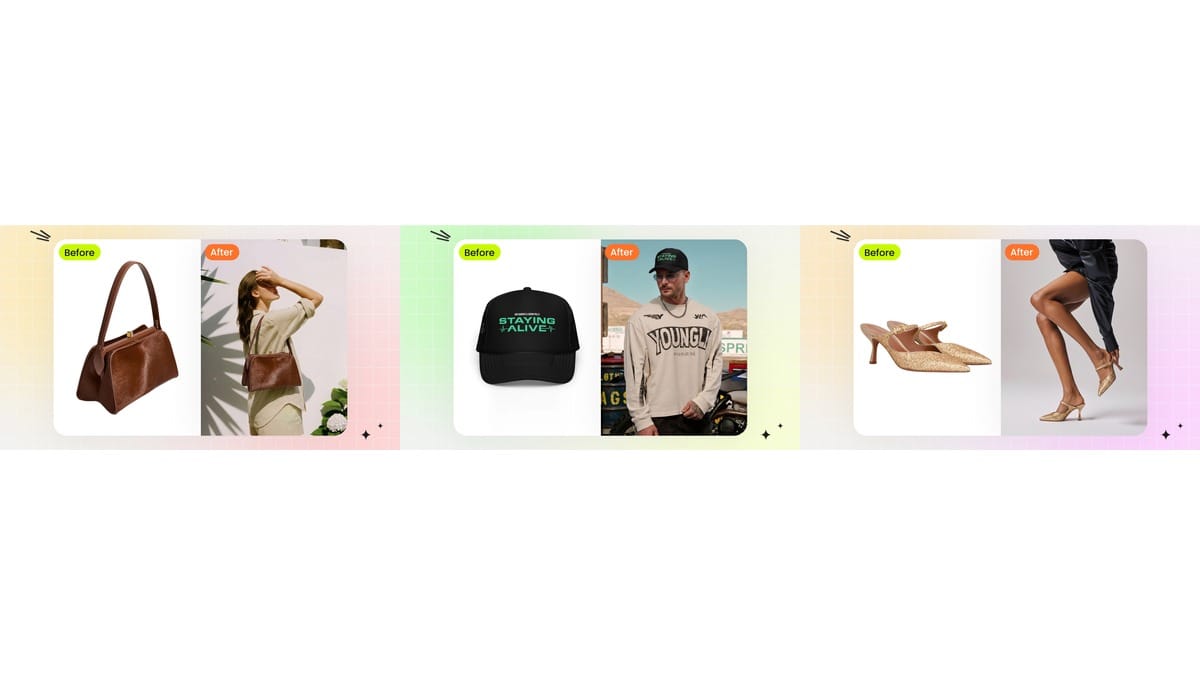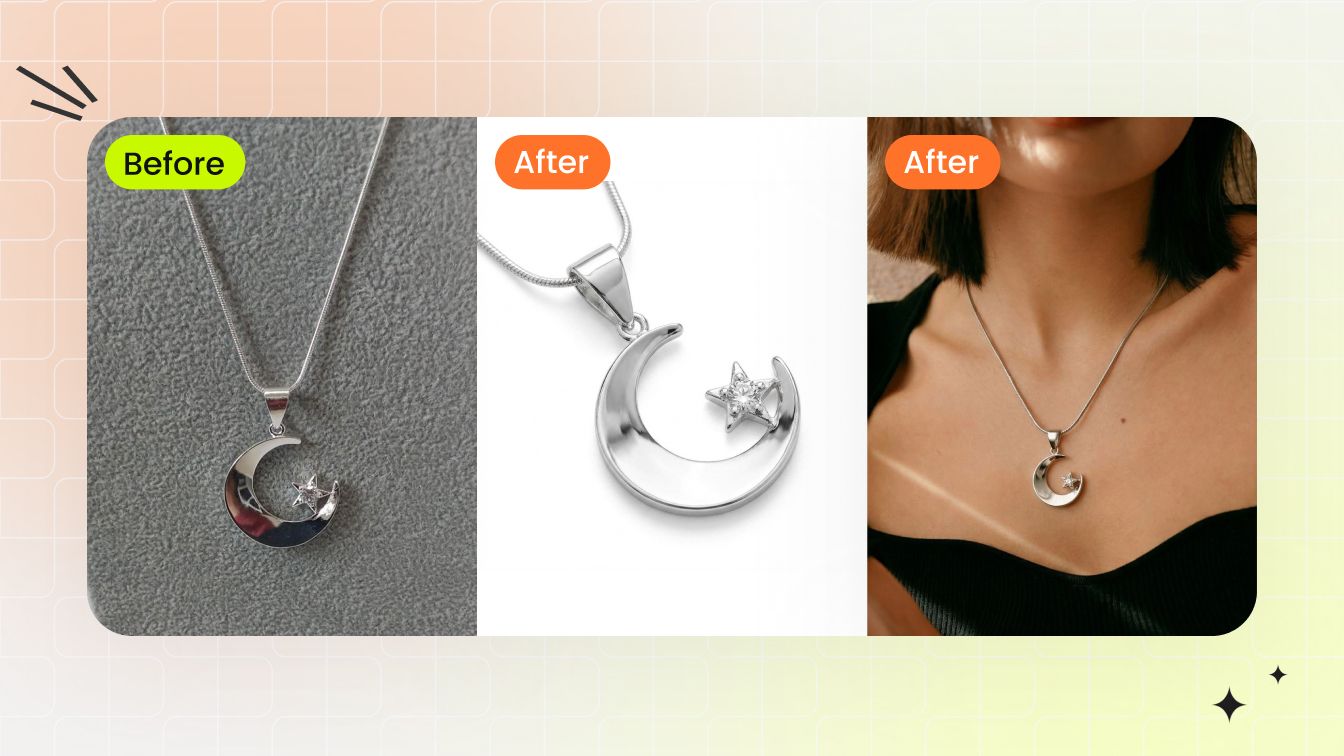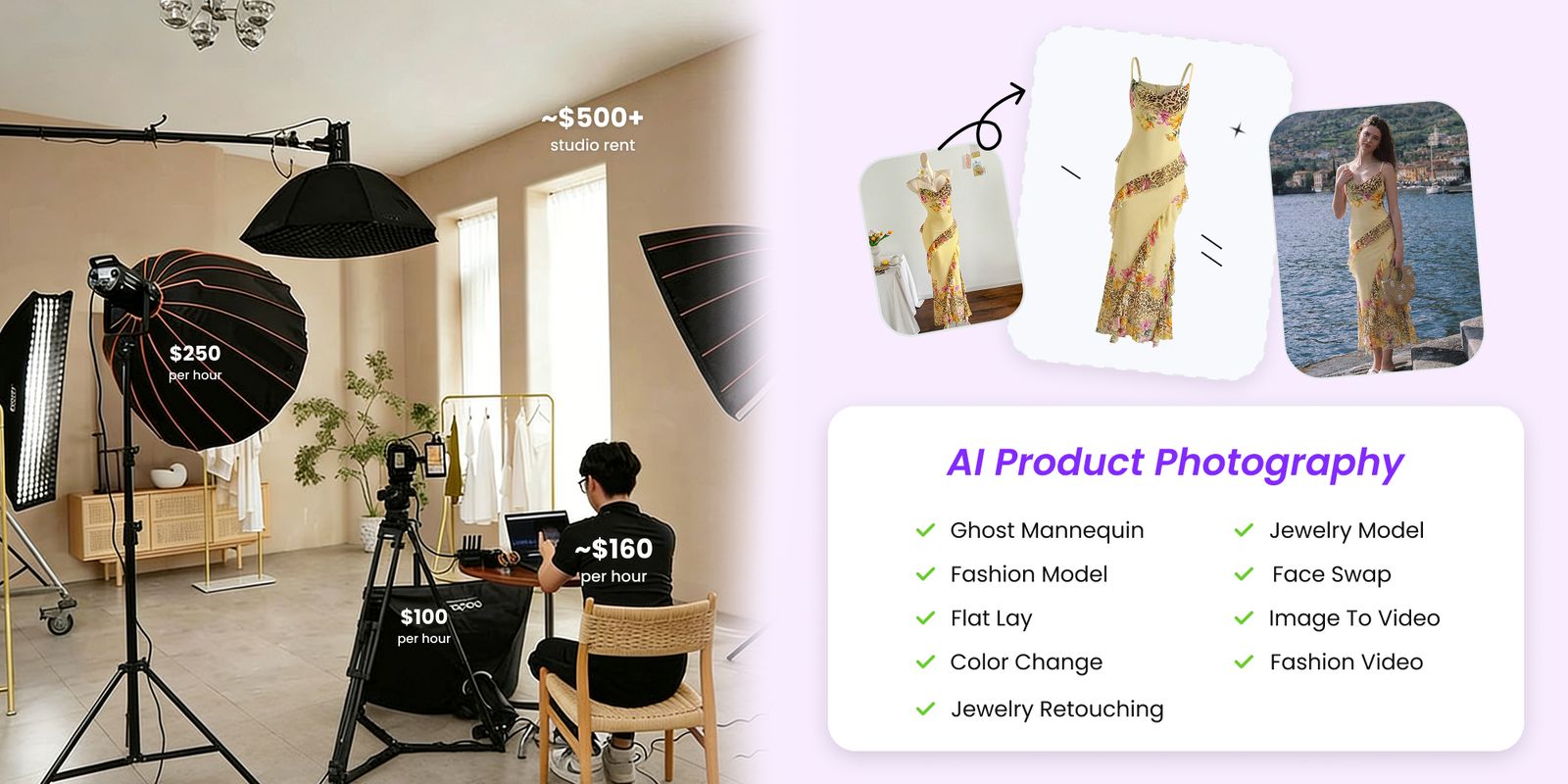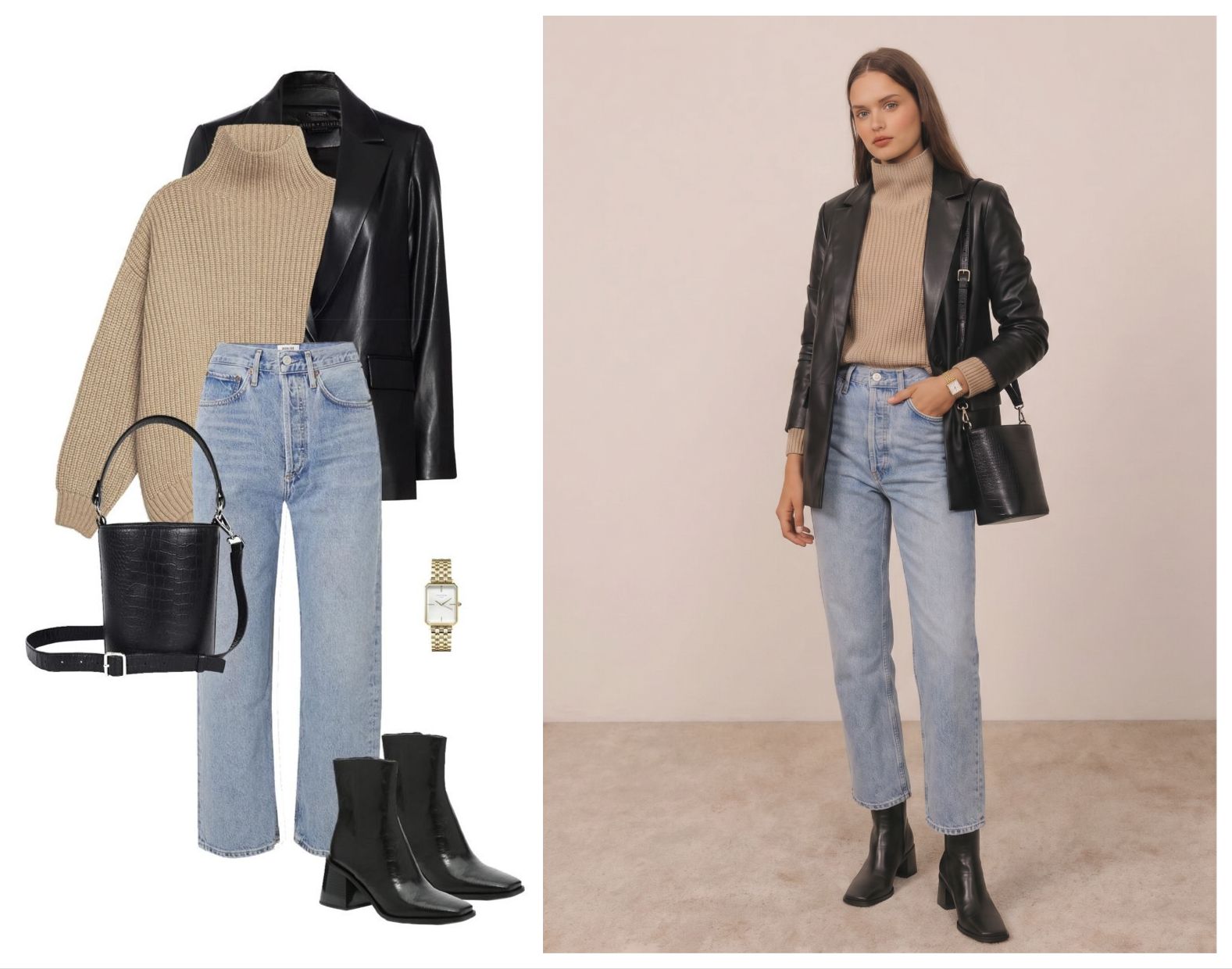

At a glance
Use an AI wardrobe planner and outfit generator to plan capsule wardrobes, travel outfits, shopping decisions, creator looks and ecommerce styling visuals.
| Need | What to do |
|---|---|
| Get oriented | Read the short summary, then use the checklist below. |
| Create a test image | Try AI Outfit Generator Free |
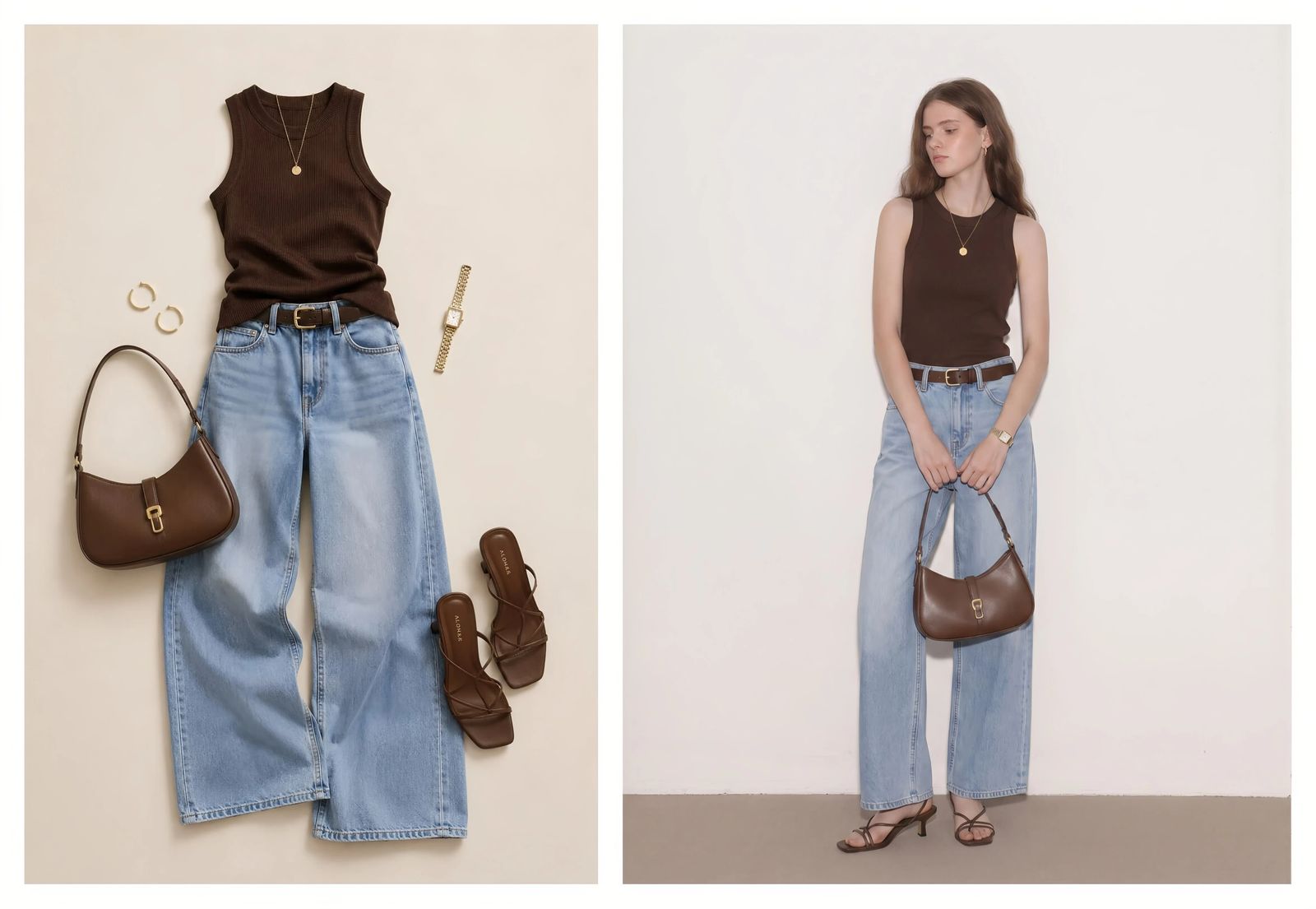
An AI wardrobe planner answers a practical question: how do these pieces work together? It may help you plan a travel capsule, choose outfits for a week, test whether a jacket matches your closet, or decide whether a new dress, bag or necklace is worth buying. An AI outfit generator adds the visual layer: it can show a look on yourself, an authorized model photo or an AI fashion model.
That distinction matters in practice. A wardrobe planner helps decide what to wear, buy or pack; an AI outfit generator creates the visual preview; an AI clothes changer edits the visible outfit in a photo. A useful planning workflow should connect those needs without pretending they are identical. For the broader visual tool comparison, see best AI outfit generator tools.
Use only images you own or have permission to edit. For real people, use yourself or authorized adult model photos; do not upload minors or non-consenting people.
What an AI wardrobe planner does well
AI is helpful when the decision is visual and comparative. You can test outfit proportions, color palettes, occasion fit, resort mood, workwear polish, weekend styling or social content ideas. It is less useful when the decision depends on exact measurements, fabric handfeel, comfort or tailoring.
Wardrobe planning
Combine pieces you already own into new outfit directions.
Shopping decisions
Preview whether a product candidate fits your existing style before buying.
Travel packing
Create beach, city, resort, business and dinner looks from fewer items.
Capsule wardrobes
Build several outfits from a limited color palette and small item count.
Content planning
Test OOTD ideas, thumbnails, posts, lookbooks, UGC or campaign boards.
| Planning need | What the user wants | Best content angle | CTA |
|---|---|---|---|
| AI wardrobe planner | Combine owned clothes into outfits | Planning and decision support | AI outfit generator |
| AI outfit planner | Occasion-based looks | Work, travel, date night, capsule ideas | AI outfit generator |
| AI clothes changer | Change outfit in a photo | Photo edit and visual try-on | AI outfit generator |
| Virtual try-on | See clothing on a person | Upload garment plus person or model | AI outfit generator |
| Product-to-model AI | Show product on a model | Ecommerce model-photo workflow | Fashion Model |
Travel, capsule and shopping workflows
A travel wardrobe workflow starts with constraints: destination, weather, activities, luggage size and color palette. Upload the clothing or accessory reference you want to test, then generate model or personal previews for each context. For a beach trip, compare swimwear coverups, sandals, sunglasses and resort dresses. For a city trip, compare jackets, sneakers, crossbody bags and day-to-night looks. If the decision depends on seeing the look on a person, use the try on clothes online with AI workflow.
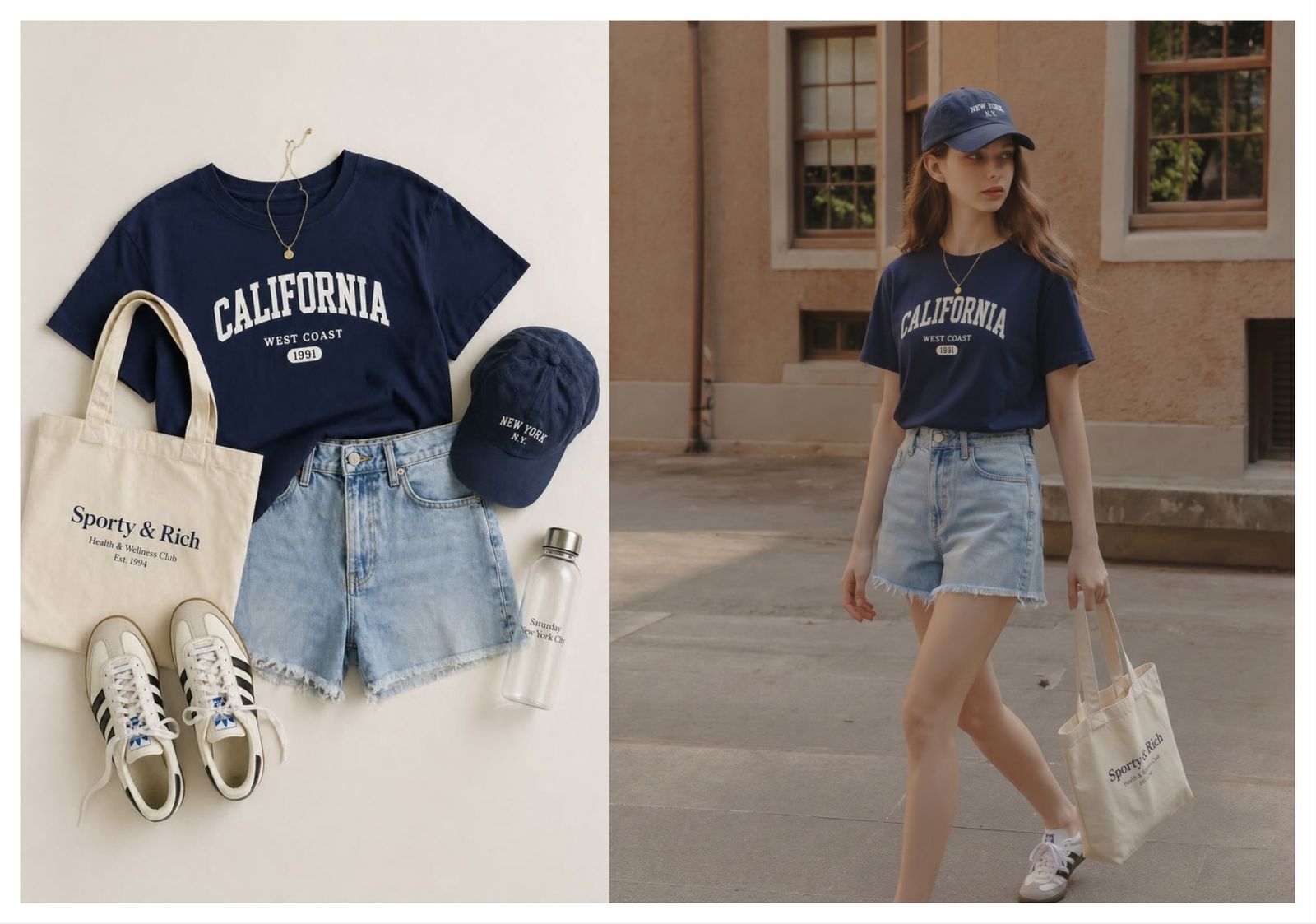
A capsule wardrobe workflow is similar but stricter. Choose a small number of tops, bottoms, shoes and accessories. Generate combinations around one visual rule: neutral base with one color accent, black-and-white minimal, soft resort palette, office-ready layers, or creator-friendly contrast. The goal is not to generate endless outfits; it is to reduce choices into repeatable looks.
How fashion sellers can use wardrobe planning content
Wardrobe planning is not only a consumer topic. Sellers can use the same decision-making pattern to create styling content: "three ways to wear this skirt," "capsule wardrobe with one blazer," "travel outfits built around one dress," or "which accessories match this resort set." These are ecommerce pages and ads framed as helpful styling decisions.
An AI outfit generator lets sellers test those directions before a shoot. If a product looks strong with sandals and a woven bag, create a campaign visual. If the same product looks better with boots and a jacket, save that for fall. The tool reduces reshoots and helps decide which styling combinations deserve paid production.
From closet ideas to visual try-on
There is a gap between a text outfit recommendation and a visual try-on. Text can say "pair the jacket with straight jeans and silver jewelry." A visual AI outfit generator can show the direction on a person or model. That makes the decision more concrete for shopping, packing, content and design review.
Where Snappyit fits in wardrobe planning
Snappyit is not a closet inventory spreadsheet. It is a visual generator. Use it when you want to see a clothing or accessory reference on a person or model, compare styling directions, build creator content, or create seller visuals around outfit combinations. For people, use your own photo or an authorized adult model image. For sellers, use product images you own and review that the generated look still matches the real item.
A practical AI wardrobe planning framework
The easiest way to make AI wardrobe planning useful is to work from constraints. Start with the occasion, then add weather, color palette, comfort, footwear and accessories. Without constraints, the AI can generate attractive looks that do not solve the real decision. With constraints, the output becomes a planning tool.
Choose the occasion
Examples: beach trip, city weekend, office week, wedding guest, creator shoot, date night, product launch or resort campaign.
Choose the anchor item
This may be a dress, blazer, jeans, bikini, bag, shoes or jewelry piece you already own or want to buy.
- Choose the palette. Neutral capsule, warm resort, black-and-white, denim base, pastel, metallic accent or brand color story.
- Generate visual options. Use the outfit generator to see the anchor item in two or three styling directions.
- Decide what is missing. The best result may show that you need a shoe, bag, layer or accessory, not another full outfit.
This framework works for personal wardrobes and seller content. A person can avoid overbuying by seeing whether a candidate item works with what they already own. A brand can avoid overshooting by testing which product combinations deserve campaign images.
How brands can turn wardrobe planning into content
Wardrobe planning content is valuable because it is close to buying intent. A person planning a capsule wardrobe, travel outfit, OOTD idea or celebrity-inspired look is usually trying to make a purchase or styling decision. Fashion brands can answer that decision with useful content instead of another generic product grid.
Examples include "five resort outfits from one linen shirt," "three ways to style a black blazer," "capsule wardrobe around silver jewelry," or "travel looks from one bikini and coverup." AI-generated previews can help create these concepts faster, but the final page still needs practical copy: what occasion the look fits, what body or size considerations matter, which accessories change the mood, and what product details remain constant. For jewelry, shoes, bags and other add-ons, the AI outfit generator for clothes and accessories guide covers the extra quality checks.
For Snappyit, this creates strong internal linking. Wardrobe planner articles can point to AI outfit generator for visual exploration, Fashion Model for product-to-model shots, Color Change for variant planning, and Jewelry Model for accessory-specific content. The pages should not duplicate each other. Each one should answer a different audience: shopper, seller, designer, creator or brand merchandiser.
Personal vs seller wardrobe outputs
Personal wardrobe planning and seller styling content use similar visuals, but the success criteria differ. A personal user wants to know whether a look feels like them. They care about confidence, travel mood, color harmony, coverage and whether an item earns a place in their closet. The output can be exploratory because it supports a decision, not a product claim.
A seller has a stricter job. If the generated outfit includes a real SKU, the image must not change that SKU. The hem, print, color, hardware, strap length, neckline and fabric texture should match the product. A seller can use AI wardrobe planning to create styling stories, but the page should still be backed by accurate product photos, size information and clear product descriptions.
This difference creates useful content formats. For consumers, write guides like "how to plan a resort capsule wardrobe with AI" or "how to see yourself in a wedding guest dress before buying." For sellers, write guides like "how to create three outfit bundles from one product photo" or "how to style one blazer for workwear, travel and creator campaigns." Both connect to AI outfit generation, but each serves a different searcher.
It also reduces content overlap. The wardrobe planner page should be about decisions and combinations. The virtual try-on page should be about seeing the look on a person. The product-to-model page should be about accurate commercial images. Keeping that split clear makes the content easier for users to understand.
Frequently asked questions
What is an AI wardrobe planner?
An AI wardrobe planner helps combine clothing you own or want to buy into outfits for occasions, seasons, trips and capsule wardrobes.
Is an AI wardrobe planner the same as an AI outfit generator?
They overlap. A wardrobe planner focuses on combinations and decisions. An AI outfit generator creates visual outfit previews, often from clothing references and a person or model image.
Can AI help plan a travel wardrobe?
Yes. You can plan beach, city, resort, business or capsule travel looks by testing outfit references and checking color, coverage and mood before packing.
Can I use it to decide what to buy?
Yes. AI outfit previews can reduce impulse buying by showing how a candidate item fits your existing wardrobe, style goals and occasions.
Can it help with OOTD ideas or celebrity-inspired looks?
Yes. Use your own wardrobe photos, product images or licensed outfit references to test OOTD ideas, copy celebrity outfits, copy celebrity looks or build a steal her style direction without uploading celebrity photos or social screenshots.
Can sellers use wardrobe planning content?
Yes. Sellers can create styling guides, bundle visuals, collection looks and cross-sell recommendations around one product.
Does it manage my closet inventory?
Some wardrobe apps track inventory. Snappyit is more visual: it helps generate or preview outfit images from references rather than maintaining a full closet database.
Can it make capsule wardrobe ideas?
Yes. Use a limited set of tops, bottoms, shoes and accessories, then generate several looks around a consistent color palette and occasion.
Can it plan plus-size or inclusive looks?
It can if the model or person image reflects the desired body type and the tool supports inclusive model options. Review fit and silhouette carefully.
What images should I upload?
Use clear photos of the item you want to style. Product photos, flat-lays and clean wardrobe photos work better than dark mirror shots or cluttered room photos.
What privacy rules should I follow?
Use yourself or an authorized adult model image only. Do not upload private photos, minors, social media screenshots or anyone who has not consented to image editing.