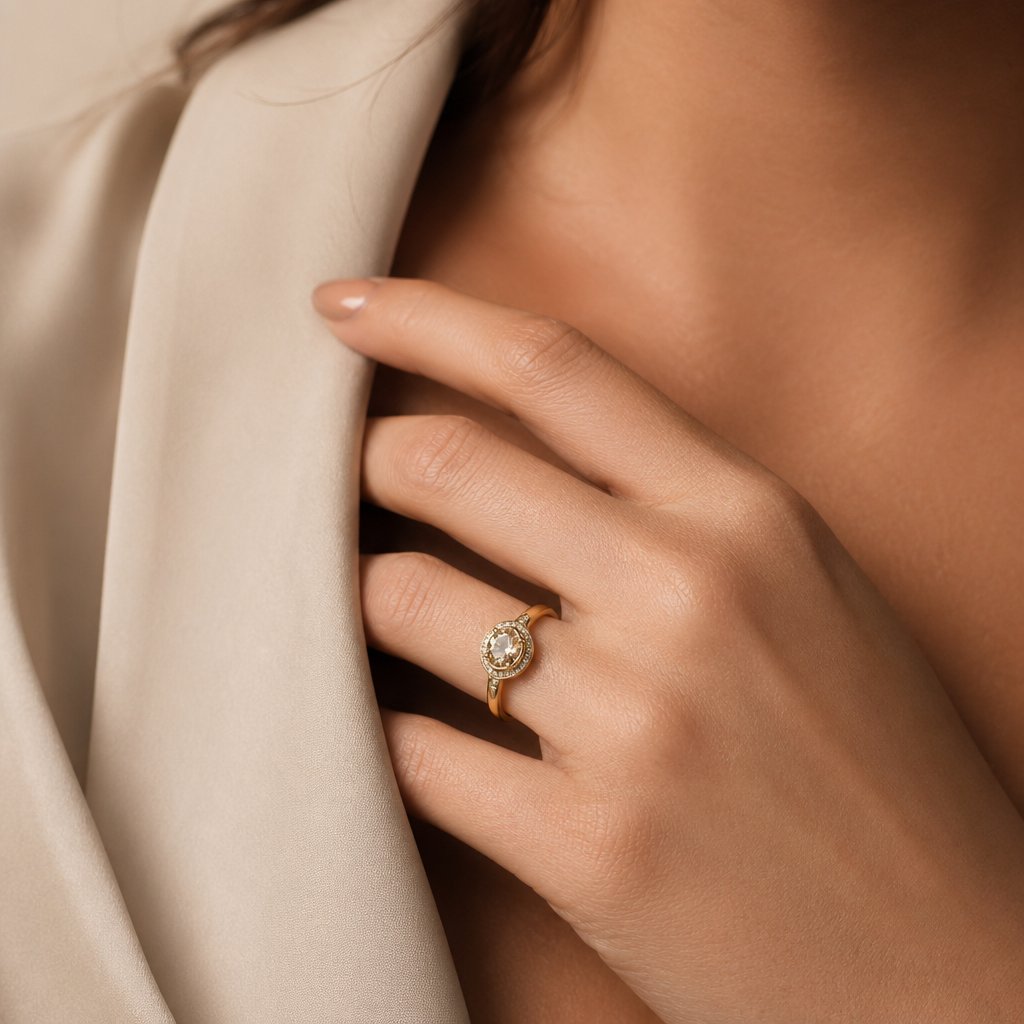

Quick answer: what makes accessories sell online
Accessories sell when shoppers can understand scale, material, use case and styling in seconds. A ring needs close detail and hand scale. A handbag needs size, structure, strap length and lifestyle context. Sunglasses need front, side and on-face images. Hats need crown shape and fit. Shoes need side, sole and on-foot views. The best accessory ecommerce workflow does not rely on one pretty photo. It builds a small image system for every SKU.
Start with a clean product image, add scale or on-body context, show material details, then create one lifestyle or outfit image that explains how the accessory fits into a look. That workflow supports Shopify, Etsy, Amazon, eBay, Depop, TikTok Shop and social ads without a full photoshoot for every item.
Choose accessory categories with visual proof
The phrase fashion accessories covers very different buying decisions. Jewelry shoppers inspect finish, stone color, clasp quality and scale. Handbag shoppers compare shape, interior capacity, strap drop and outfit compatibility. Shoe shoppers want fit cues and on-foot styling. Eyewear shoppers need face shape context. Hair accessories, belts and scarves often depend on styling examples more than technical specs.
Before writing copy or buying ads, group your catalog by the image proof each category needs. That stops you from using a one-size-fits-all listing template that undersells important details.
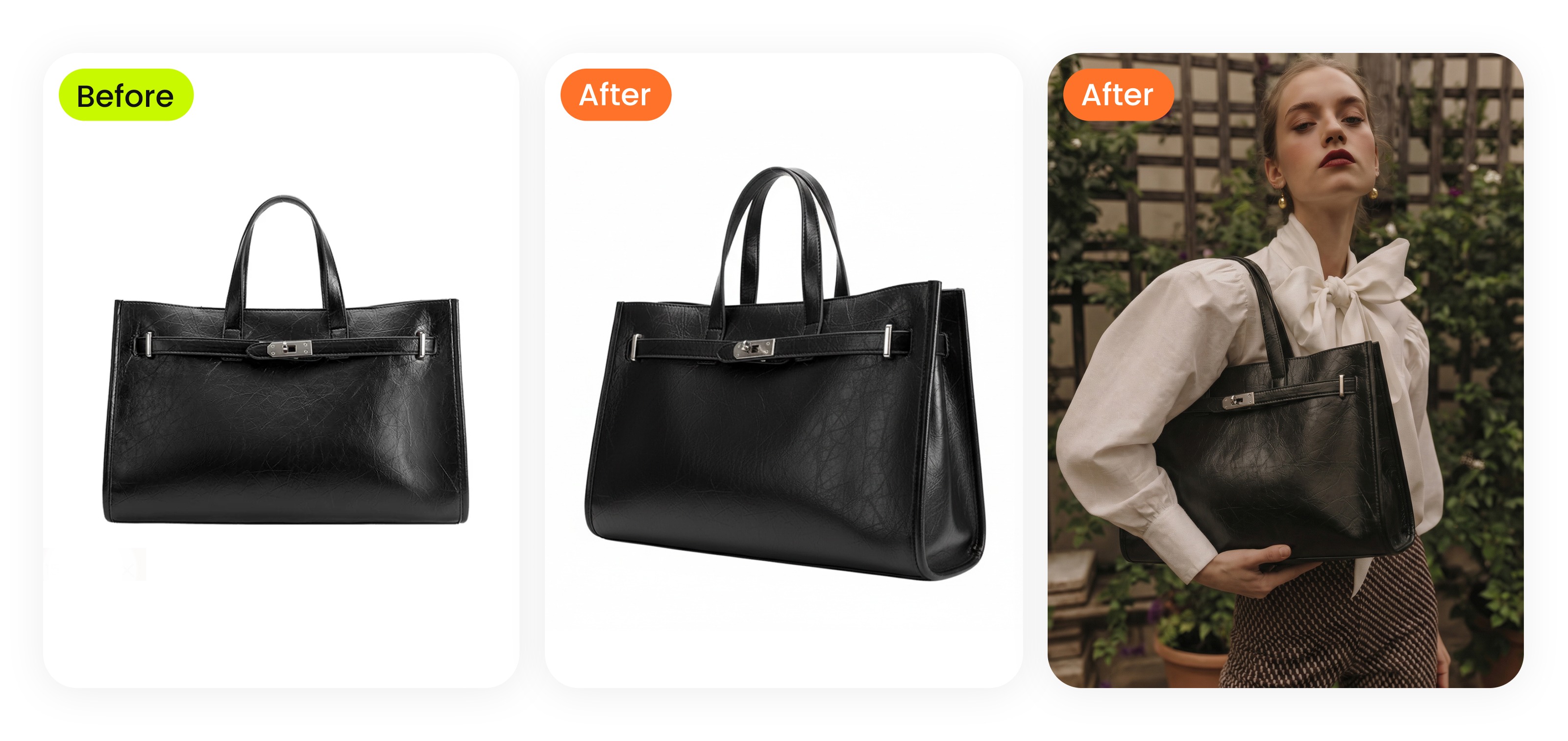 Show bags with scale, outfit context and strap placement.
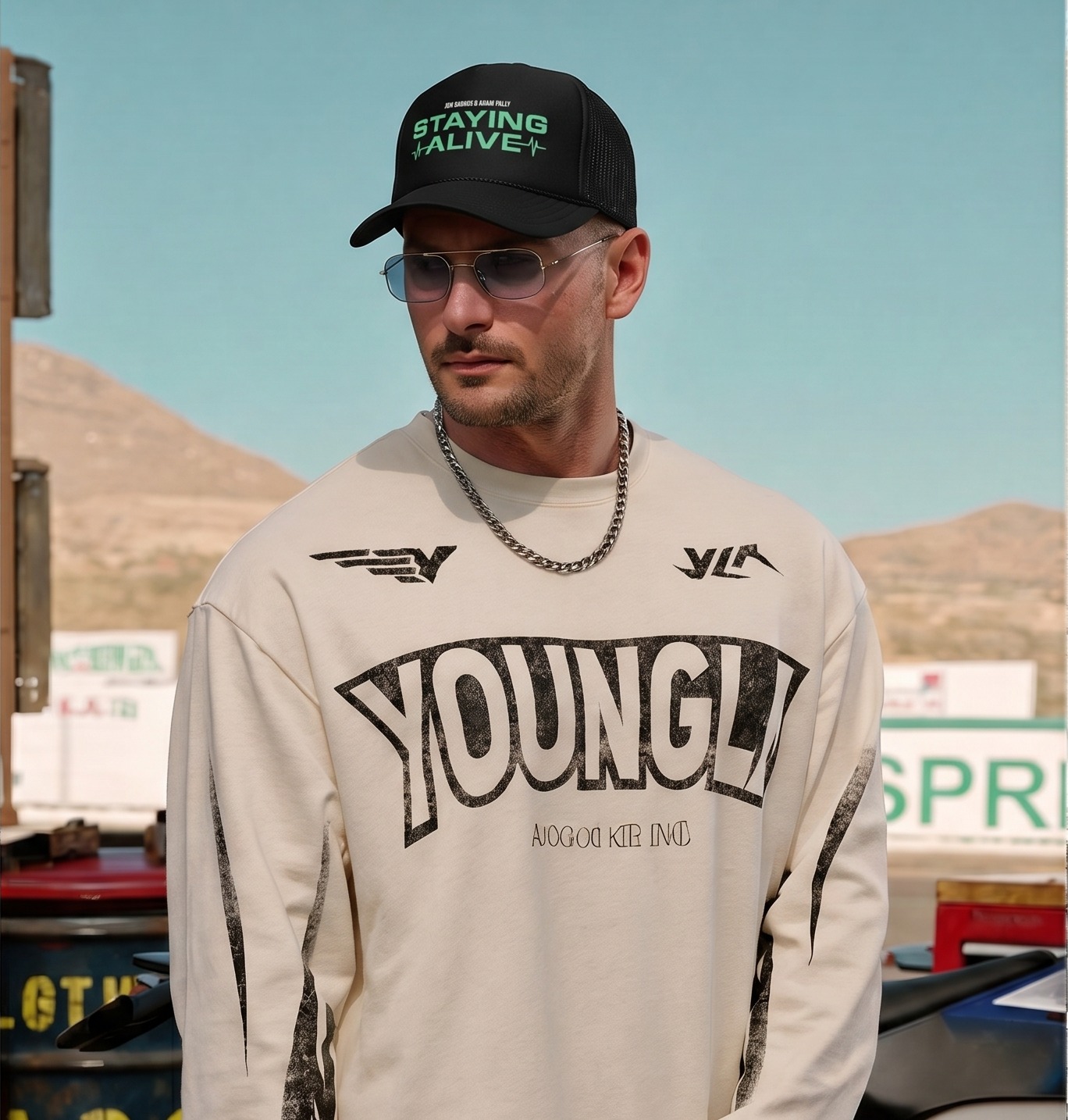 Hats need fit and crown shape, not only a flat product image.
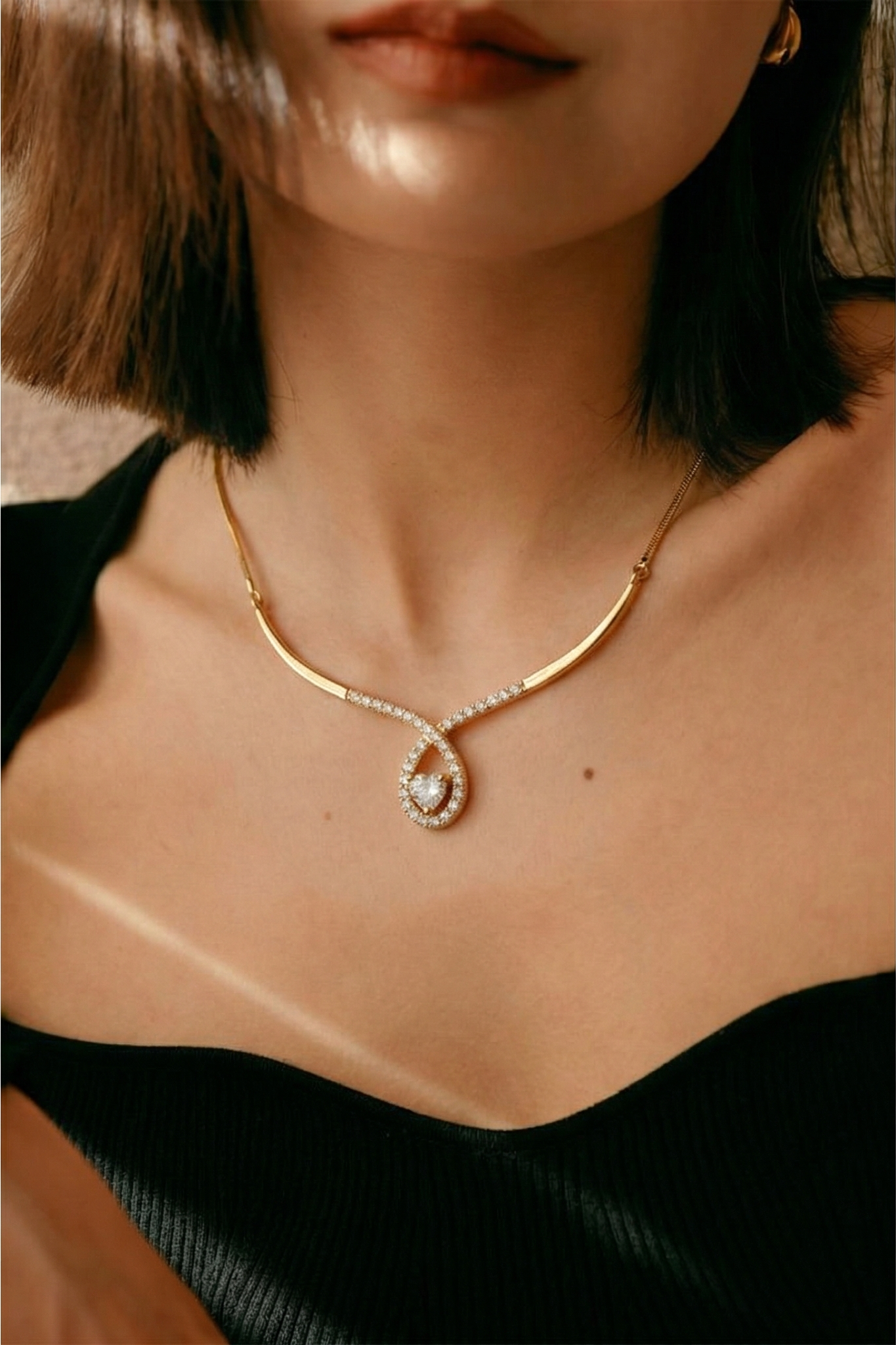 Jewelry benefits from on-body scale and detail review.
Build a product photo set that answers buyer questions
For most accessory listings, plan five images: a clean hero image, one scale image, one detail close-up, one on-model or on-body image and one lifestyle or outfit image. If the product is expensive, add packaging, authenticity marks, hardware or material proof. If the product is fashion-led, add a styling image that shows the aesthetic: minimal, resort, streetwear, bridal, office or evening.
AI can help here because accessories often need context but not a full model shoot. A clean product reference can become a styled accessory image, an on-model preview or a social creative. Keep the original packshot for accuracy and use generated images as supporting merchandising assets.
Write listings around buyer questions and product proof
Accessory titles should combine the product type, material, audience or use case, color and one style phrase. A stronger title sounds like a real product description: black leather crossbody bag, pearl drop earrings, oversized square sunglasses, silk scarf for hair, western statement belt, canvas tote bag for work.
Descriptions should answer size, material, closure, care, compatibility, occasion and shipping questions. For resale or designer accessories, include condition, authenticity markers and close-up images of labels, serial codes, stitching and hardware. If photography is the bottleneck, use an accessory product photography checklist before building the listing.
Match images to each selling channel
Shopify gives you the most control, so use a full product gallery and collection images. Etsy rewards specific titles and handmade or giftable context. Amazon needs clean, compliant main images plus detail assets. eBay and resale marketplaces need condition proof. TikTok Shop and Instagram need fast lifestyle framing.
One accessory SKU can support all of those channels if you create a reusable image set: clean main image, detail crops, scale shot, on-model shot and vertical social image. For category-specific examples, compare a handbag selling workflow with a sunglasses product photography workflow.
Use AI to scale accessory content without losing product direction
Use AI carefully: the product reference should stay visible and reviewable. Upload a clean accessory image, choose a model or permitted person image when needed, and generate a styled result that preserves shape, material and placement. This works best for bags, hats, shoes, jewelry and glasses when the reference image is sharp and not blocked by hands or props.
For clothing plus accessories, use Snappyit AI Outfit Generator. For clean packshots and ecommerce scenes, use AI Product Photography. For category-specific workflows, connect to shoe, glasses and jewelry pages.
Accessory selling checklist
Use this as the repeatable checklist before publishing a listing: one clean hero photo, one scale or worn photo, one detail close-up, one lifestyle image, clear dimensions, searchable product type, material, color, condition, occasion, platform-specific crop and a final quality review.
If a buyer can answer what it is, how big it is, what it is made from and how it looks in use, your accessory listing is ready to sell.
Merchandise accessories by use case, not only product type
Accessories are often bought to complete a look, solve a practical need or refresh an existing wardrobe. That means your navigation and product copy should not stop at category names. Create collections around work bags, travel accessories, wedding jewelry, festival sunglasses, winter scarves, resort hats, everyday belts and giftable accessories. These use-case pages help shoppers move from vague browsing to a specific buying decision.
Bundling is also useful. A bag with a scarf, sunglasses with a beach hat, or jewelry with a simple outfit can raise average order value and make the accessory easier to visualize. Use the product page to sell the item and collection pages to sell the styling idea.
Common accessory selling mistakes to avoid
The most common mistake is treating accessories like flat objects instead of worn or carried products. A beautiful packshot can still fail if the shopper cannot judge scale. The second mistake is hiding important details: clasps, hinges, strap length, lining, soles, lens tint, material texture and condition marks should be visible. The third mistake is using social images as the only listing images. Social content can inspire, but ecommerce still needs product proof.
Finally, avoid inconsistent crops across a category. If every bag or pair of sunglasses is photographed at a different scale, the collection grid becomes hard to compare. Consistency makes your catalog feel more trustworthy.
Accessory content workflow at a glance
| Step | What to create | Why it matters |
|---|---|---|
| 1. Accuracy image | Clean product photo with shape, color and material visible. | Gives shoppers proof of the actual accessory. |
| 2. Scale image | On-body, on-face, on-foot or carried image. | Shows size, fit and placement. |
| 3. Styling image | Lifestyle, outfit or campaign crop. | Helps shoppers imagine how to use the accessory. |
| 4. Channel crop | Square, portrait and vertical exports. | Adapts the same SKU for Shopify, marketplaces and social. |
Create Accessory Images Faster
Snappyit can help turn clean accessory references into ecommerce-ready product images, on-model previews and social visuals. Keep the original product photo as the accuracy anchor, then use AI images to scale styling and campaign content.
Try AI Outfit Generator Free ->
More Resources for Accessory Sellers
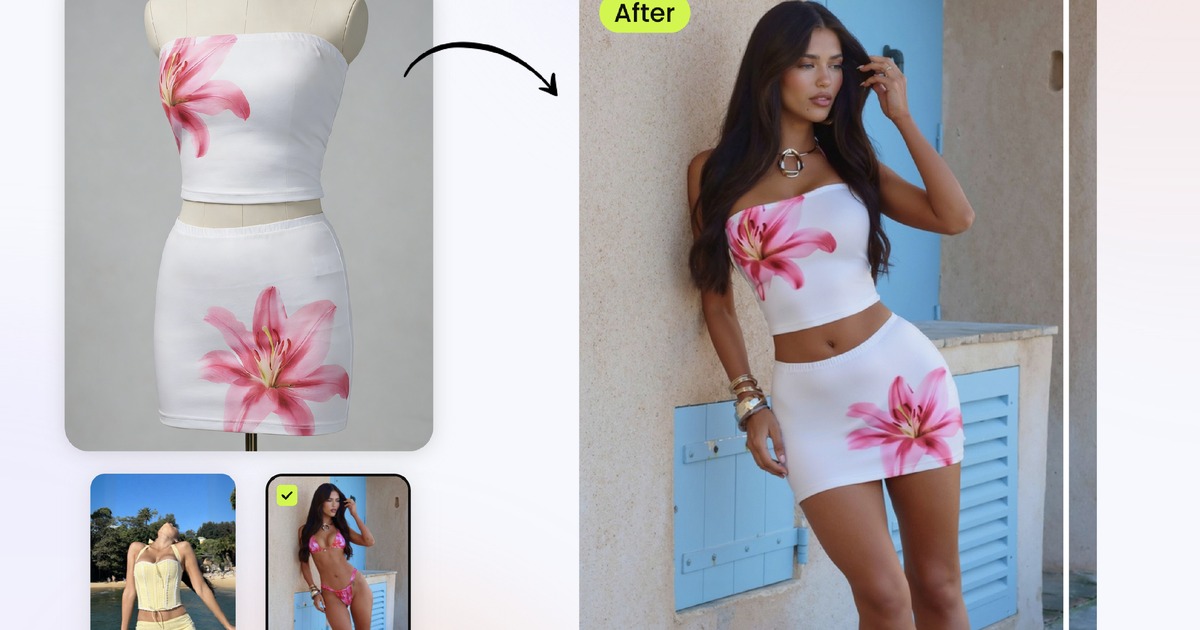 Related guideAI Outfit GeneratorPut clothes and accessories on models for ecommerce styling.
 Related guideAI Product PhotographyCreate clean product visuals, lifestyle scenes and marketplace images.
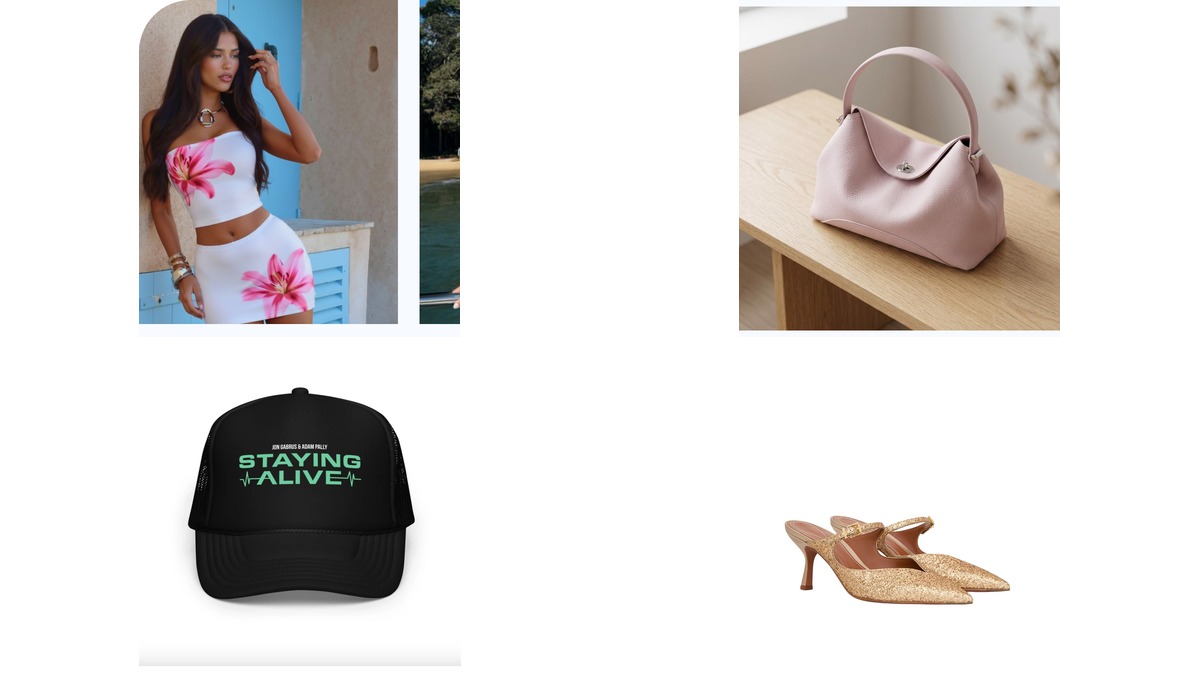 Related guideAccessory Photography Without a PhotoshootTurn accessory references into broader ecommerce photo sets.
Frequently Asked Questions
What is the easiest accessory to sell online?
Small, easy-to-ship accessories such as jewelry, hair accessories, scarves, belts and sunglasses are often easier to start with than bulky products. The best choice depends on sourcing, margin, return risk and whether you can create clear product photos.
What photos do I need to sell accessories online?
Use a clean main image, a scale or on-body image, material close-ups, a lifestyle or outfit image and any proof images needed for condition or authenticity.
Can I use AI images for accessory listings?
Yes, but keep a real product image as the accuracy anchor and review generated images for shape, material, color and placement before publishing.
Where should I sell fashion accessories online?
Common channels include Shopify, Etsy, Amazon, eBay, Depop, Poshmark, TikTok Shop and Instagram. The best channel depends on whether your product is handmade, branded, resale, luxury or trend-led.
How do I make accessory listings more searchable?
Use the product type, material, color, style, size and use case in natural language. Write for how shoppers search, not just internal SKU names.
Do accessories need on-model photos?
Not always, but on-model or on-body photos help buyers understand scale, fit and styling. They are especially useful for jewelry, bags, hats, glasses and shoes.