



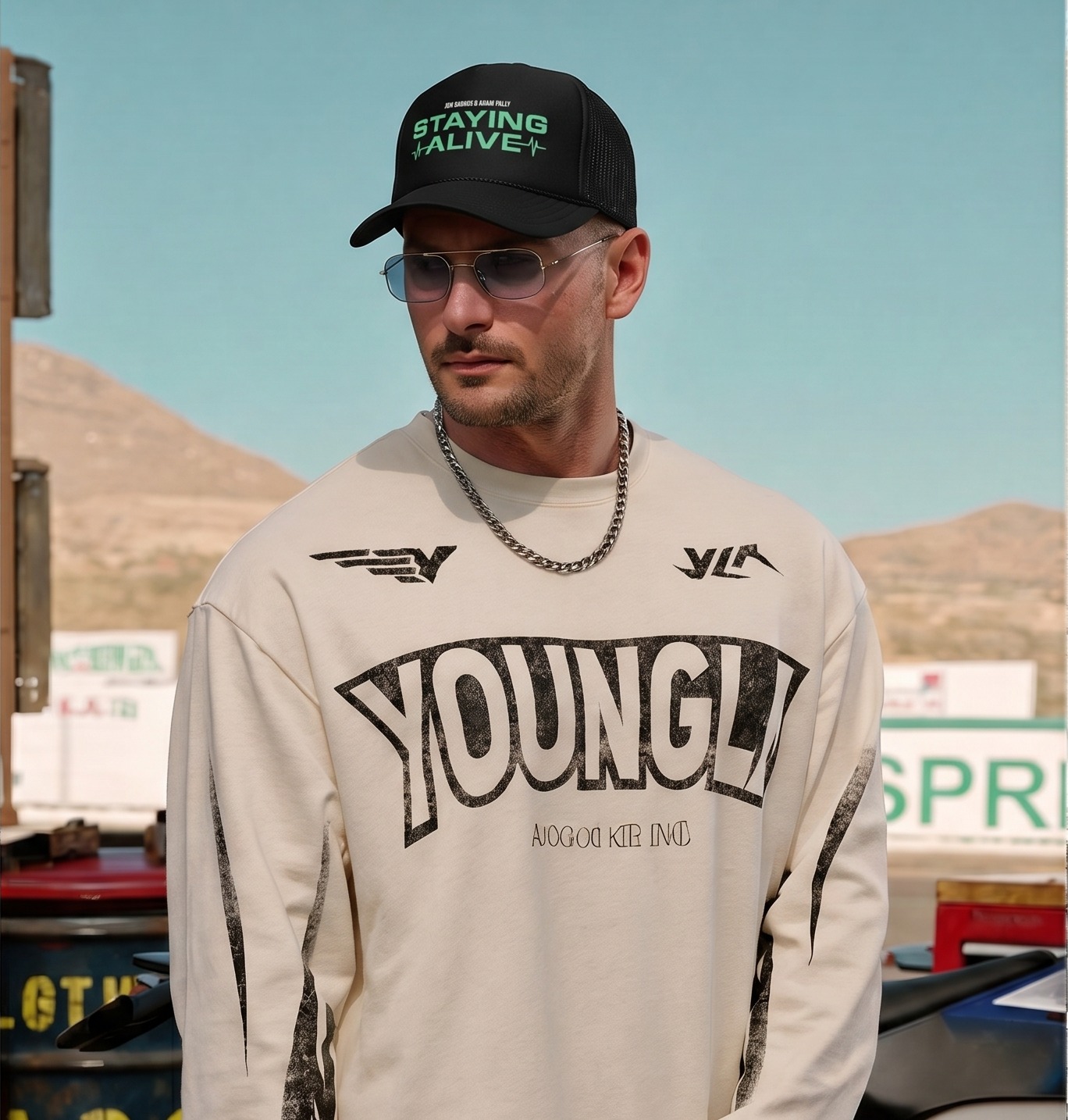

Quick answer: the sunglasses image set
Sunglasses listings need a front frame image, angled view, side arm view, lens tint detail, hinge or material close-up, on-face image and lifestyle crop. The buyer is judging style and fit at the same time, so product-only photos are not enough.
The main image should be clean and undistracted. Supporting images should answer face shape, lens color, temple detail, scale and outfit context.
Product-only sunglasses photos
Shoot straight-on and 45-degree views first. Keep lenses clean and avoid heavy reflections. Show the side arms, hinge, nose pads and frame thickness. If the lenses are polarized, gradient, mirrored or tinted, create an image that shows the lens color without making it look darker than it is.
Use a consistent crop across all frames so shoppers can compare styles quickly. Round, square, cat-eye, aviator and oversized sunglasses should sit at the same visual scale in the collection grid.
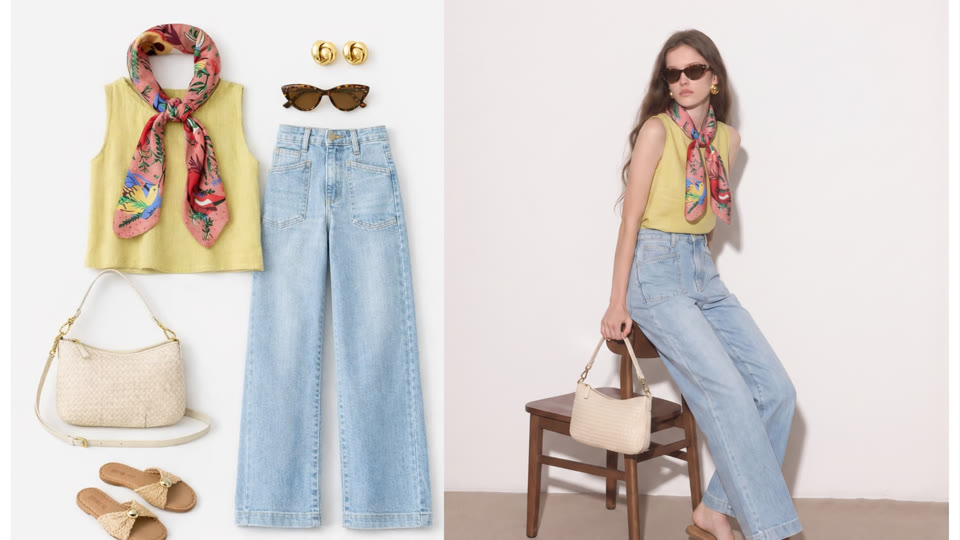 Campaign-style eyewear images help shoppers understand mood and audience.
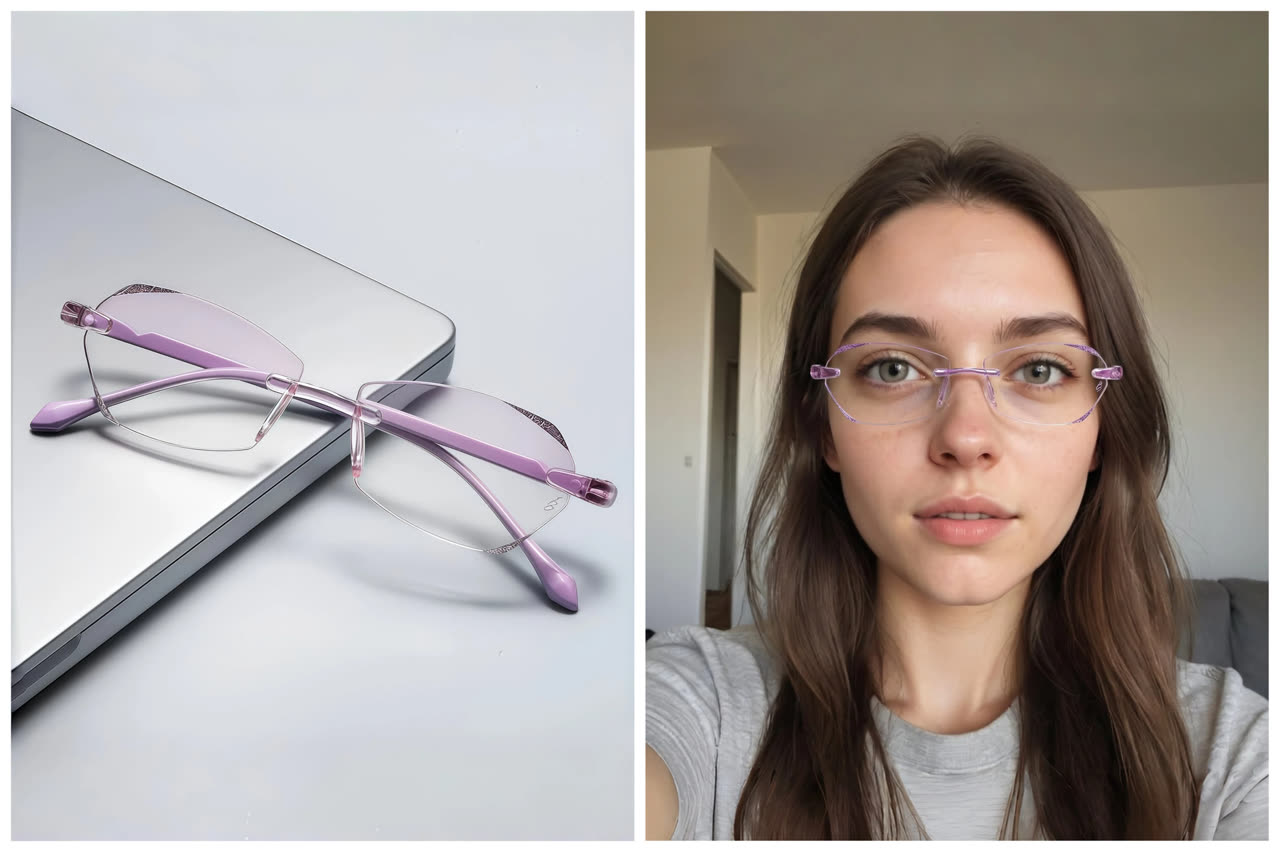 Photo-based try-on supports buyer upload-photo intent and fit preview.
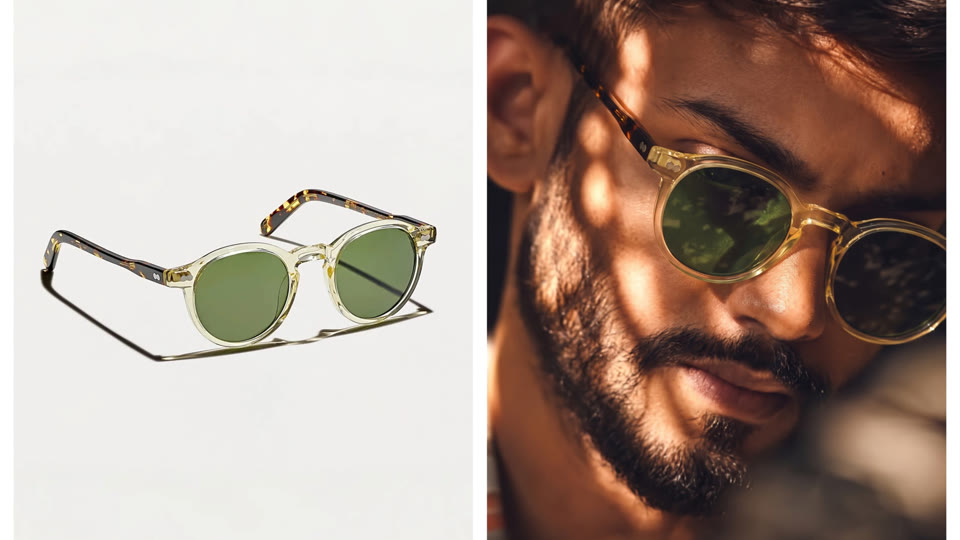 Clean product photography remains the accuracy anchor.
On-face and try-on images
A sunglasses buyer wants to know how the frame reads on a face. On-face images show width, bridge fit, lens height and style mood. If you cannot run a full model shoot for every SKU, use AI or virtual try-on images to create consistent face previews.
Review generated eyewear images carefully: the bridge should sit naturally, arms should align toward the ears, lens shape should stay accurate and the frame should not float above the face.
Lifestyle and campaign crops
Sunglasses sell through mood. Add one lifestyle crop for beach, city, driving, resort, festival, sport or luxury styling depending on the product. This image does not need to replace the clean product shot. It gives buyers a reason to imagine the frame in their life.
For Instagram, TikTok Shop and ads, vertical crops usually work better than wide product grids. For Shopify and marketplace pages, keep the gallery structured and easy to compare.
Marketplace and mobile checks
On mobile, thin frames and lens tints can disappear. Add close-ups and avoid tiny thumbnails as the only proof. If you sell prescription-compatible frames, include measurements: lens width, bridge, temple length and frame width.
Use alt text and listing copy that describes the frame clearly: oversized sunglasses, square black sunglasses, aviator sunglasses, polarized sunglasses, cat-eye sunglasses, blue light glasses or unisex sunglasses.
AI workflow for sunglasses sellers
Use Virtual Try-On Glasses for face previews and AI Product Photography for ecommerce scene images. Keep a product-only image as the visual anchor and use AI-generated images for try-on, lifestyle and campaign support. For more general accessory planning, compare this with the accessory photography checklist.
This is especially useful for colorways. Once the frame shape is established, you can create consistent merchandising visuals for black, tortoise, clear, gold, silver or mirrored variants.
Match images to frame type and buyer expectations
Different sunglasses shapes need different proof. Aviators need lens tint and bridge detail. Cat-eye frames need on-face styling because the shape is expressive. Sport sunglasses need grip, side arms and lens performance cues. Oversized square frames need scale and face coverage. Clear or minimal frames need a background that does not make the frame disappear.
Treat each frame family as its own photo problem. The same product photo setup can work across the category, but the supporting images should highlight what makes each shape worth buying.
Use sunglasses photos for seasonal and social selling
Sunglasses are highly seasonal, but ecommerce teams can prepare content ahead of demand. Build summer, travel, festival, driving, city, resort and winter-sun image sets before the season starts. The product page can stay clean while social and ad creatives carry the mood.
AI and virtual try-on workflows help here because a single frame can be shown across several contexts without repeating a full shoot. Keep product-only images for accuracy, then create seasonal lifestyle versions for discovery channels. The same idea applies to AI accessory try-on when sunglasses are styled with hats, bags or jewelry.
Accessory content workflow at a glance
| Step | What to create | Why it matters |
|---|---|---|
| 1. Accuracy image | Clean product photo with shape, color and material visible. | Gives shoppers proof of the actual accessory. |
| 2. Scale image | On-body, on-face, on-foot or carried image. | Shows size, fit and placement. |
| 3. Styling image | Lifestyle, outfit or campaign crop. | Helps shoppers imagine how to use the accessory. |
| 4. Channel crop | Square, portrait and vertical exports. | Adapts the same SKU for Shopify, marketplaces and social. |
Create Accessory Images Faster
Snappyit can help turn clean accessory references into ecommerce-ready product images, on-model previews and social visuals. Keep the original product photo as the accuracy anchor, then use AI images to scale styling and campaign content.
More Resources for Accessory Sellers
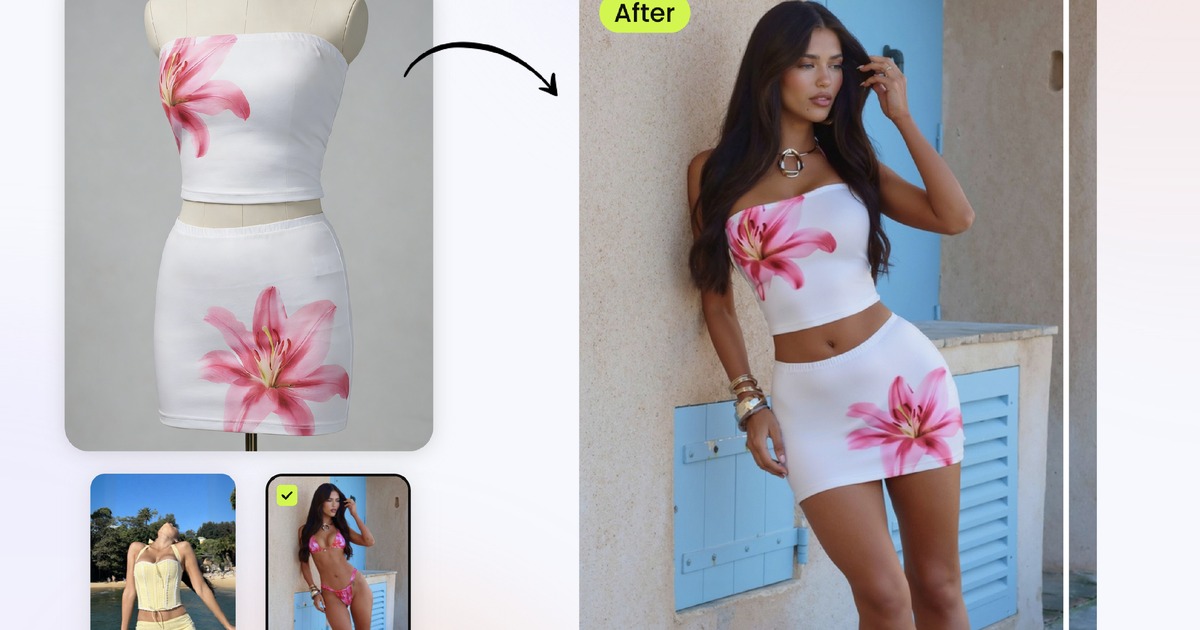 Related guideAI Outfit GeneratorPut clothes and accessories on models for ecommerce styling.
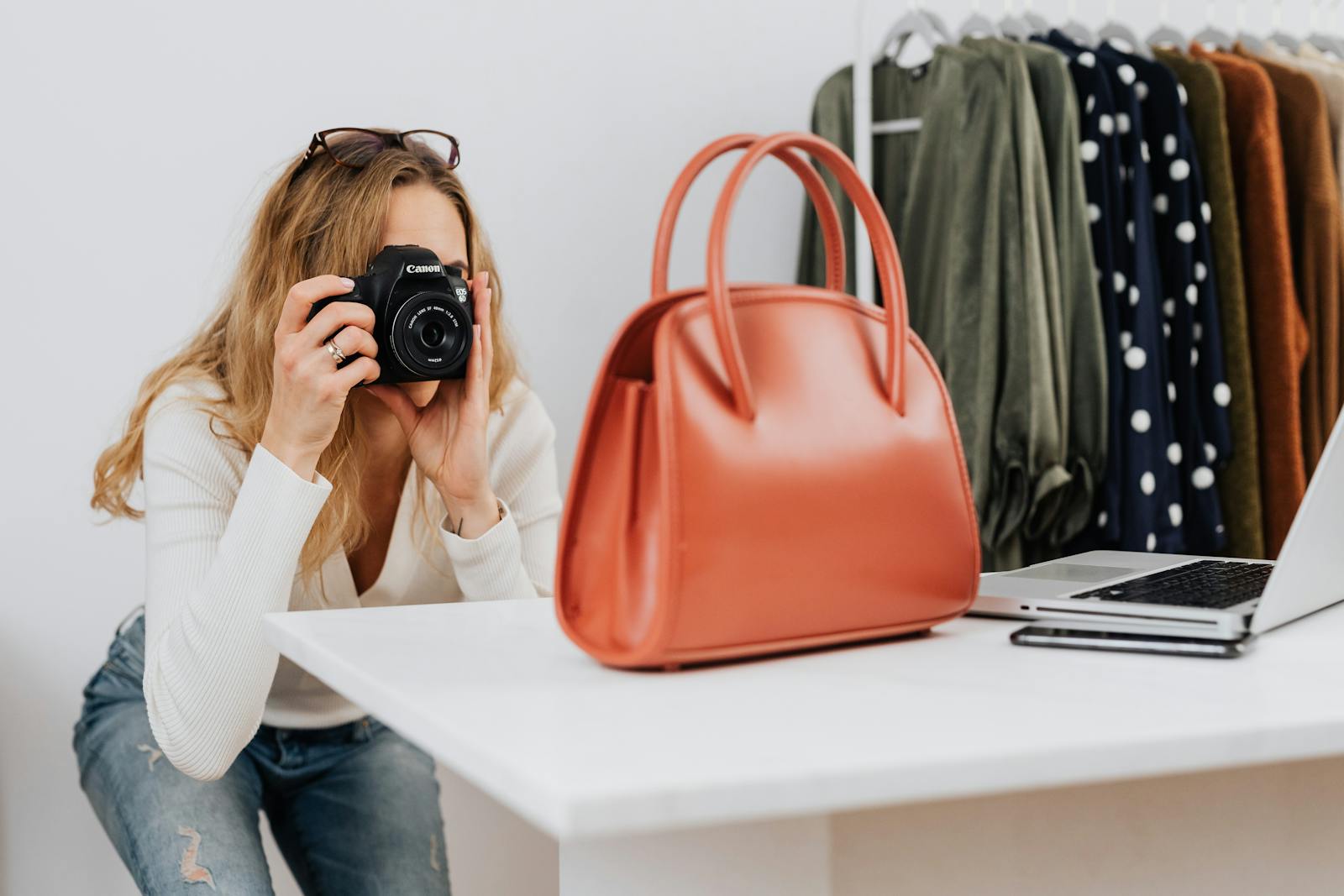 Related guideAI Product PhotographyCreate clean product visuals, lifestyle scenes and marketplace images.
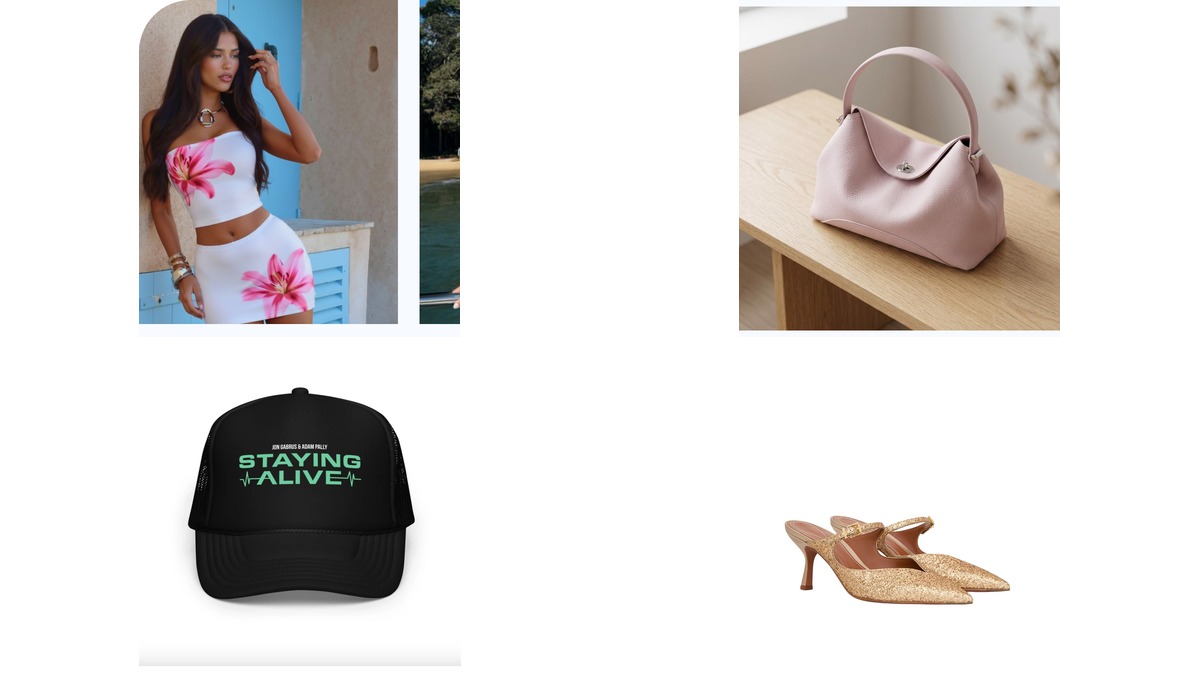 Related guideAccessory Photography Without a PhotoshootTurn accessory references into broader ecommerce photo sets.
Frequently Asked Questions
How do you photograph sunglasses for ecommerce?
Start with clean front, angled and side views. Add lens detail, hinge close-ups, measurements, on-face images and lifestyle crops.
Should sunglasses product photos show a model?
Yes, at least one on-face or model image helps buyers understand scale, face shape fit and style mood.
How do I avoid reflections in sunglasses photos?
Use diffused light, clean lenses and controlled angles. Avoid reflecting the room, camera or harsh window shapes in the lens.
Can AI create sunglasses model photos?
AI and virtual try-on tools can create face preview and lifestyle images from clean frame references. Review frame shape, bridge placement and lens tint before publishing.
What details should sunglasses listings include?
Include frame shape, lens type, color, measurements, style and use case, such as polarized aviator sunglasses, oversized square sunglasses or tortoise cat-eye sunglasses.
What image size works for sunglasses listings?
Use square crops for marketplace grids, portrait gallery images for product pages and vertical images for social commerce. Keep close-ups large enough for mobile shoppers.






