For: ecommerce sellers, fashion brands and resale teams that need more accessory images without booking a separate model shoot for every SKU.
What AI accessory try-on can do
AI accessory try-on combines a product reference with a model image to show a bag being carried, a hat or glasses being worn, shoes on feet or jewelry on the body. The result can add styling context to a product page, ad or social post.
Start with a clean accessory product photo. If the source hides the clasp, strap, frame or stone setting, the generated result is harder to verify.
Build a useful image set for each SKU
One generated image should not carry the whole listing. A practical set combines four types of assets:
- Product image: the factual record of color, shape, materials and hardware.
- On-model image: approximate placement and scale in a clear pose.
- Styling image: an outfit or lifestyle scene for campaigns and social content.
- Channel crops: square, portrait and vertical versions made from an approved master.
AI accessory try-on vs AR try-on
Use AI image generation when you need finished merchandising assets. Use AR when shoppers need an interactive preview in a storefront or app. Both show visual context; neither replaces factual size or fit information. Eyewear sellers can see the practical differences in this virtual try-on glasses guide.
For most catalog teams, the choice comes down to where the result will live. AI-generated stills fit product pages, ads, lookbooks and marketplace listings. AR makes more sense when the shopper needs to control the preview in real time.
Choose the right source image
Bags, hats, shoes, glasses and jewelry each fail in different places. Belts, scarves and hair accessories can use the same workflow, but flexible fabric, fine chains and small reflective parts need extra scrutiny.
| Accessory | Best product reference | Model framing | Main checks |
|---|---|---|---|
| Bag | Full silhouette, strap and hardware visible | Torso and carrying hand in frame | Shape, clasp, chain and strap attachment |
| Hat | Crown, brim and trim clearly shown | Front or three-quarter portrait | Volume, angle, seams and hair contact |
| Shoes | Side profile plus heel and straps | Both feet and floor visible | Left-right match, heel shape and ground contact |
| Glasses | Straight frame with temples visible | Clear face and ear line | Symmetry, bridge, lens shape and reflections |
| Jewelry | Sharp close-up with scale reference | Neck, ear, wrist or hand visible | Chain continuity, stone count, scale and contact |
AI accessory try-on workflow for ecommerce
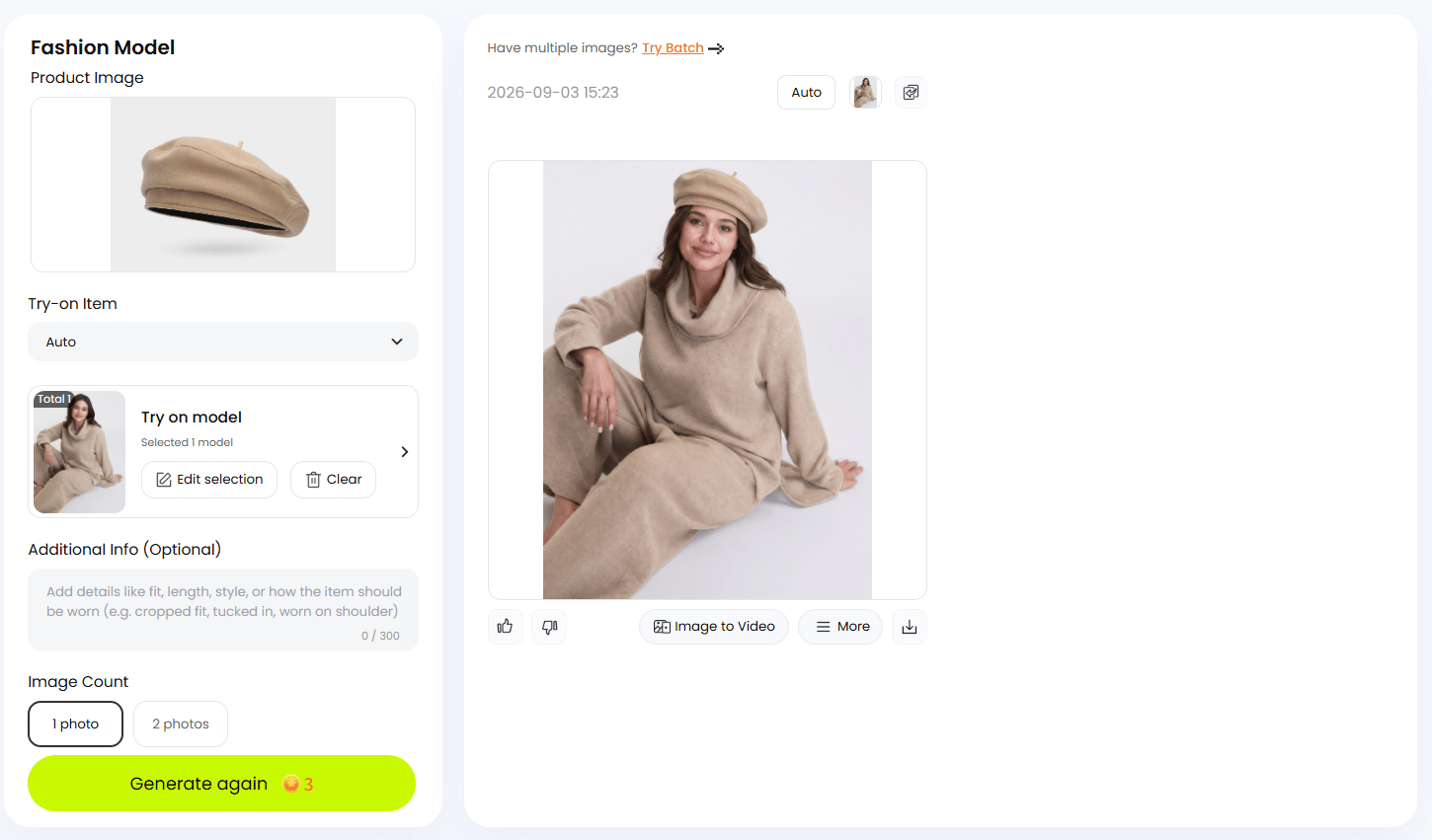
The examples below use Snappyit Fashion Model: upload the product, choose a suitable model, generate a result, then compare it with the source.
Test note: reviewed September 3, 2026. Each pair includes the supplied product image and one selected output. Complete run counts and discarded results were not recorded, so treat this as a quality-control walkthrough, not a success-rate benchmark. The images show styling, not real-world fit.
- Prepare the product reference. Use a sharp, well-lit image with the full silhouette, color, material and identifying details visible. Alternate angles help when the main photo hides a clasp, heel or temple arm.
- Choose a compatible model. Match the pose and crop to the product. Hats and glasses need a clear head angle; bags need the torso and carrying hand; shoes need both feet and the floor.
- Set up one focused generation. Add the product, choose the try-on category or Auto, select the model and give only the placement guidance that matters. Generate one accessory category at a time so the output is easier to compare.
Review results by accessory type
Look first at the details that identify the SKU. A good pose or background cannot rescue the wrong product.
Handbags
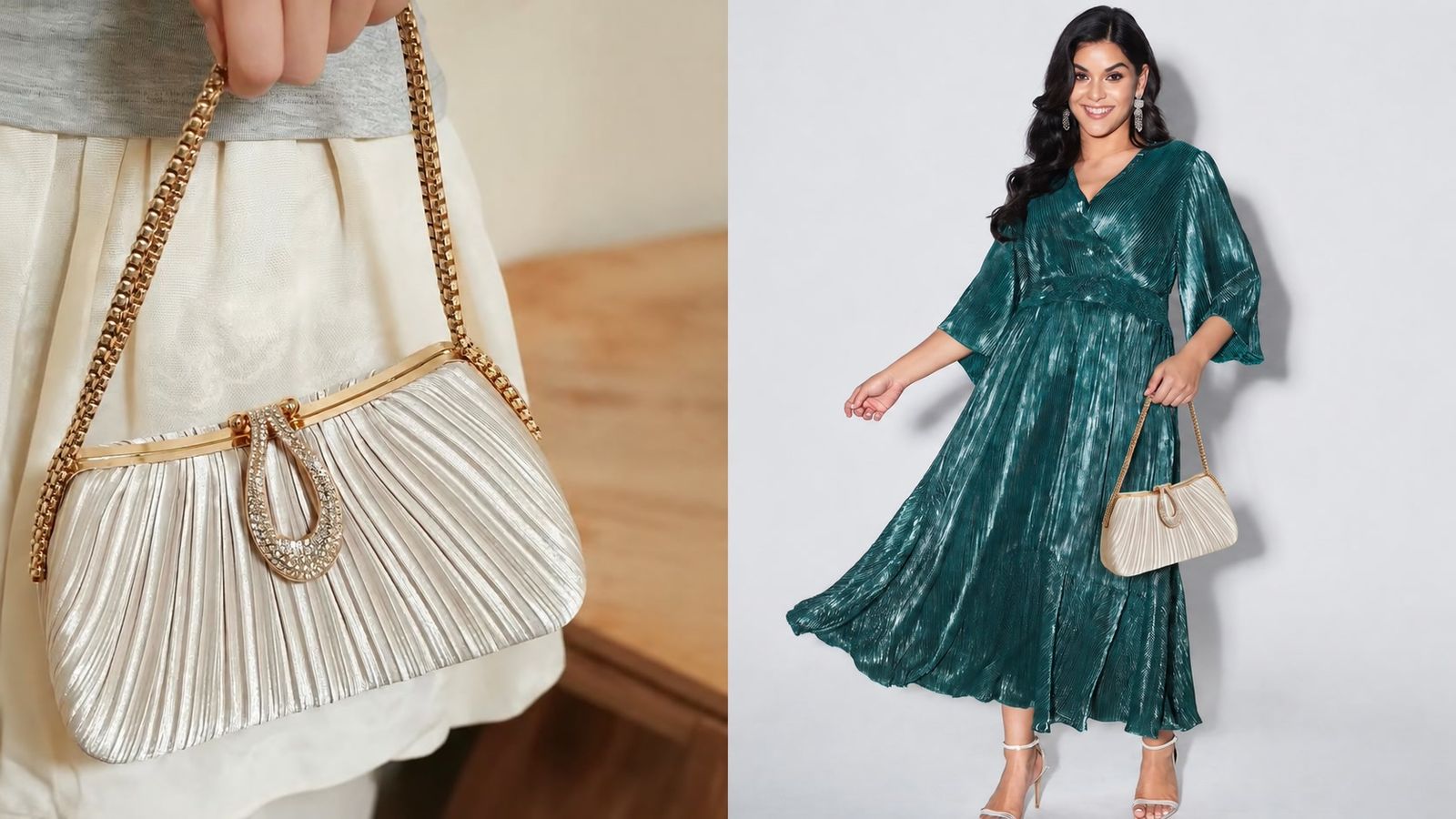
Check the silhouette, pleating, clasp, chain color and strap attachment. The scene may change, but the closure and hardware should not.
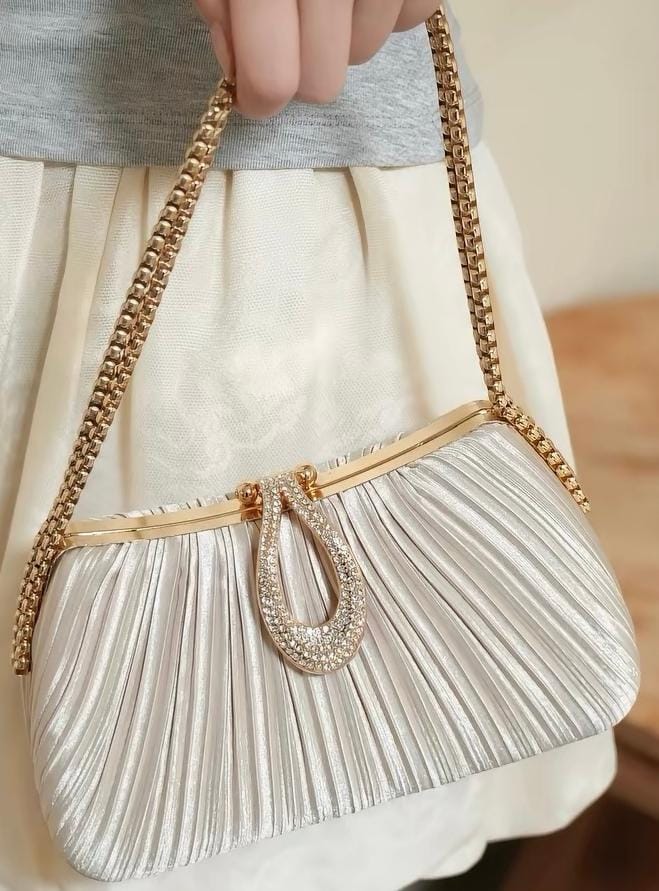 Source: silver pleats, gold chain and jeweled clasp.
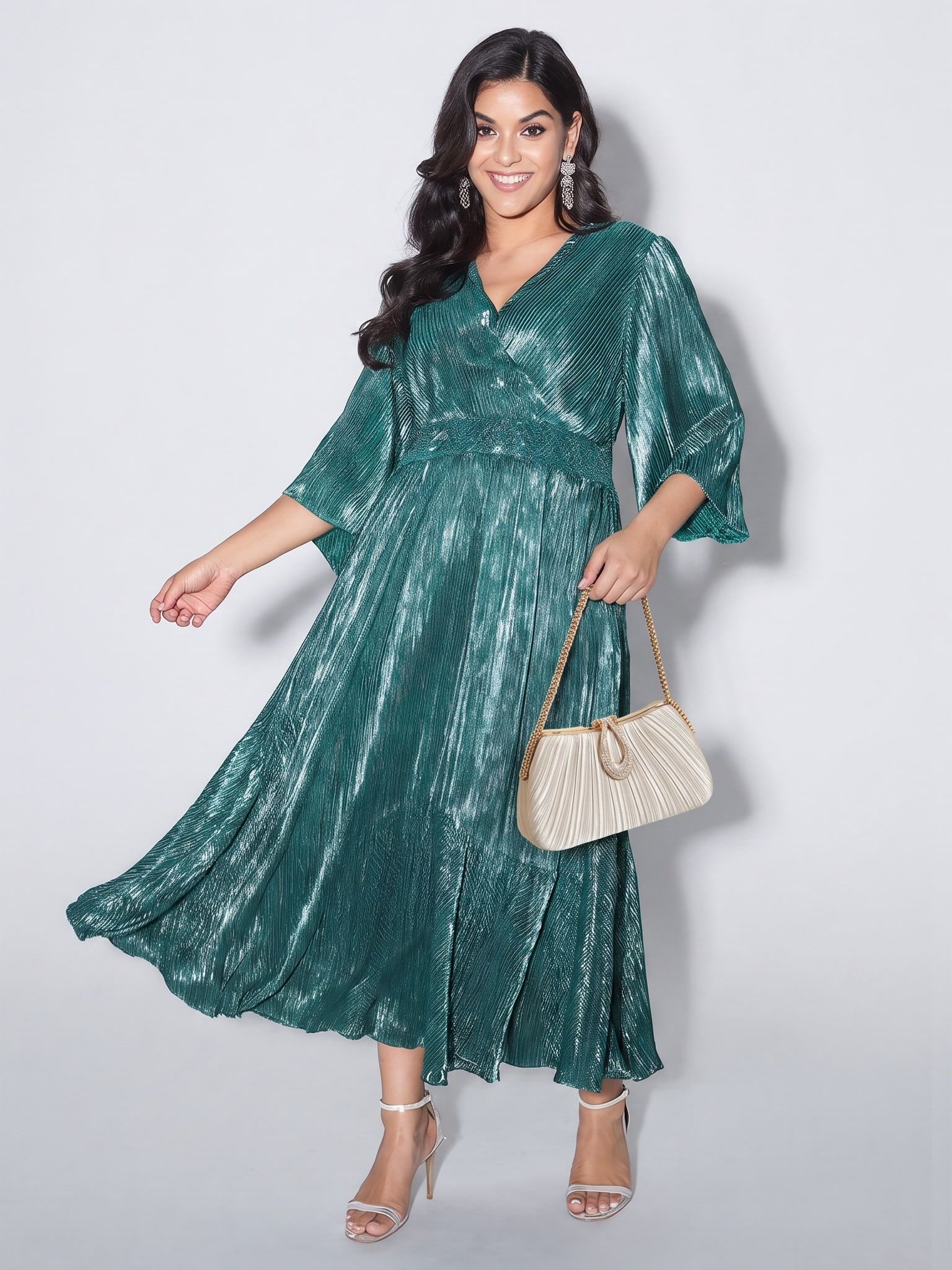 Output: the color and pleating carry over; inspect the clasp, outline and chain connection before use.
Hats
Compare the crown volume, brim or band, seams and trim. The hat should follow the head angle without floating above the hair or cutting into the forehead.
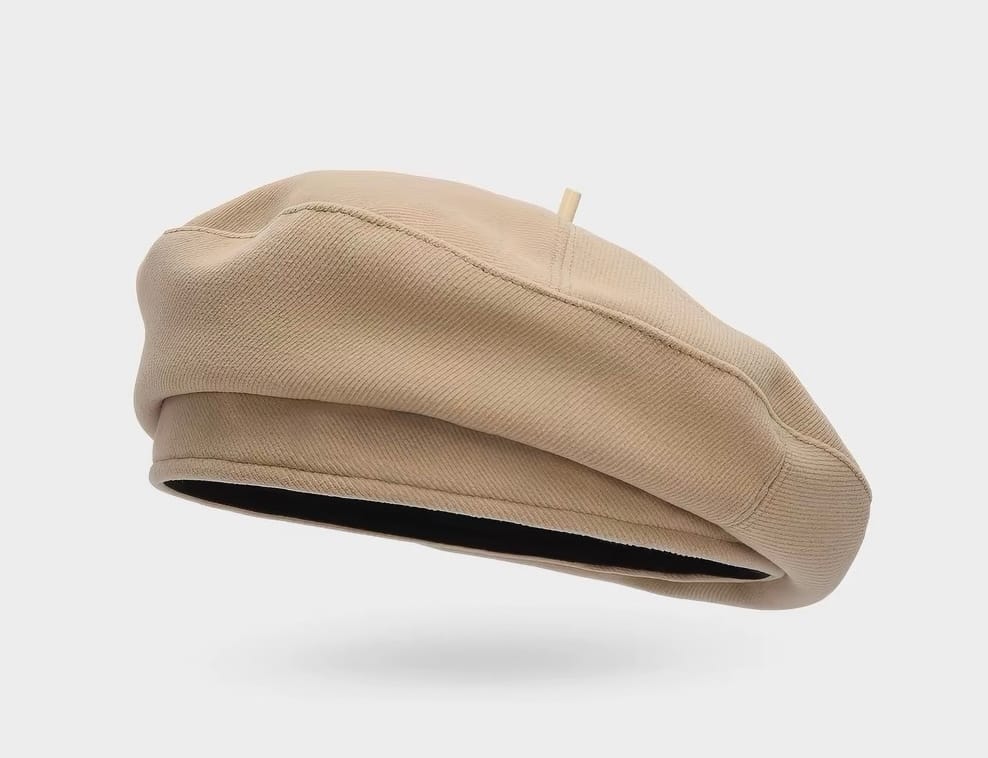 Source: beige fabric, rounded crown, stitched band and top stem.
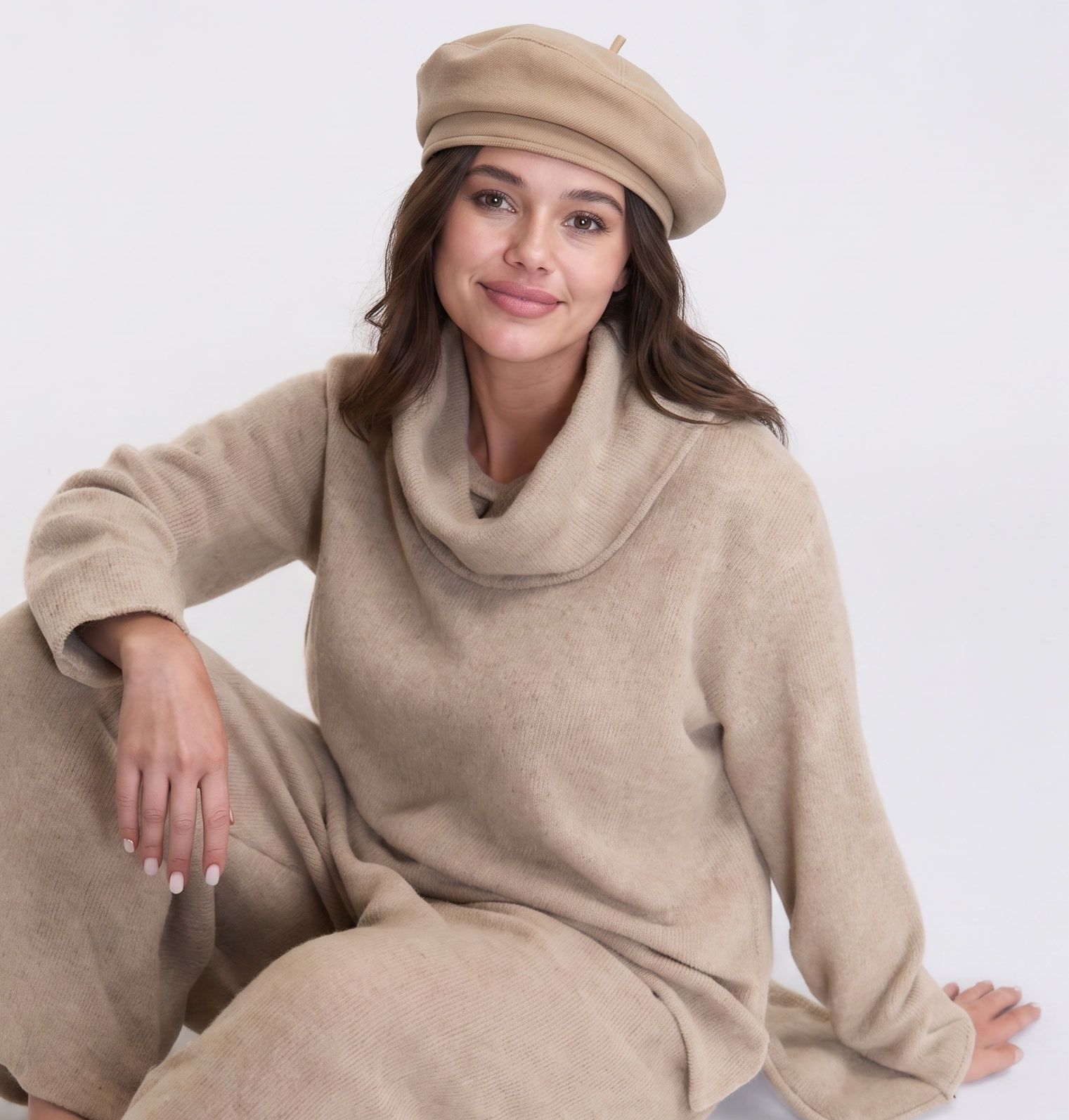 Output: the tone and rounded crown remain recognizable; check the crown volume and hair contact.
Shoes
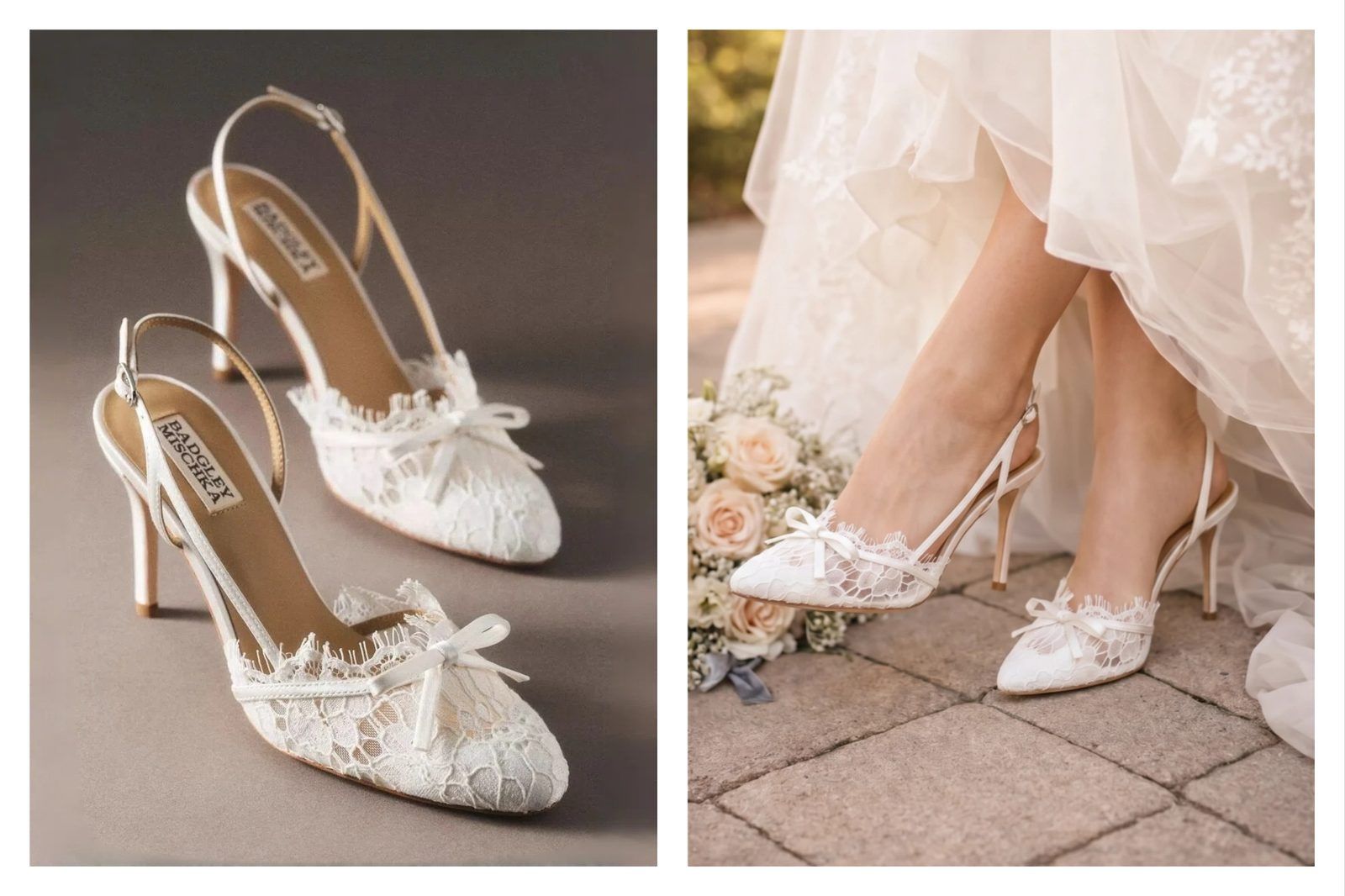
Footwear needs both feet and a visible floor plane. Compare the toe, heel height, straps, left-right consistency and perspective. For a broader tool comparison, see the guide to virtual try-on apps for shoes.
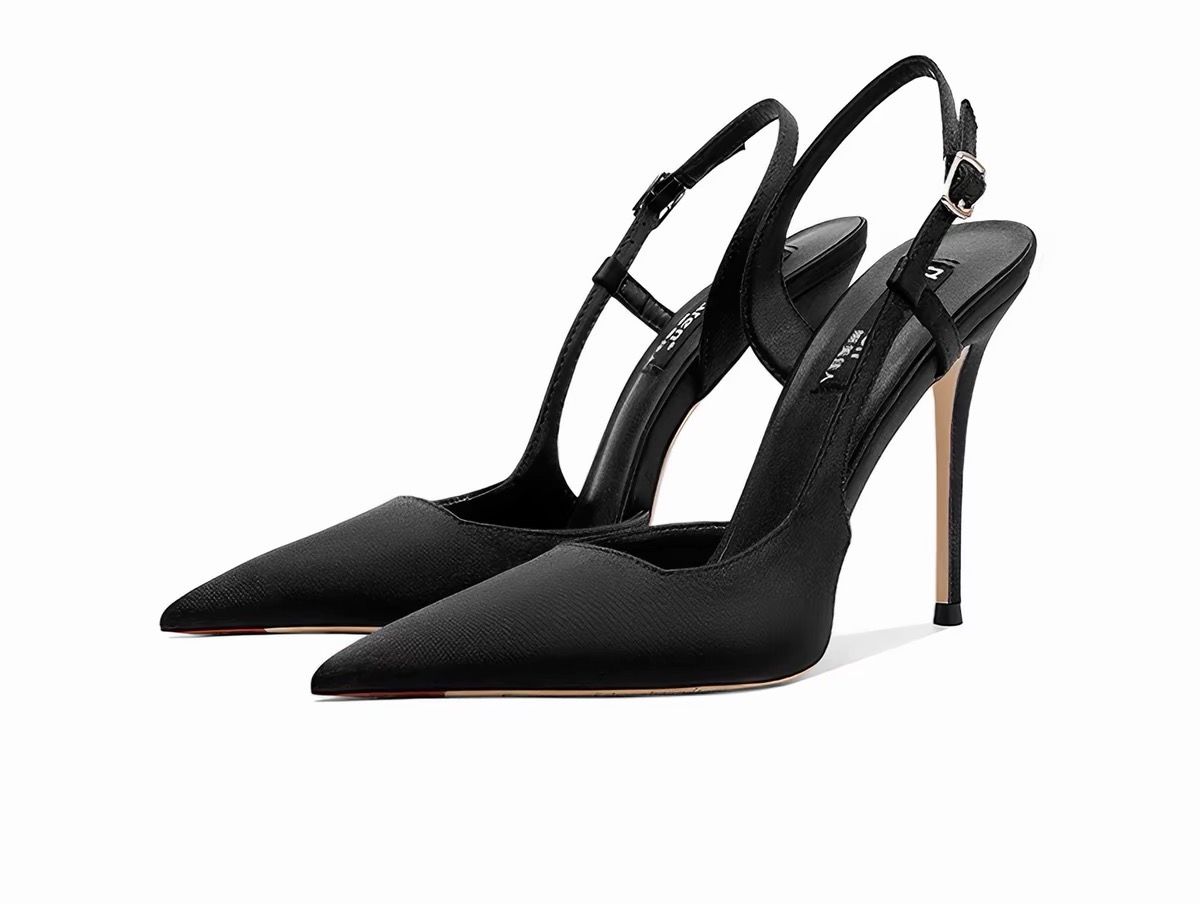 Source: pointed toe, slim heel and slingback strap.
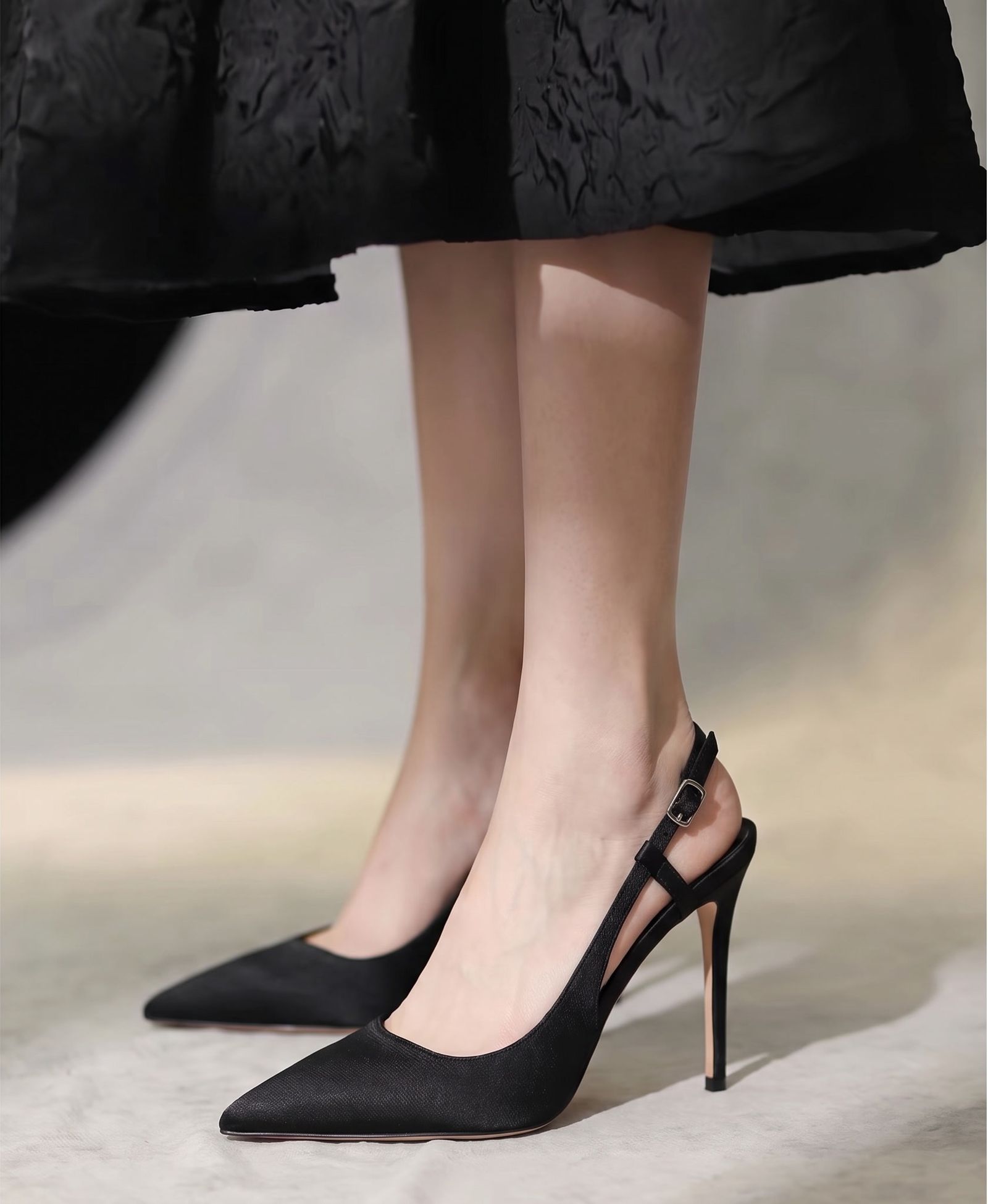 Output: the pointed toe and slingback are visible; verify both heels, strap placement and ground contact.
Glasses
Review the frame outline, bridge, lens shape and temple details. The frame should sit evenly on the nose and ears, without warping around the eyes.
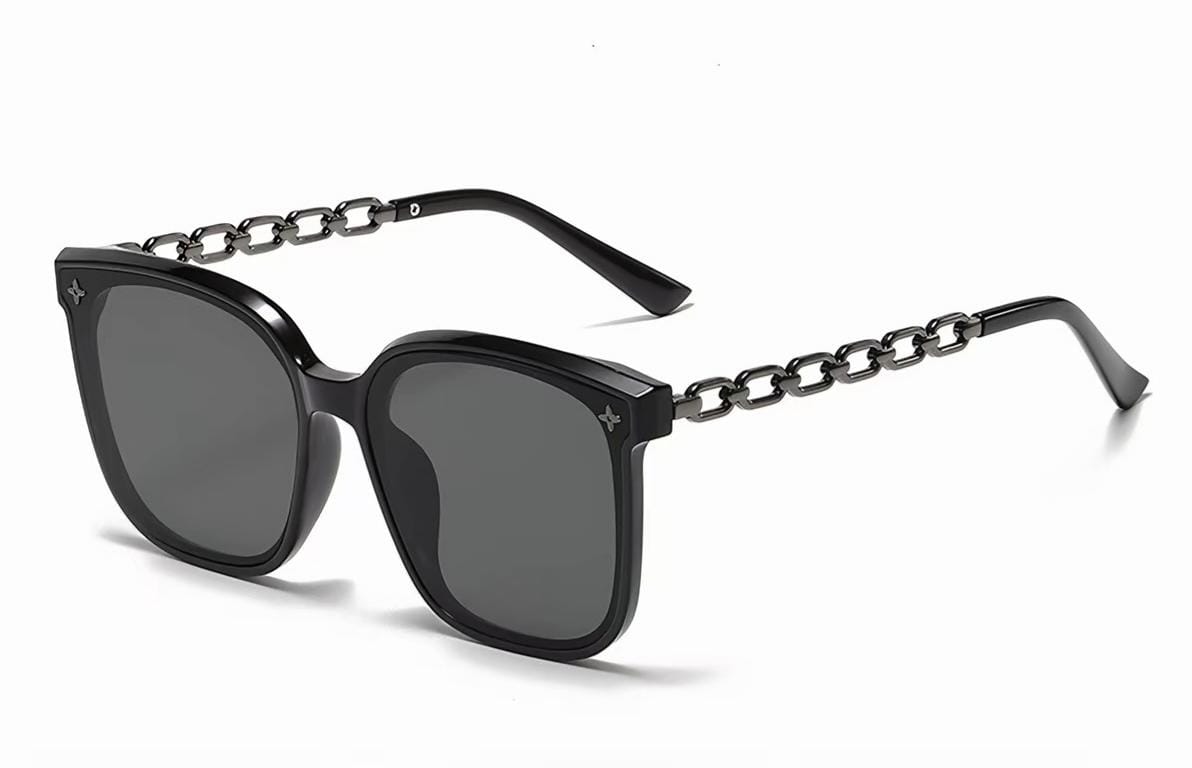 Source: square lenses and chain-link temples.
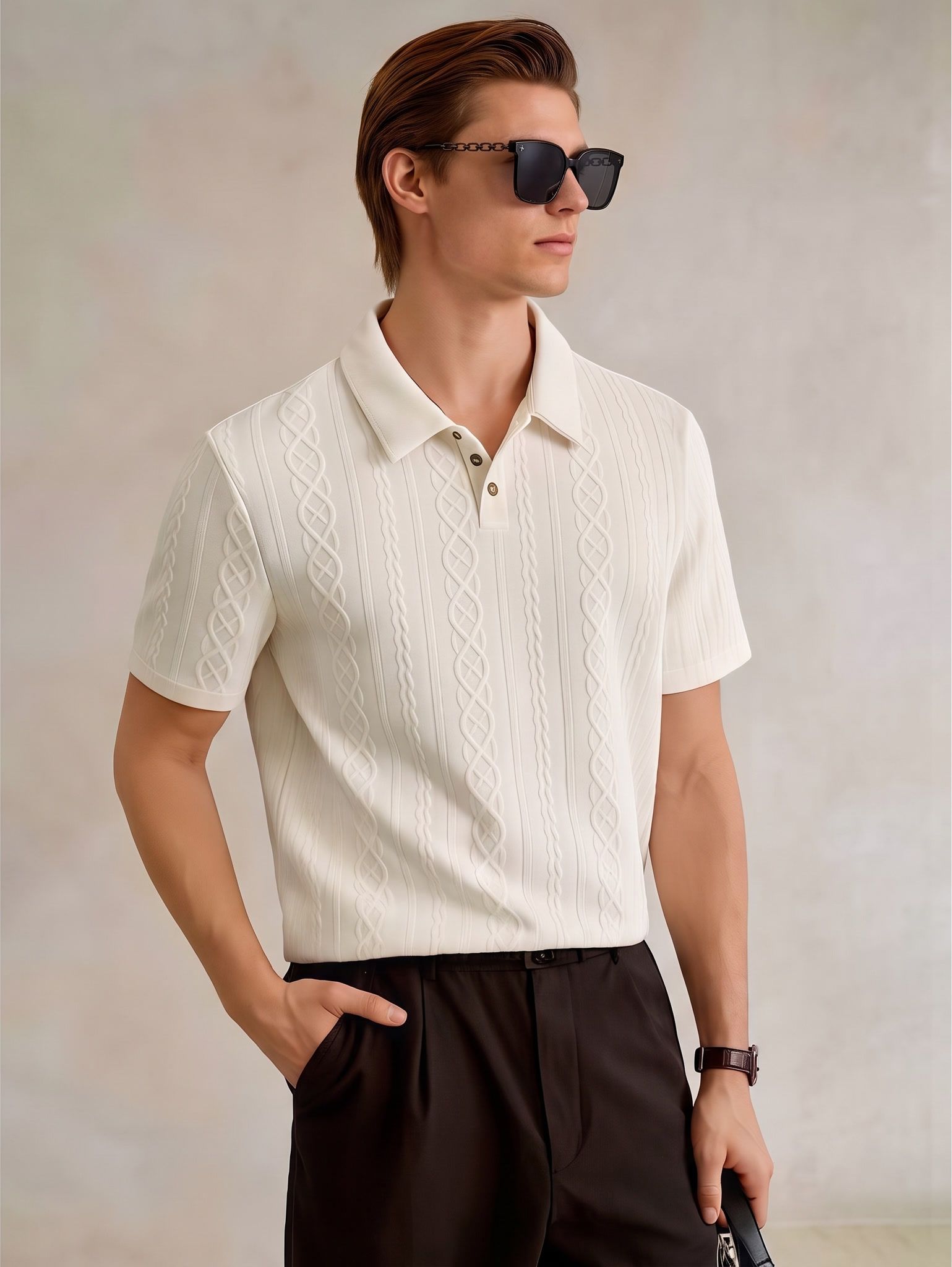 Output: the square frame carries over; inspect symmetry, temple details and lens reflections.
Jewelry
Small changes in chain continuity, stone count, pendant direction or scale can turn jewelry into a different product. Sellers working mainly with rings, earrings and necklaces can use the dedicated Jewelry Model workspace or read the AI jewelry model generator guide.
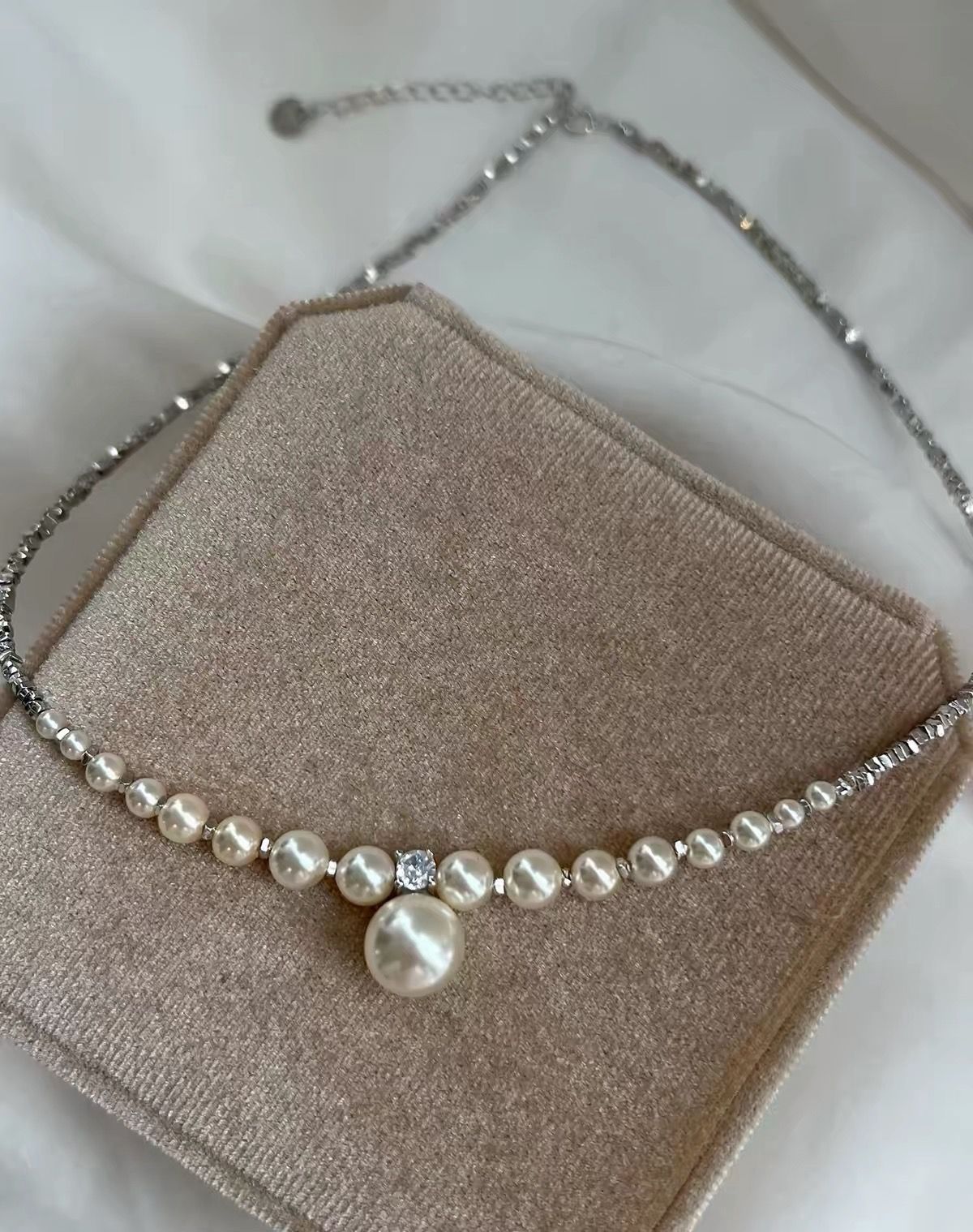 Source: pearl sequence, center stone and drop pendant.
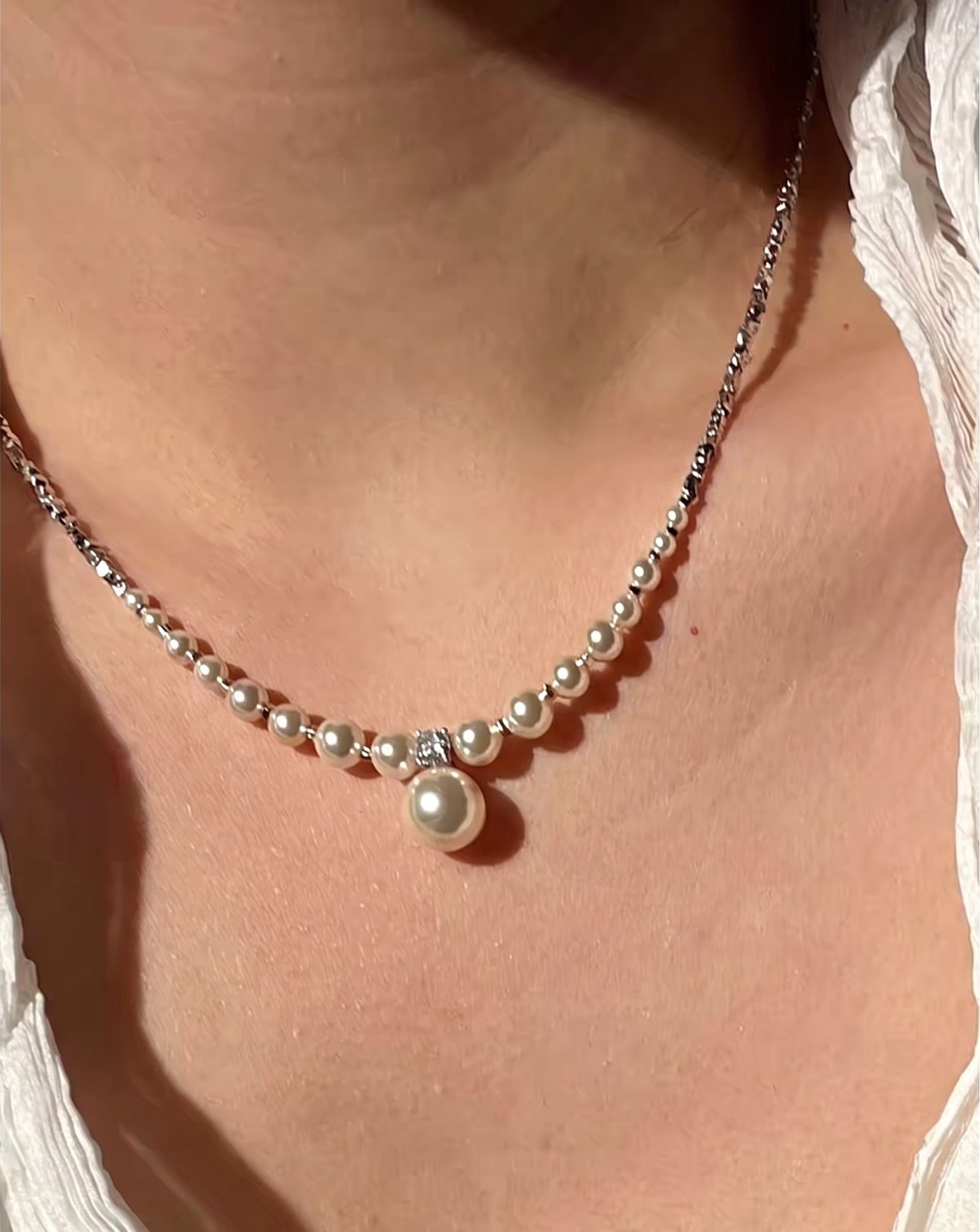 Output: the main structure carries over; zoom in to check pearl spacing, alignment and reflections.
Test variants without losing track of the product
Generate several options from the same source instead of approving the first result. Change one variable at a time—model, pose or scene—so the team can see what caused an improvement or failure.
Approve, correct or reject
Reject an image when the product itself is wrong: damaged hardware, changed color, broken straps, mismatched shoes, warped frames or missing stones. Background and crop issues may be editable, but incorrect product details should be regenerated or corrected before publication.
Save the approved output as the master, record which source image produced it, and create marketplace or social crops only after the product details pass review.
Scale accessory content without losing accuracy
For a larger catalog, keep filenames tied to SKUs and save the approved source beside each output. Rotate a small scene library—studio, street, resort, office, gift guide and close-up—rather than giving every item the same model and pose.
Use Batch Mode for repeated processing, but keep review at the SKU level. Flexible, reflective and logo-heavy products should not inherit approval from a similar item. If you work away from a studio, this guide explains how to create AI fashion model photos from your phone.
Keep the original product photo, approved output and final crops together. When the workflow supports it, Content Credentials can add provenance information without replacing the team's own approval record.
AI accessory try-on FAQ
What is AI accessory try-on?
AI accessory try-on combines a product reference with a model image to create a finished visual of the item being worn, carried or styled. It is useful for merchandising, but it does not prove exact size, fit or comfort.
Can I use AI accessory images in product listings?
Yes, as supporting images. Keep accurate product photos, measurements and specifications as the factual reference, and check each marketplace's current image rules before publishing.
Which accessories work with AI try-on?
Common categories include bags, shoes, hats, glasses, jewelry, belts and scarves. Small, reflective or flexible items usually need closer review.
Is AI accessory try-on the same as AR try-on?
No. AI image generation creates finished merchandising assets. AR try-on gives shoppers an interactive visual preview. Neither confirms physical fit or comfort.
Can AI place bags or jewelry on a model?
Yes, when the product reference and model pose are suitable. Check straps, contact points, scale, color and material details against the original product before approving the image.
What source images should I prepare?
Start with a sharp, well-lit product image that shows the full silhouette and identifying details. Keep alternate angles, close-ups and measurements nearby for review.
More resources for accessory sellers
 BlogBest virtual try-on apps for shoesCompare shoe workflows and common output errors.
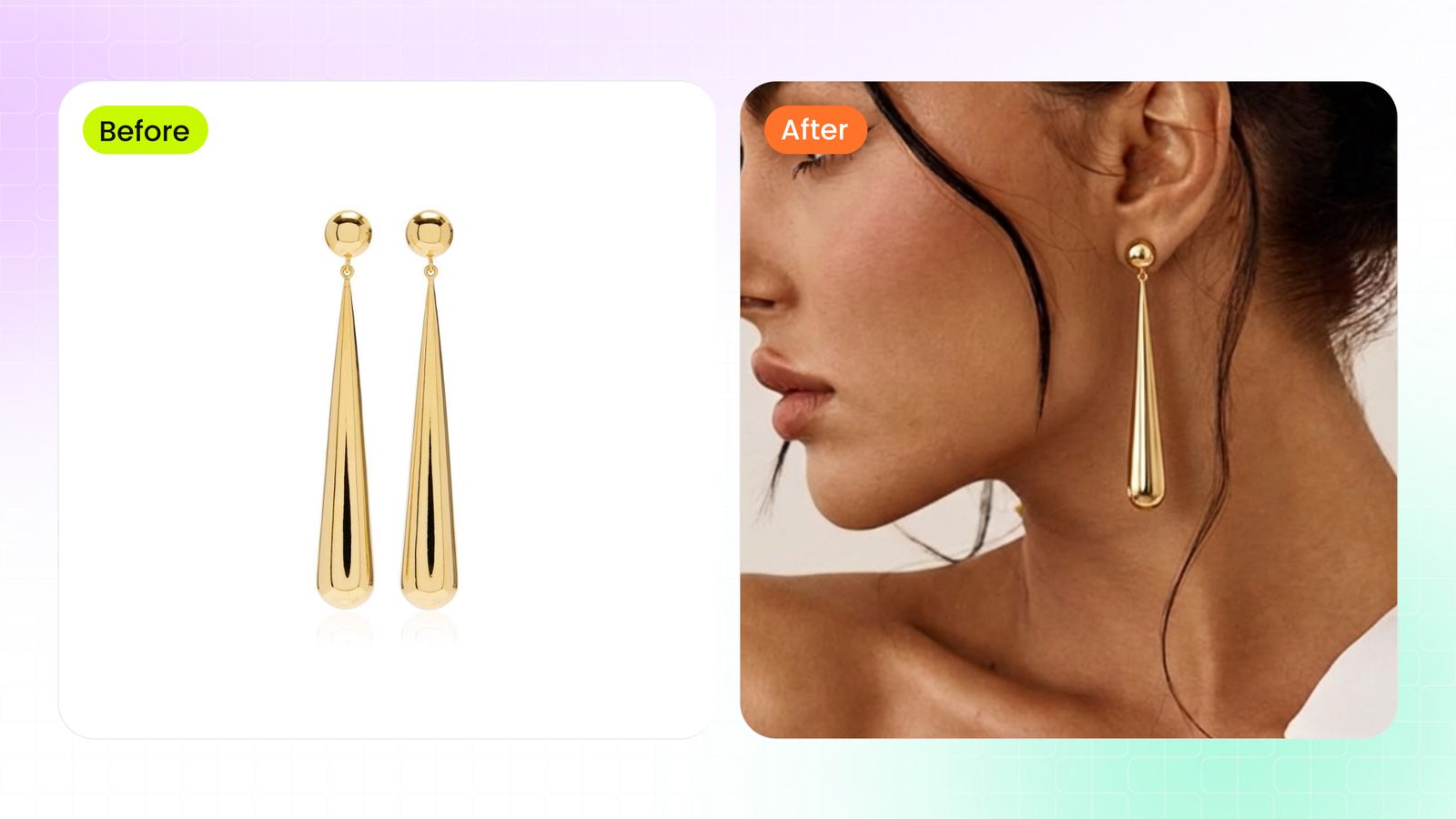 BlogAI jewelry model generator guidePlan and review necklace, earring, bracelet and ring images.
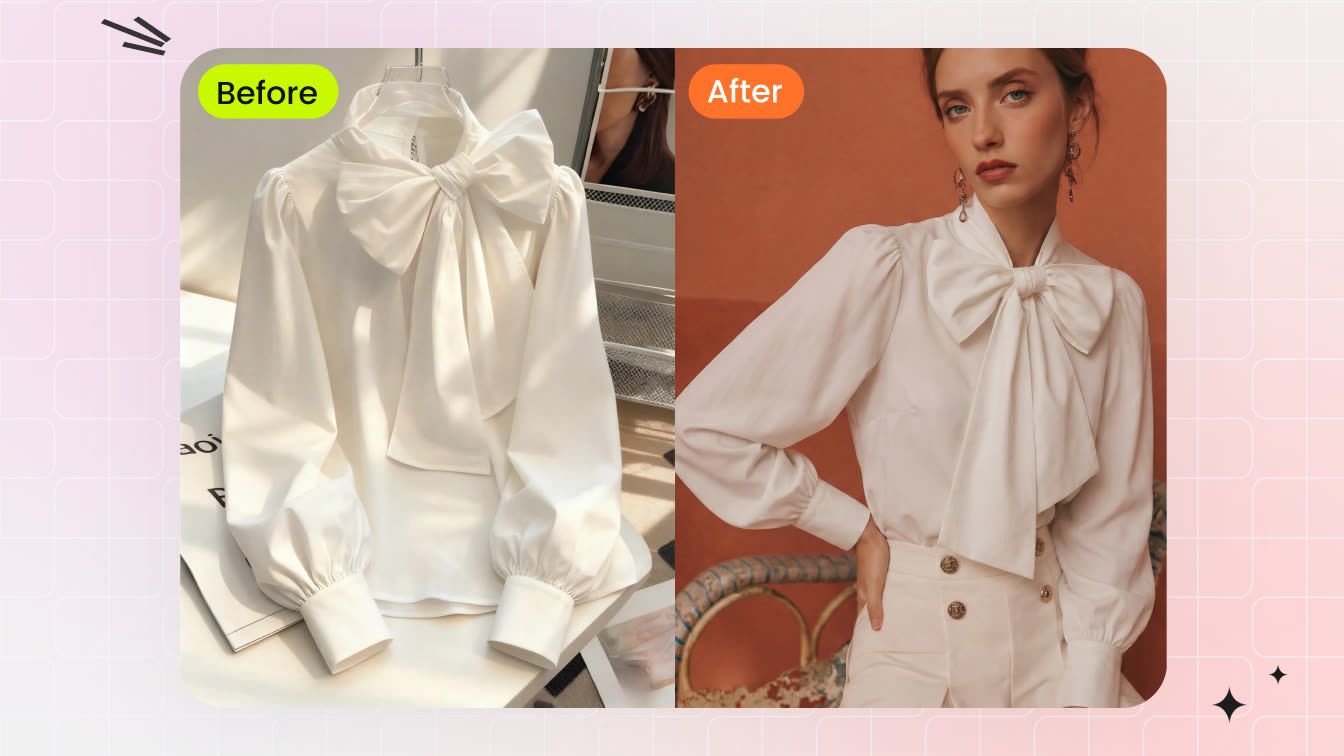 BlogAI fashion model photos from your phoneCapture better source images and review results on mobile.
References
- W3C: WebXR Augmented Reality Module — Technical foundation for browser-based AR experiences.
- NIST: AI Risk Management Framework — A framework for identifying and managing AI-related risks.
- C2PA Technical Specification — The technical basis for recording content provenance.
- Google Search Central: Image SEO best practices — Guidance for descriptive, accessible product imagery.