
At a glance
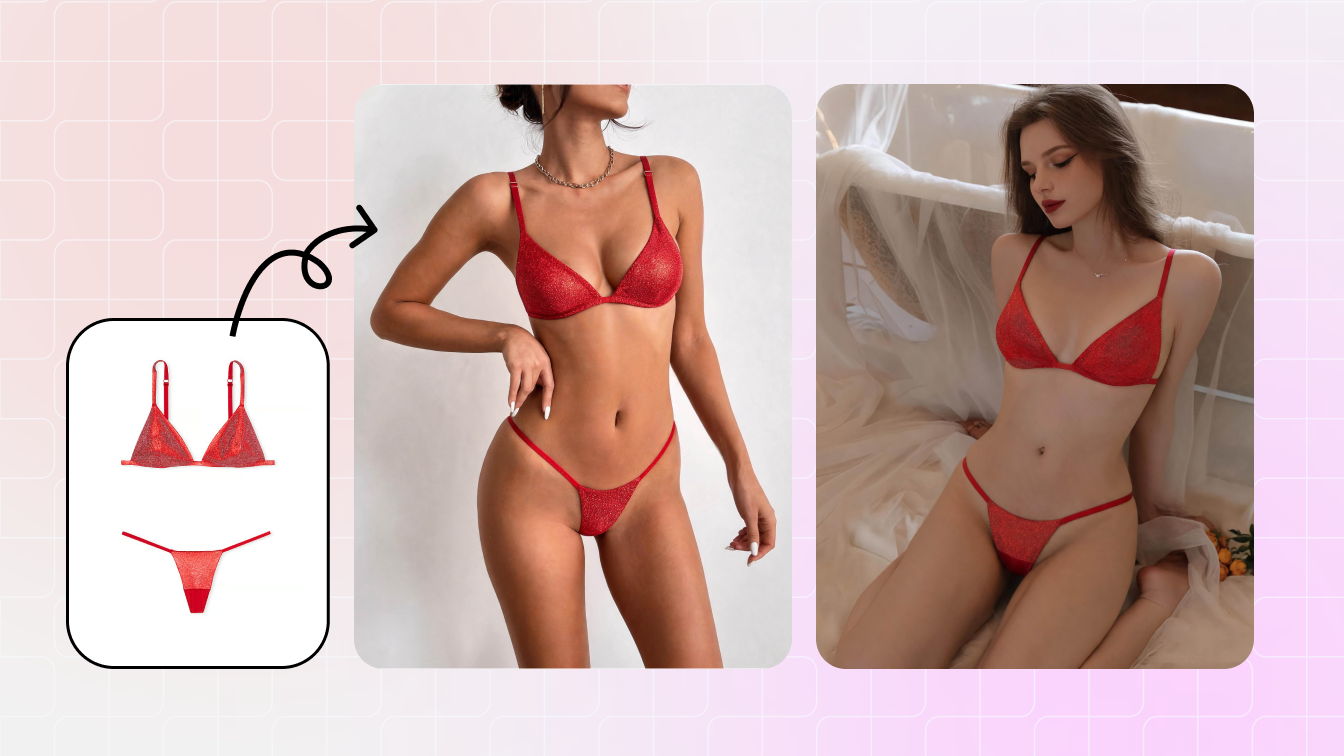
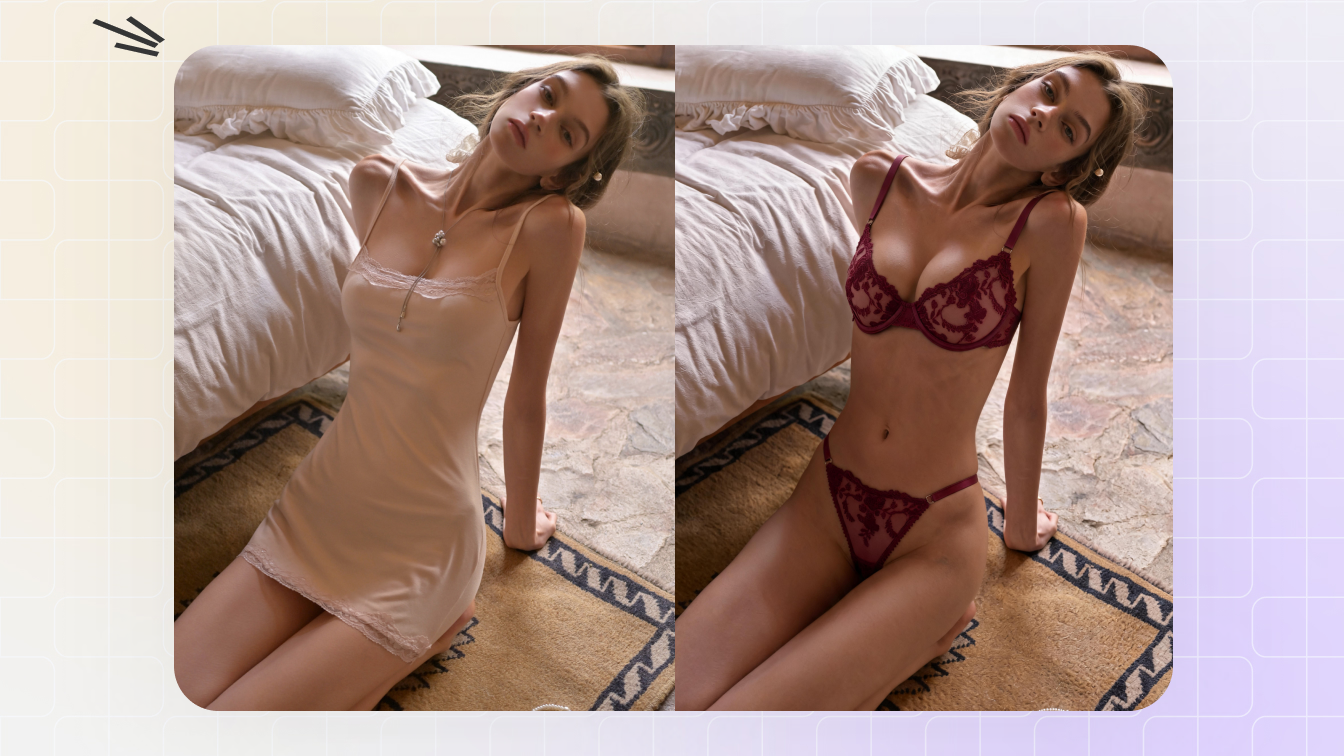
Plan Instagram beach outfit ideas, bikini looks, resortwear, vacation photos and AI swimwear previews with Snappyit AI Bikini Photo Editor.
| Need | What to do |
|---|---|
| Get oriented | Read the short summary, then use the checklist below. |
| Create a test image | Try AI Bikini Editor Free |
What makes a beach outfit work on Instagram?
A strong beach outfit needs to read clearly on a phone screen. The bikini, swimsuit or cover-up should stay visible, the styling should match the location, and the crop should leave room for captions, Reels text or Story stickers. For brands, the same image also needs to show product detail without feeling like a plain catalog shot.
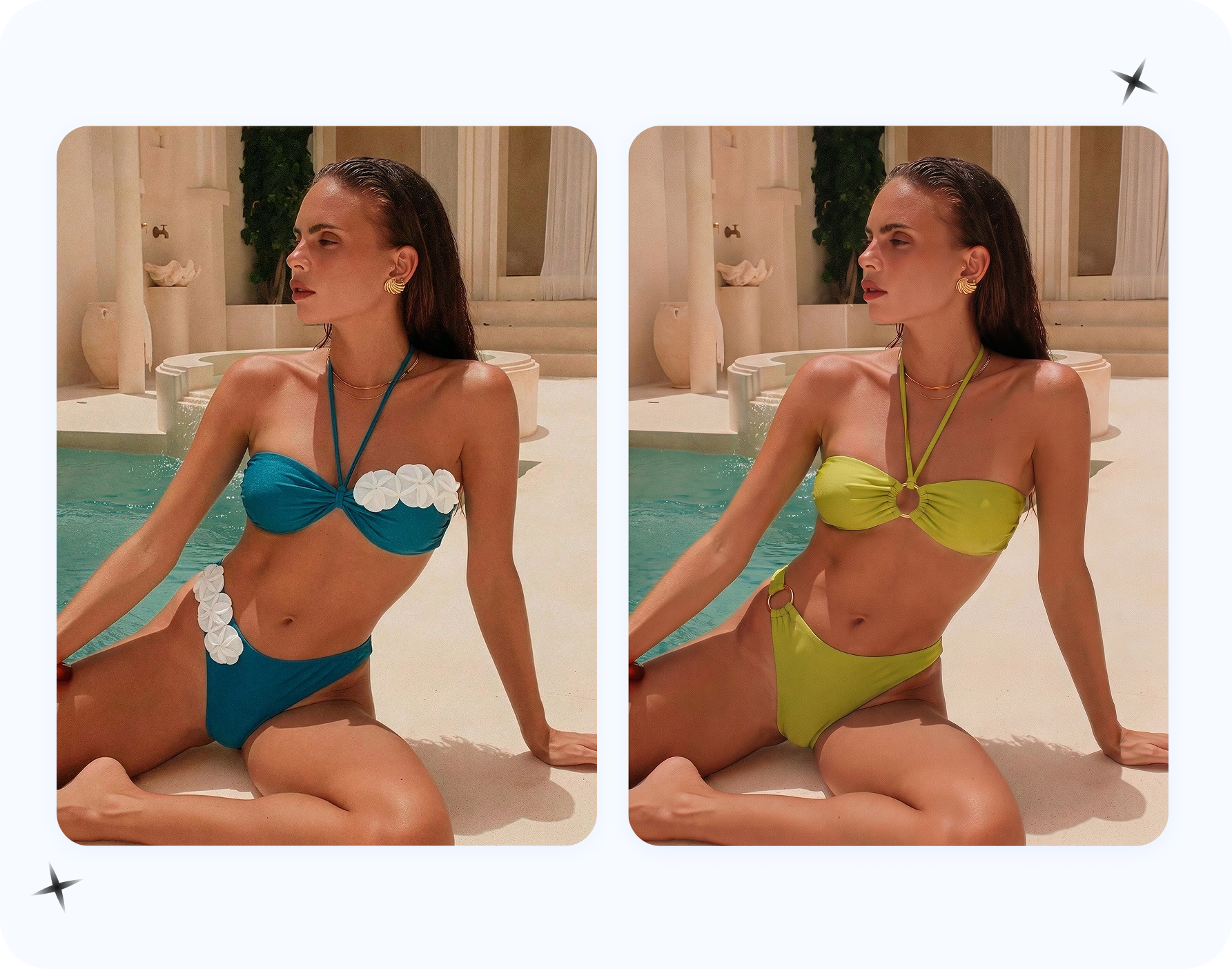
That is why AI previews are useful. You can test bikini colors, one-piece silhouettes, sarongs, linen sets, woven bags, sandals and sunglasses before you shoot. For personal swimsuit planning, start with AI swimsuit try-on from photo. For social-ready bikini posts, the existing bikini Instagram photos guide covers poses, crops and captions.
Use your own adult photo, a synthetic model or an authorized adult model image only. Do not upload minors, private photos, social screenshots or people who have not consented.
Which beach outfits should you preview first?
| Beach outfit | What to test | Best content use |
|---|---|---|
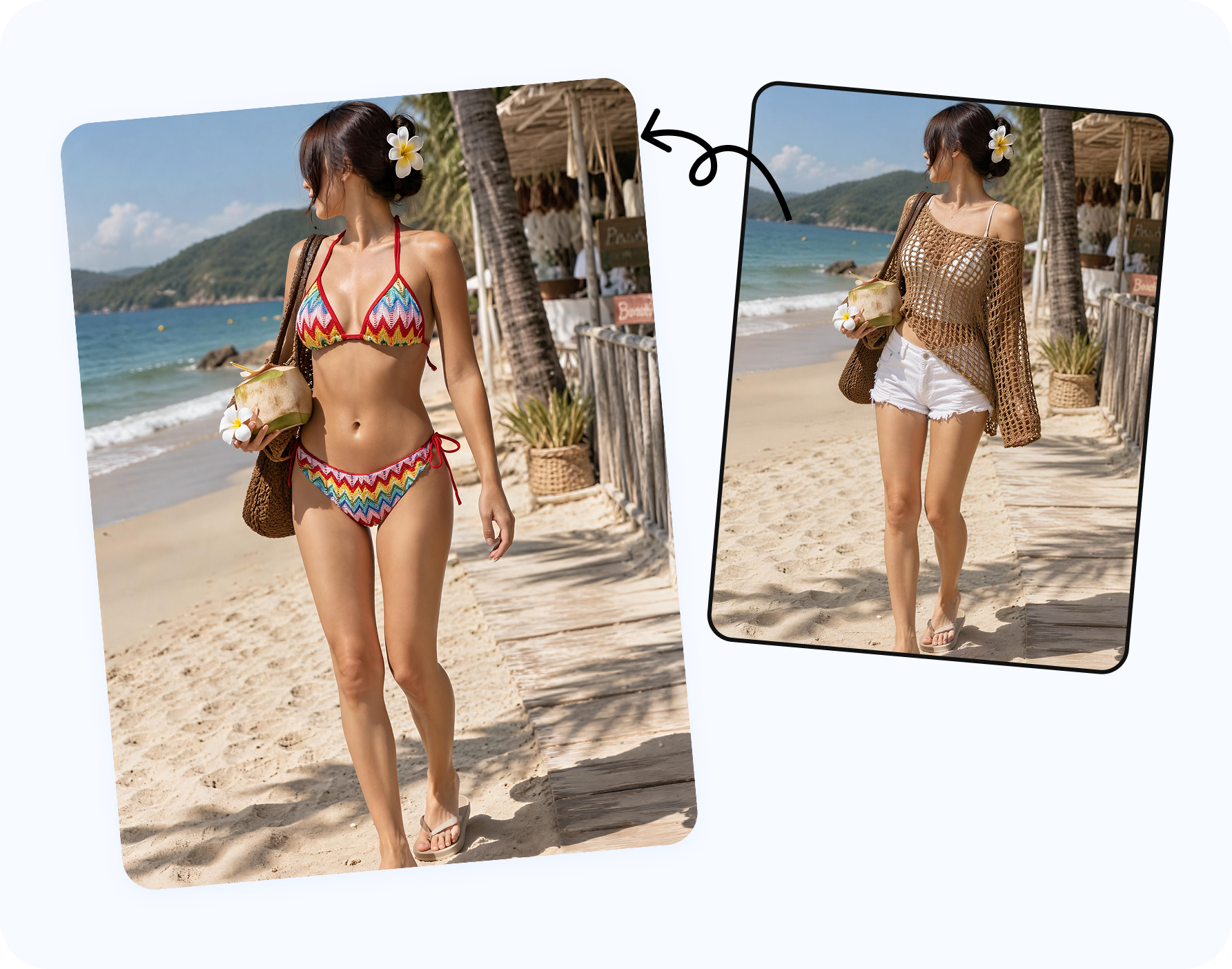
| Bikini plus cover-up | Color match, fabric transparency, sleeve length, tie placement. | Feed post, pool post, brand carousel. |
| One-piece as bodysuit | Neckline, leg cut, skirt or pants pairing, jewelry. | Resort dinner, travel recap, product-led look. |
| Linen beach set | Relaxed shape, wrinkle direction, sandals, sunglasses. | Vacation outfit, packing post, creator content. |
| Sporty beach outfit | Rashguard, cap, slides, shorts, swim-safe coverage. | Surf, lake, active travel and family vacation posts. |
| Statement resortwear | Bright color, print scale, jewelry, bag and full-body crop. | Instagram carousel, campaign image, Reels cover. |
If you only preview one look, choose the outfit that has the biggest uncertainty: a bright bikini color, a sheer cover-up, a one-piece styled as a bodysuit, or an accessory-heavy resort look.
How do you create an AI beach outfit preview?
Start with the use case
Personal travel post, creator campaign, swimwear product image or brand ad.
Choose the swimwear or outfit direction
Bikini, one-piece, cover-up, linen set, resortwear or beach accessory look.
Use a clear adult source image
A full-body or three-quarter image gives the AI room to preserve pose and body direction.
Add reference images when accuracy matters
This is important for print, color, cup shape, straps, sarong tie or brand product detail.
- Export social crops. Check 4:5 feed, 9:16 Story/Reels cover and carousel detail crop.
For users who want to see themselves in a swimsuit before buying or packing, read AI bikini try-on online. It frames the same beach outfit workflow from the personal shopping side.
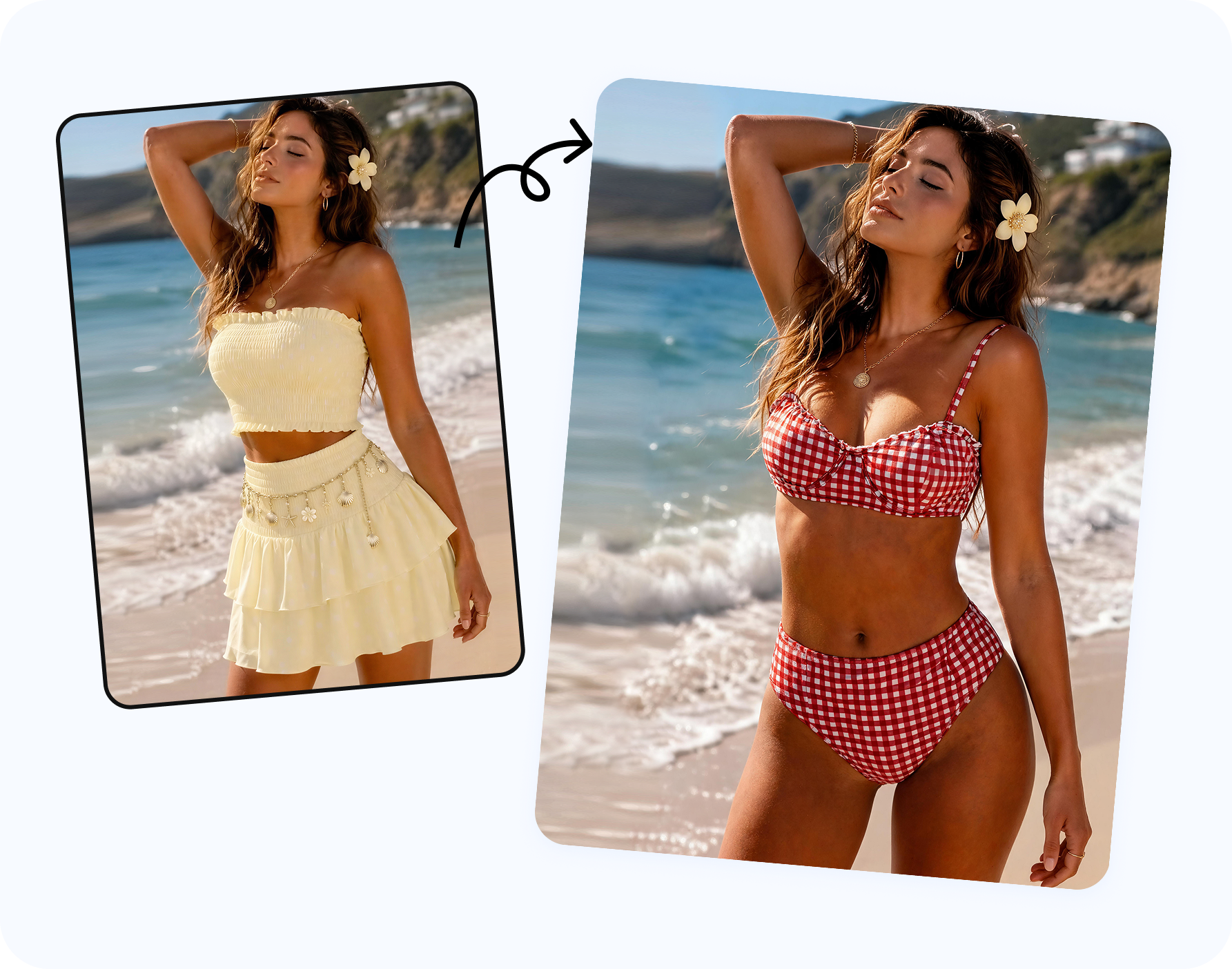
Who can use AI beach outfit previews?
Personal travel photos
Use AI previews to compare what to pack: black bikini or bright color, sarong or linen pants, straw hat or sunglasses, minimal jewelry or statement earrings. The output helps you choose the direction before the trip.
Creators and affiliates
Creators can test a beach outfit before promising a sponsored post. The preview helps decide which cover-up, camera crop and caption angle will show the product clearly.
Swimwear sellers
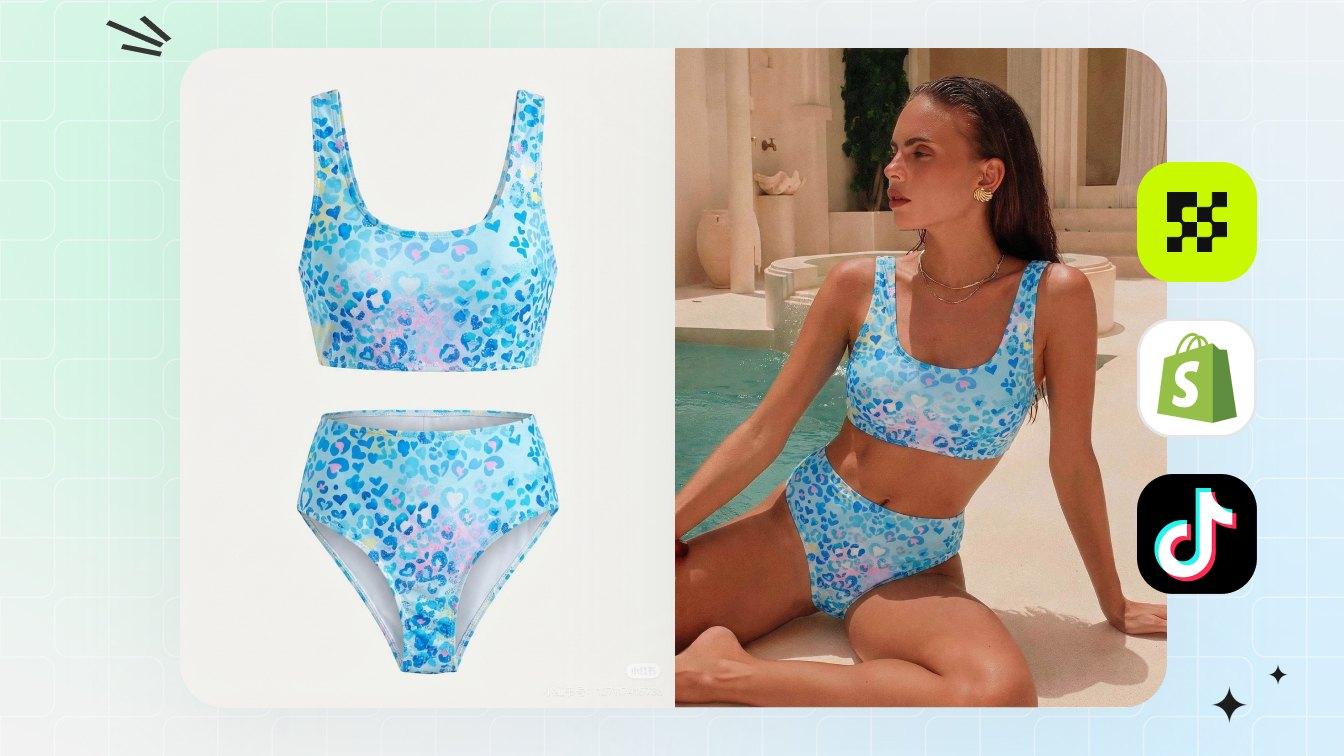
Sellers can create beach lifestyle concepts without reshooting every SKU. Use the preview to select the strongest campaign direction, then review the real product details before publishing.
If the goal is ecommerce production rather than personal content, use the bikini product photography without a photoshoot workflow.
What should you check before posting?
- Does the outfit match the caption, location and crop?
- Is the bikini, swimsuit or cover-up visible enough for the post purpose?
- Do the straps, ties, waistband, hem and cover-up edges look realistic?
- Can the image work as a 4:5 feed post and a 9:16 Story/Reels cover?
- For commercial posts, are the model, product, reference and output rights cleared?
Frequently asked questions
Can AI help plan Instagram beach outfit ideas?
Yes. AI can preview bikini, swimsuit, cover-up, resortwear and beach accessory looks when you use authorized adult images and permitted references.
What beach outfits work best for Instagram?
Bikini plus cover-up, one-piece with linen pants, sarong sets, resort dresses, straw hats, woven bags and simple sandals are easy to read in mobile crops.
Can I use AI for vacation outfit planning?
Yes. Use it to compare what to pack, what to buy and what to shoot before the trip.
Can brands use AI beach outfit images?
Yes, if they have rights to the model, product reference and output, and if they review product accuracy before publishing.
Which Snappyit tool should I use?
Use AI Bikini Photo Editor for bikini, swimsuit and resortwear looks. Use AI Outfit Generator for general clothing, jewelry, shoes, bags and accessories.
What crop works best for Instagram beach outfits?
Use 4:5 for feed posts, 9:16 for Stories and Reels covers, and a separate detail crop when the swimsuit fabric, straps or cover-up texture matter.