
At a glance
Product image SEO for ecommerce: optimize file names, alt text, compression, and structured data so your product photos rank in Google and visual search.
| Need | What to do |
|---|---|
| Get oriented | Read the short summary, then use the checklist below. |
| Create a test image | Try AI Product Photography Free |
| Before publishing | What to check |
|---|---|
| Input quality | Use a clear source image, visible product details and enough resolution for the final channel. |
| Output accuracy | Compare color, edges, scale, text, logos and product shape against the original before publishing. |
| Rights and usage | Use images you own, licensed assets or authorized adult model photos for commercial work. |
Most product photography advice stops at the shutter click. This guide picks up where that ends: your photo exists and looks good, yet image search sends almost no traffic. The gap is not photography — it is image SEO: the layer of file names, alt text, compression, and structured data that decides whether a search engine can read your picture and show it to a shopper hunting for what you sell.
Why Product Image SEO Decides Whether Buyers Find You
A growing share of product discovery now happens visually — through the image tab of a search engine, a camera pointed at the real world, and the search box inside a marketplace. Each is a doorway to your listing, and a photo with no machine-readable signals stays out of those results no matter how good it looks.
Organic image search is a real discovery channel
People browse image results to shop: they scan a grid of thumbnails, click the one that looks most like what they want, and land on whatever page hosts it. An optimized image is a high-intent second front door alongside your text listing. Skip image SEO and you do not appear in that grid, ceding the click to a competitor.
Visual search and Google Lens turn cameras into search bars
Camera-based search lets a buyer photograph a product and ask, in effect, "where can I buy this?" The system matches the snapshot against indexed images and surfaces the closest products. To be one of those matches, your photos must be crawlable, clearly cropped, and ideally connected to product data through structured markup — which is why findability and good framing reinforce each other.
Marketplace internal search ranks images too
On Amazon, Etsy, and eBay, the search box shoppers use is the marketplace's own, and these engines lean heavily on the main image. A clean, high-resolution photo that loads fast and zooms cleanly earns more clicks, and click-through feeds back into ranking. Across every channel the image decides whether you appear, how high, and whether anyone clicks — so image SEO strengthens all three at once.
Descriptive File Names Search Engines Can Read
Every image starts its life in search with its file name, and most start with a handicap. A camera hands you IMG_1234.jpg, which tells a crawler nothing about the product inside. Rename it to describe what it shows and you hand the engine a clear clue before it analyzes a single pixel.
Lead with the keyword, use kebab-case
The convention is simple: lowercase letters, hyphens between words, most important descriptors up front — color, material, product type, then angle. A file named navy-ceramic-coffee-mug-front.webp communicates subject, color, material, and shot in one glance. Avoid spaces (messy URL encodings) and underscores (treated less cleanly than hyphens), and keep the name readable, not a wall of repeated terms.
Build one naming pattern and apply it everywhere
Pick a template — for example [color]-[material]-[product]-[angle] — and apply it to every SKU and angle: the back view becomes -back, a detail crop -detail, a lifestyle shot -lifestyle. Stay descriptive, not stuffed — one honest keyword phrase per file beats jamming five synonyms into a name that reads like spam.
Start from a clean image. Descriptive names work best on a clean, single-subject photo. Remove the background free →
Alt Text That Earns Rankings and Serves Accessibility
Alt text is the short description attached to an image in your HTML, and it does two jobs at once. It is read aloud by screen readers so a shopper who cannot see the image still understands what you sell, and it gives search engines a plain-language description of what the picture depicts.
Describe what is actually visible
Write alt text as if describing the photo over the phone. A workable pattern is color, material, product, then the standout feature: "black leather crossbody bag with a gold buckle and an adjustable strap." That sentence naturally contains the words a shopper would search yet reads as a genuine description, helping the visually impaired user and the crawler alike.
Do not stuff, and do not leave it blank
An empty alt attribute wastes the best textual signal an image has. A stuffed one — "mug coffee mug ceramic mug best mug" — reads as spam to algorithms and gibberish to a screen reader. Write one accurate sentence per image, under a dozen words, and give every image unique alt text rather than one line copied across a gallery.
Compression, Format and Dimensions for Speed
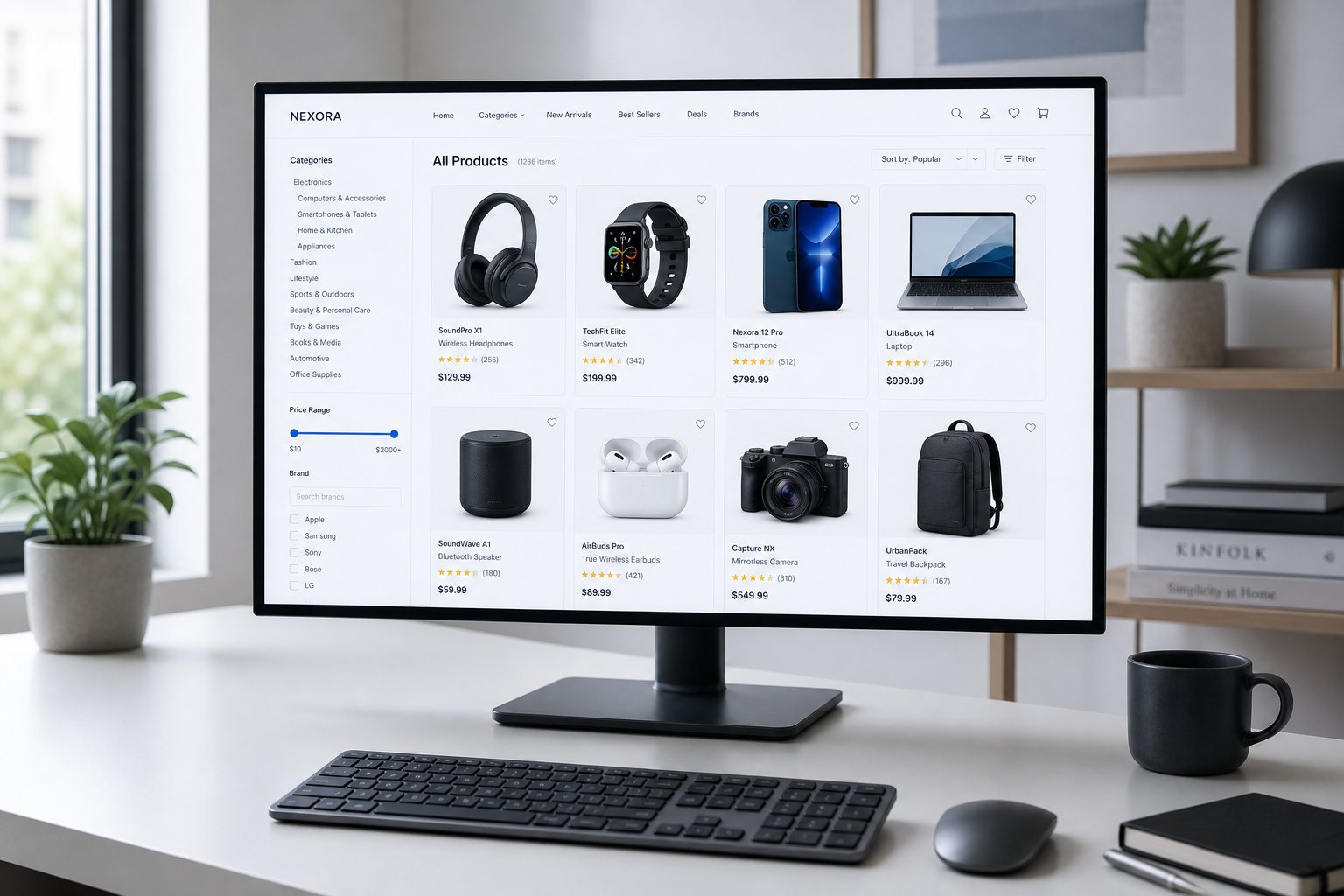
A perfectly named and described image still drags rankings down if it is heavy. File weight affects how fast a page renders, and page speed is part of Core Web Vitals — particularly Largest Contentful Paint, often a large product image. The aim is the smallest file that still survives a shopper zooming in on a detail.
Choose a modern format, fall back gracefully
The format hierarchy is settled: AVIF is the most efficient widely supported option, typically much smaller than JPEG at the same quality; WebP is the dependable middle ground; JPEG is the legacy fallback. Serving AVIF or WebP first often cuts image weight substantially with no visible quality loss — free page speed, and free ranking and conversion headroom.
Size to display, and load the right image at the right time
Do not ship a full-resolution master where a smaller image displays; export each close to the size it renders at, and use srcset so phones get small files and desktops larger ones. Defer off-screen gallery images with native lazy-loading (loading="lazy"), but never your hero — that first image is usually the LCP candidate, so load it eagerly with high priority.
Watch quality at the floor
Compression is a balance, not a race to the smallest number — push quality too low and artifacts undermine the trust the image is meant to build. If a base photo is too low-resolution to compress well, fix the resolution first: upscale a product photo free before you optimize.
Structured Data and Image Sitemaps
File names and alt text describe an image in isolation. Structured data and sitemaps connect it to your product data and make sure crawlers can find it at all — the difference between an image being merely visible and being genuinely understood in commerce.
Reference your images in Product schema
Product structured data (JSON-LD) tells a search engine what a page sells — name, brand, price, availability — and its image property tells the engine which photos belong to that product. Pointing it at high-quality, publicly reachable URLs covering several angles gives the coverage needed to match your product and, where eligible, show commerce-rich results. Use an array of front, side, and detail URLs, keep them identical to the canonical URLs in your HTML with no redirects, and use ImageObject when fuller description helps.
Help crawlers discover every photo
A search engine can only rank an image it has found. Image entries in your sitemap — a dedicated image sitemap or image tags within your regular one — surface photos crawlers might otherwise miss, especially script-injected ones. Keep the basics right too: do not block image paths in robots.txt or gate them behind logins, and keep URLs stable, since changing one resets indexing.
Optimizing Images for Marketplace Search
Marketplaces run their own search engines, and their image rules are ranking and conversion levers, not just compliance hoops. Across Amazon, Etsy, and eBay the main image carries the most weight.
- Amazon wants a clean main on a pure white background with the product filling most of the frame, and rewards resolution high enough for zoom — sharper, zoomable mains convert better, and conversion feeds ranking.
- Etsy leans on the first photo for thumbnails and click appeal; a crisp lead image that reads clearly at thumbnail size pulls more traffic.
- eBay encourages clean, high-resolution mains and discourages clutter like borders or watermarks, which can suppress visibility.
The pattern is consistent: a clean, single-product, high-resolution, fast main that meets each platform's zoom threshold ranks and converts. For exact specs per marketplace, see the guides below.
Showing Up in Google Lens and Pinterest/Visual Search
Camera-based and image-driven search — Google Lens, Pinterest's visual discovery, and similar tools — match a query image against indexed product photos, and what gets matched comes down to how clean and unambiguous your subject is.
One clear subject, nothing competing
Visual matching works best when there is no doubt what the image is of. A single product, centered, on a plain or white background gives the system a clean silhouette to compare against; cram several items into one frame or shoot against a busy backdrop and the engine has to guess. The clean framing that looks professional also matches far more reliably.
Make the matchable image the discoverable one
A photo can only be matched if it is indexed, so visual-search wins ride on everything earlier in this guide: the clean shot still needs a descriptive file name, honest alt text, a fast format, and a place in your structured data and sitemap. Do that and camera-based shoppers — who already want the item — can land on yours.
Producing Search-Ready Images at Scale with AI
Everything above is straightforward per image and brutal at catalog scale — renaming files, writing unique alt text, exporting modern formats, and keeping backgrounds clean across thousands of SKUs is where good intentions become a backlog. The fix is to produce images that are search-ready by design rather than one at a time.
Clean, consistent, high-resolution by default
The traits that rank in search and match in visual discovery are the same ones an AI product photography workflow delivers: clean, distraction-free backgrounds that read as a single subject; consistent framing across the catalog; and resolution high enough that compressing to a light file still leaves a sharp, zoomable result. When source images come out already clean, the SEO layer — naming, alt text, compression — becomes a quick, repeatable pass. Proof any on-product wording first, though, since generative tools can produce garbled text on product labels that no amount of SEO can rescue.
Marketplace-ready from one source photo
Snappyit's AI product photography turns a basic capture into clean white-background mains, lifestyle variants, and marketplace-compliant crops with consistent framing across your catalog — the raw material image SEO needs. You handle one good source photo per product; the workflow produces the search-ready, channel-specific outputs, so a small team keeps every listing findable and fast.
Frequently Asked Questions About Product Image SEO
What is product image SEO and why does it matter for ecommerce?
Product image SEO makes your existing product photos understandable to search engines so they surface in Google Images, visual search, and marketplace internal search. It focuses on findability rather than photography: descriptive file names, accurate alt text, fast compressed files, and structured data. It matters because images are a discovery channel of their own — a photo that ranks pulls in high-intent traffic that text alone would miss.
What is the best way to name product image files for SEO?
Use lowercase, hyphen-separated, keyword-led file names that describe the actual product — color, material, type, and angle — instead of camera defaults like IMG_1234.jpg. A name such as navy-ceramic-coffee-mug-front.webp tells a search engine what the image shows before it analyzes the pixels. Keep names readable rather than stuffed, avoid spaces and underscores, and apply one convention across your whole catalog.
How should I write alt text for product images?
Write alt text that plainly describes what is visible, as if explaining it to someone who cannot see it. A useful pattern is color, material, product, then a key visible feature — for example, a black leather crossbody bag with a gold buckle and adjustable strap. This serves screen-reader accessibility first and gives search engines an honest text signal second. Avoid cramming in extra keywords, since stuffing reads as spam to algorithms and assistive technology alike.
Which image format and size should I use for fast-loading product pages?
Serve modern formats first — AVIF or WebP — with a JPEG fallback for older clients, since these are typically much smaller at the same visual quality. Size each file to the largest dimension it actually displays at rather than uploading the full-resolution master, and use responsive sizes so phones do not download desktop-scale images. Compress gallery files while keeping them sharp enough to survive a zoom, because page speed affects both ranking and how shoppers experience the page.
Do product images need structured data and an image sitemap?
Yes, both help. Product structured data that references your image URLs lets search engines connect a photo to its price, availability, and product details, which can unlock richer image and shopping results. An image sitemap, or image entries in your regular sitemap, helps crawlers discover photos they might otherwise miss, especially script-loaded ones. Make sure the image URLs in your markup match those in your HTML, stay crawlable, and do not redirect, since stable canonical URLs preserve indexing over time.
Turn your product photos into a discovery channel
Your photos are already good. Make them findable and fast — clean subjects, descriptive names, honest alt text, modern compression, structured data — and they start pulling in high-intent shoppers from image and visual search.
Produce search-ready product images with AI →