



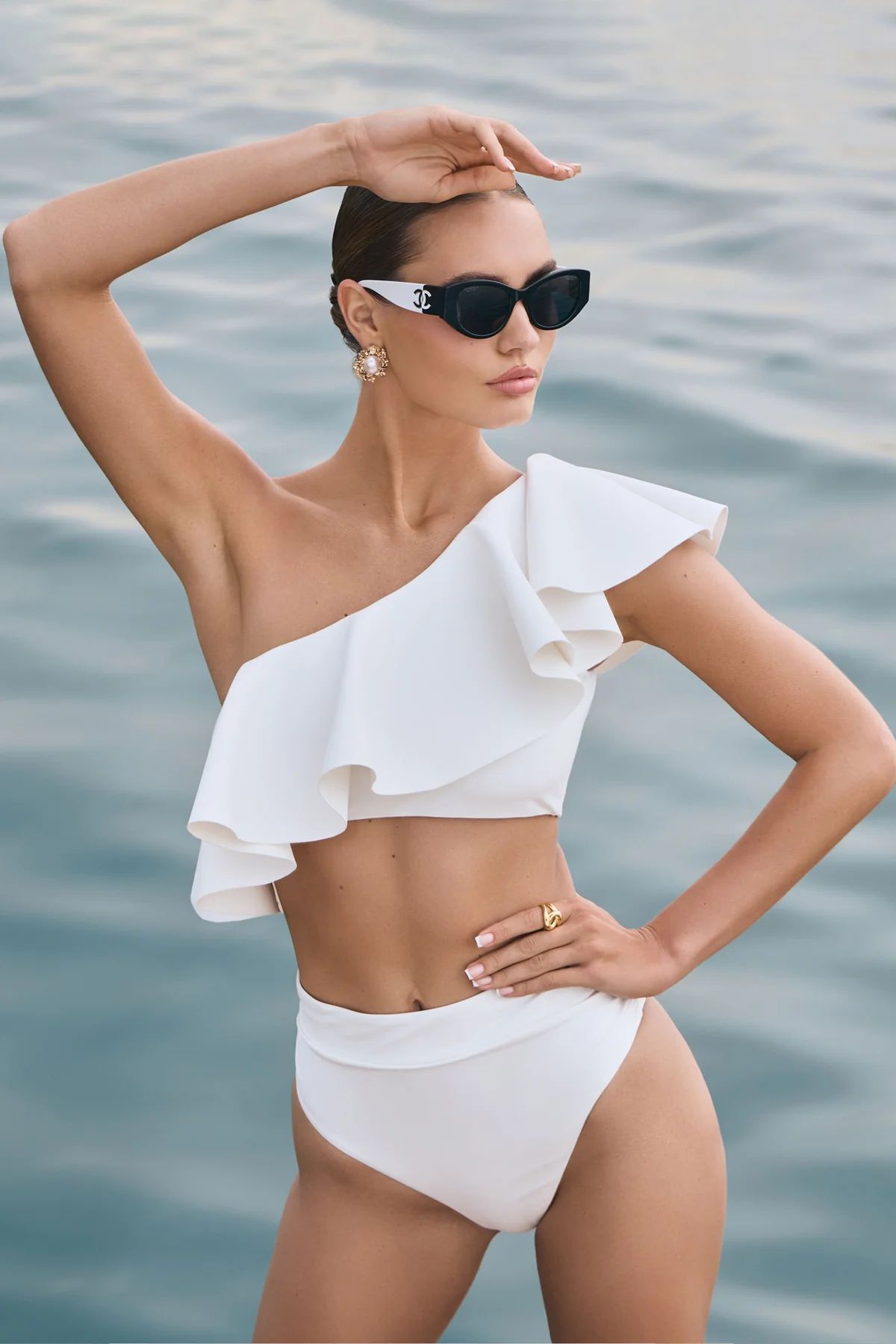
Why Swimwear Is the Most Seasonal Catalog to Shoot
Swimwear collapses an entire year of catalog photography into a 6–8 week SS-prep window. Beach locations need weather; the model availability pool shrinks against fashion week and resort campaigns; Amazon main-image white-background spec is non-negotiable. AI changes the unit economics — the SS catalog gets prepped in November on a phone, not in March on a Maui beach.
Traditional Beach Shoot vs Snappyit AI — Line-Item Cost
Per-SKU cost comparison. Real beach shoot costs aggregate model day rate, photographer, location, hair/makeup, post-production, and the SS-season scheduling window. Snappyit replaces every line item with a single per-output credit price.
| Line item | Traditional beach shoot | Snappyit AI | Source |
|---|---|---|---|
| Model day rate | $2,000–$10,000 | $0 (synthetic model) | Uwear 2026 |
| Photographer + assistant | $500–$2,000 / day | $0 | Industry rate, 2026 |
| Beach or pool location | $300–$2,500 / day | $0 (AI scene templates) | Industry rate, 2026 |
| Hair / makeup | $300–$800 / day | $0 | Industry rate, 2026 |
| Post-production retouching | $20–$100 / image | included | Industry rate, 2026 |
| Per-SKU shoot time | 1–2 days | ~5 minutes (all 3 tools) | Snappyit operational data |
| SS-season production window | 6-week sprint (Mar–Apr) | Year-round, weather-proof | — |
| Per-image cost | $20–$100 / image | $0.03–$0.10 / image | Snappyit pricing, 2026 |
Net effect for a 50-SKU swim catalog: traditional production runs $15,000–$75,000 across roughly six weeks of crew scheduling. Snappyit ships the same 50 SKUs (one Ghost Mannequin + one Fashion Model + one Image-to-Video output per SKU = 150 images) for roughly $5–$15 in under one afternoon — a 1000× cost reduction. The remaining budget reinvests into paid acquisition and creative iteration instead of disappearing into one production push.
Four Tools, Four Listing Outputs, One Workflow
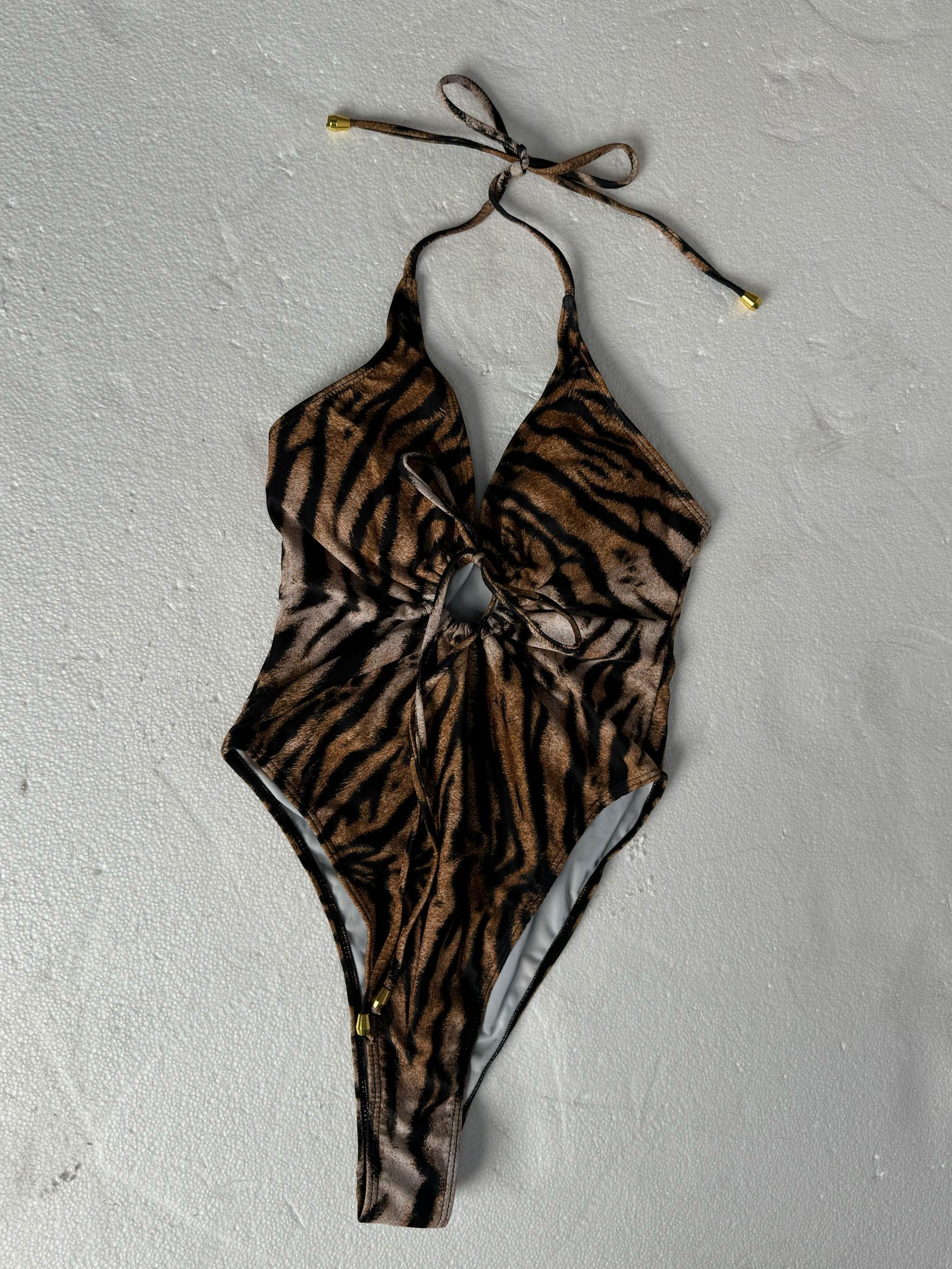
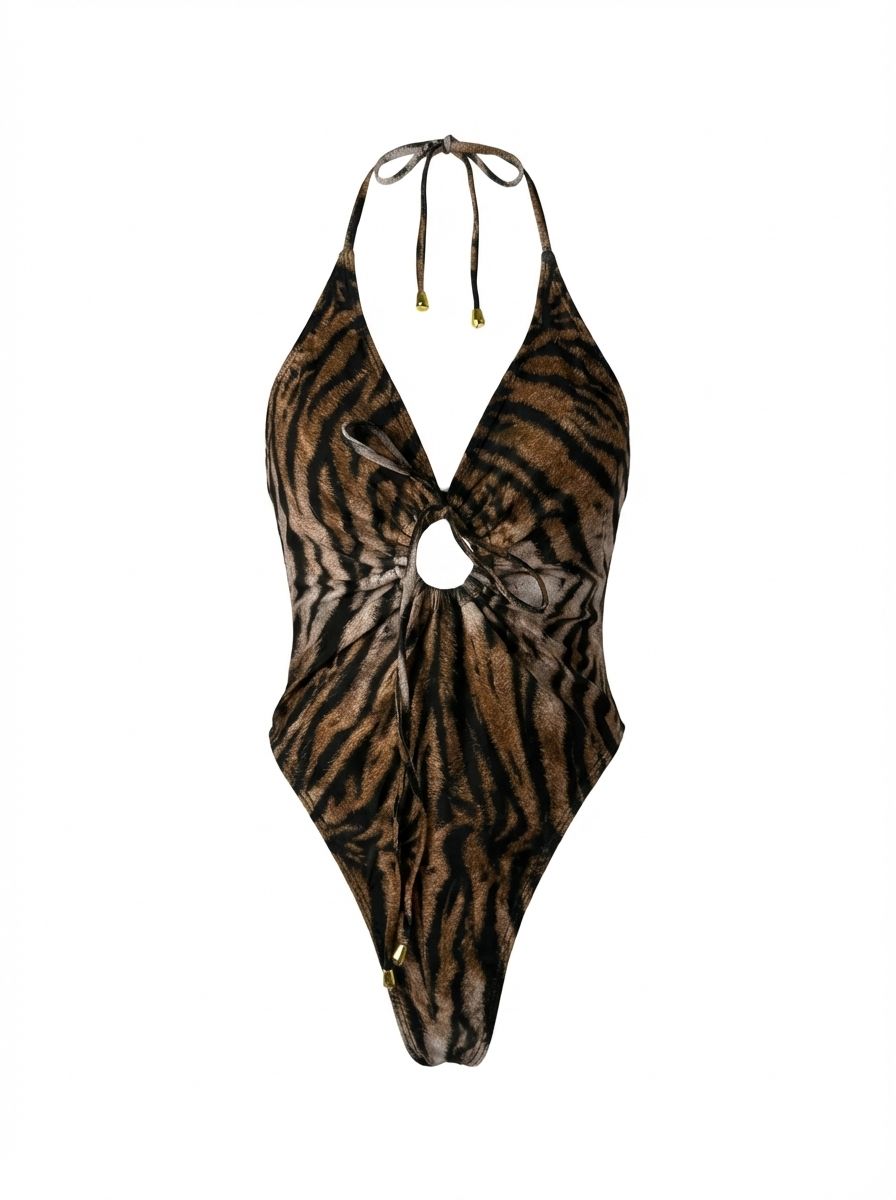
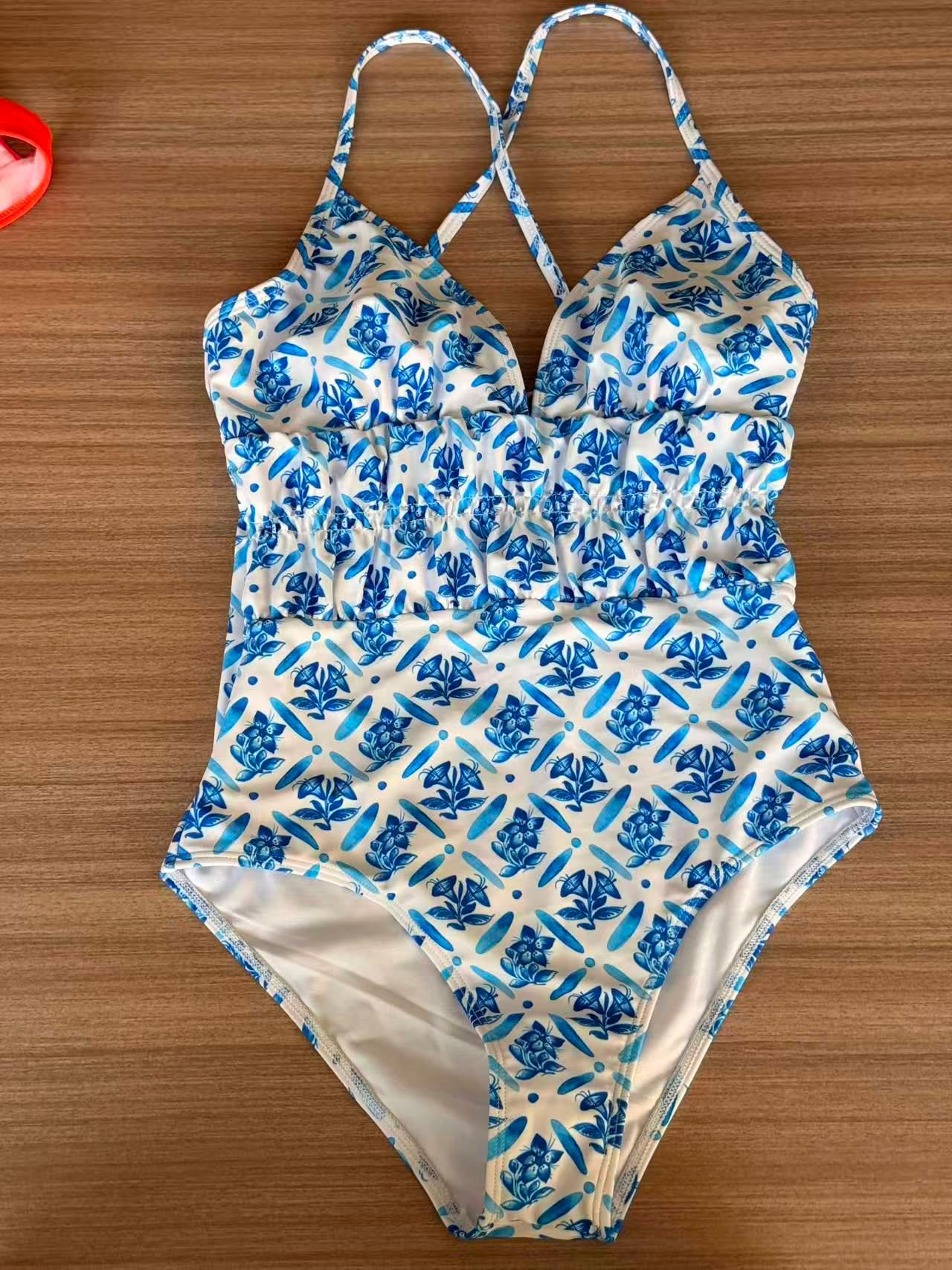
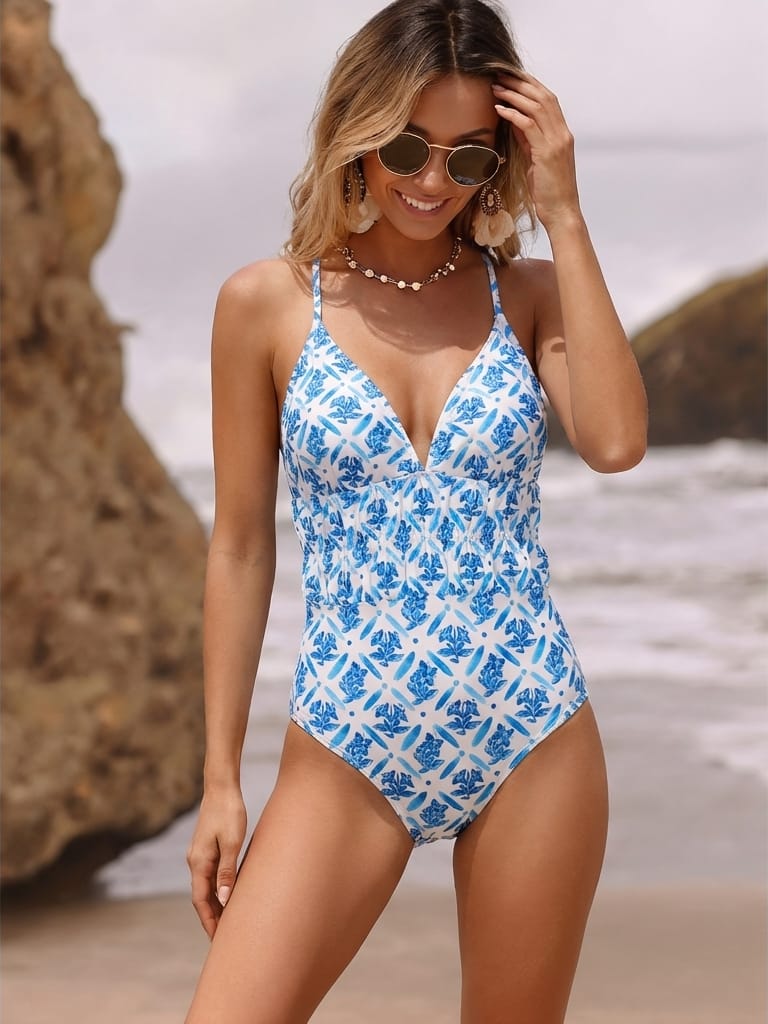
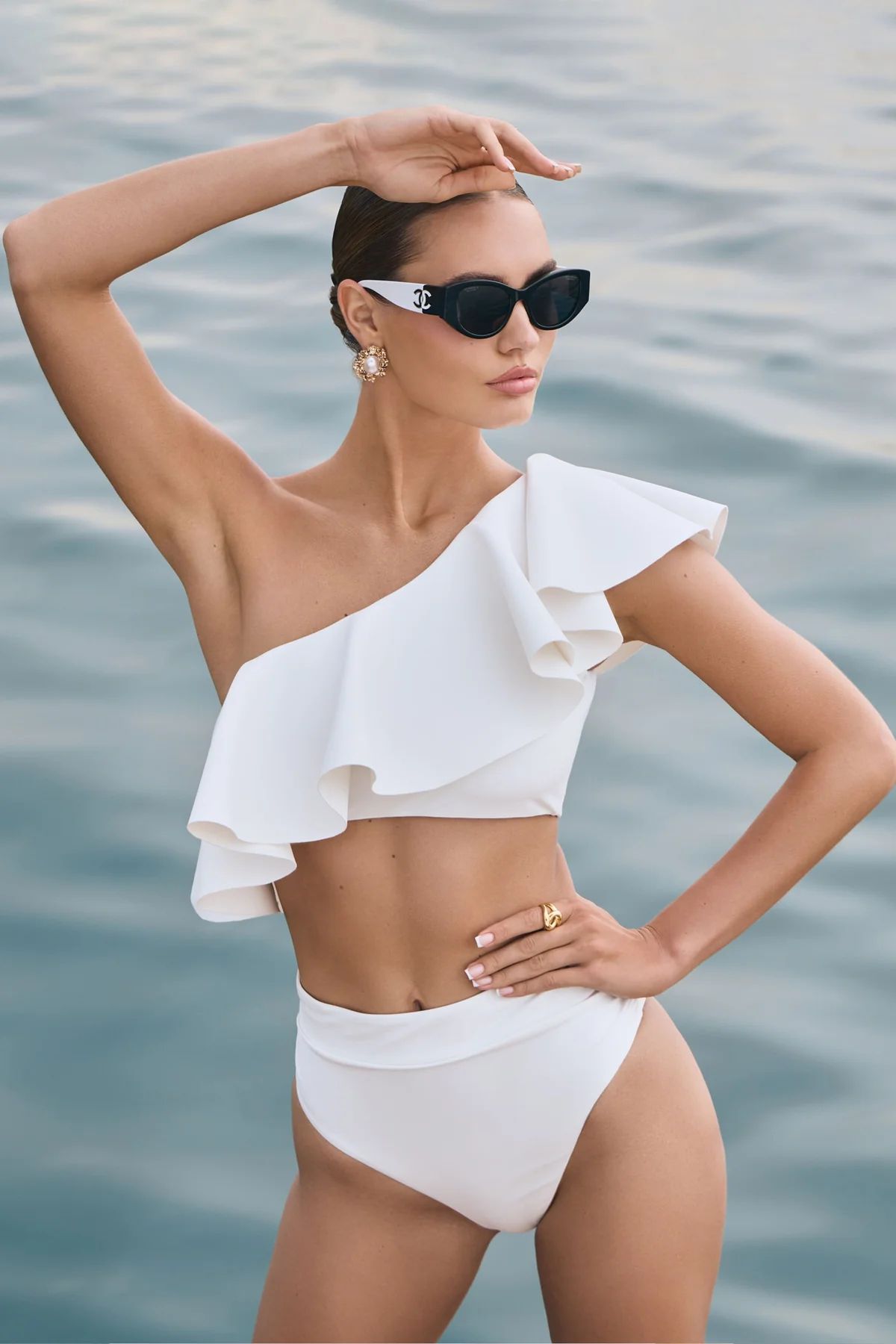
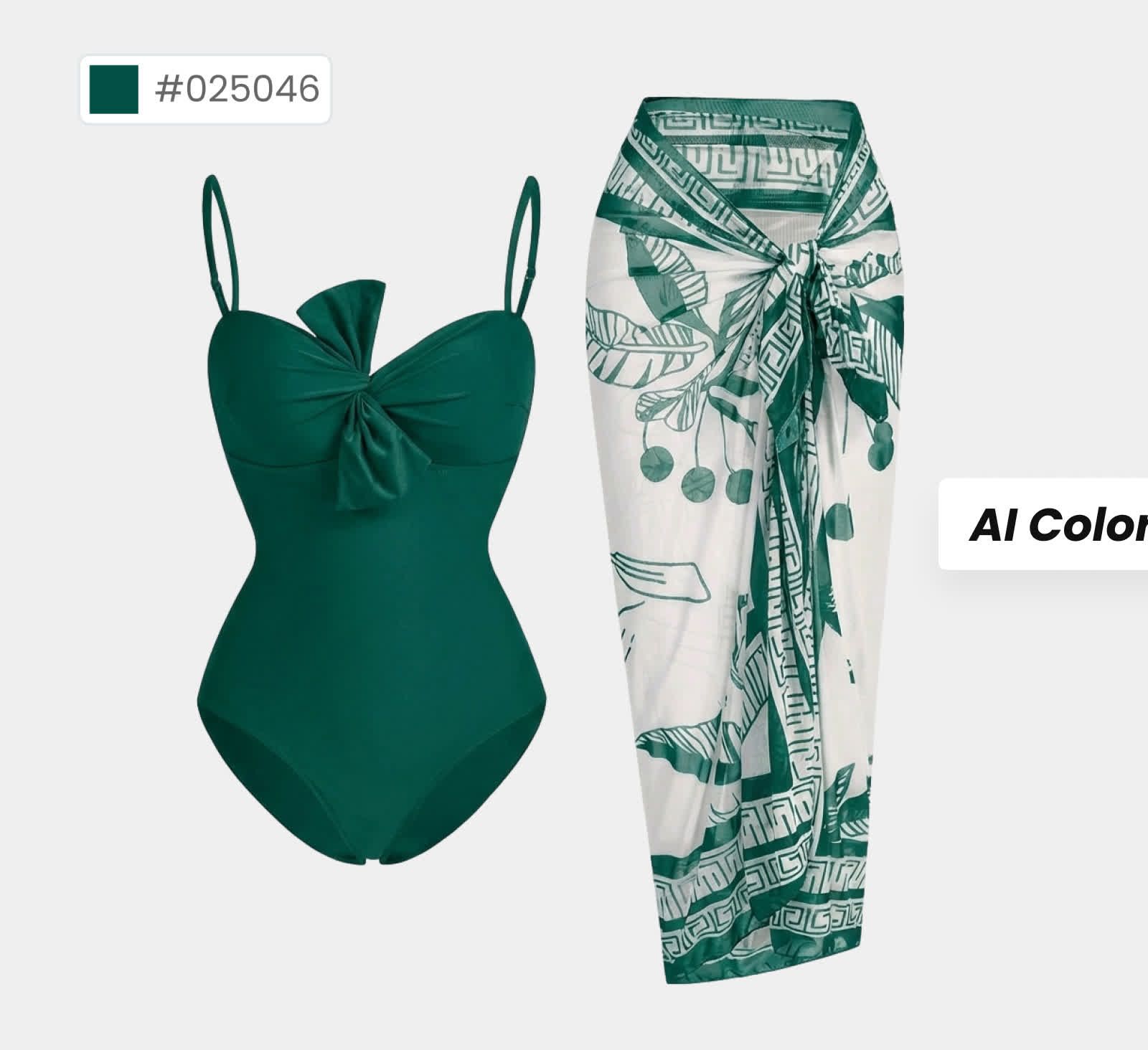
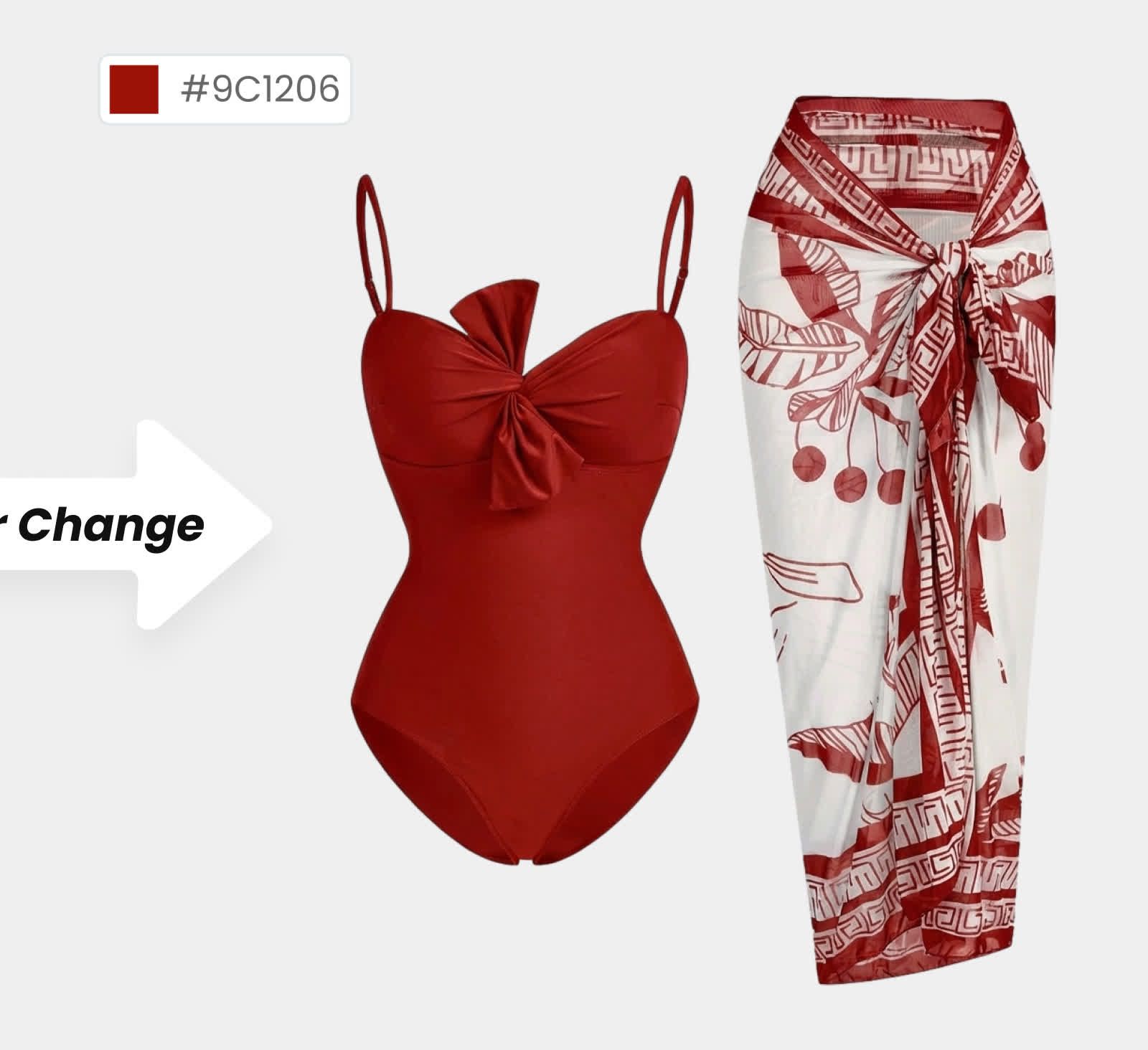
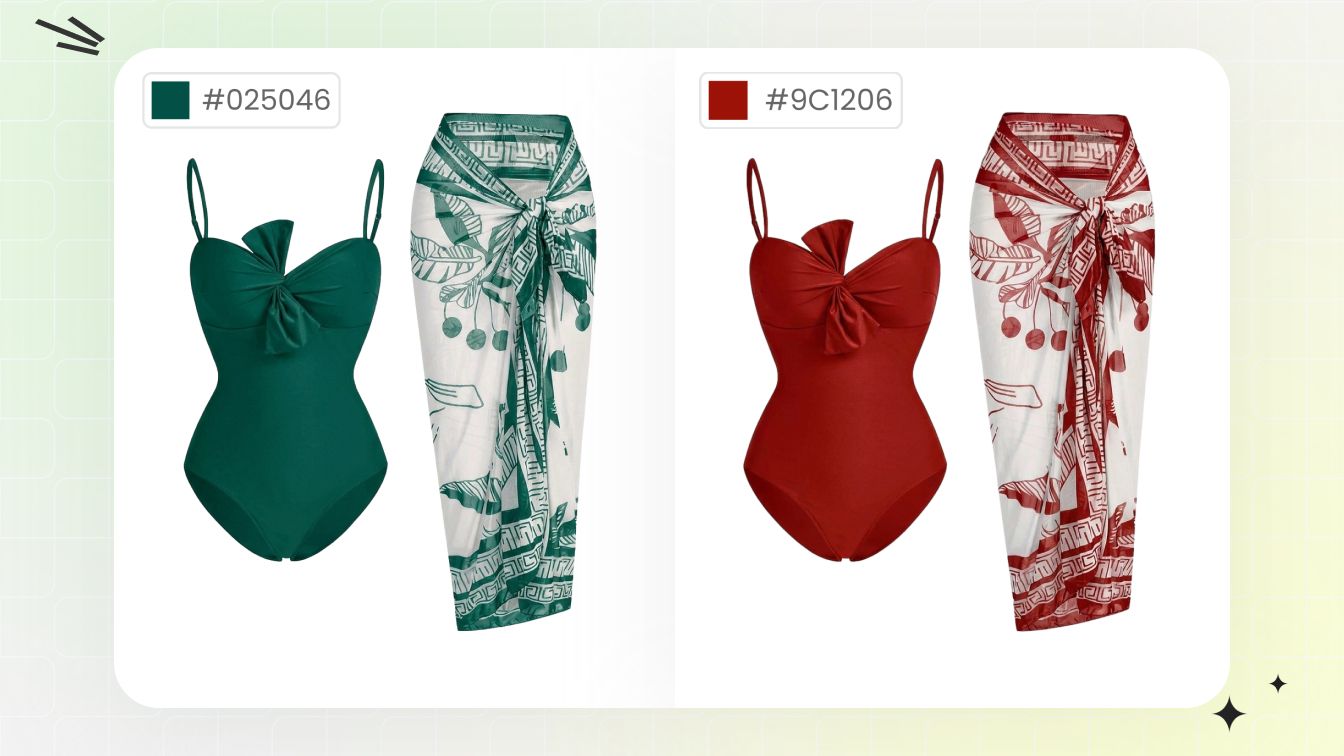
Take one phone flat-lay per SKU. AI Ghost Mannequin for the Amazon white-background main, AI Fashion Model for the beach hero, AI Image-to-Video for the 9:16 Reels & TikTok clip, and AI Color Change for the full colorway SKU set — no model booking, no beach travel, no retouching pipeline.
Four Steps Through the Snappyit Swimwear Workflow
Upload one phone flat-lay per SKU, run all three tools from the same source. Beach lifestyle hero + Amazon white-background catalog + the full color SKU set — multi-platform assets in under five minutes per swimsuit.
Three Tools — Which One Per SKU?
Most swim sellers run all three Snappyit tools in sequence per SKU. AI Color Change covers the multi-color colorway pass as a bonus fourth step when the SKU ships in multiple colors.
AI Ghost Mannequin
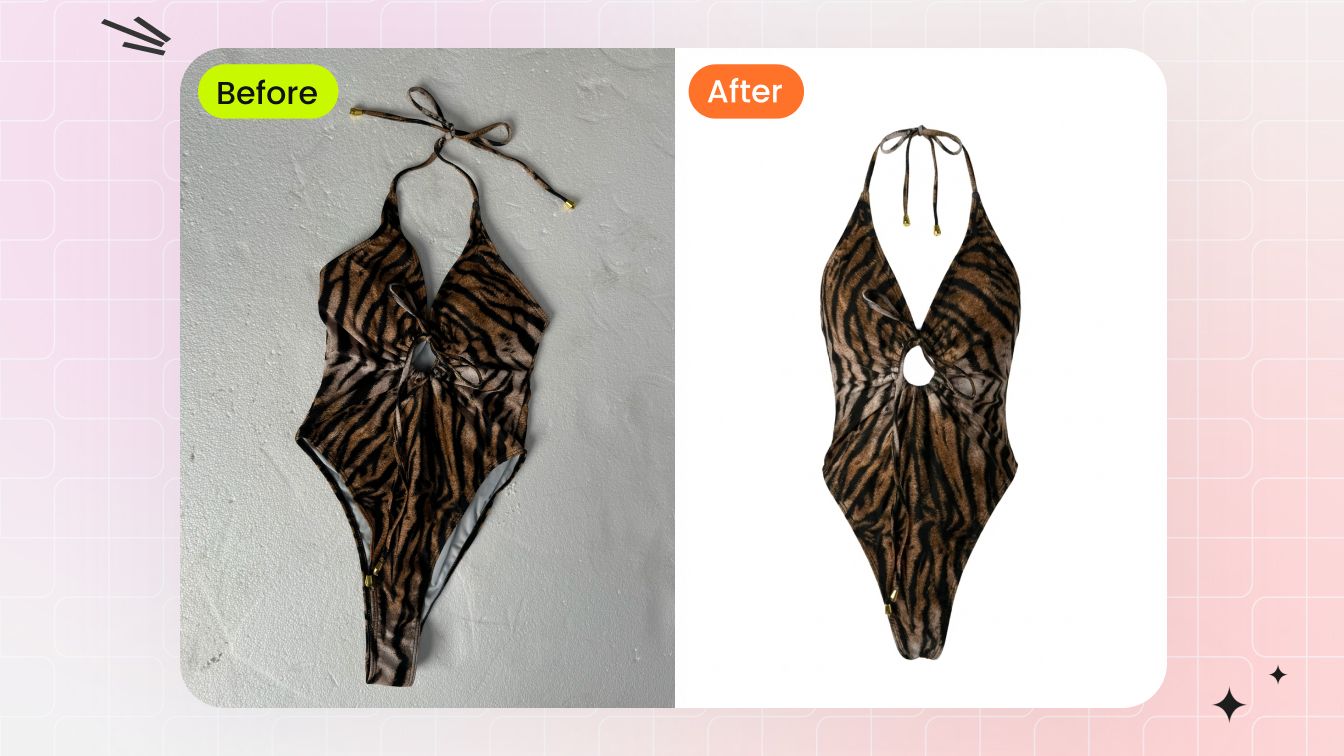
3D invisible-mannequin shape on pure white background — Amazon Fashion main-image spec ready straight out. The Photoshop pen-tool work collapses into a 60-second render.
- RGB 255,255,255 background, 1:1 aspect
- Strap topology & cup shape preserved
- Print pattern, sequin, mesh accurate
- Feeds into Fashion Model as a clean source
AI Fashion Model
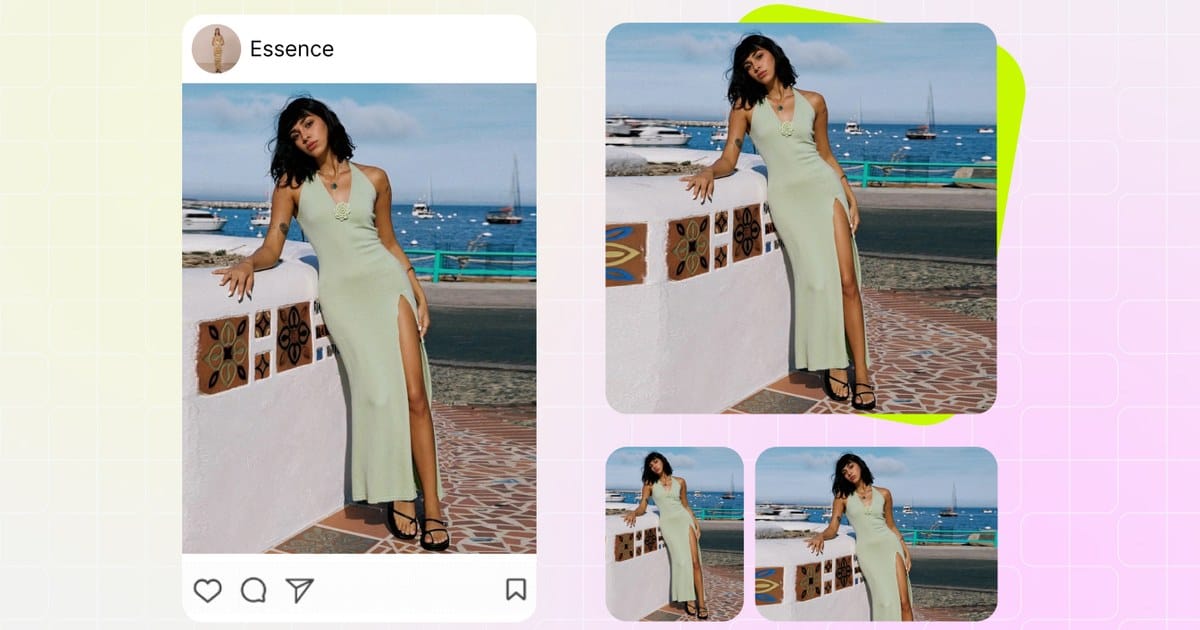
Turn any bikini, one-piece, tankini, or cover-up flat-lay into a beach or poolside on-body shot. The catalog hero buyers see first on Etsy, Shopify, TikTok Shop.
- Beach, poolside, resort, studio templates
- Plus-size, petite, mid-size body sliders
- Skin tone & ethnicity adjustable
- Model seed lock — brand-consistent SS campaign
AI Image-to-Video
Animate any static AI Fashion Model output into a 5–10 second 9:16 vertical loop. TikTok Shop, Instagram Reels, Pinterest Idea Pins ready — no videographer or beach trip required.
- Vertical 9:16, 1:1, 16:9 crop options
- 5–10 sec loops with natural camera motion
- Same model identity as the static hero
- Direct upload to TikTok Shop & Reels
Platform Compliance — Amazon, Shopify, Etsy, TikTok, Meta
Swimwear image policies vary by platform. Snappyit's beach & pool template defaults are tuned to satisfy all five — but knowing which pose and backdrop combinations trigger rejection is what keeps your SS listings from getting suppressed during peak season.
FAQ — AI Swimwear Photography in 2026
The eight most-searched questions about AI bikini and swimwear model generators, Amazon Fashion compliance, plus-size support, cost vs traditional beach shoots, and free-trial options.
More Resources for Swimwear Sellers
Generate your first swimwear listing photo in 90 seconds
Free credits on every new Snappyit account. Upload one bikini, one-piece, tankini, or cover-up phone shot and ship beach on-body, Amazon-spec ghost mannequin, and full-colorway assets across every platform before you finish your coffee.






