
At a glance
Pinterest catalog image requirements explained: product pin specs, why pins get rejected, the Verified Merchant image-quality gate, and how to fix each issue.
| Need | What to do |
|---|---|
| Get oriented | Read the short summary, then use the checklist below. |
| Create a test image | Try AI Product Photography Free |
Pinterest's image rules: catalogs, product Pins and Verified Merchant
Pinterest requires every catalog image to be at least 75 x 75 pixels, served from a working image_link URL with no placeholder graphics, and it recommends 1000 x 1500 pixel lifestyle images at a 2:3 aspect ratio, according to Pinterest's data source documentation.
Product Pins pass through two gates: feed ingestion, the automated checks that reject broken image links, missing fields and undersized files, and merchant review, the quality evaluation behind Verified Merchant status. An image can clear ingestion and still sink your review.
Catalog feed image requirements at a glance
| Requirement | Rule | Enforced at |
|---|---|---|
| Minimum image size | At least 75 x 75 pixels | Feed ingestion |
| Recommended size | 1000 x 1500 pixels (2:3); lifestyle imagery encouraged | Feed display |
| image_link URL | Must load the real product image — no placeholders, no commas in the URL | Feed ingestion |
| Watermarks and overlays | No watermarks, logo stamps or heavy promotional text | Merchant review |
| Accuracy | The image must show the specific item that is for sale | Merchant review |
| Price and stock data | Accurate and current within seven days | Merchant review |
The accuracy and freshness rules come from Pinterest's merchant guidelines, which also let Pinterest remove product Pins from stores that violate them.
The Verified Merchant review layer
The Verified Merchant Program lists three application requirements: connect a product catalog, install the Pinterest tag, and pass merchant review — with image quality named as a factor that can cause rejection. Issues flagged after verification give you 30 days to fix; resolve them inside that window and you are re-enrolled automatically.
Why products get rejected or fail merchant review
Most product Pin rejections and failed merchant reviews trace back to three image problems: visible grain or low resolution, watermarks and text overlays, and crops that hide or misrepresent the product.
Grainy or low-resolution images
Old supplier photos, re-saved marketplace screenshots and over-zoomed phone shots all render soft in Pinterest's image-dense feed, and reviewers read that softness as a store-quality signal.
Watermarks, logos and text overlays
Photographer watermarks, oversized logo stamps and burned-in banners like "SALE -50%" read as low-trust imagery, and the merchant guidelines require products presented honestly and cleanly. Text belongs in your title and price fields, not baked into the image.
Poor crops and misleading images
The image must show the specific item being sold — not a collage, a different colorway, or a garment with the hem sliced off by an aggressive crop. Square marketplace photos forced into vertical frames cause most accidental crops in fashion feeds.
Fix: grainy or low-resolution images
The fastest fix for a grainy catalog image is an AI upscaler, which rebuilds detail at 2x to 4x resolution instead of stretching the pixels you already have — restoring the fabric and jewelry texture that simple enlargement smears.
Upscale in three steps
- Start from your best original. Upload the largest file you have — never a screenshot — to the free product photo upscaler.
- Upscale and inspect at 100%. Check stitching, logos and edges; for heavily compressed sources, see fixing blurry product photos and making product photos higher resolution.
- Publish at a new URL. Pinterest only recognizes an image change when the image URL changes, so upload the fixed file under a fresh filename and update image_link.
Same failure, other platforms
The same upscale-and-replace fix clears resolution rejections on other marketplaces too:
- Amazon: image rejected as too small
- eBay: too small to enable zoom (1600 px fix)
- Walmart: listing unpublished for low-resolution images
- Etsy: photos blurry after upload
Rejected for image quality? Upscale the photo in your browser before you resubmit the feed. Upscale it free →
Fix: watermarks, text overlays and messy backgrounds
Remove watermarks, logo stamps and promotional text from every catalog image before review, because Pinterest's merchant guidelines treat them as honesty and quality violations. The clean fix is not clone-stamping over the mark — it is separating the product from the background entirely.
Strip the overlay, keep the shot
Run the image through the free background remover to lift the product off the watermarked or cluttered backdrop, then place it on a fresh background — a sharp cutout with intact edges instead of smudgy repair artifacts.
Pinterest is looser on backgrounds than marketplaces
Unlike Amazon or Walmart, Pinterest does not force a white background on the main image — lifestyle backdrops are encouraged. The line that matters is messy versus styled: a cluttered desk fails, an intentional scene outperforms a sterile packshot. If the background works against the product, replace it rather than cropping tighter.
Fix: getting to 2:3 without cropping the product
Reach Pinterest's 2:3 aspect ratio by extending the canvas around your product, not by cropping into a square photo. Fashion catalogs are full of 1:1 marketplace images, and cropping those to vertical is how hems, chains and sleeves get cut off — the poor-crop rejection in disguise.
Pinterest Pin size cheat sheet
| Format | Dimensions | Aspect ratio | Notes |
|---|---|---|---|
| Standard product Pin | 1000 x 1500 px | 2:3 | Recommended size; fills the feed without cropping |
| Square | 1000 x 1000 px | 1:1 | Accepted, but occupies less feed space than 2:3 |
| Tall limit | 1000 x 2100 px | 1:2.1 | Pins taller than this get cut off in the feed |
| Catalog floor | 75 x 75 px | Any | Ingestion minimum only — far too small to sell |
The 1000 x 1500 recommendation and the tall-Pin cutoff are documented in Tailwind's Pinterest image size chart.
Recompose a square packshot in one pass
Use the free image resizer to set a 2:3 target and extend the background instead of slicing into the product. The same source file can be recomposed for square marketplace slots and vertical Pins.
Square photos, vertical feed? Recompose to 2:3 without losing a single stitch. Try Snappyit free →
Batch-audit your whole feed before applying for VMP
Audit every image in your catalog before applying to the Verified Merchant Program, because merchant review evaluates your store as a whole rather than approving Pins one at a time — one clean hero product will not offset forty grainy legacy SKUs.
A 20-minute feed audit
- Sort feed products by image width and flag anything under roughly 1000 pixels.
- Skim thumbnails for watermarks, burned-in text and obvious placeholder images.
- Spot-check that each image_link loads the correct item and colorway.
- Note square or landscape images that would crop badly at 2:3.
Fix in bulk, not one by one
Push the flagged list through the batch product photo editor to upscale, clean and recompose whole folders at once — see batch-upscaling a product photo catalog for the workflow. If you also sell through Instagram Shops, the same audit maps onto Meta's catalog image rules. Snappyit fixes the images only; feed upload and review happen in Pinterest's Catalogs manager, covered in Pinterest's catalogs guide.
Applying for the blue checkmark? Clean the whole catalog before review sees it. Try Snappyit free →
From approved to clicked: upgrade passing Pins to lifestyle scenes
An approved Pin is the floor, not the ceiling — Pinterest's own creative best practices tell sellers to make the product the star and show it in realistic settings, because lifestyle imagery is what moves people from browsing to acting.
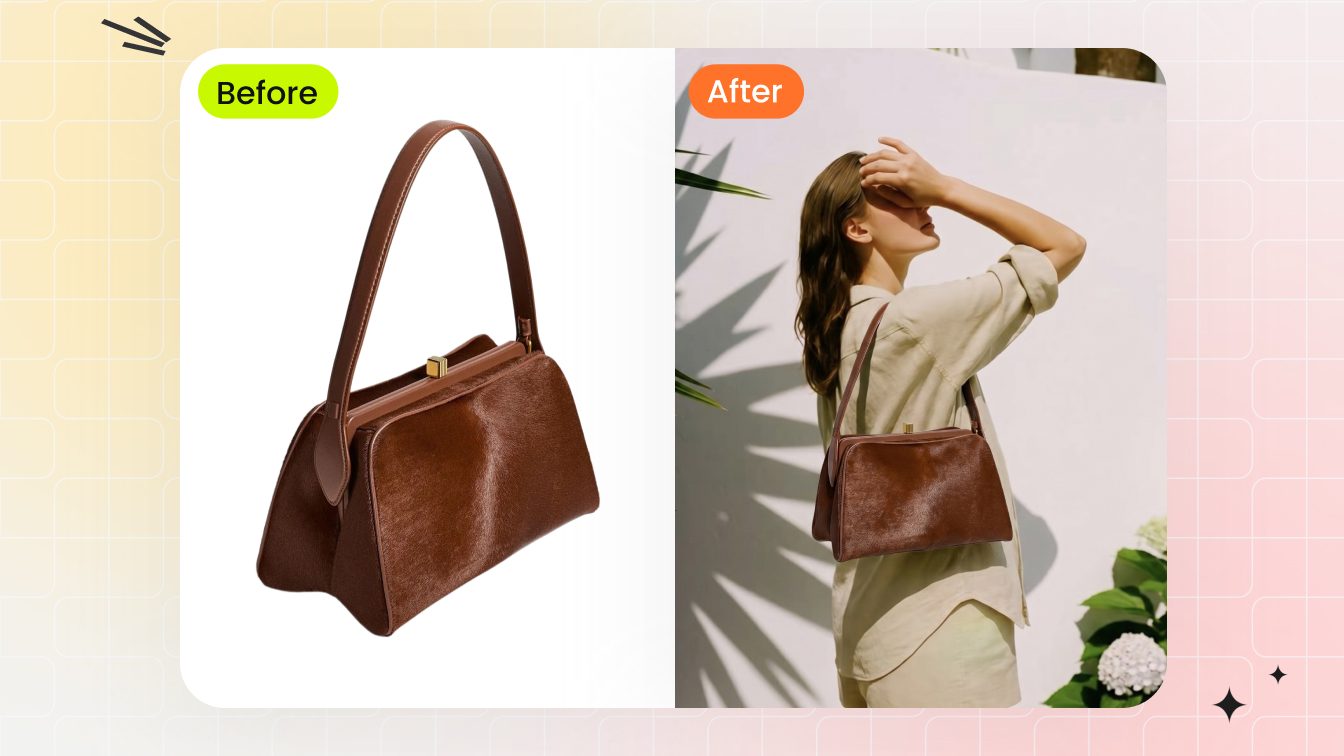
The approved packshot, upgraded: the same bag in a scene shoppers can picture themselves in.
No photoshoot needed: an AI fashion model puts flat lays and ghost mannequin shots on a realistic model, and the same flow places bags and jewelry into styled scenes. Keep the accurate packshot in your feed, and Pin the scene version to reach browsers.
For the full playbook — boards, fresh Pins, and scheduling with tools like Tailwind or Pinterest's native scheduler (Snappyit creates the images; it does not schedule posts) — see how to sell on Pinterest as a fashion brand.
FAQ: Pinterest catalog images and merchant review
Answers to the questions sellers ask most after a rejection.
How long does Pinterest take to re-review rejected product Pins?
Pinterest does not publish a fixed re-review timeline. Feeds are typically re-ingested about once a day, so a corrected image usually reprocesses within a day or two of updating the image URL. If your verified status is suspended, Pinterest gives you 30 days to resolve the issues, and fixing them within that window re-enrolls you automatically.
Are AI-enhanced product images allowed on Pinterest?
Yes. Pinterest does not ban AI-edited product photos — upscaling, background cleanup and AI scenes are common in catalog feeds. Pinterest has started labeling Pins it detects as AI-generated or heavily AI-modified, so the image must still show the real product accurately. See our guide to whether AI-generated product photos are legal for platform-by-platform disclosure rules.
Do catalog feed images follow different rules from manually created Pins?
Yes. A manually created Pin only needs to meet Pinterest's general content standards, while catalog images must also pass feed ingestion — working image_link, minimum size, no placeholders — plus merchant guidelines that prohibit watermarks and misleading photos. The same photo can perform fine as an organic Pin and still be disapproved in your product feed.
Does the Verified Merchant Program actually matter for sales?
For most fashion and jewelry sellers, yes. The blue checkmark signals a vetted store, and verification unlocks shopping surfaces that standard accounts do not get. Applying is free, so the real investment is getting your catalog images clean enough to pass merchant review.
Can a lifestyle image be the main catalog image on Pinterest?
Yes. Unlike Amazon or Walmart, Pinterest does not require a white background for the main image — its help documentation actually recommends lifestyle images in a 2:3 ratio for catalogs. The product must still be clearly visible, accurate and free of watermarks or heavy text.
What aspect ratio should Pinterest Pins be?
Use a 2:3 aspect ratio, ideally 1000 x 1500 pixels. Vertical 2:3 images fill the most feed space without being cropped, while Pins much taller than 2:3 risk getting cut off in the feed. Square 1:1 images are accepted but surrender feed space to 2:3 competitors.
Pass the gate, then win the feed
Passing Pinterest's image gate takes three moves: upscale anything soft, strip watermarks and clutter, and recompose every image to 2:3 without cropping the product. The product photo upscaler and background remover handle the first two in your browser for free, and the batch product photo editor runs the whole catalog before merchant review ever sees it.
And once every Pin passes, the winning move is upgrading those approved packshots into on-model and lifestyle scenes — the whole toolkit lives under AI product photography.
Upgrade your product photos with AI →
More Resources on Product Image Standards
 Amazon Product Image RequirementsThe complete main-image rulebook and compliance checklist for Amazon.
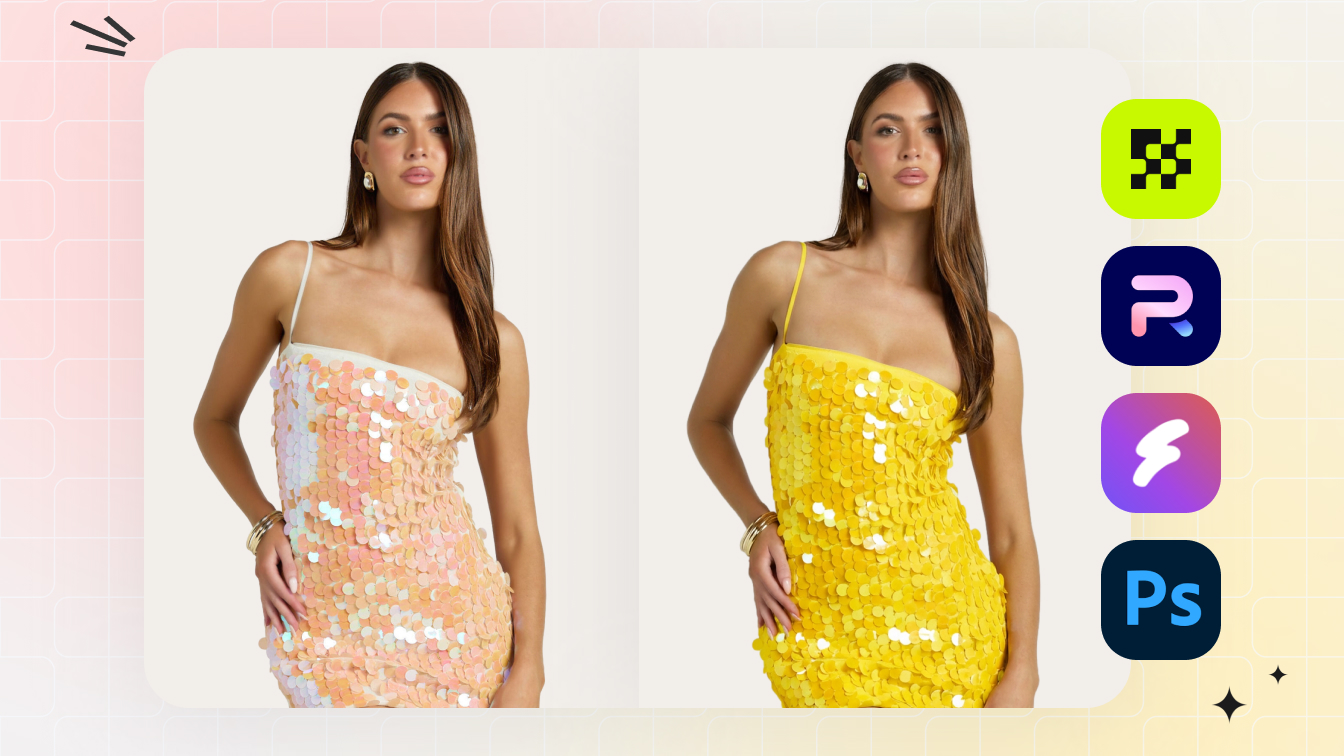 Best AI Recolor Tools for Product PhotosGenerate every colorway from one product photo with accurate color.
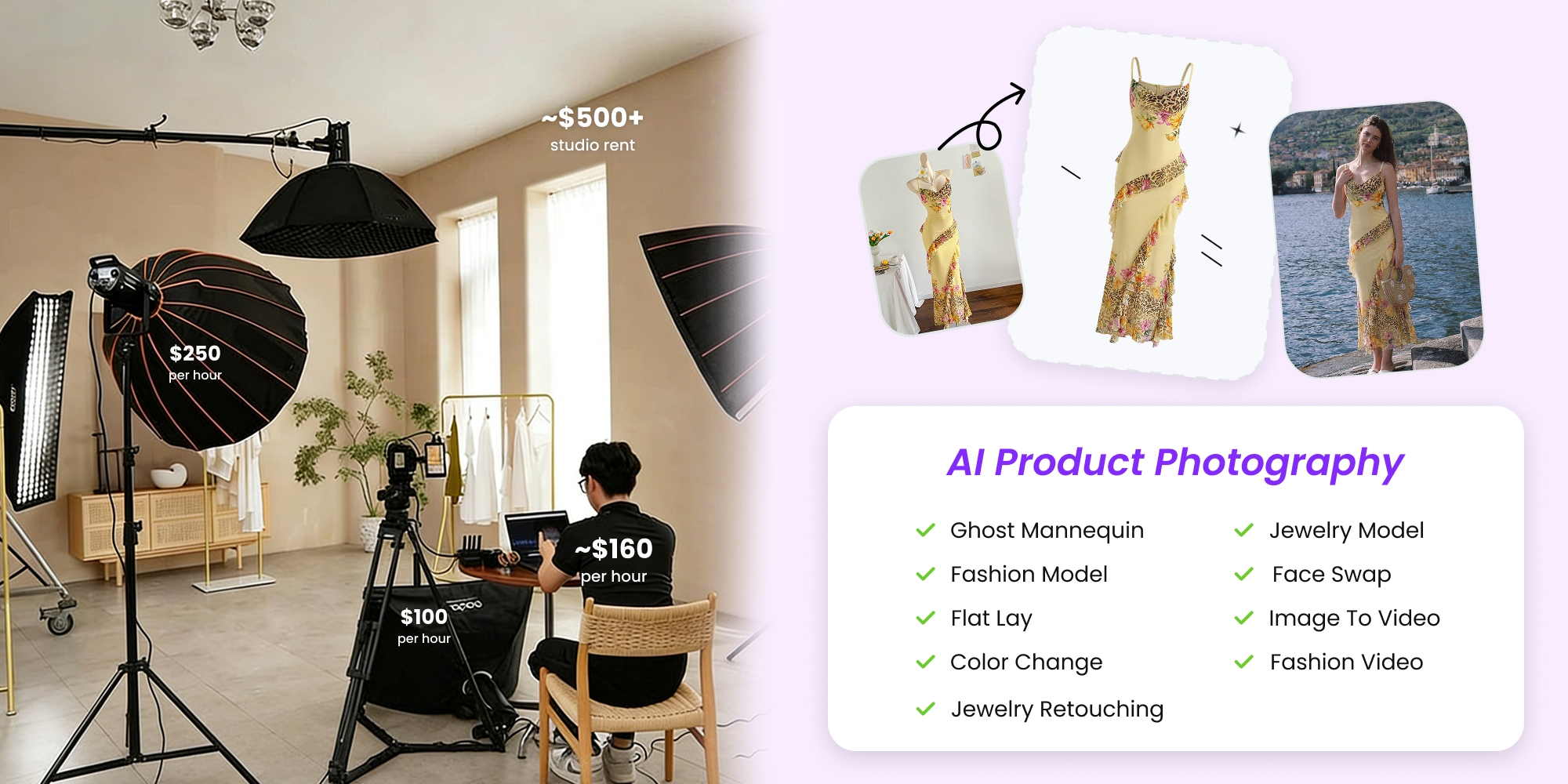 How to Create AI Fashion ModelsTurn one flat photo into consistent on-model shots with AI.