
At a glance
How to sell on Pinterest as a small fashion brand: product pins, the fresh-pin cadence, 2:3 pin images, and how to produce a month of pins from one photo.
| Need | What to do |
|---|---|
| Get oriented | Read the short summary, then use the checklist below. |
| Create a test image | Try AI Fashion Model Free |
Why Pinterest Works for Small Fashion Brands
Pinterest works for small fashion brands because it is a visual search engine, not a social feed: pins surface in search results for months, and people use the platform to plan outfits and purchases rather than to scroll for entertainment.
Pins compound instead of expiring
A long-running study of social post half-life puts a pin's half-life at nearly four months, compared with hours for an Instagram post and minutes for a tweet, according to Scott Graffius's annual half-life analysis. For a small team, that changes the math: every good pin is an asset, not a flash of attention.
Pinterest planning beats feed attention
Pinterest users type queries — linen wrap dress outfit, gold huggie earrings stack, fall capsule wardrobe — and save results to boards that are effectively shopping lists. You are not interrupting anyone; you are answering a search, and distribution comes from relevance, not follower count.
The catch: Pinterest rewards volume
The platform favors accounts that publish new images consistently, which is where most small fashion brands stall — not on strategy, but on producing enough visuals. The rest of this guide treats that as what it is: a production problem.
The 15-Minute Setup: Account, Website, Catalog
Selling on Pinterest requires three things: a free Pinterest business account, a claimed website, and product pins — created from an uploaded catalog or by hand — that link to your store.
Step 1: Convert to a business account
A business account is free and unlocks analytics, ads, and catalog features. Convert an existing personal account or create a linked business account; the Pinterest Help Center walks through both paths.
Step 2: Claim your website
Claiming your domain — done by adding an HTML tag or a DNS record — attaches your branding to every pin saved from your site and feeds analytics back to you. It is also a prerequisite for product pins, so do it before anything else.
Step 3: Connect a catalog or create product pins
If you sell on Shopify or WooCommerce, connect the store integration so your catalog syncs into product pins with live pricing and availability. One warning: Pinterest applies an image-quality gate to catalog uploads, and images that fail it get rejected or quietly suppressed — run yours through the checklist in our Pinterest catalog image requirements guide first. If you also sell through Meta, a similar gate exists there — see our Instagram Shop image requirements guide.
The Fresh-Pin Treadmill
A fresh pin is an image or video that Pinterest has never seen before — a genuinely new visual, not a re-upload of an old image with a new title, description, or an imperceptible edit.
Pinterest treats an exact image-and-URL combination that has already been pinned — by you or by anyone else — as a duplicate, and small tweaks like changing the pin title or alt text do not make it fresh, as Tailwind's summary of Pinterest's guidance spells out.
Why duplicates quietly fail
Repinning the same shot over and over reads as spam, so its distribution gets throttled. Pinterest surfaces new ideas: ten variations of one product each earn their own distribution, while one image pinned ten times competes with itself.
A sustainable cadence
Current guidance favors a handful of fresh pins per day — one to five is the range Tailwind recommends — over the old advice of mass-repinning dozens of times daily. When you do repin an image to a second relevant board, space it out by a couple of days rather than blasting every board at once.
The real bottleneck is production
Three fresh pins a day is roughly ninety new images a month — far beyond what most small brands can shoot. The answer is multiplying the photos you already have, not more photoshoots. A batch product photo editor lets you restyle, recolor, and recompose an entire folder of product shots in one pass, which is the throughput a fresh-pin cadence actually demands.
Recomposing Product Photos for the 2:3 Pin Format
Pinterest pins perform best at 1000 x 1500 pixels — a 2:3 vertical aspect ratio that fills the mobile feed without being cropped.
| Spec | Recommendation |
|---|---|
| Aspect ratio | 2:3 vertical (the platform standard) |
| Standard pin size | 1000 x 1500 px |
| Crop threshold | Pins taller than 1:2.1 get cut off in the feed |
| Image formats | JPG, PNG, WEBP |
| Image file size | Up to 20 MB |
| Video pins | 2:3 or 9:16, MP4 or MOV, short clips perform best |
Specs per Tailwind's Pinterest image size chart; check Pinterest's help pages for current limits.
Recompose, don't letterbox
Most product photos are square or horizontal, and neither survives the trip to 2:3 gracefully: cropping cuts off hems and sleeves, and letterboxing wastes half the pin on empty bars. The fix is to recompose — extend the scene vertically or regenerate the shot in a taller frame. Snappyit's free image resizer reframes product photos to 2:3 without squashing them, and the free product photo upscaler lifts older shots up to the 1000-pixel width the format expects. For an entire back catalog, see our guide to batch-upscaling a product photo catalog.
Lifestyle and On-Model Pins Convert
Pinterest's own creative guidance states that lifestyle images — products shown in real-life scenes — on average drive better results than products photographed on plain backgrounds, per its published creative best practices. Its lower-funnel creative guide makes the same point for ads: show the product within a broader scene.
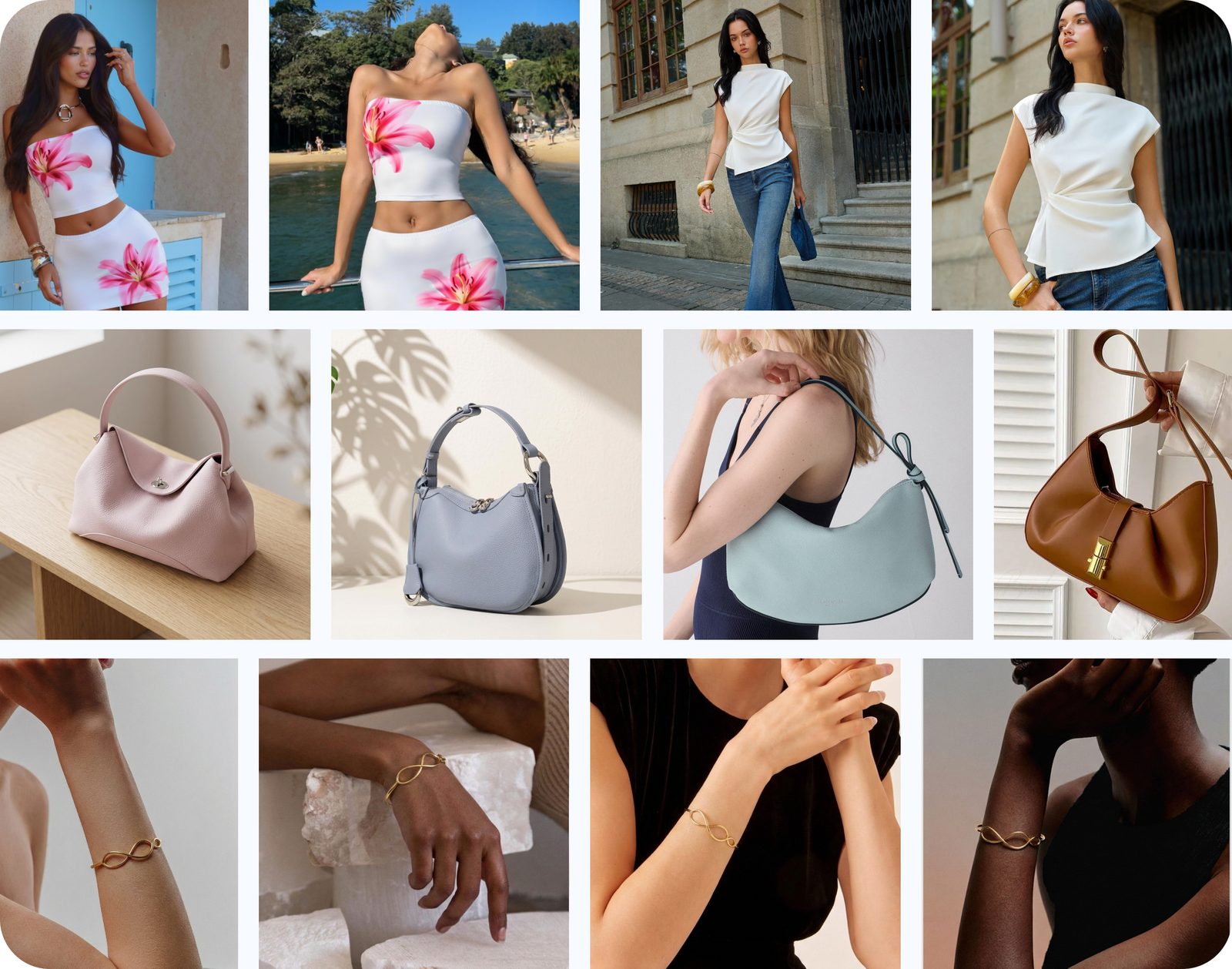
This matters doubly for fashion. A dress on a white background is information; the same dress on a model crossing a sunlit street is an idea someone saves to an outfit board — and saved pins are what Pinterest circulates. The catch, again, is production: nobody can book a location shoot for every SKU. An AI fashion model generator takes a flat lay or mannequin photo and renders the garment on a realistic model in whatever scene you choose — street, cafe, beach, studio — at 2:3 pin dimensions.
No models, no location. Turn a flat lay into an on-model street scene in about a minute. Try Snappyit free →
A Month of Pins from One Product Photo
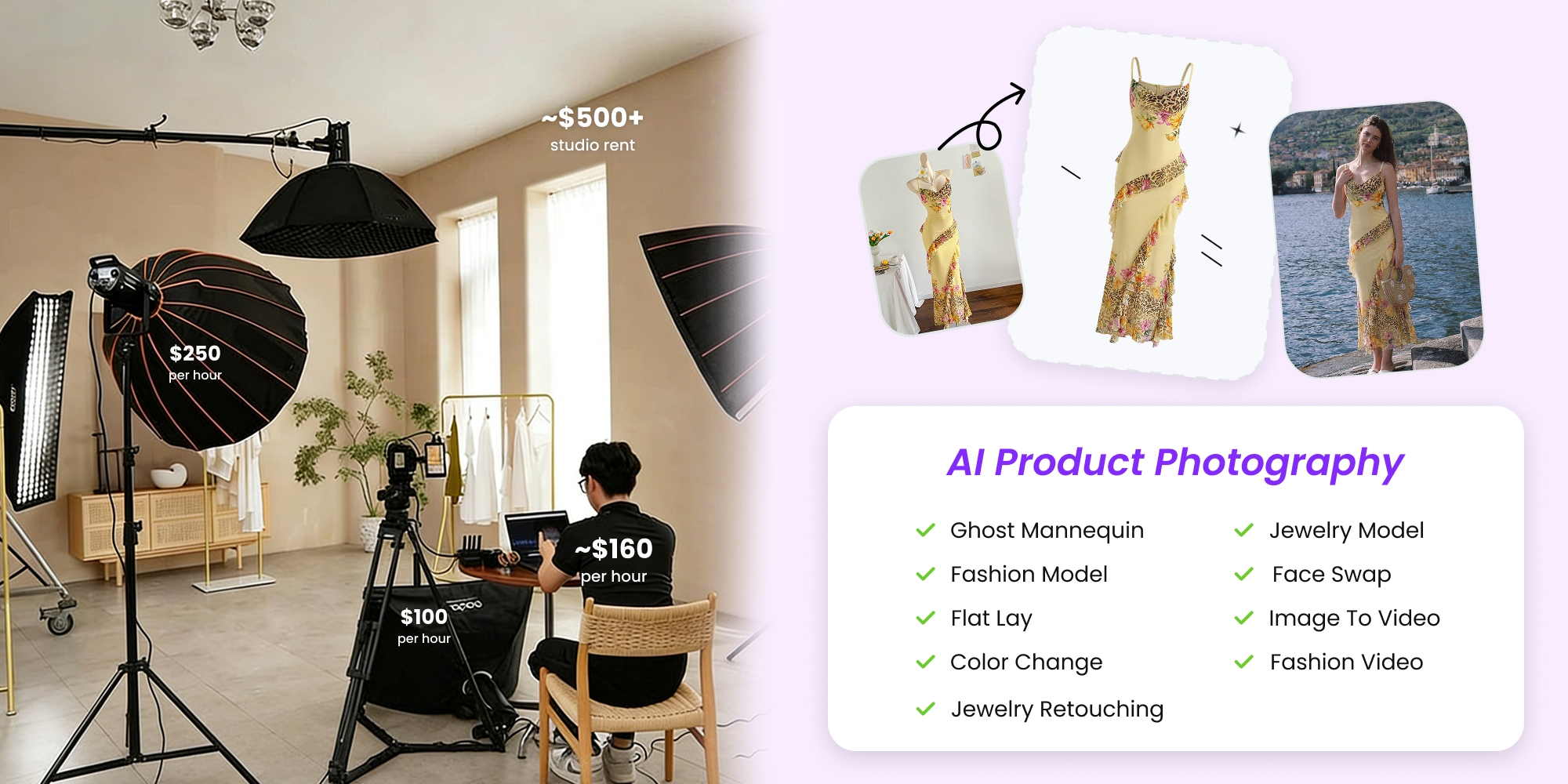
One clean product photo can become roughly 25 fresh pins — close to a month of daily pinning — if you expand it systematically across scenes, colorways, crops, and one video. Here is the worked example for a floral midi dress photographed once, flat on a table.
One photo per product, expanded into scene, colorway, and detail variants.
Step 1: Create the ghost-mannequin hero
Run the flat lay through a ghost mannequin tool to give the dress a worn, three-dimensional shape on a clean background. This is your catalog image and your first pin.
Step 2: Expand into on-model scenes
Use the AI fashion model tool to place the dress on models in five scenes — brunch patio, city street, golden-hour park, office lobby, weekend market. Two crops of each yields ten distinct pins.
Step 3: Add colorways
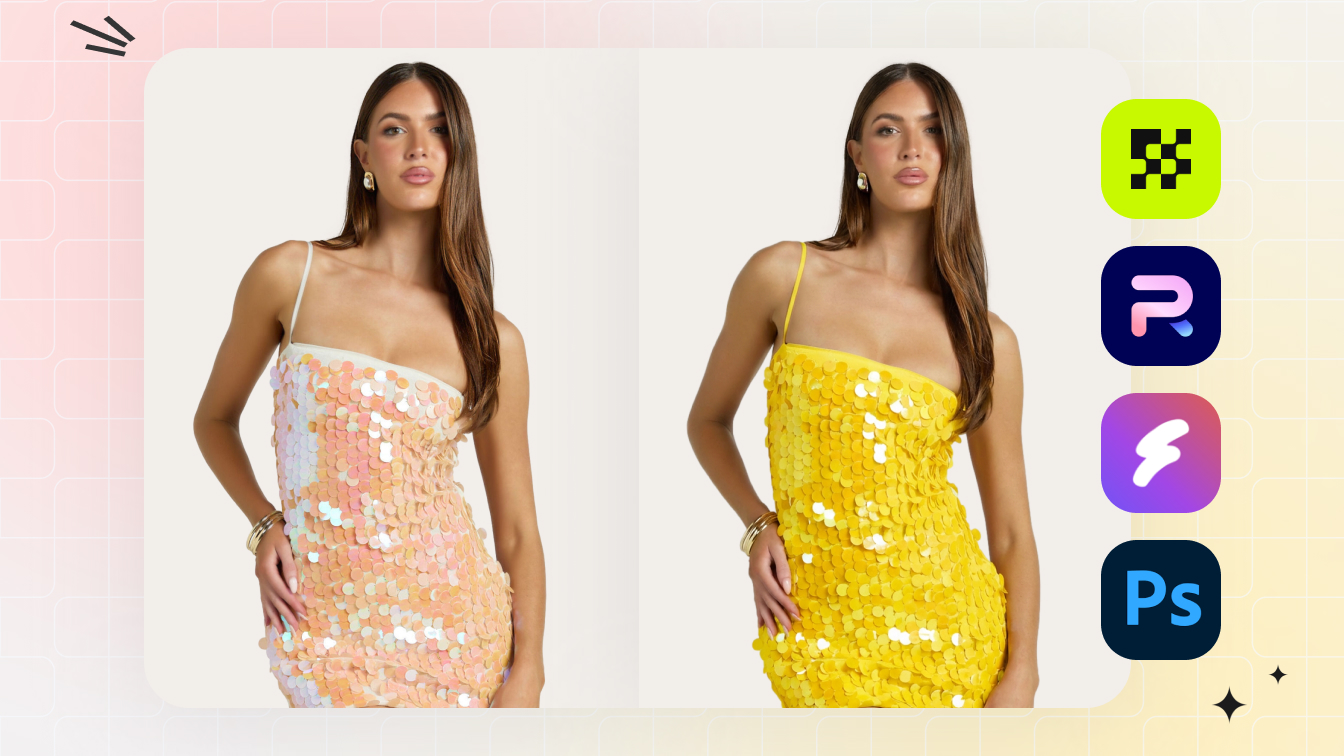
If the dress ships in other colors, a color change tool re-renders the hero and your best scene in each colorway without a reshoot — two colorways across four images is eight more pins, each one genuinely new to Pinterest.
Step 4: Crop the details
Close crops of the neckline, the fabric print, the sleeve, the hem in motion — detail shots read as styling ideas on Pinterest and pull a different searcher than full-body shots. Four crops, four pins.
Step 5: Animate one image into a video pin
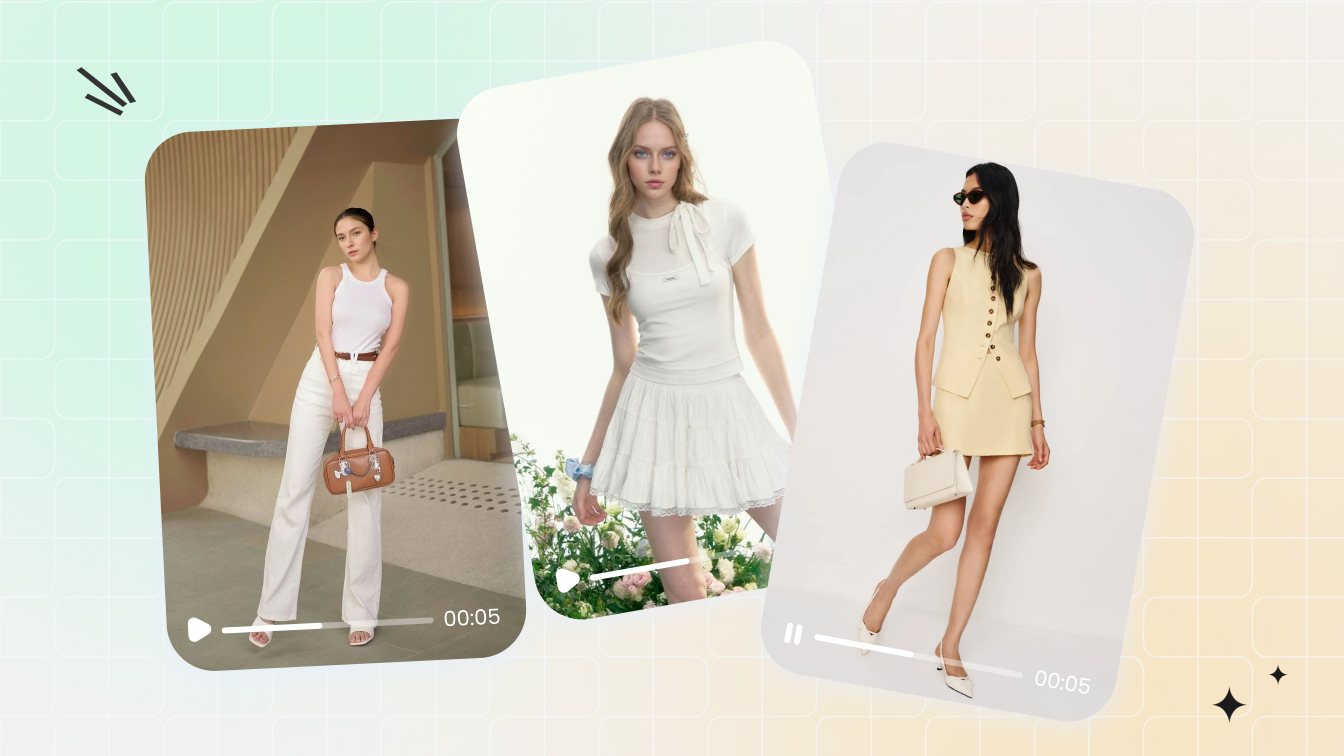
Feed your best scene into an image-to-video generator for a short clip with subtle motion — fabric sway, a slow camera push. Our guide to making a video from a single image covers the settings; export vertical for one or two video pins.
| Expansion step | Tool | Fresh pins |
|---|---|---|
| Ghost-mannequin hero | Ghost Mannequin | 1 |
| On-model scenes (5 scenes x 2 crops) | AI Fashion Model | 10 |
| Colorways (2 colors x 4 images) | Color Change | 8 |
| Detail crops | Any crop tool | 4 |
| Video pins | Image to Video | 2 |
| Total from one photo | — | 25 |
Give each pin its own title, description, and board, and every one counts as fresh. One honest note: Snappyit produces the images and video; publishing them is still your job or your scheduler's.
This is the whole pipeline. Upload one photo, pick scenes and colors, download the set. Try Snappyit free →
Product Pins, Boards, and Getting Clicks
Clicks on Pinterest come from three places: boards named like searches, pin titles and descriptions written like queries, and product pins that carry pricing straight through to your store.
Name boards for searches, not vibes
"Summer Wedding Guest Dresses" will be found; "Pretty Things We Love" will not. Build one board per intent — occasion, garment type, aesthetic. Jewelry sellers should mirror the query patterns in our guide to selling jewelry online.
Write titles like queries
Front-load the keyword a shopper would type, then add one or two natural sentences covering fabric, fit, and occasion. Skip hashtag salads — Pinterest reads text like a search engine.
Point pins at pages that convert
Every pin should land on a product page or listing that matches the image exactly. Etsy sellers: your listing itself is the landing page, so tune it with our Etsy listing guide before driving pins to it.
Schedule, don't babysit
A scheduler such as Tailwind or Pinterest's native scheduler spreads your pin queue across days and boards automatically. Snappyit does not schedule or publish pins — it only creates the images and video — so pick one and keep this part boring. The same visual set also repurposes cleanly for Meta; see how to sell clothes on Instagram.
Seasonal Pinning: Ship Holiday Pins 45–60 Days Early
Holiday pins should go live 45 to 60 days before the holiday, because Pinterest shoppers search and save ideas weeks or even months before they buy. Pinterest's own seasonal marketing guide tells advertisers the same thing: Pinners plan early, so the brands already in the results when planning starts win the saves.
| Season or holiday | Start pinning by |
|---|---|
| Valentine's Day | Mid-December |
| Summer vacation and swim | March–April |
| Back to school / fall fashion | June–July |
| Halloween | Late August |
| Holiday gifting | Late October |
You do not need to reshoot for every season — swap the scene, not the product. The same AI fashion model workflow that put your dress on a summer street can re-render it in a cozy fireside scene for gifting season or a garden party for spring, turning last quarter's photos into this quarter's fresh pins.
Holiday-ify your catalog. Swap the scene behind an existing product photo instead of reshooting. Try Snappyit free →
Frequently Asked Questions
How many pins per day should a small fashion brand post?
Most current guidance points to a handful of fresh pins per day — between one and five — rather than mass repinning. Consistency beats volume: a few fresh pins every day for three months outperforms fifty pins published in one weekend. Start with one or two per day and scale up as your production pipeline allows.
Does Pinterest allow AI-enhanced product photos?
Yes. Pinterest does not ban AI-generated or AI-enhanced product images, though it marks some of them with an AI modified label in the app. Your image must still honestly represent the product you ship. For the full policy picture across platforms, see our guide to whether AI product photos are legal.
How long does it take to get traffic from Pinterest?
Expect months, not days. Pinterest behaves like a search engine: new pins take time to be indexed and distributed, and many brands only see meaningful traffic after two to three months of consistent pinning. The payoff is that pins keep circulating and driving clicks long after publication, so early consistency compounds.
Do I need a website to sell on Pinterest?
You need somewhere for the click to land. Pins link out to product pages, so a Shopify store, an Etsy shop, or your own site all work. Claiming your website in Pinterest settings also unlocks product pins, analytics for pins saved from your site, and your branding on those pins.
Are video pins better than static pins?
Video pins tend to earn more attention in the feed because they move, but static 2:3 pins remain the workhorse for search traffic. Use a mix: mostly static pins for volume and searchability, plus one or two short video pins per product to catch the browsing eye.
What size should Pinterest pins be?
Use 1000 x 1500 pixels, a 2:3 vertical aspect ratio. Pinterest crops pins taller than a 1:2.1 ratio in the feed, and horizontal images lose most of their screen space, so recompose product photos to vertical rather than letterboxing them.
Build Your Pin Engine
A Pinterest strategy for a small fashion brand is really a pin-production system: one good product photo in, a month of fresh 2:3 pins out. Start free by reframing your existing shots with the image resizer, push whole folders through the batch product photo editor, and expand your best sellers into on-model scenes, colorways, and video with Snappyit — then let the pins compound.
Turn one photo into a month of pins →