
At a glance
Etsy photos blurry after upload? Learn why sub-2000px shots go soft, why zoom won't trigger, and how to upscale them free to restore clarity and zoom.
| Need | What to do |
|---|---|
| Get oriented | Read the short summary, then use the checklist below. |
| Create a test image | Try Product Photo Upscaler Free |
Your Photo Looked Fine on Your Phone, Then Etsy Made It Soft
You shoot a product, it looks crisp in your camera roll, you drop it into a listing, and the version Etsy shows back to you is mushy around the edges. This is one of the most common and most confusing problems Etsy micro-sellers run into, because nothing visibly went wrong during the upload. The file went up, the listing saved, and yet the result reads as etsy photos blurry after upload rather than the sharp image you started with.
There are really only two root causes worth your attention, and both are fixable. The first is resolution: your photo is below the size Etsy wants for clean display and zoom, so the platform is stretching too few pixels across the listing space. The second is recompression: Etsy reprocesses every upload, and if your file was already compressed once, that second pass compounds the softness. The rest of this guide separates those two causes, shows you how to tell which one you are hitting, and walks through restoring clarity on photos that are simply too small. If your underlying issue is general softness rather than Etsy-specific sizing, our hub on how to make product photos clearer covers the broader playbook.
The Number That Actually Matters: 2000px on the Shortest Side
Etsy's image guidance centers on one figure. In its Requirements and Best Practices for Images documentation, Etsy recommends that listing photos be at least 2000 pixels on the shortest side, with many sellers uploading square images of 2000x2000 up to 3000x3000 or larger for the sharpest result (per Etsy's help guidance as cited by partners such as soona and Outfy).
Note the precise wording: it is the shortest side, not the width. A 3000x1500 photo technically has a big number in it, but its short side is only 1500px, which is below the threshold. That is why a landscape product shot can look fine on a thumbnail and still go soft once a shopper engages with it. The full-size display area and the zoom view both pull from that short-side dimension, so under-sizing there is what shoppers actually see.
| Spec | Value | What it gates |
|---|---|---|
| First photo minimum | ~635px | Avoids ranking penalty; bare minimum to publish |
| Clarity recommendation | 2000px shortest side | Sharp full-size display and clean zoom |
| Optimal / future-proof | 2000–3000px+ square | Crisp zoom on large and retina screens |
That 635px figure matters for one reason: it explains why a too-small photo still goes live. A first listing photo only needs to be around 635px to avoid ranking lower in search (Etsy guidance cited via Growing Your Craft). So Etsy will happily accept and publish a 900px image. It just will not look good when someone leans in. The gap between accepted and sharp is exactly where the etsy listing photo too small low resolution complaint lives.
What the 'Would Look Better at a Larger Size' Nudge Is Telling You
If you have ever uploaded a photo and seen Etsy flag that it would look better at a larger size (typically pointing you toward around 2000px), that nudge is the platform diagnosing the problem for you. Seller documentation describes Etsy prompting this message when an uploaded image falls under the 2000px mark (as reported by Oh She Creates).
Treat the exact wording loosely, because Etsy revises its interface strings without announcement, and the message text you see may differ from any quoted version. What is reliable is the signal: Etsy is telling you the file you provided does not have enough pixels to display at its best. Many sellers read that as a soft suggestion and publish anyway. It is better understood as a clarity warning. When you see the etsy photo would look better at 2000px nudge, the listing will technically work, but every shopper who tries to inspect the product closely is going to get a degraded view. The fix is not to ignore the prompt; it is to bring the image up to the size the prompt is asking for.
Why Zoom Goes Soft (and Sometimes Doesn't Feel Worth Triggering)
Etsy's hover-and-click zoom is the feature most directly tied to the 2000px recommendation. soona, an Etsy content partner, frames it plainly: using a listing photo of at least 2000px on the shortest side is what lets the enlarged view stay clear when a shopper clicks the zoom button. Below that, the magnified image has too little real detail to draw from, so it renders soft or pixelated.
One honesty note worth making, because a lot of seller forums overstate it: I have not found Etsy's own documentation confirming that zoom is hard-disabled at exactly 2000px as a binary on/off switch. The widely repeated claim that Etsy 'turns off zoom below 2000px' is community and partner interpretation rather than a verbatim Etsy rule (discussed across guides such as Scaylr and InsightAgent). The defensible, verifiable version is this: sub-2000px photos zoom in soft and pixelated, or fail to produce a zoom worth using. Either way the shopper experience is the same — they cannot inspect stitching, grain, finish, or print quality, which on a handmade-goods marketplace is often the entire purchase decision. Getting back over 2000px is what restores a zoom that actually helps you sell.
The Hidden Second Cause: Etsy Recompresses Every Upload
Resolution is only half the story. Even a correctly sized photo can come out softer than it went in, and the reason is documented by Etsy itself. In its engineering blog post Reducing Image File Size at Etsy (Code as Craft), Etsy explains that uploads are converted to JPEG on dedicated processing machines and then stored. In other words, Etsy applies its own compression pass to whatever you send.
Here is why that matters. If your source file was already compressed once — say it came off WhatsApp, through an email attachment, or out of a 'save for web' export — then Etsy's conversion stacks a second round of lossy compression on top of an already-degraded file. The artifacts compound, and you get visible mushiness, blocky gradients, and halos around edges that were not in your camera original. This is the mechanism behind 'I uploaded a good photo and Etsy ruined it.'
Two practical takeaways follow directly from Etsy's own guidance. First, always upload the cleanest, least-compressed version you have — ideally straight from the camera or a single high-quality export, never a messenger-app copy. Second, mind the file weight: Etsy advises keeping files under roughly 1MB for reliable uploads (very large files can fail to finish on slow connections), with a hard ceiling of 50MB per image and support for JPEG, PNG, and GIF (corroborated by Pixelbatch). The goal is a sharp original that survives Etsy's one compression pass with room to spare.
What to Do When Your Photos Are Already Below Spec
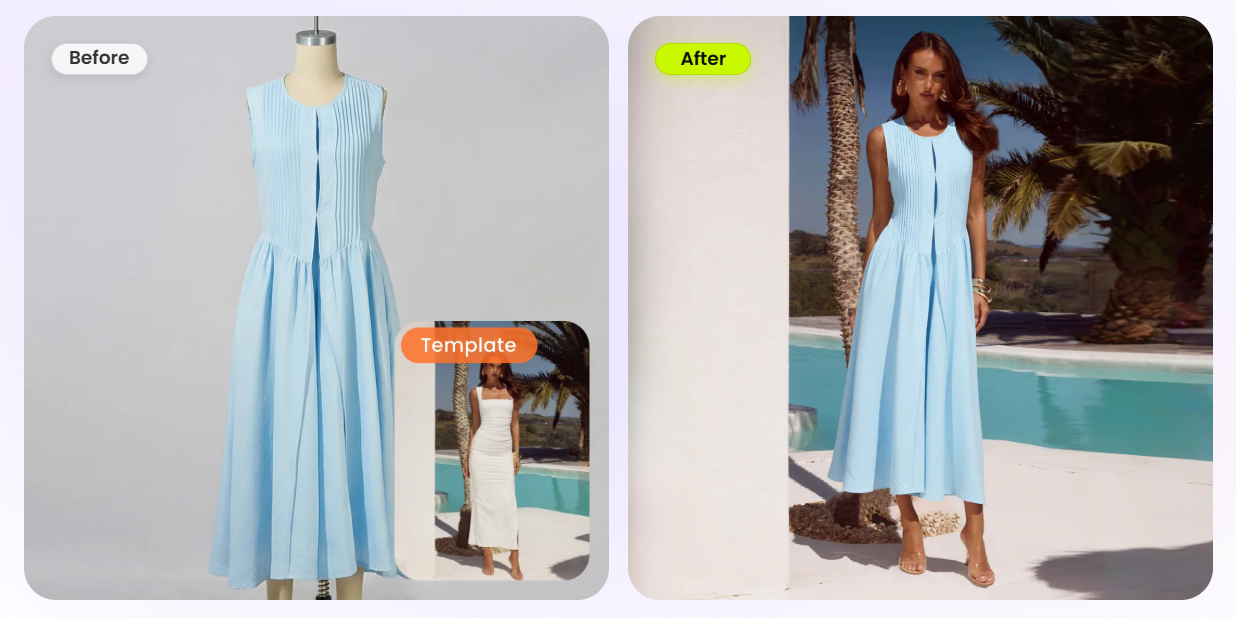
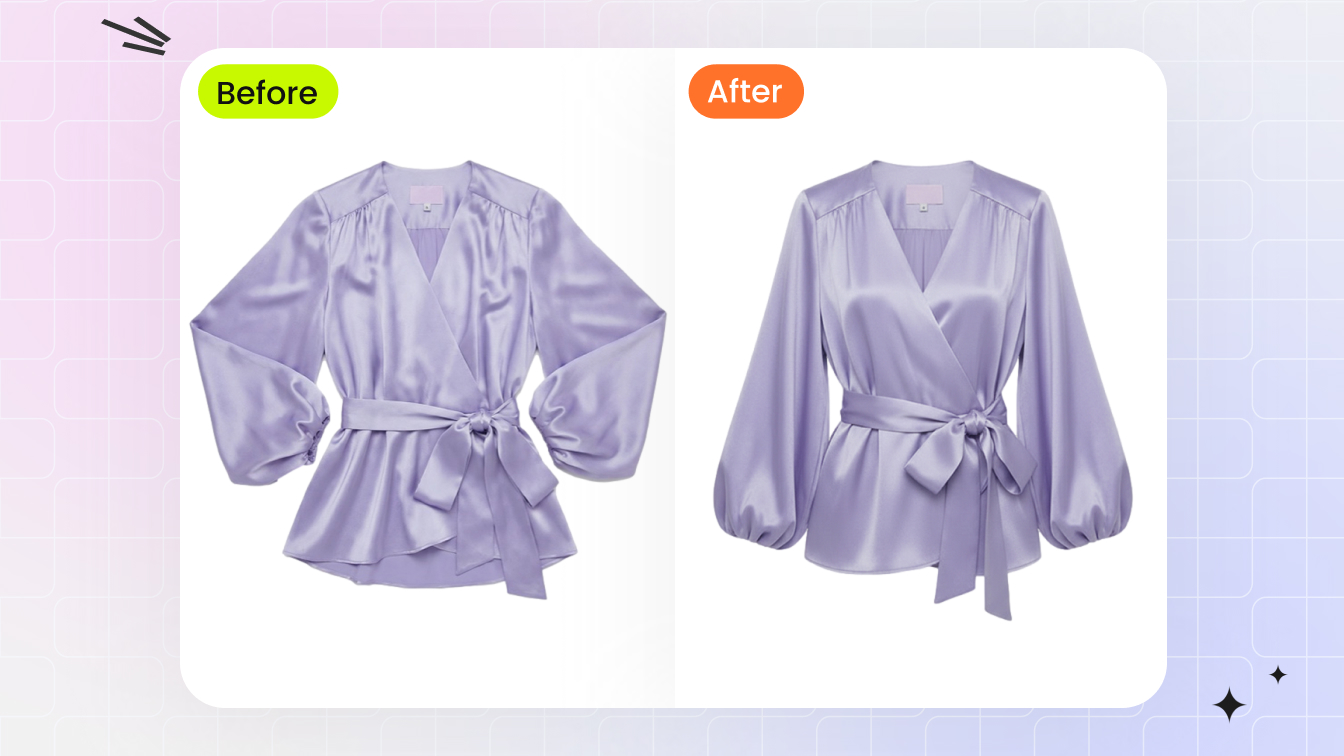
Most guides stop at 'shoot at 2000px next time,' which does nothing for the hundreds of listings you have already published with smaller files, or for that one perfect product shot you can never recreate because the item sold. That is the real gap. When a photo is genuinely good but simply too small — a clear, well-lit shot that just happens to be 1200px — you can rebuild the missing resolution with an AI upscaler instead of reshooting.
Snappyit's free Product Photo Upscaler is built for exactly this: it upscales, sharpens, deblurs, and denoises product photos toward 4K, which is more than enough to clear Etsy's 2000px shortest-side bar. It runs free with no login, no watermark, and no daily cap, and it supports both single images and full-catalog batches. After upscaling, your file will have the pixel count Etsy wants, so the full-size view stays sharp and the zoom renders cleanly. Run a quick marketplace pixel-spec check on the output to confirm the short side cleared 2000px before you republish.
Upscale your Etsy photo free →
If you have a backlog of small listings rather than a single image, the same tool's batch mode lets you process the whole set at once; our walkthrough on batch upscaling a product catalog covers the workflow. And to be clear about lane: this is a clarity and resolution fix, not a background change. If you also need a clean white backdrop, that is a separate task — handle it on its own and keep this step focused purely on sharpness.
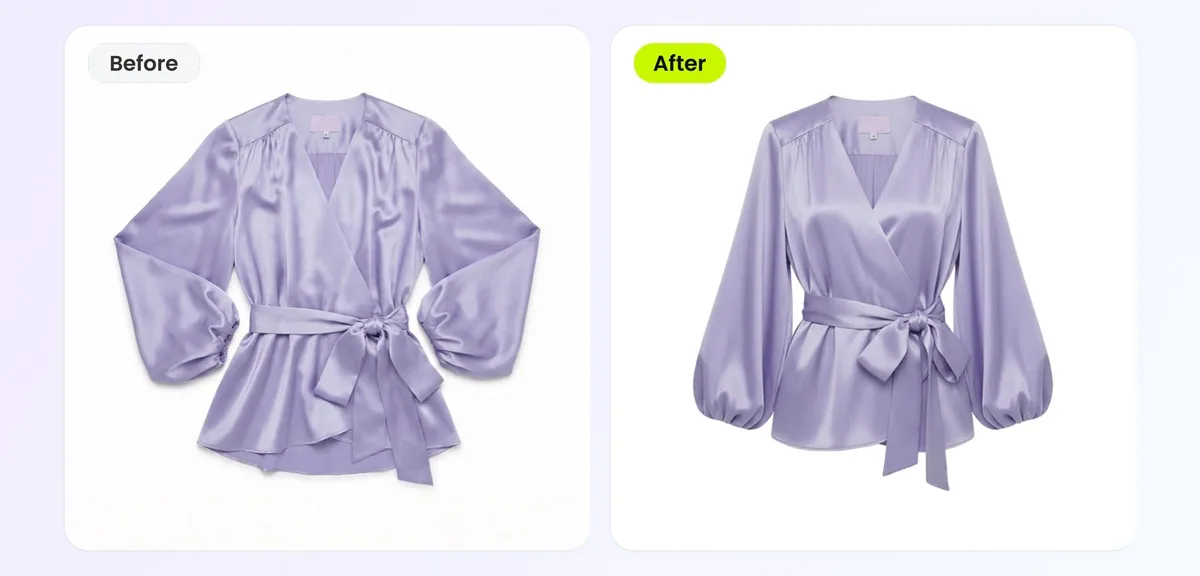
What Upscaling Can and Cannot Do for an Etsy Photo
It would be dishonest to suggest an upscaler rescues every blurry shot, so here is the straight version. AI super-resolution works by predicting what missing detail probably looks like and reconstructing a plausible version of it — it is not literal recovery of information that was never recorded, which is mathematically impossible (per a 2026 technical overview at Technology.org). It cannot invent detail your camera never captured.
What that means in practice for an Etsy seller:
Great candidate
a real, in-focus, well-lit photo that is simply too small (e.g. 1000–1800px). Upscaling restores the pixels and the clarity reads as authentic.
Poor candidate
a photo that is fundamentally degraded — heavy motion blur, severe out-of-focus, or extreme pixelation. The same research shows algorithms fail to recover fine detail at high factors, and output becomes interpretive rather than reconstructive past roughly 4x.
Diminishing returns
pushing far beyond about 4x stops adding usable detail. Going from a 1500px shot to 2000–3000px is squarely in the tool's strength; trying to 8x a tiny thumbnail is not.
So set expectations accordingly. The upscaler is the right move for the soft-but-real photos that triggered Etsy's size nudge. For anything genuinely out of focus, reshoot — no tool, free or paid, can conjure detail that was never there. For the broader diagnosis-and-fix approach to soft images, see our guide on fixing blurry product photos.
A Clean Etsy Workflow to Stop Blur Before It Starts
Put the two causes together and a simple, repeatable routine falls out. Follow it for new listings and when fixing old ones, and the after-upload softness stops recurring.
Shoot or export above 2000px short side
Aim for 2000–3000px square so you clear the recommendation with headroom for zoom and large screens.
Keep the source clean
Never run product photos through a messenger app or repeated 'save for web' exports before uploading — give Etsy one un-pre-compressed file so its server-side JPEG pass has good material to work from.
Rescue, don't reshoot, the good-but-small ones
For existing photos under 2000px that are otherwise sharp, run them through the free Product Photo Upscaler and confirm the short side cleared 2000px.
Verify before republishing
Check the upscaled file's dimensions and weight (target under ~1MB where you can) so the upload completes cleanly and Etsy stops showing the size nudge.
This routine sits inside Snappyit's wider playbook for sellers across every channel. If you sell on more than just Etsy, our AI product photography pillar ties the resolution, clarity, and listing-spec pieces together, and the cross-platform guide to meeting marketplace image size and zoom requirements maps the equivalent specs for Amazon, Walmart, and eBay. Etsy's 2000px rule is just your slice of that picture.
Fix your Etsy listing photos now →
Frequently Asked Questions
Why are my Etsy photos blurry after upload when they look sharp on my phone?
Two things commonly cause it. Either the photo is below Etsy's recommended 2000px on the shortest side, so the platform stretches too few pixels across the listing and zoom views, or your file was already compressed once (for example off a messaging app) and Etsy's own server-side JPEG conversion adds a second compression pass that compounds the softness. Check the pixel dimensions first, then make sure you are uploading a clean, un-pre-compressed original.
What is the minimum size for an Etsy listing photo?
There are two different numbers. A first listing photo only needs to be around 635px to publish and avoid a search-ranking penalty, but Etsy recommends at least 2000px on the shortest side for sharp full-size display and clean zoom. That gap is why a photo can go live and still look soft when shoppers inspect it. Treat 2000px short side as your real target.
Does Etsy disable zoom on photos smaller than 2000px?
Not exactly, and it is worth being precise. Etsy ties its 2000px recommendation to clean zoom, and below that threshold the zoom view renders soft and pixelated. But the claim that zoom is hard-switched off at exactly 2000px is community and partner interpretation, not a verbatim Etsy rule. The reliable takeaway is that sub-2000px photos zoom in poorly, so getting back over 2000px restores a useful zoom either way.
What does Etsy's 'would look better at a larger size' message mean?
It is Etsy diagnosing that your uploaded image is below the size it wants, typically pointing you toward around 2000px. The exact wording can change without notice, so do not anchor on the precise sentence. The signal is what matters: the file does not have enough pixels to display at its best. Rather than publishing anyway, bring the image up to the size the nudge is asking for.
Can I fix an Etsy photo that is already too small without reshooting?
Yes, if the photo is genuinely sharp and just under-sized. Snappyit's free Product Photo Upscaler rebuilds resolution toward 4K, which clears Etsy's 2000px short-side bar, so the full-size view and zoom render cleanly again. It is free with no login, no watermark, and no daily cap, and handles single images or whole batches. It is the right fix for soft-but-real photos that triggered Etsy's size nudge.
Will an AI upscaler fix a photo that is actually out of focus?
No. AI upscalers reconstruct plausible detail by predicting what missing pixels probably look like, but they cannot recover detail your camera never captured. Heavy motion blur, severe out-of-focus shots, and extreme pixelation are beyond what any tool can rescue, and results get interpretive past roughly 4x. Upscaling is for clear-but-small photos; for genuinely out-of-focus images, reshoot.
How do I stop Etsy from compressing my photos into blur?
You cannot stop Etsy's server-side JPEG conversion, but you can keep it from compounding damage. Always upload the cleanest, least-compressed source you have rather than a messenger-app or repeatedly-exported copy, so Etsy's single compression pass has good material to work from. Keep files under roughly 1MB where you can for reliable uploads. A sharp original survives that one pass with room to spare.
What size should I upload to Etsy for the best zoom?
Aim for a square image of 2000px to 3000px or larger on every side. That clears the 2000px shortest-side recommendation with headroom, so the zoom stays crisp even on large and high-resolution screens. If your existing photo is below that but otherwise good, upscale it before republishing rather than shipping it under-spec.