
At a glance
Plan a swimwear listing around 5-7 images: a clean main image, front on-model view, back view, ghost mannequin or flat-lay, fabric detail crop, lifestyle crop and optional short video. That mix covers most bikini, one-piece, rash guard and cover-up listings.
| Seller need | Best workflow |
|---|---|
| Marketplace main image | Use clean product framing, white background where required and no distracting props. |
| Shopify PDP gallery | Add on-model, back, detail and lifestyle images for fit confidence. |
| Ads and social | Create vertical and square crops only after product accuracy is approved. |
The 5-7 photos a swimwear listing needs
Amazon seller guidance recommends enough clothing images for an informed purchase. For swimwear, that turns into a practical production plan: main image, front, back, detail, flat-lay or ghost mannequin, lifestyle context and optional video.
Use this checklist as the production plan for every bikini, one-piece, tankini, swim top, bottom, rash guard or cover-up SKU.
| Slot | Recommended image | Buyer question answered |
|---|---|---|
| 1 | Main product image | What exactly is the item? |
| 2 | Front on-model or ghost mannequin | How does the silhouette sit? |
| 3 | Back view | What is the coverage and closure? |
| 4 | Flat-lay | What is the true color and print? |
| 5 | Detail crop | What is the fabric, trim or hardware quality? |
| 6 | Lifestyle crop | How does it look in context? |
| 7 | Short video or extra angle | How does it move or stretch? |
Main image rules to check before upload
The main image usually decides the search click. It also carries the most platform risk, so check the basics first: clean background, one product, enough product fill, no text overlays and no distracting props.
- Use pure white where the marketplace requires it.
- Keep the product large enough to inspect at thumbnail size.
- Do not combine multiple views in one main image.
- Avoid kneeling, lying, suggestive or overly editorial poses for marketplace main images.
- Keep children’s swimwear and underwear off-model.
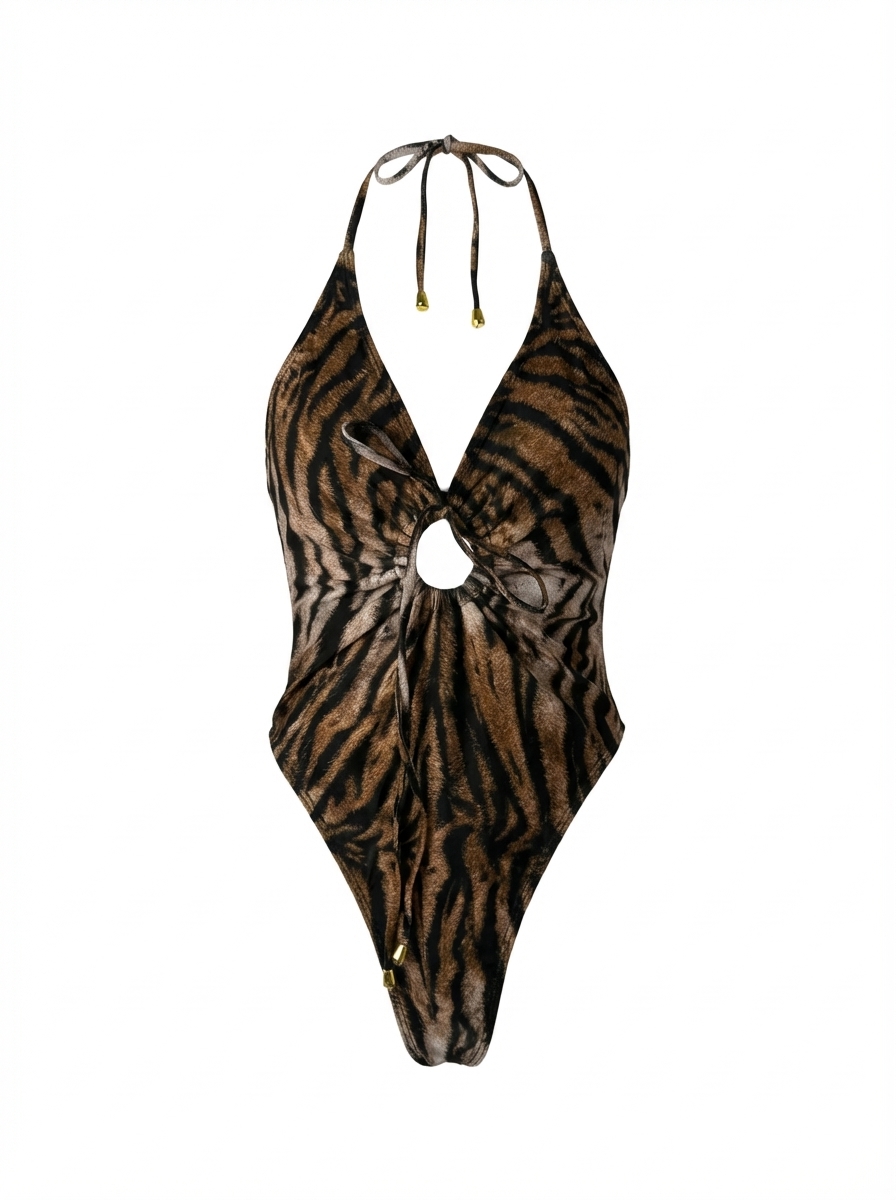
Back view and coverage images reduce hesitation
Swimwear shoppers care about coverage. A front-only image does not answer whether the bottom is cheeky, full coverage, high waist, low rise, adjustable or reversible. Add a back view whenever coverage affects the purchase decision.
If a real back-view shoot is unavailable, create a structured ghost mannequin or flat-lay back view from the product reference. Labeling is not necessary inside the image; the product title and page copy can describe the coverage.
Detail crops that matter for swimwear
Detail crops make the product easier to trust. For swimwear, use close-ups for fabric texture, lining, elastic, stitching, closures, cup padding, removable straps, print scale and metal or plastic hardware.
| Detail crop | Why it matters | Image tip |
|---|---|---|
| Fabric close-up | Shows ribbed, shiny, matte or textured fabric | Use neutral lighting and avoid heavy smoothing |
| Cup or padding | Explains support level | Show removable pads where relevant |
| Back closure or tie | Prevents fit confusion | Photograph both open and tied if useful |
| Lining | Signals quality and opacity | Use macro crop with true color |
| Hardware | Shows rings, sliders and clasps | Keep metal color accurate |
A simple AI workflow for missing gallery images
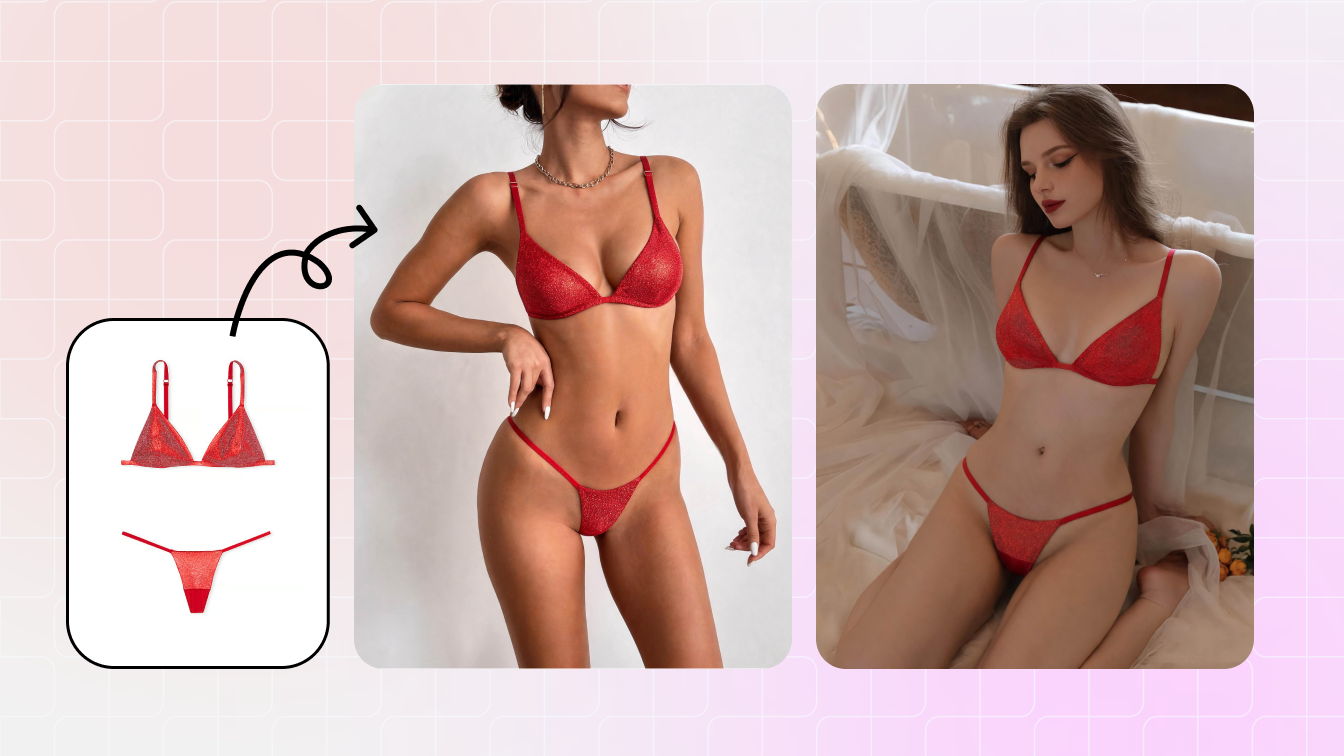
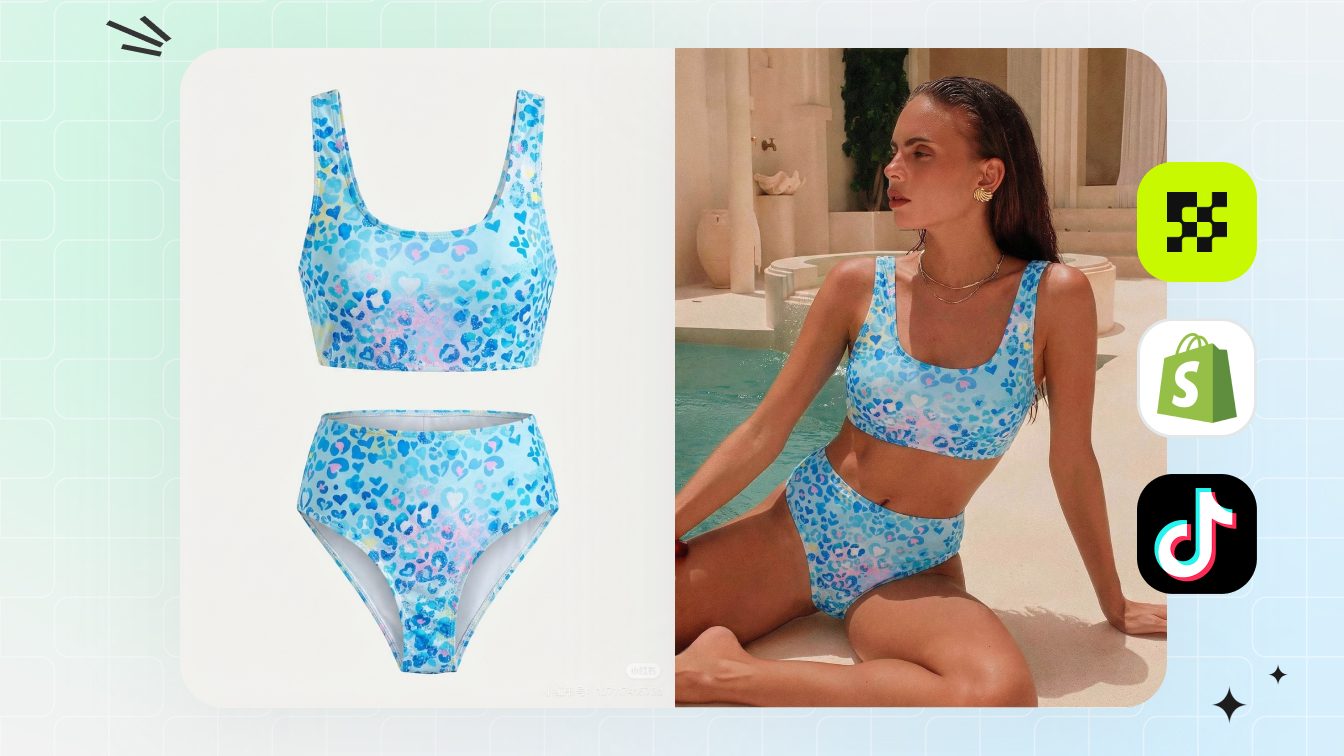
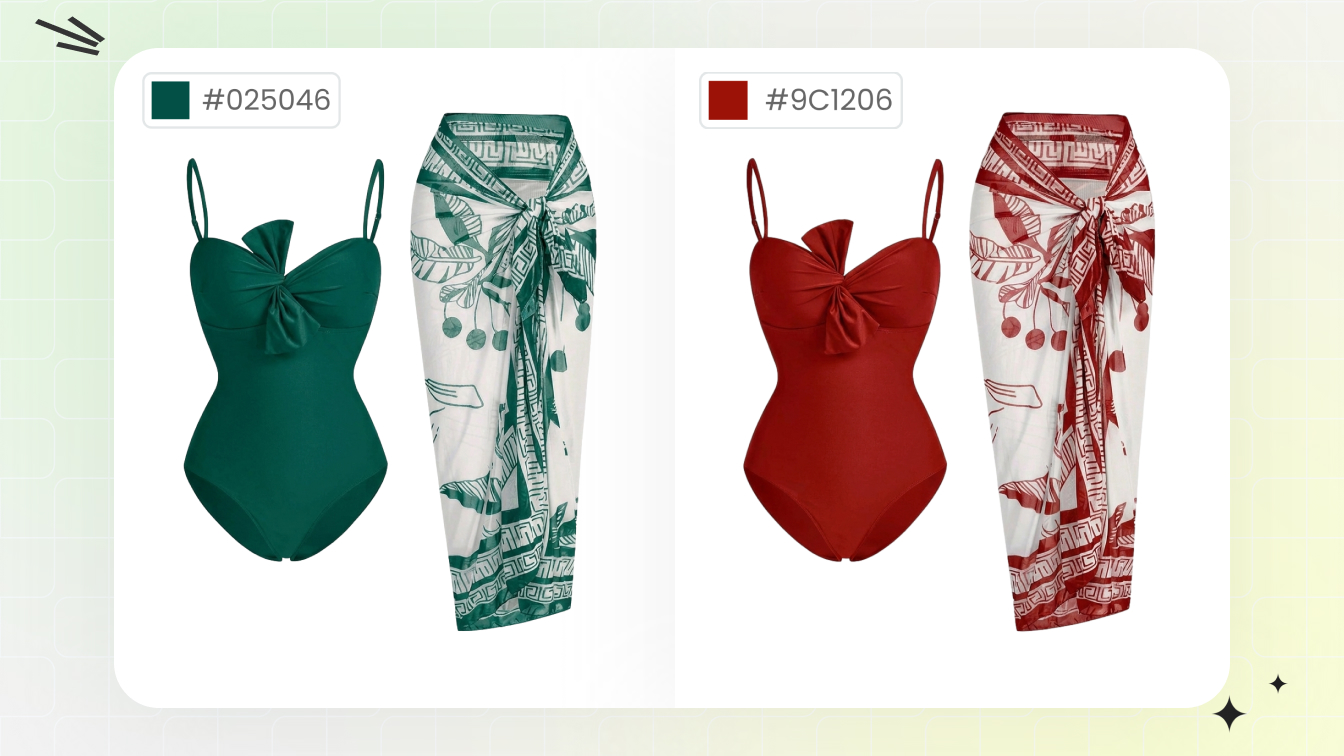
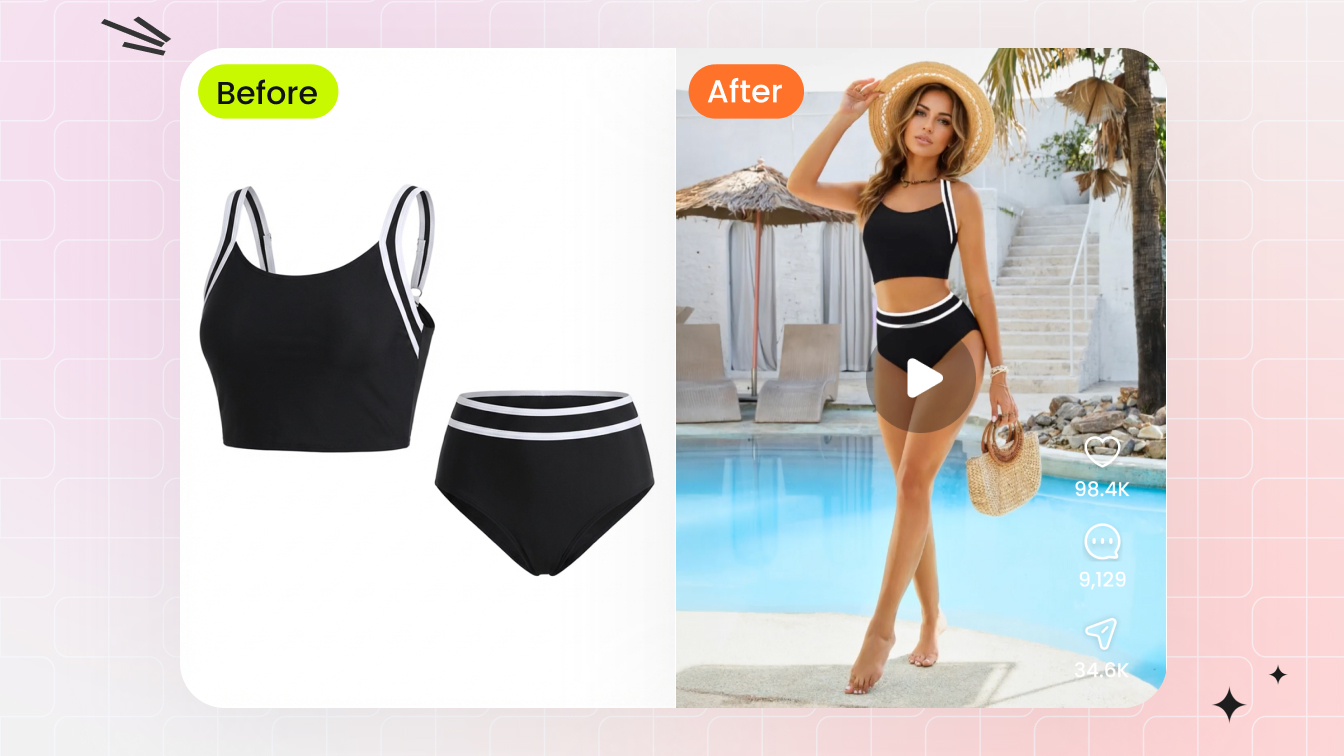
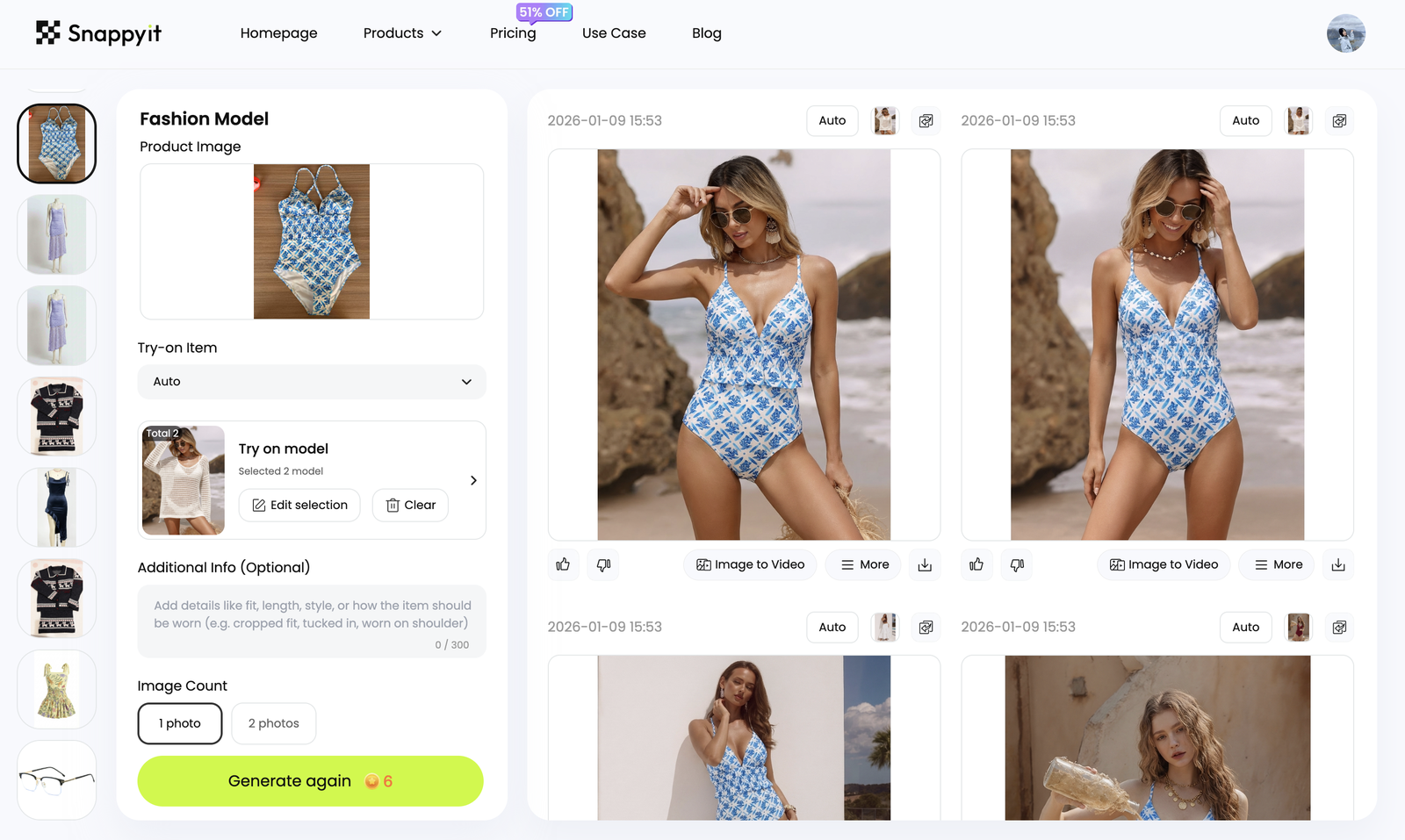
AI helps most when you already know the product truth but the gallery is incomplete. Use it to create a missing on-model view, ghost mannequin image, clean background, color variant or ad crop from a clear product photo.
- Start with product photos, not vague prompts.
- Generate the missing slot only, then review it against the sample.
- Keep one crop system across the catalog.
- Use the same model direction for a collection when possible.
Export checklist by channel
| Channel | Best crops | Notes |
|---|---|---|
| Amazon | White-background main, clean front/back, detail crops | Review category-specific image rules before upload |
| Shopify | Square grid plus vertical lifestyle hero | Use richer storytelling on PDP and collection pages |
| Etsy | Product-led first image plus handmade/detail proof | Keep the real product visible and accurate |
| Instagram ads | Vertical and square campaign crops | Avoid misleading fit or over-edited bodies |
| Wholesale line sheet | Consistent studio crop and clear SKU color | Buyers compare quickly across styles |
Do not force one image into every channel. A marketplace thumbnail, Shopify hero, Etsy variation image and Instagram story cover each solve a different job. Export from the same approved set, but crop for the placement.
QA before publish
Before a swimwear listing goes live, review the gallery as a buyer would. Ask whether the shopper can understand color, coverage, fit, fabric and back view without reading every paragraph.
- Every child color has a matching image.
- No AI output changes the actual product.
- No image uses unapproved model likeness or photographer rights.
- All text claims match the visible product.
- Images are large enough for zoom where the platform supports it.
Frequently Asked Questions
How many images should a swimwear listing have?
Most swimwear listings work best with 5-7 images covering the main product, front, back, flat-lay or ghost mannequin, detail crop, lifestyle crop and optional video.
What should be the first image for swimwear?
Use the cleanest product-led image that follows the platform main image rules and makes the actual SKU clear at thumbnail size.
Do I need a back view for bikinis and swimsuits?
Yes. Back coverage, closures, rise and strap design are buying signals, especially for bikini bottoms and one-piece swimsuits.
Can AI fill missing swimwear gallery images?
Yes, when the source product photo is clear. Use AI for on-model views, ghost mannequin images, background cleanup, color variants and ad crops.
Should I use lifestyle images on marketplaces?
Use lifestyle images as secondary images where allowed, but keep the main image clean, product-led and compliant.
Which Snappyit tools help with this checklist?
Use AI Bikini Photo Editor, AI Fashion Model, AI Ghost Mannequin, Color Change and Image to Video depending on the missing gallery slot.