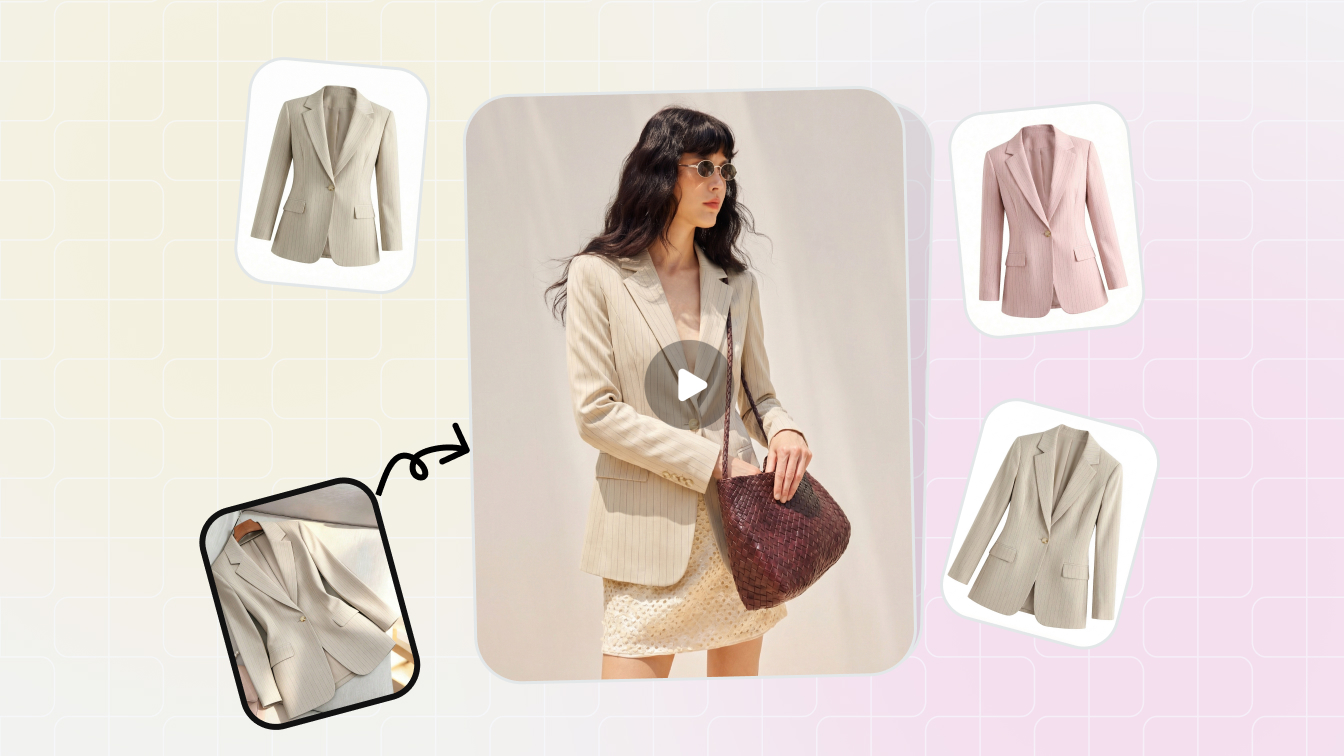
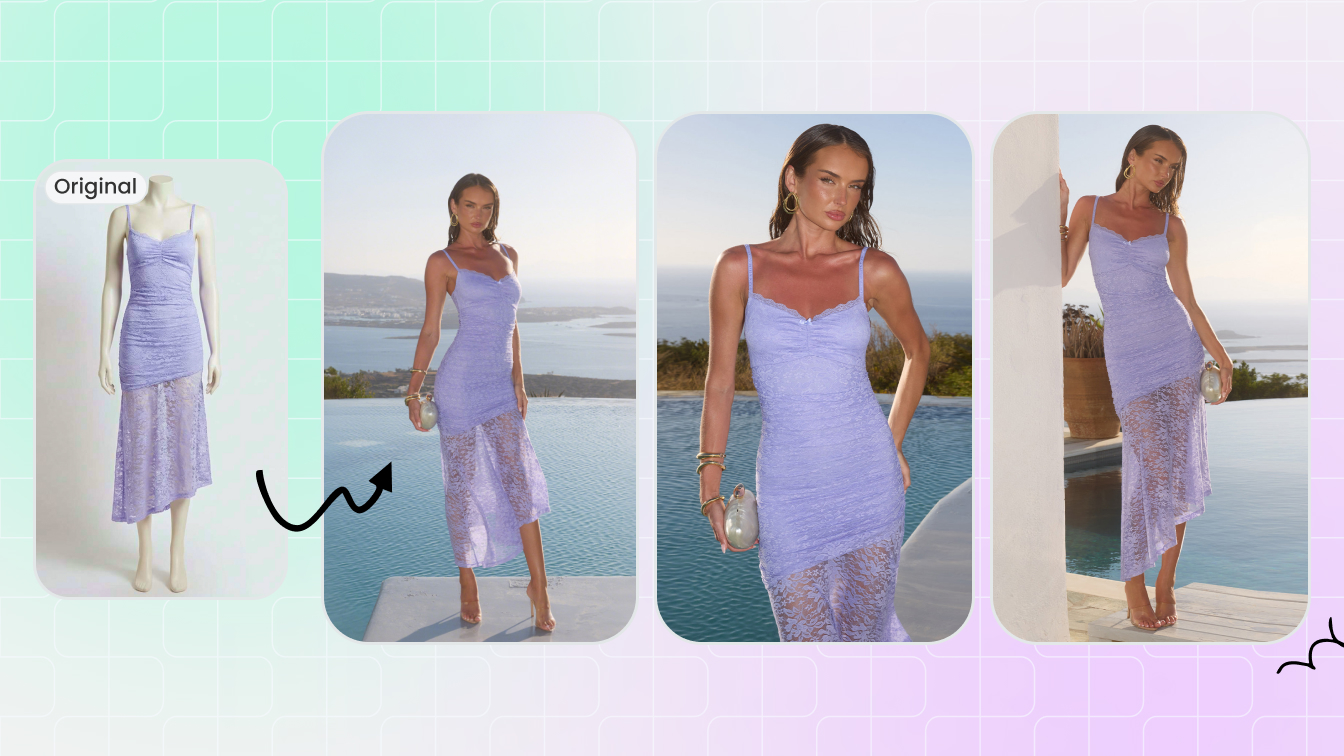
Free Modelia for AI fashion models
Turn flat-lay, mannequin or product images into AI fashion model photos and seller-ready catalog visuals.
Choose a tool, then upload your photo
Click or drag image here
Any flat-lay or hanging photo works, no professional setup needed.
Modelia-style fashion concepts, tuned for listing output
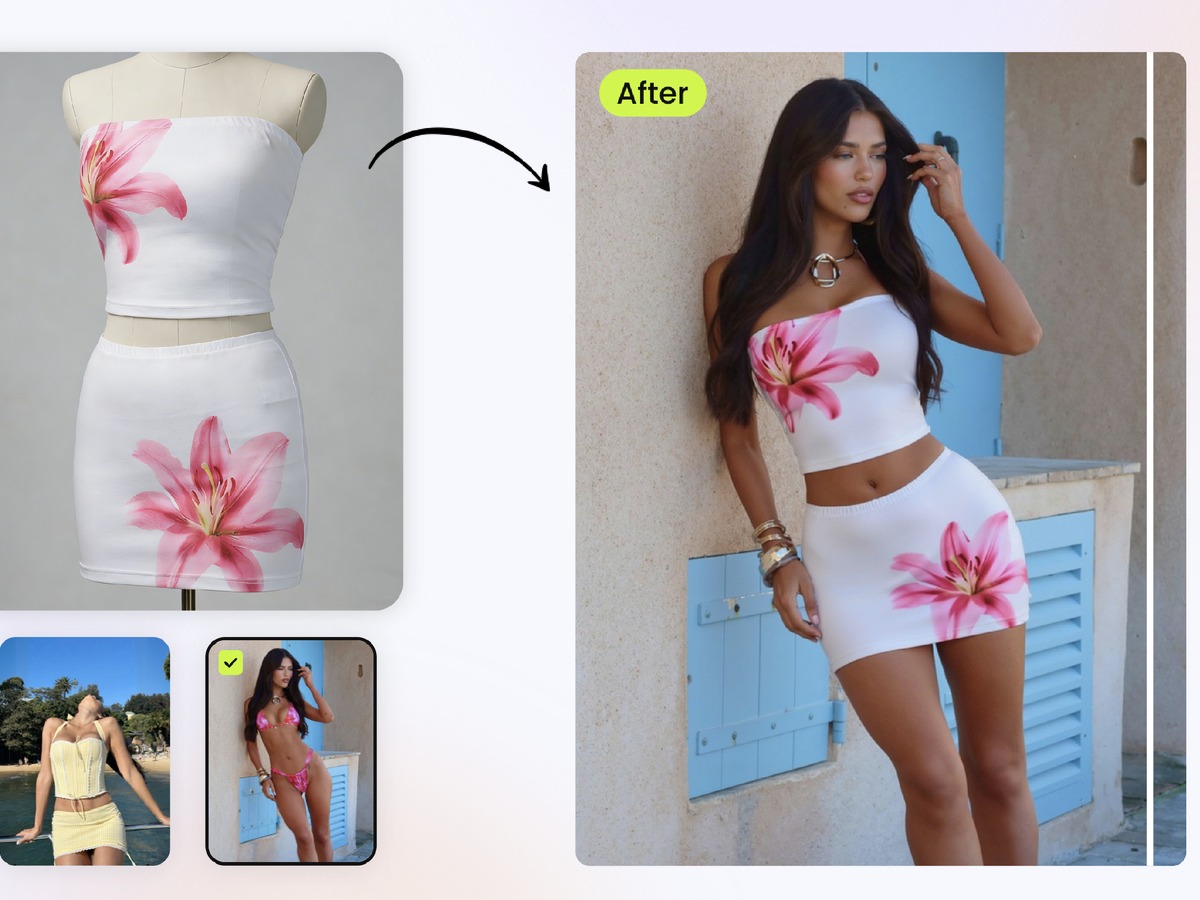
Modelia covers a wide range of fashion-generation jobs: flatlay to model, mannequin to model, virtual try-on, repose, outfit generator and accessory-on-model workflows. Snappyit covers the same practical demand as an ecommerce-focused AI fashion model generator. It helps teams turn source product photos into on-model catalog images, ghost mannequin shots, recolors, jewelry try-on and short videos that can be used across sales channels.
- On-model photos from flat-lay, hanger, mannequin and product inputs
- Output built for PDPs, marketplace cards, ads and social commerce
- Free starter credits for testing before a paid workflow
A simpler route from fashion idea to sellable image set
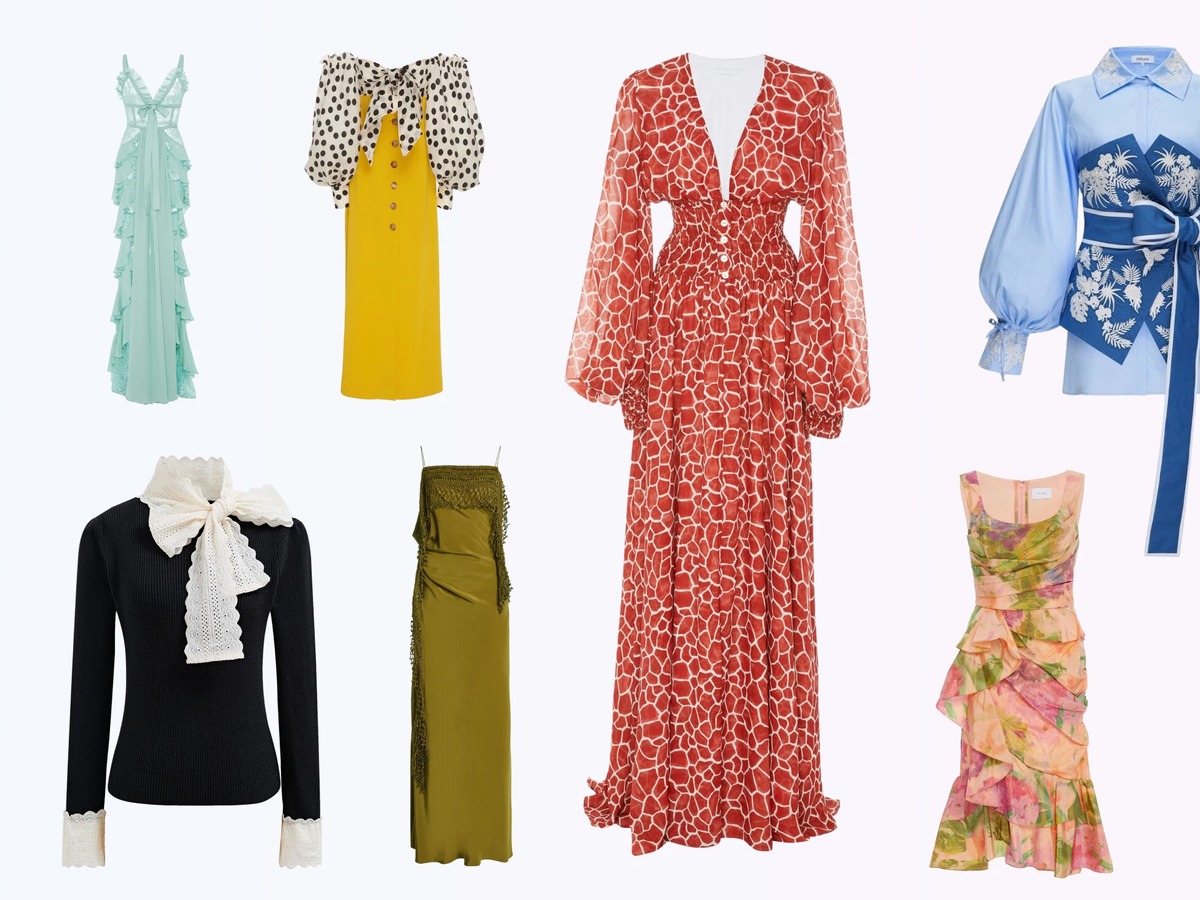
Modelia is useful when designers and agencies need many creative controls, including sketches, pose changes and outfit generation. Snappyit is more direct for product sellers who need model-ready catalog variants: generate consistent model directions, create ghost mannequin images, recolor products, clean backgrounds and turn final stills into videos.
- AI fashion model output for flat-lay, hanger, mannequin and product images
- Color-change and recolor tools for catalog variant testing
- Ghost mannequin and jewelry tools when a fashion catalog includes accessories
More AI Tools in the Same Workspace
More AI tools in the same Snappyit workspace.
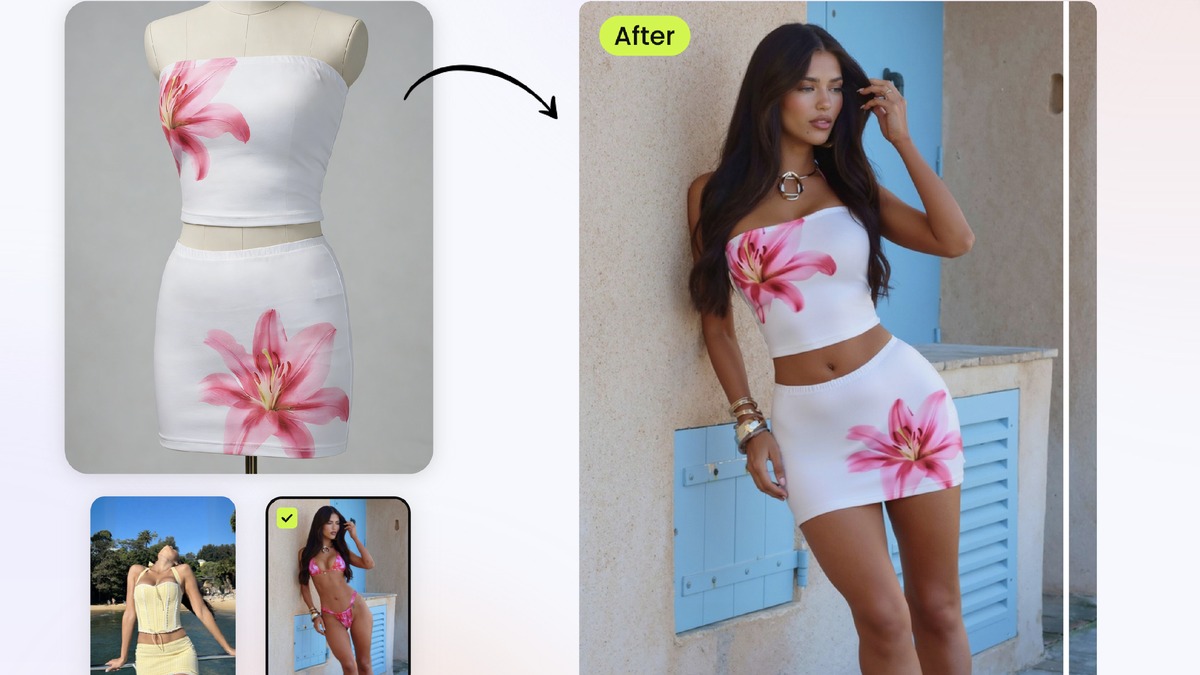
AI Fashion Model Generator
Turn flatlay, hanger or mannequin garments into model-ready catalog visuals for ecommerce and campaign testing.
Try Fashion Model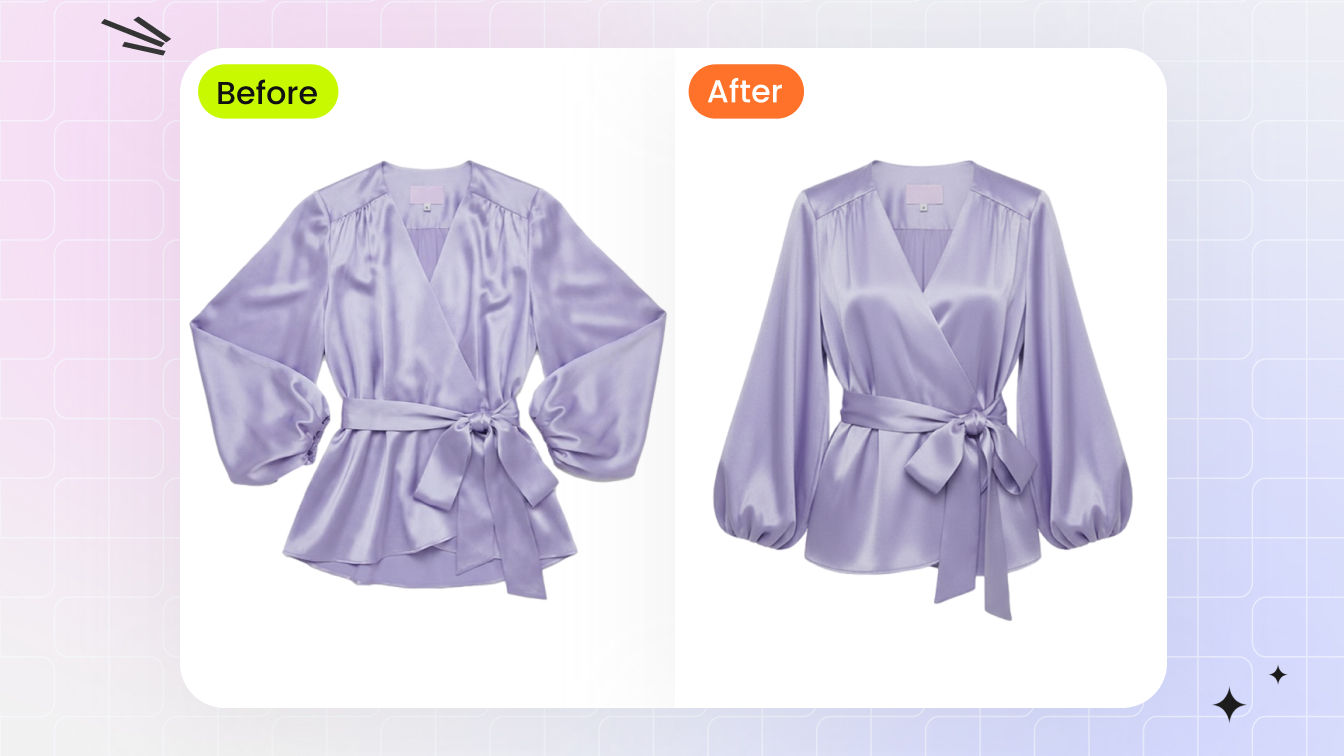
Ghost Mannequin (Invisible Mannequin Effect)
3D worn-shape catalog image from a flat-lay or hanger photo in 60 seconds - no mannequin, no Photoshop neck-joint compositing.
Try AI Ghost Mannequin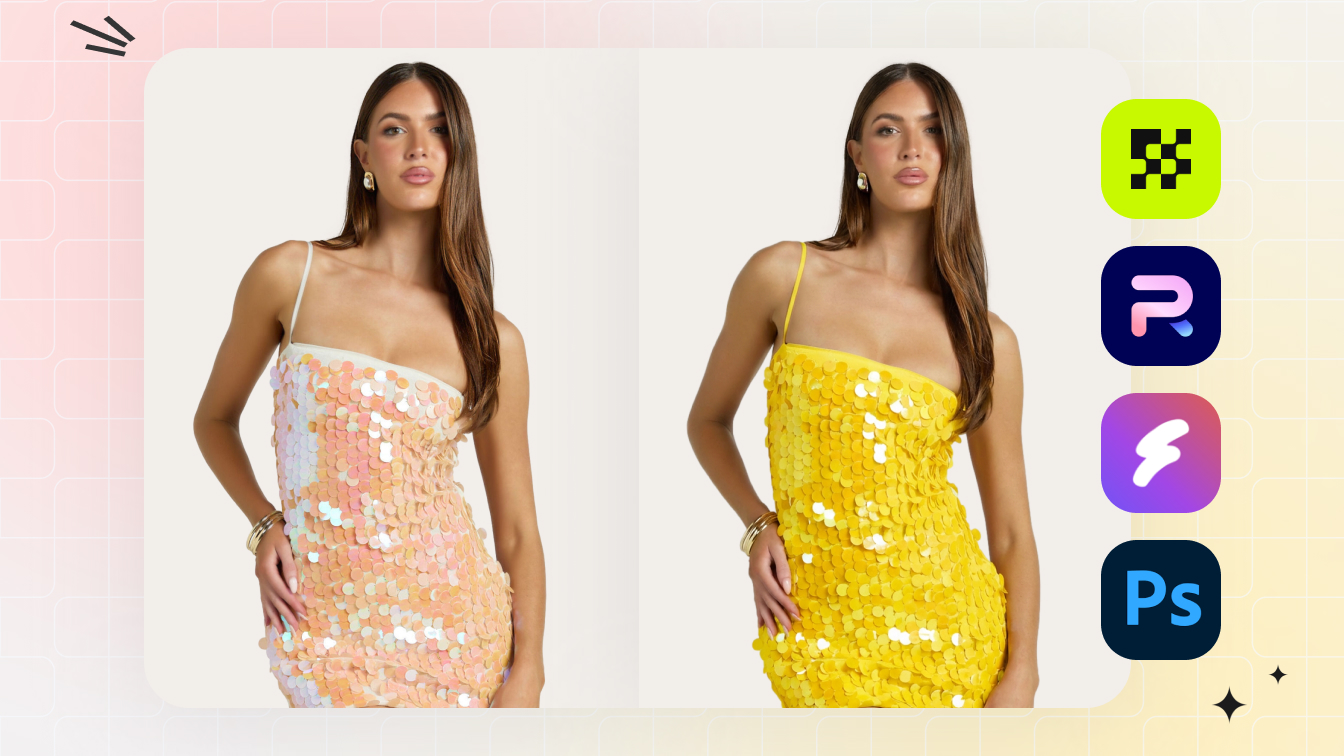
AI Color Change / Recolor
Full color matrix from one source photo - fabric texture, stitching, and lighting preserved across every variant.
Try AI Color Change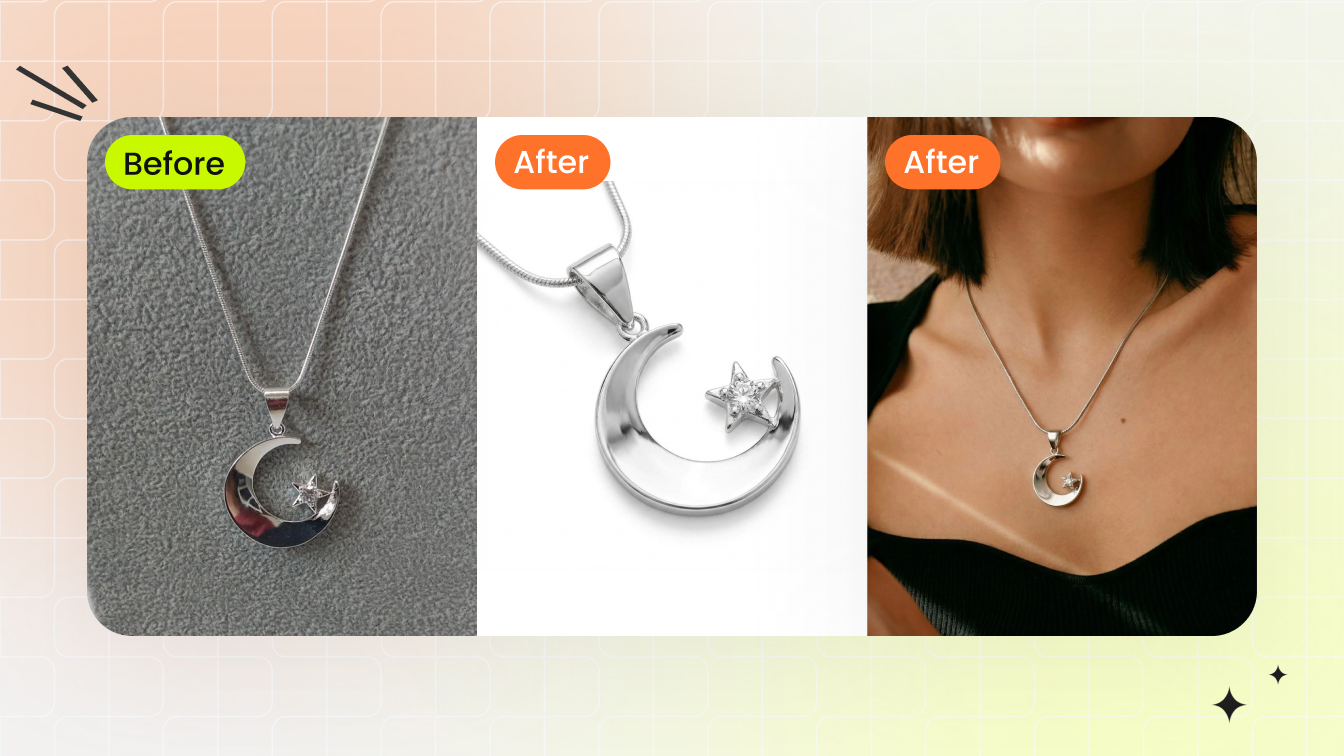
Jewelry Model Try-On
Place a ring, earring, necklace, or bracelet on a model template at correct scale with natural lighting and skin-tone match.
Try Jewelry Model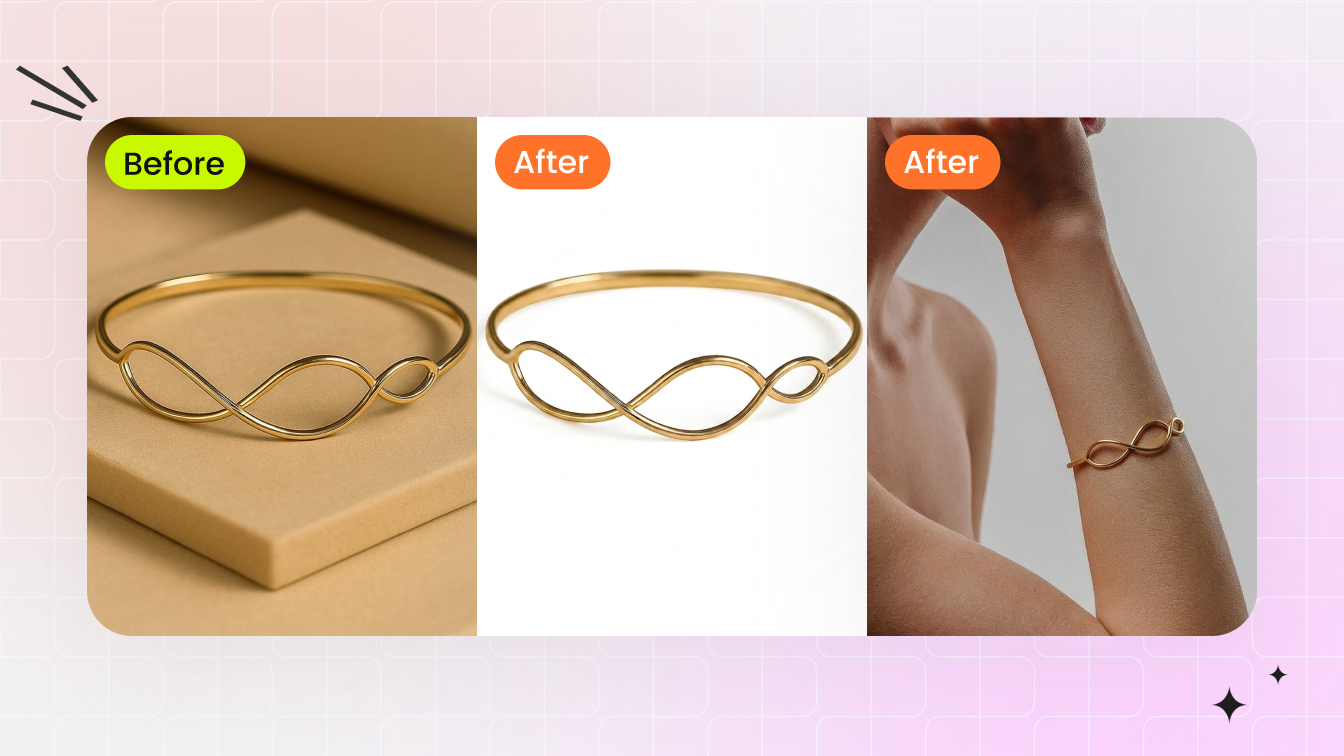
Jewelry Retouch
Clean dust, reflections, color cast, and prong shadows from raw jewelry shots in 30 seconds. Output on a catalog-clean white background.
Try Jewelry Retouch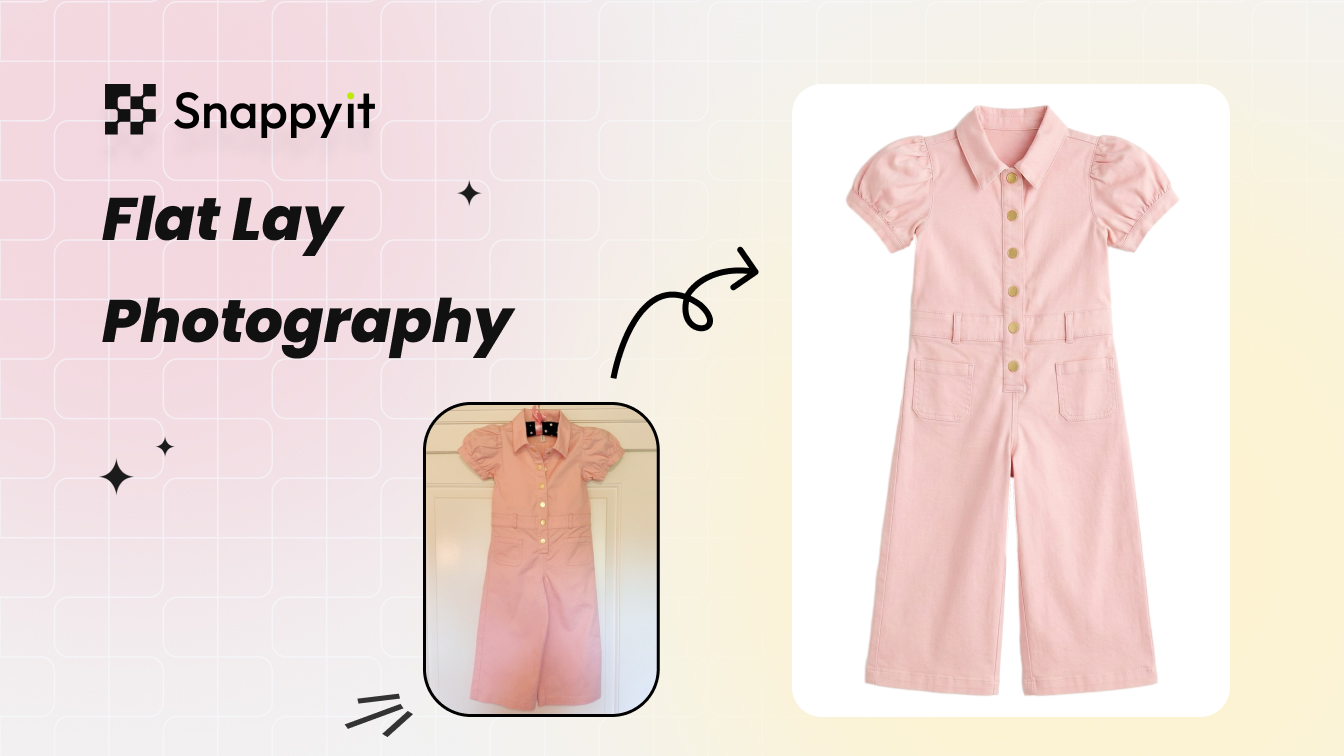
AI Flat Lay Photography
Clean catalog flat-lay from a wrinkled phone shot - wrinkle removal, white-balance, and backdrop swap in one pass.
Try AI Flat Lay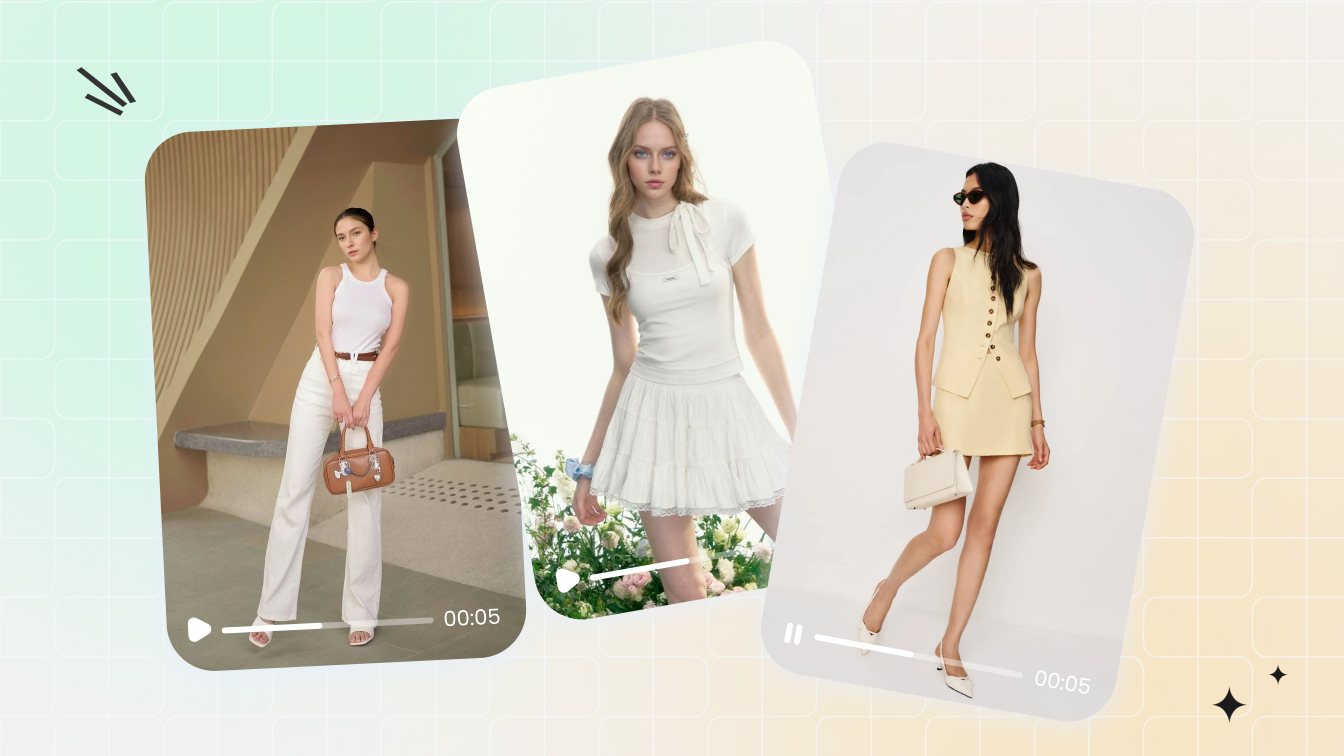
AI Fashion Video Templates
Drop a flat-lay or model photo onto a video template - 3-5 second on-model listing video at 9:16, 1:1, or 16:9.
Try Fashion Video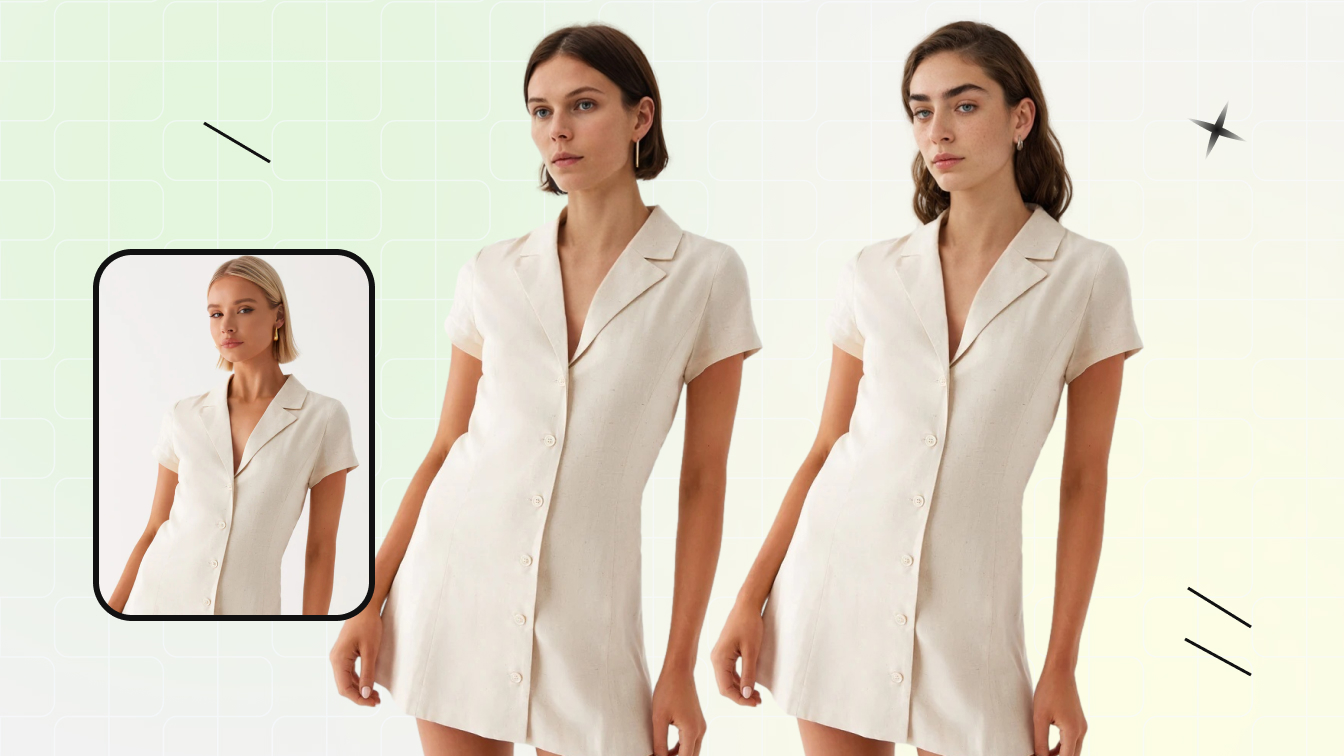
Face Swap / Model Swap
Swap the face or full model in an existing fashion photo without re-shooting - for diverse demographics or catalog consistency.
Try Face SwapSnappyit vs Modelia - Feature by Feature
Where the two platforms overlap, and where each is purpose-built.
| Comparison point | Snappyit | Modelia AI |
|---|---|---|
| Primary use case | Seller-grade product photography and fashion catalog workspace | AI fashion, ecommerce and marketing platform with broad creative tools |
| Free start | Free starter credits, no card required | Starter plan free with 20 credits per month |
| Entry paid price | From $6.90 per month on annual billing; one-time credit pack from $5.90 | Project credit packs from $12; Basic $35 per month |
| Higher tiers | Snappyit paid tiers scale by credits and workflow | Pro $85 per month; Business $300 per month |
| Flatlay to model / mannequin to model | Yes | Yes, listed core tools |
| Virtual try-on | Yes, via fashion model and model-photo workflows | Yes |
| Repose / sketch / outfit generation | Focused on ecommerce outputs rather than design ideation | Yes, stronger design-oriented feature set |
| Ghost mannequin | Yes | Mannequin to model is listed; dedicated seller ghost mannequin is less central |
| Jewelry and accessories | Jewelry model, jewelry retouch, recolor and accessory-friendly workflows | Hat, bag, glasses and footwear on model are listed |
| Best fit | Sellers and catalog teams that need usable assets fast | Fashion designers, agencies and teams exploring broad creative variants |
Reviewed against Modelia public pricing and tool pages, plus Snappyit pricing, June 2026. Modelia lists a free Starter plan with 20 credits per month, Project credit packs from $12, Basic at $35 per month, Pro at $85 per month and Business at $300 per month.
Modelia is a trademark of its respective owner. Snappyit is independent and is not affiliated with, endorsed by, or sponsored by Modelia. Comparisons are based on publicly available information reviewed in June 2026 and may change.
Frequently asked questions
Common questions people ask when comparing Modelia, Snappyit and other AI product photography tools.
Try Snappyit free before choosing a tool
Upload a real product photo, test the model-photo workflow, and compare output quality, cost and channel fit before committing to a paid plan.