
At a glance
Square vs portrait covers, lighting, and a consistent grid that sells: a 2026 Poshmark photography playbook for resellers who want a closet that converts.
| Need | What to do |
|---|---|
| Get oriented | Read the short summary, then use the checklist below. |
| Create a test image | Try Image Resizer Free |
Poshmark is a visual marketplace before it is anything else. Buyers do not read your description first; they scroll a wall of square (or now portrait) cover photos and decide, almost reflexively, which listings are worth a tap. A closet full of dim, cropped-wrong, mismatched covers reads as a yard sale. A closet of clean, consistent covers reads as a brand — and brands sell at full ask. This guide is Poshmark-first: every recommendation below is about the photography craft and grid discipline that make your closet look intentional, not about cross-listing apps or generic marketplace size charts.
Your closet is your storefront
The single biggest mindset shift for a reseller is to stop treating each listing as a one-off and start treating the closet as a single storefront. On Poshmark, your closet page is the equivalent of a shop window: rows of cover photos stacked together. When a buyer lands there from a share, a Posh Party, or a search, the first thing they register is not any one item — it is the overall impression of the grid. Does it look curated and trustworthy, or chaotic?
That impression is built almost entirely by your cover shots working together. Two listings that are individually fine can clash badly side by side — one shot on a white wall, one on a wooden floor, one warm and yellow, one cool and blue. The eye reads the inconsistency as carelessness, and carelessness lowers the price a buyer is willing to pay. Top sellers understand this intuitively: they are not photographing garments, they are merchandising a shop.
Everything that follows — the cover-shot framing, the lighting, the styling decisions, the resize spec — exists to serve one goal: a closet where every cover looks like it belongs to the same store. Get that, and individual listings borrow credibility from the whole.
Square vs portrait covers in 2026
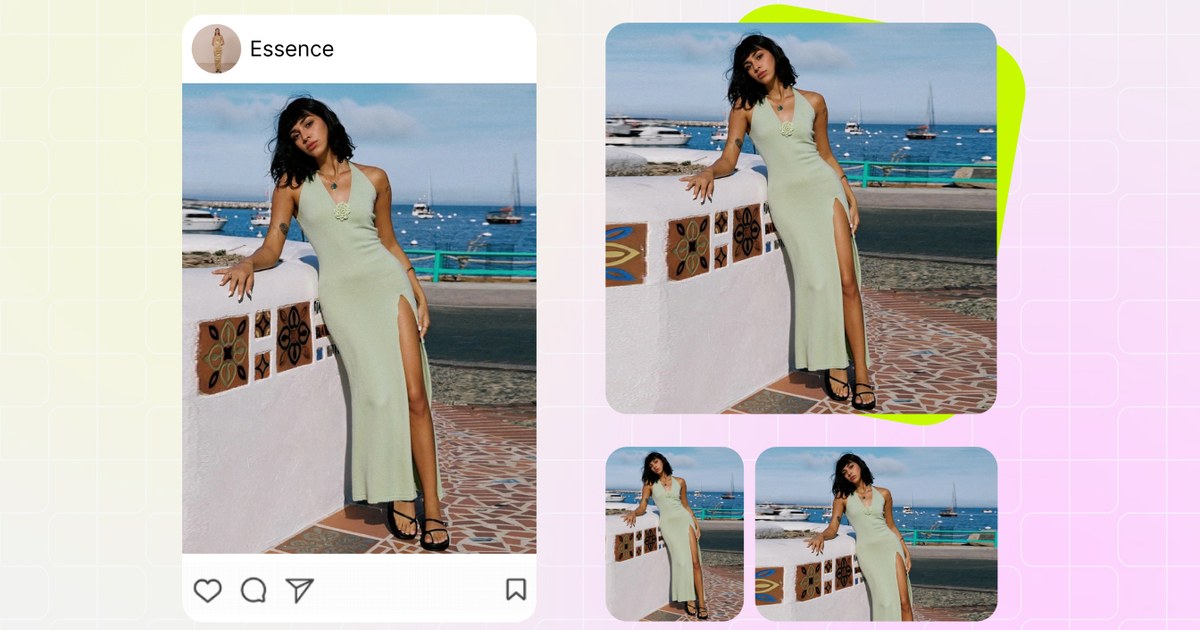
The big 2026 question for Poshmark sellers is the cover aspect ratio. For years the cover photo was a strict 1:1 square — every listing thumbnail was the same tidy box. In 2026 Poshmark began rolling out portrait covers at 3:4 (roughly 900 × 1200 pixels), giving each cover more vertical real estate in the mobile feed. That change set off a wave of panic in reseller groups: do I have to re-shoot everything?
The short answer is no. Your existing 1:1 square listings remain fully valid and will keep selling. The portrait rollout adds an option; it does not invalidate the square covers already in your closet. So the real decision is not "square or portrait, which is correct" — both are correct — it is "which one will I commit to across my whole closet."
| Cover format | Pixels | Feed behaviour | Best for |
|---|---|---|---|
| Square (1:1) | 1080 × 1080 | Compact, tidy grid; more items visible per scroll | High-volume closets, flat-lays, a uniform "catalog" look |
| Portrait (3:4) | ~900 × 1200 | Taller cover, fills more of the mobile screen | On-model and full-length shots, boutique-style closets |
Think about what you actually sell. If you photograph mostly flat-lays and folded garments, square keeps the grid dense and scannable — a buyer sees more of your closet in one swipe. If you lean on full-length on-model or hanging shots where the whole garment matters, portrait gives the dress or coat room to breathe and stops important detail getting cropped at the top and bottom. There is no wrong answer; there is only the wrong answer of mixing both at random. Pick the ratio that flatters your inventory, then apply it everywhere.
Consistency beats format. A closet that is 100% square outperforms a closet that is half square, half portrait — even if portrait is technically the "newer" option.
The cover shot that stops the scroll
The cover photo does one job: earn the tap. Everything else — the eight supporting photos, the measurements, the brand tag close-up — only gets seen if the cover wins the swipe first. So the cover deserves more thought than all the other shots combined.
A scroll-stopping Poshmark cover has three things going for it. First, the garment fills the frame. Beginners shoot the whole room and leave the dress floating in a sea of carpet; at thumbnail size that dress is a postage stamp. Crop in so the item occupies most of the cover. Second, the shape reads instantly. A blazer should look like a blazer at a glance — buttoned or styled so the silhouette is obvious, not a shapeless lump on a hanger. Third, the background is quiet. A clean, neutral backdrop makes the garment the only thing competing for attention.
Frame the cover so the most sellable feature is front and centre. For a graphic tee, that is the print; for a handbag, the hardware and shape; for a dress, the full silhouette and any standout detail like a neckline or print. If a buyer has to guess what the item even is, you have already lost them. And crucially, the cover must match the ratio you chose in the previous section — a square cover cropped from a portrait source, or vice versa, throws off the grid the moment it lands next to its neighbours.
Lighting for true-to-life color
More returns and "not as described" cases come from inaccurate color than almost anything else. A buyer orders a "cream" sweater that arrives mustard-yellow because you shot it under a warm bulb, and now you have a return, a refund, and a dented rating. Lighting is not about making the garment look prettier than it is — it is about making it look exactly like it is, so the buyer who opens the box is not surprised.
The reseller's best friend is free: soft, indirect daylight. Shoot near a large window, out of direct sun, ideally mid-morning or early afternoon when the light is bright but diffuse. Direct sunlight blows out highlights and casts hard shadows that hide texture; deep shade goes flat and muddy. Indirect window light sits in the sweet spot — even, true to color, and flattering on fabric.
One light source, not three
Mixing window light with a yellow ceiling bulb creates color casts that are impossible to correct cleanly. Turn off the overheads and let the window do the work.
Set white balance to the room
If your phone lets you lock white balance, do it on a white surface so whites stay white and creams stay cream across every listing.
Bounce, don't blast
A white foam board or even a bedsheet opposite the window fills the shadow side and keeps detail in dark fabrics.
Shoot at the same time of day
This is the secret weapon for grid consistency — same window, same hour, same light, and your covers automatically match in tone.
Resist the urge to crank saturation in editing. A heavily filtered cover that does not match the real garment is a return waiting to happen, and Poshmark buyers are savvy enough to distrust covers that look too good. Correct, don't cosmetic.
Styling: flat-lay, hanger or on-model
How you present the garment is as much a branding decision as the backdrop. There are three main approaches, and the right one depends on your inventory and how much time you can spend per listing.
Flat-lay
Lay the garment flat on a clean, neutral surface, shoot straight down. Flat-lays are fast, repeatable, and naturally consistent — same surface, same angle, every time. They are ideal for tees, knits, denim, and accessories — though small sparkly pieces benefit from a quick jewelry image retouching pass to make stones and metal pop — and they pair beautifully with a square grid. The downside: flat-lays don't show how a garment drapes or fits on a body, so they undersell anything whose appeal is in the silhouette.
Hanger
Hanging shots on a clean wall sit between flat-lay speed and on-model appeal. They show the garment's hang and length without needing a model, which suits dresses, coats, and structured pieces. Use a slim, matching hanger (skip the chunky plastic ones) and steam out wrinkles first — a creased garment on a hanger reads as "old stock."
On-model
On-model covers convert best for anything fit-dependent — dresses, jeans, outerwear — because buyers can picture themselves in it. They are also the most work: you need a model (or yourself), styling, and a repeatable setup. If you can't shoot on-model consistently, don't do it occasionally; an occasional on-model cover dropped into a flat-lay grid is exactly the kind of inconsistency that breaks the storefront look. Pick the approach you can sustain across the whole closet.
Building a consistent grid
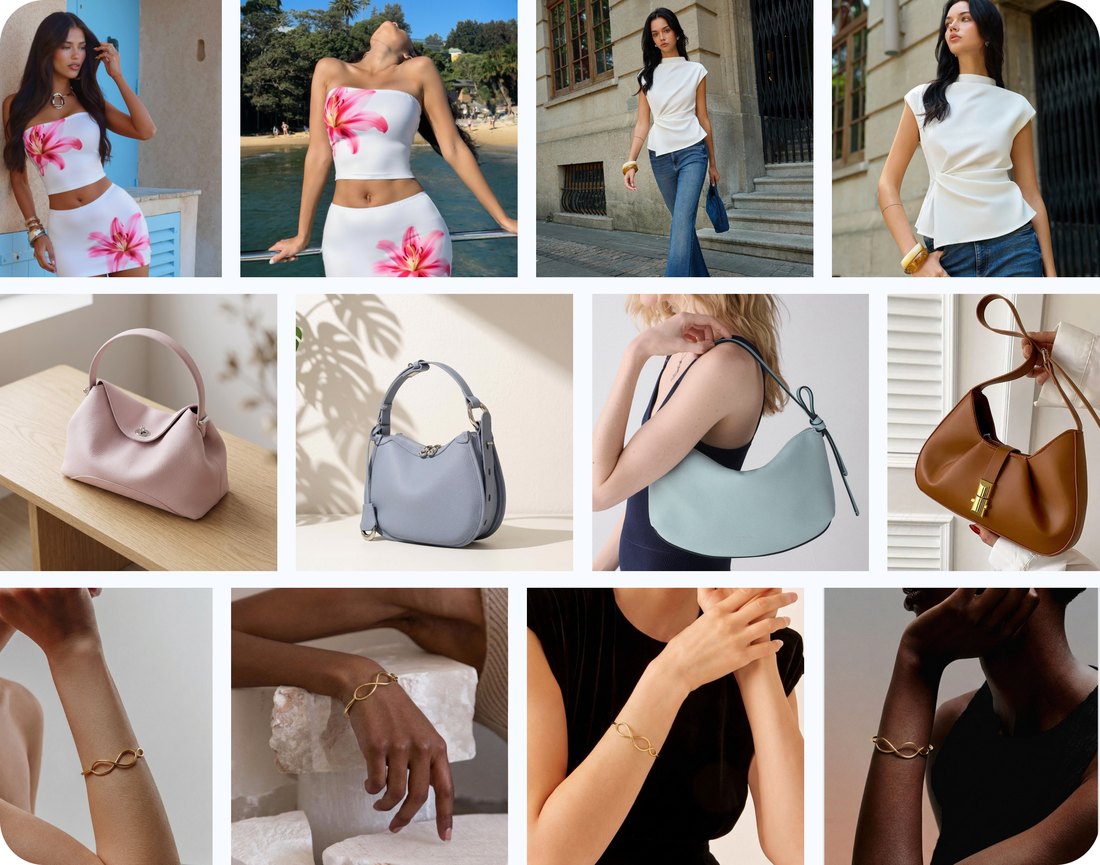
This is where resellers separate themselves. The grid is the storefront, and a consistent grid is built from a handful of locked-in decisions you make once and never deviate from:
- One backdrop. Same wall, same floor, same flat-lay surface for every cover. This single choice does more for grid cohesion than anything else.
- One aspect ratio. The square-or-portrait decision from earlier, applied without exception. Every cover the same shape.
- One lighting setup. Same window, same time of day, so color and brightness match across listings.
- One framing rule. Garment fills roughly the same proportion of the frame each time, centred the same way.
- One output spec. Every cover exported at the same pixel dimensions — typically 1080 × 1080 for square — so nothing looks softer or sharper than its neighbours.
When all five hold, your closet reads as a single, deliberate shop. The effect compounds: a buyer who lands on one listing scrolls your other items, sees the same polished treatment, and trusts you enough to buy more. That is how top Poshmark and Depop sellers turn a clean grid into bundle sales and repeat customers — and the same consistent, on-brand look carries straight into a short fashion promo video when you want to market the closet beyond the feed. The grid is not vanity — it is conversion.
The hardest part of consistency is the output spec, because phone cameras and re-crops produce slightly different dimensions every time. The fix is to standardize on export. Run every finished cover through a resizer so they all land on the exact same pixels before they hit your closet.
Resize every cover to one spec →
Re-crop, don’t re-shoot
When Poshmark introduced portrait covers, the instinct was to re-shoot the entire closet. For an active reseller with hundreds of listings, that is days of work for little gain — and it is unnecessary. The smarter move is almost always to re-crop, not re-shoot.
If your original photos were shot with a little breathing room around the garment (which they should be — never crop tight in-camera), you already have the pixels to produce either a square or a portrait cover from the same source file. Re-cropping a 1:1 cover into a 3:4 portrait, or standardizing a batch of slightly-off covers to a uniform square, takes seconds per image and costs you nothing but a few minutes.
Re-shooting only makes sense in two cases: the original is genuinely bad (blurry, badly lit, wrong color), or the crop you need simply isn't in the frame because you shot too tight. Everything else is a re-crop job. A reseller's time is the scarcest resource in the business — spend it sourcing inventory, not re-photographing covers you already have.
This is also why a batch resizer earns its keep. Instead of opening each photo, re-cropping by hand, and hoping the dimensions match, you can push a whole closet's worth of covers through one consistent spec in a single pass — turning a multi-day re-shoot into a ten-minute re-crop.
You can resize and re-crop covers in bulk so an entire closet lands on one ratio and one pixel spec without re-shooting a single garment.
A clean-closet photo checklist
Before any cover goes live, run it past this quick checklist. Once these become habit, your closet stays consistent on autopilot:
- Ratio locked. Square (1:1) or portrait (3:4) — the same one you use everywhere else.
- Garment fills the frame. No floating item lost in empty background at thumbnail size.
- True color. Shot in soft daylight, white balance correct, no heavy filters faking a shade.
- Quiet background. Same neutral backdrop as the rest of the closet.
- Steamed and styled. No wrinkles, hangers matched, silhouette obvious.
- Resolution at least 1200 px. Upload large so the app never has to upscale and blur your cover.
- One output spec. Exported at the same dimensions as every other cover in the grid.
The resolution point deserves emphasis because it trips up so many sellers. If your source photo is smaller than the cover Poshmark wants to display, the app upscales it — and upscaling is what makes covers look soft and blurry after upload. Always work from a 1200-pixel-or-larger source, and the blur problem disappears.
Resize every cover to one spec
Consistency lives or dies on the export step. You can shoot beautifully and still end up with a grid that looks slightly off because every photo is a marginally different size — 1078 px here, 1124 px there, one cover a touch softer than the rest. The cure is a single, deliberate resize pass before anything goes live.
Decide your spec once — most square closets use 1080 × 1080; portrait closets use roughly 900 × 1200 — and force every cover to it. A batch resizer lets you drop in a folder of covers and get back a uniform set, all the same ratio, all the same pixels, all ready to upload. No more guessing whether this listing matches that one; they all match by construction.
This is the least glamorous step in the whole workflow and the one that does the most for your storefront look. It is also the easiest to automate, so there is no excuse to skip it. Standardize the spec, batch the resize, and let the consistency take care of itself.
Frequently asked questions
Poshmark switched to portrait covers in 2026 — do I need to re-shoot my closet?
No. Poshmark’s 2026 portrait rollout is 3:4 (~900 × 1200), but existing 1:1 square listings remain fully valid. You can re-crop rather than re-shoot.
Why do top Poshmark and Depop sellers have such consistent shop grids?
The grid is effectively your storefront. Top sellers shoot every item on the same backdrop at the same spec — around 1080 × 1080 — so the closet reads as one cohesive brand.
Why do my Poshmark and Mercari photos look blurry after I upload them?
Almost always because the source photo was smaller than 1200 pixels, so the app upscaled it. Upload at 1200 px or larger and the blur disappears.
Square or portrait for a Poshmark cover shot?
Either is valid in 2026. Portrait (3:4) fills more of the mobile feed; square (1:1) keeps a tidy grid. Pick one and apply it to every listing for consistency.