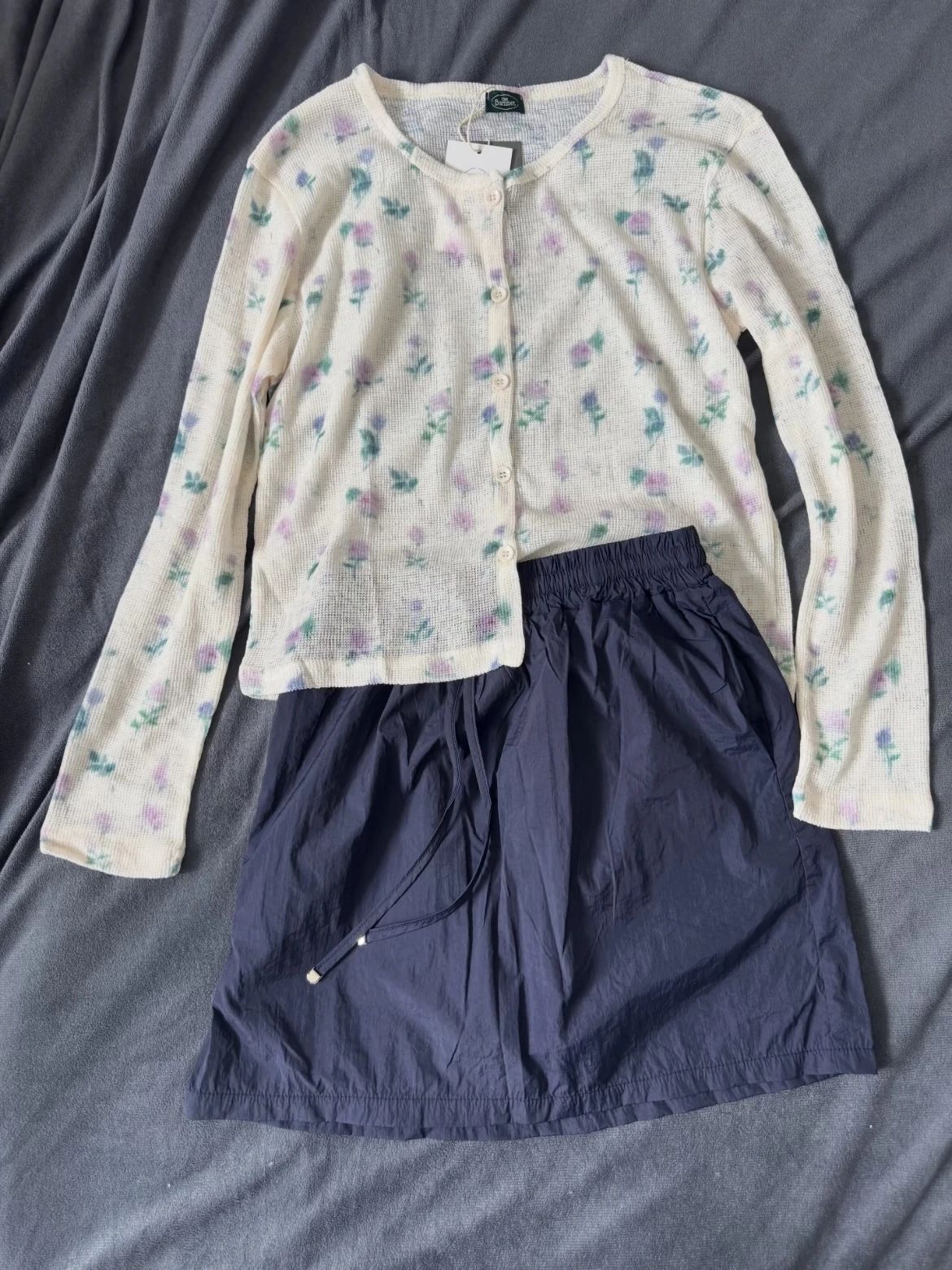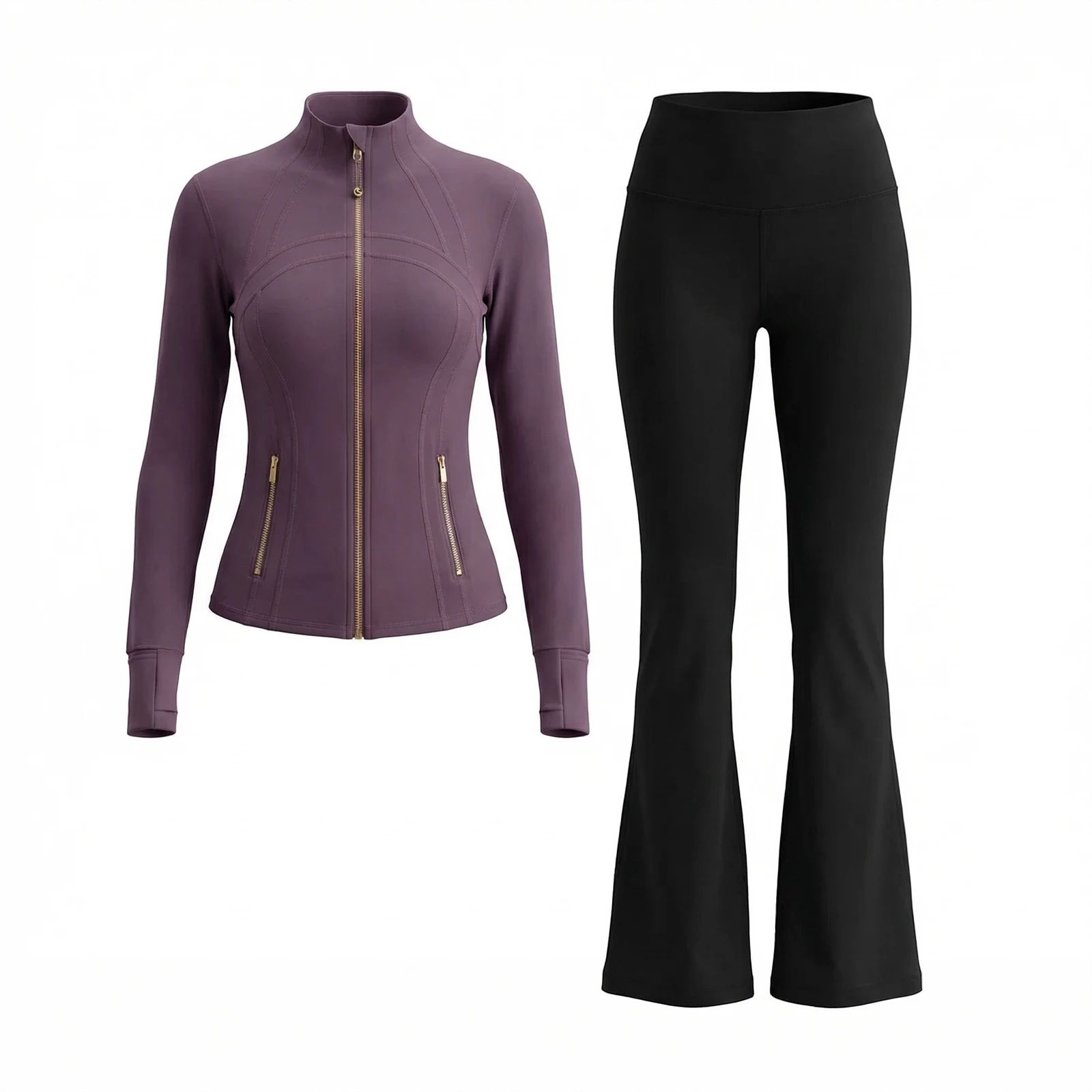
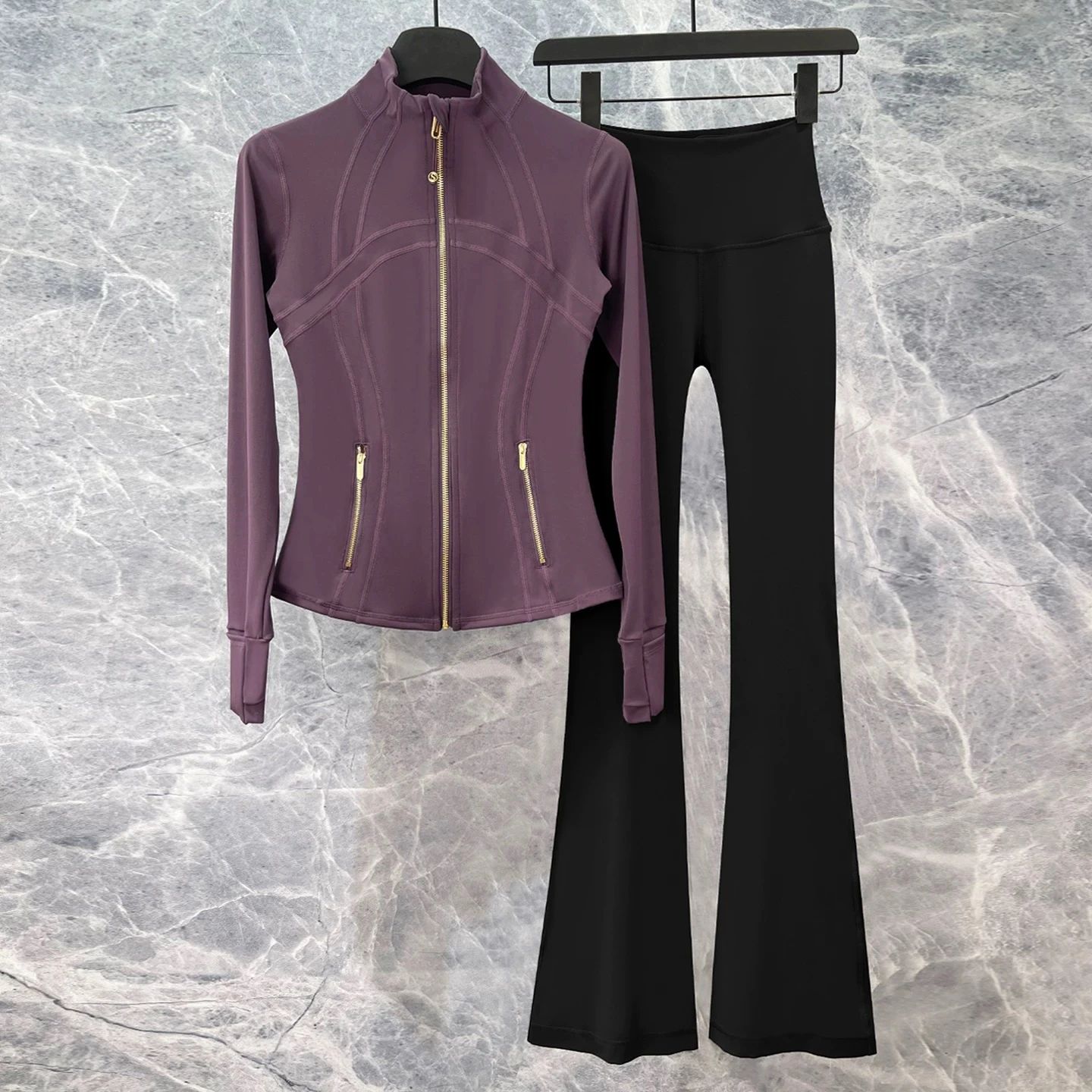


Cardigan & Skirt Set: Flat Lay Before and After
See clothing set before-and-after photos with Flat Lay Photography. Explore the workflow, find inspiration and create similar visuals with your own product.
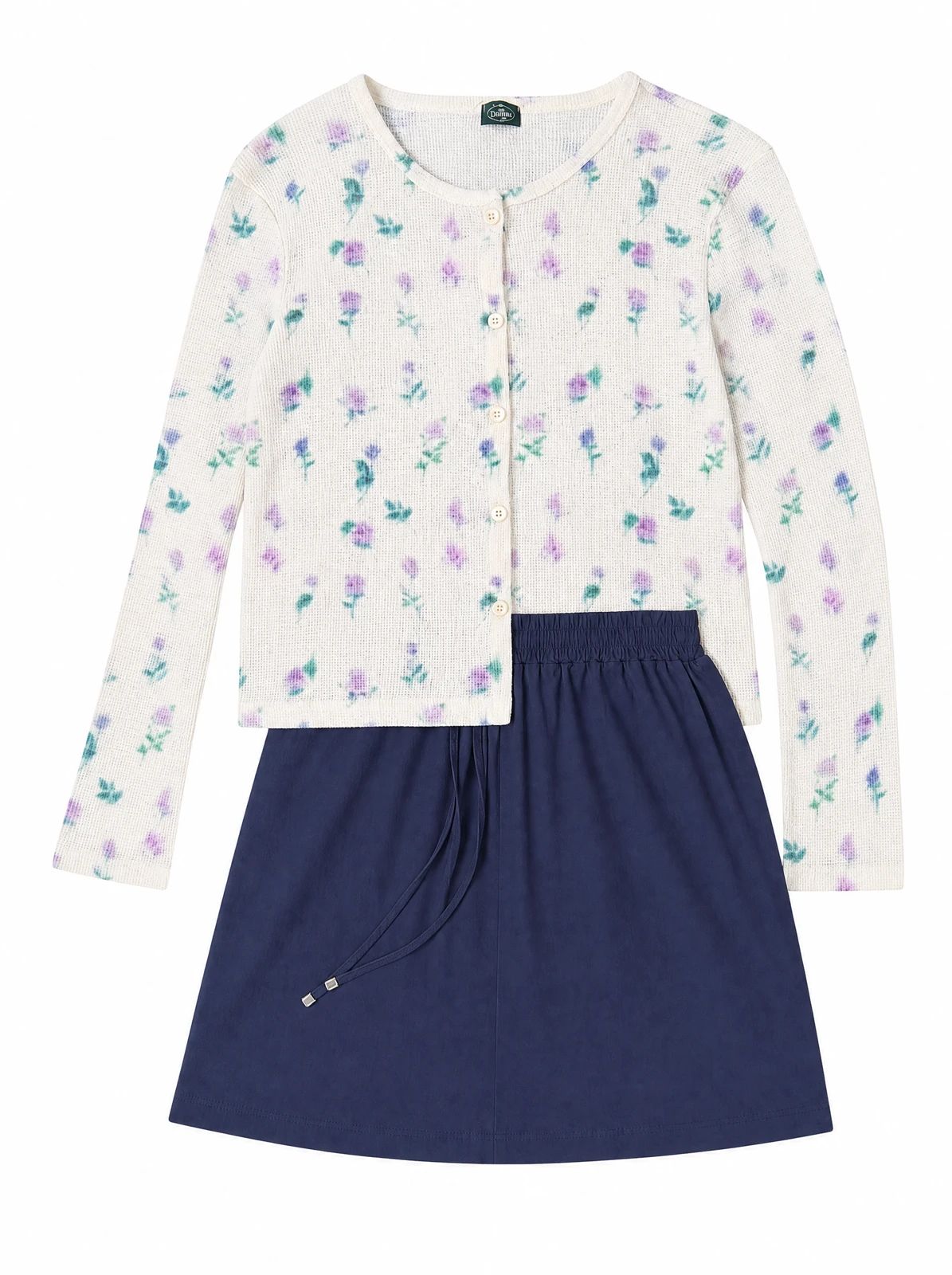
OriginalSnappyit result
How to try Flat Lay Photography workflow
01
Prepare your apparel set photo
- Open the Flat Lay Photography with your own apparel set photo.
- Include the cardigan and skirt in one clear source so neither piece is cropped or hidden.
02
Choose a category and describe the styling
- Select the product category.
- Add optional details about garment shape or styling to guide the flat lay result, then select Generate.
- Use the example to identify the presentation you want rather than treating it as a saved preset.
- For a result in the direction of this apparel set example: Describe the two-piece arrangement when adding styling details for the flat lay.
03
Review the apparel set result
- Compare the cardigan opening, skirt shape and the relationship between both pieces.
- Download when it accurately represents your item; adjust the source or settings and generate another version if important details differ.
Start with a photo you already have
Explore Snappyit’s photography tools or create product images on your phone.