

Explore Studio Photography examples
Studio Photography example

Over-Ear Headphones: Styled Scene Before and After

See electronics before-and-after photos with Studio Photography. Explore the workflow, find inspiration and create similar visuals with your own product.
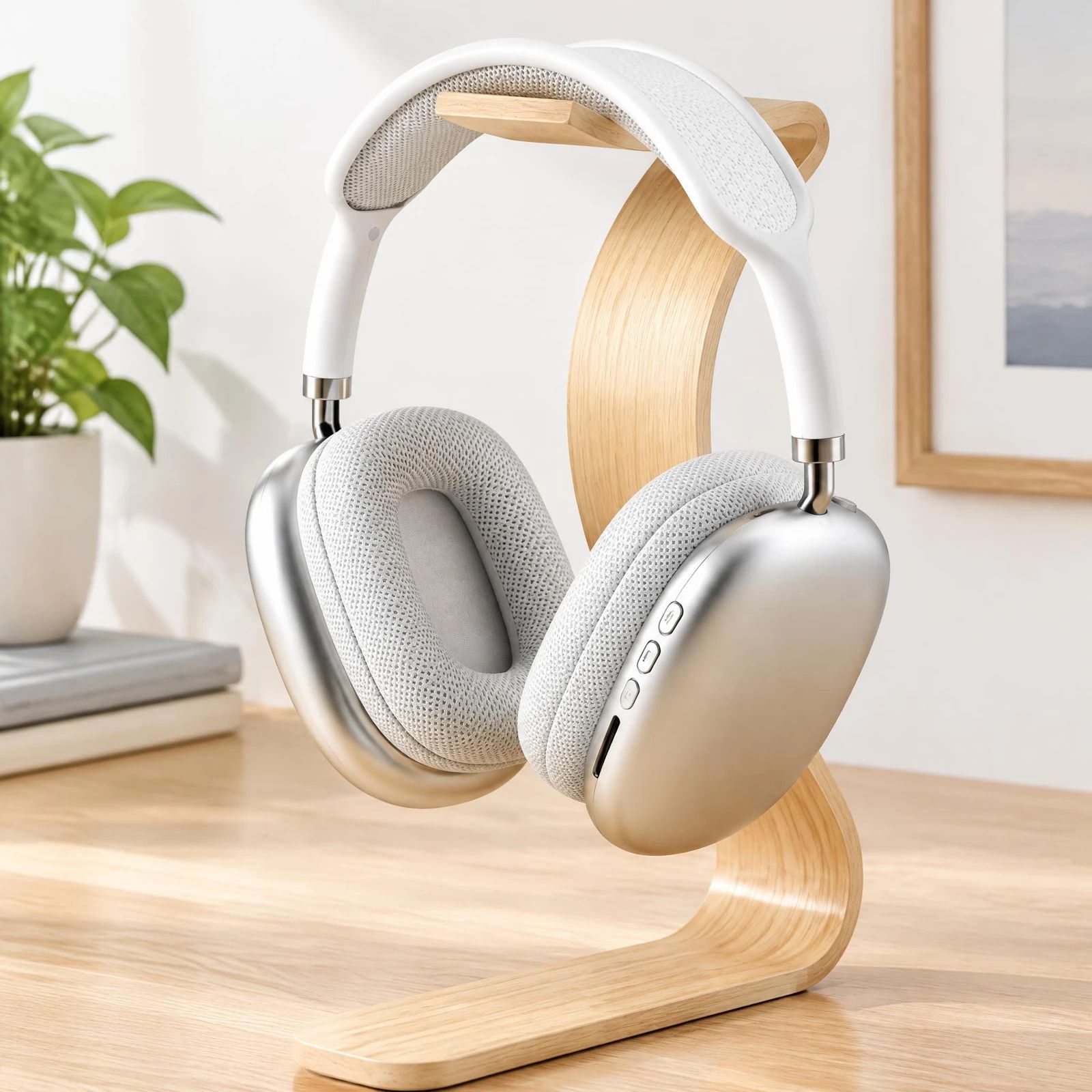
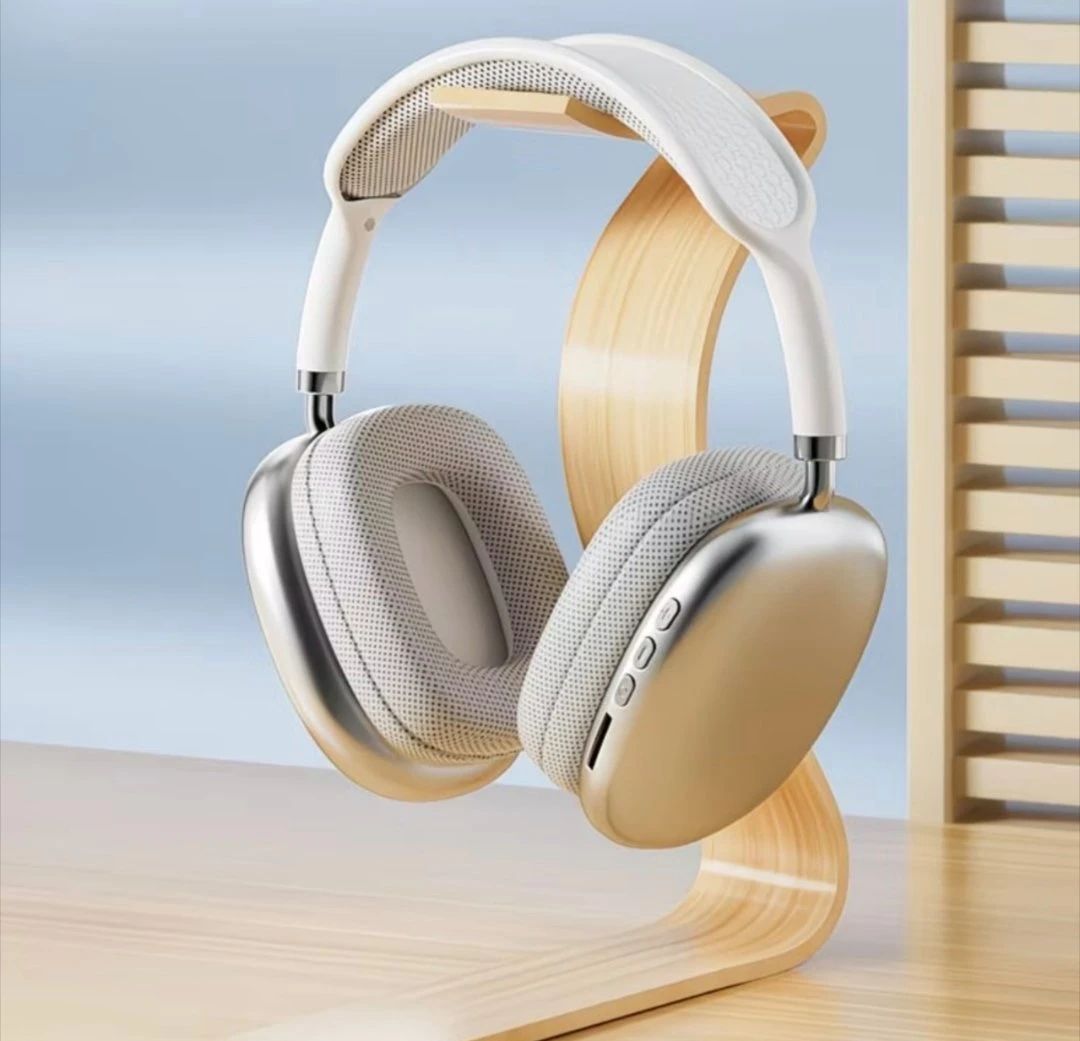
White over-ear headphones on a wood stand in a bright room with a plant and framed art White over-ear headphones displayed on a light wood stand OriginalSnappyit result

How to try Studio Photography workflow

01

Prepare your headphones photo

  • Open the Studio Photography with your own headphones photo.
  • Include the headband, both ear cups and any stand shown in the source.
02

Set the output size and studio direction

  • Choose Output Size.
  • Use the optional Additional Information field to describe the presentation you want, such as a clean product shot or a styled scene.
  • Select Generate to create a studio-style image from your uploaded product photo.
  • For a result in the direction of this headphones example: Describe a studio arrangement that leaves the ear cups and headband unobstructed.
03

Review the headphones result

  • Check ear-cup shape, headband connections, stand and metal finish.
  • Download when it accurately represents your item; adjust the source or settings and generate another version if important details differ.

Start with a photo you already have

Explore Snappyit’s photography tools or create product images on your phone.

Example preview