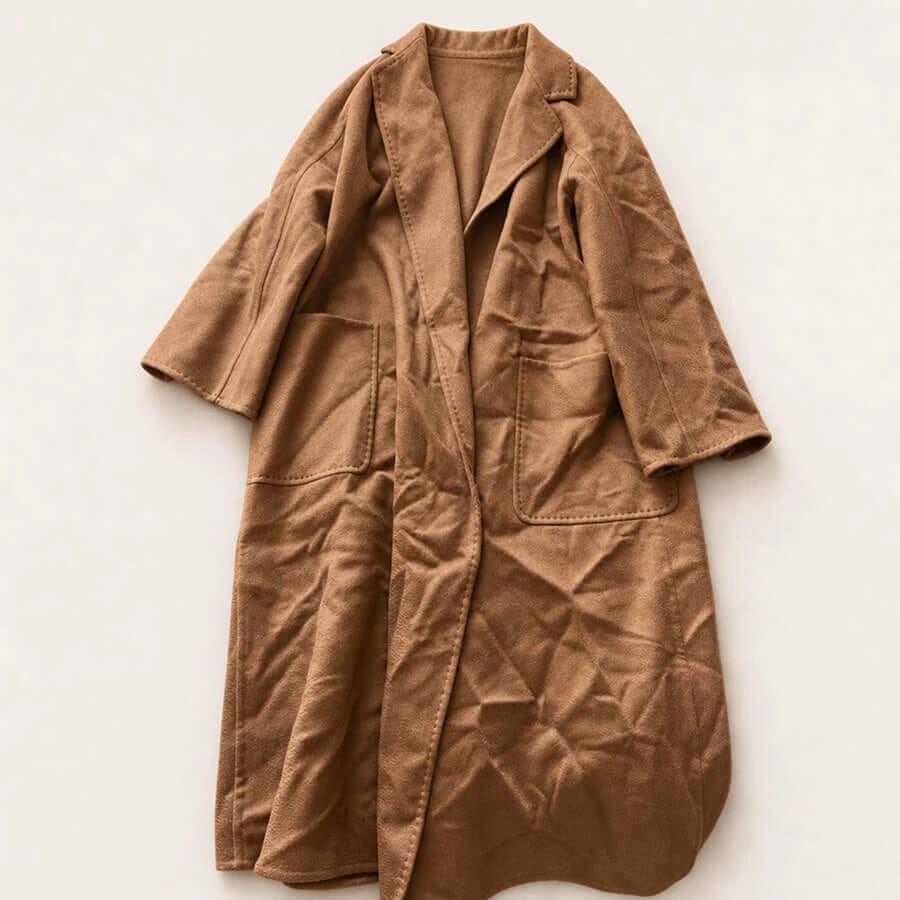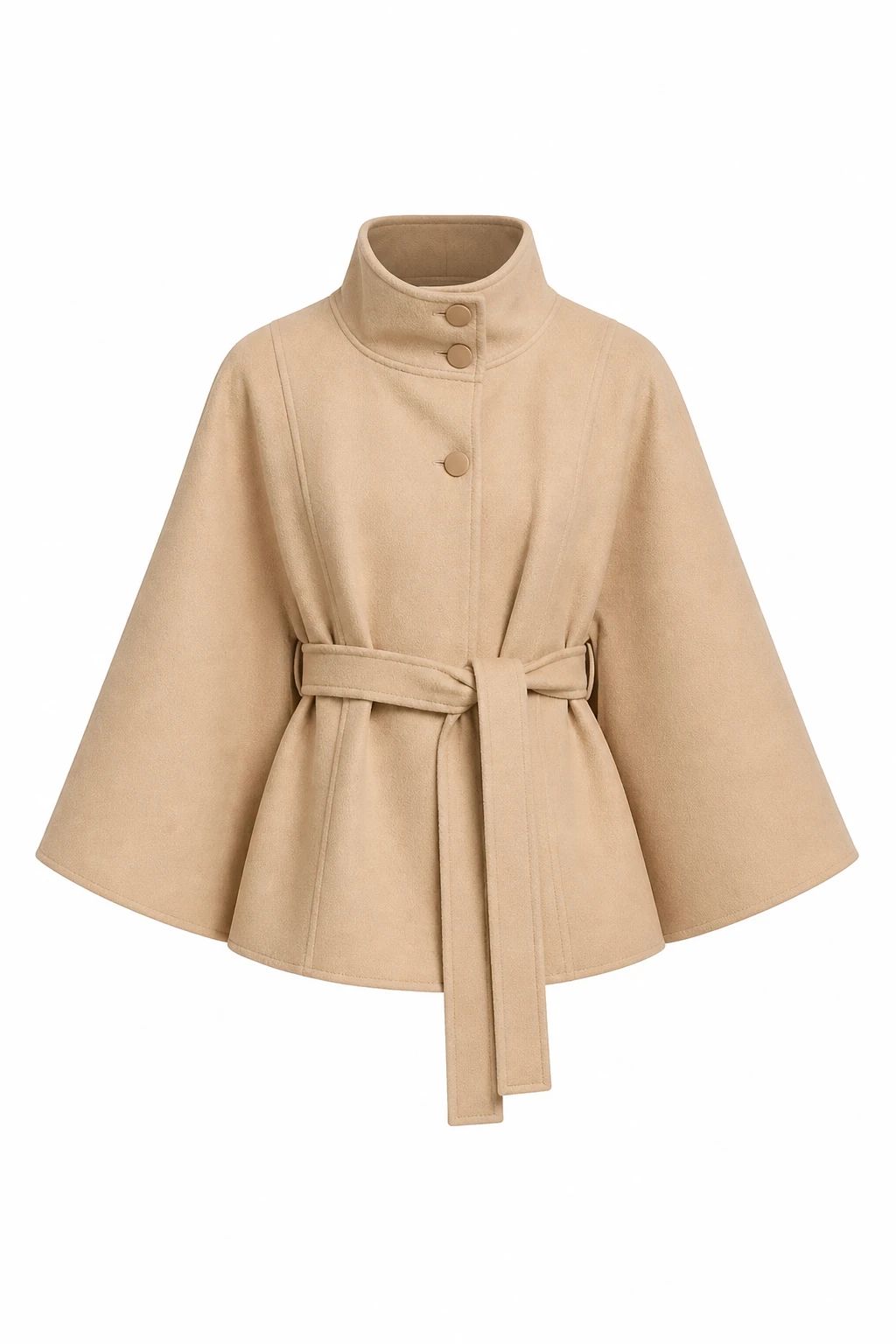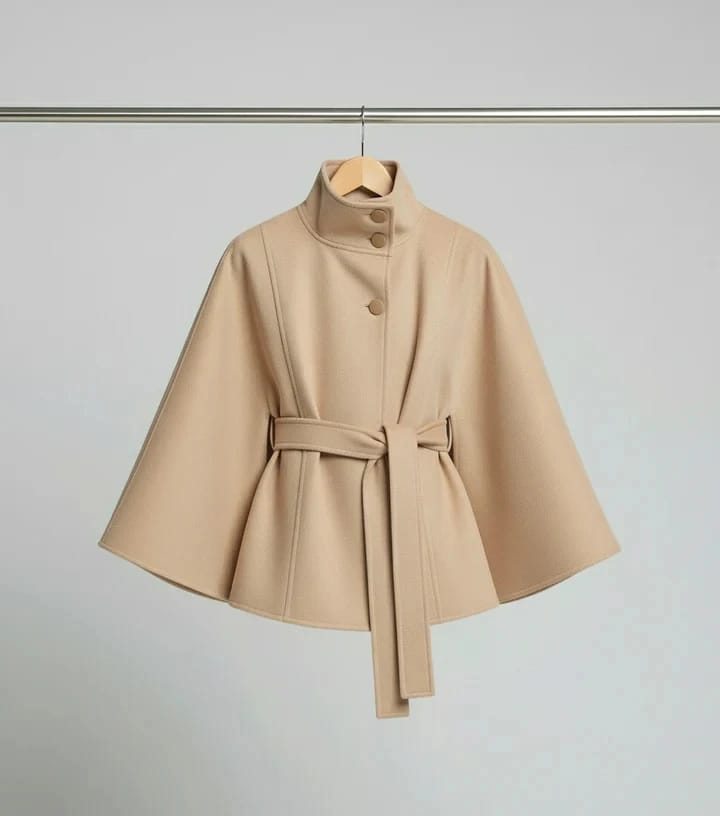
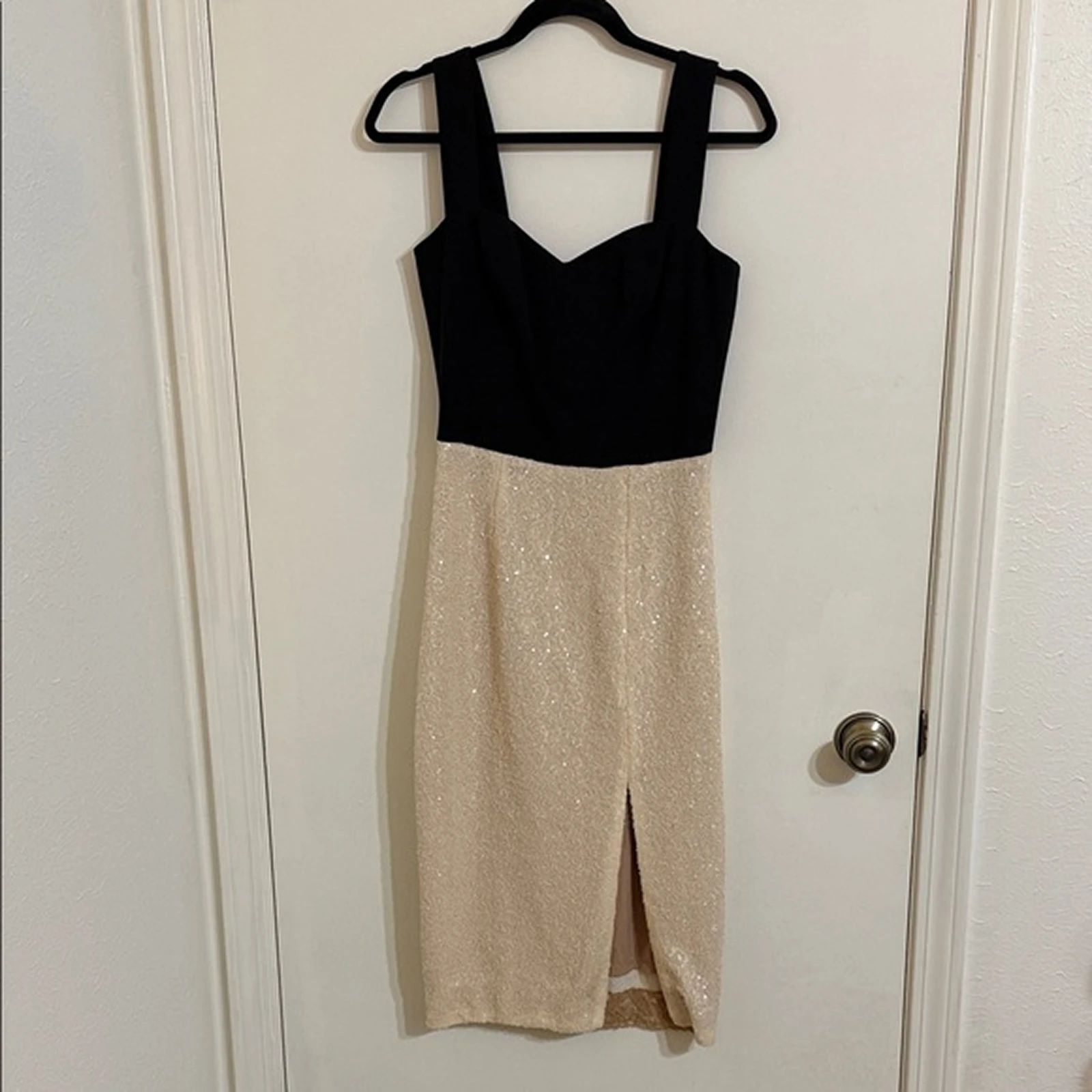


Coat Wrinkle Removal: Before and After
See coat before-and-after photos with Remove Wrinkles. Explore the workflow, find inspiration and create similar visuals with your own product.
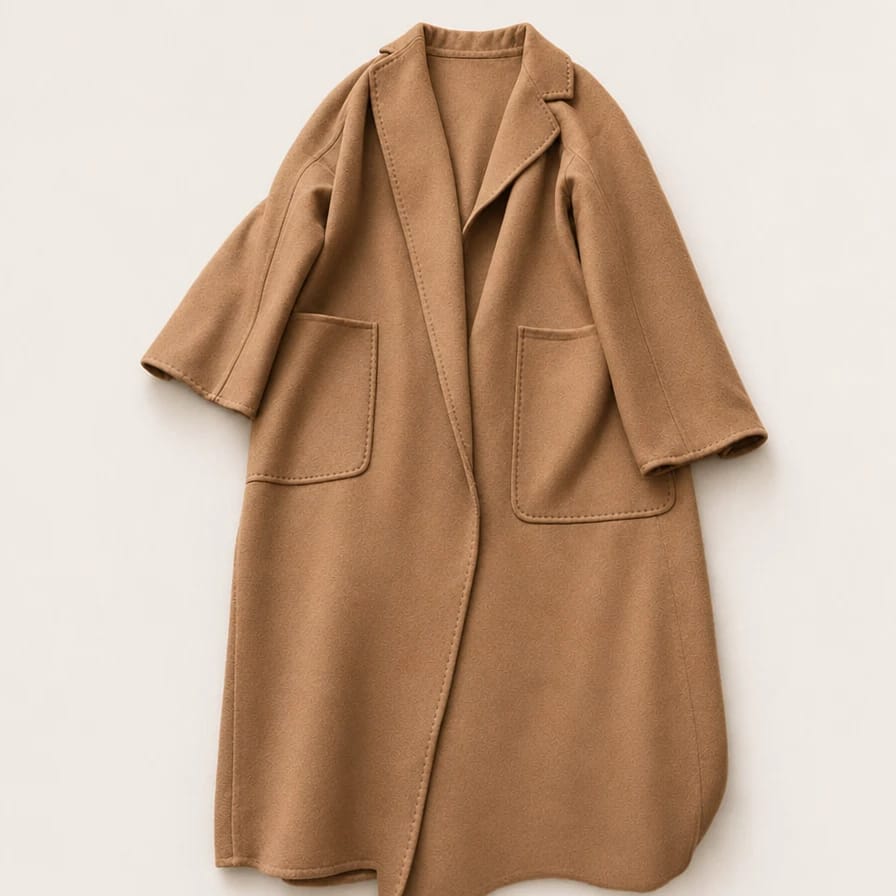
OriginalSnappyit result
How to try Remove Wrinkles workflow
01
Prepare your coat photo
- Open the Remove Wrinkles with your own coat photo.
- Upload the wrinkled coat photo with the lapels, pockets, seams and full outline visible.
02
Choose the wrinkle reduction level
- Select how much wrinkle reduction you want, then select Generate.
- Aim for a cleaner product photo while keeping natural drape and construction details visible; distinguish unwanted creases from intended pleats or gathers.
- For a result in the direction of this coat example: Select enough wrinkle reduction to clean up incidental creases without flattening the coat construction.
03
Review the coat result
- Compare the lapels, pocket edges, seams, fabric texture and intended folds.
- Download when it accurately represents your item; adjust the source or settings and generate another version if important details differ.
Start with a photo you already have
Explore Snappyit’s photography tools or create product images on your phone.