

Explore Flat Lay & Ghost Mannequin examples
Flat Lay Photography example

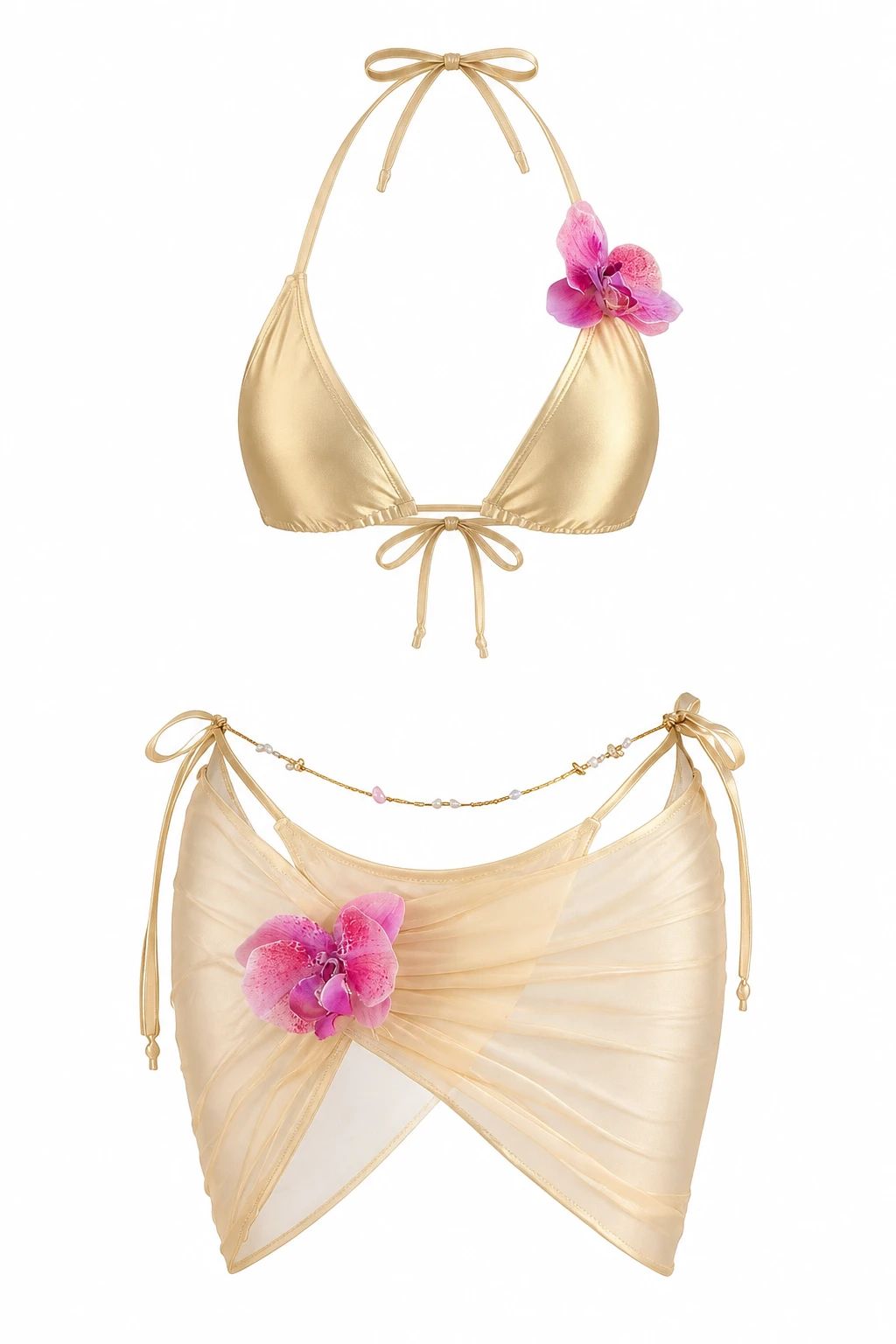
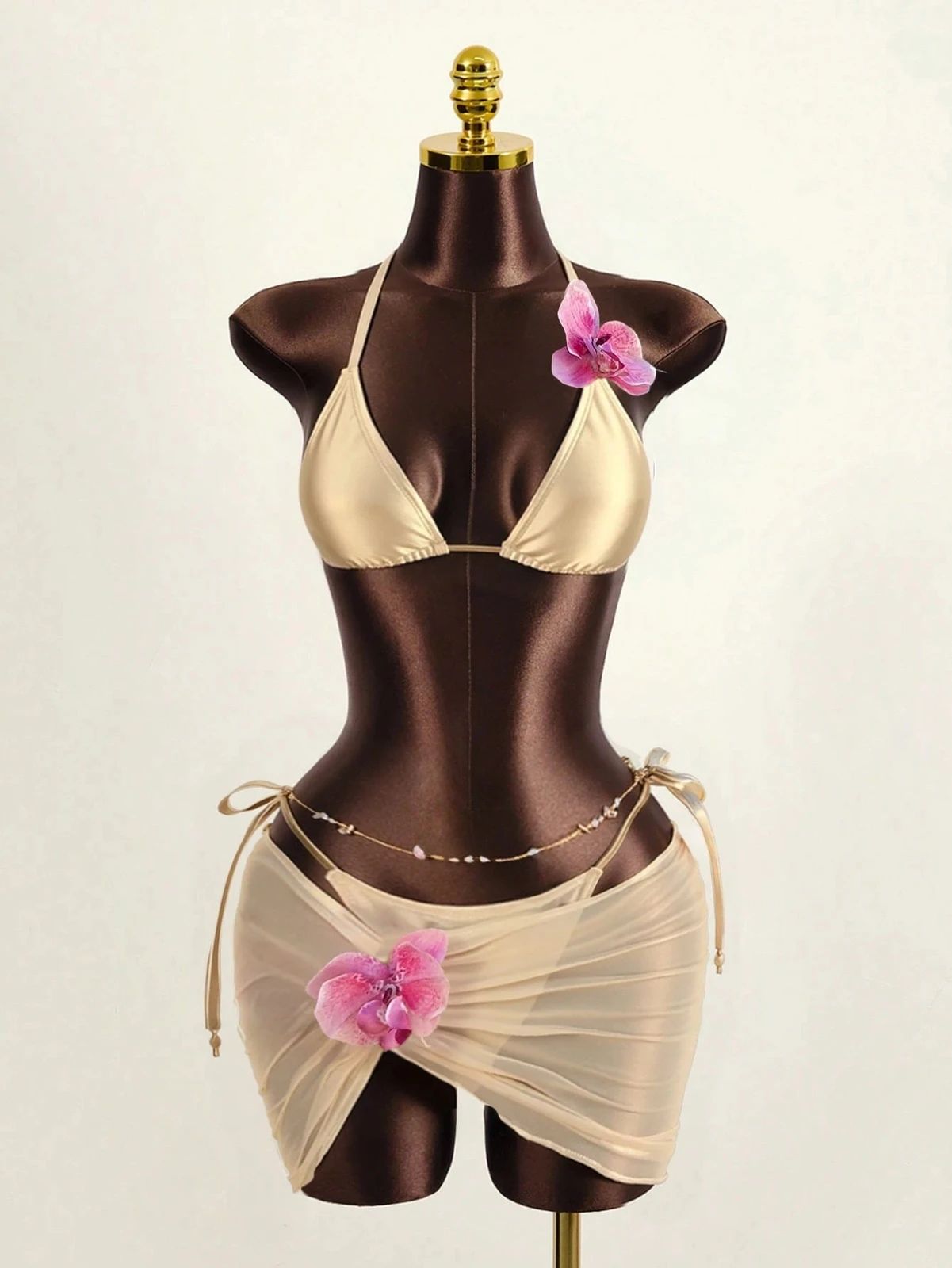
Tiger-Print Swimsuit: Flat Lay Before and After

See swimwear before-and-after photos with Flat Lay Photography. Explore the workflow, find inspiration and create similar visuals with your own product.
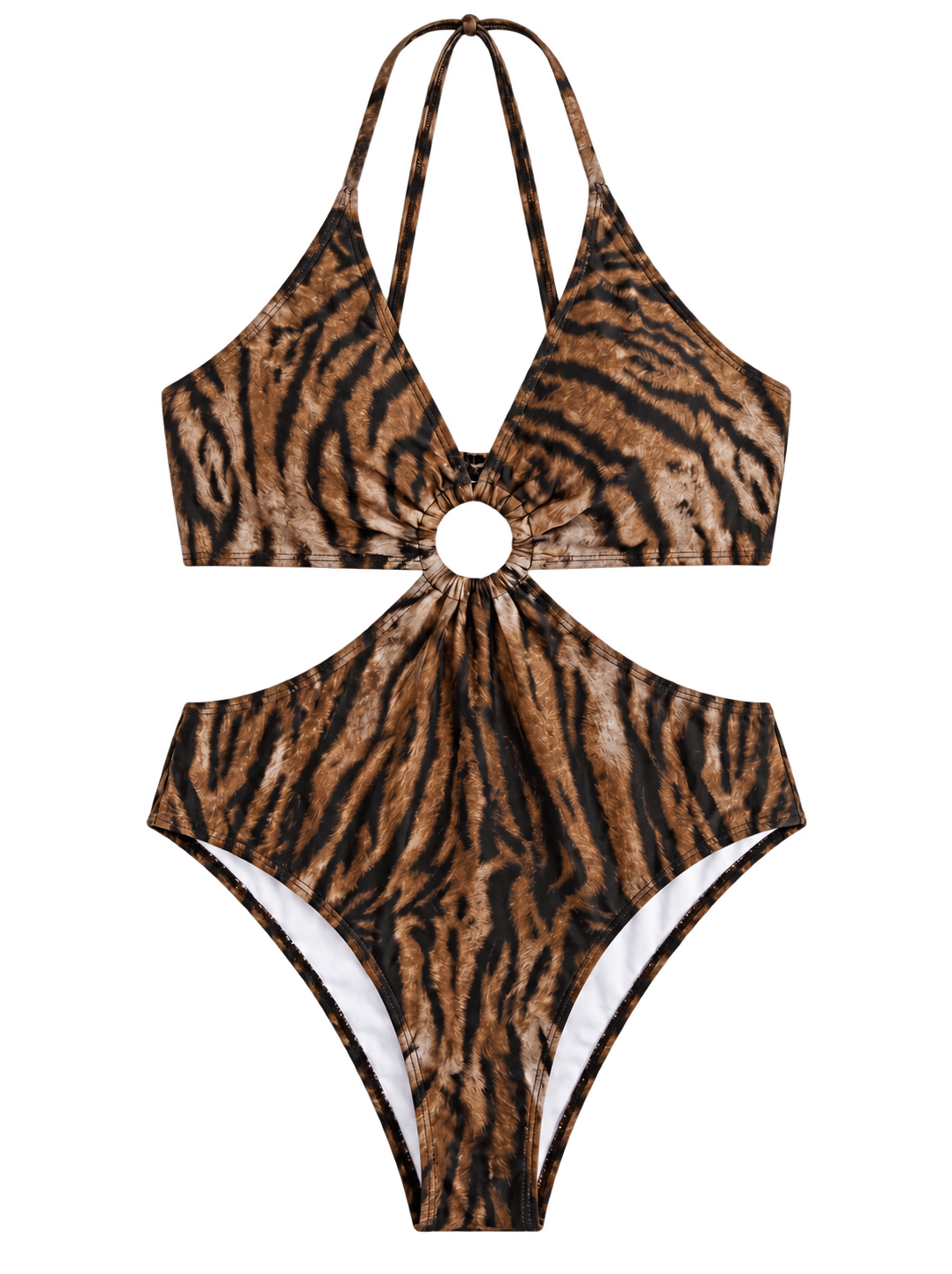
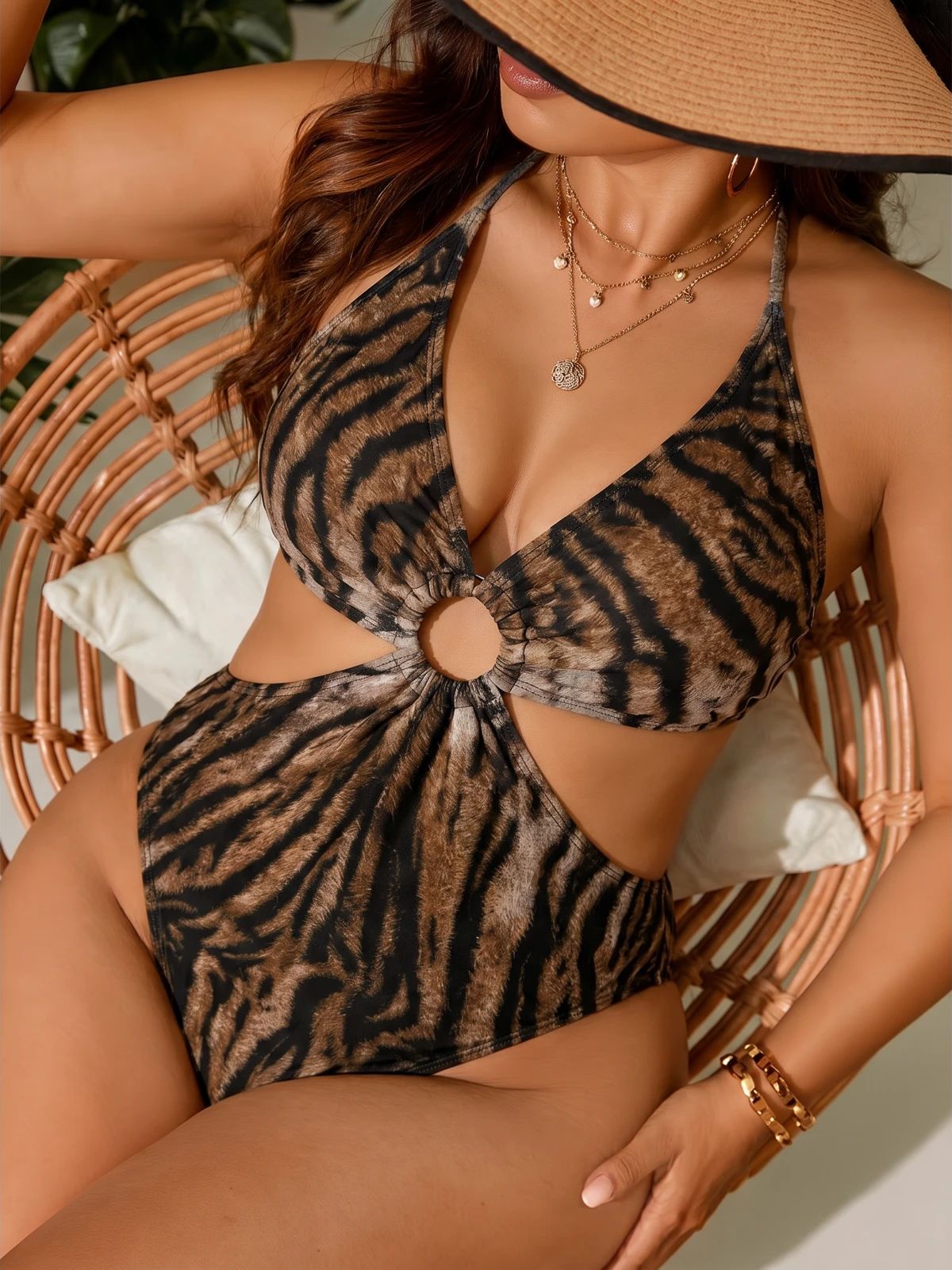
Leopard-print swimsuit arranged as a product-only flat lay on white Leopard-print swimsuit arranged flat with sandals and beach accessories OriginalSnappyit result

How to try Flat Lay Photography workflow

01

Prepare your swimwear photo

  • Open the Flat Lay Photography with your own swimwear photo.
  • Use an on-model photo that reveals the straps, center cut-out and full animal-print swimsuit.
02

Choose a category and describe the styling

  • Select the product category.
  • Add optional details about garment shape or styling to guide the flat lay result, then select Generate.
  • Use the example to identify the presentation you want rather than treating it as a saved preset.
  • For a result in the direction of this swimwear example: Choose swimwear and a flat arrangement that keeps the straps and circular cut-out open and visible.
03

Review the swimwear result

  • Check the print placement, gathered center, straps and leg openings against the original.
  • Download when it accurately represents your item; adjust the source or settings and generate another version if important details differ.

Start with a photo you already have

Explore Snappyit’s photography tools or create product images on your phone.

Example preview