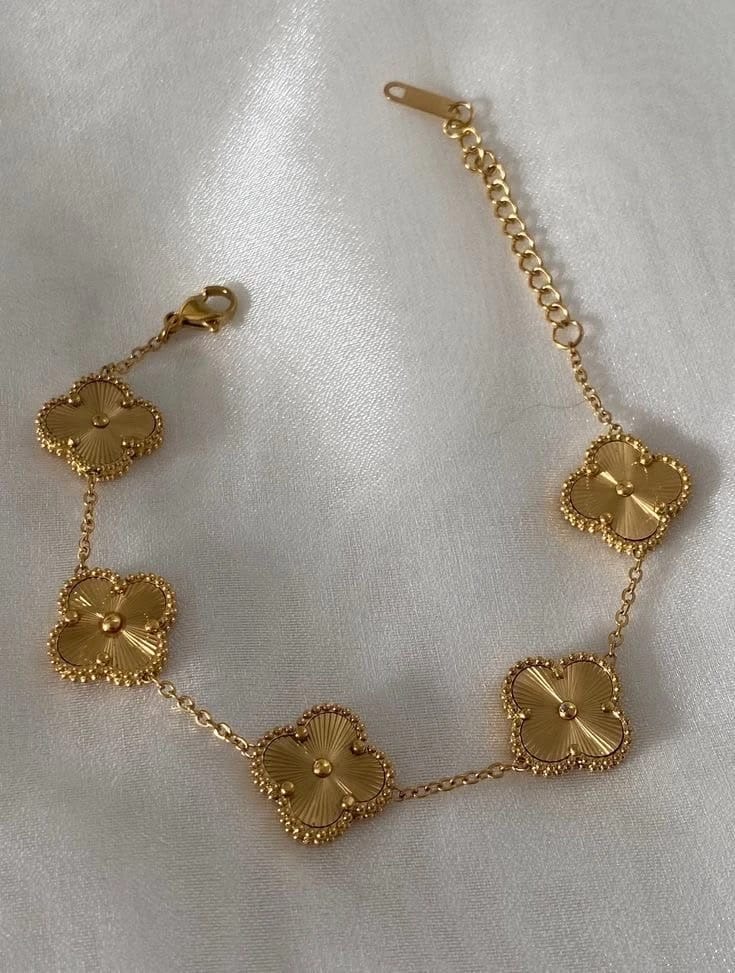
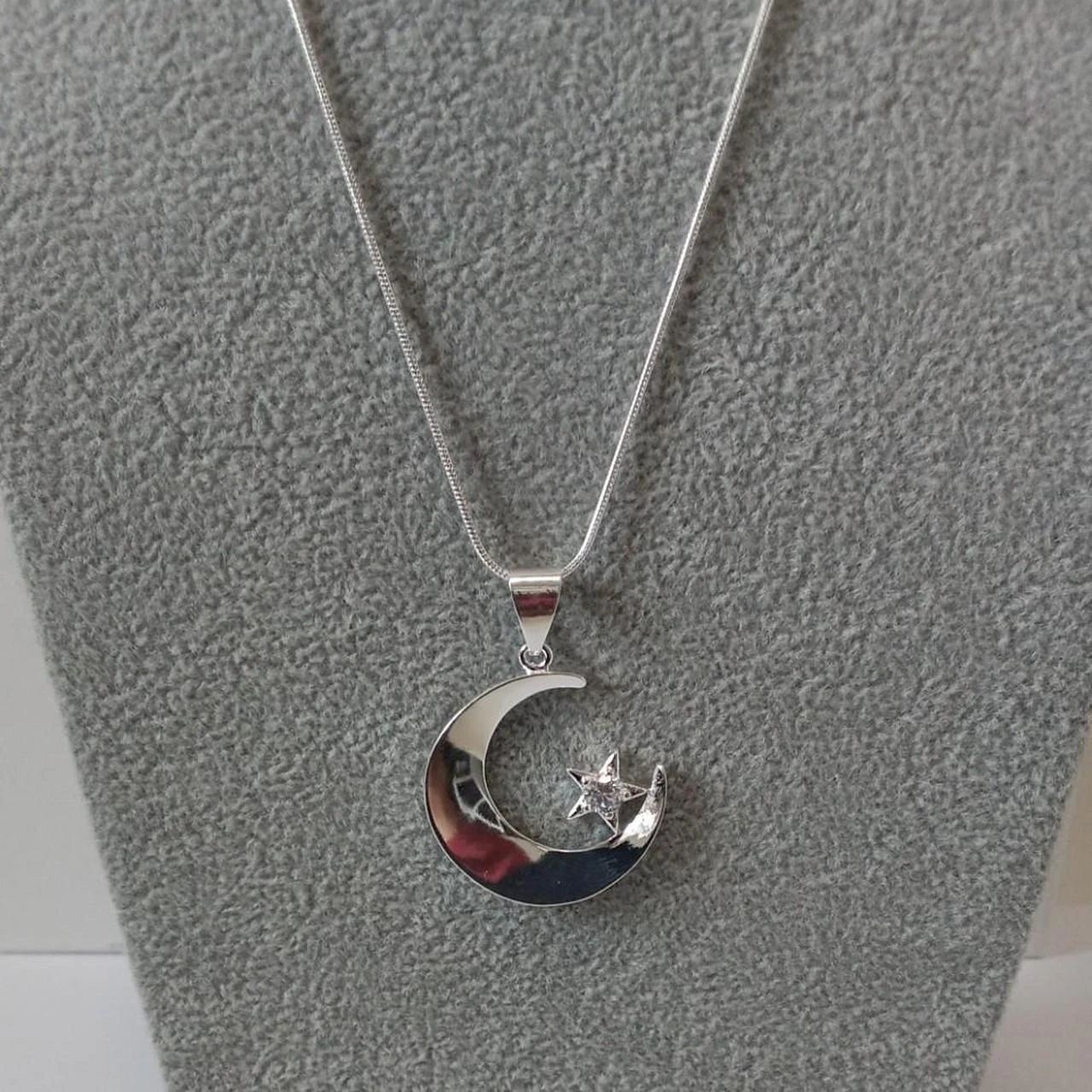


Clover Bracelet on Model: Before and After
See bracelet before-and-after photos with Jewelry Model. Explore the workflow, find inspiration and create similar visuals with your own product.
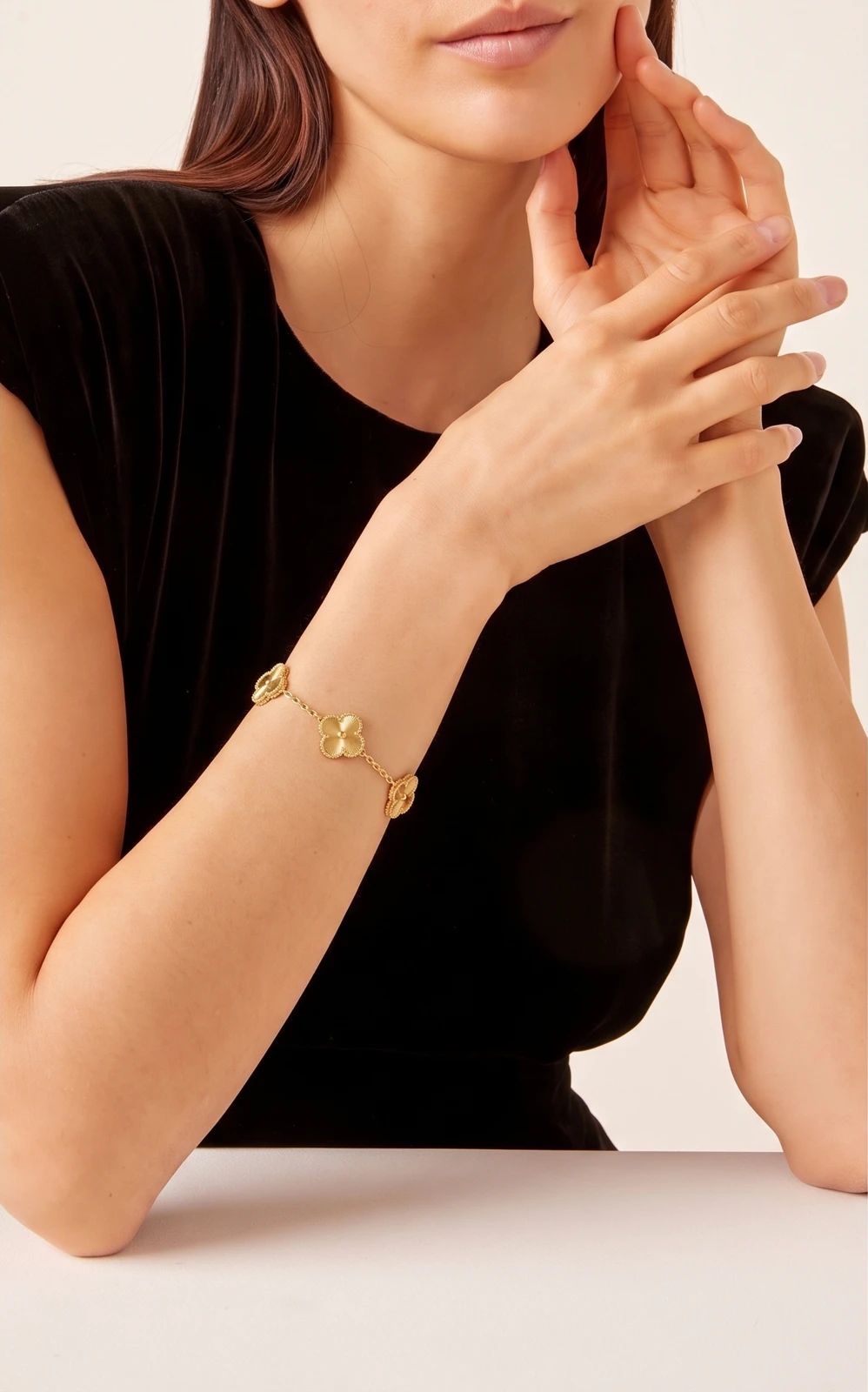
OriginalSnappyit result
How to try Jewelry Model workflow
01
Prepare your bracelet photo
- Open the Jewelry Model with your own bracelet photo.
- Capture the complete bracelet with its clover details and fastening area visible.
02
Select a model template or upload your own
- Choose an available jewelry model template, or upload a custom template to match your visual direction.
- Select a view that shows how the piece is worn without covering key details, then select Generate.
- For a result in the direction of this bracelet example: Select a wrist view that shows the bracelet arrangement clearly.
03
Review the bracelet result
- Check the clover elements, connections, metal finish and bracelet placement.
- Download when it accurately represents your item; adjust the source or settings and generate another version if important details differ.
Start with a photo you already have
Explore Snappyit’s photography tools or create product images on your phone.