

Explore Jewelry Photography examples
Jewelry Model example

Bow Jewelry Set on Model: Before and After

See jewelry set before-and-after photos with Jewelry Model. Explore the workflow, find inspiration and create similar visuals with your own product.
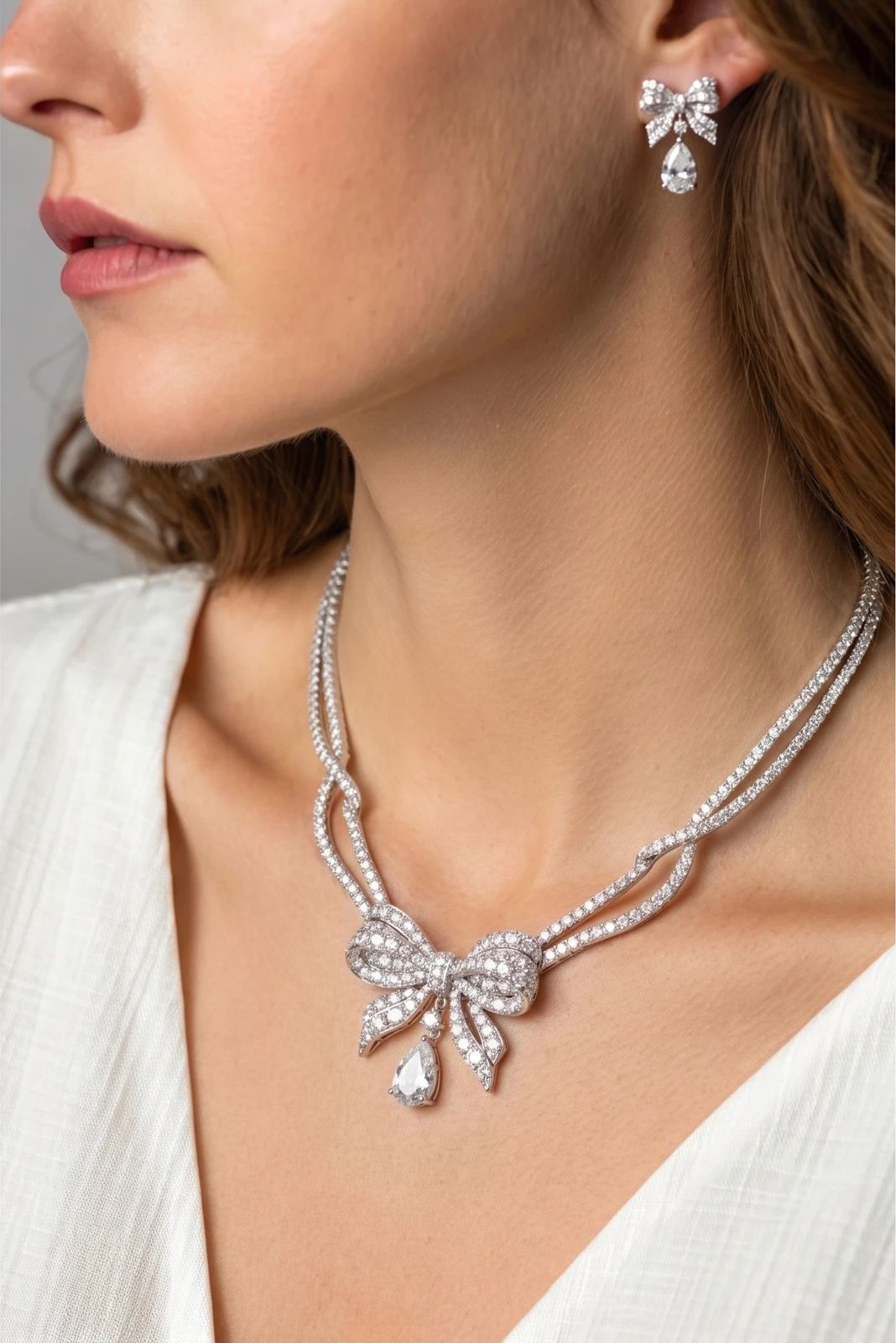
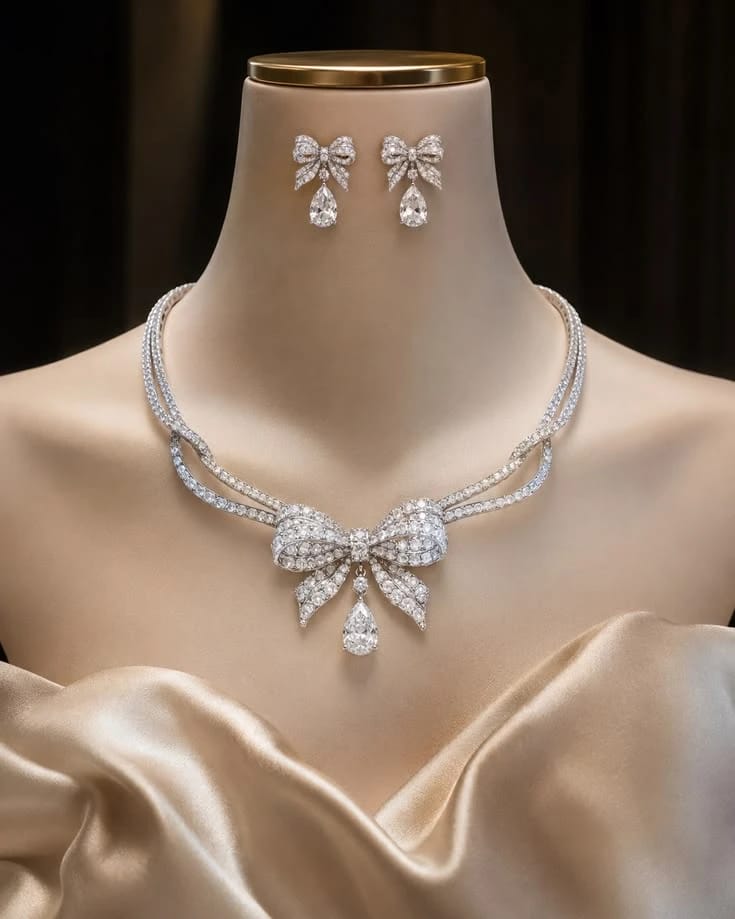
Model wearing a silver bow necklace and matching earrings over a white top Silver bow necklace and matching earrings displayed on a satin bust OriginalSnappyit result

How to try Jewelry Model workflow

01

Prepare your jewelry set photo

  • Open the Jewelry Model with your own jewelry set photo.
  • Include every piece of the bow jewelry set so matching details can be checked.
02

Select a model template or upload your own

  • Choose an available jewelry model template, or upload a custom template to match your visual direction.
  • Select a view that shows how the piece is worn without covering key details, then select Generate.
  • For a result in the direction of this jewelry set example: Choose a model view that shows the pieces together without hiding them with hair or clothing.
03

Review the jewelry set result

  • Compare the bow details, matching finish and placement of each piece in the set.
  • Download when it accurately represents your item; adjust the source or settings and generate another version if important details differ.

Start with a photo you already have

Explore Snappyit’s photography tools or create product images on your phone.

Example preview