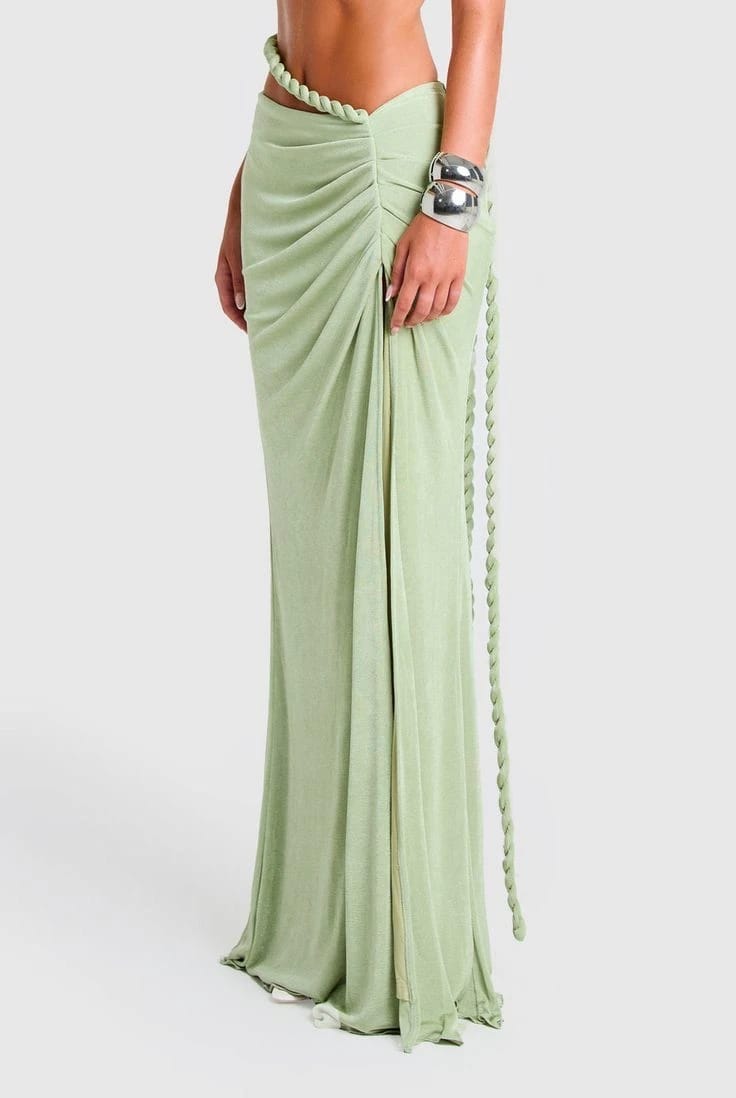
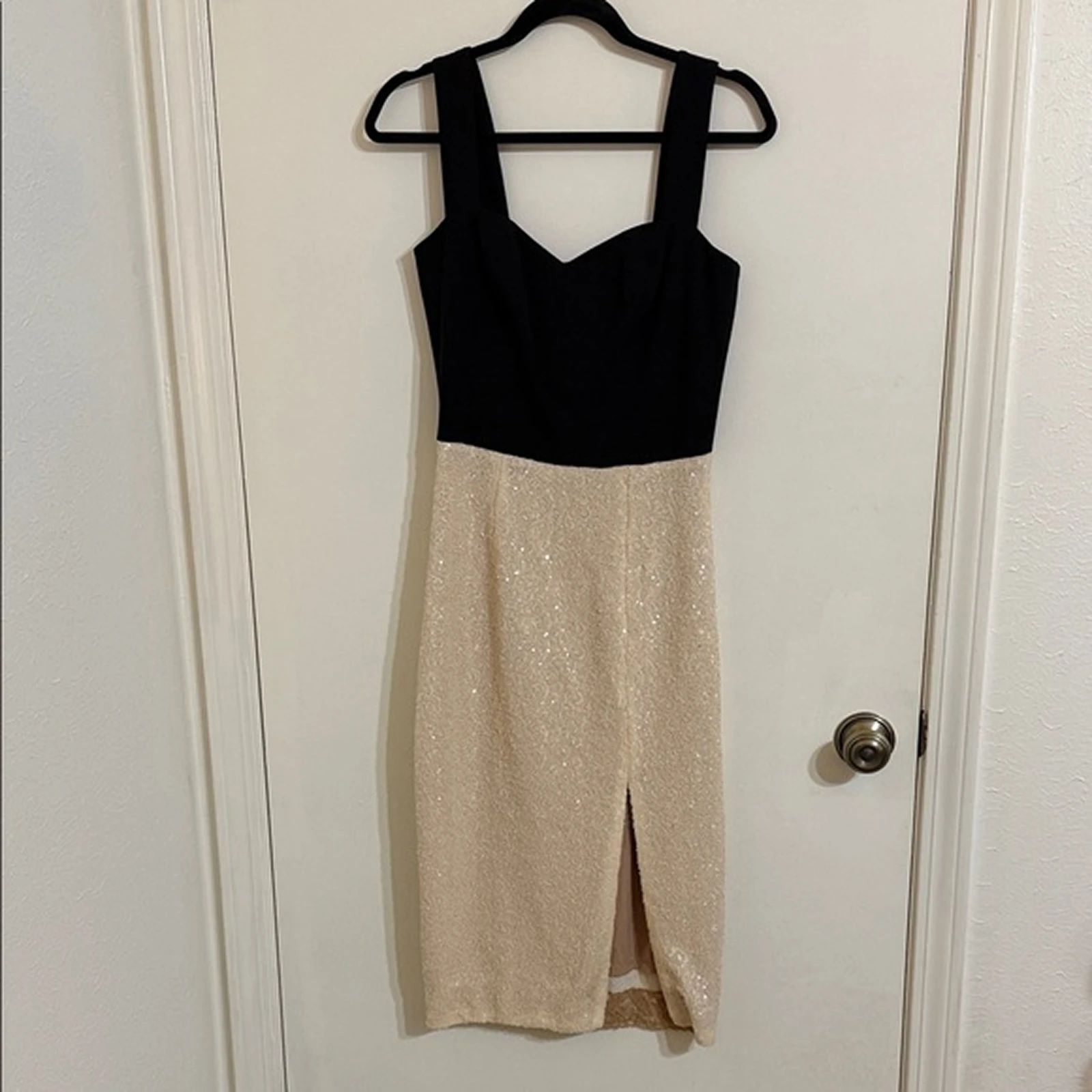


Draped Green Skirt: Ghost Mannequin Before and After
See skirt before-and-after photos with Ghost Mannequin Photography. Explore the workflow, find inspiration and create similar visuals with your own product.
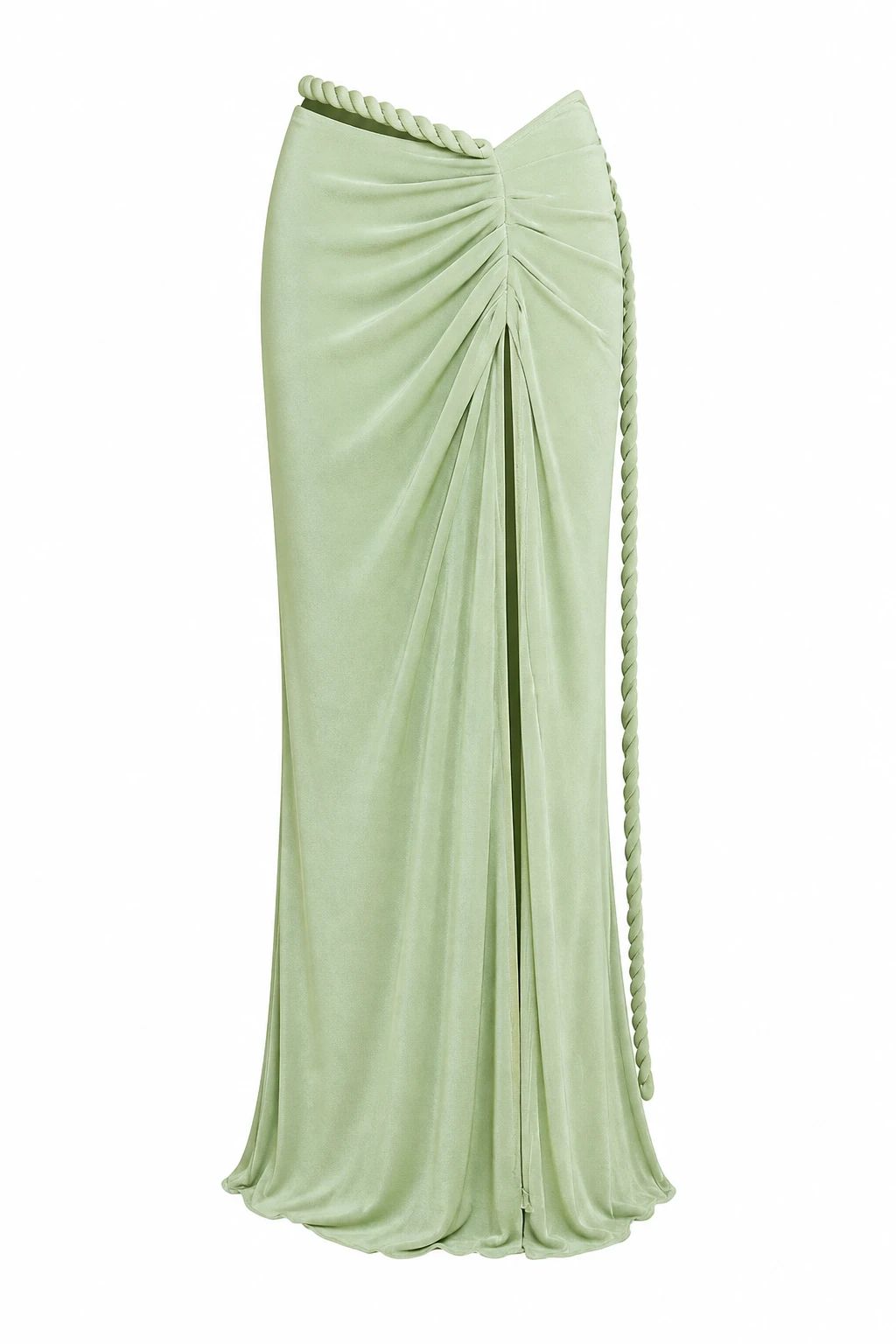
OriginalSnappyit result
How to try Ghost Mannequin Photography workflow
01
Prepare your skirt photo
- Open the Ghost Mannequin Photography with your own skirt photo.
- Use an on-model photo with the waistband and complete skirt length unobstructed.
02
Choose the garment category and output
- Select the garment category and add optional notes to guide the ghost mannequin effect.
- Choose the available image quality and number of variations, then select Generate.
- For a result in the direction of this skirt example: Aim for a mannequin-free view that keeps the original draped construction visible.
03
Review the skirt result
- Check the waistband, draped folds and hem; do not mistake design folds for unwanted creases.
- Download when it accurately represents your item; adjust the source or settings and generate another version if important details differ.
Start with a photo you already have
Explore Snappyit’s photography tools or create product images on your phone.