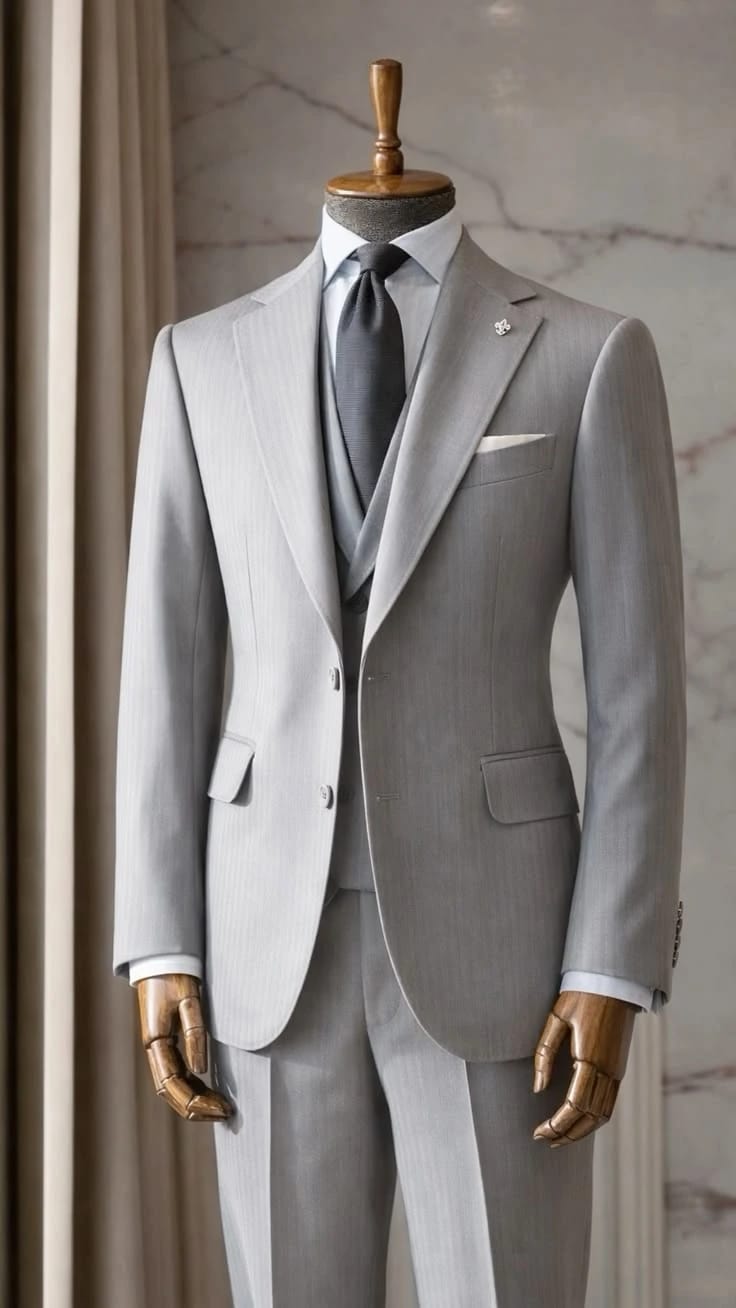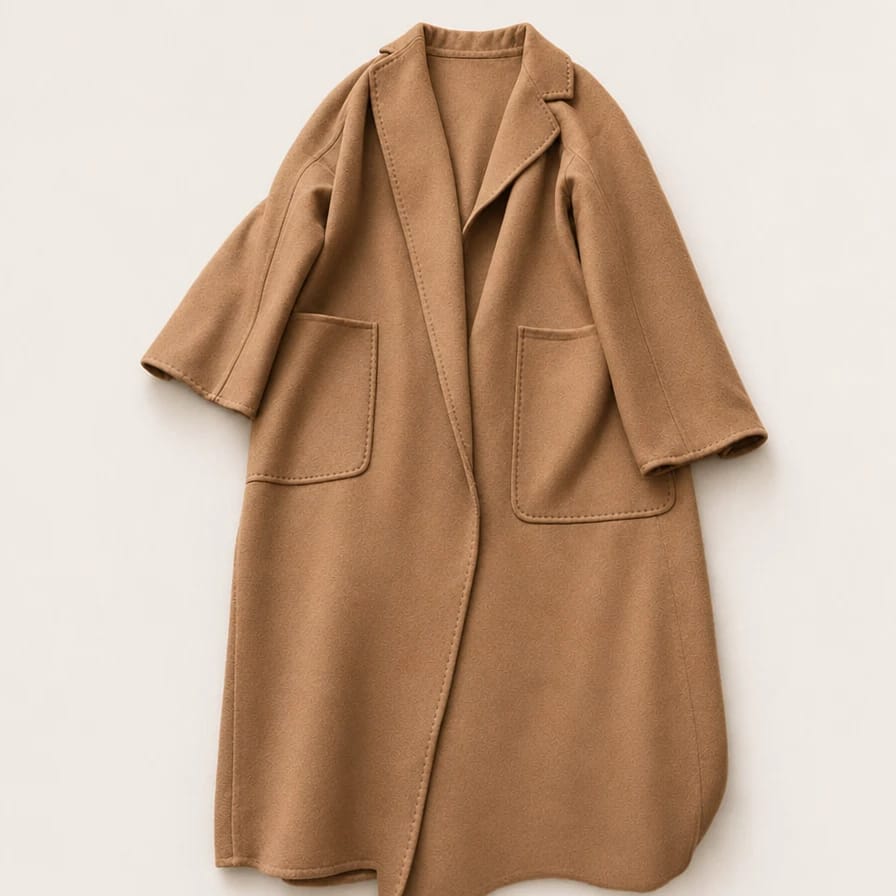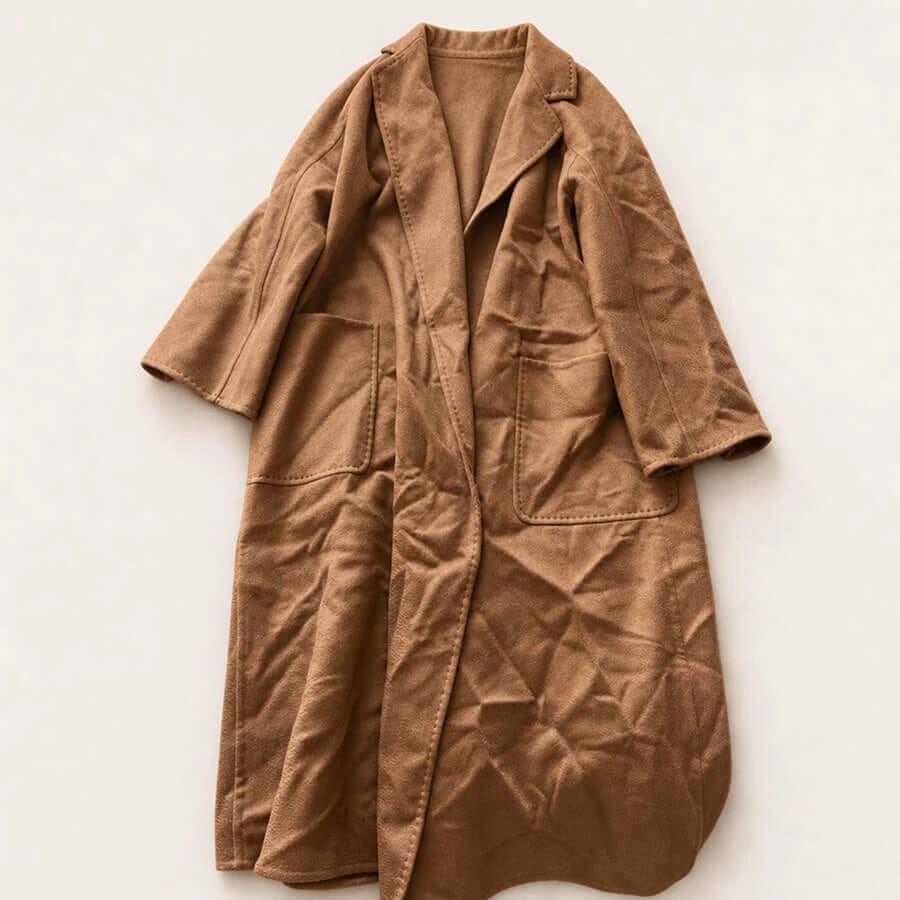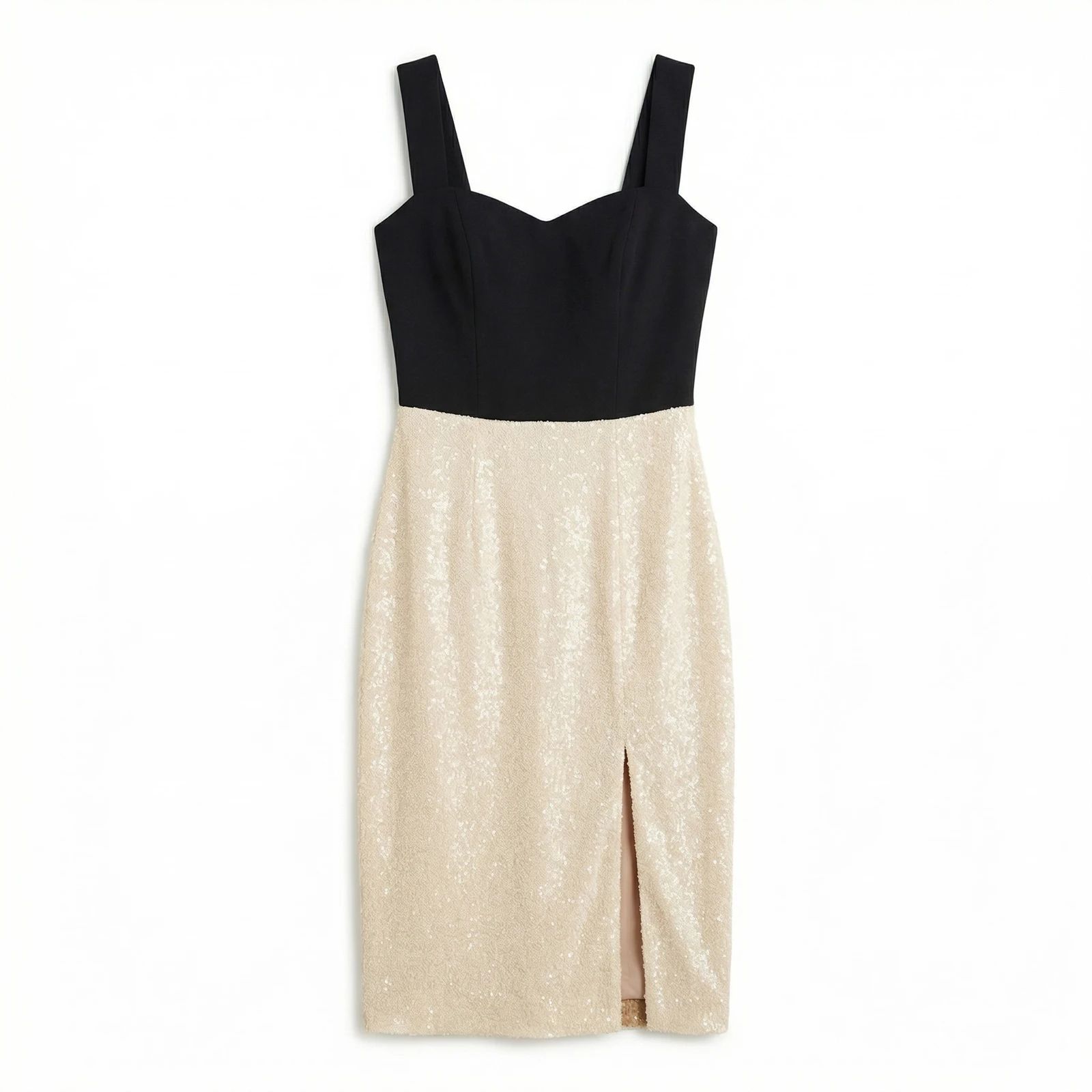
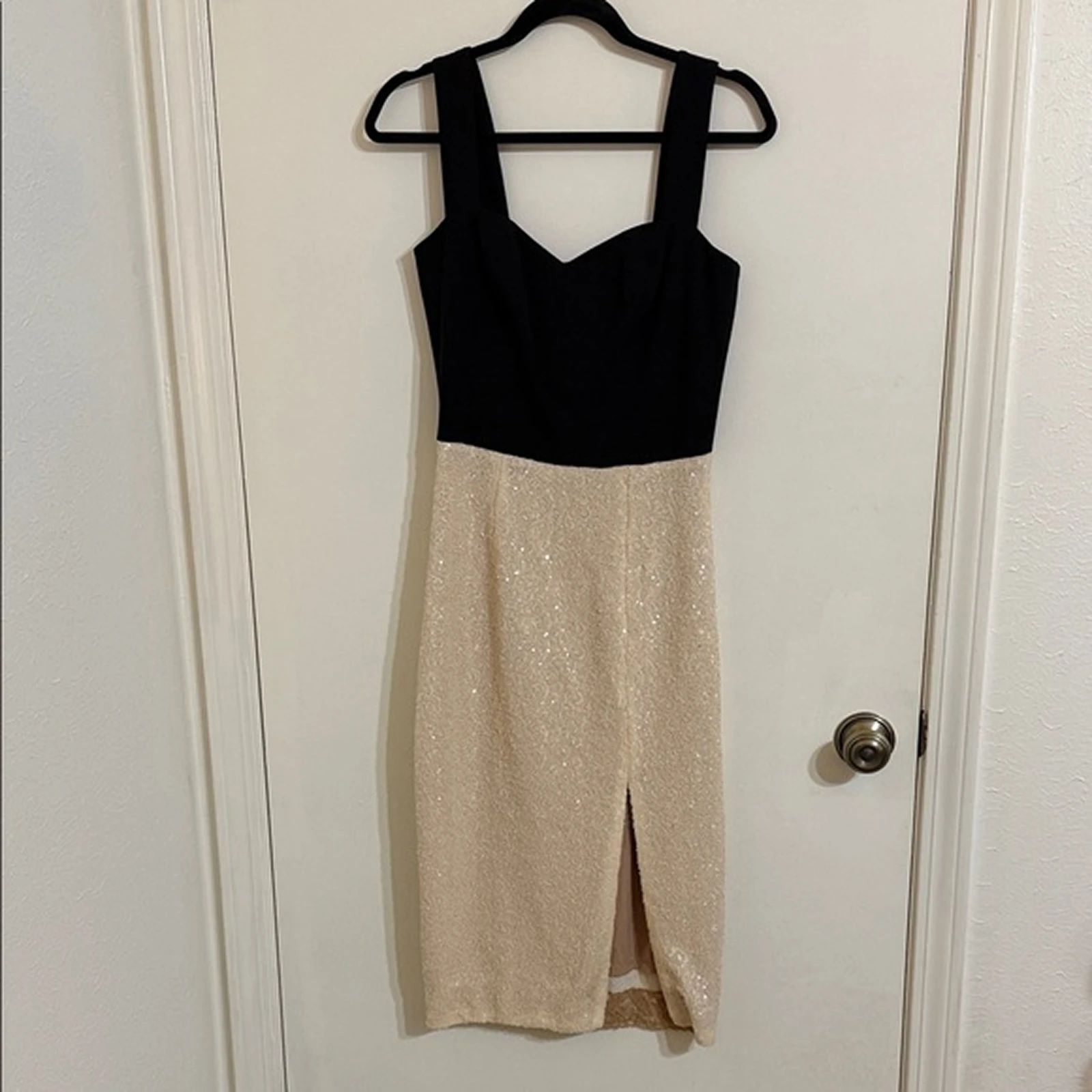


Gray Suit: Ghost Mannequin Before and After
See suit before-and-after photos with Ghost Mannequin Photography. Explore the workflow, find inspiration and create similar visuals with your own product.
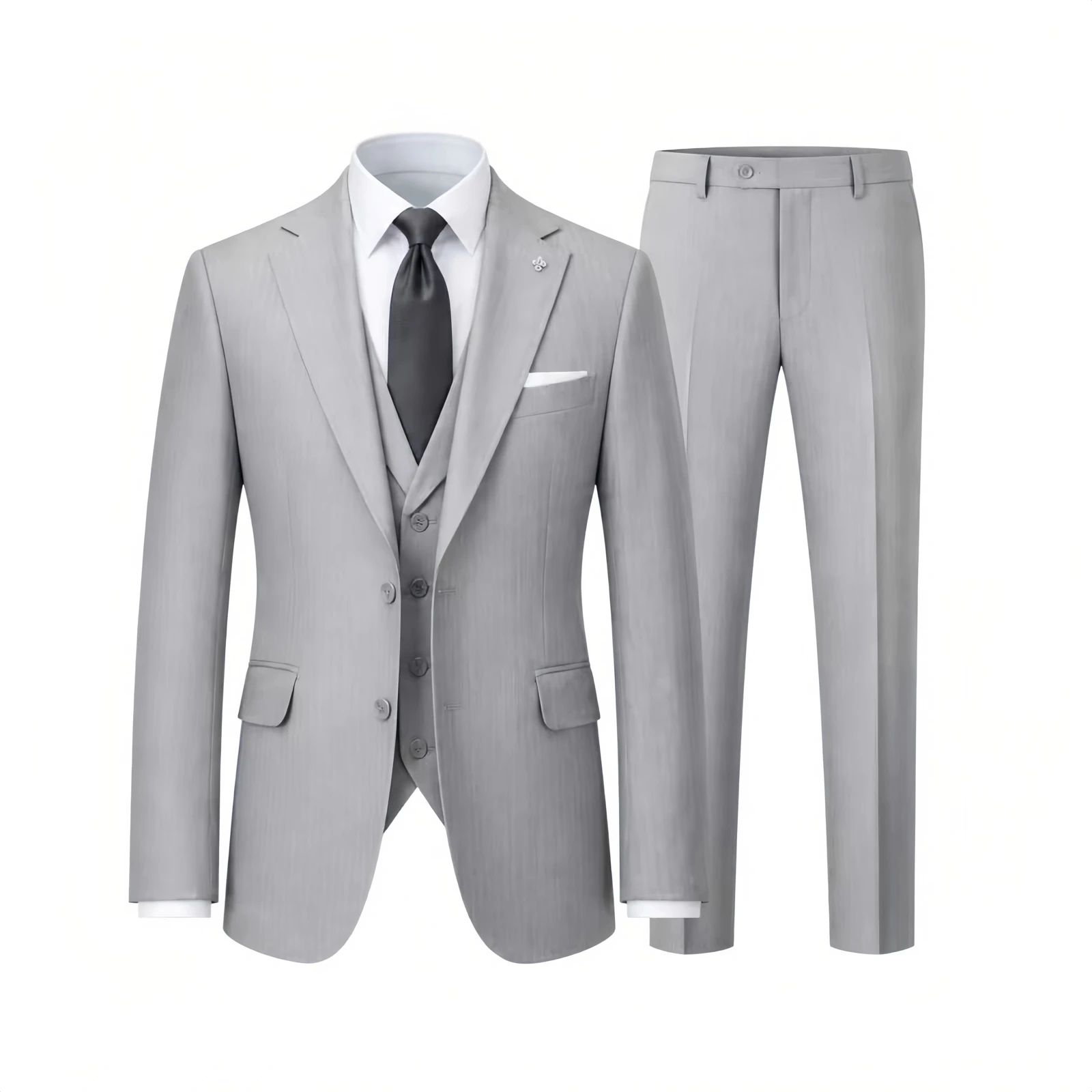
OriginalSnappyit result
How to try Ghost Mannequin Photography workflow
01
Prepare your suit photo
- Open the Ghost Mannequin Photography with your own suit photo.
- Include the full suit and keep the jacket front, lapels and trouser outline visible.
02
Choose the garment category and output
- Select the garment category and add optional notes to guide the ghost mannequin effect.
- Choose the available image quality and number of variations, then select Generate.
- For a result in the direction of this suit example: Aim for a shaped suit image where the jacket and trousers remain clearly distinguishable.
03
Review the suit result
- Compare the lapels, jacket fastening, trouser length and overall proportions.
- Download when it accurately represents your item; adjust the source or settings and generate another version if important details differ.
Start with a photo you already have
Explore Snappyit’s photography tools or create product images on your phone.