

Explore Jewelry Photography examples
Jewelry Model example

Watch & Bracelet Set on Model: Before and After

See watch before-and-after photos with Jewelry Model. Explore the workflow, find inspiration and create similar visuals with your own product.
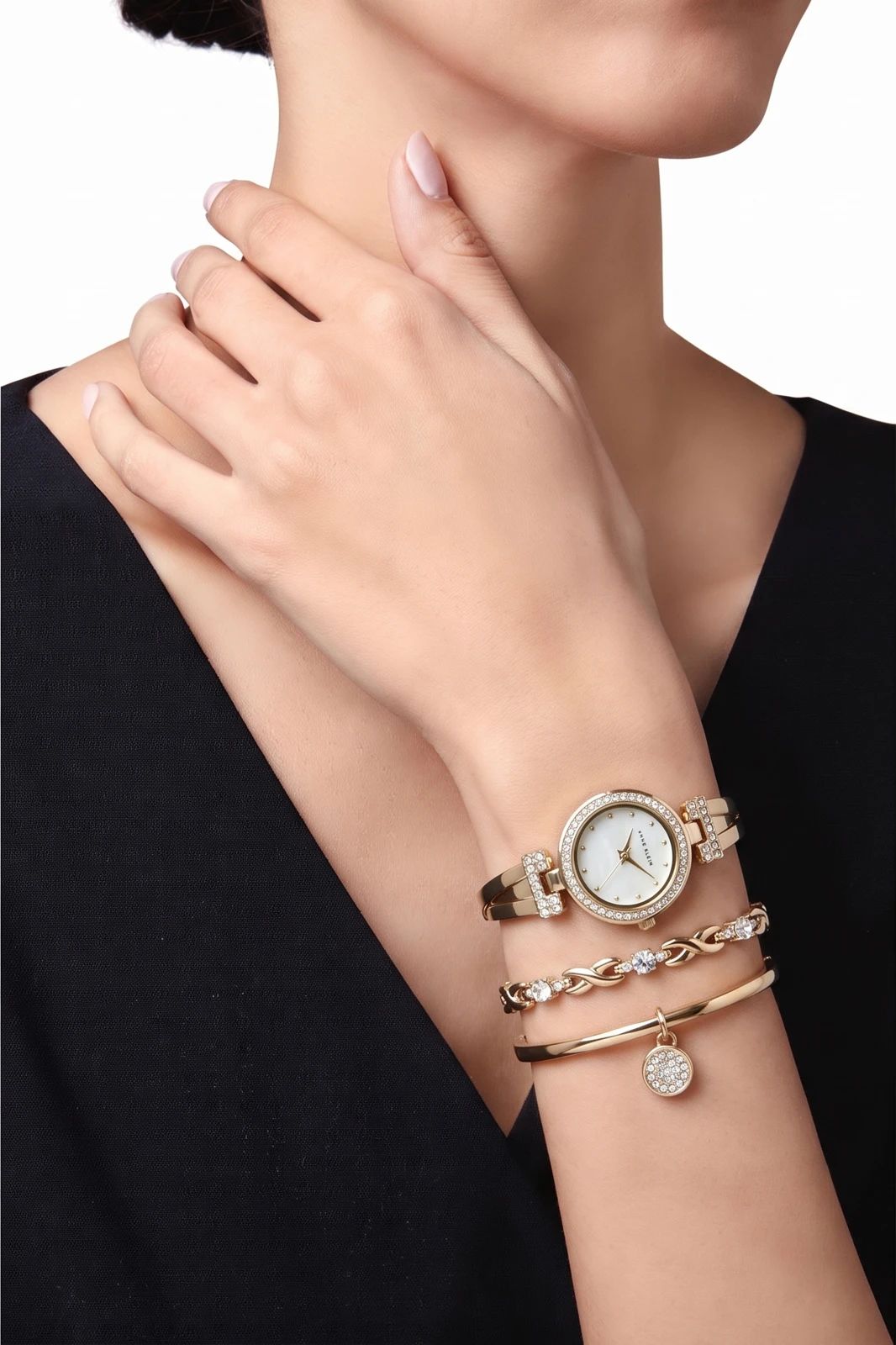
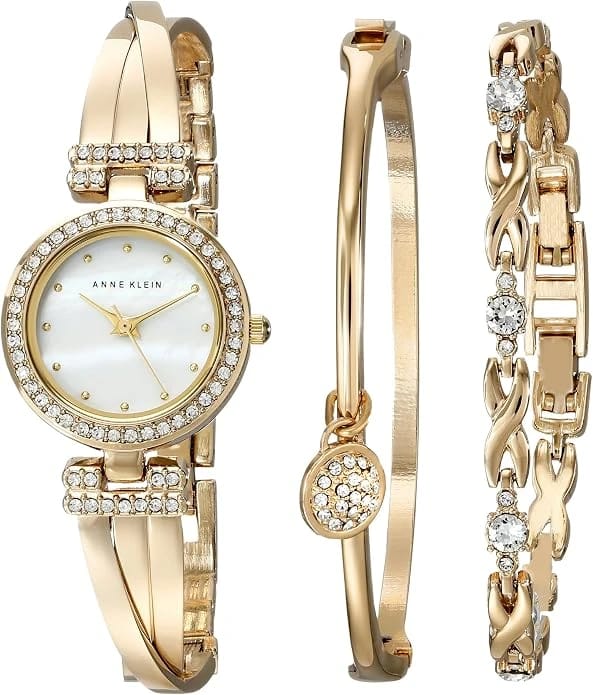
Gold wristwatch and bracelet worn together on a model’s wrist against a black sleeve Gold wristwatch and matching bracelet arranged on a white background OriginalSnappyit result

How to try Jewelry Model workflow

01

Prepare your watch photo

  • Open the Jewelry Model with your own watch photo.
  • Show the watch face, strap and accompanying bracelet in the source image.
02

Select a model template or upload your own

  • Choose an available jewelry model template, or upload a custom template to match your visual direction.
  • Select a view that shows how the piece is worn without covering key details, then select Generate.
  • For a result in the direction of this watch example: Choose a wrist template that leaves the dial and bracelet visible together.
03

Review the watch result

  • Review the dial, strap links, bracelet details and placement on the wrist.
  • Download when it accurately represents your item; adjust the source or settings and generate another version if important details differ.

Start with a photo you already have

Explore Snappyit’s photography tools or create product images on your phone.

Example preview