



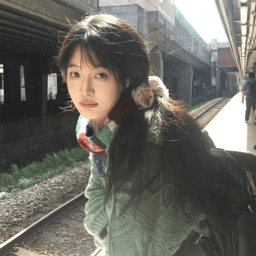
Depop and Poshmark are both platforms for selling secondhand clothing, vintage finds, branded pieces, and items from personal closets. They attract different kinds of browsing and present clothing in different visual contexts, so the same photo set may need a different emphasis on each platform.
Depop’s official seller resources emphasize listing presentation and discovery, while Poshmark’s current seller guidance asks for clear, well-lit photos that show details and condition. This guide turns those documented requirements into two practical sequencing options: a style-led version and a product-led version. [1] [3]
This guide shows how sellers can prepare one complete clothing photo set, then arrange it for Depop, Poshmark, or both while keeping the item accurately represented.
What Both Platforms Need From Clothing Photos
Start with the questions a buyer will ask on either platform. A listing should make the item easy to identify and check without relying on a heavy edit or description alone.
- What is the item? Show the whole shape, front and back, and the details that define its style.
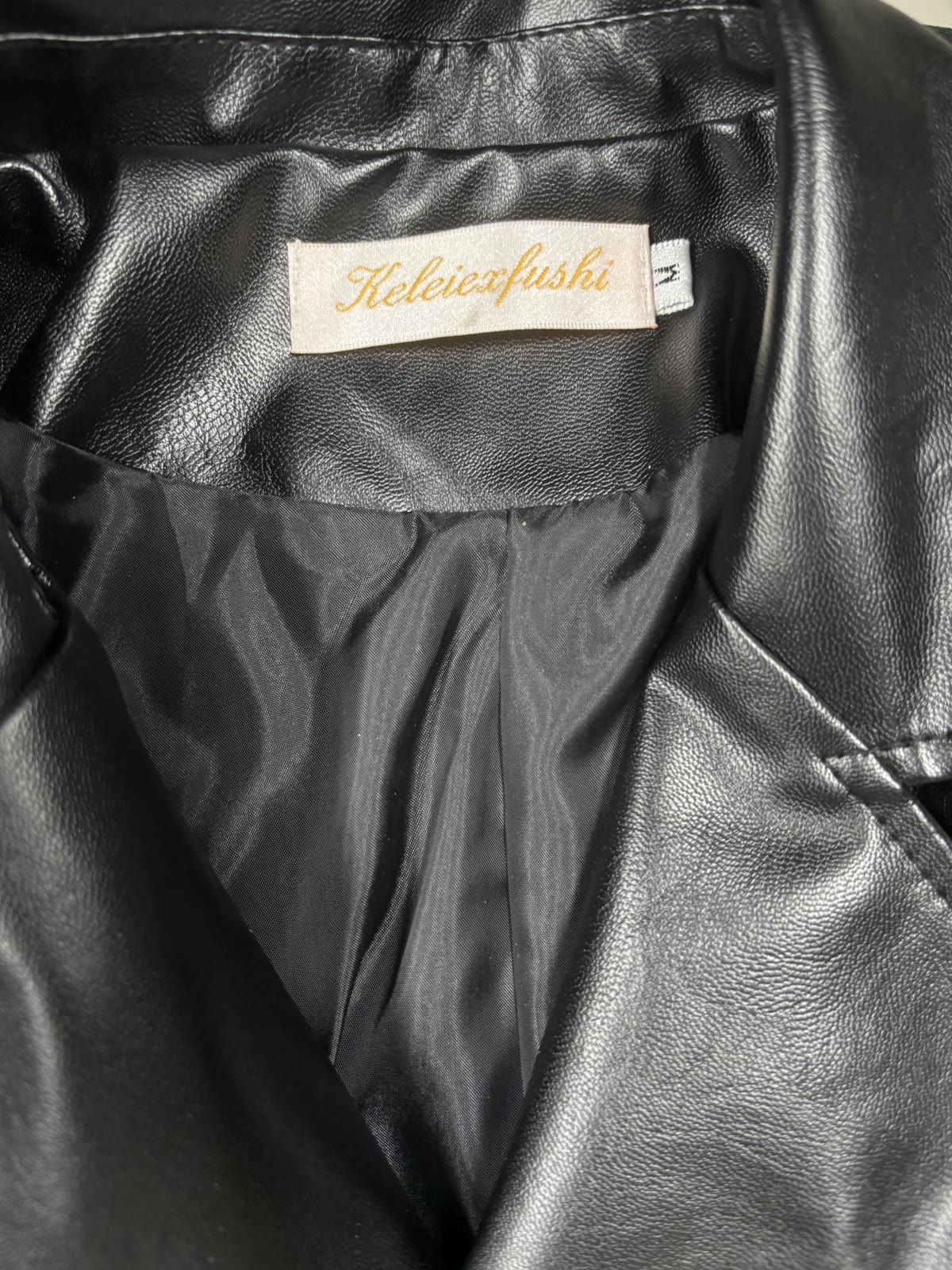
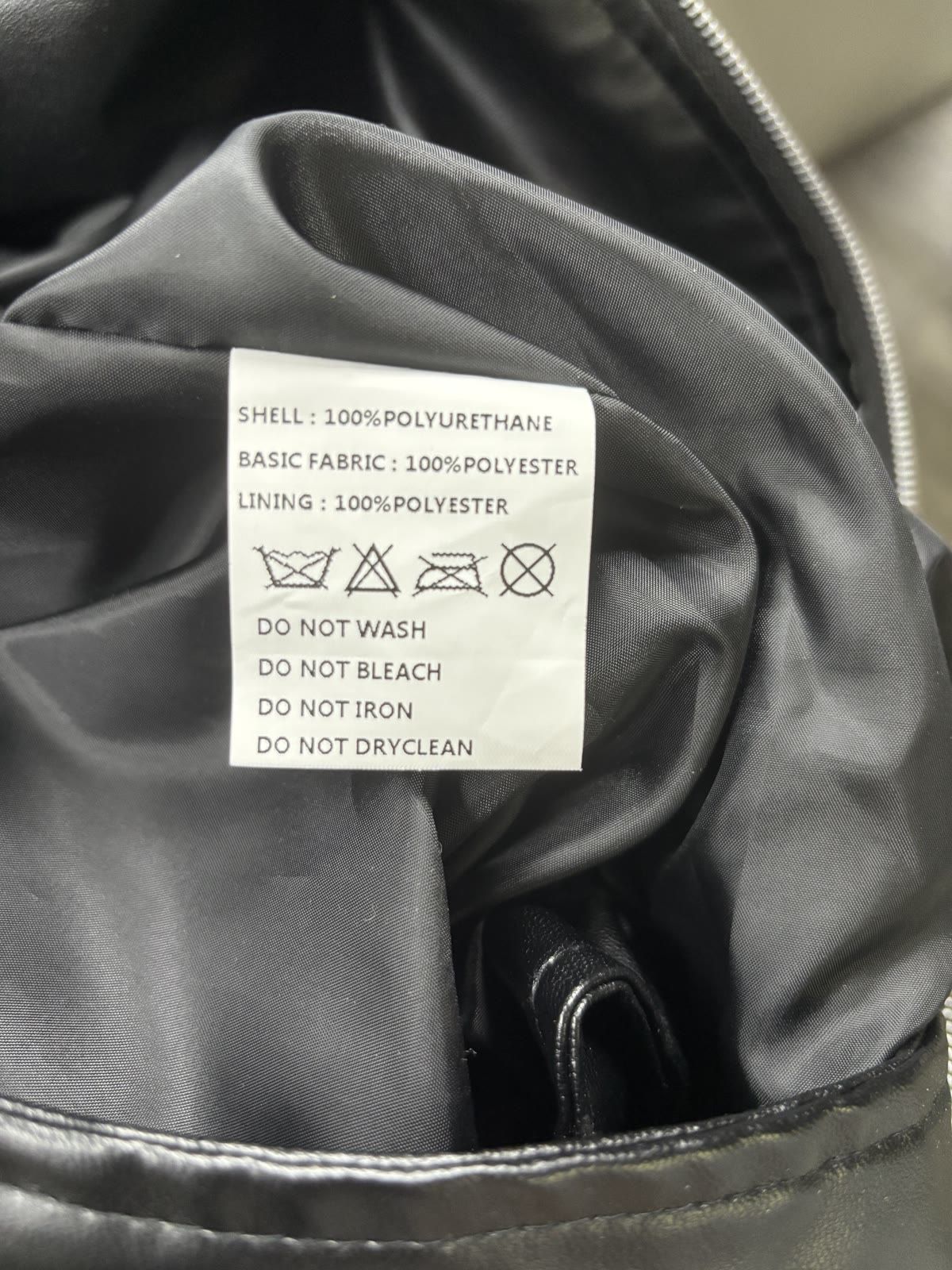
- What size and brand is it? Photograph the brand, size, and care labels when they are present.
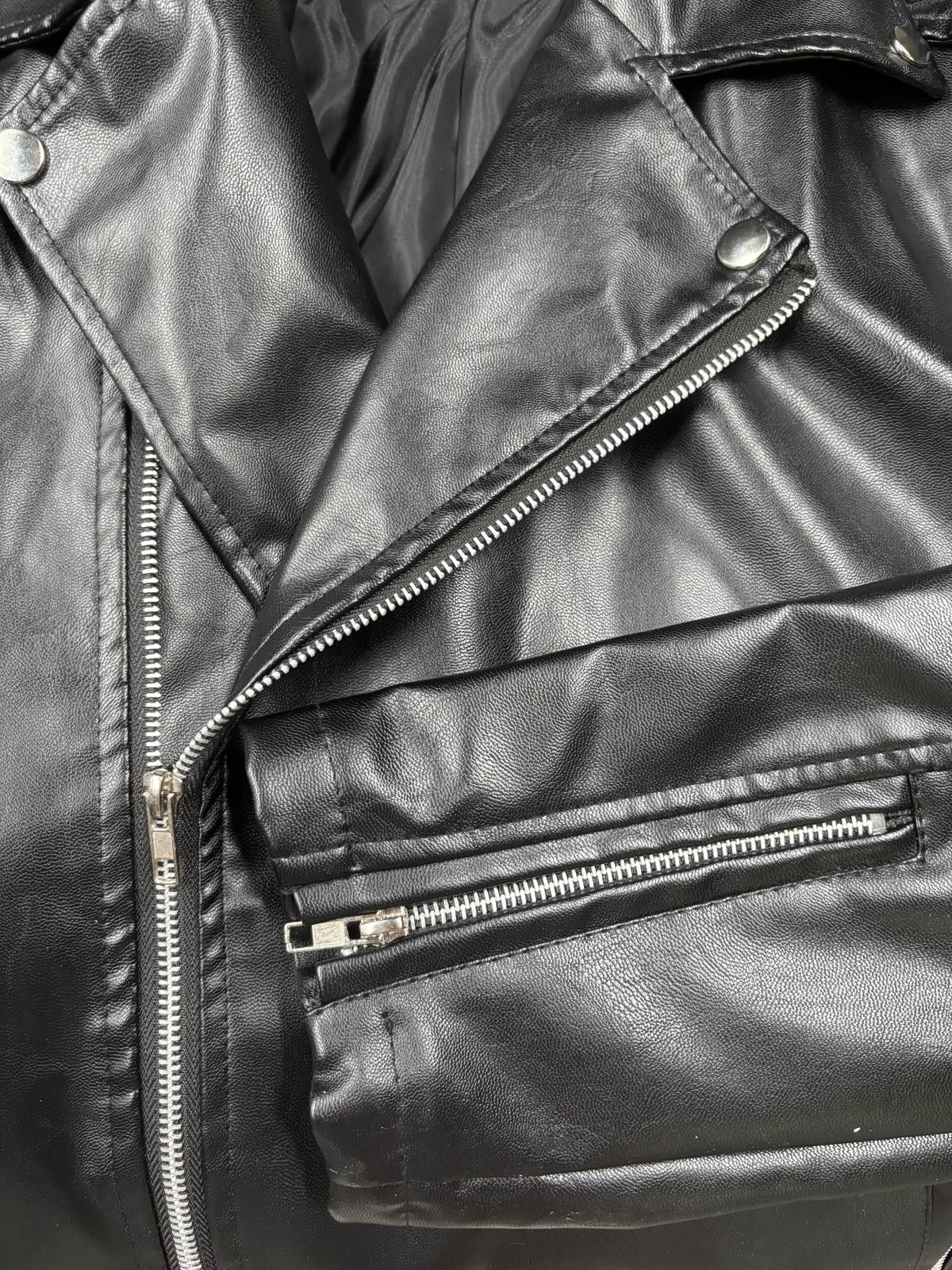
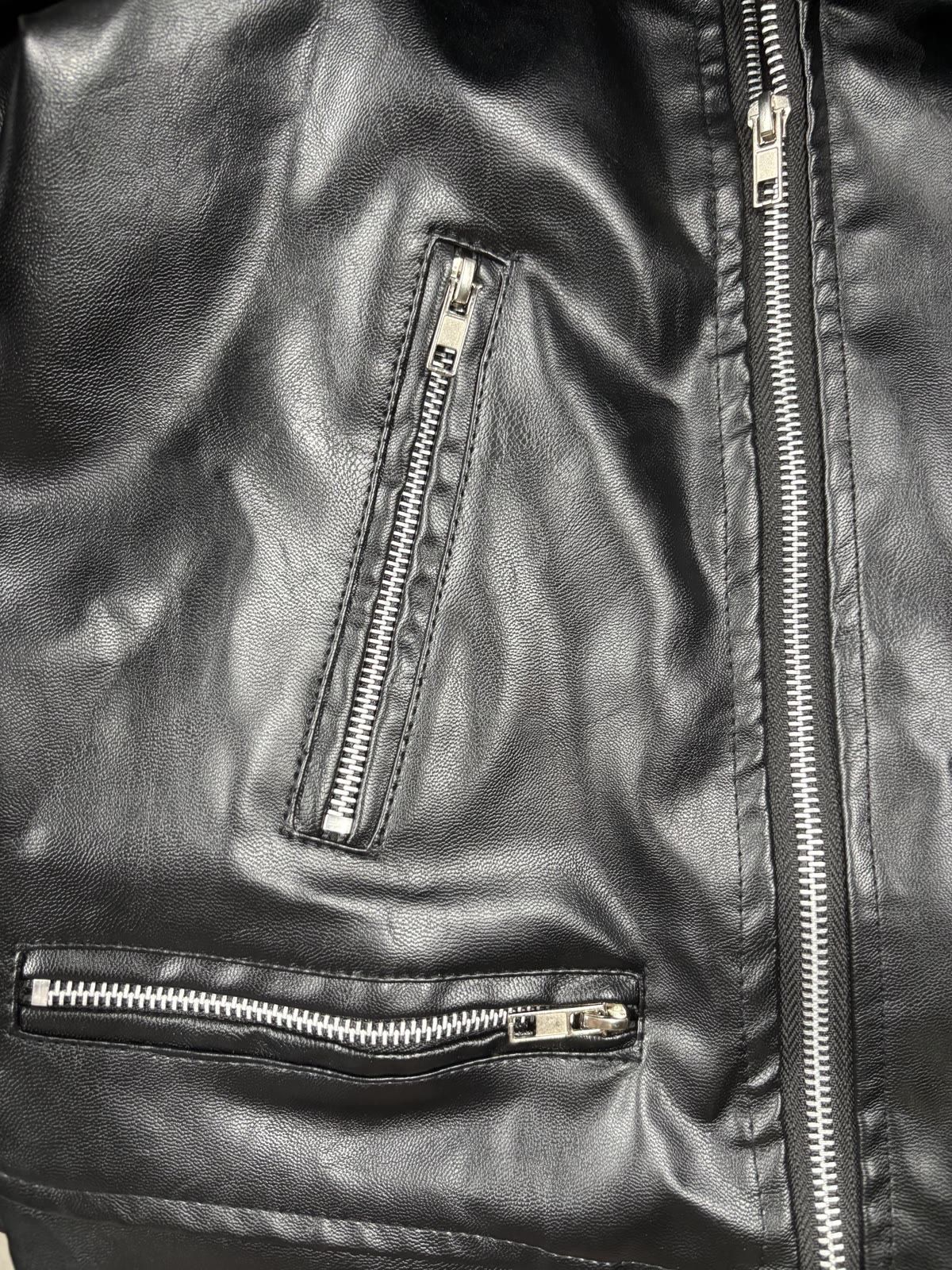
- What does it look and feel like? Use close-ups to show texture, stitching, hardware, print, or knit.
- What condition is it in? Show fading, pilling, stains, holes, repairs, loose threads, and other meaningful wear.
- How will it fit or measure? Add a measured flat-lay photo or clear written measurements when size alone is not enough.
A polished cover can create interest. A complete and accurate photo set creates confidence.
Why Depop and Poshmark Can Need Different Image Emphasis
The two sequences below are editorial recommendations, not platform rules. Depop’s seller help supports accurate listing information and presentation, while Poshmark advises clear, well-lit images that show the item’s details and condition. A seller can therefore test a style-led cover or a product-led cover while keeping the same complete evidence set. [2] [3]
| Photo decision | Depop emphasis | Poshmark emphasis |
|---|---|---|
| Cover image | Style, mood, and outfit context | Immediate product clarity |
| Supporting images | How the item fits into a look | Front, back, labels, measurements, and condition |
| Background | Can match the seller's personal style | Should keep the garment easy to inspect |
| Editing | Can polish the presentation without changing the item | Should prioritize accurate color, shape, and condition |
| Best question to answer | “What kind of look could this create?” | “What exactly will the buyer receive?” |
These priorities are useful starting points rather than fixed rules. The item and target audience still matter: a vintage seller on Poshmark may prefer a styled cover, while a Depop seller may need a clear product view for a detailed garment.
Image Dimensions: Practical Starting Points
Image requirements can change, and not every photo needs the same crop. These are practical starting points; the cover should still be checked in the current app before publishing. Original files should be kept so a new crop can be made later.
| Platform | What to plan for | Practical export |
|---|---|---|
| Depop | Use a portrait cover that leaves room around the garment and keeps the styling visible. Treat this as a presentation recommendation rather than a permanent pixel requirement. | 4:5, such as 1,600 × 2,000 px |
| Poshmark | Listing covers are displayed in a 3:4 portrait format. Center the full item and leave a small margin so the display crop does not cut off sleeves or hems. [1] | 3:4, such as 1,200 × 1,600 px or 1,500 × 2,000 px |
| Labels and details | Prioritize legibility over matching the cover ratio. Keep the label, texture, construction, and condition detail large enough to inspect. | Use the original ratio; export a clear web copy after editing |
Leaving some space around the garment during shooting or generation makes both versions easier to prepare. The original can then be saved and exported as separate cover copies: 4:5 for Depop and 3:4 for Poshmark.
Build One Clothing Photo Set for Depop and Poshmark
The process starts with one complete set for the example garment. The lead image and order can then change for each platform. Two photo shoots are not necessary; one accurate set can support two presentations.
Step 1: Capture the shared base set
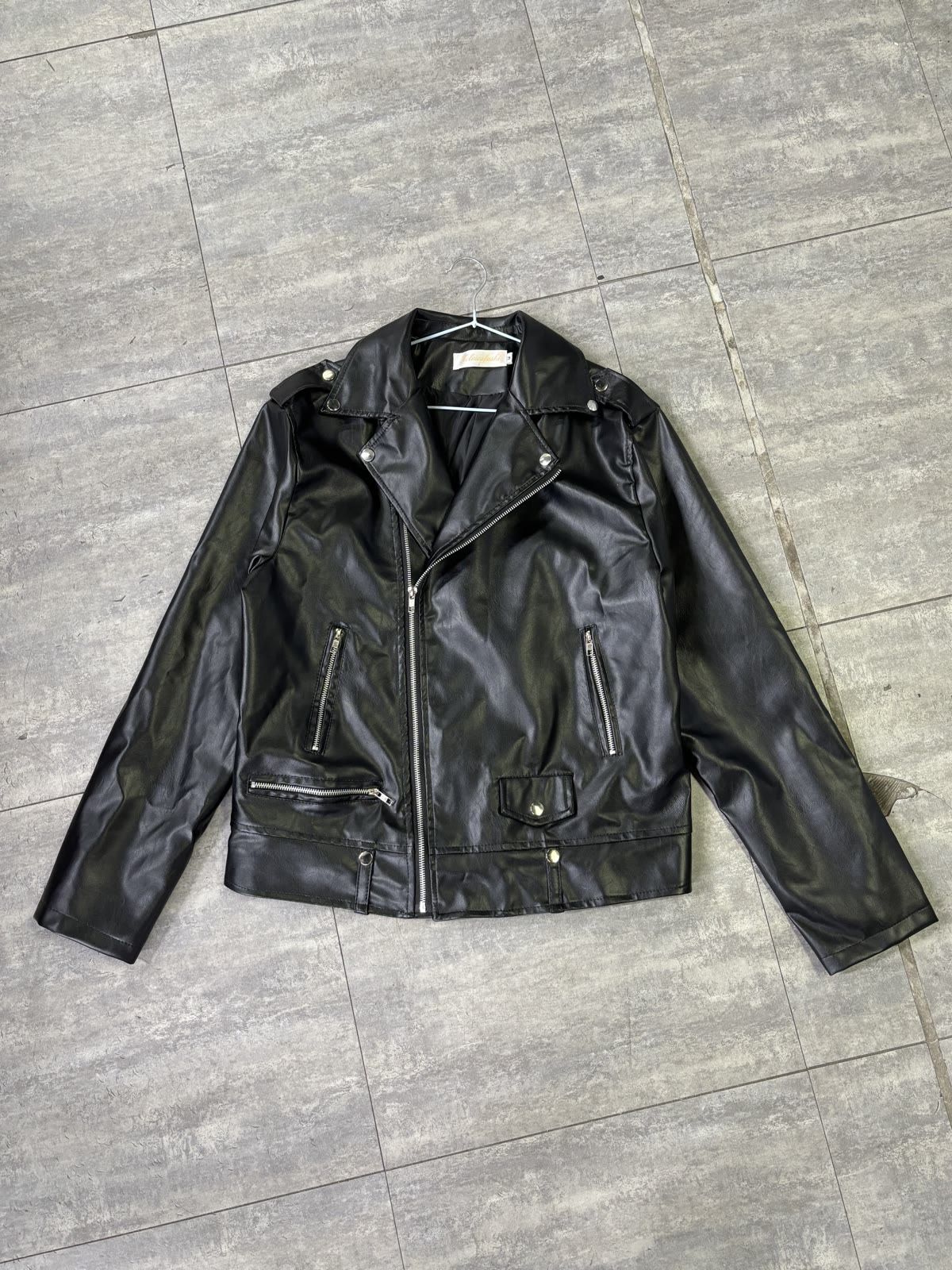
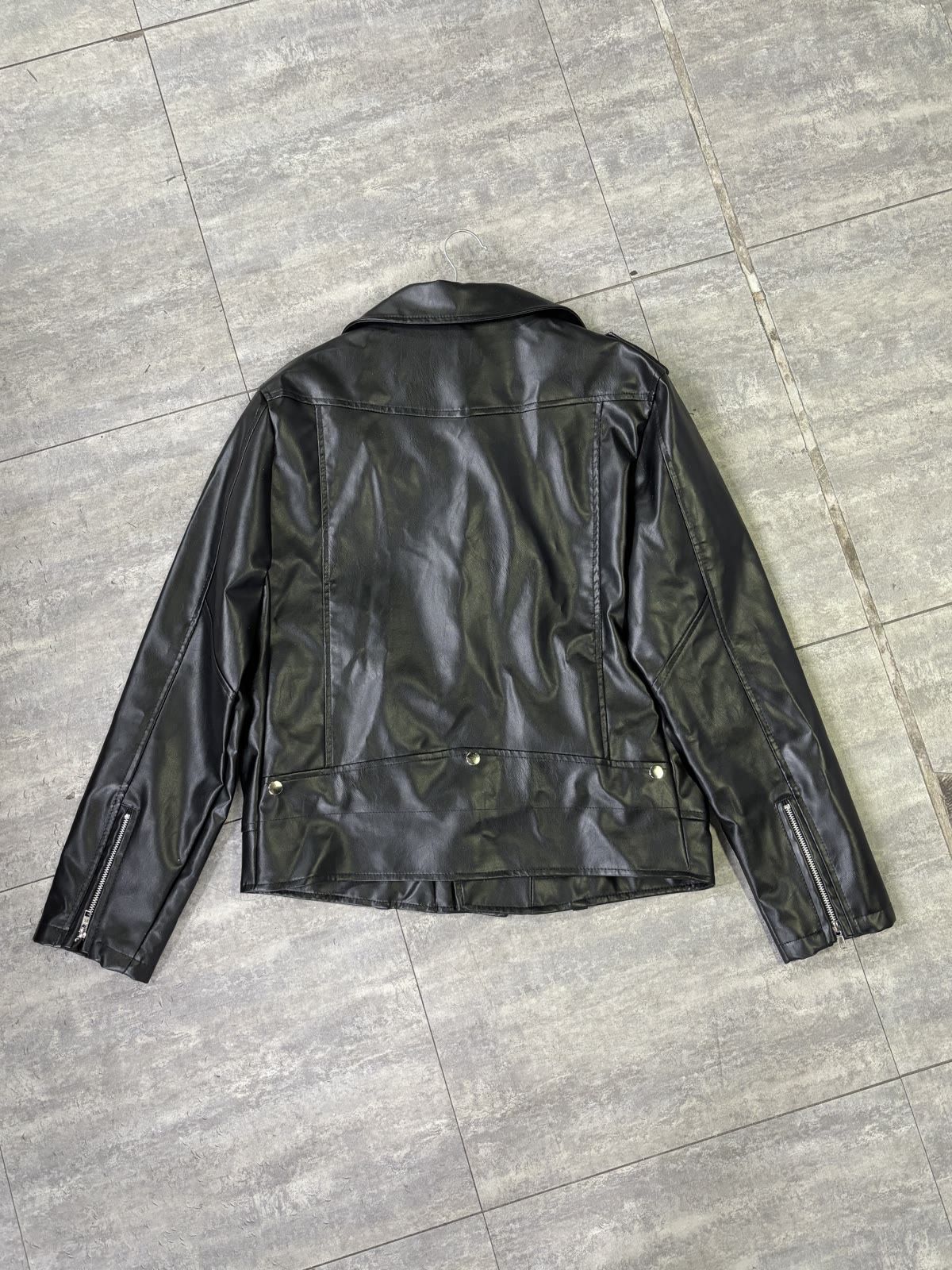
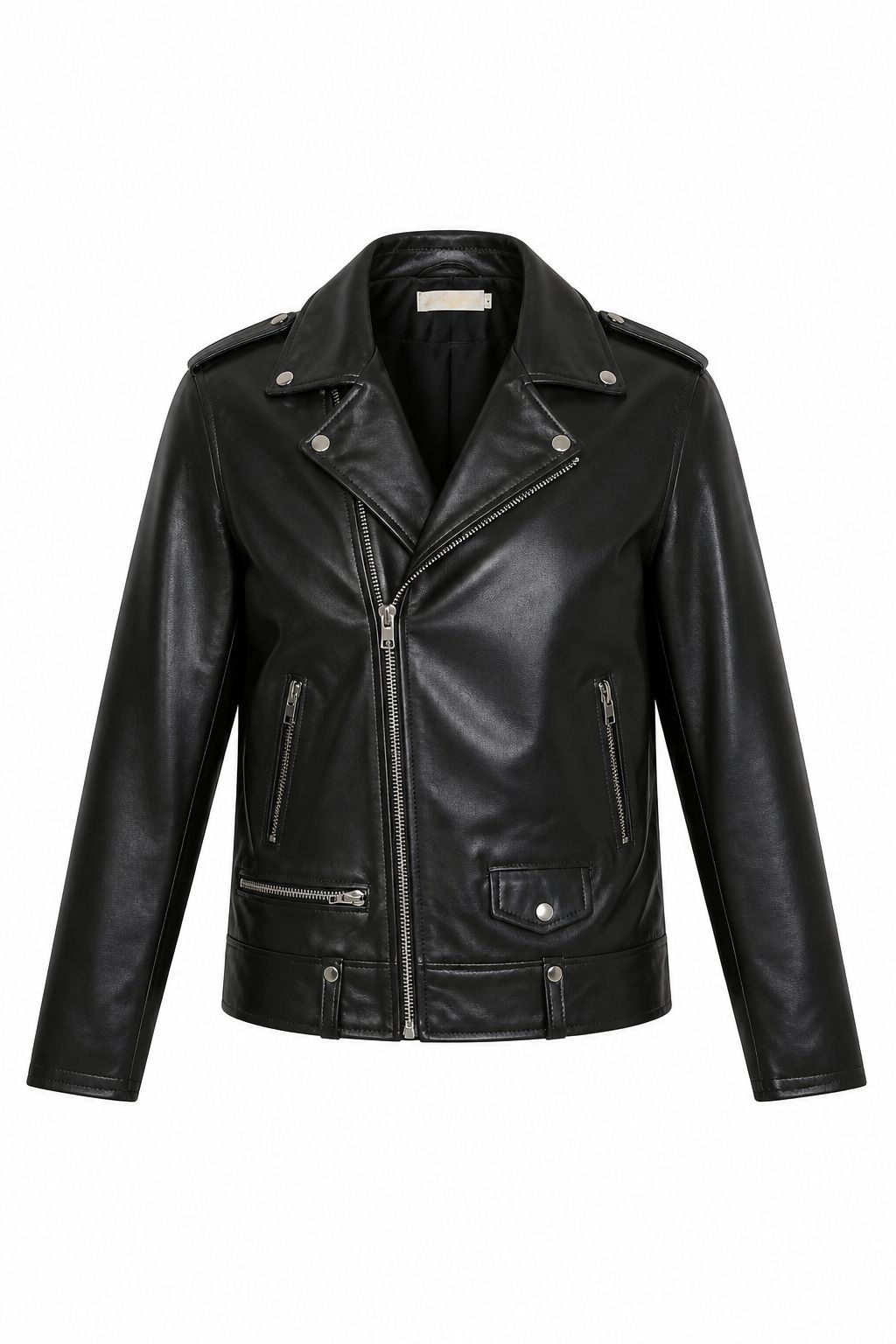
Take the photos that answer basic product questions: front, back, brand label, care label, construction, and hardware. If the jacket has a stain, repair, alteration, or other wear, add a condition photo. Add a measurement photo when fit is important.
Step 2: Build the Depop version around the look
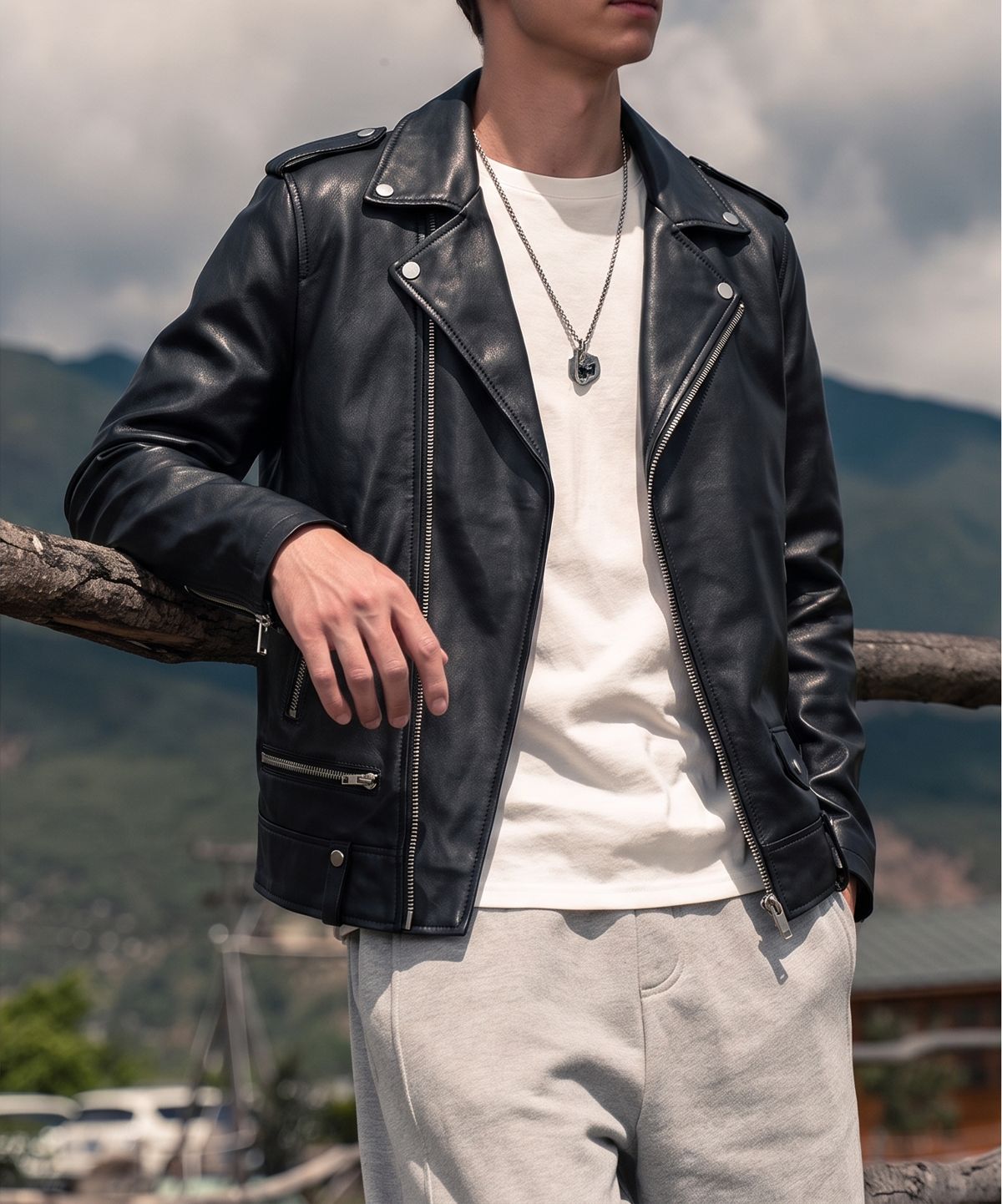
For Depop, lead with the styled image when it shows the jacket's look without hiding the item. Follow it with the clear product view and the shared set. This answers “How could I wear it?” before giving the buyer the details.
Try Fashion Model now →
Step 3: Build the Poshmark version around the item
For Poshmark, lead with the clean product image or a full front view. Put the back, labels, measurements, and condition photos near the beginning. Add the styled image later if it helps show fit or outfit ideas.
Try Ghost Mannequin now →
Depop sequence
- Styled or outfit-focused cover
- Clear product view
- Shared front, back, label, and detail evidence
- Measurements and condition photos when needed
Poshmark sequence
- Clear product-led cover
- Front and back views
- Labels, measurements, and condition evidence
- Styled image as supporting context
The item details stay the same; only the first impression and order change. Original files should be saved before platform copies are made, so a cover can be adjusted later without reshooting.
Can AI Improve Clothing Photos for Depop and Poshmark?
AI and editing tools can make a photo set cleaner and more consistent, but they should not redesign the garment. Useful tasks include removing a distracting background, changing a crop, fixing a small lighting problem, or creating a clearly labeled styling reference from a real item.
| Usually appropriate | Needs caution or should be avoided |
|---|---|
| Background cleanup and simple crop adjustments | Changing the garment's color, print, silhouette, or length |
| Consistent brightness and framing across a set | Removing real stains, wear, or damage from condition photos |
| Supporting outfit or scene exploration | Adding pockets, buttons, hardware, or details that do not exist |
| Preparing alternate channel ratios from an approved image | Using a generated image as the only proof of the actual item |
Keep direct photos of the actual garment alongside any enhanced or AI-assisted image. If an image is only a styling reference, say so and do not use it as the only proof of the item.
Final Checklist Before Publishing
- Is the garment easy to identify in the cover image?
- Are the color and shape close to the real item?
- Are front and back views included?
- Are brand, size, and care labels readable?
- Are measurements explained clearly?
- Are meaningful flaws visible and described?
- Does the image order fit the platform's browsing context?
- Does the listing still look accurate on a phone?
- Are the original files and platform-specific exports saved?
Conclusion
Start with one accurate set of clothing photos. A seller can use a style-led cover to show how the item can be worn, or a product-led cover when buyers need to inspect it quickly. In both cases, the color, shape, labels, measurements, and condition should stay true to the item.
FAQ: Depop and Poshmark Clothing Photos
1. What should be the first photo on Depop?
A styled or outfit-focused image can lead when it shows the garment clearly. Follow it with a direct product view and the details buyers need.
2. What should be the first photo on Poshmark?
Start with a clear full-item image so buyers can identify the garment quickly. Add a styled image later if it helps show fit or outfit ideas.
3. What image ratio and size should sellers prepare?
A useful starting point is 4:5, such as 1,600 × 2,000 px, for a Depop-style cover and 3:4, such as 1,200 × 1,600 px or 1,500 × 2,000 px, for Poshmark's portrait display. These are export suggestions, not permanent platform-wide pixel rules. Sellers should keep the originals and check the crop in the current app. See the image dimensions and cropping guide above.
4. How many photos should a clothing listing include?
Start with front, back, brand label, care label, construction or hardware details, plus measurement or condition photos when needed. The right number depends on what a buyer needs to check for that item.
5. Should sellers show labels, measurements, and flaws?
Yes. Sellers should make labels readable, explain how the item was measured, and show meaningful wear, repairs, stains, fading, or missing details. These photos support the main front and back views.
6. Can one base photo set work for both platforms?
Yes. Sellers can keep the same accurate product views, then change the lead image, crop, and order. Depop can lead with the styled image, while Poshmark can lead with the direct product view. Follow the one-set workflow above.
7. Can sellers use AI to edit Depop or Poshmark clothing photos?
Yes, for tasks such as background cleanup, cropping, and optional styling references. Sellers should not use it to change the garment's real color, shape, condition, or details. Follow the AI clothing-photo editing guide above.
Turn Your Clothing Photos Into a Publishable Set
Start from accurate garment photos, create the views you need, and review every result before it reaches a listing or campaign.
More Resources
References
- Depop Help Centre — Selling on Depop. Official seller guidance and listing resources.
- Depop Help Centre — How to list an item. Official listing workflow reference.
- Poshmark, “Start Selling on Poshmark.” Official listing-photo, lighting, detail, and condition guidance.
- Poshmark, “A New Look for Listing Photos.” Official portrait display and framing guidance.
- Poshmark, “About Poshmark.” Platform description and company information.






