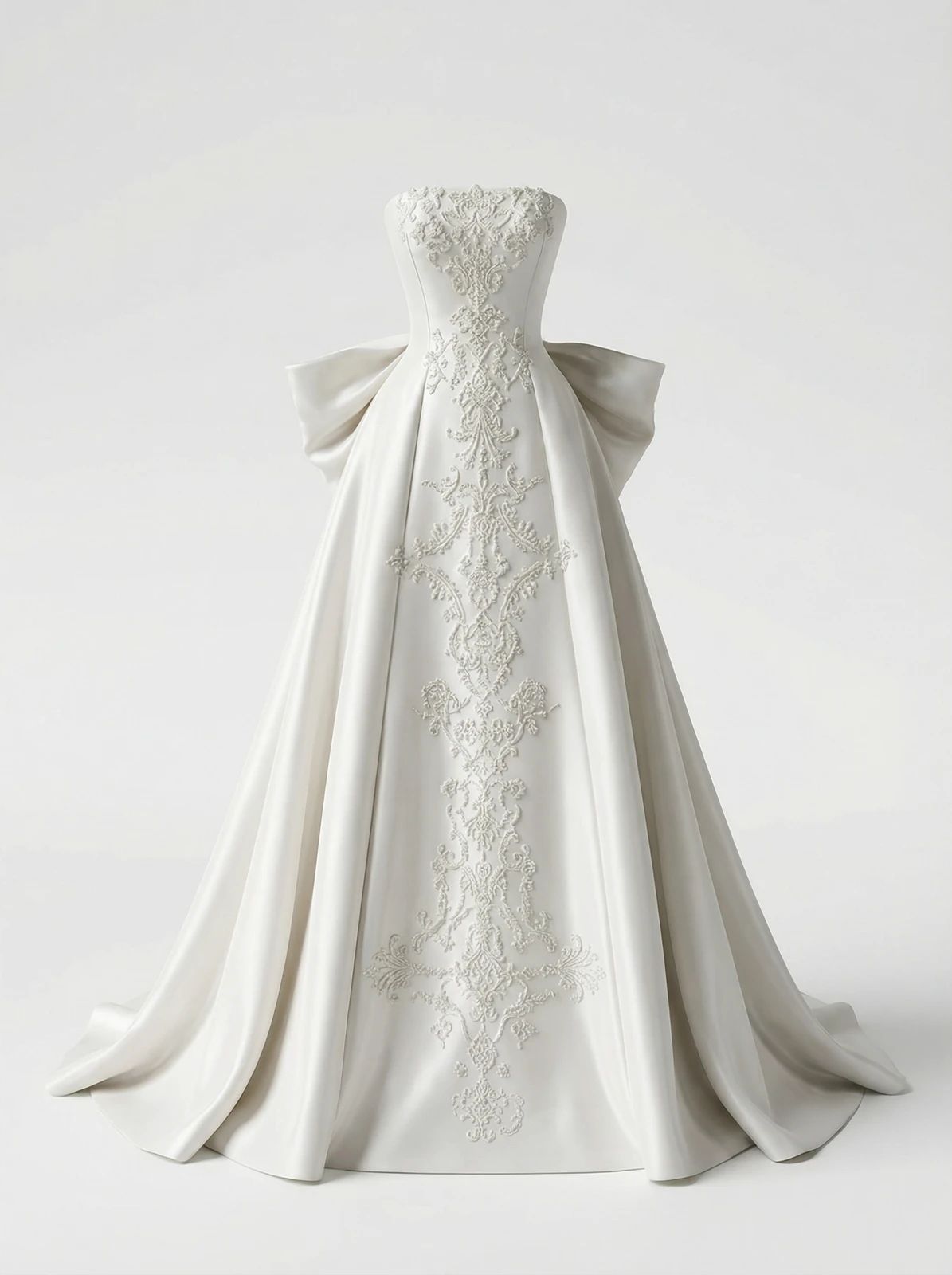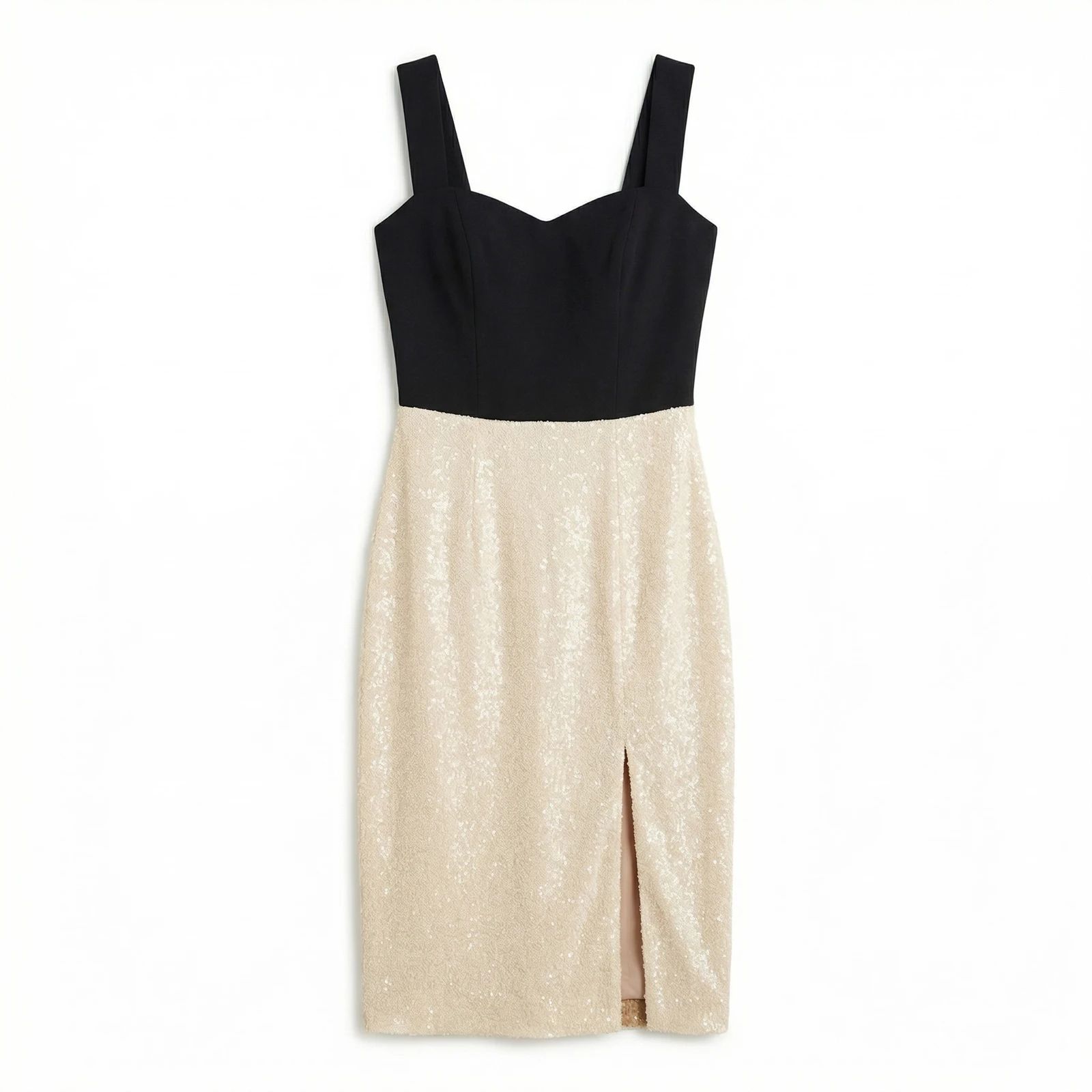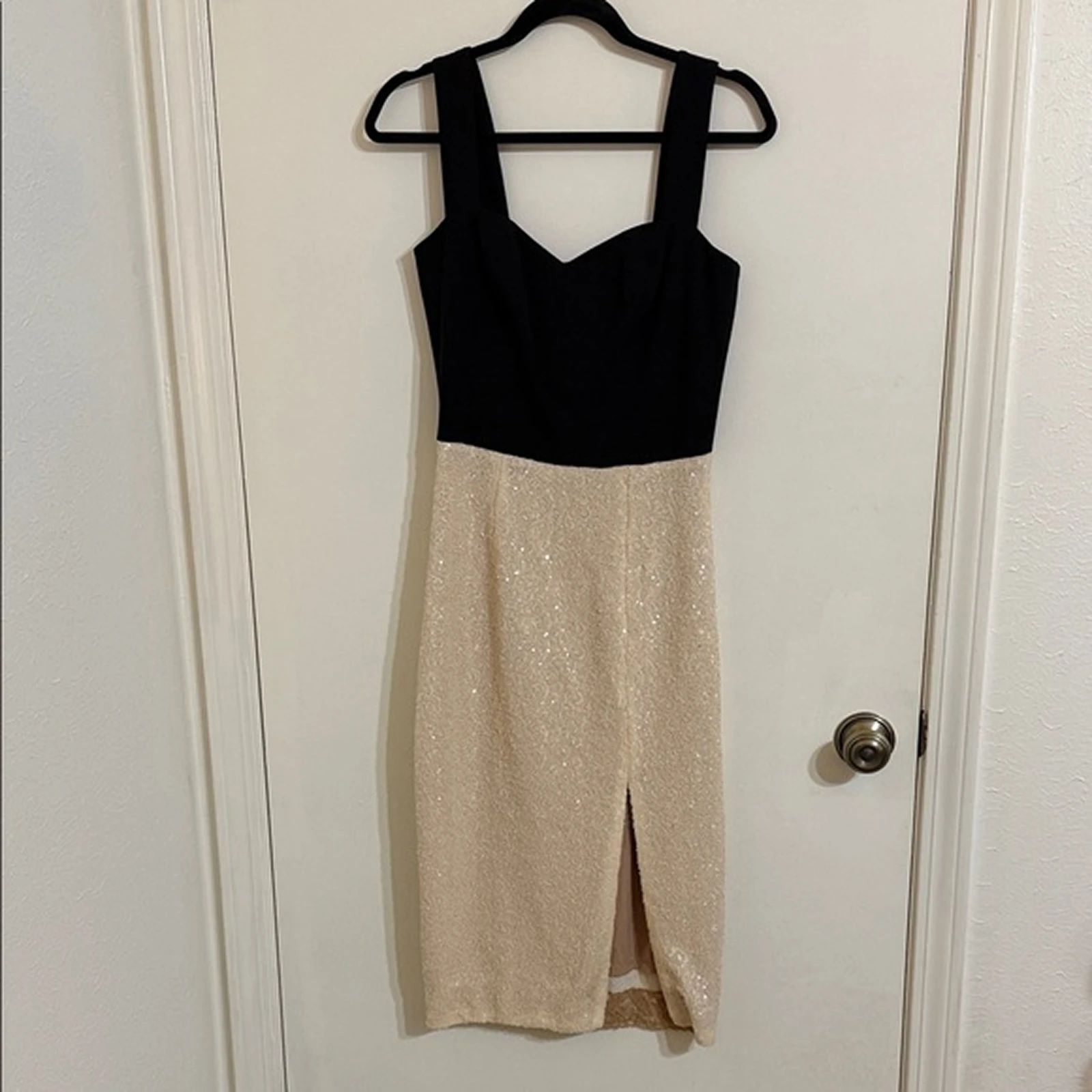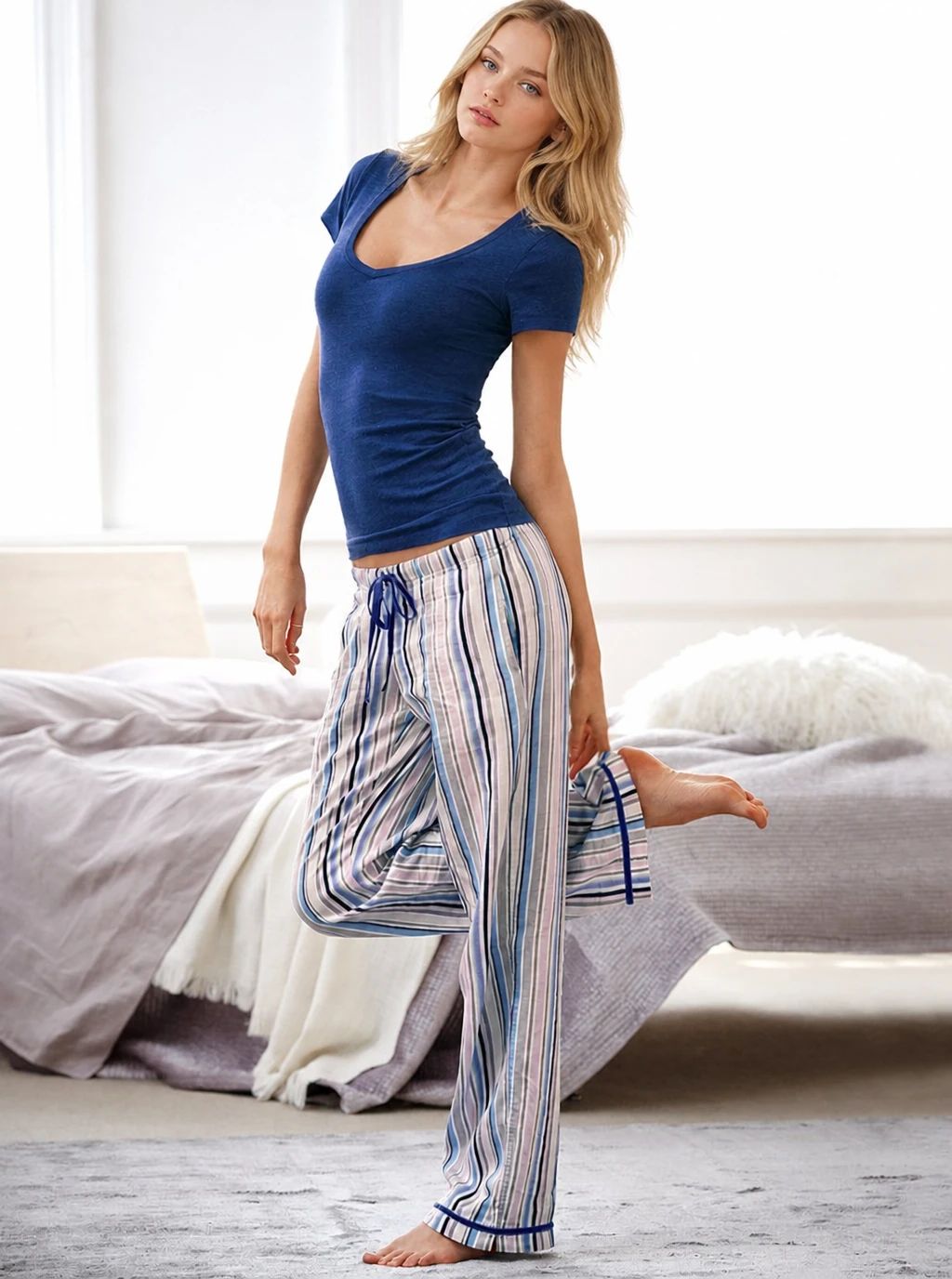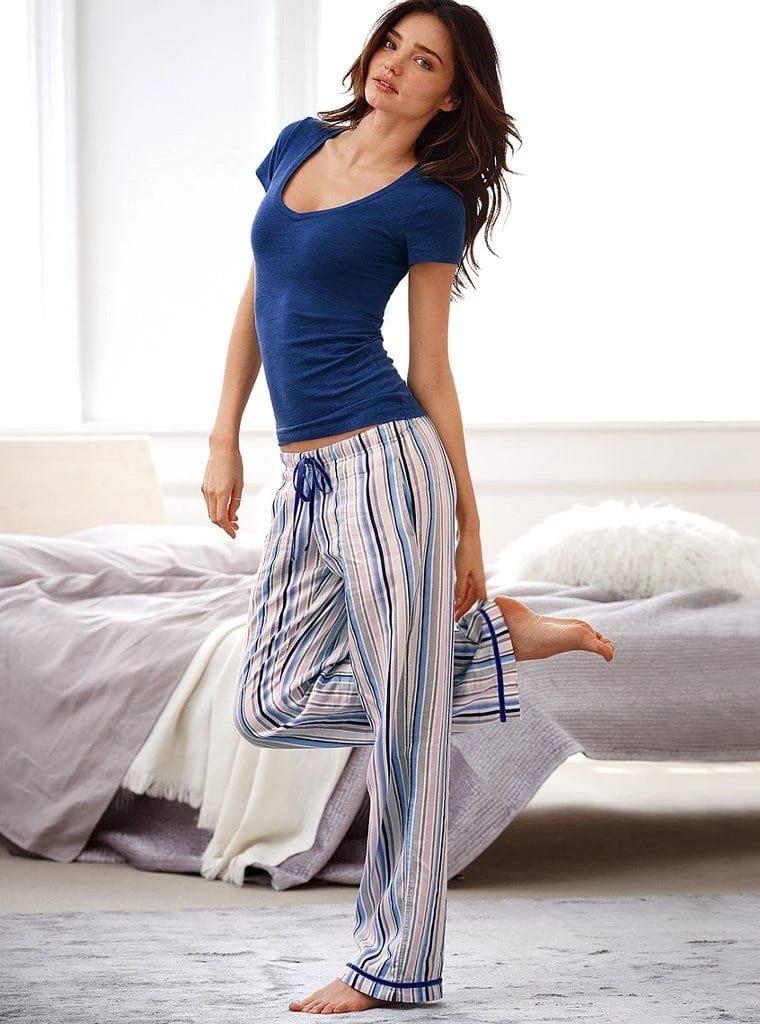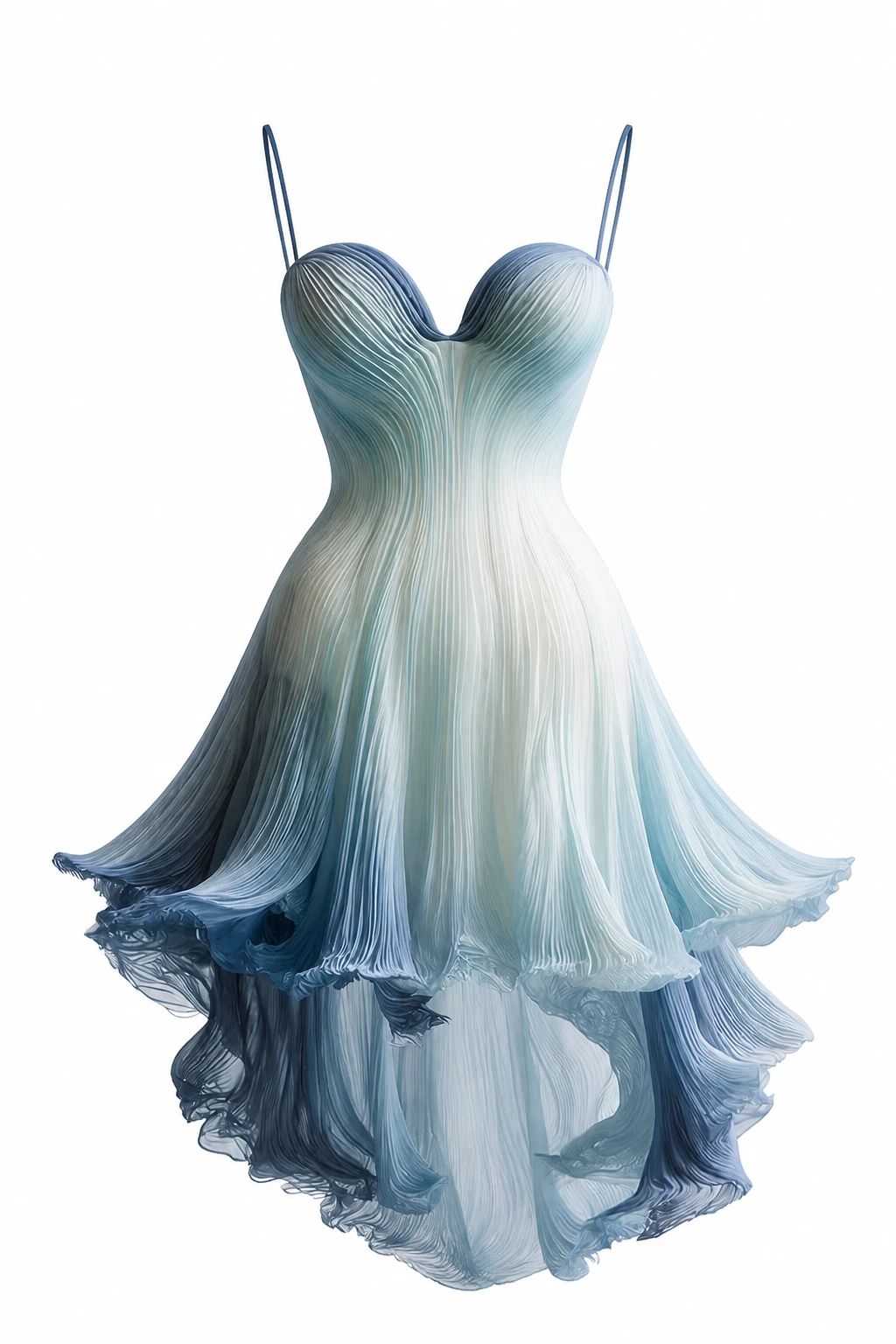
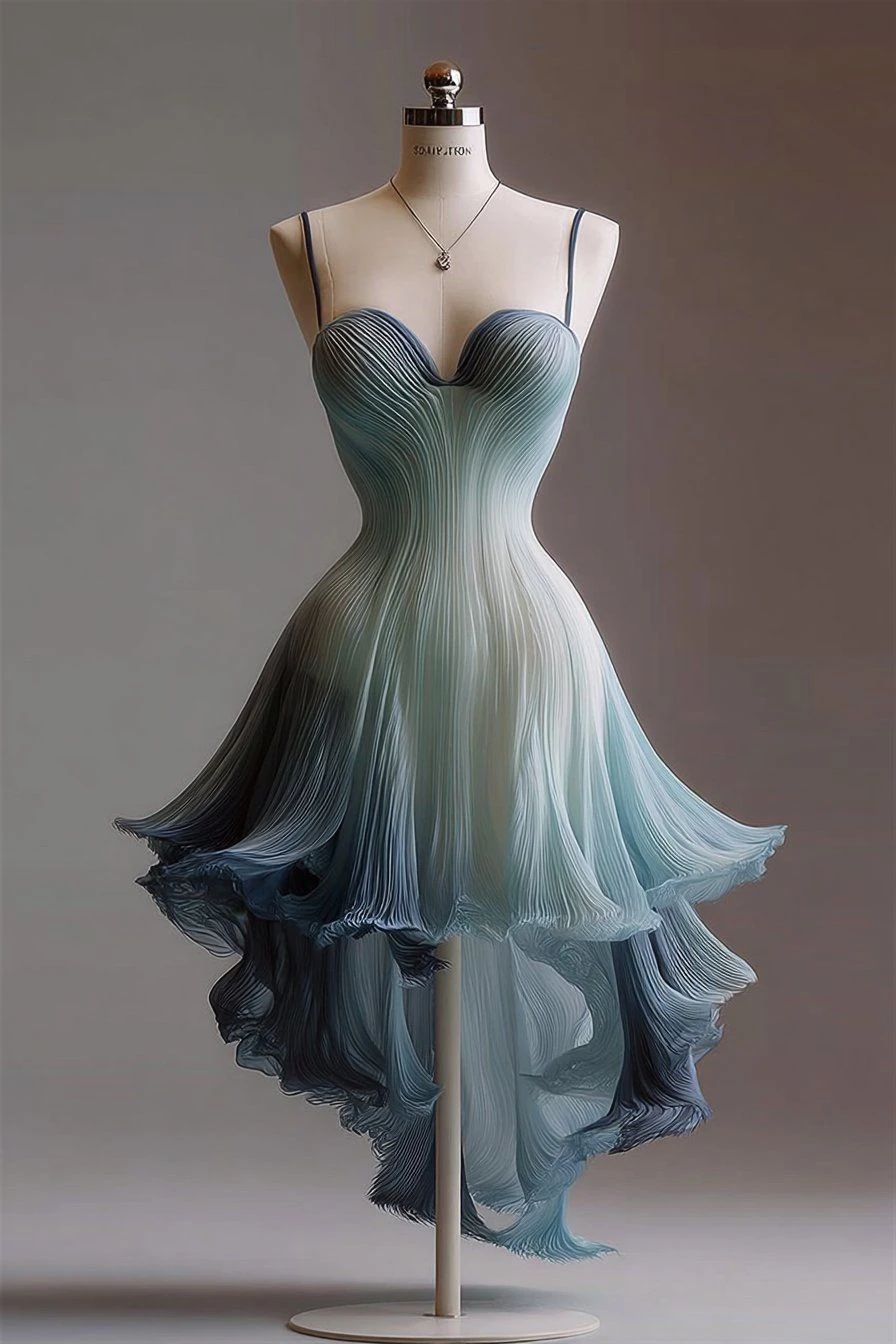


Bridal Gown: Before and After
See bridal dress before-and-after photos with Fashion Model. Explore the workflow, find inspiration and create similar visuals with your own product.
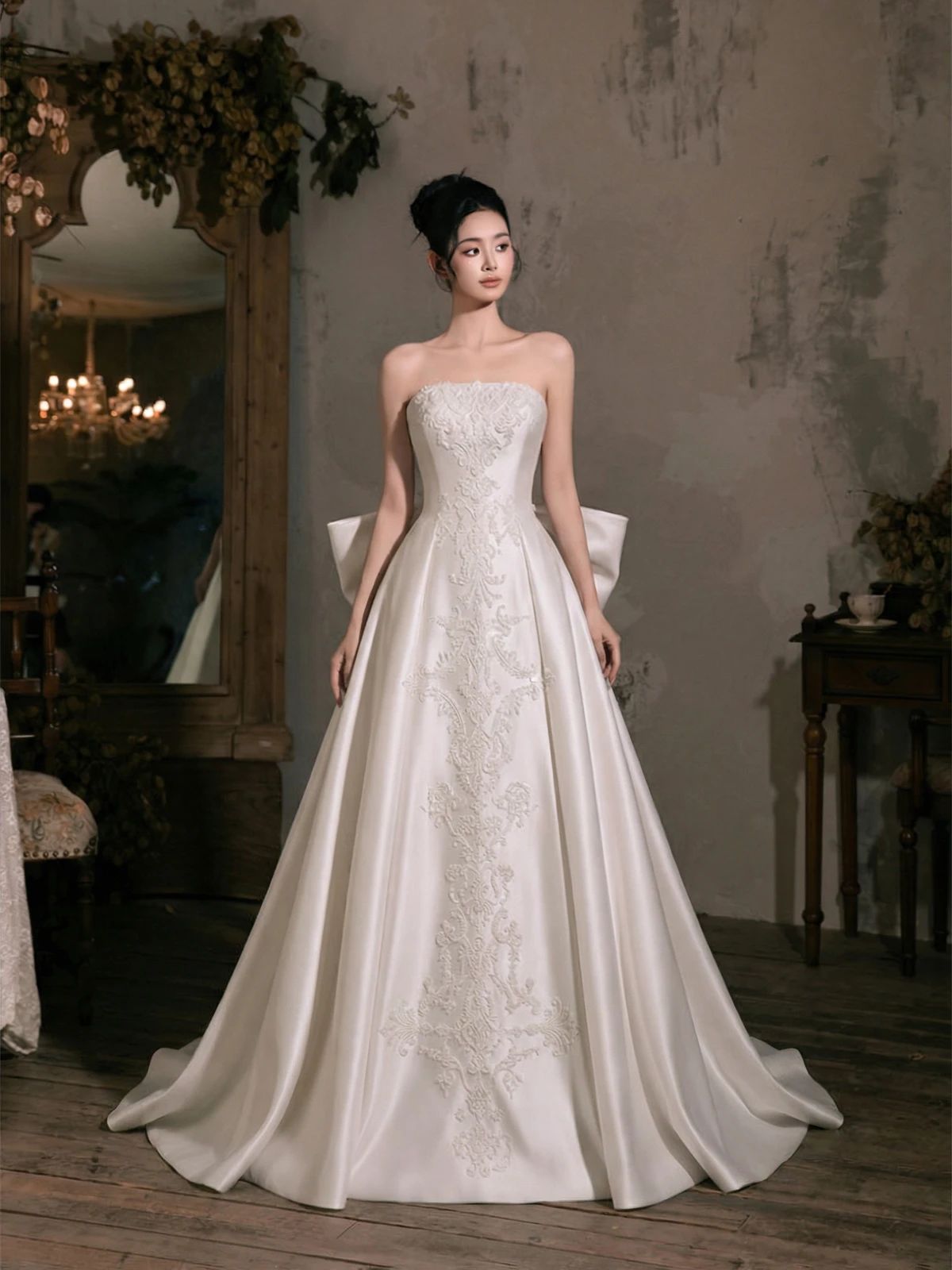
OriginalSnappyit result
How to try Fashion Model workflow
01
Prepare your bridal dress photo
- Open the Fashion Model with your own bridal dress photo.
- Keep the gown’s bodice, skirt and fine fabric details visible in the source photo.
02
Choose a model template and look
- Select a model template suited to your product and visual direction, or upload your own template where available.
- Consider pose, framing and background together.
- Choose a look that lets shoppers see the product clearly, then select Generate.
- For a result in the direction of this bridal dress example: Choose a bridal-appropriate full-length framing that does not conceal the garment with the model pose.
03
Review the bridal dress result
- Inspect the bodice details, skirt volume, neckline and hem against the real gown.
- Download when it accurately represents your item; adjust the source or settings and generate another version if important details differ.
Start with a photo you already have
Explore Snappyit’s photography tools or create product images on your phone.