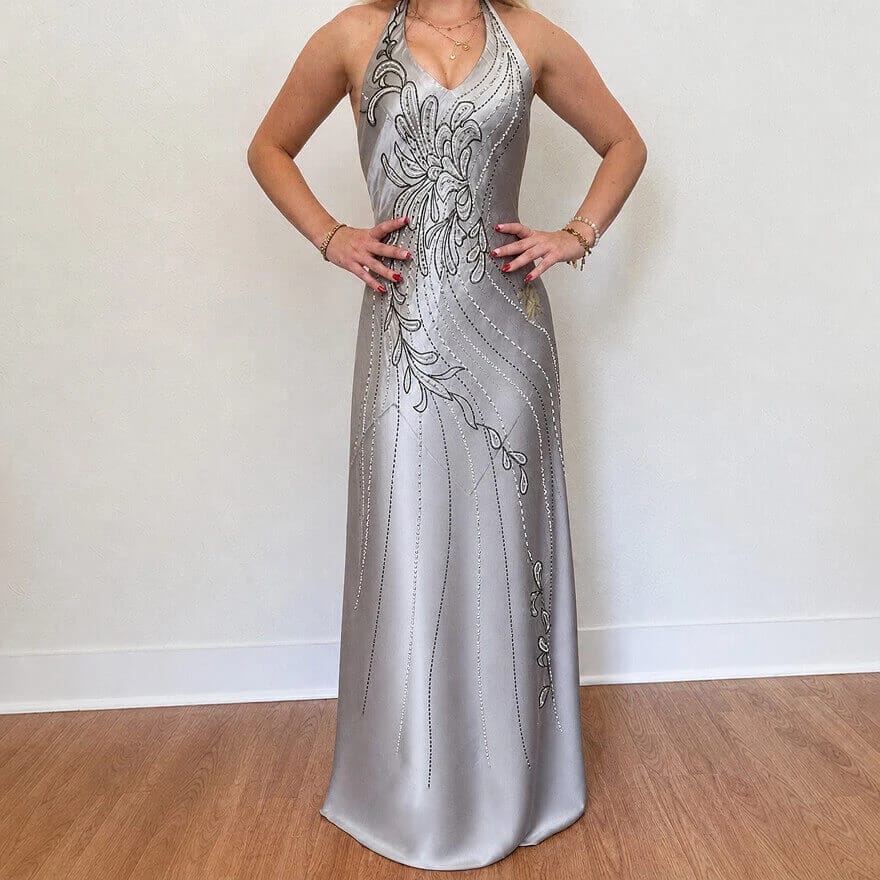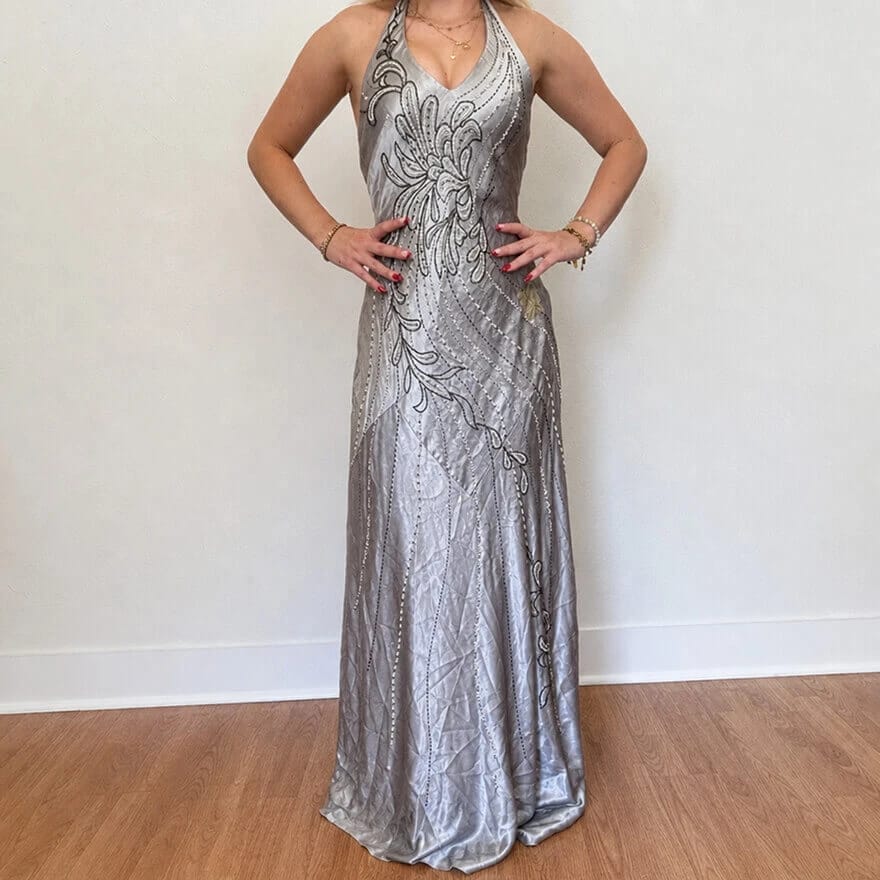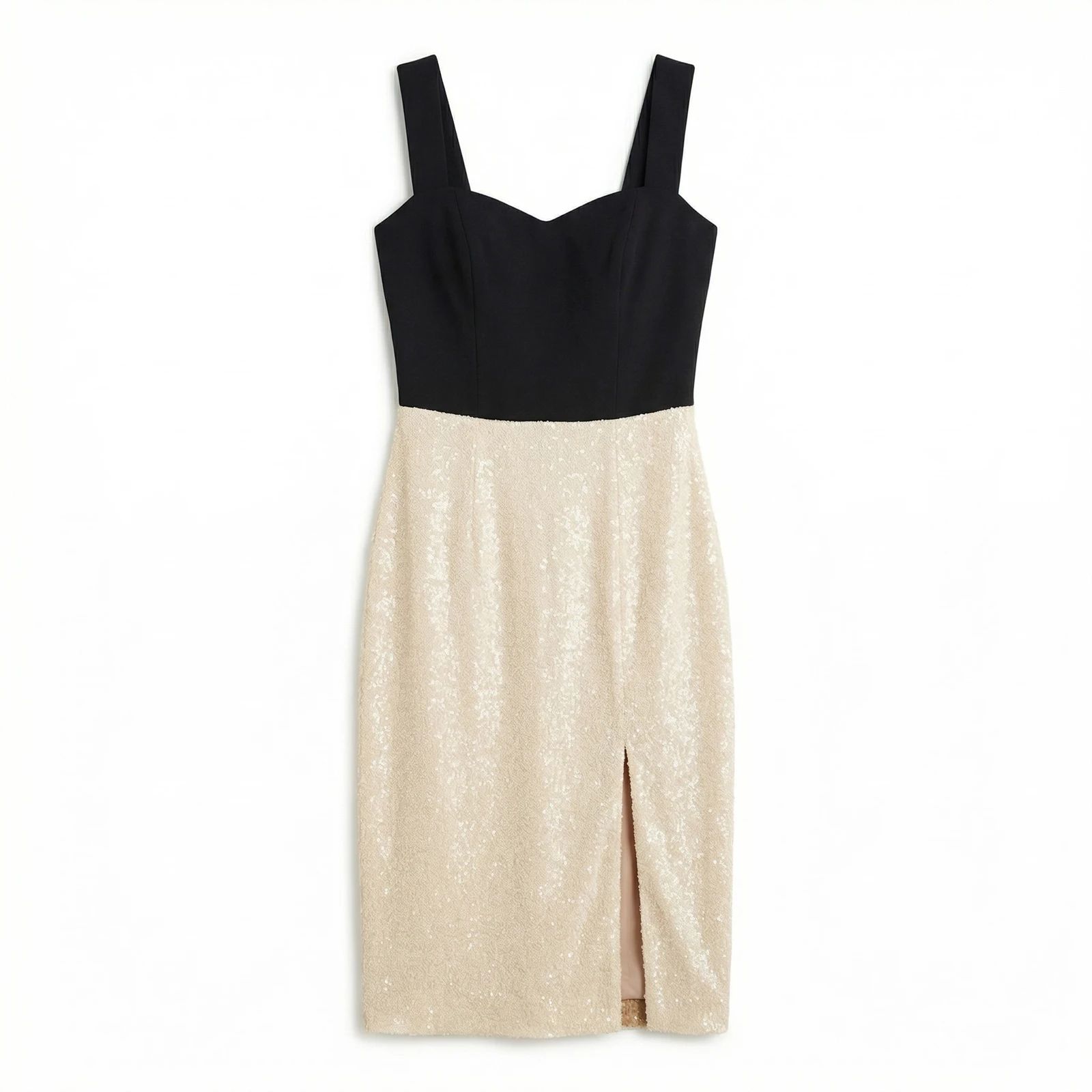
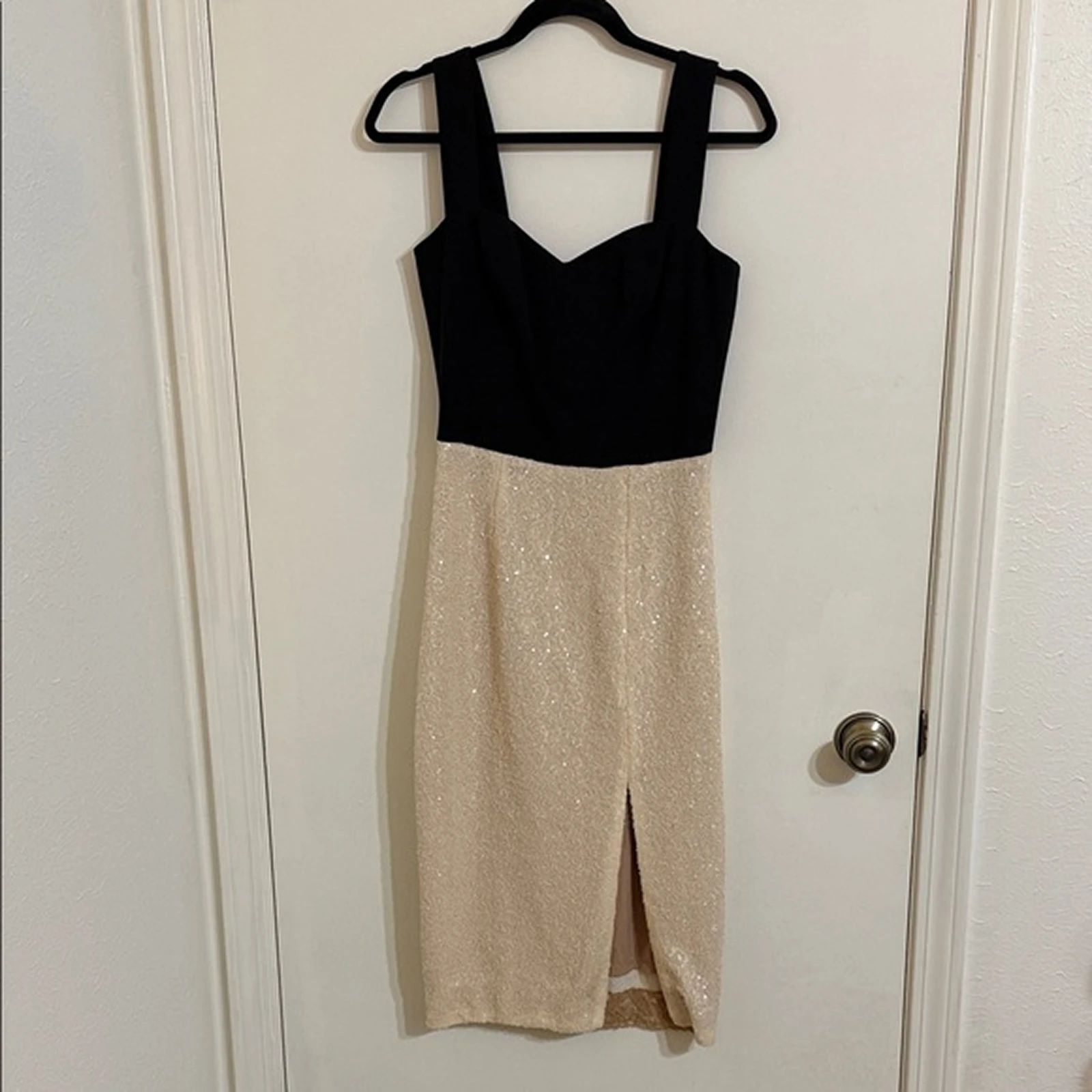


Explore Flat Lay & Ghost Mannequin examples
Ghost Mannequin Photography examples

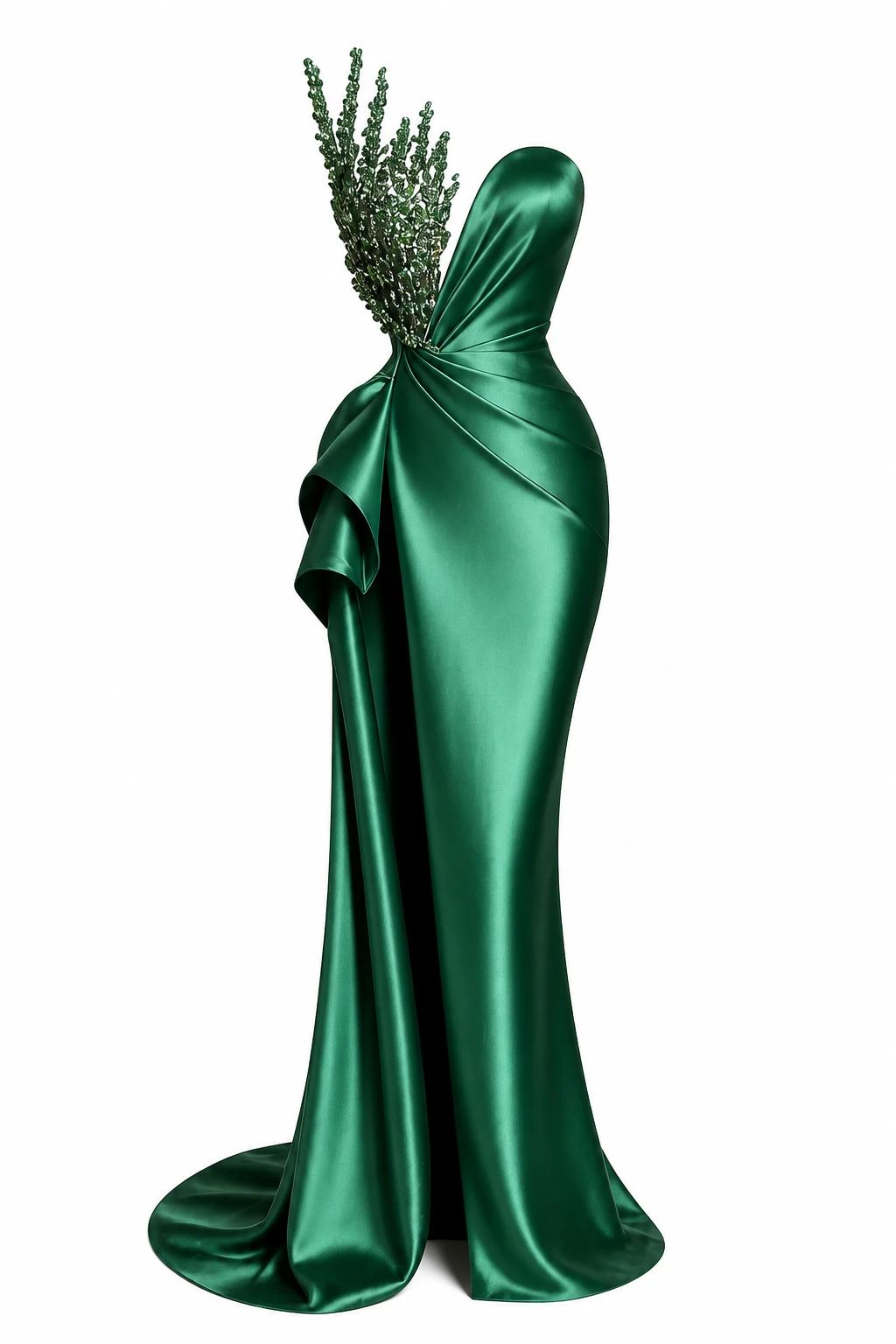
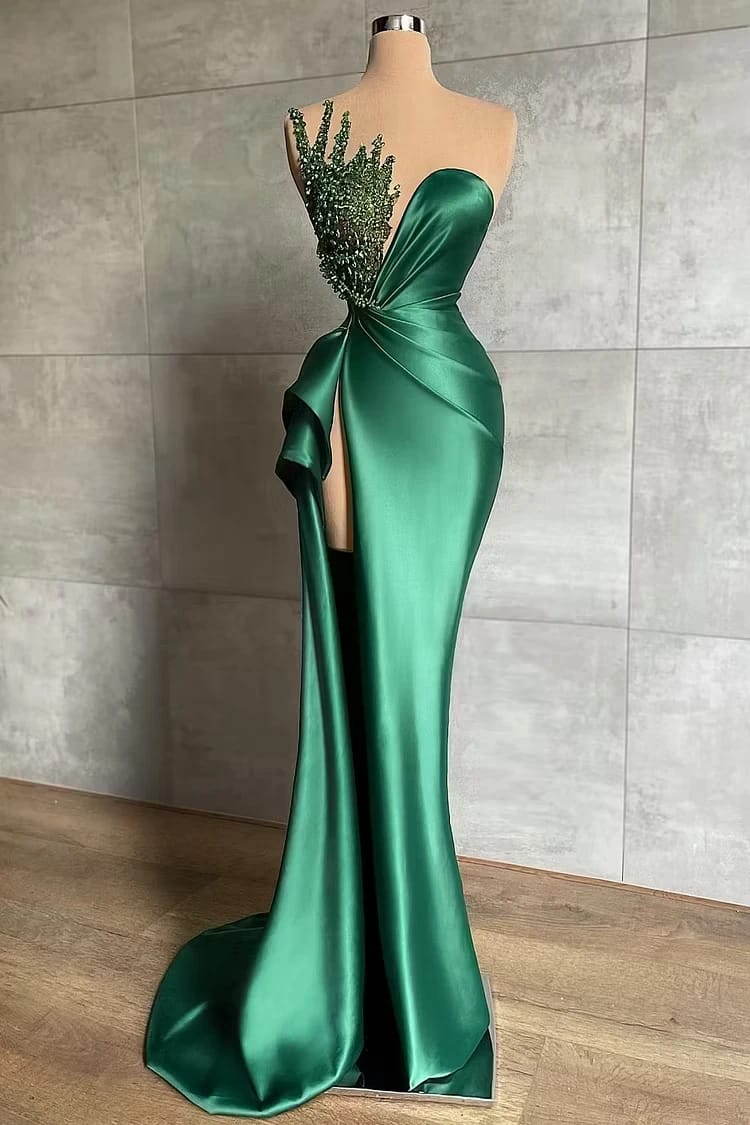
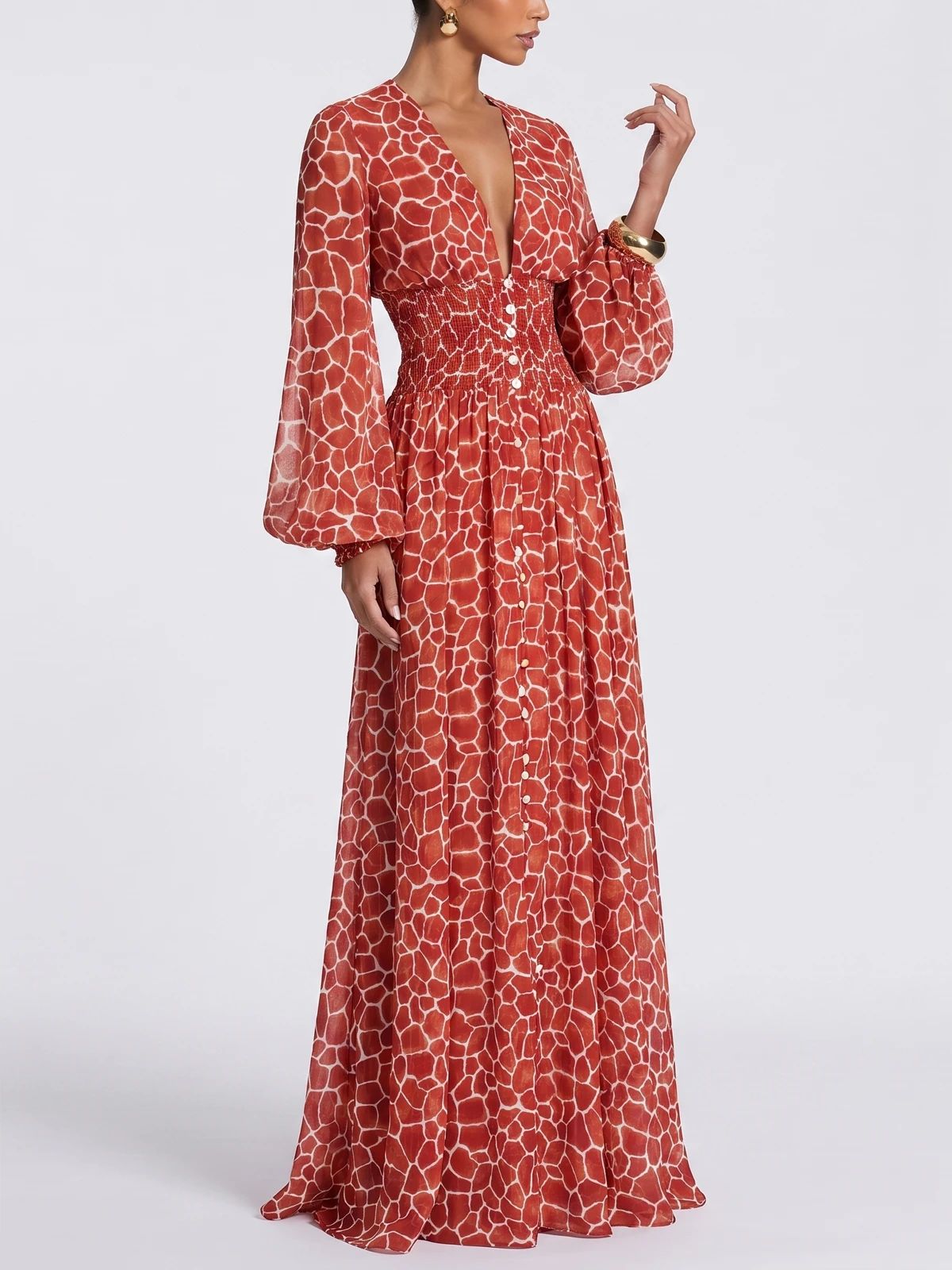
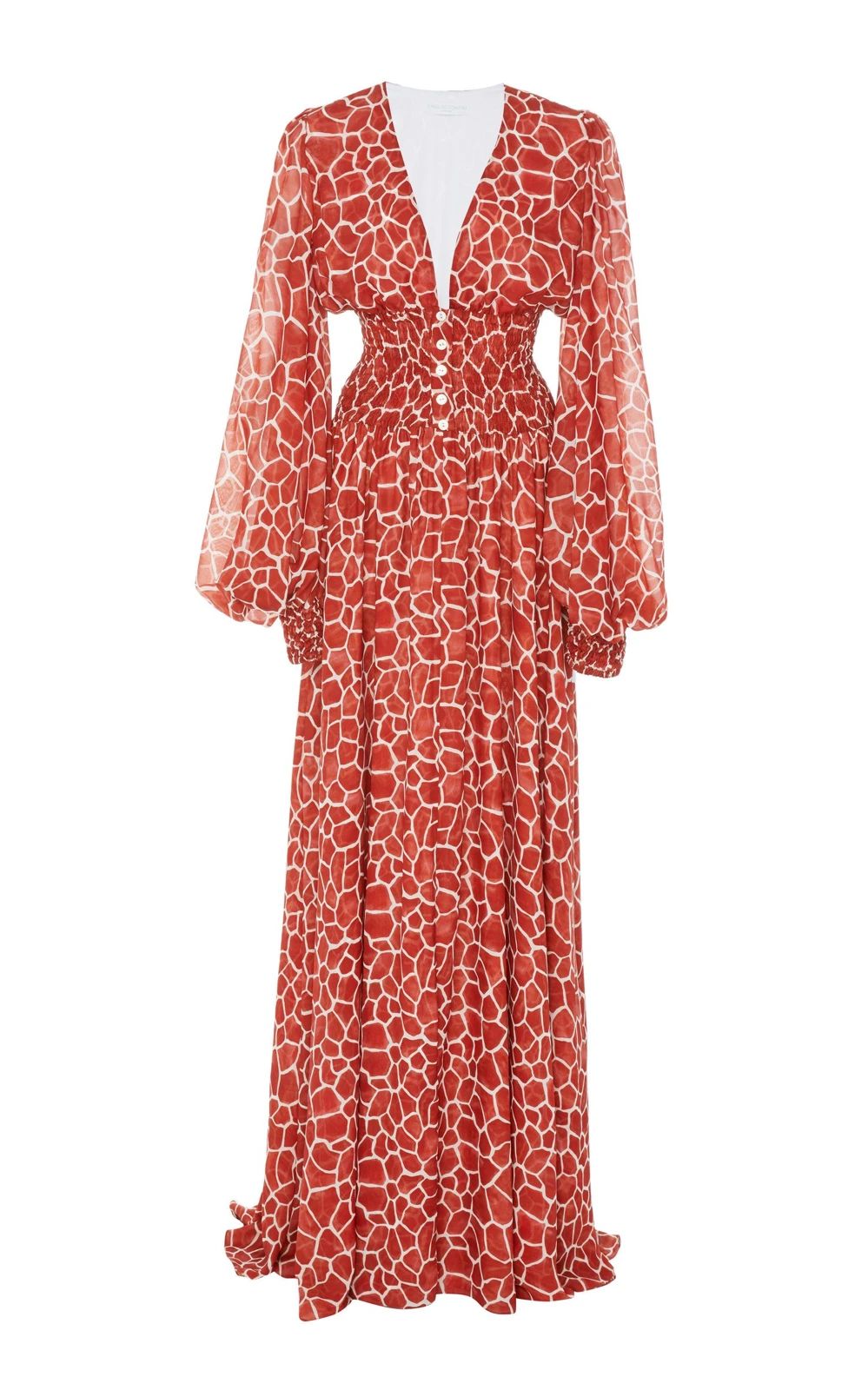
Dresses — Ghost Mannequin Photography Examples

See dresses before-and-after examples with Ghost Mannequin Photography. Compare inputs, results and practical tips, then create similar product visuals.
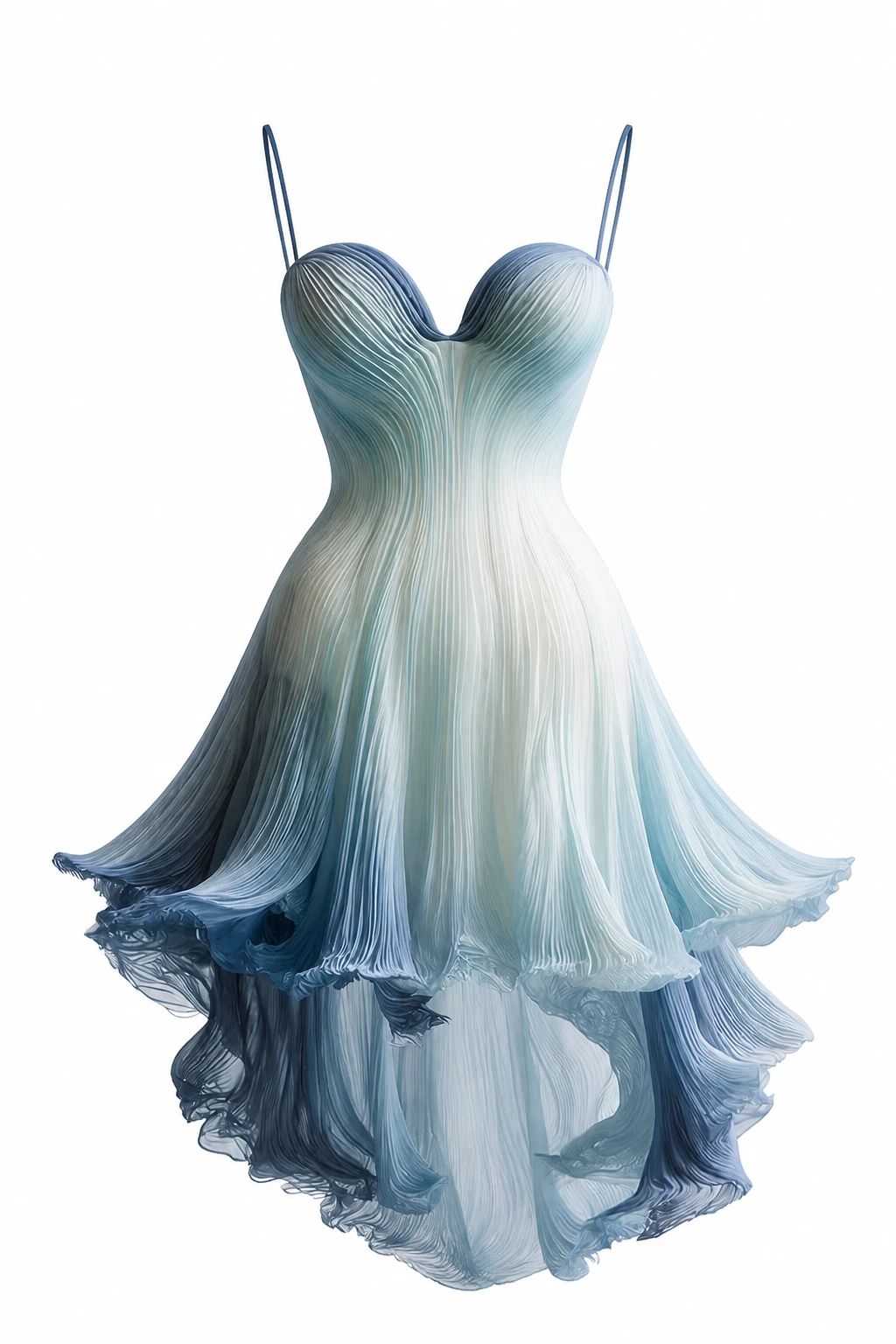
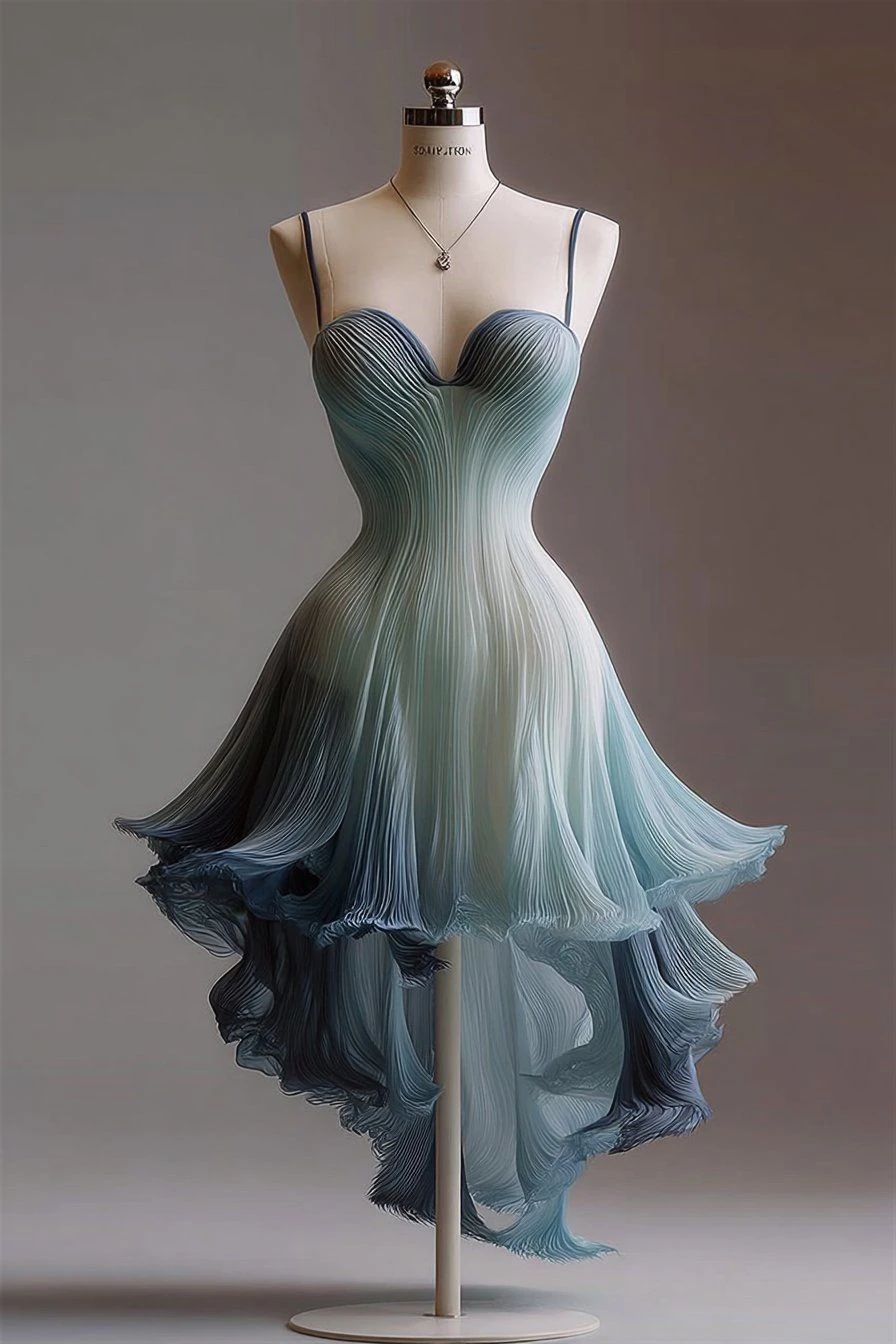
Blue ombré gown shown full length without a visible mannequin against a dark background Blue ombré gown displayed on a dress form against a dark studio wall OriginalSnappyit result

How to try Ghost Mannequin Photography workflow

01

Prepare your cocktail dress photo

  • Open the Ghost Mannequin Photography with your own cocktail dress photo.
  • Keep the straps, fitted bodice and layered hem visible in the mannequin source.
02

Choose the garment category and output

  • Select the garment category and add optional notes to guide the ghost mannequin effect.
  • Choose the available image quality and number of variations, then select Generate.
  • For a result in the direction of this cocktail dress example: Aim for a shaped dress presentation that retains the original hem and neckline.
03

Review the cocktail dress result

  • Check the strap attachment, bodice contours and layered skirt edge.
  • Download when it accurately represents your item; adjust the source or settings and generate another version if important details differ.

Start with a photo you already have

Explore Snappyit’s photography tools or create product images on your phone.

Example preview