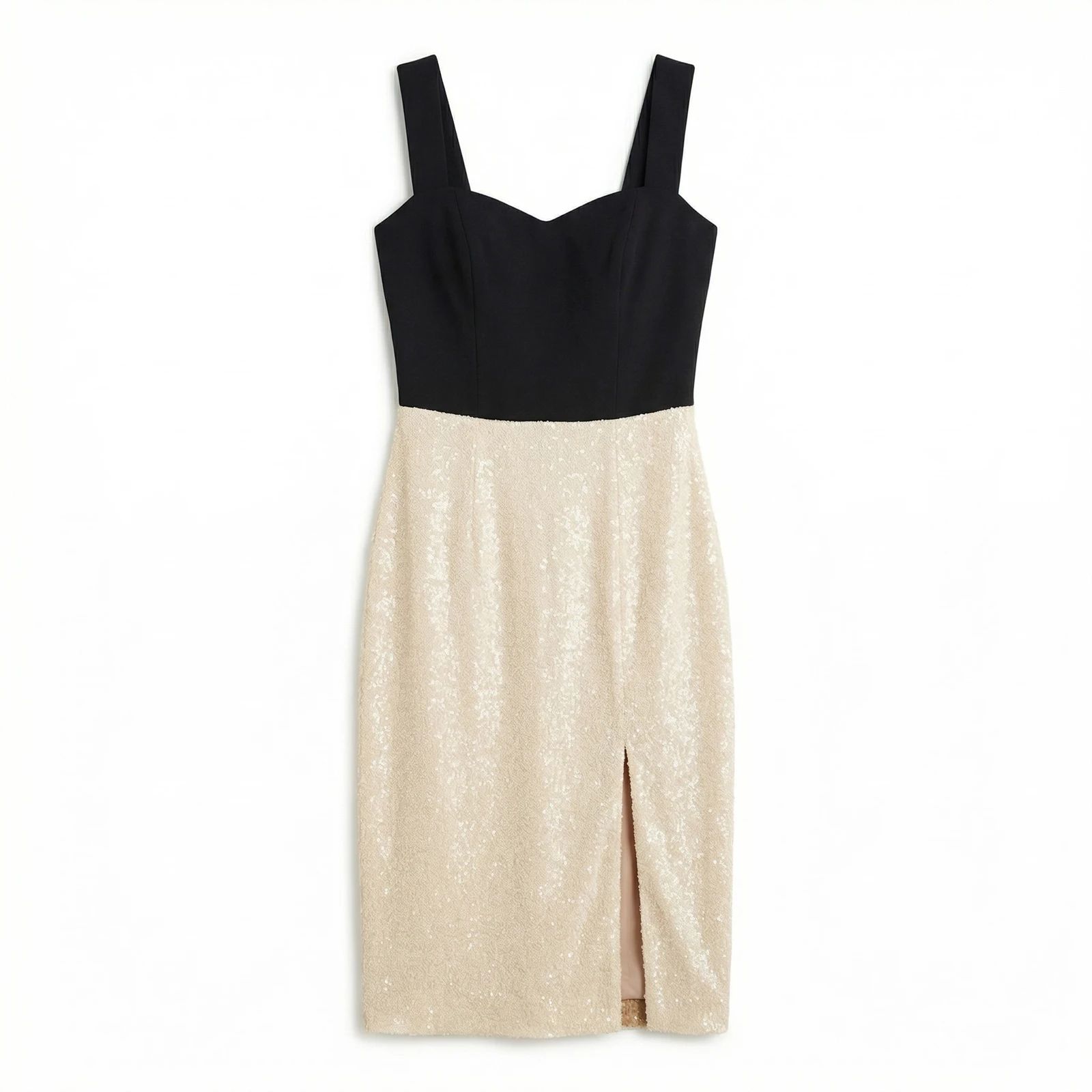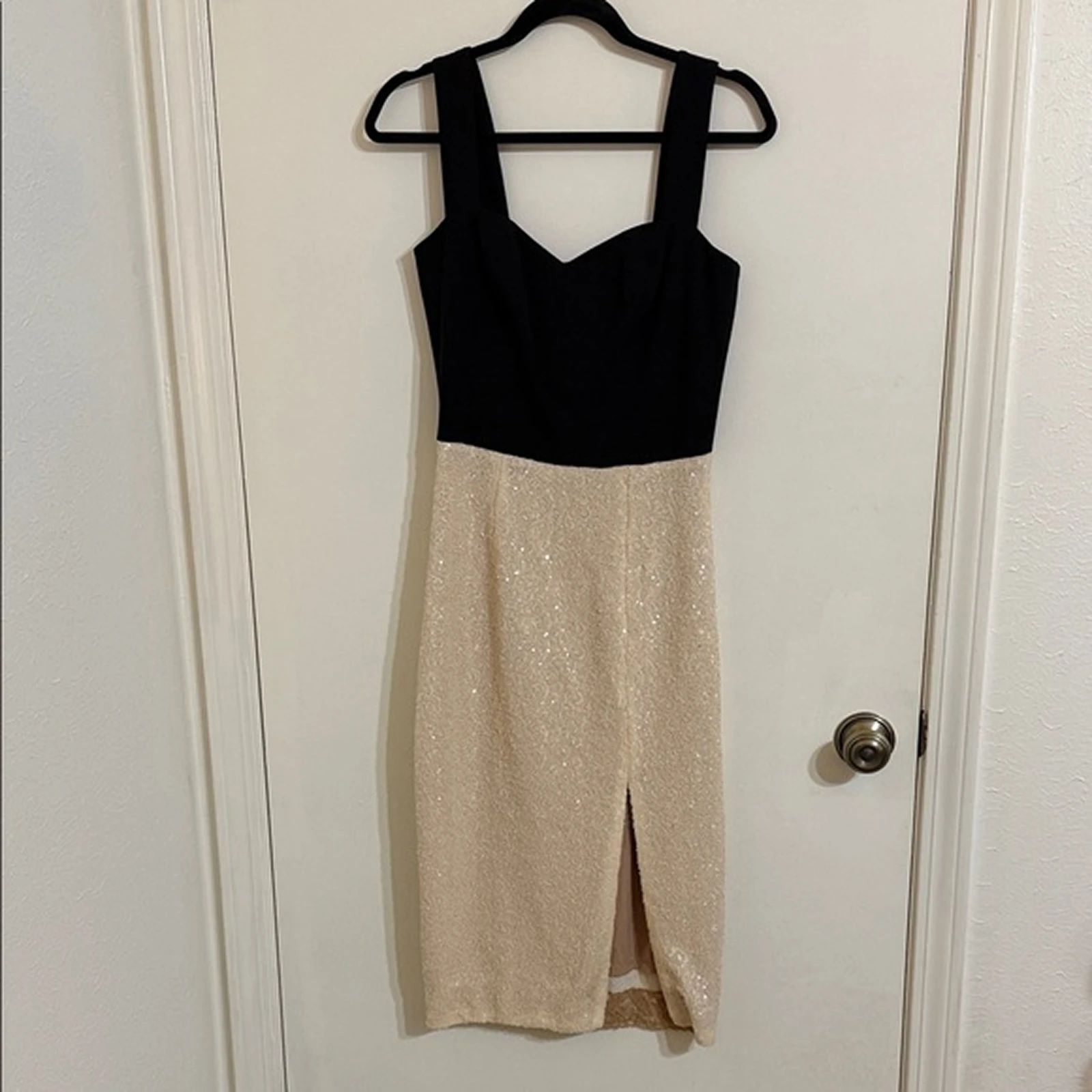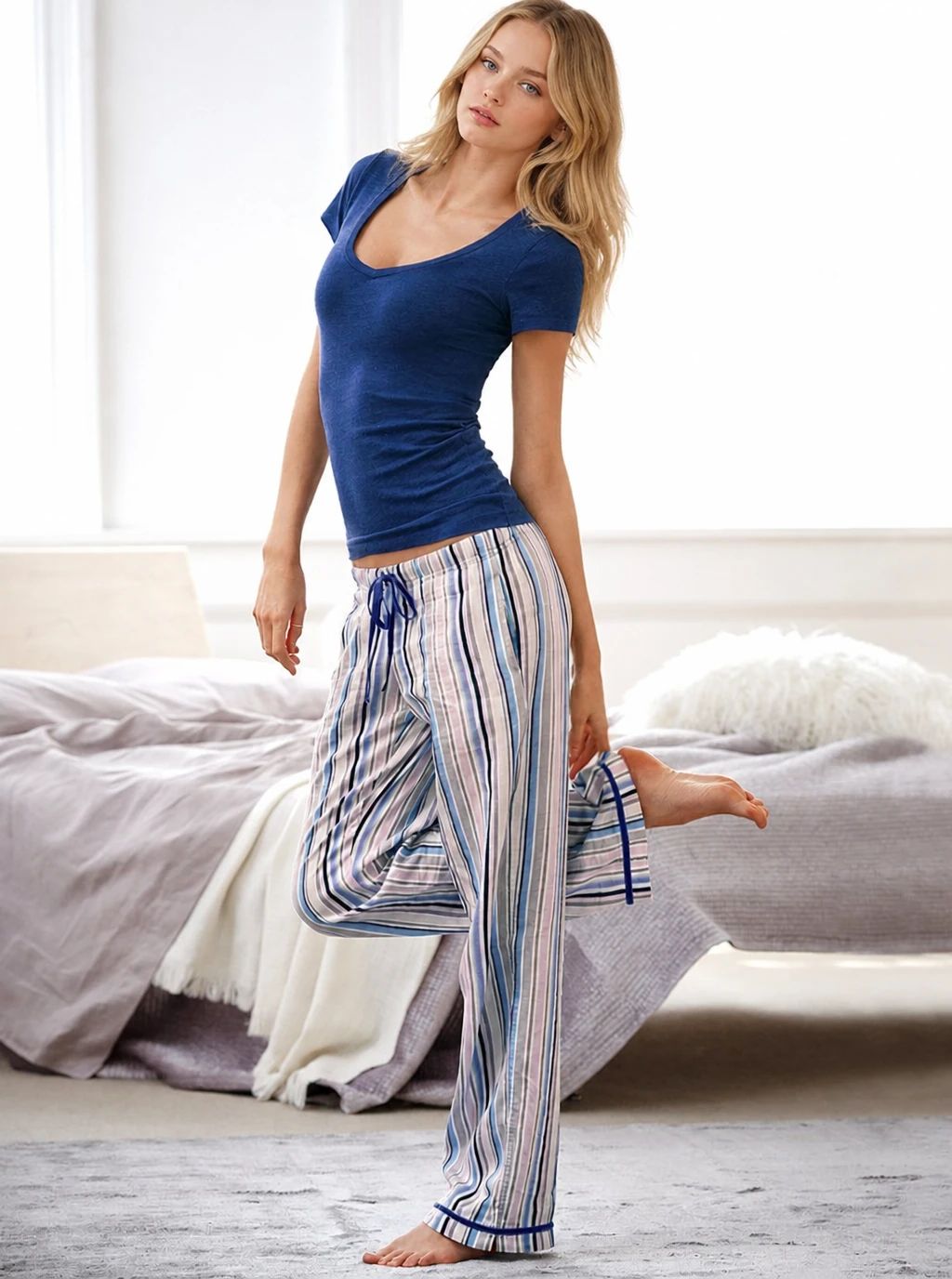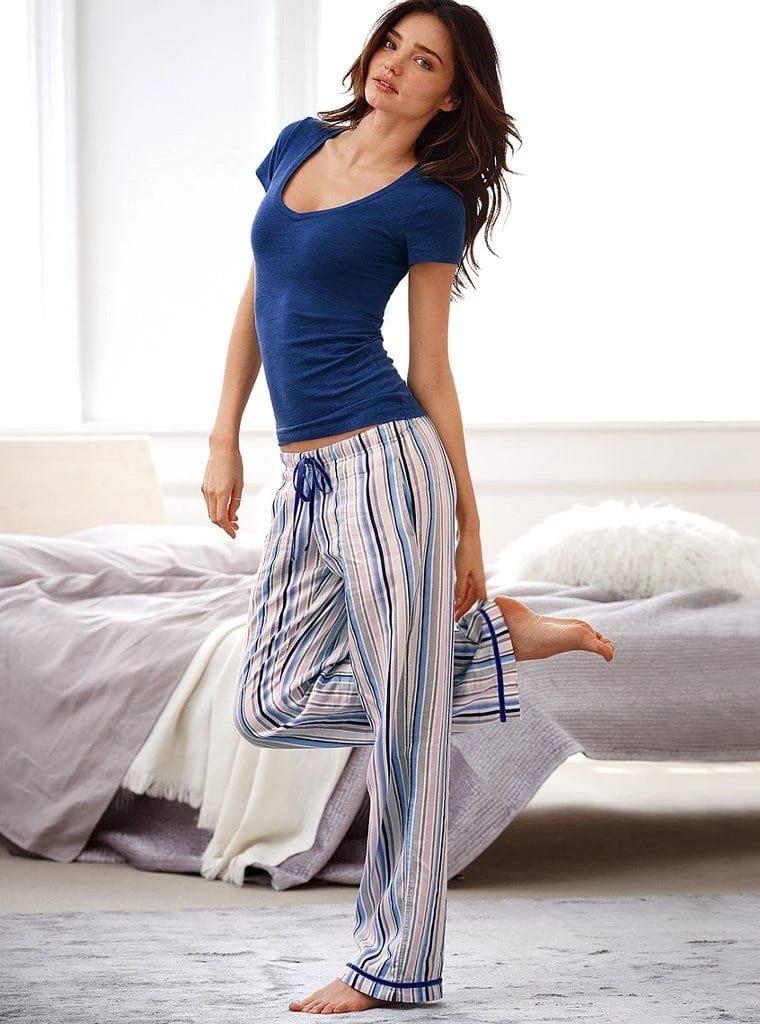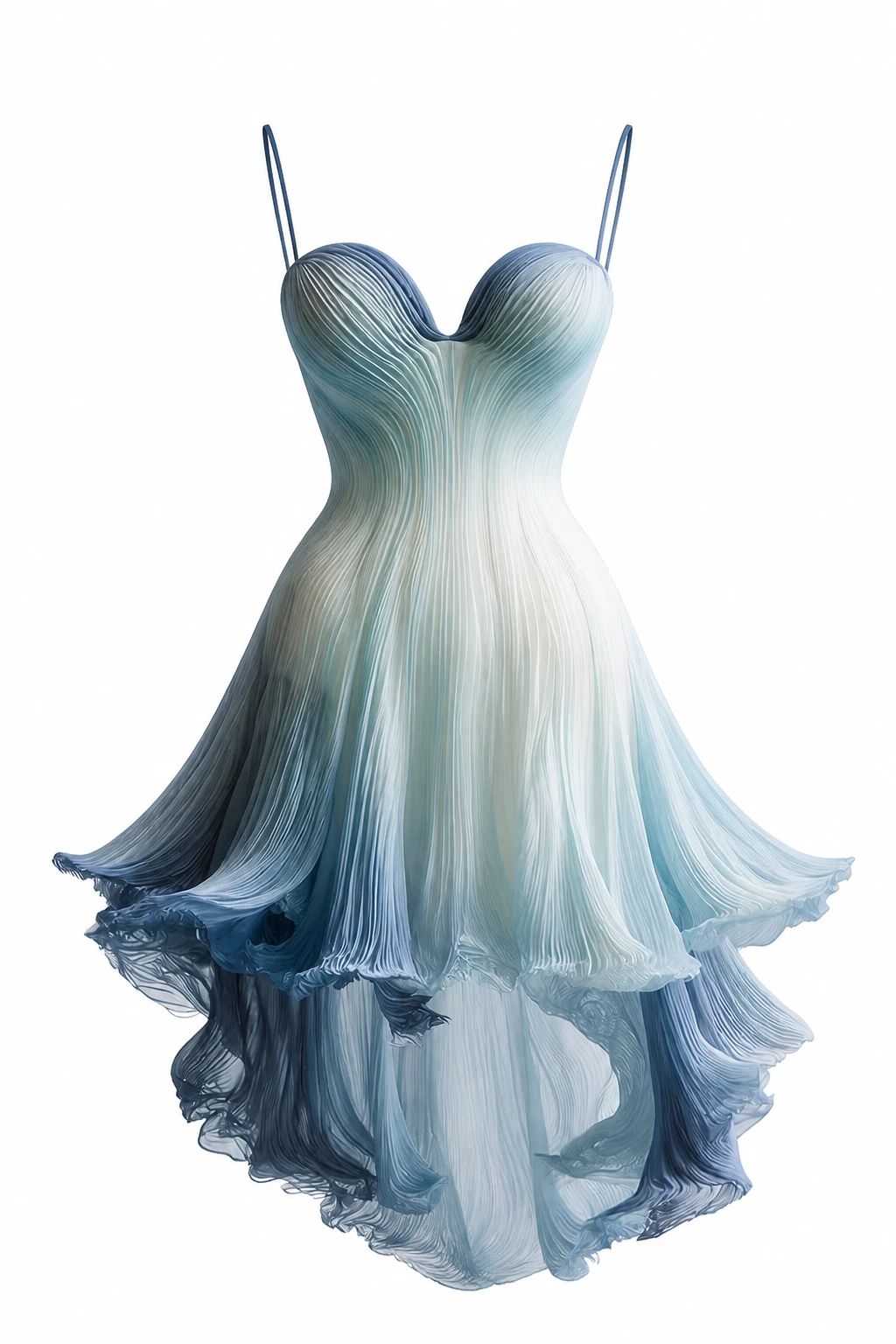
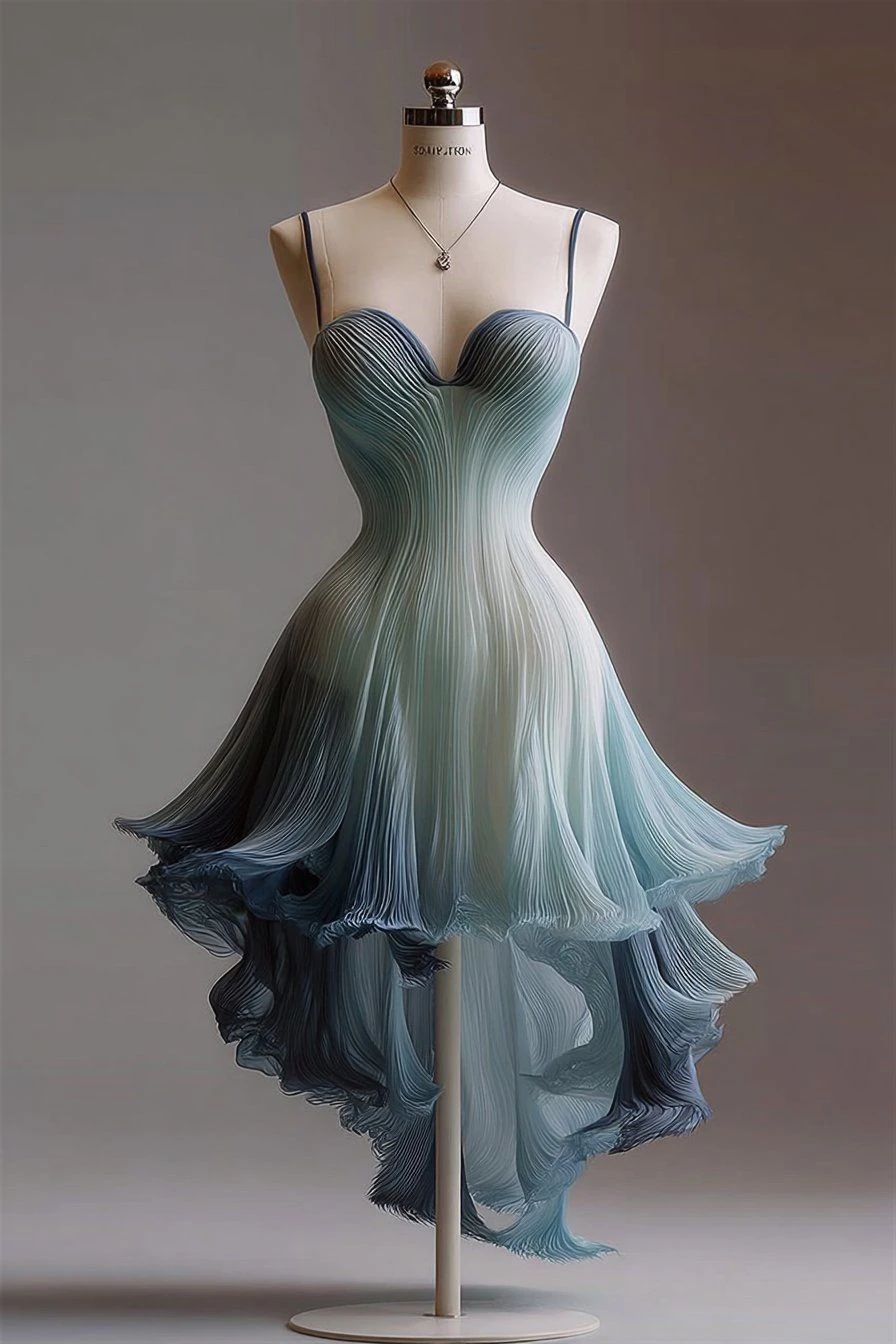


Explore Fashion Model examples
Fashion Model example

Y2K Outfit on an AI Fashion Model: Before and After

See Y2K outfit before-and-after photos with Fashion Model. Explore the workflow, find inspiration and create similar visuals with your own product.
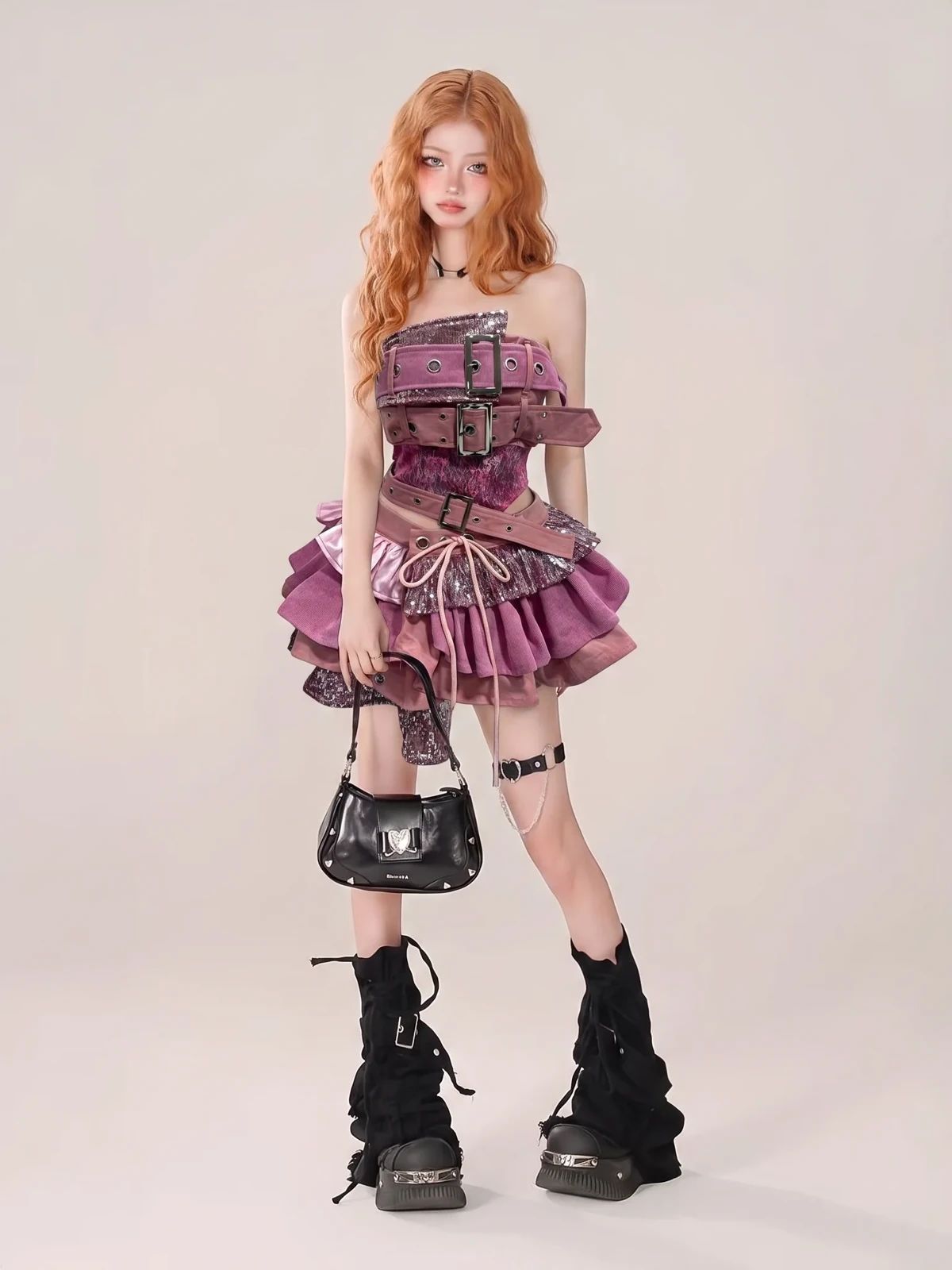
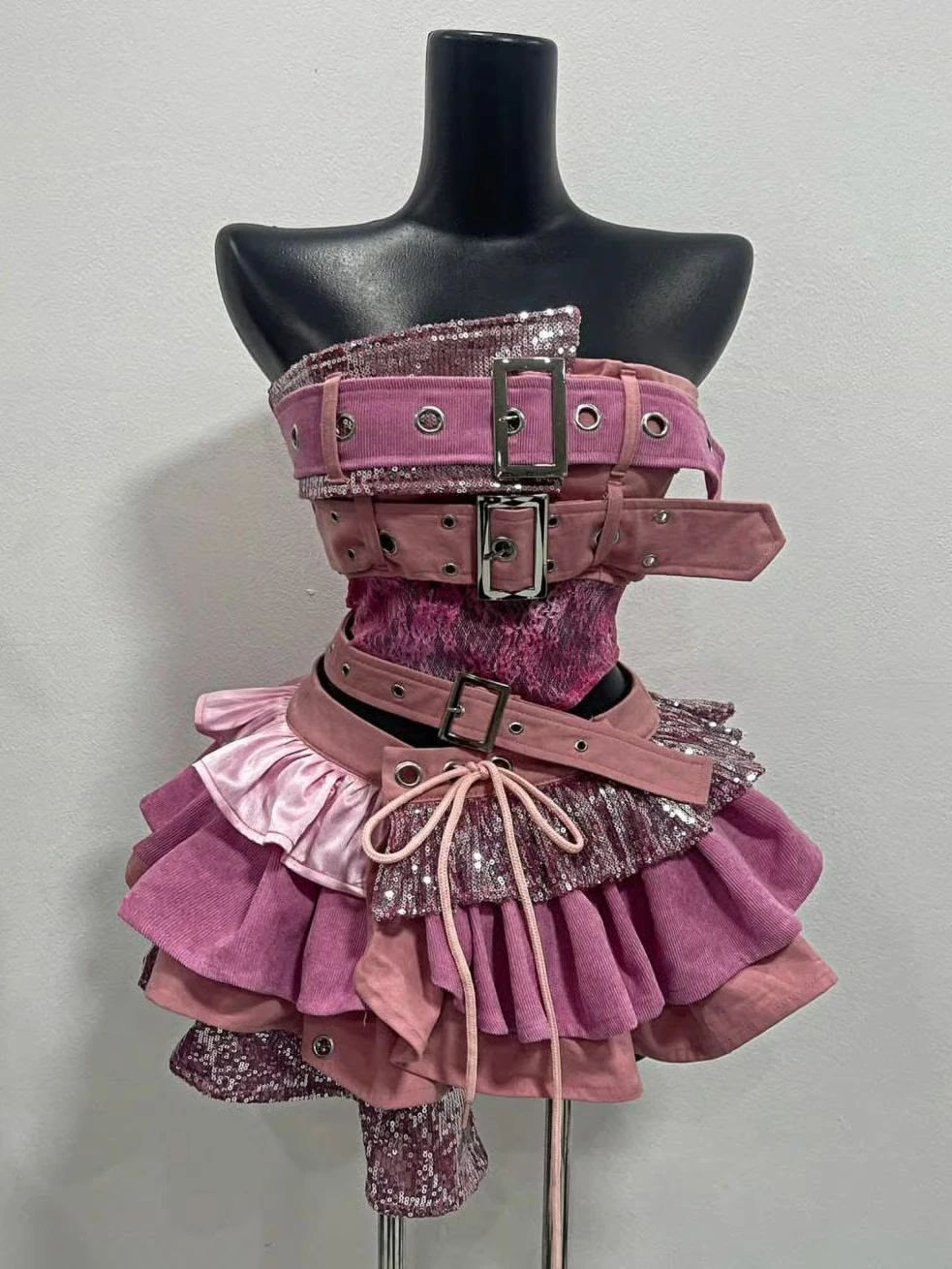
Model wearing a pink layered outfit with belts and chunky black boots Pink layered outfit with belts and chunky black boots displayed on a mannequin OriginalSnappyit result

How to try Fashion Model workflow

01

Prepare your Y2K outfit photo

  • Open the Fashion Model with your own product image.
  • Photograph the layered garment with its straps, buckles and skirt edges clearly separated.
  • Keep the complete garment or accessory in frame and use even lighting so its construction is easy to read.
  • The original in this example illustrates the product information your source should include; use your own item to create a similar direction.
02

Choose a model and styling direction

  • Select a suitable model template, or upload your own template where the tool supports it.
  • Choose a full-length model direction that suits Y2K styling while leaving the layered garment visible.
  • Consider pose, background and framing together so the product stays visible.
  • Generate the image, then compare the result with your source rather than assuming the styling alone represents the product accurately.
03

Review the Y2K outfit result

  • Compare straps, buckle positions, skirt layers and the overall garment silhouette.
  • Check the original and generated image side by side at full size.
  • Inspect the product details that a shopper uses to identify the item, along with its proportions and placement on the model.
  • Download a representative result, or adjust the input and model direction if the clothing or accessory changes.

Start with a photo you already have

Explore Snappyit’s photography tools or create product images on your phone.

Example preview