AI Fashion Model Generator for
 Upgrade Your Visuals Now
 Click or drag image hereUpload Product Image
Free Try
No images?Try one of these
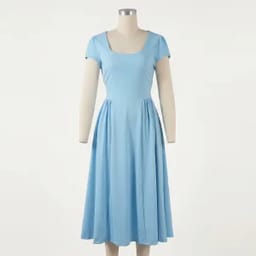
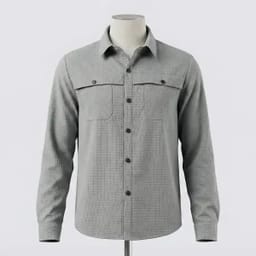
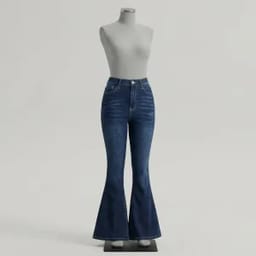
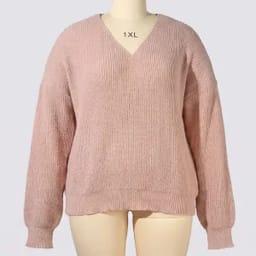
By uploading an image you agree to our Terms of Service and Privacy Policy.
Generate On-Model Photos for Every Fashion Category
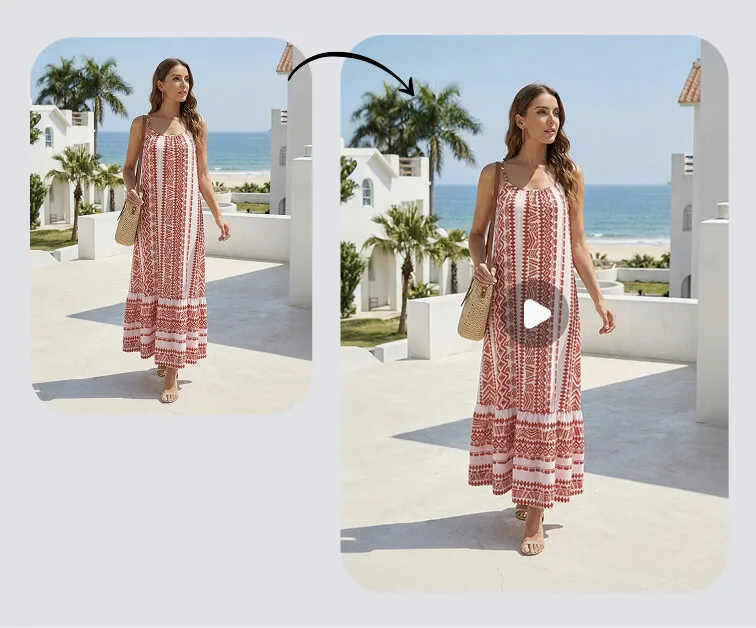
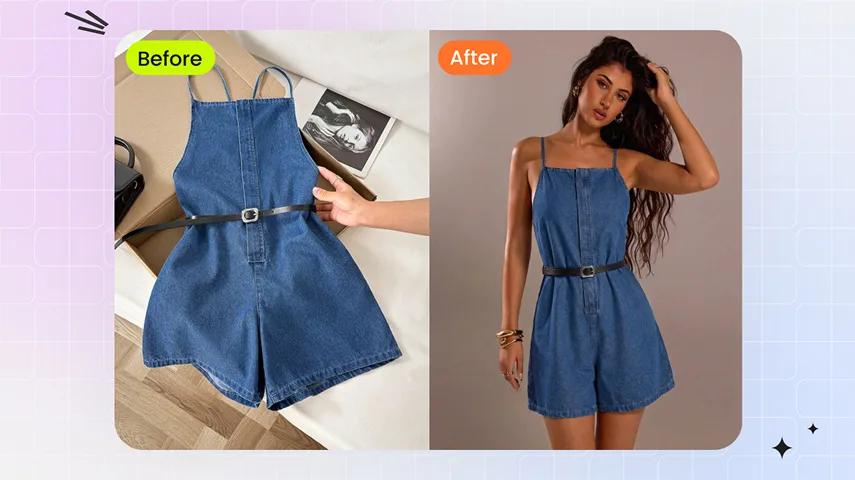
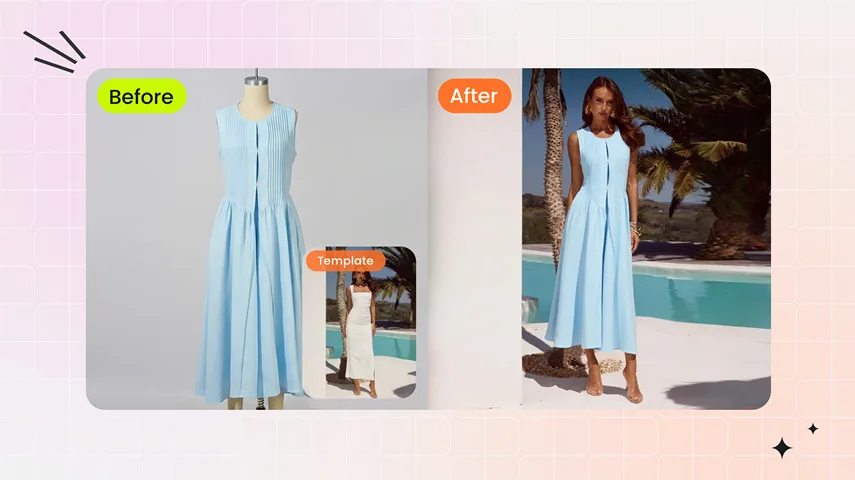
Apply your products to top-performing try-on templates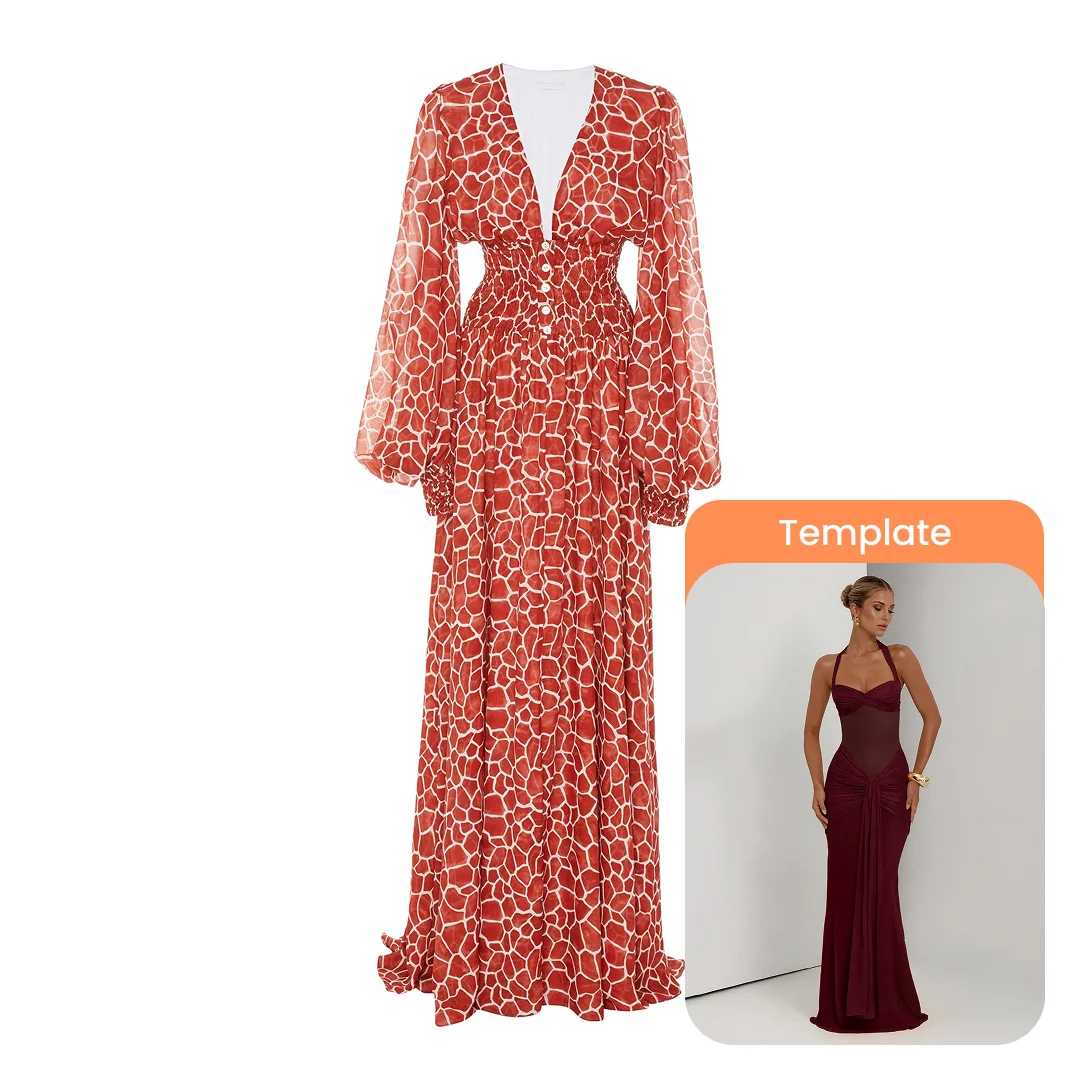
Before
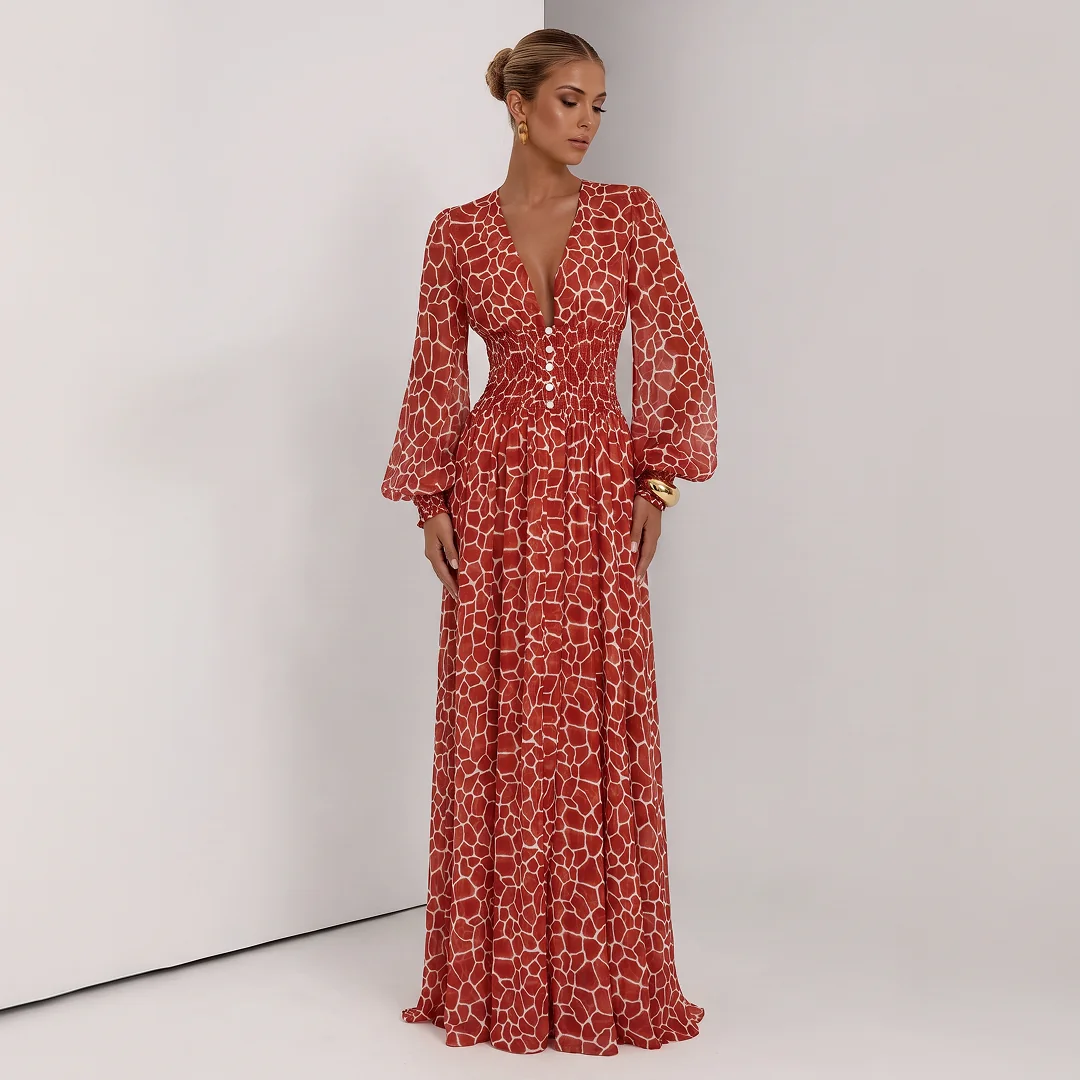
After
Before

Choose Who Wears It: 800+ AI Model Templates
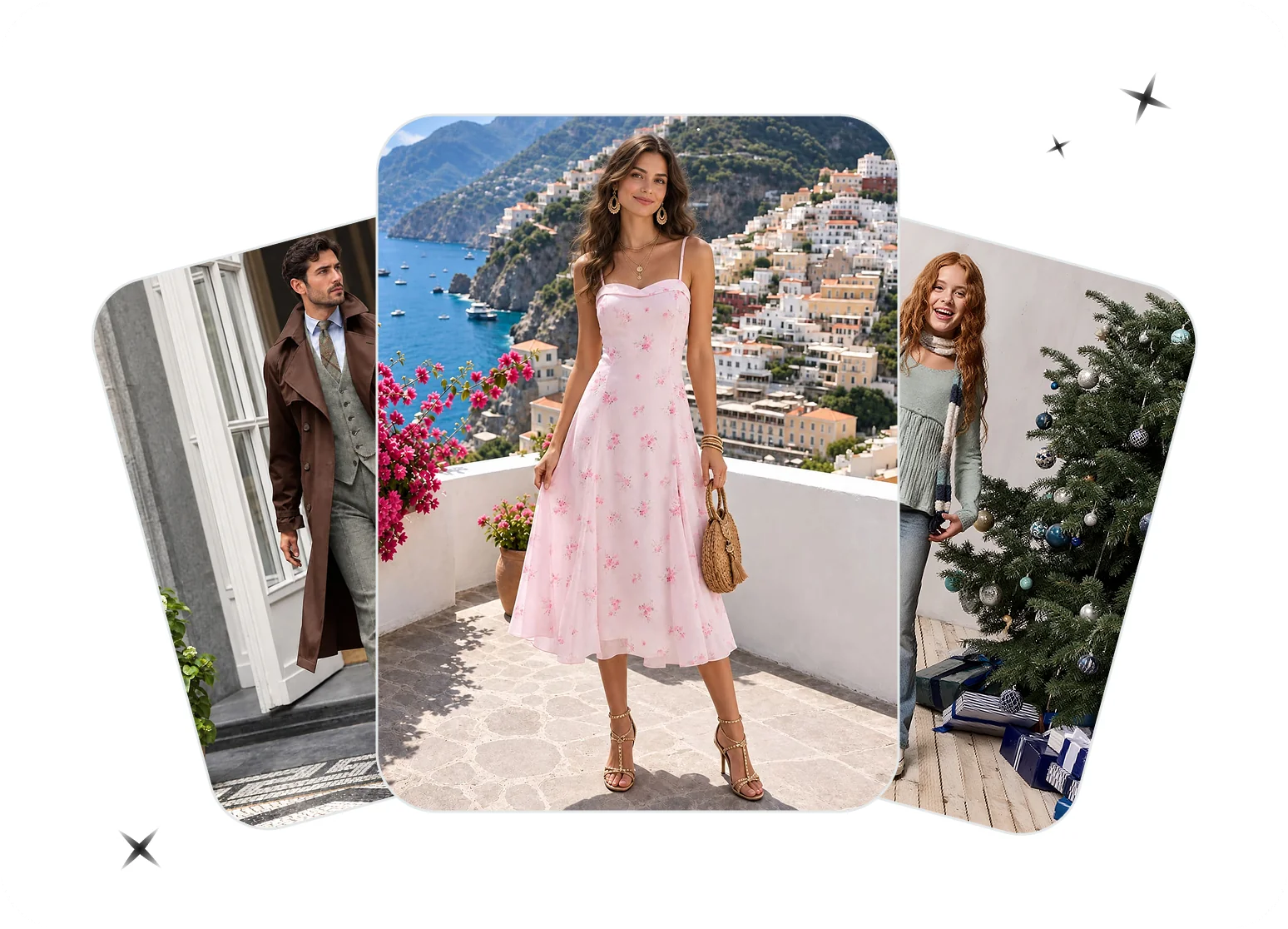
Women, men and kids
Choose from 800+ AI model templates for womenswear, menswear and kidswear. Find a model, pose and framing that suit your collection, then use your product photo to create an on-model image for your storefront or campaign.Explore AI Model Templates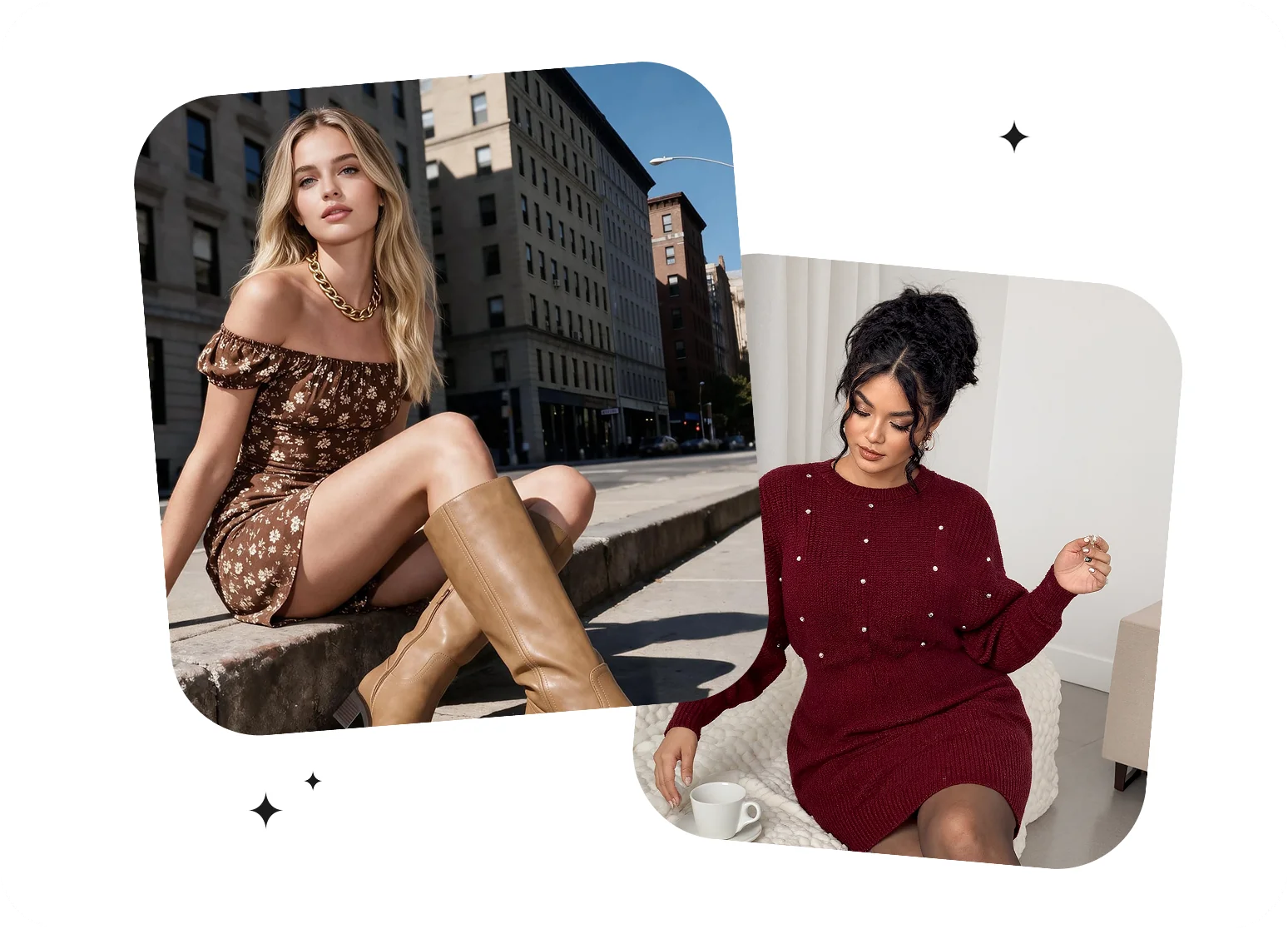
Regular and plus-size
Present your collection on regular and plus-size AI models to reflect different customers. Choose a template with a suitable body type and pose, then review how the garment is represented before adding the image to your catalog.Choose Your Model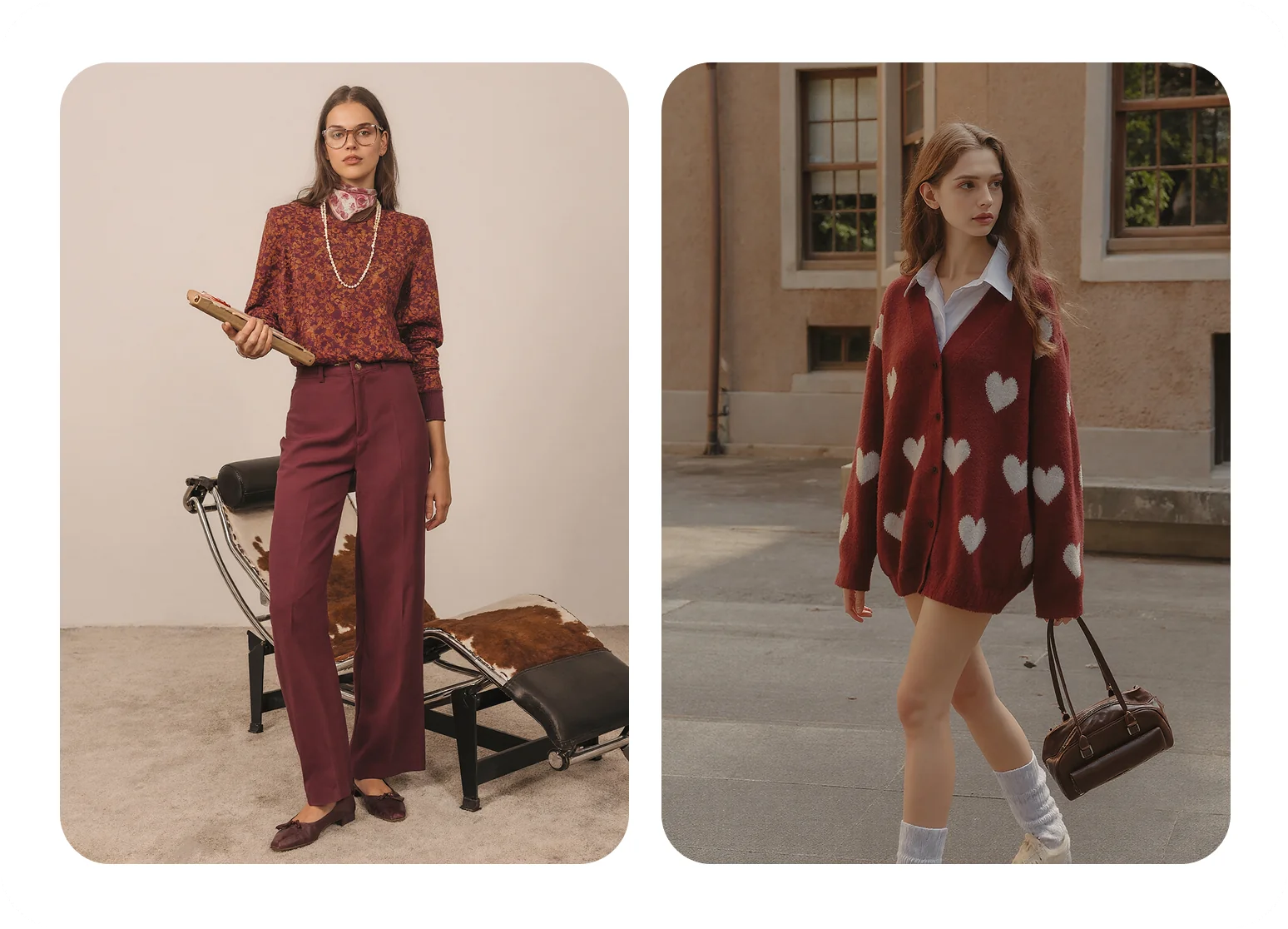
Clean studio or lifestyle
Choose a clean studio composition for product listings or a lifestyle scene for lookbooks, ads and social posts. Match the model template’s background, lighting and framing to the way you want shoppers to see your collection.Create Your Fashion Scene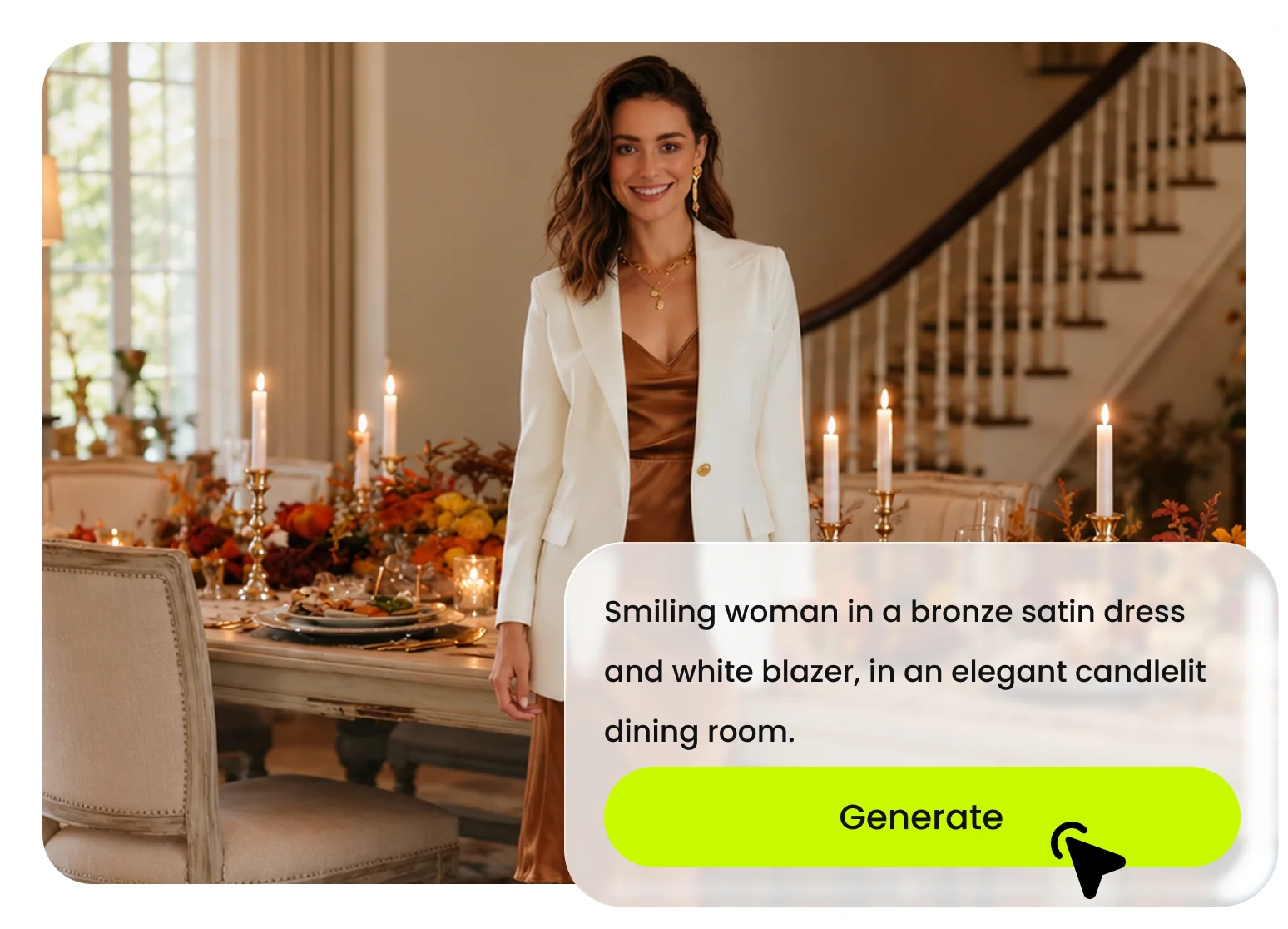
Describe your own model
Use Text to Model to describe the model’s appearance, pose, framing and background. You can also upload your own model photo as a template to start from a visual reference that fits your brand. Choose the approach that best matches the image you want to create.Create a Custom ModelWhy Fashion Brands Choose AI Model Photography
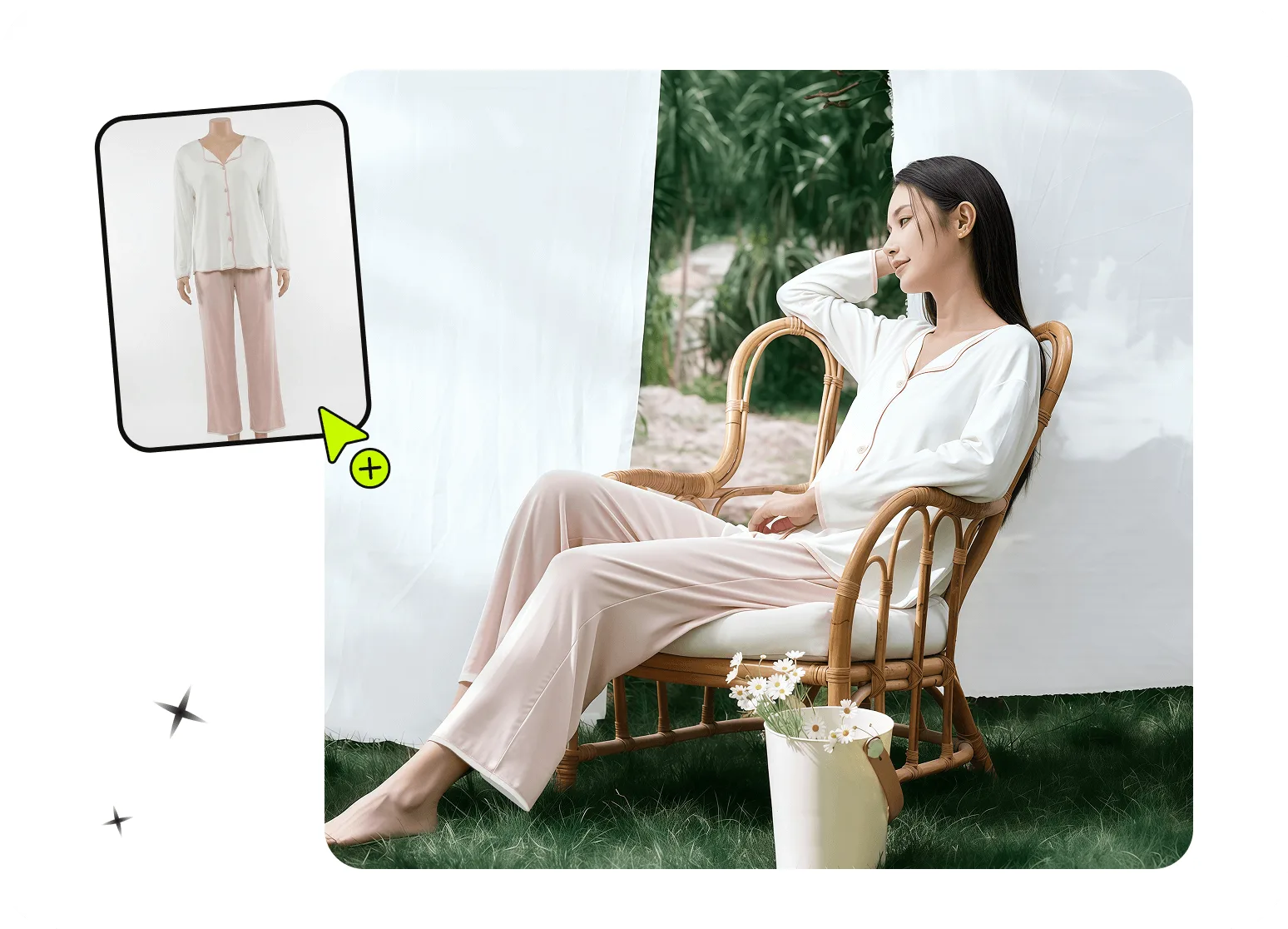
Create More On-Model Variations
Turn a flat lay, hanger shot, or ghost mannequin image into multiple on-model concepts without organizing a new shoot for every variation. Fashion teams can explore different models, poses, backgrounds, and styling directions, then select the images that best suit a product page or campaign. Each result should still be reviewed against the original garment for color, pattern, construction details, and overall presentation before publishing. Use AI virtual models for ecommerce to keep a consistent on-model presentation across product pages and campaigns.AI Fashion Model Generator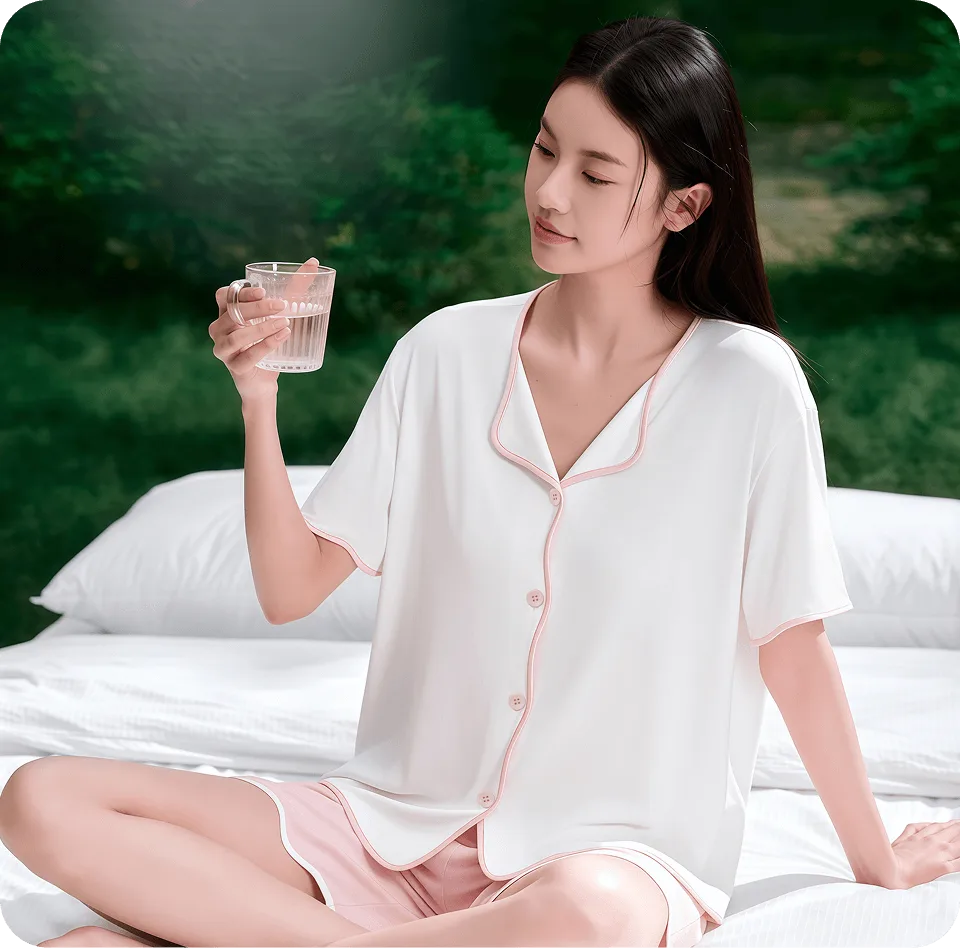
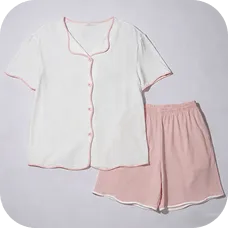
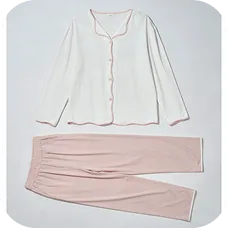
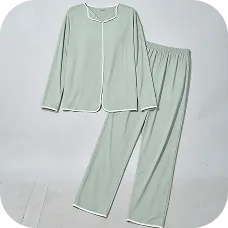

Keep Catalog Visuals Consistent at Scale
Once you find a visual direction that works for your brand, use it as a reference across related products and collections. A consistent choice of model, pose, framing, and background can make category pages and seasonal campaigns feel more cohesive, even when source images come from different shoots.Ecommerce Model Photos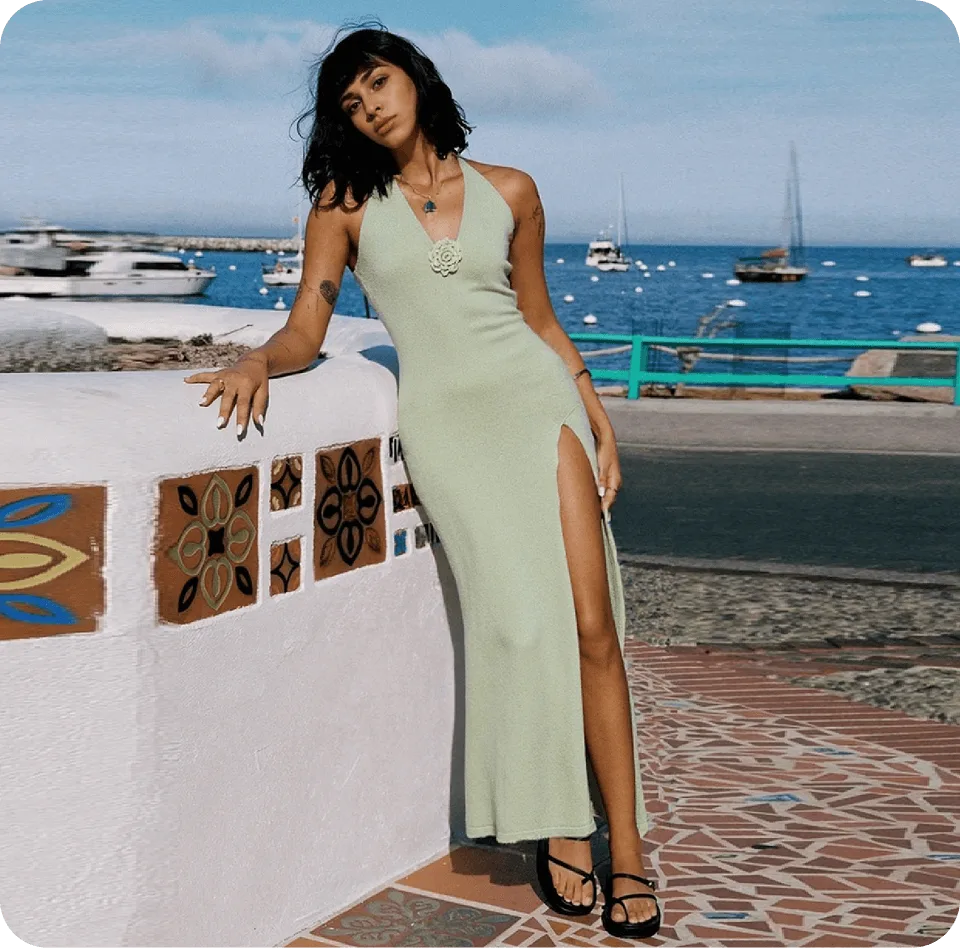
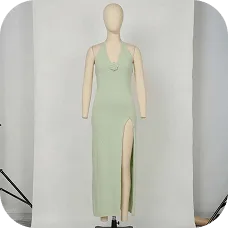
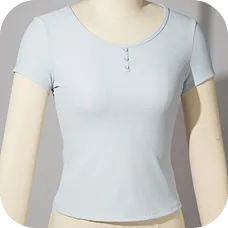
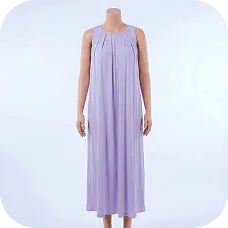
Prepare New Product Creative Faster
Create on-model product images from existing garment photos and develop campaign concepts without waiting for another full production cycle. This can help merchandising and creative teams prepare listing images, launch materials, social content, and early campaign drafts within the same workflow.Create On-Model Images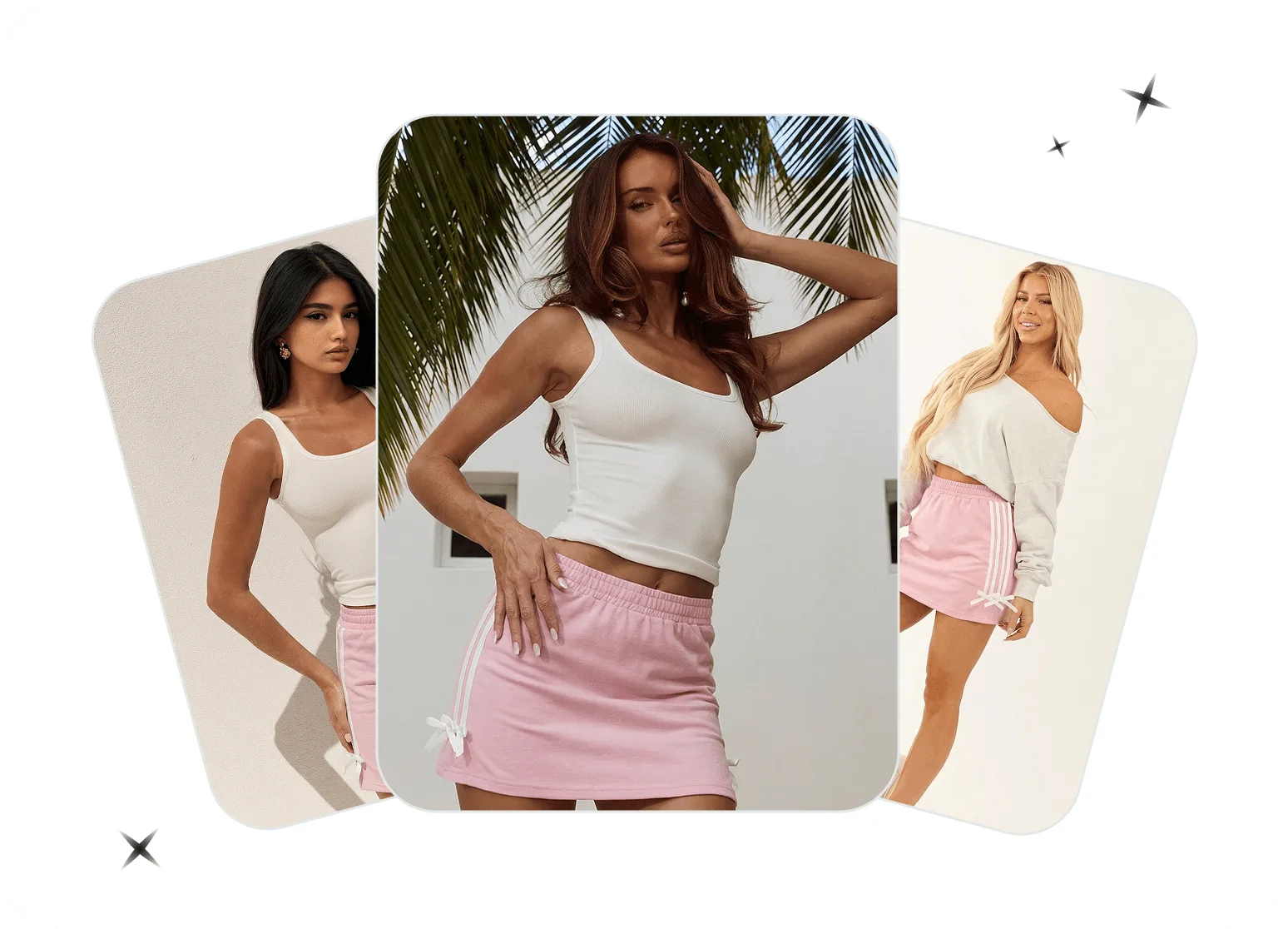
Adapt Visuals for Different Markets and Campaigns
Explore models, poses, settings, and creative directions that better match different storefronts, seasons, and campaign audiences. The same product can be presented in a clean ecommerce composition, a lifestyle setting, or a market-specific visual concept without recreating the entire shoot from scratch.Explore AI Virtual ModelsHow to Generate AI Fashion Model Photos in 3 Steps
Create on-model product images from flat lays, hanger shots, or ghost mannequin photos using the web generator or Snappyit app.01
Open the Generator or App
- Web: Open the AI Fashion Model Generator on your desktop or mobile browser.
- Mobile: Download the Snappyit app for iOS or Android, open it, and select AI Fashion Model.
- Bulk: Generate fashion model photos in bulk with the batch product photo editor.
02
Upload Your Product and Choose a Look
- Upload a clear flat lay, hanger, or ghost mannequin photo with the full garment visible.
- Choose a model template, upload your own template where available, or select Text to Model to describe the model’s appearance, pose, framing, and background. Match your chosen look to your product and visual direction.
03
Generate and Review Your Image
- Click or tap Generate to create the on-model image. Compare the result with the original product, paying close attention to its color, pattern, logo, neckline, sleeves, hem, and other construction details. Download the image when everything looks right, or adjust your selection and generate another version.
From On-Model Photo to Video in One Click
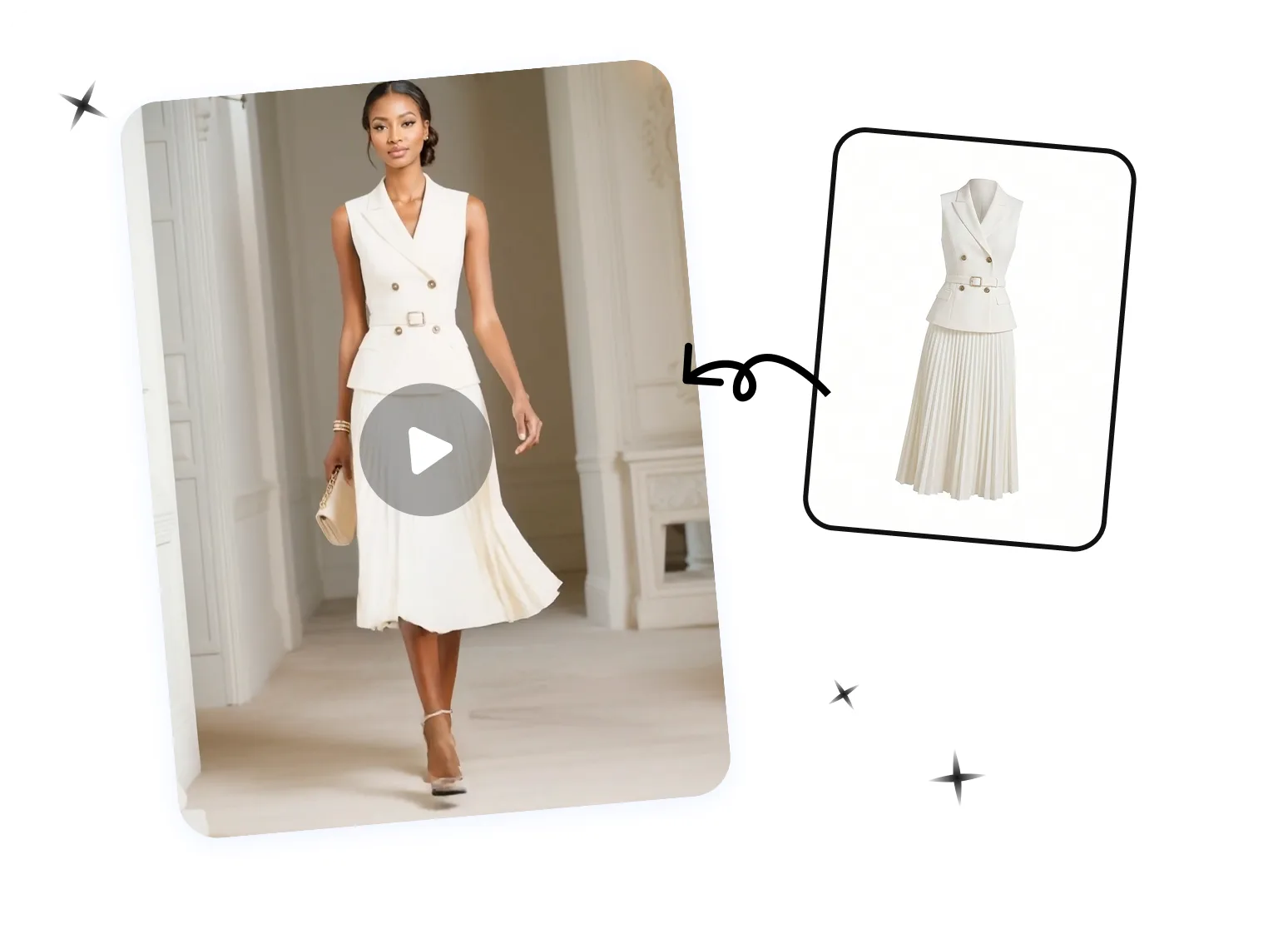
Already generated your on-model fashion shots? Turn them into motion. Snappyit's Image to Video animates a single on-model still into a smooth clip — a slow rotation or subtle runway movement — ready for listing video slots, Reels, and TikTok Shop. No filming, no model, no editing timeline. Just upload and generate.
What Brands Say About Our AI Fashion Model Generator
Real reviews from ecommerce sellers using Snappyit to create on-model product photos and lifestyle visuals.

rocky sHong Kong
…The platform quickly transforms product photos into professional ghost mannequin images and try-ons, saving me time and money on photoshoots.…

Rasheed El-MoslimanyUnited States
…Being able to put my product on ghost mannequins, models, and even videos. It has dramatically increased my sales.…
THE ELITE COLLECTIVEAustralia
The AI model feature is also useful for creating lifestyle-style visuals without organizing full shoots. It’s not always perfect on the first try, but the value for the price is excellent and it helps us launch products faster.
Linssan IncUnited States
The Virtual Try-On feature is also a standout. It gives customers a much better idea of how garments look when worn, which makes our listings more engaging and helps shoppers make purchase decisions with greater confidence. Overall, Snappyit has become a valuable tool for our e-commerce workflow, especially for managing large product catalogs on a budget.
Trusted by brands selling on


How AI Fashion Model Fits Into Your Workflow
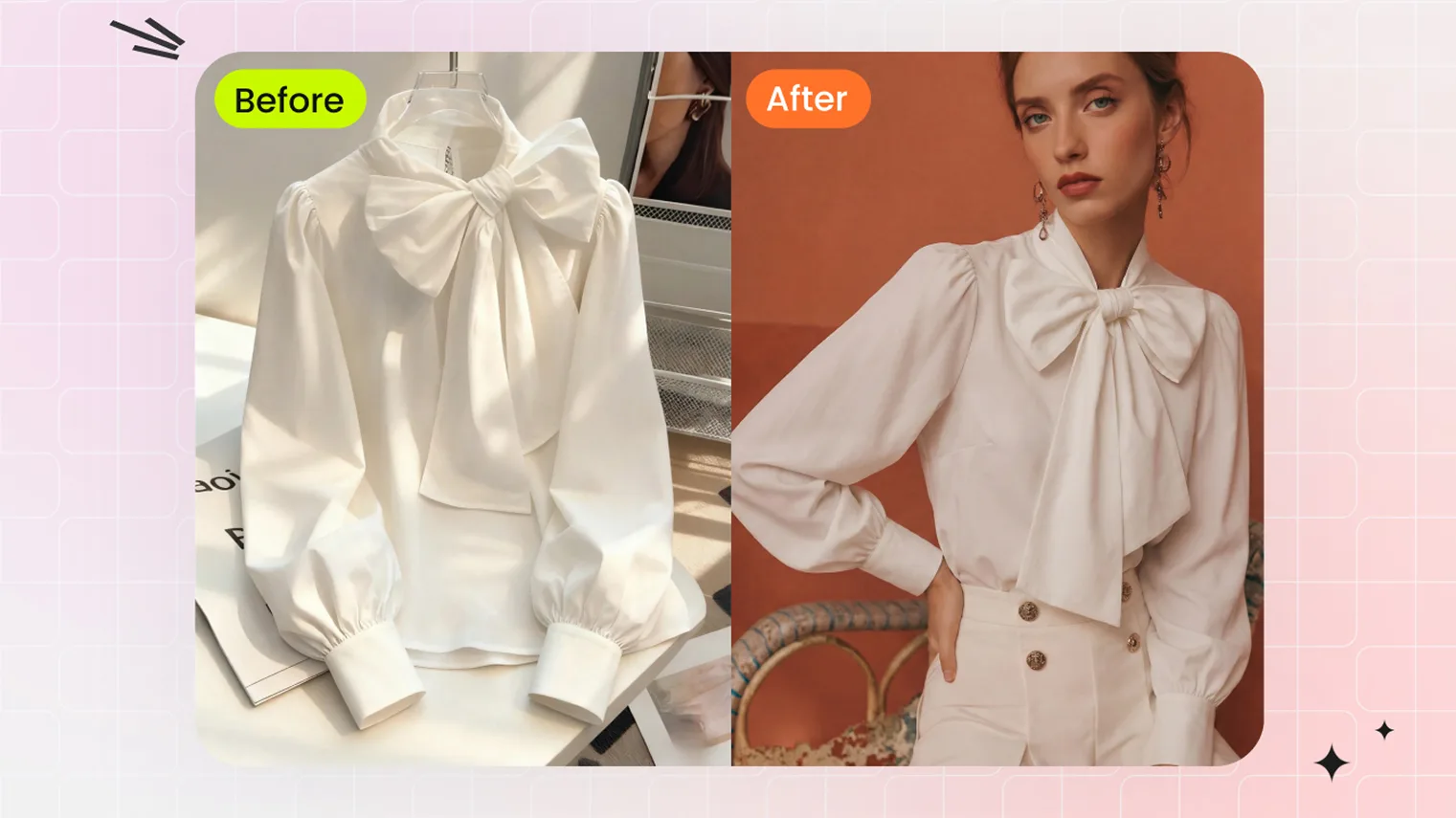 Flat Lay to On-ModelTransform flat lay clothing photos into AI model try-on images — no model, no photoshoot, no samples needed. Upload a flat lay and get on-model shots in seconds.
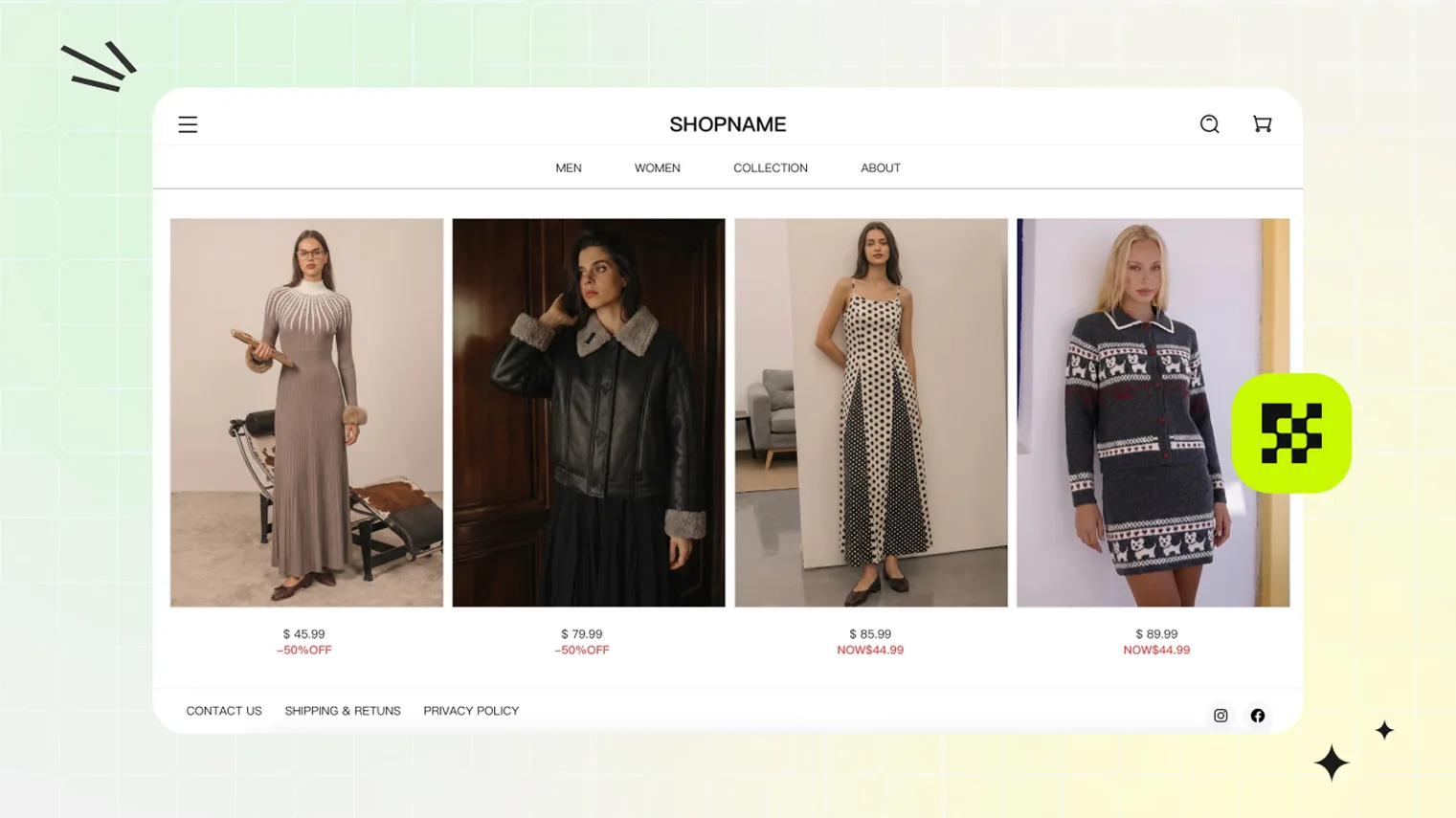 Fashion BrandsCreate studio-quality ghost mannequin and model photos for your fashion catalog without hiring a photographer or renting a studio.
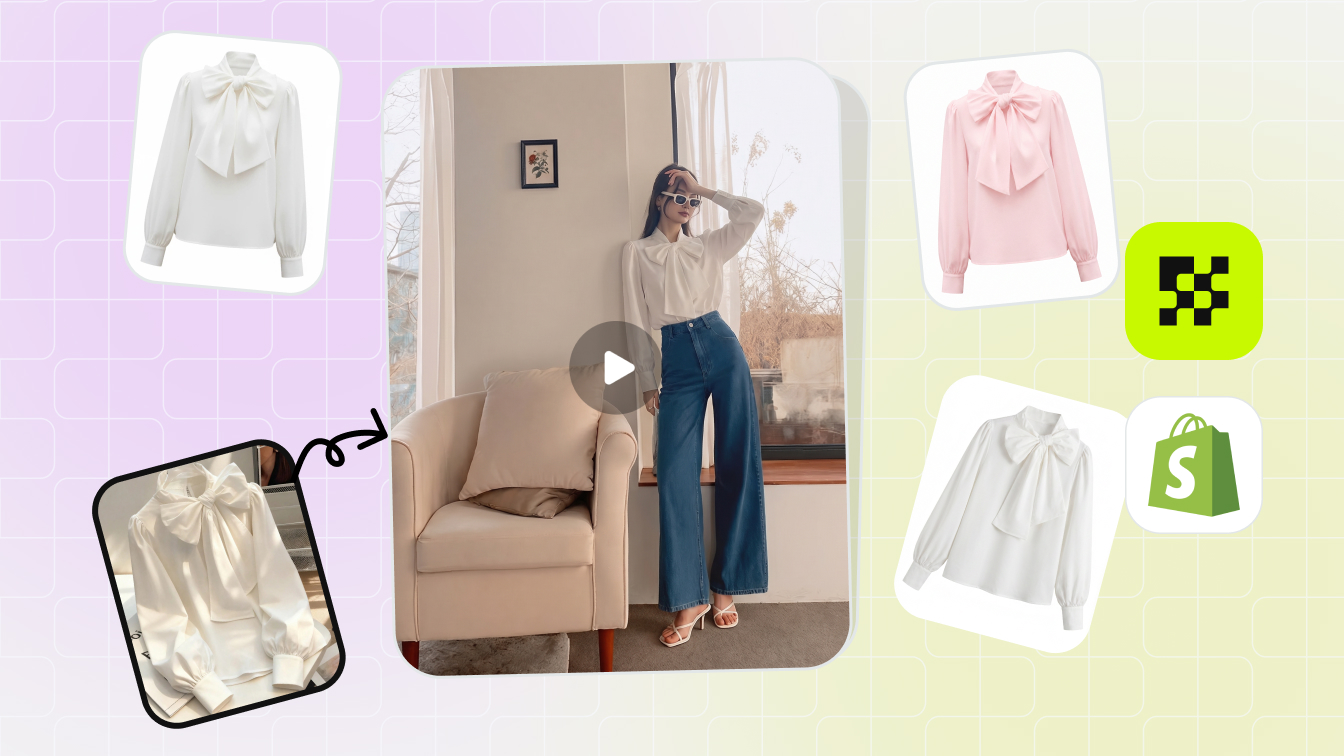 Shopify SellersCreate on-model apparel photos for Shopify product pages, collections, and campaigns from the garment images you already have.
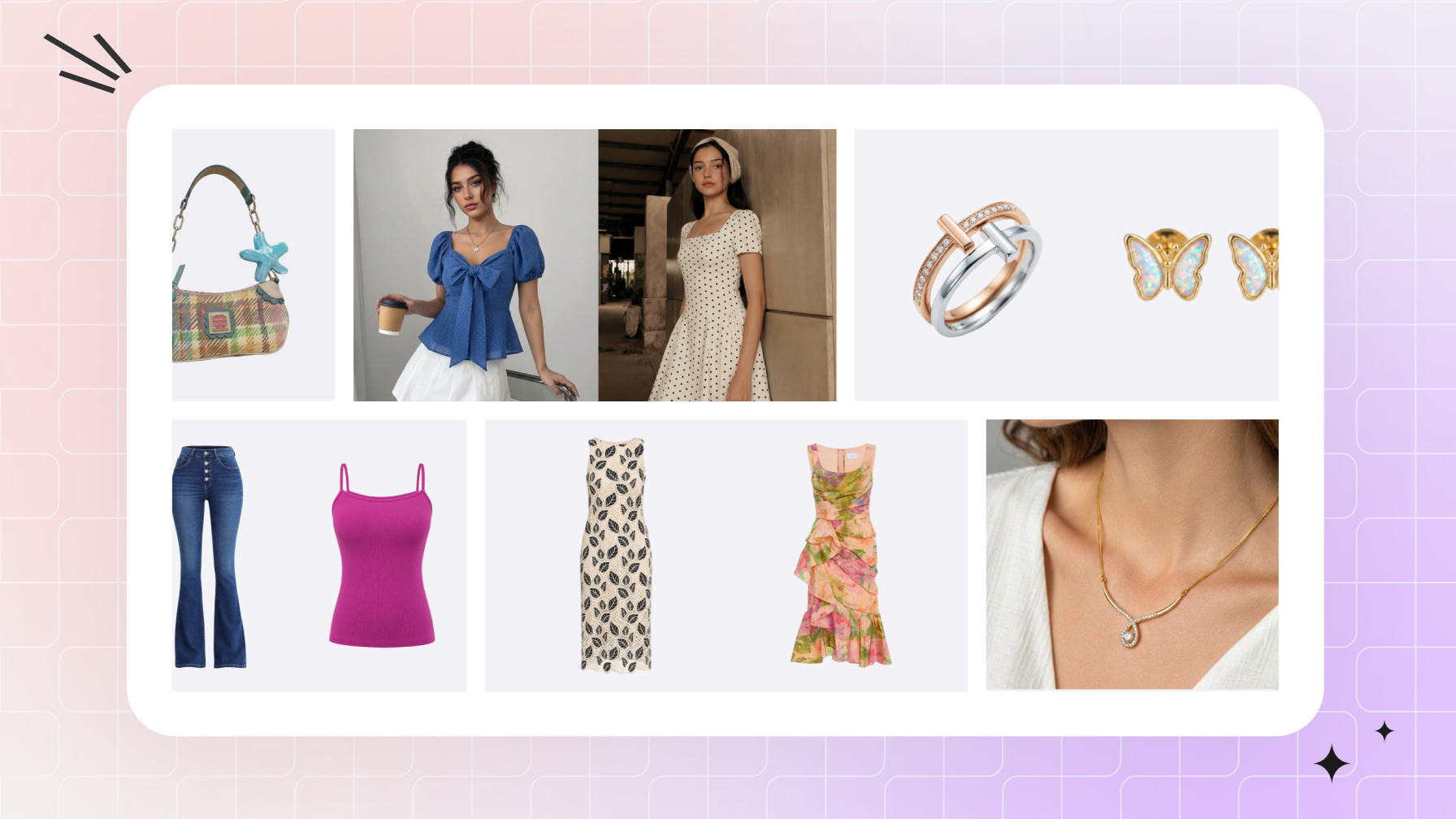 Amazon SellersBuild Amazon apparel listing galleries with on-model photos that show fit and styling, alongside product-only images.
Continue Your Fashion Product Photo Workflow
Ghost Mannequin
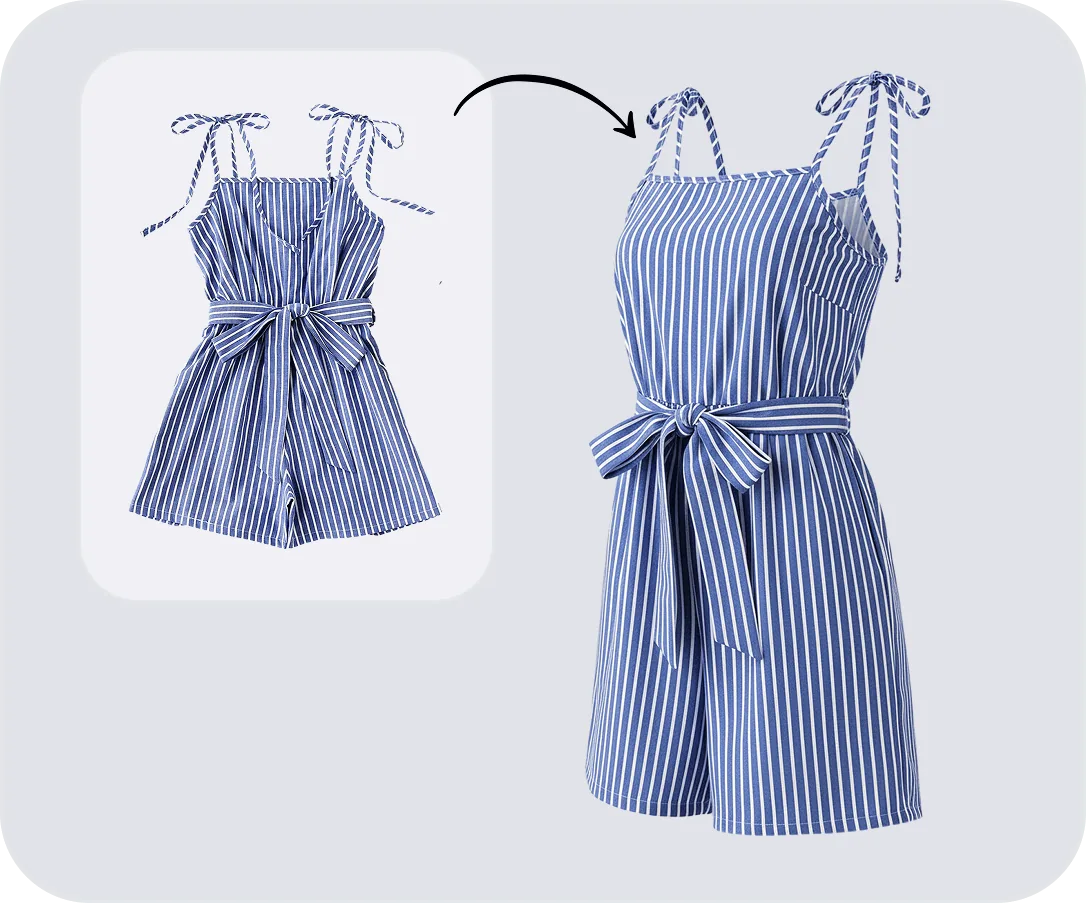
Color Change
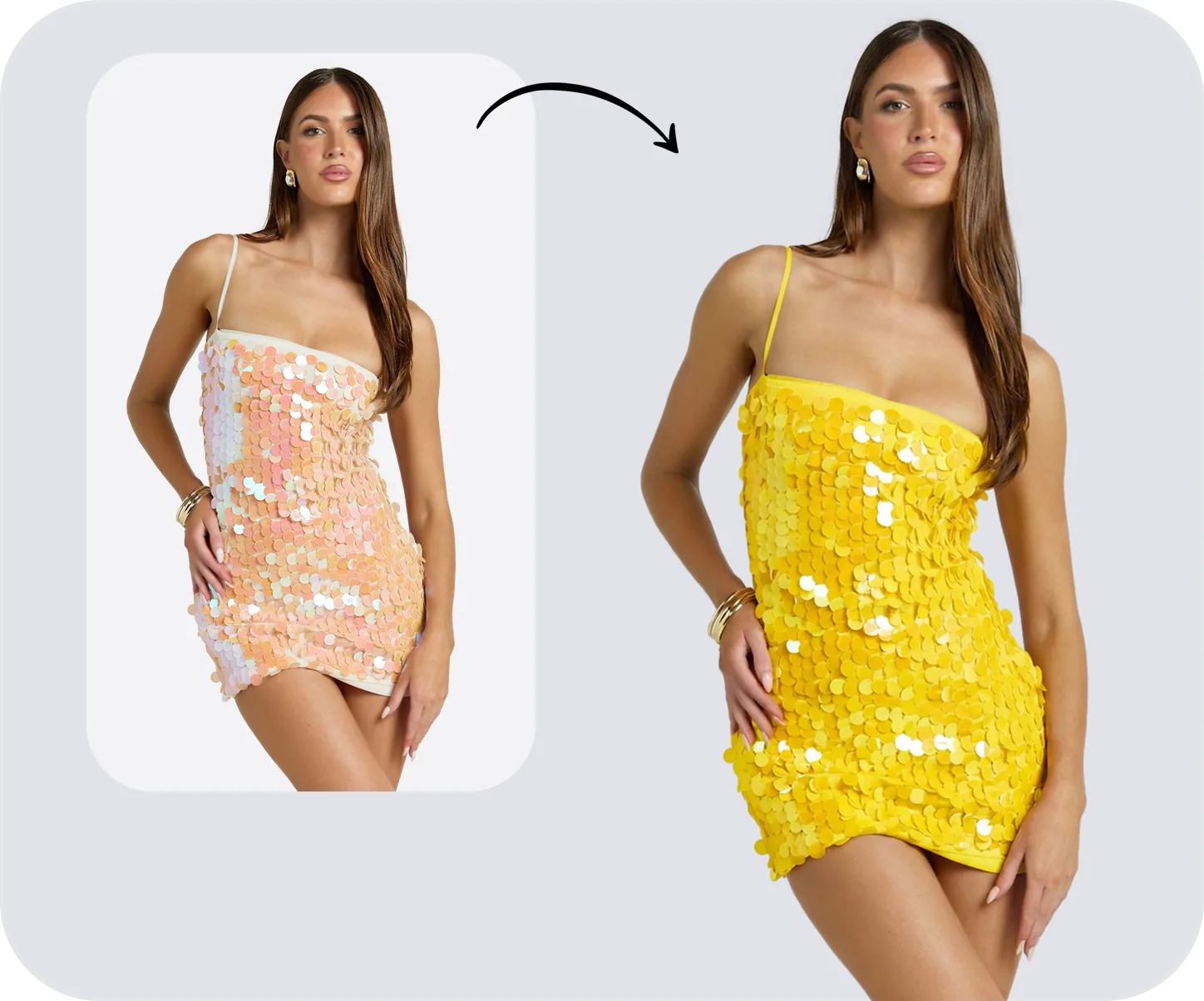
Face Swap
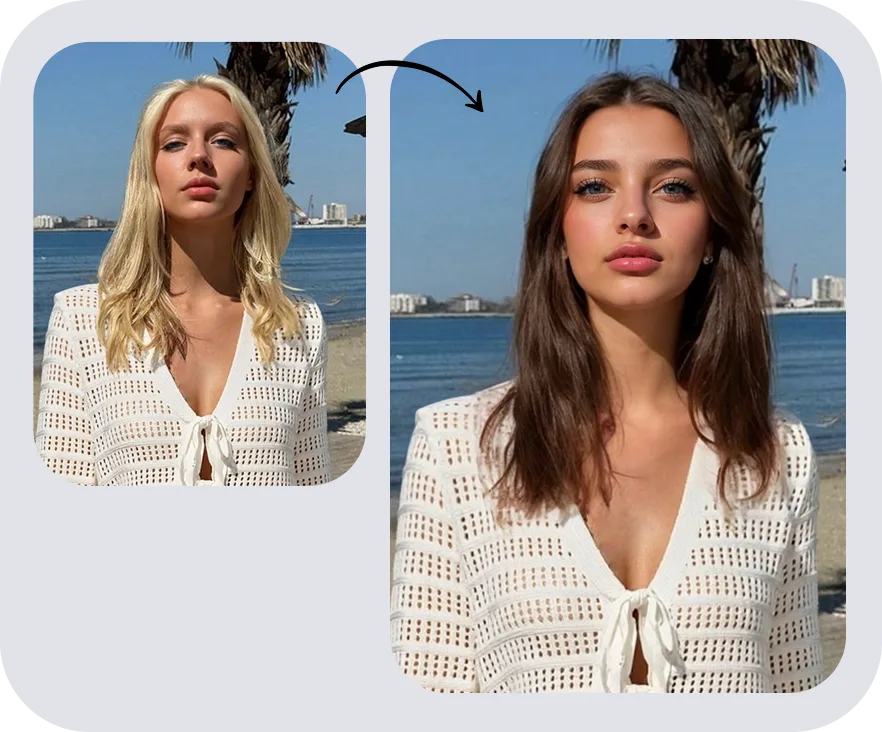
Image to Video

AI Fashion Model FAQs
AI Fashion Model Guides & Resources
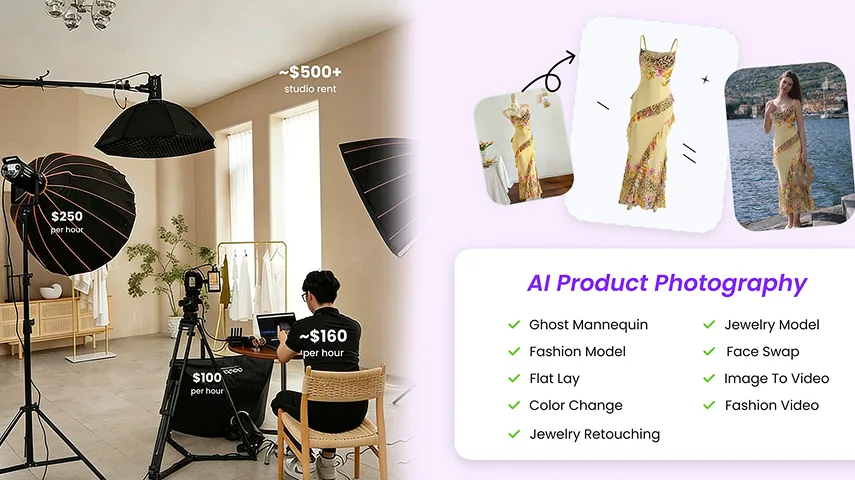
 Best AI Product Photography Tools for Fashion & Accessories Brands in 2026How fashion brands use AI to create flat lay, on-model, ghost mannequin, and recolor visuals — faster, cheaper, and at scale.
 How to Create AI Fashion Model Photos on Your PhoneTurn a clothing photo from your camera roll into an on-model image for an ecommerce listing. This guide covers the mobile app workflow, source-photo requirements, and the garment checks to run before publishing.
 Best Virtual Try-On Tools 2026: AI Model Image Generators ComparedCompare 2026 virtual try-on tools for AI model image generation — Snappyit, Claid, FASHN.ai, Botika, Modelia, Photoroom, WearView, SellerPic tested on apparel.
 Ecommerce Product Photography: From First Shot to Finished ListingPlan the images your customers need, capture useful source photos, and turn them into a consistent product gallery with the right mix of photography and AI editing.