



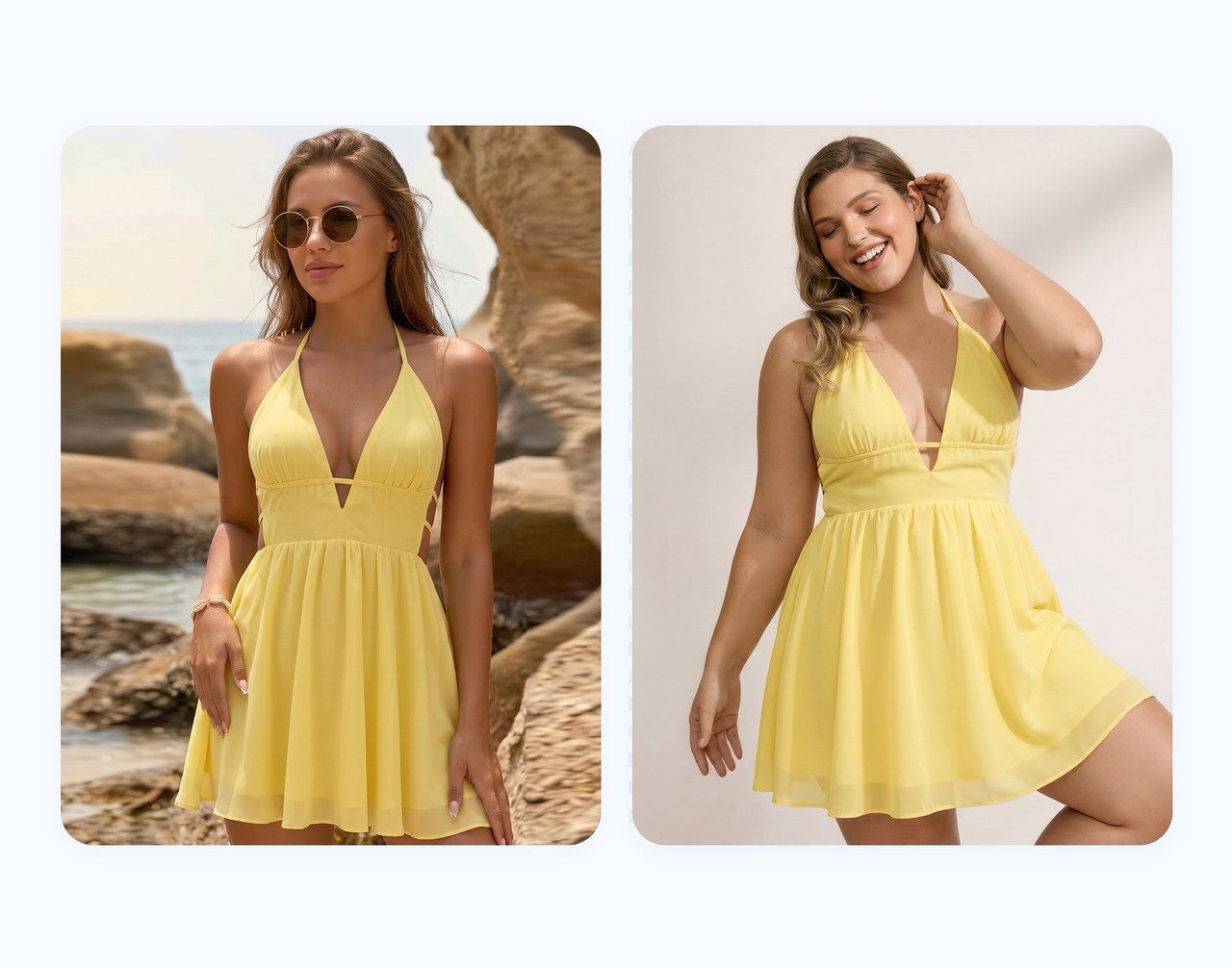

What Makes a Plus-Size Product Shoot Hard to Plan?
For a plus-size clothing shoot, confirm the model’s measurements against the sample before booking. Two people who wear the same labeled size may have different proportions. Check that the available garment works for the model and the views you need.
- Samples must match the product being sold. If your extended-size version has different panels, sleeves or fastenings, prepare that version for the shoot.
- Some questions require a fitting. A dress sleeve may restrict movement, a waistband may sit differently when seated, or a hem may fall differently than expected. These are things to observe on the actual garment.
- Missing views can mean another booking. Coordinate sample delivery, model availability, the team and a shot list before the session. Check each product set while everyone is still on site.
Photoshoot vs. AI: What Each Workflow Can Deliver
Decide what each missing image needs to show. A fitting photo must document the real garment on a person; a collection banner may mainly need a clear, accurate styling image.
| What you need | Photoshoot | AI workflow |
|---|---|---|
| Actual wearing information | Photograph the sample on a model and record fitting observations. | Creates a visual interpretation; does not establish physical fit or comfort. |
| Another model presentation | Arrange the model, suitable sample and shooting time. | Use available model options or references, then review the output. |
| Images for a late-added SKU | Add it to a planned session or arrange a pickup shoot. | Start from that SKU’s existing product photos; allow time for corrections. |
| A different setting | Plan location, lighting and styling, or suitable post-production. | Try a new scene and check that the garment remains accurate. |
| A production budget | Include talent, samples, logistics, crew, location and retouching. | Include reference photography, generation, review, retries and editing. |
When a Photoshoot Is Worth the Investment
Book a shoot when customers need to see how the actual garment sits or moves. For jeans, front, side and seated views can show the waistband and pockets in use. For a new dress cut, photograph the neckline and sleeves in the positions relevant to the design.
Put those views in the brief and record observations during the fitting. If you pin or clip a sample for styling, do not present the altered silhouette as evidence of the garment’s actual fit.
A shoot also gives the team direct control over styling, expressions and physical interaction with the garment. Include that work in the brief when it matters to the campaign.
- Record the SKU, sample size and any construction differences between versions.
- Verify the model’s measurements and size worn if you plan to publish them.
- Capture back views and important details during the session, using the clothing model shot list to plan the set.
The results document that model wearing that sample. Keep the size chart and product measurements available for customers with different proportions. Baymard’s sizing research explains how shoppers use verified model measurements alongside size guides.
When an AI Workflow Can Help Fill the Gaps
An AI plus size model generator is worth trying when you have clear product photos but lack model views for an upcoming listing. A late-added SKU with usable supplier or in-house references is one example. Keep its real product and detail photos alongside any generated images.
Start with a product you know well:
- Choose the correct source. Use a reference for the style, color and construction you will sell. Keep the back and detail photos available.
- Select a model and setting. Start with an unobstructed pose and simple background. The available controls depend on the tool.
- Generate and inspect. Compare the neckline, seams, sleeves, print and hem with the reference at full size.
- Assign a place in the gallery. Choose whether the approved result adds a product view or styling context, then check the sales channel’s image rules.
For Google Shopping, check the Merchant Center image requirements: product images must accurately show the item, and AI-generated images must contain metadata identifying their AI origin. Preserve that metadata when exporting; a visible AI label does not replace the metadata requirement.
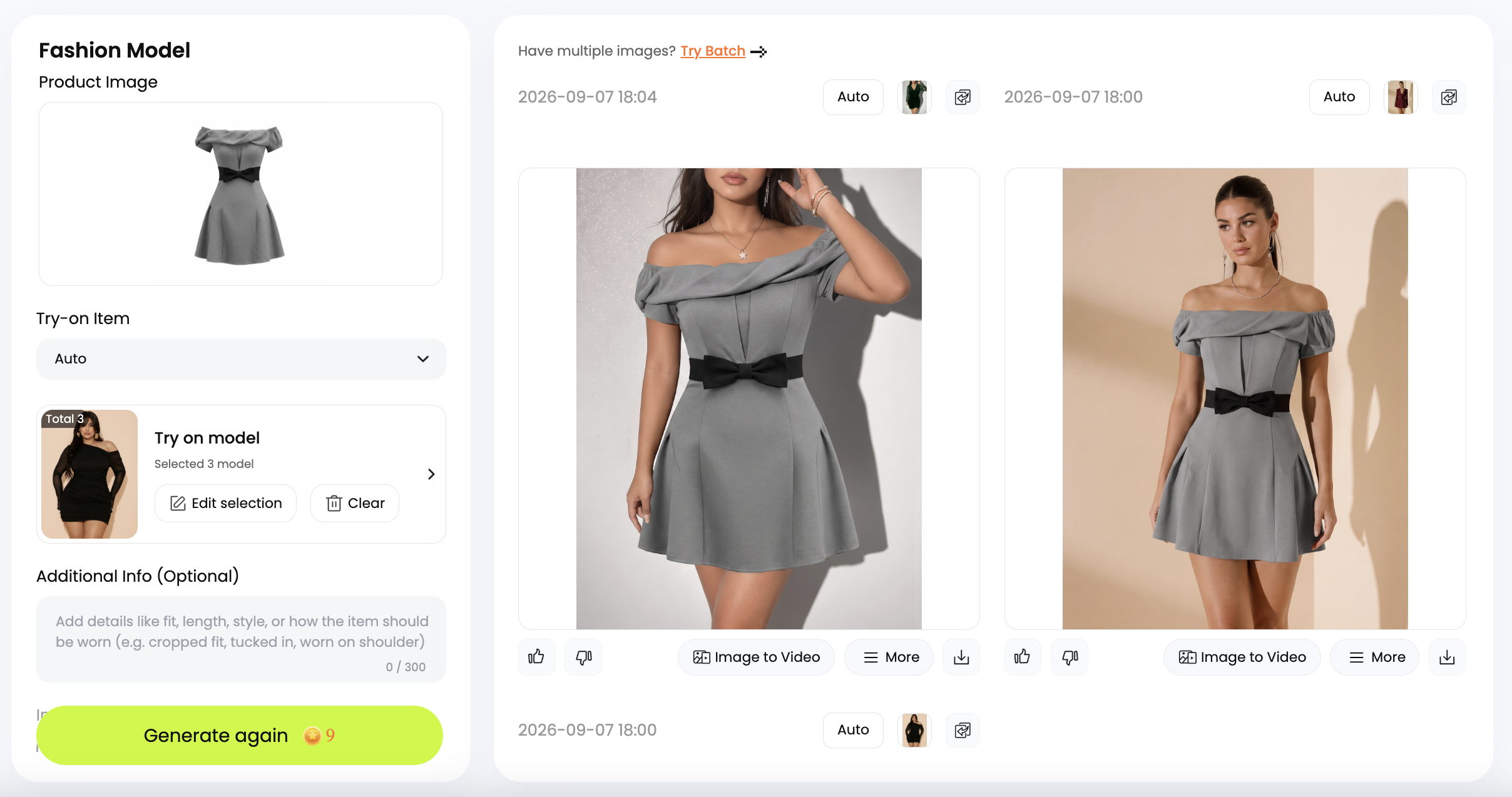
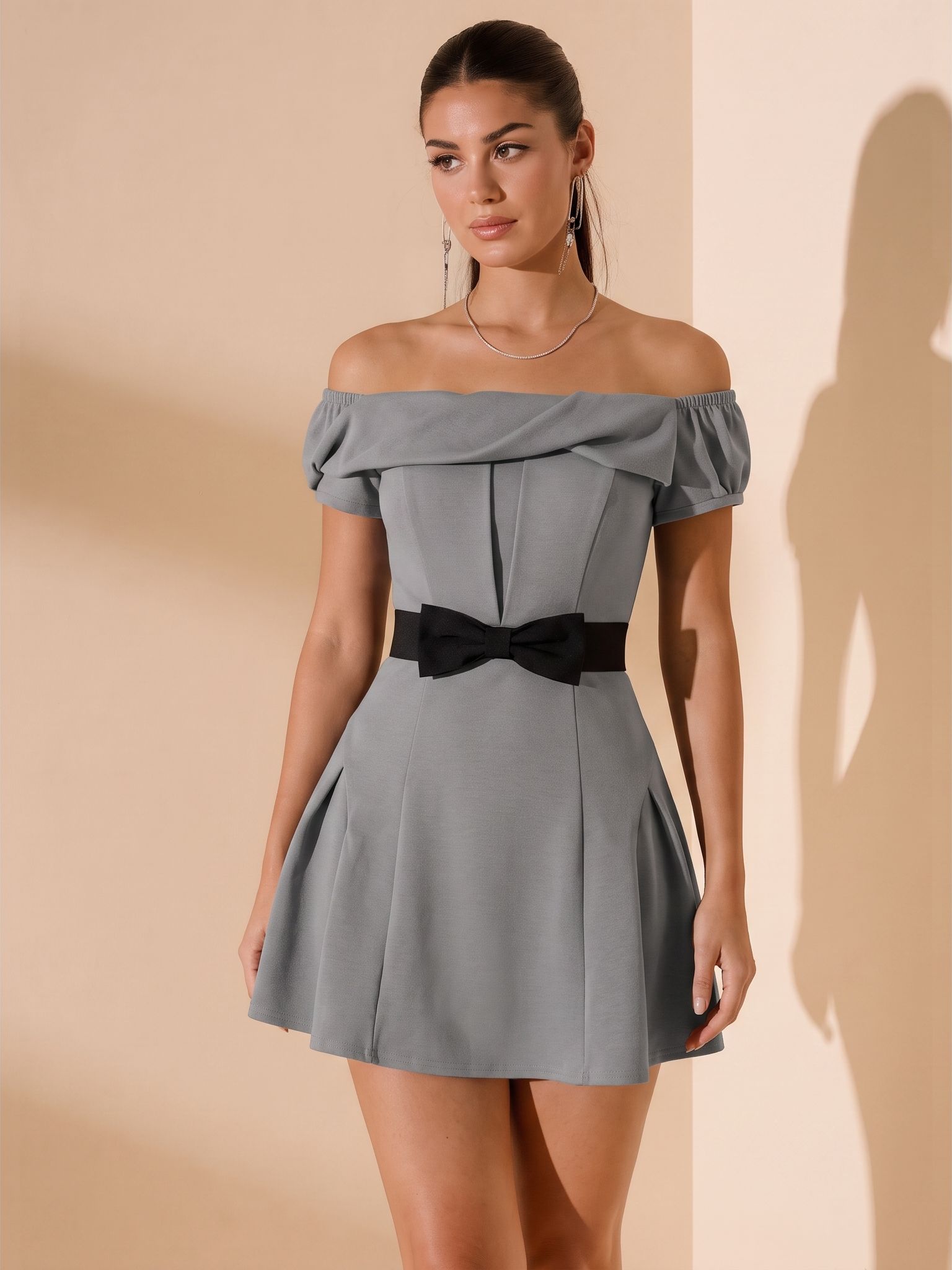
With the gray dress shown here, useful checks include the folded neckline, short sleeves, vertical seams and black waist bow. The overall color alone is not enough to approve it. For the app steps, see the phone-based model photography guide.
Save approved images with their source photo and chosen settings so another team member can pick up the work.
How to Combine Both for One Product Launch
For a dress launch, you could divide the work as follows. This is a suggested production plan.
| Launch asset | How to produce it | What it contributes |
|---|---|---|
| Front, back and detail references | Photograph the actual sale version. | Documents the product’s visible construction. |
| Wearing photos and fit notes | Use the real sample on a model; verify any published measurements. | Records how that sample sits and behaves during the fitting. |
| Additional model or scene images | Generate from the product reference and check the result. | Adds presentation options for the gallery or campaign. |
| Final product-page gallery | Combine useful views, label generated imagery clearly and check the selected variant. | Lets shoppers find product details and styling context together. |
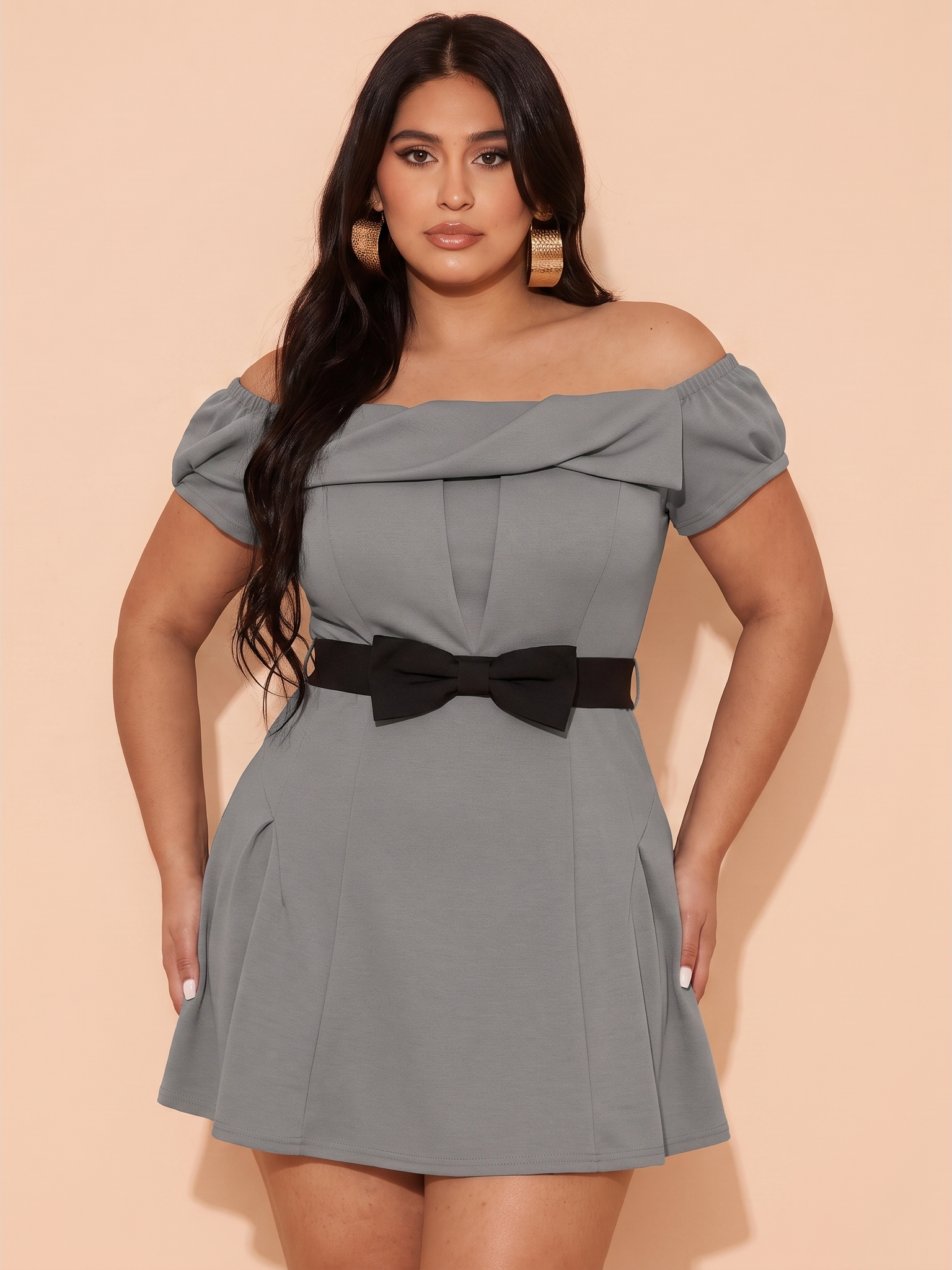
Choose the number of images around the product’s missing information. If you already have a useful front view, a verified back photo may add more than another pose. For planning a broader model lineup across products, use the size-inclusive photography guide.
Compare the Cost of Usable Images
Ask for quotes and run an AI trial against a defined brief: products, views, export quality and deadline. Price any fittings and detail photography separately so you can see which tasks an AI image would actually replace.
For the shoot, record model and crew fees, sample shipping, location costs and post-production. Shopify’s clothing photography guide also identifies equipment, photographer, model and editing costs to consider. For AI, record the cost of creating references, credits or subscriptions allocated to the job, and time spent reviewing and correcting outputs.
Cost per usable image = total production cost for the batch ÷ number of approved images. Include staff time consistently and separate setup costs from recurring work. A test with no usable results still belongs in the budget record.
Track review hours and delivery dates as well as fees. AI retries take time; a planned shoot can spread setup costs across several products. Compare completed, usable sets before deciding how to produce the next launch.
Explore Snappyit’s plus-size model workflow with a product whose details you can check. Keep the first approved set as a reference for the team before expanding to more SKUs.
Frequently Asked Questions
What is an AI plus size model generator for clothing brands?
It creates model images from a garment photo using available model options or references. For a clothing seller, the useful output is a recognizable view of the actual SKU. A convincing person or scene is not enough if the tool changes the product.
How should I prepare for a plus-size model photoshoot?
Confirm the sample version, the model’s measurements and the views needed for each SKU. Arrange a fitting before the shoot when possible, and allow time to adjust styling. Ask about image usage rights, retouching and pickup shots when agreeing on the booking.
Is AI plus-size clothing photography cheaper than a photoshoot?
It can cost less for additional model or scene images when suitable product references already exist. The result depends on review time, retries and editing. Compare the cost of approved images for the same task; a generation fee does not cover the fittings and detail photography included in a broader shoot.
Can I use a smaller-size sample photo for an extended-size collection?
Only use it where it accurately represents the version being sold. If panels, sleeves, trims or proportions differ, obtain the corresponding reference. Putting the image on a different model does not verify pattern grading or the fit of a larger garment.
Can I select an exact clothing size for an AI model?
A body-type preset does not establish a verified clothing size. Check what the tool actually controls and how any size claims are validated. Do not invent height or size-worn labels from the generated appearance; keep actual garment measurements in the size guide.
Can AI plus-size model photos be used on ecommerce product pages?
Check the platform and category rules, including any requirements for AI imagery. Where allowed, use accurate outputs alongside real product photos and make their generated nature clear. Verify the selected colorway and mobile crop before publishing; an attractive result is not proof of platform approval.
Can one photoshoot supply references for future AI images?
Yes, while the photographs still represent the product being sold. Retain high-resolution front, back and detail images by SKU. Update the references when fabric, construction, trims or colorways change, and review each new output.
Related Guides
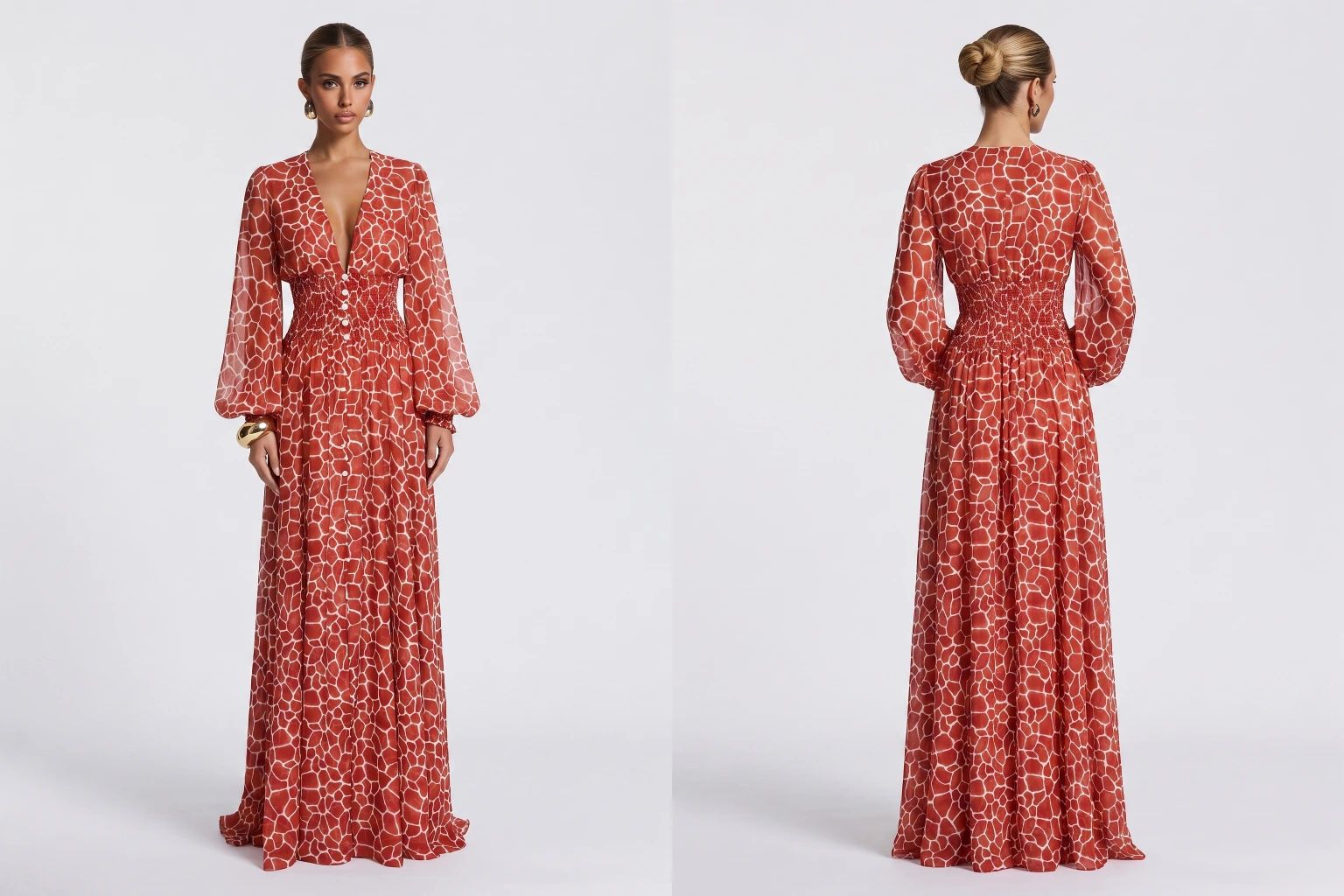
Plan the front, back and detail views to capture while your samples and models are on set.
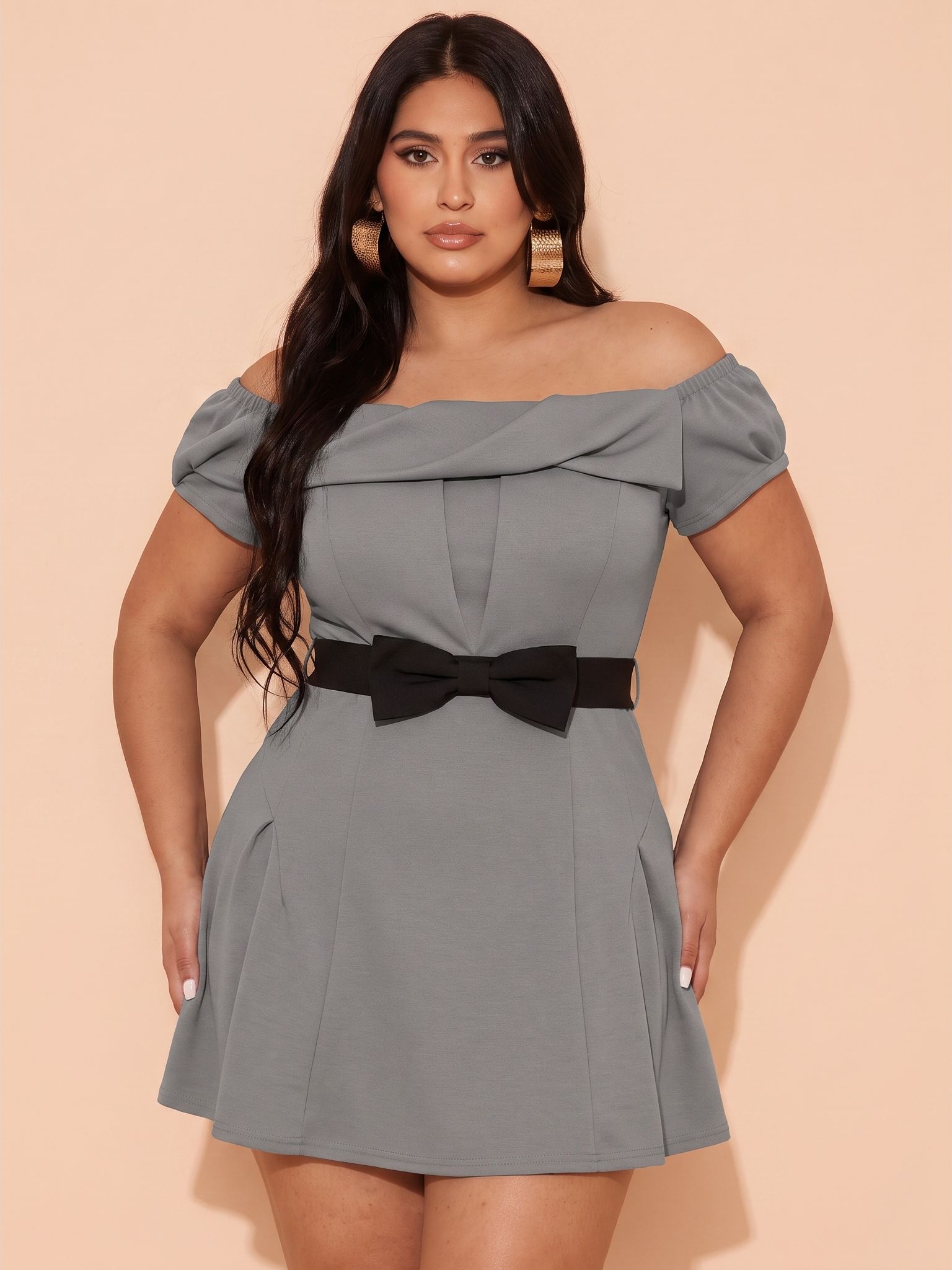
Choose a model lineup and keep the same clothing styles easy to compare across body types.
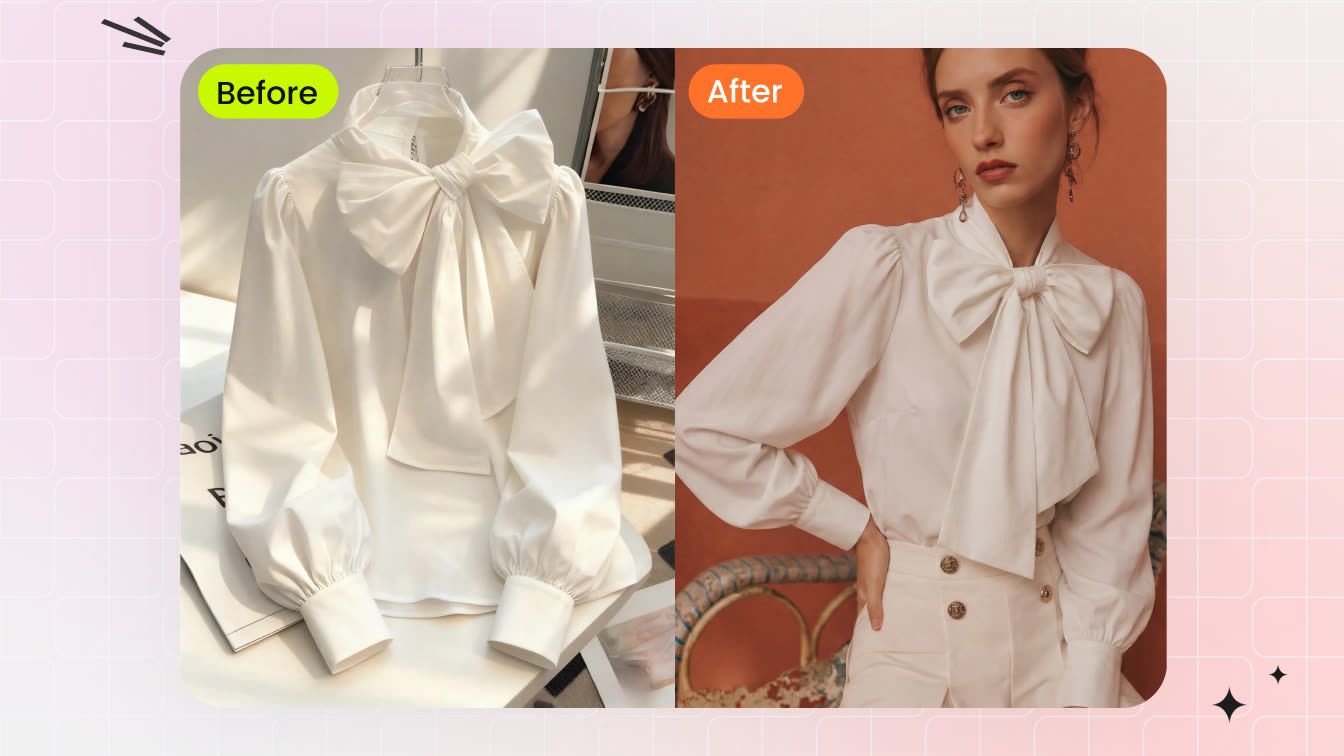
Compare five tools using documented garment tests, model controls and export considerations.
References
- Baymard Institute — 10 Best Practices on Sizing. Human-model measurements and size-worn information alongside size guides. Accessed September 16, 2026.
- Shopify — Clothing Photography: How To Photograph Clothes. Photography preparation and production cost components. Accessed September 16, 2026.
- Google Merchant Center Help — Image link [image_link]. Product-image accuracy and AI-generated image metadata requirements for Google Shopping. Accessed September 16, 2026.







