Upgrade Your Visuals Now
 Click or drag image hereUpload Apparel Image
Free Try
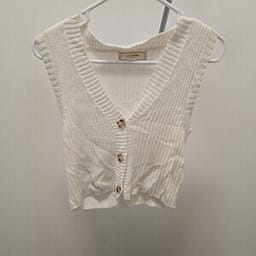
No images?Try one of these
By uploading an image you agree to our Terms of Service and Privacy Policy.
Create Clean, Wrinkle-Free Clothing Photos for Every Listing
Use one AI workflow for shirts, dresses, pants, and one-piece garments.
Before

After
Before

Polish Clothing Product Photos Without Ironing, Steaming, or Reshooting

Smooth distracting wrinkles while keeping the garment recognizable
Clean up creases that make a listing look unfinished while retaining the product color, silhouette, fabric character, seams, prints, and trims that shoppers need to see. Always compare the result with the physical item before publishing.Smooth Clothing Wrinkles
Turn quick phone photos into consistent catalog-ready visuals
Start with a hanger, tabletop, or raw garment photo and create a cleaner visual direction for Shopify, Amazon, Etsy, eBay, Poshmark, Depop, and social commerce. Use the same crop and background direction across a collection for a more consistent storefront.Polish Garment Photos
Prepare more SKUs without adding manual retouching to every image
Use AI wrinkle smoothing as part of a repeatable product photography workflow. Process tops, dresses, pants, sets, and jumpsuits from clear source photos, then review construction details and export the strongest result for each listing.Clean Up Catalog ImagesHow to Remove Wrinkles From Clothes in a Photo
Create a cleaner clothing product image in three steps, then check it against the original garment before publishing.01
Upload a Clear Garment Photo
- Desktop: Open the AI wrinkle remover and upload a clear photo with the garment fully visible.
- Mobile: Download the Snappyit app for iOS or Android, select AI Wrinkle Remover, and smooth creases in your clothing photo.
- Bulk: Remove clothing wrinkles in bulk with the batch product photo editor; select Remove Wrinkles to clean up multiple garment photos for your catalog.
02
Remove Wrinkles with AI
- Select how much wrinkle reduction you would like. AI smooths creases while preserving the garment's natural shape and details. Click Generate to create a cleaner product image.
03
Review and Download
- Compare the result with the original to ensure colors, fabric texture, prints, and garment shape remain accurate. Once satisfied, download your enhanced product photo.
Go Beyond Wrinkle Removal — Create Ghost Mannequin & On-Model Images
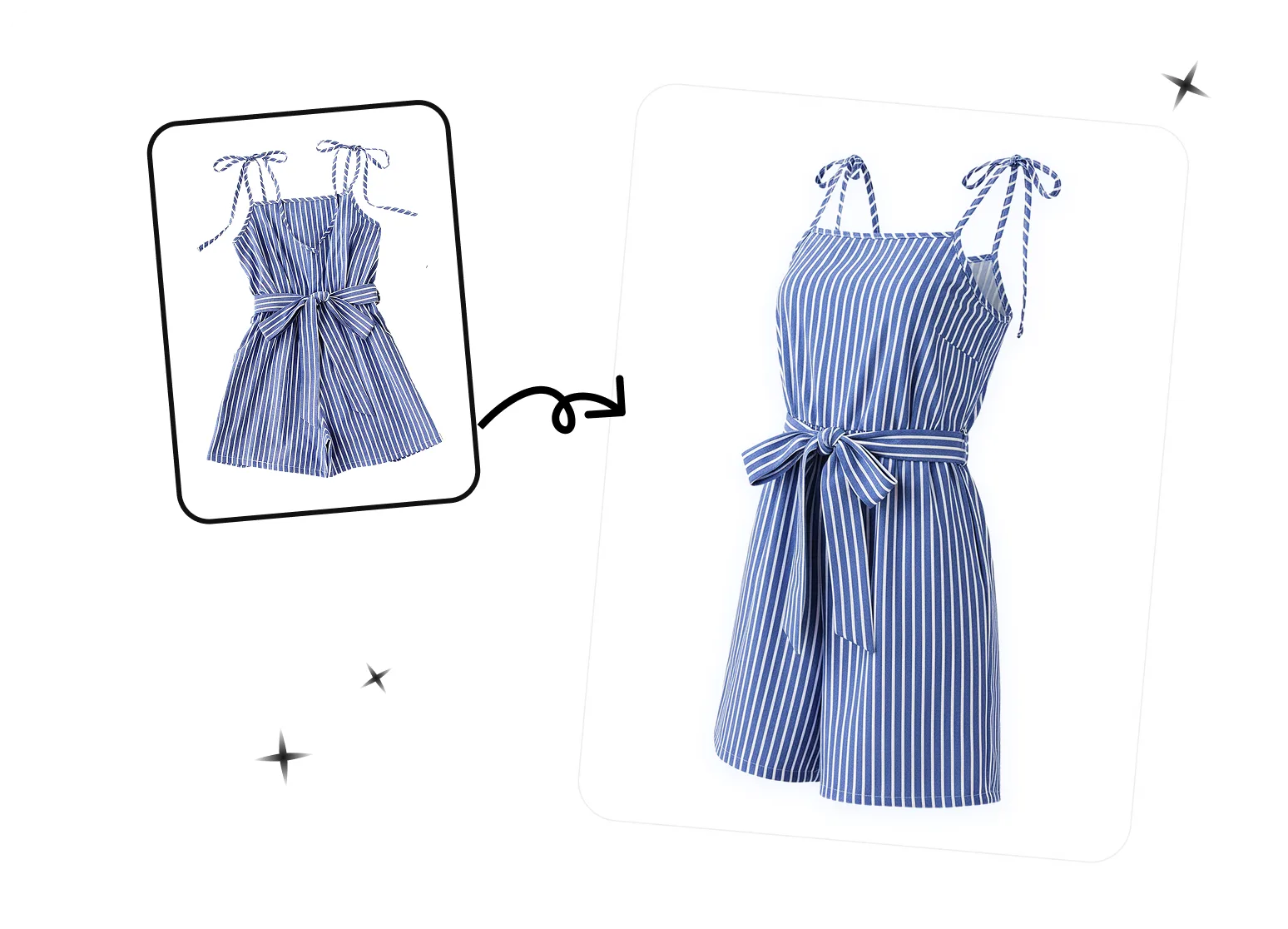
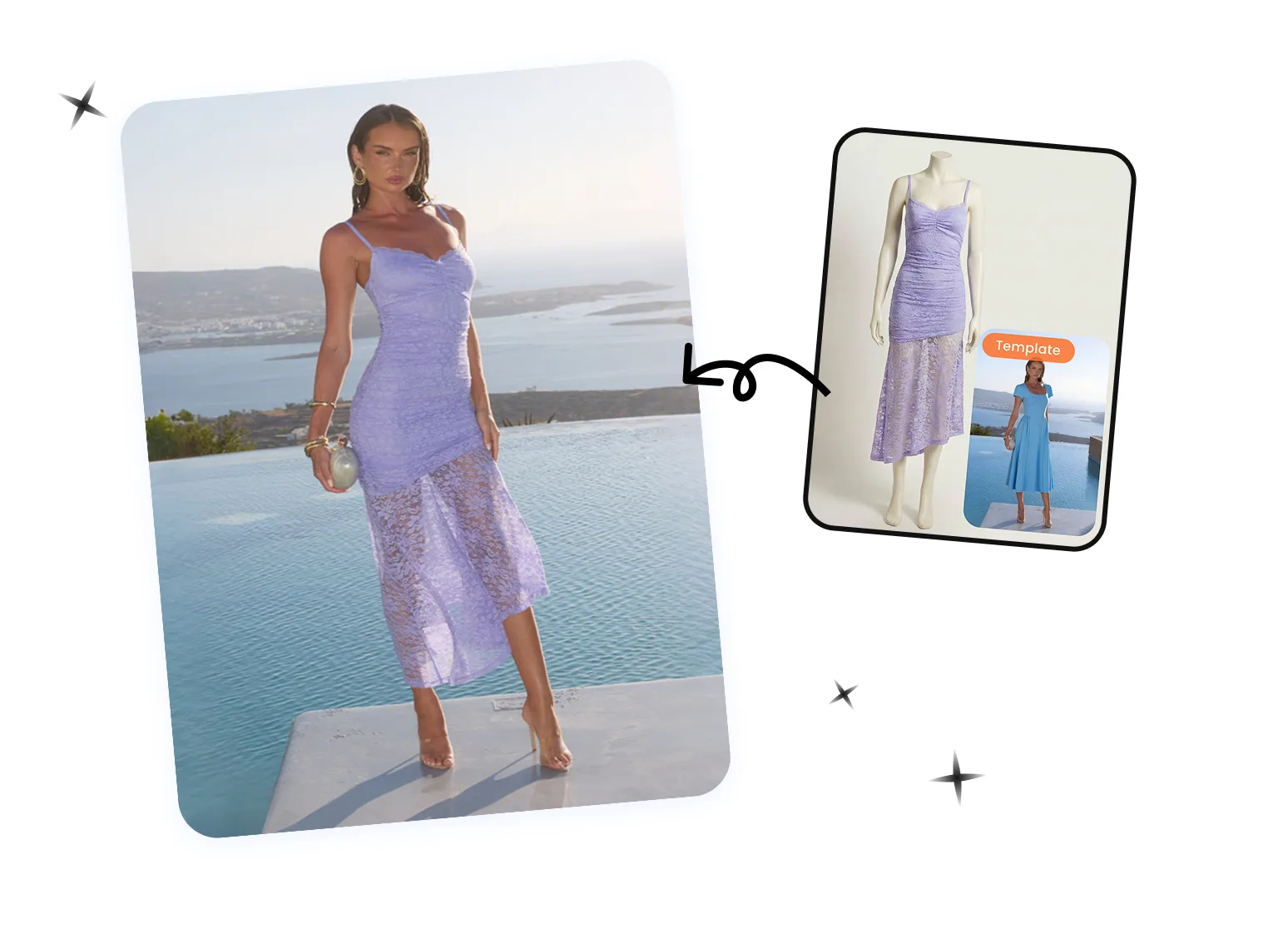
Continue Your Apparel Product Photo Workflow
Flat Lay
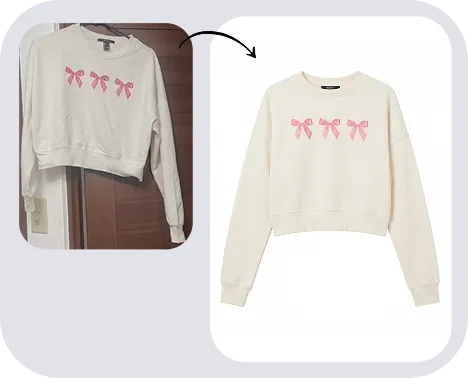
Ghost Mannequin
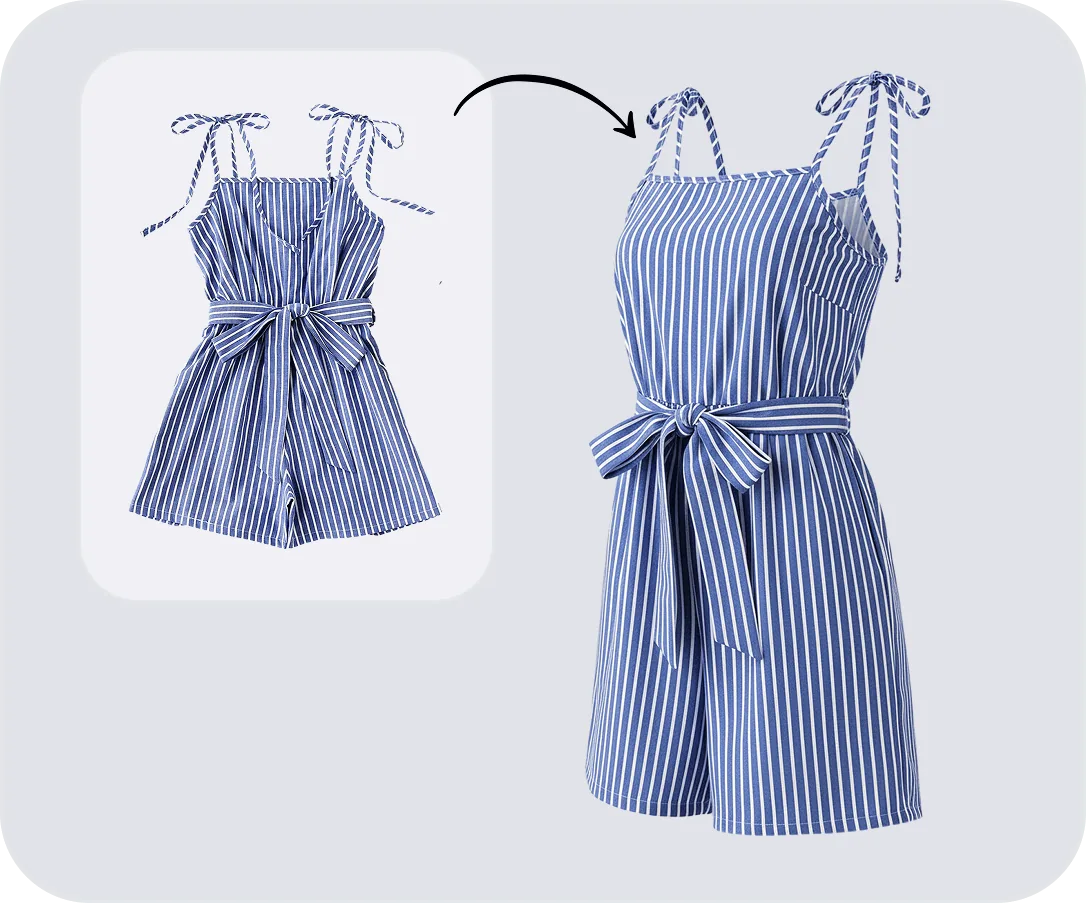
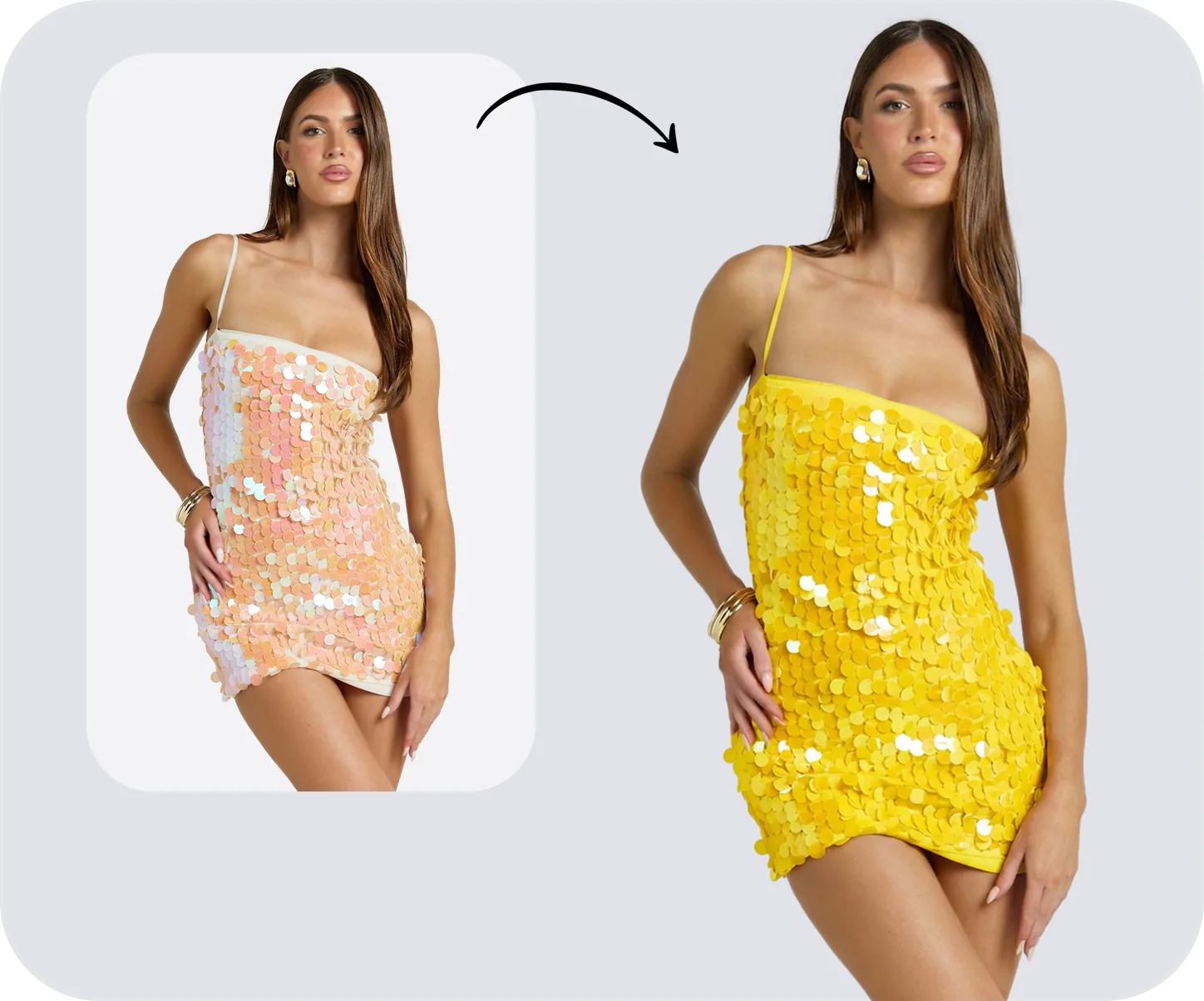
Color Change
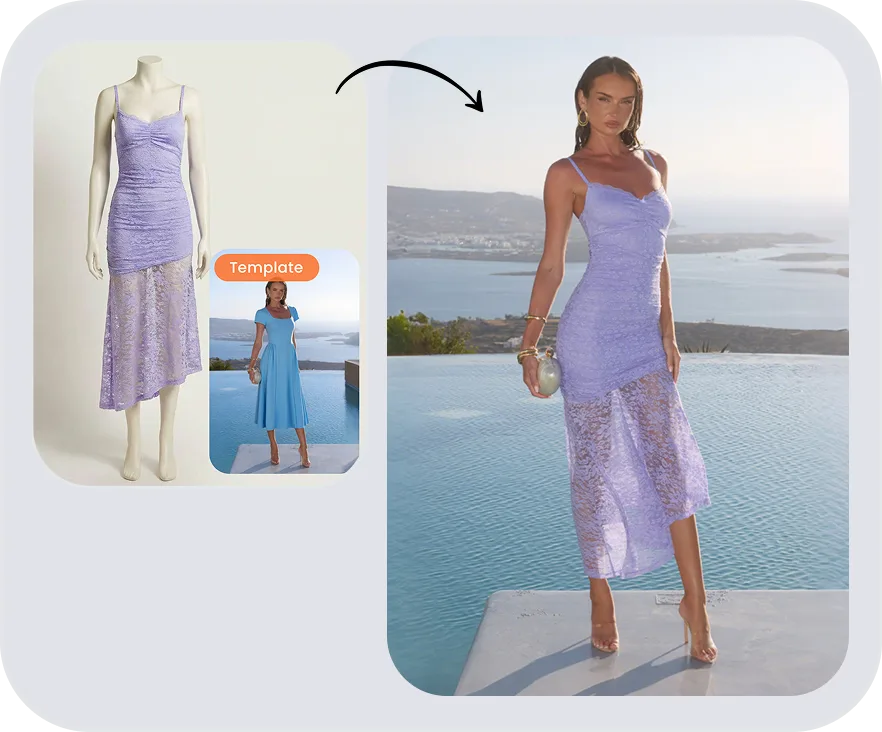
Fashion Model
AI Clothes Wrinkle Remover FAQ
Clothing Photo Editing & Wrinkle Removal Guides
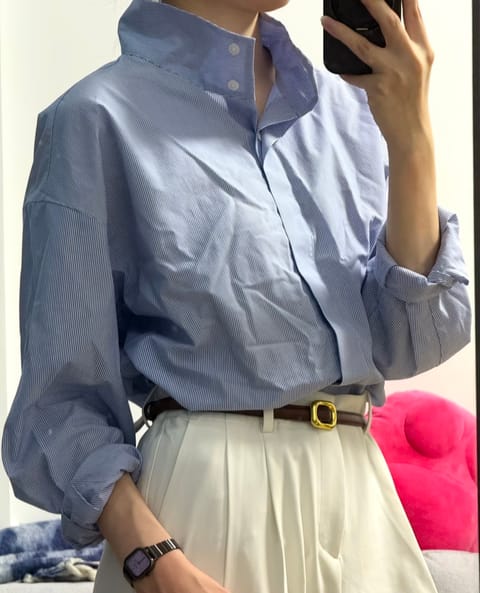
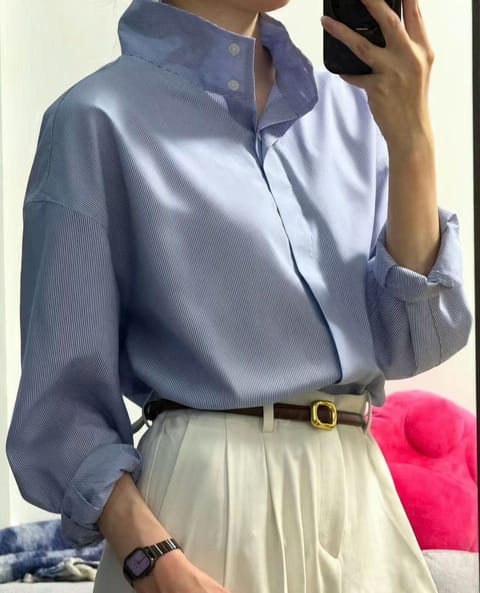 Best Apps to Remove Wrinkles from Clothes in PhotosCompare five apps to smooth clothing and remove wrinkles from photos, with merchant-focused checks for fabric detail, seams, shape, workflow, and export quality.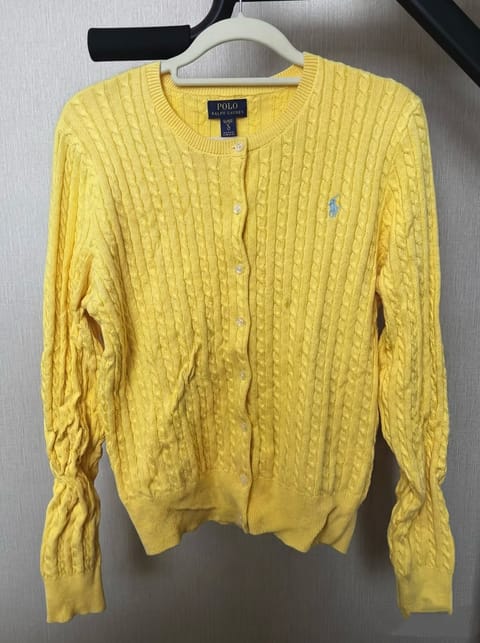
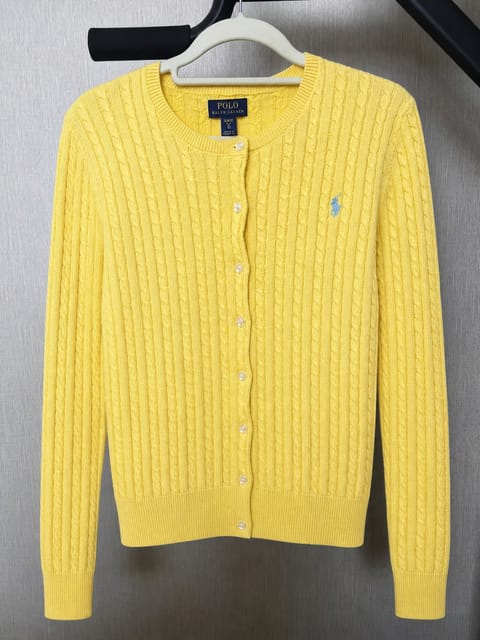 How to Edit Poshmark Clothing Photos: Wrinkles and LightingA practical workflow for Poshmark sellers: prepare garments, remove clothing wrinkles, improve lighting, and build accurate cover and detail photos.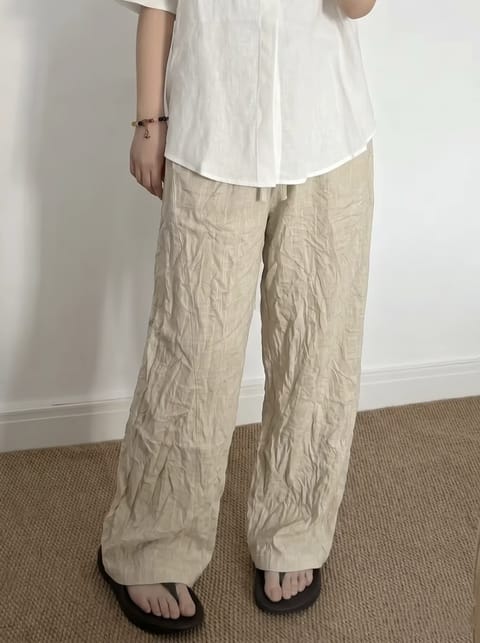
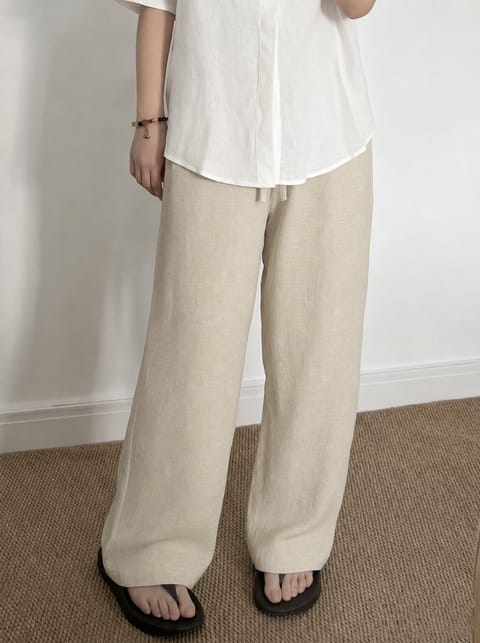 Remove Wrinkles from Product Photos with AI (No Iron, No Reshoot)Compare Natural and Smooth AI wrinkle removal across four clothing product photo examples and learn how to choose a finish.
 DIY Product Photography Tips for Ecommerce SellersShoot clear product photos at home, then improve distracting wrinkles, backgrounds, and presentation for ecommerce listings.