Photta vs Snappyit: AI Product Photography
Looking for a Photta alternative? See how the two platforms differ in Ghost Mannequin results, pricing, batch workflows, storefront try-on, and API support.
Choose a tool, then upload your photo
Click or drag image here
Any flat-lay or product photo works, no professional setup needed.
Is Snappyit a Good Photta Alternative for Ghost Mannequin Photos?
We used the same garment photo in both tools, then compared each result with the original. Both results are shown without post-processing. These two examples highlight useful detail differences, but they should not be read as a verdict on every garment.
Photta covers Ghost Mannequin, apparel, jewelry, eyewear, shoes, video, a storefront try-on widget and REST APIs. This page tests its Ghost Mannequin workflow.
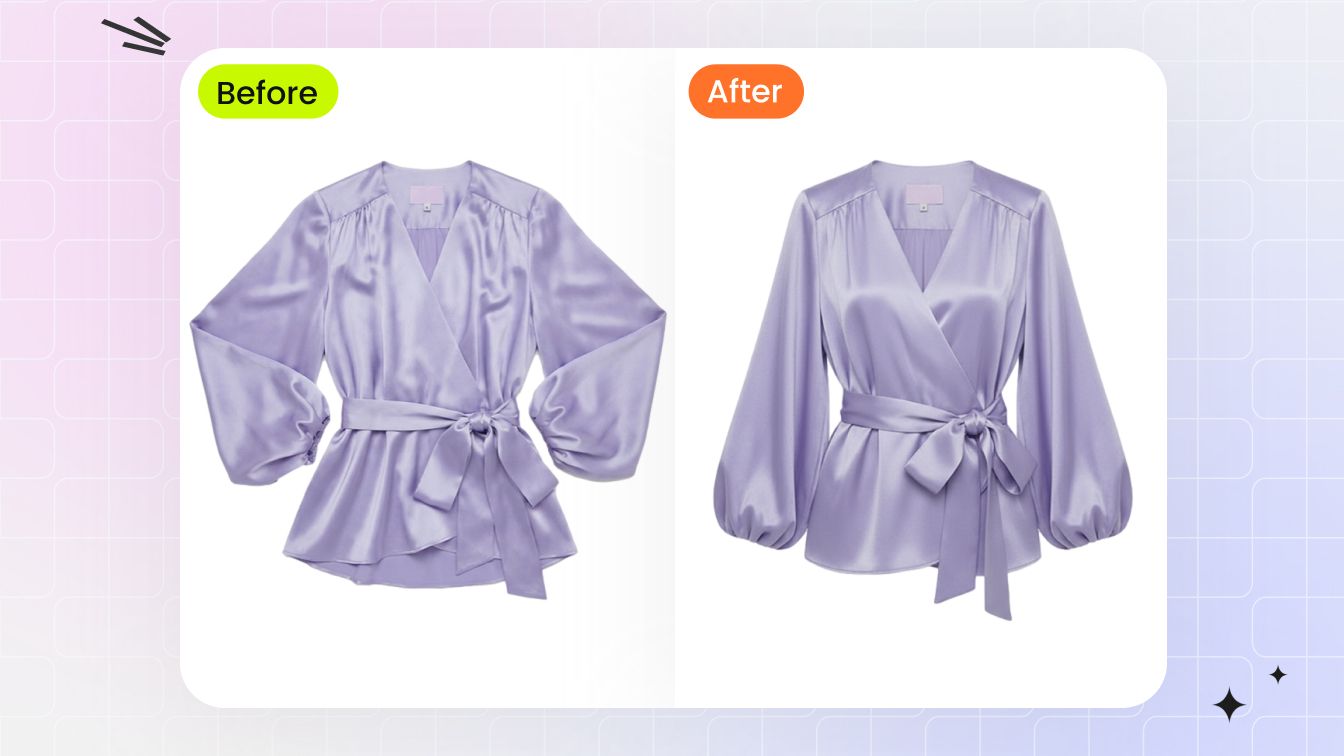
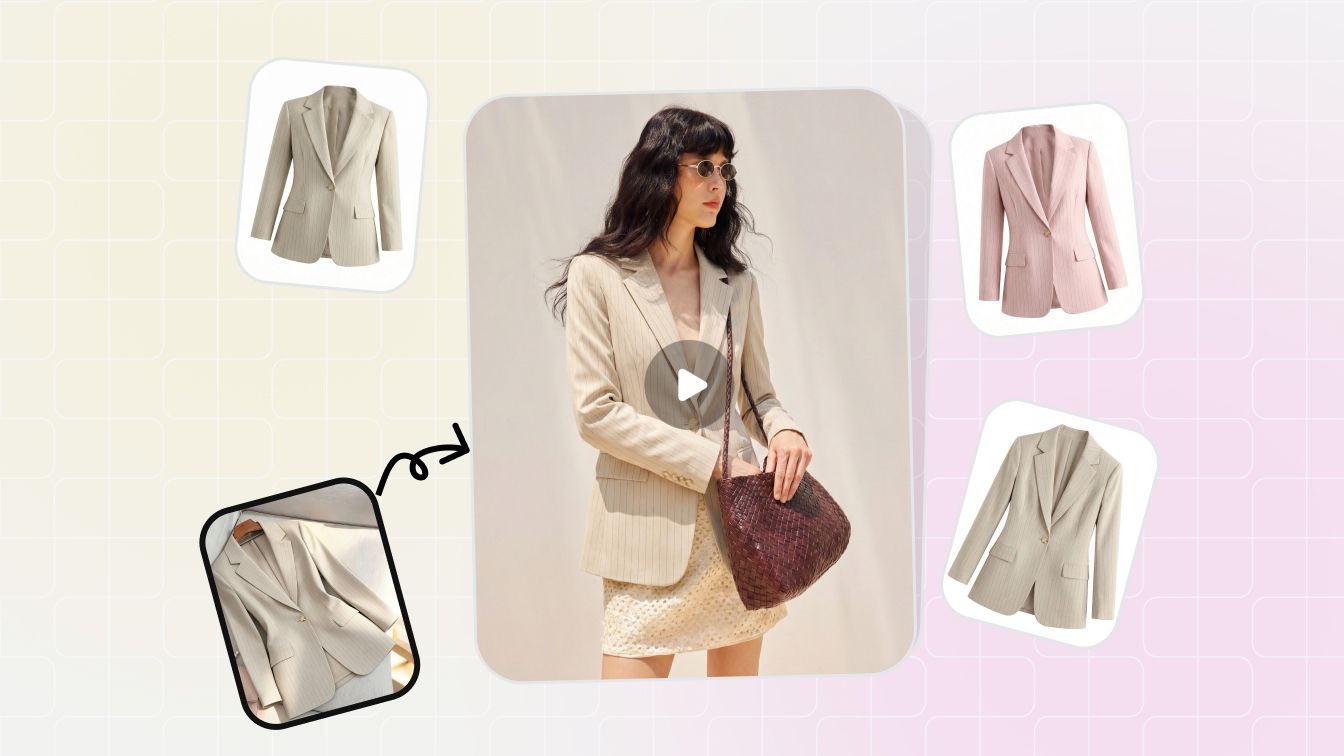
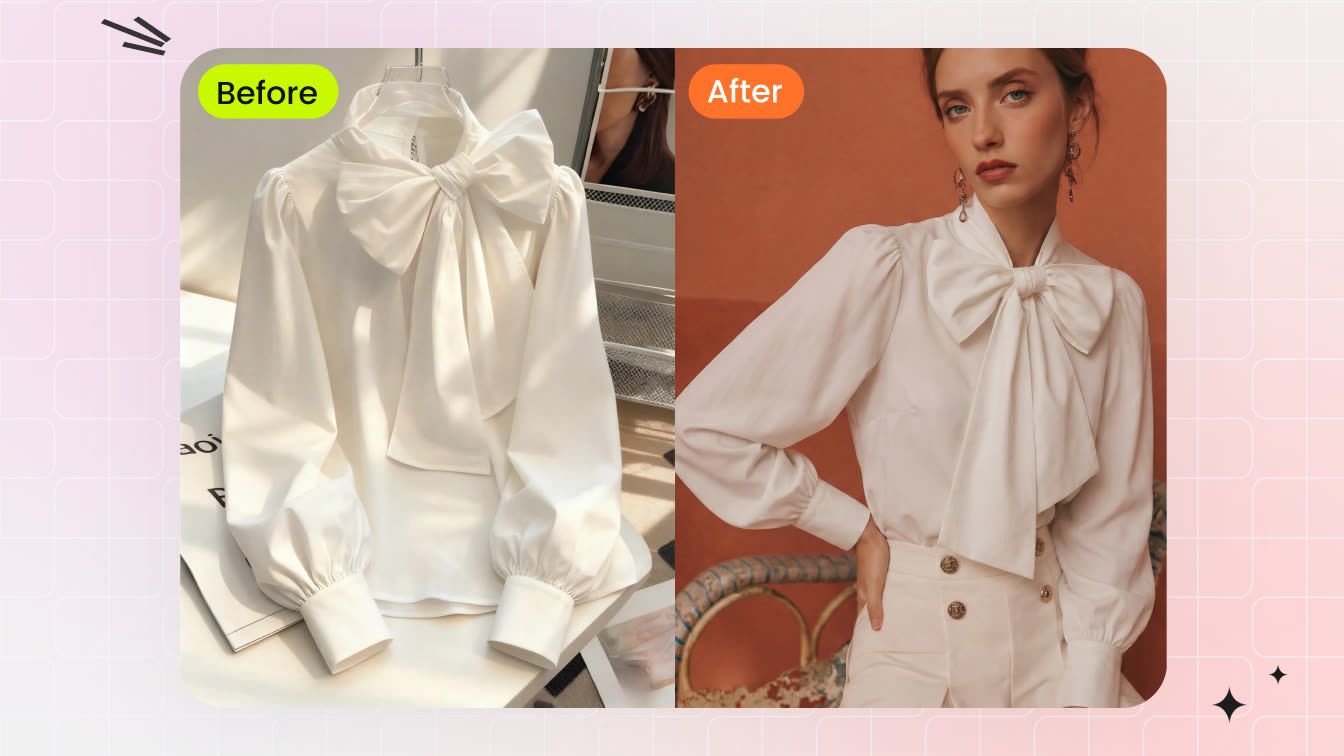
Snappyit combines Ghost Mannequin with fashion model, flat lay, recolor, jewelry, video and batch tools. The same task is tested on two garments.
Ghost Mannequin Test 1:
Black Biker Jacket
The workflow screens appear first, followed by the source and generated images.
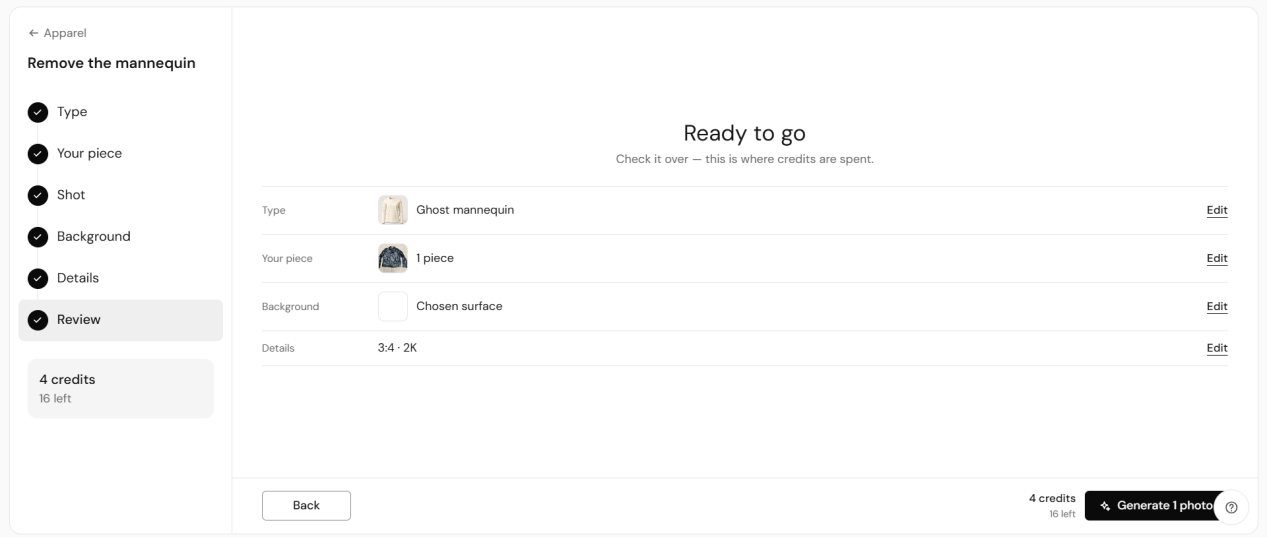
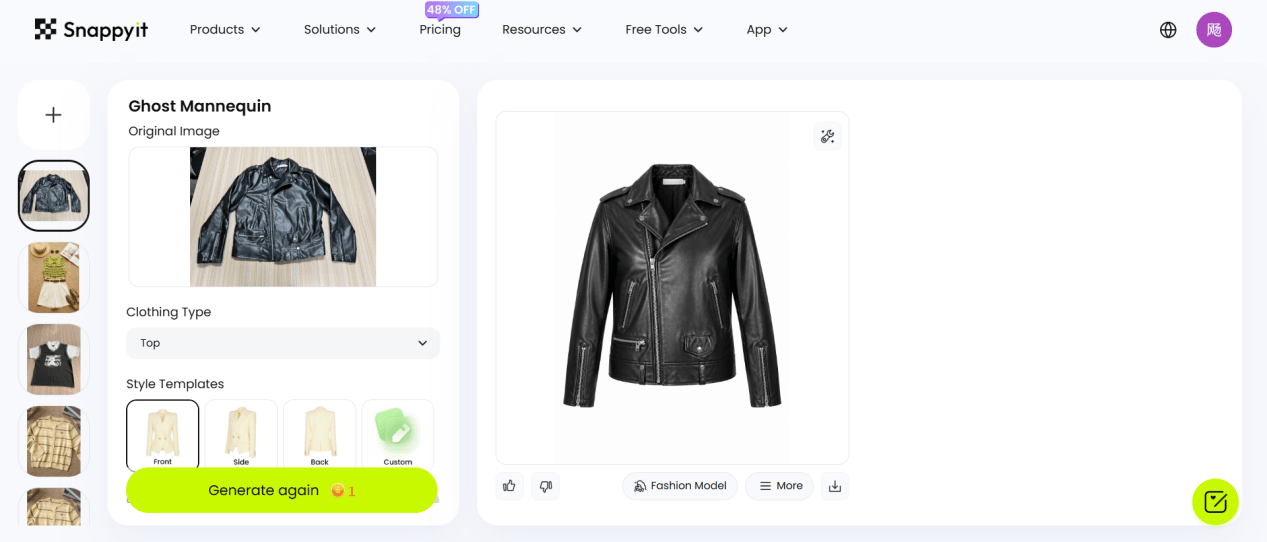
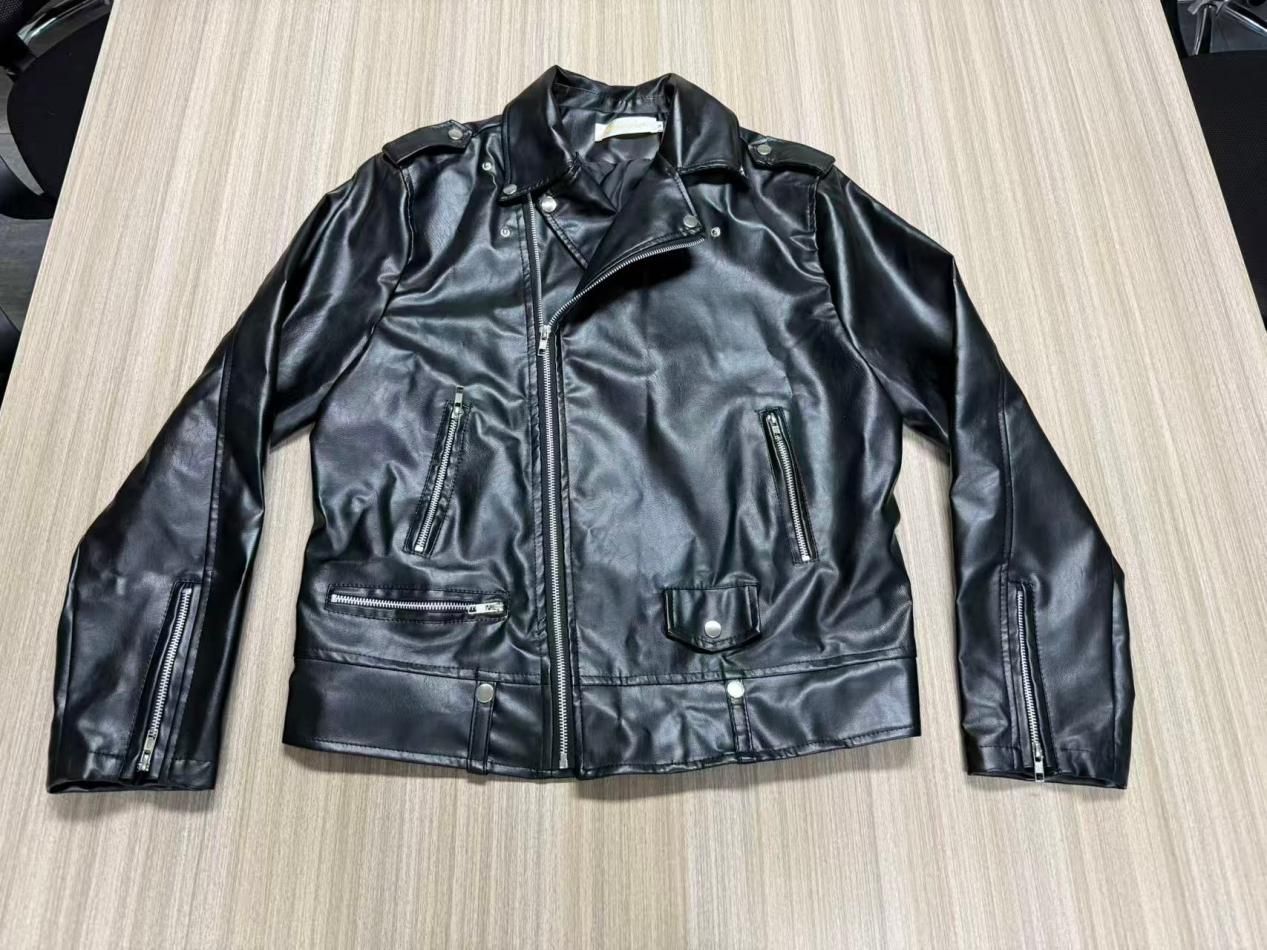
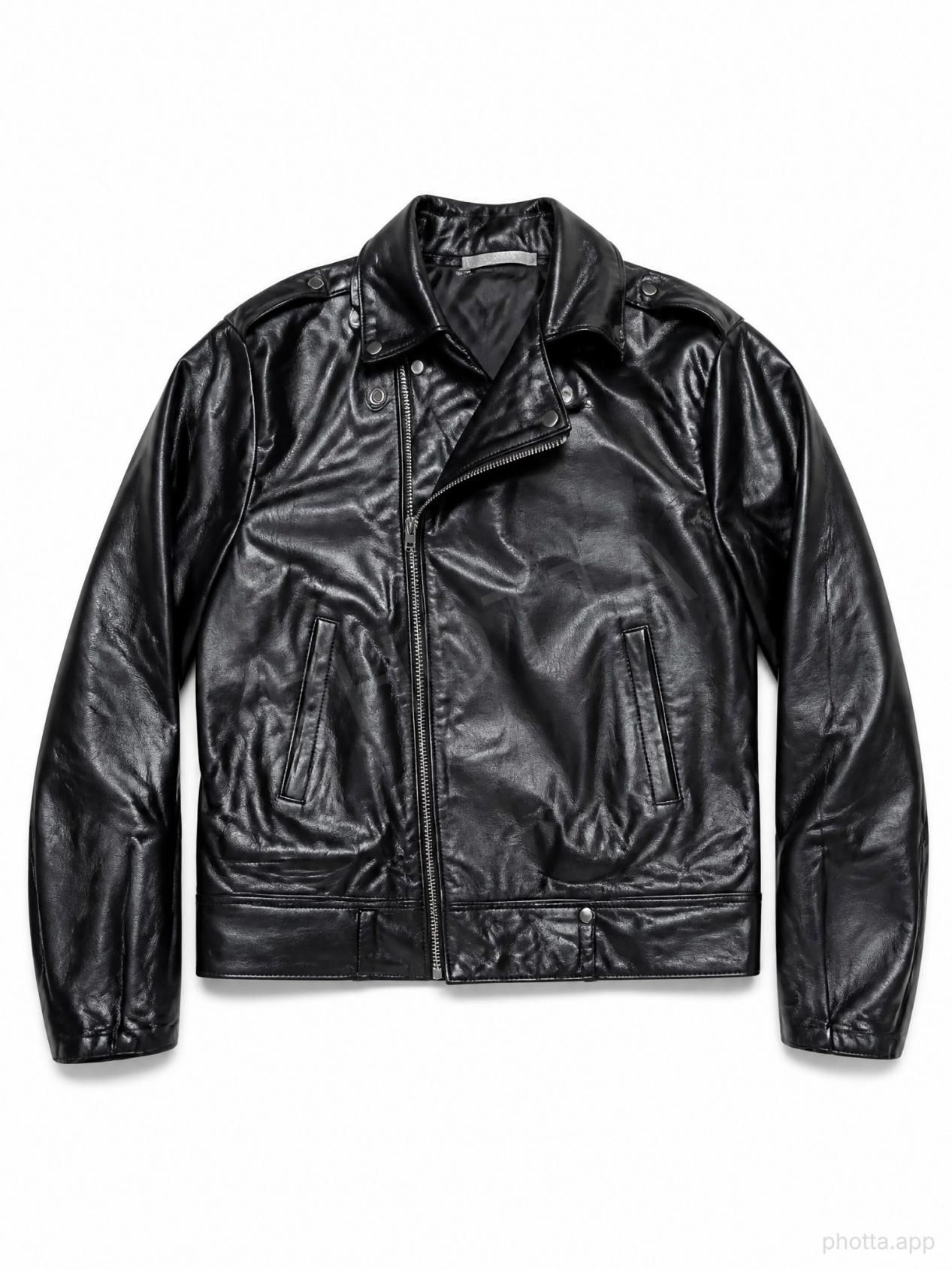
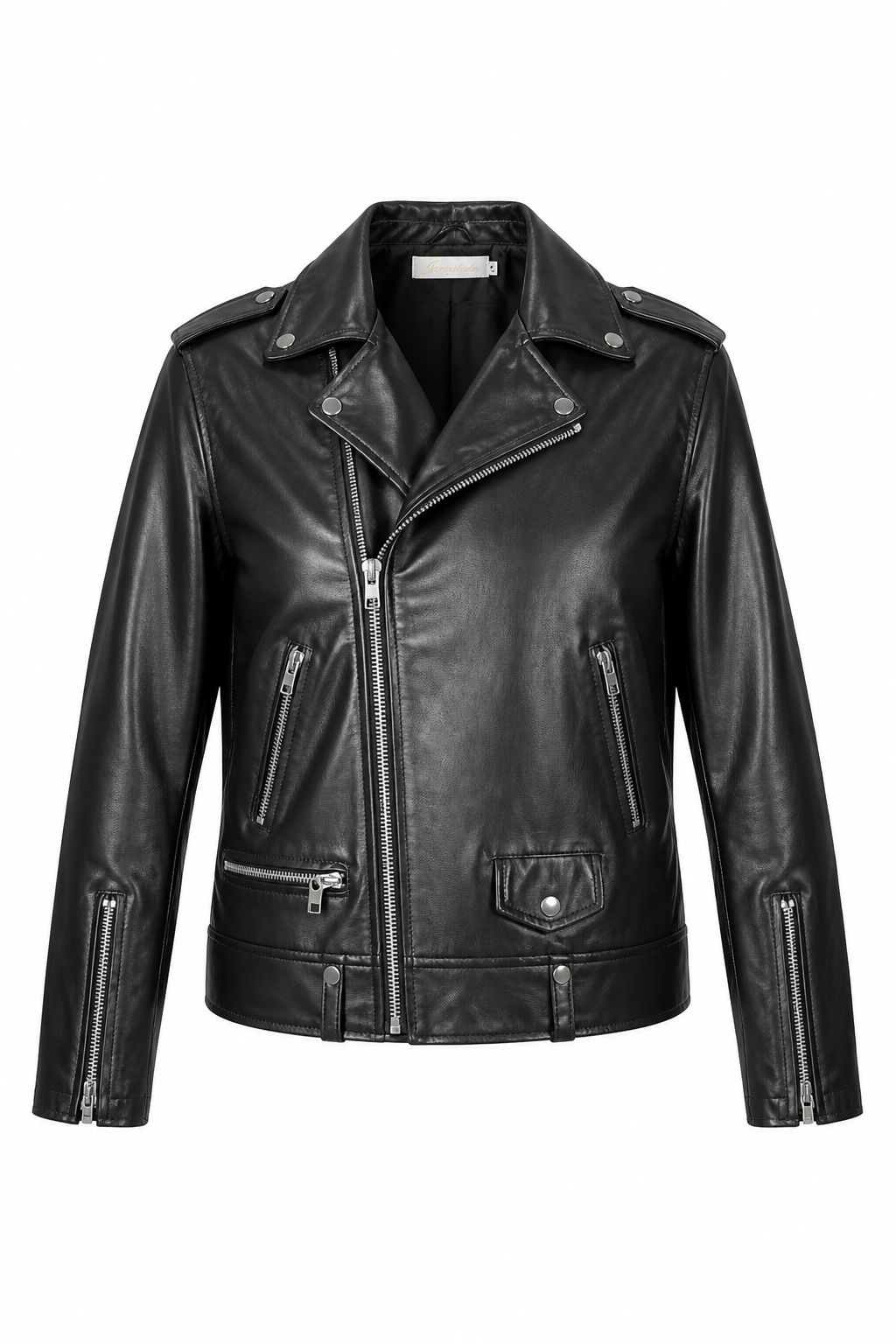
What stands out: both tools turn the jacket into a clean, front-facing product image on white. Photta looks flatter through the torso, sleeves and folded leather, while Snappyit gives the lapels, shoulders and sleeves more shape and keeps more pocket and cuff details. Zipper count, pocket placement, texture and garment volume should still be checked before listing the item.
Ghost Mannequin Test 2:
Striped Knit Outfit
This case compares pattern and outfit fidelity using a ribbed striped knit top, white shorts and a brown belt.
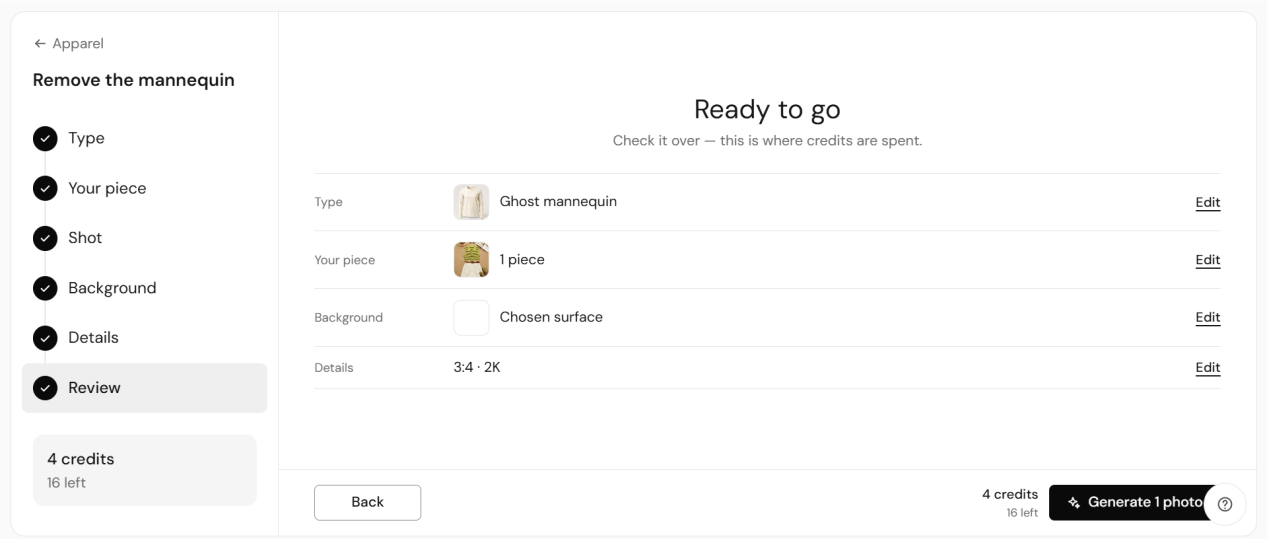
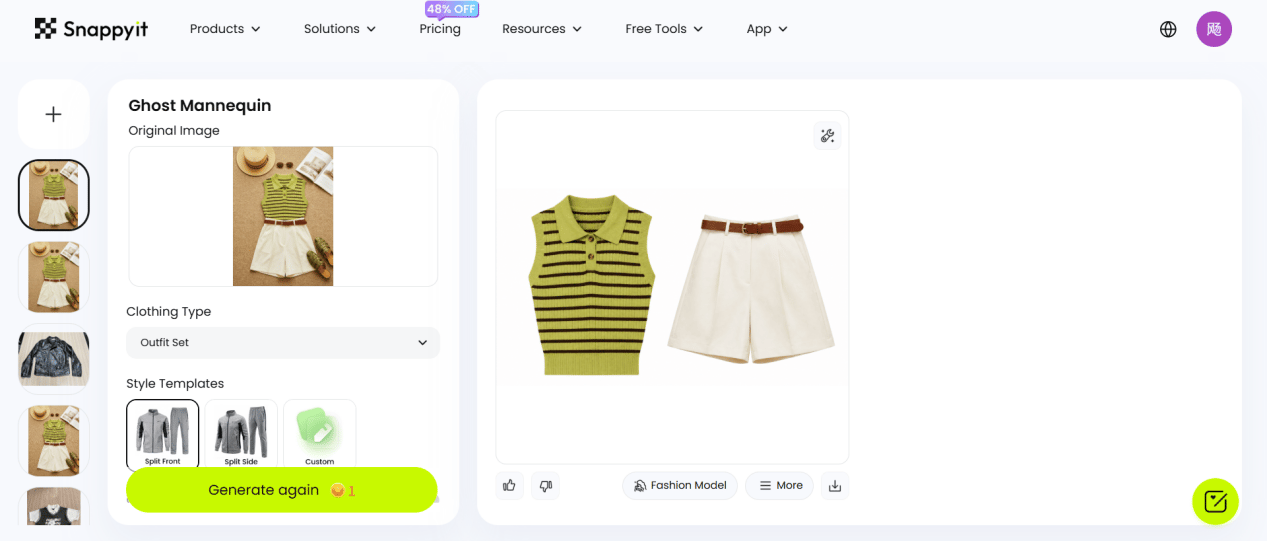
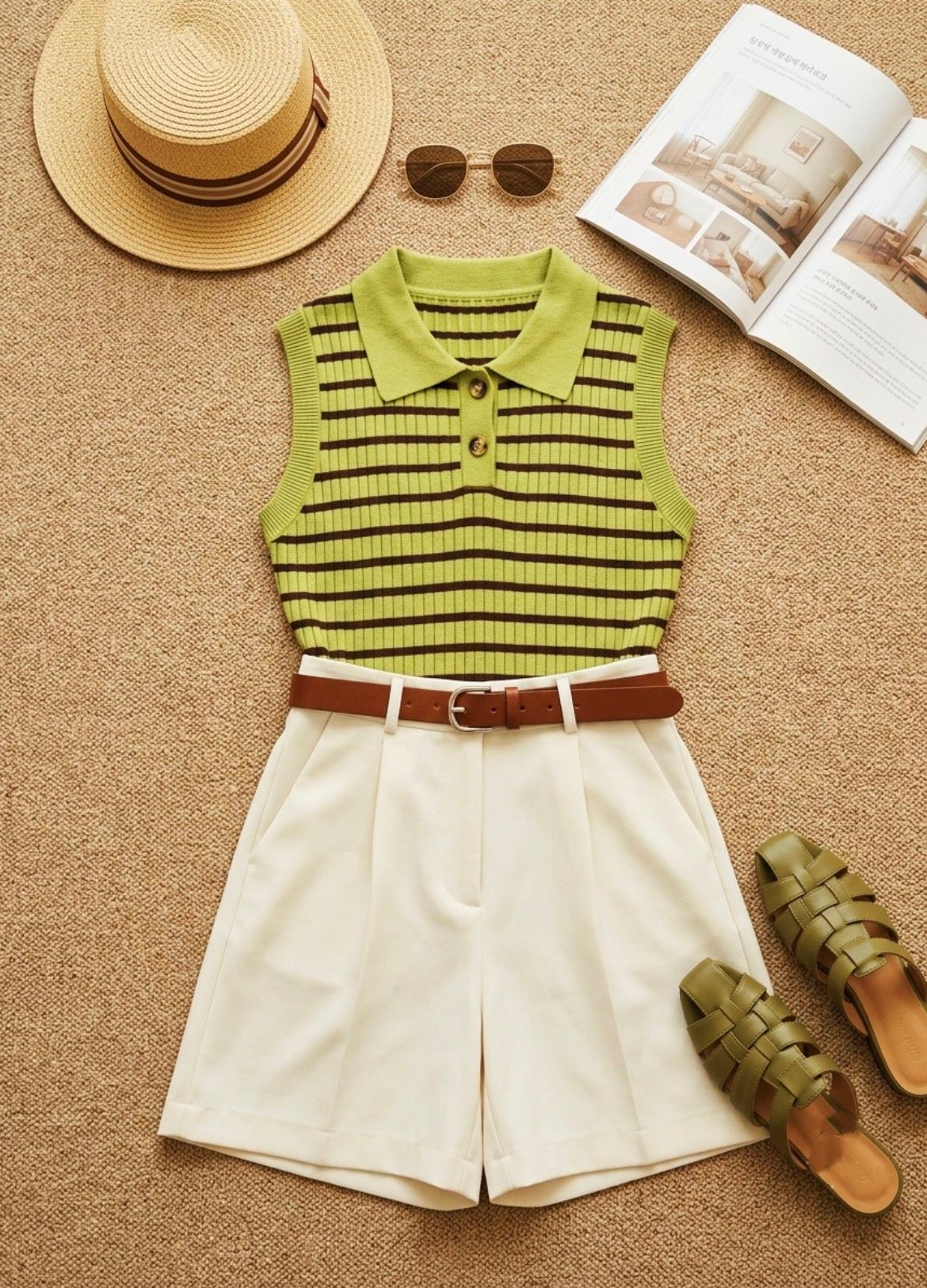
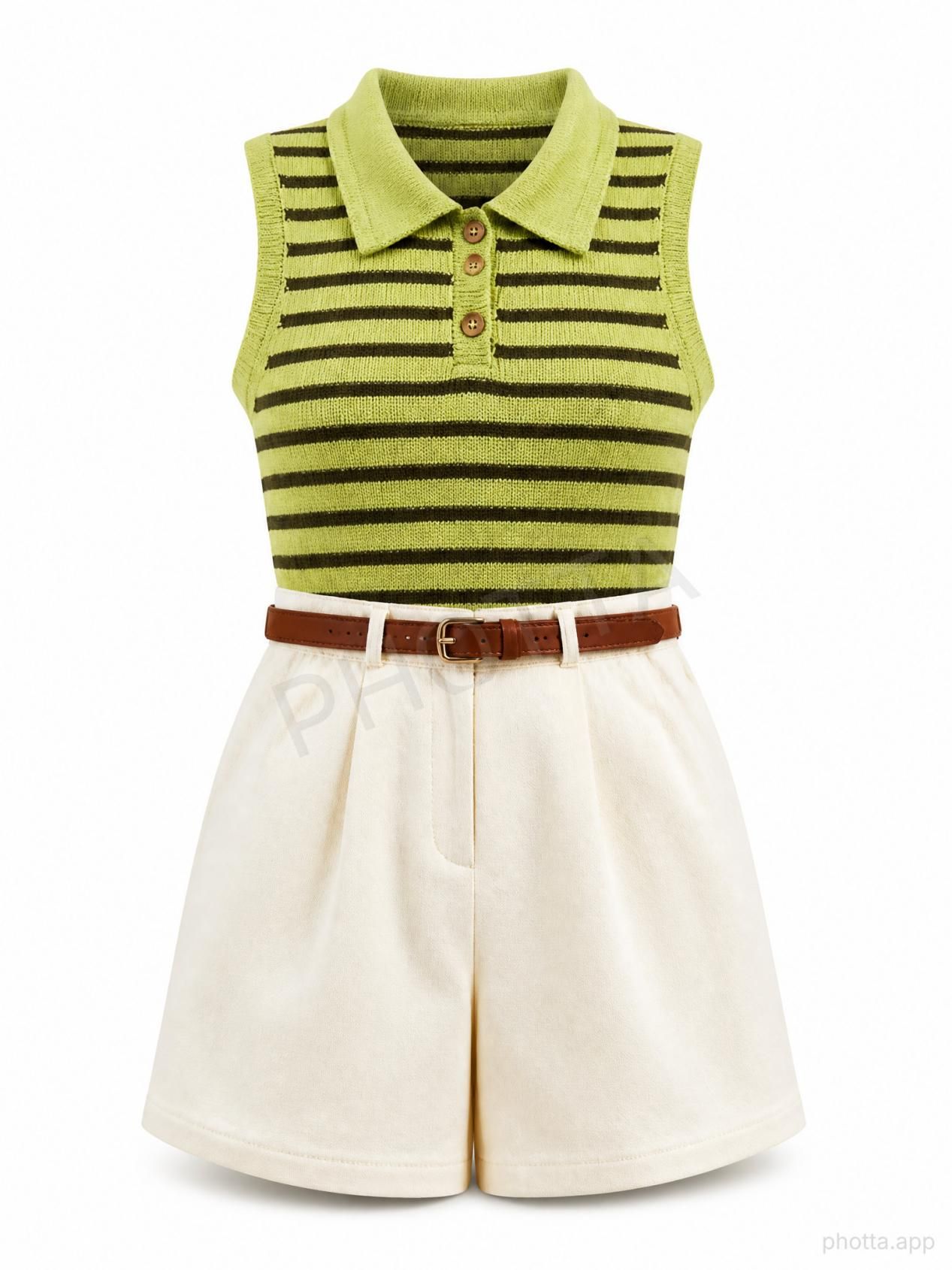
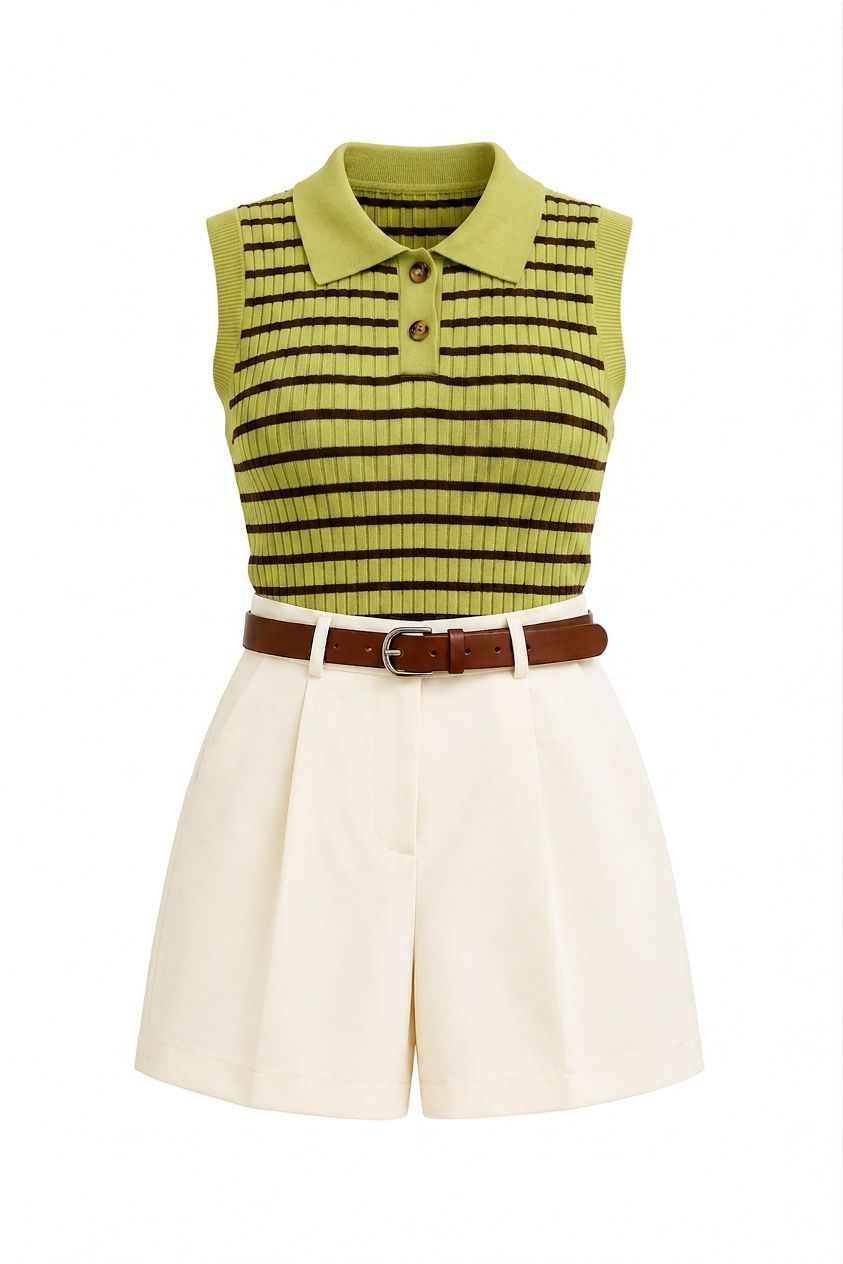
What stands out: both tools remove the props and place the top, shorts and belt on white. Photta keeps the overall outfit and horizontal stripes, but much of the fine vertical ribbing is softened, it changes the original two-button placket to three buttons, and the trial image is watermarked. Snappyit retains more visible rib texture and keeps the two-button placket in this example, although stripe spacing, proportions, seams and fabric drape still differ.
Pricing: Photta and Snappyit
Annual totals, monthly price equivalents, and monthly credit allocations for plans billed yearly in USD.
Photta plans
Yearly billing · USD
Snappyit plans
Yearly billing · USD
Shared AI Product Photography Tools
Compare four overlapping workflows available on both platforms: recolor, jewelry try-on, product video, and plus-size model imagery.
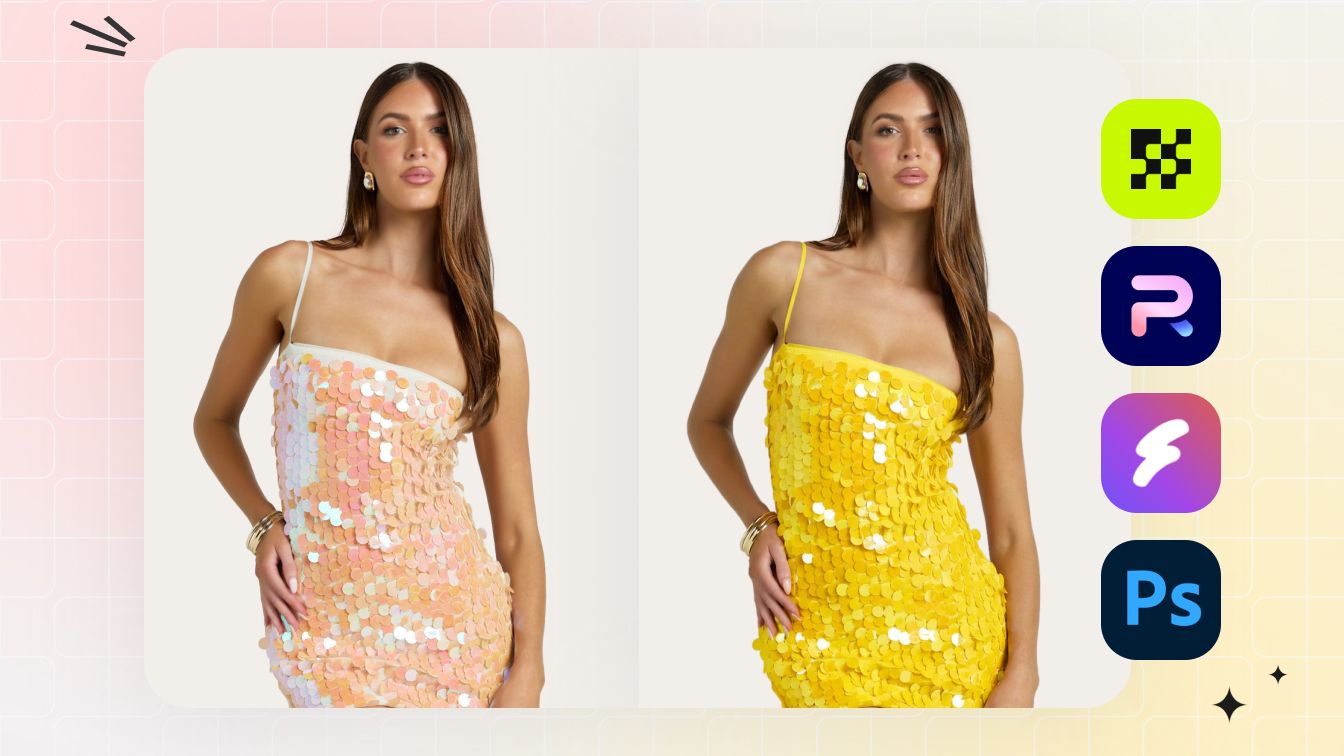
AI Color Change / Recolor
Create colorway variants from one photo, then check fabric texture, stitching, and lighting against the source before publishing.
Try AI Color Change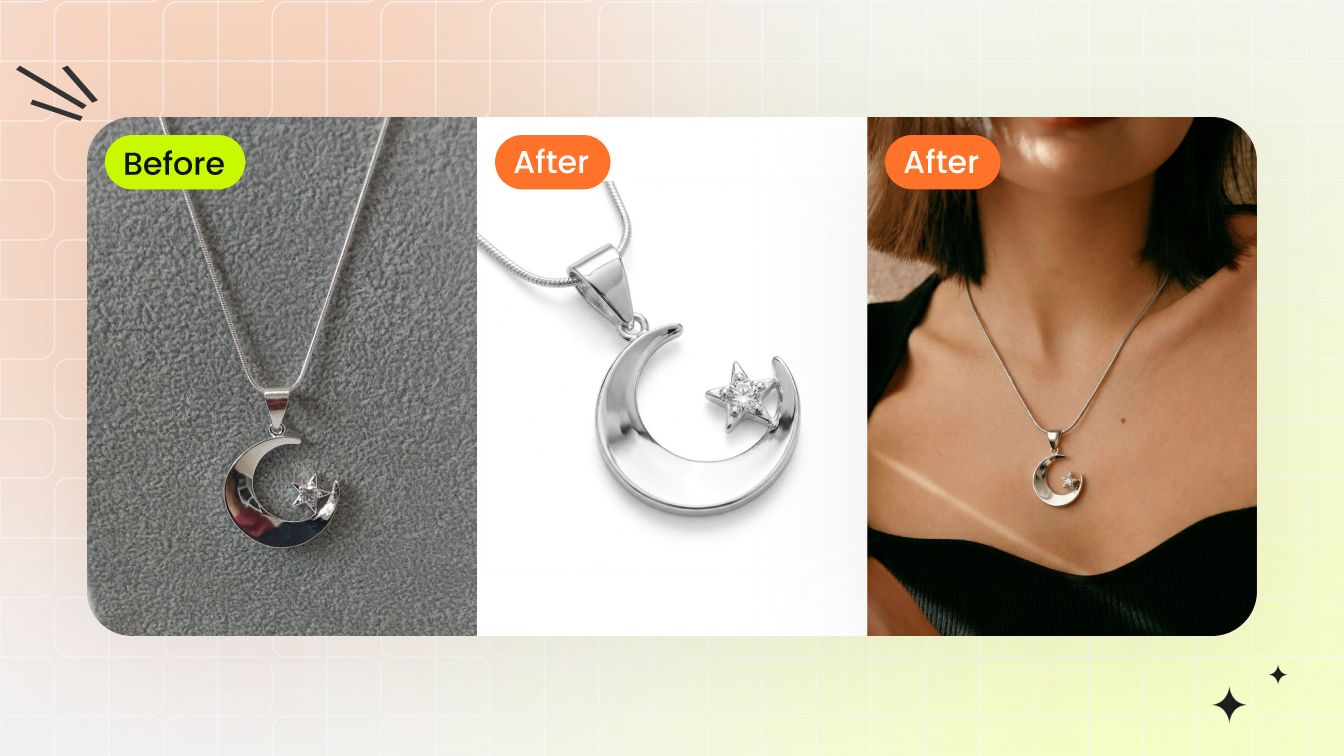
Jewelry Model Try-On
Place a ring, earring, necklace, or bracelet on a model template, then review scale, placement, lighting, and skin-tone blending.
Try Jewelry Model
AI Image to Video
Animate an on-model or flat-lay photo into a short product clip for marketplace listings and social posts.
Try Image to Video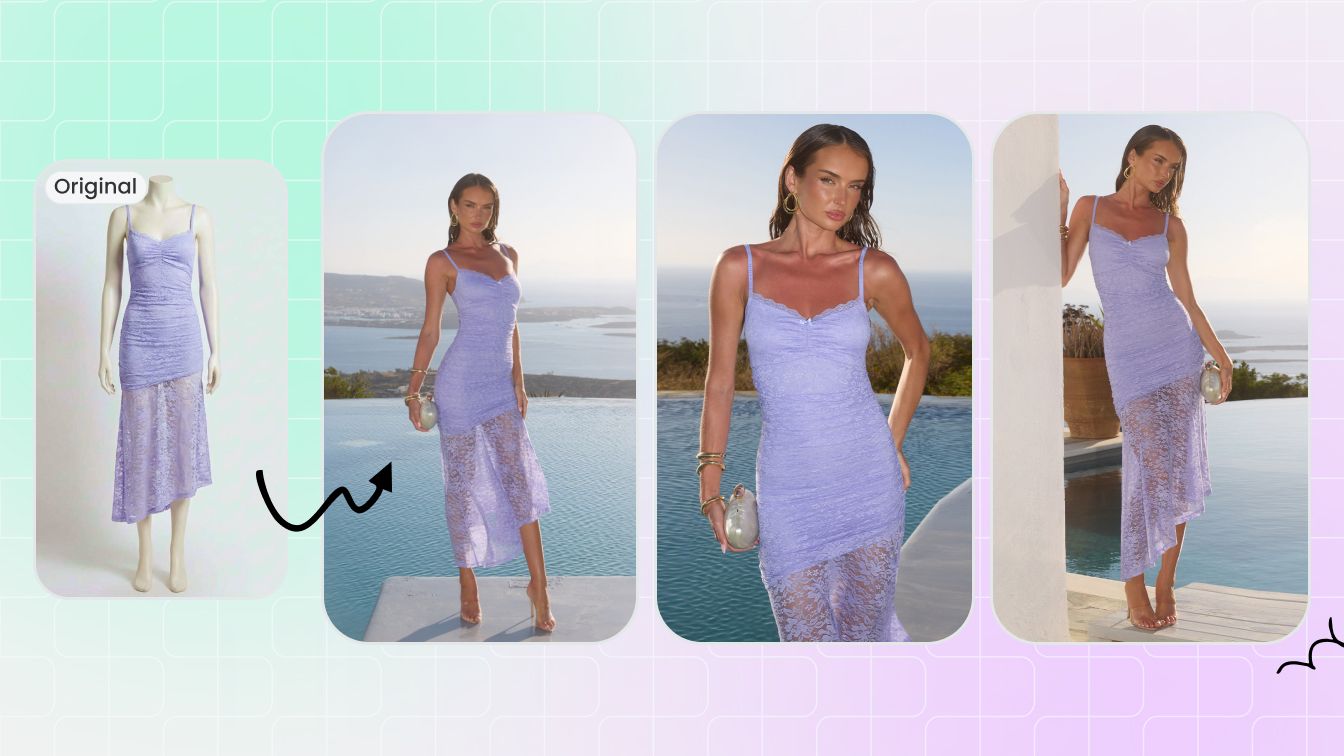
AI Plus Size Model Generator
Show one garment on a diverse, plus-size AI model for size-inclusive ecommerce listings — sizes roughly 12-32+.
Try Plus Size ModelFeature-by-Feature Comparison
A straightforward look at what each platform includes.
| Feature | Snappyit | Photta |
|---|---|---|
| Fashion model photos | Fashion Model and other on-model tools for sellers | Apparel Studio with model, pose and background controls |
| Body and garment options | Plus-size controls around 12–32+ through Fashion Model, with a separate workflow guide for intimate apparel | Plus-size models in sizes 12–32+ with several body shapes, plus a separate maternity try-on option |
| Ghost mannequin | Works with flat-lay, hanging and on-mannequin photos, with batch editing available in the workspace | Available as a web tool and API, with 1, 2, 5 or 10 simultaneous images depending on the plan |
| Flat lay | A dedicated Flat Lay tool | General flat lay plus separate options for jewelry, shoes, cosmetics and bags |
| Color change | A dedicated Color Change tool | Colorways creates up to 10 variations, accepts exact hex values and supports matching Pantone references |
| Jewelry | Jewelry try-on and retouch tools | Jewelry Studio, product-photo tools and a jewelry try-on API |
| Product video | Fashion Video and Image to Video tools | AI product video from 5–12 seconds and 480p–Full HD, depending on the plan |
| Storefront try-on widget | No shopper-facing storefront widget is currently listed on Snappyit's public site | Works with Shopify, WooCommerce, BigCommerce, Magento, Wix, Squarespace and custom HTML; plans start at $49/month |
| Eyewear and shoes | Virtual Try-On Shoes creates on-foot and product images. No separate eyewear studio is currently listed | Eyewear Studio plus shoe studio, on-foot, flat-lay and lifestyle options |
| Mobile app | Snappyit Mobile App is available for iPhone and Android | No standalone mobile app is currently listed. Photta works in a mobile browser without an app download |
| Marketplace support | Batch tools for Amazon, Shopify, Etsy, eBay and Poshmark, plus ready-made marketplace sizes in the image resizer | Product-photo tools and ecommerce integrations, but no single public list of output sizes across marketplaces |
| Batch editing | Up to 100 images at a time | Apparel Bulk is not included with Hobby, limited on Seller, and included with Brand and Studio. Ghost Mannequin handles 1 / 2 / 5 / 10 simultaneous images by plan |
| REST API | No public developer API pricing is currently listed | Apparel and jewelry try-on cost 5 credits at 2K or 6 at 4K; Ghost Mannequin costs 4 credits at 2K or 5 at 4K |
Sources checked August 28, 2026: Photta pricing, Photta product and trial FAQ, Photta Ghost Mannequin, Photta Colorways, Photta plus-size models, Photta maternity try-on, Photta browser-based Virtual Try-On, Photta Business widget, Photta API, Snappyit pricing, Snappyit Mobile App, Snappyit batch workspace, Snappyit Ghost Mannequin, Snappyit Virtual Try-On Shoes, Snappyit plus-size models, Snappyit lingerie sellers, and Snappyit background remover. Prices can change and may vary by region.
Photta is a trademark of its respective owner. Snappyit is independent and is not affiliated with, endorsed by, or sponsored by Photta. The two image tests above are examples, not a controlled benchmark of every feature or output.
Which Platform Fits Your Workflow?
The better choice depends on your storefront, integration, and product-image production requirements.
Choose Photta when
Storefront try-on: a shopper-facing widget is a priority for Shopify, WooCommerce, BigCommerce, Magento, Wix, Squarespace, or custom HTML.
Developer access: your workflow relies on a documented asynchronous REST API for apparel, jewelry, or Ghost Mannequin jobs.
Specialist categories: dedicated eyewear or maternity workflows are part of your catalog.
Choose Snappyit when
Batch production: edit up to 100 product photos in one workspace.
Cross-device access: work with a mobile app, a separate free background remover, or on-foot shoe visuals.
Listing imagery: keep product-photo creation, Ghost Mannequin, recolor, flat lay, jewelry, and video workflows together.
Frequently Asked Questions About Photta and Snappyit
Answers about pricing, overlapping tools, batch workflows, storefront try-on, and API support.
Try Snappyit on Your Product Photo
Upload a garment, review the generated details against your source, and decide whether the Ghost Mannequin workflow fits your catalog.