


Try-On TikTok Videos with an AI Model
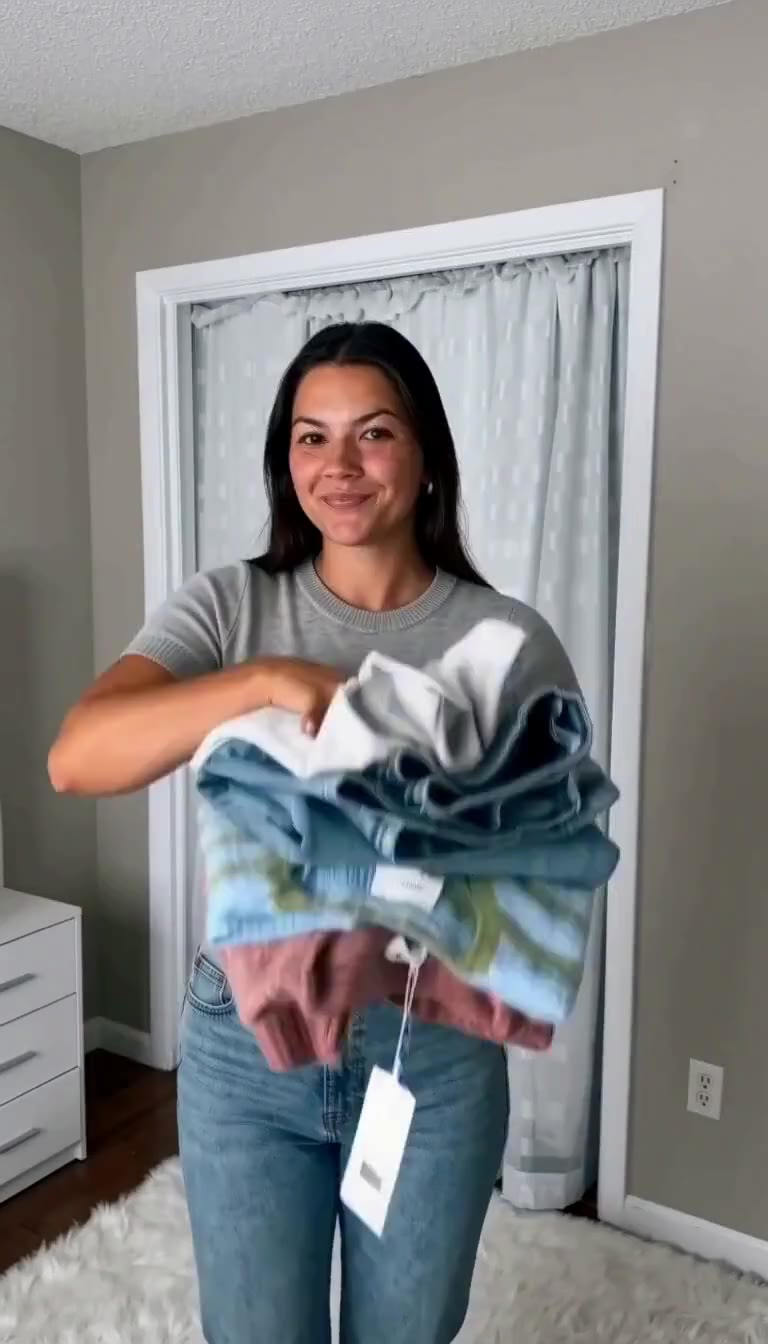
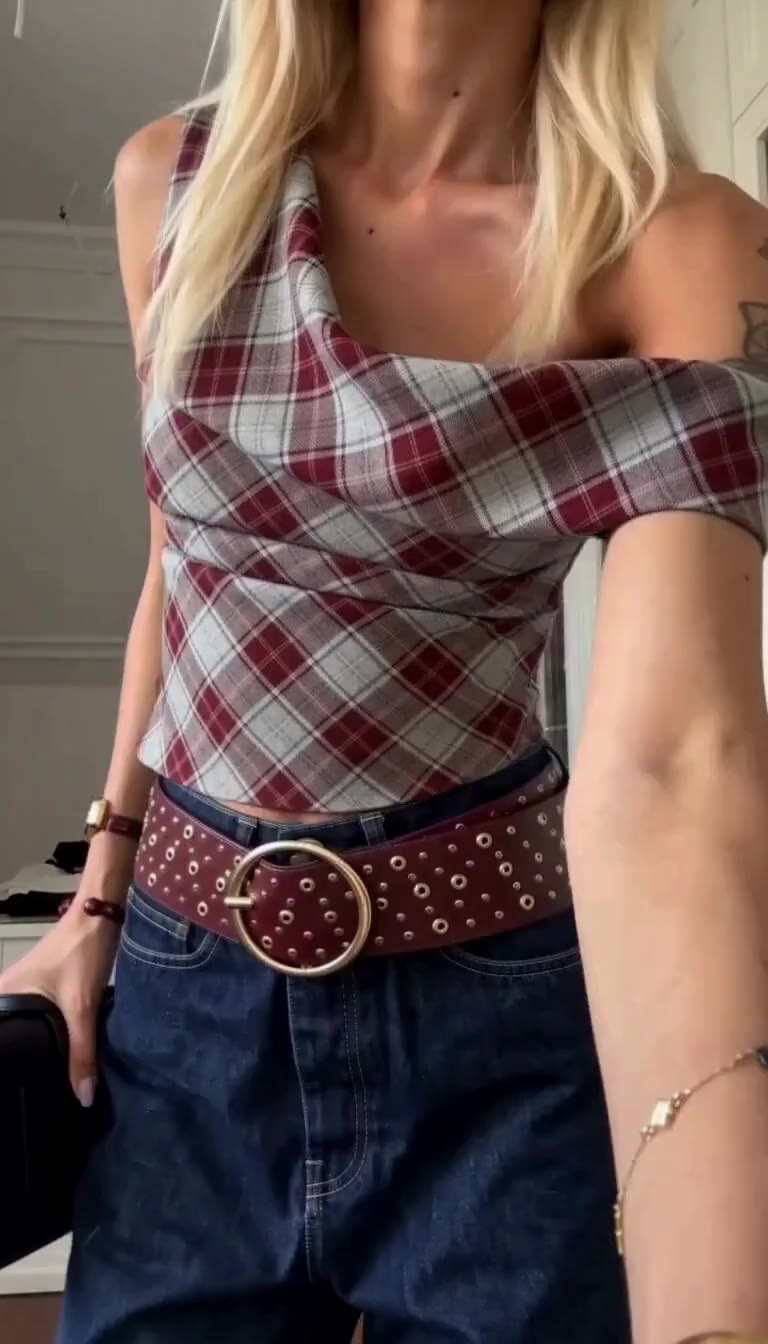
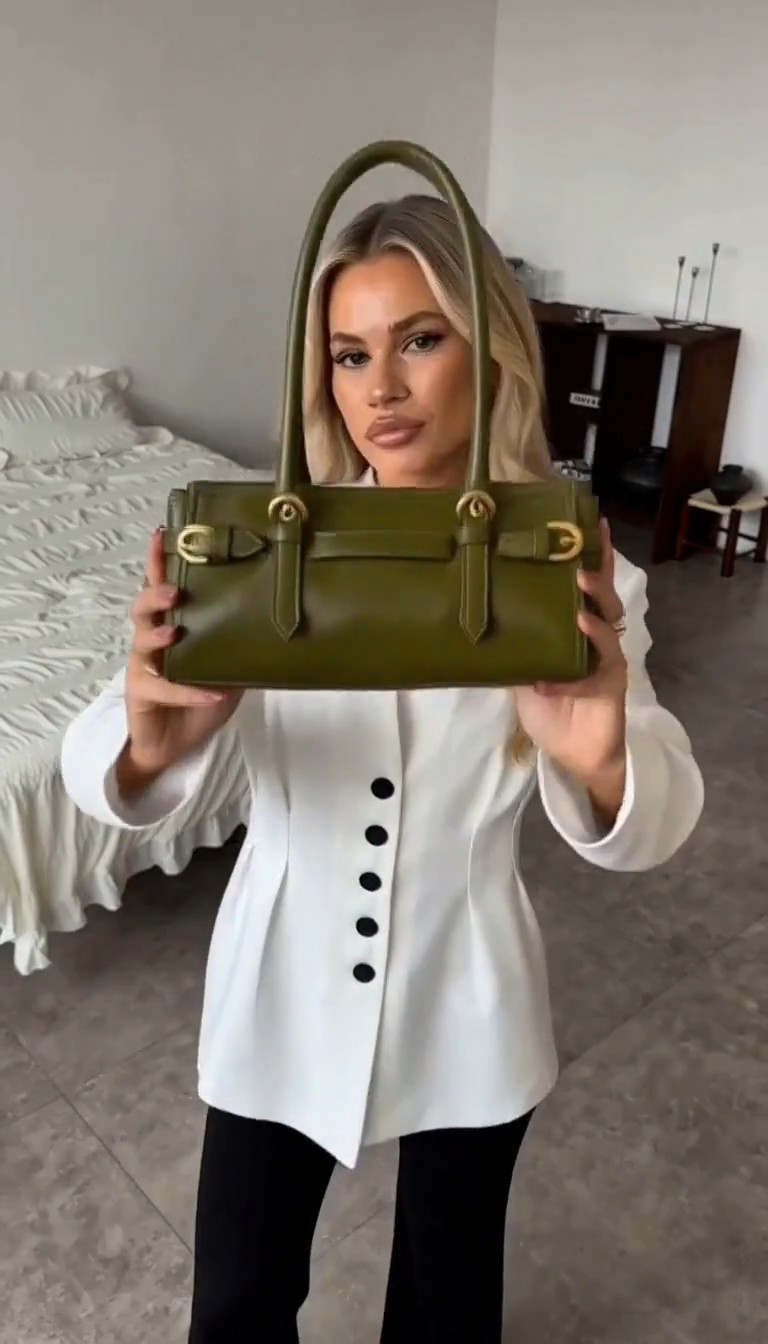
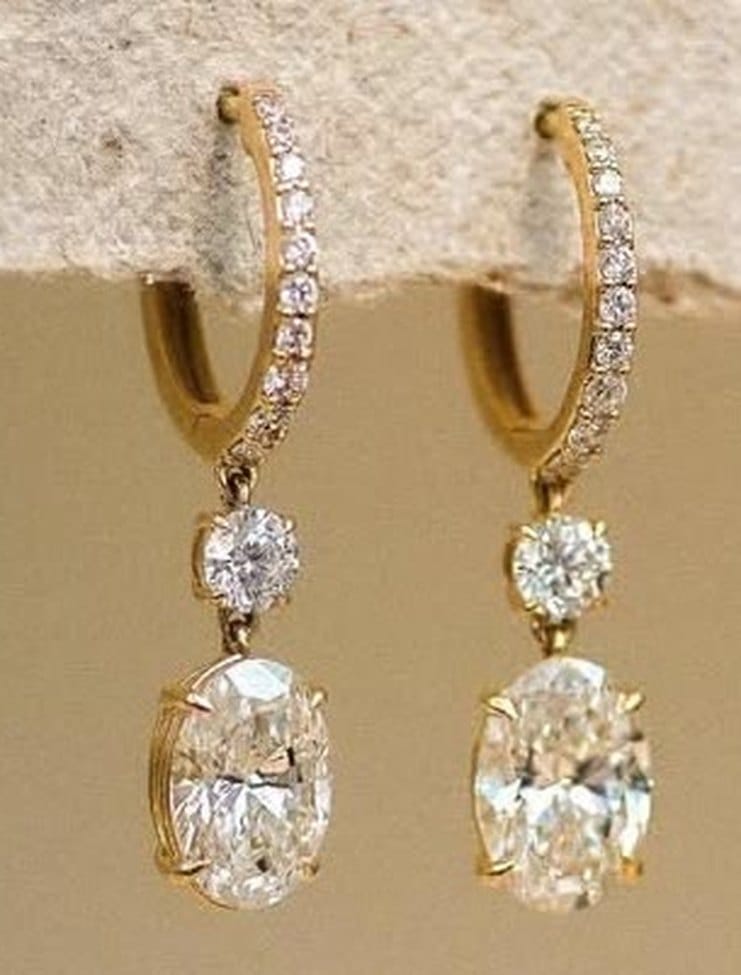
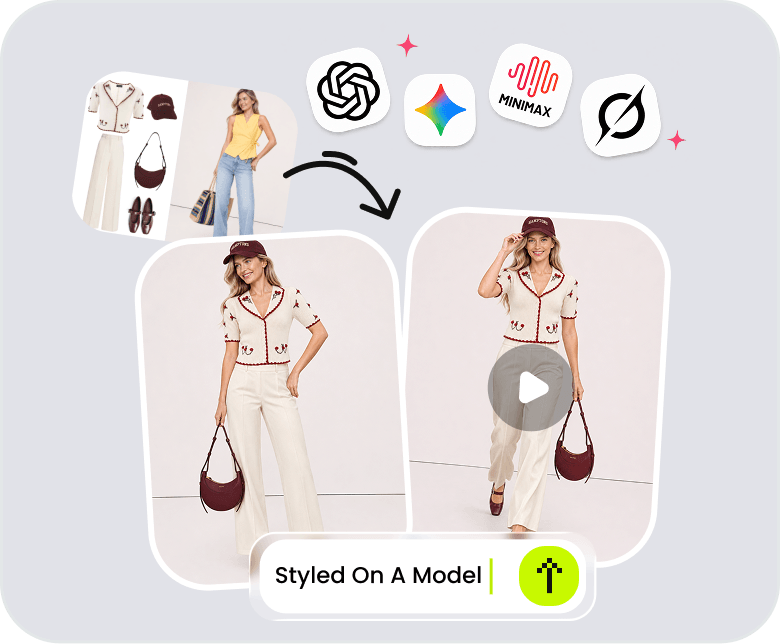
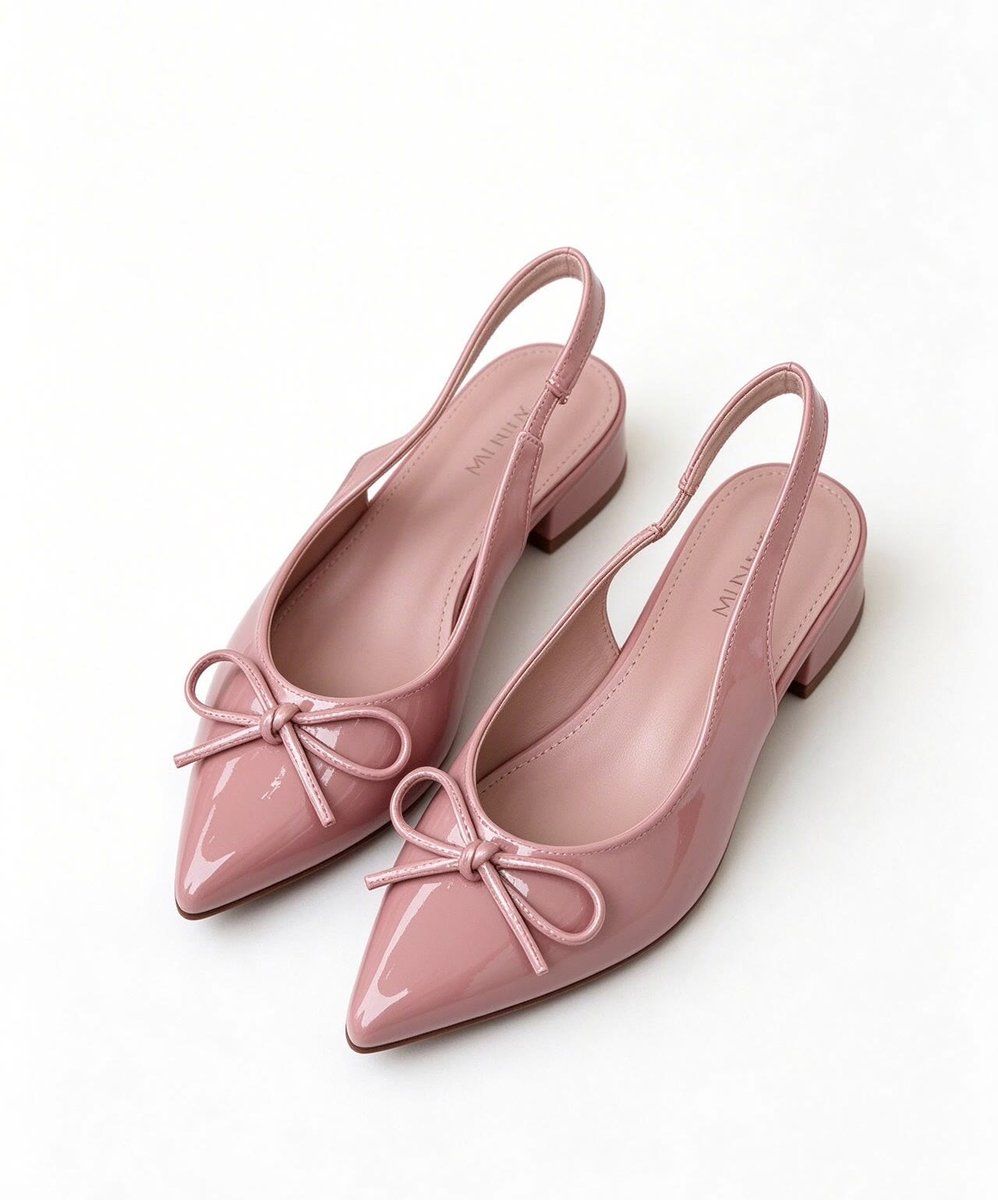
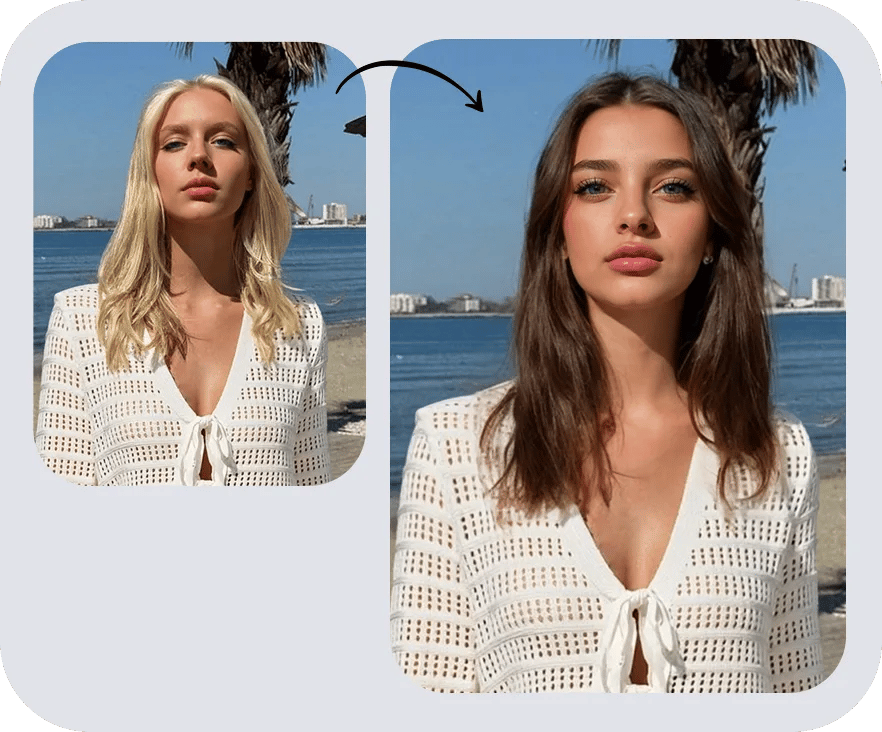
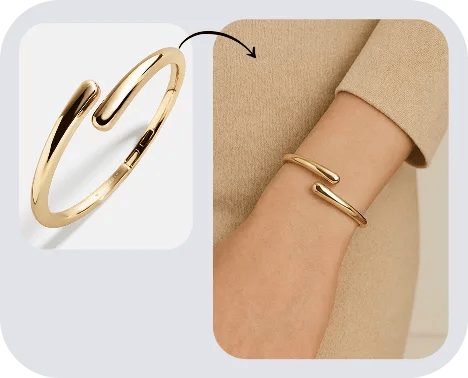
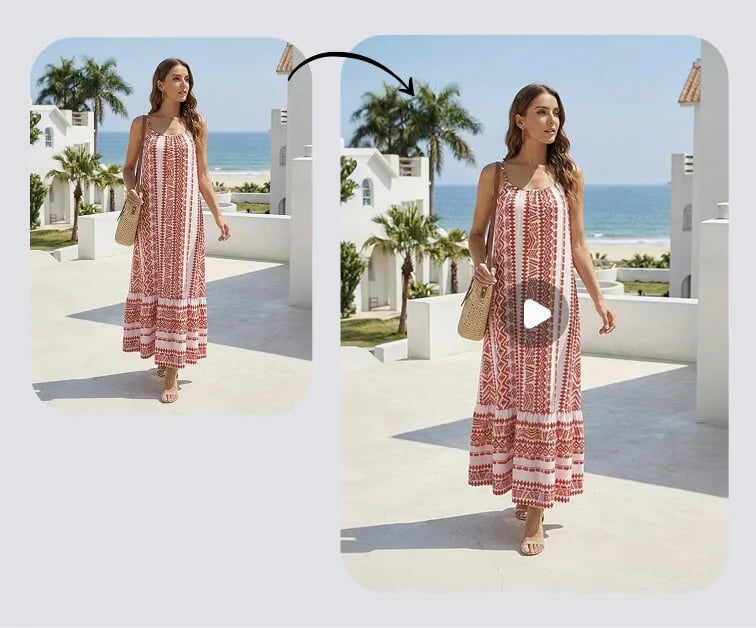
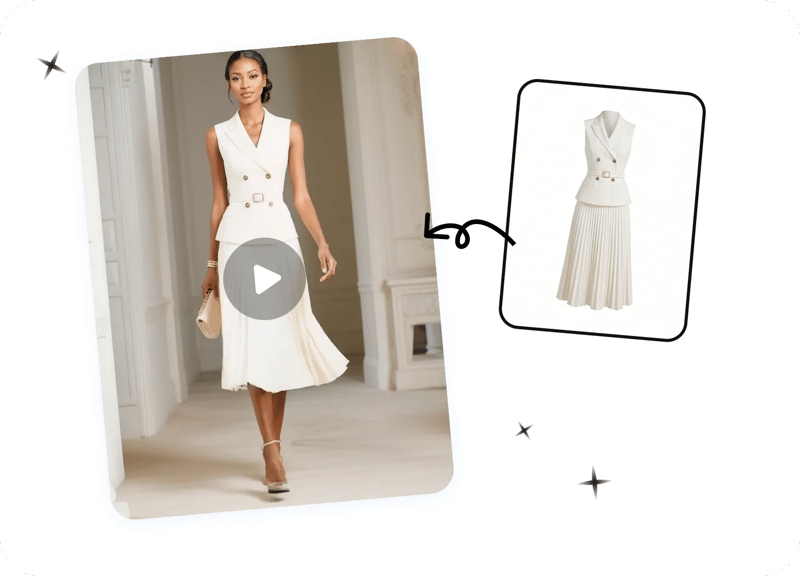
Fashion Video makes haul, outfit and try-on videos from photos of your clothing, shoes, bags or jewelry, worn by the AI model built into each template. The formats follow what fashion accounts post on TikTok: an armful of pieces tried on one by one, or a reveal of each bag. The model and scene are fixed by the template.
Make a try-on video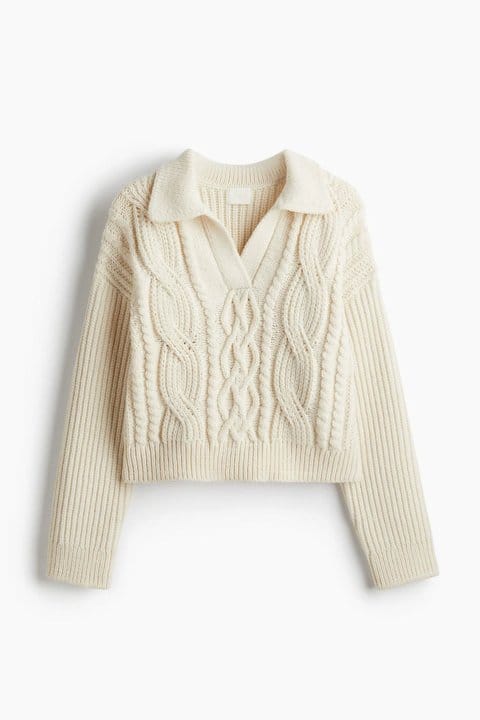
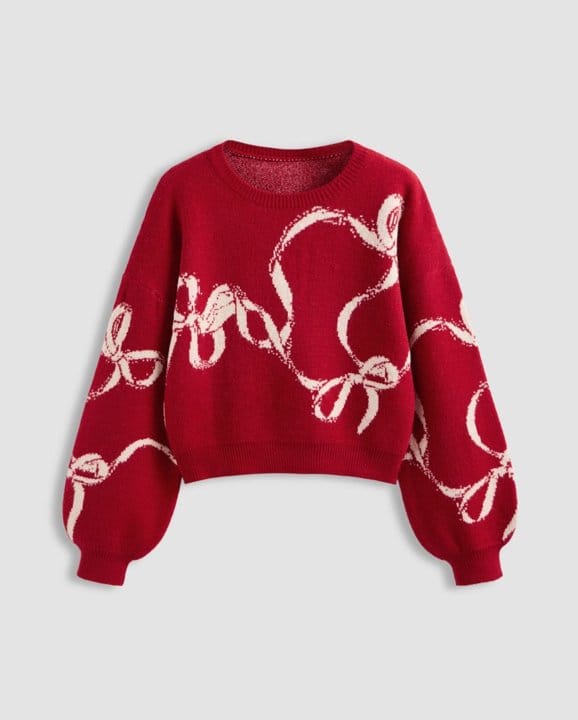

Product TikTok Videos from Your Product Photos
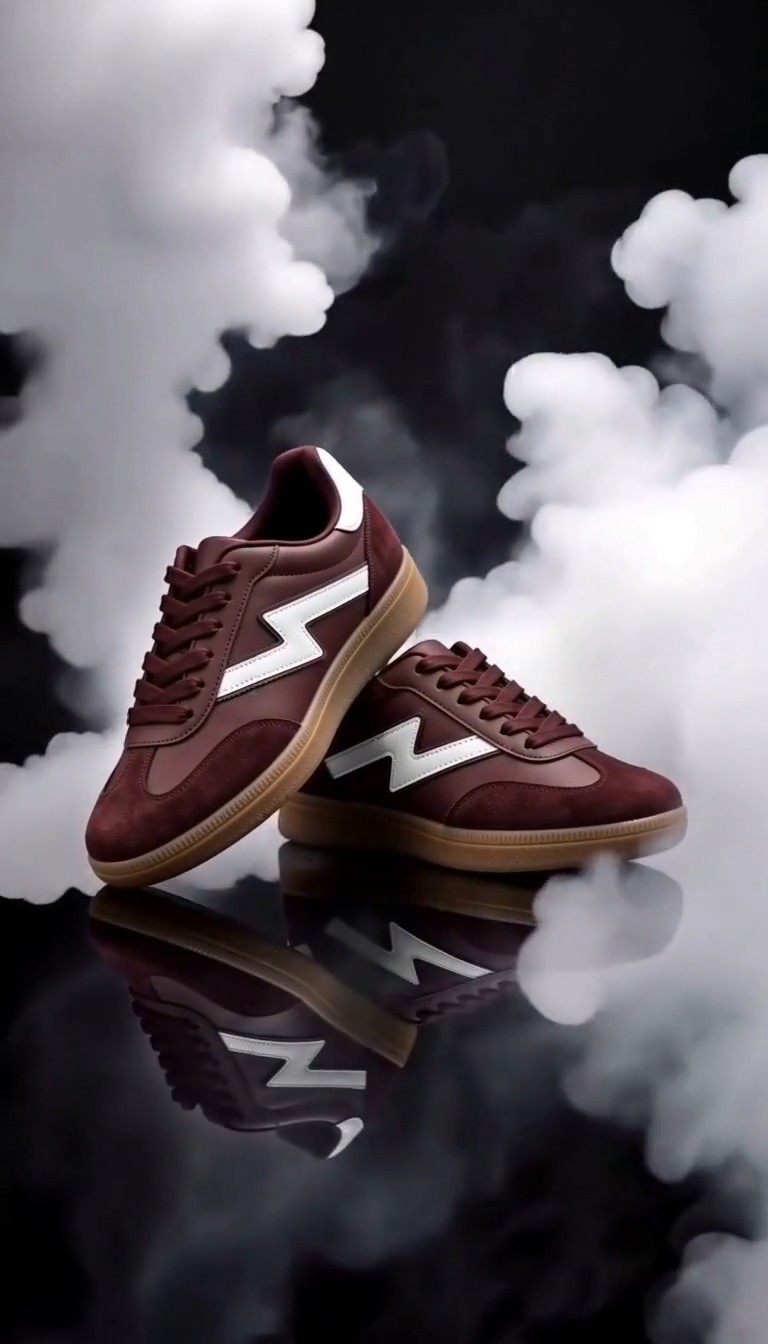
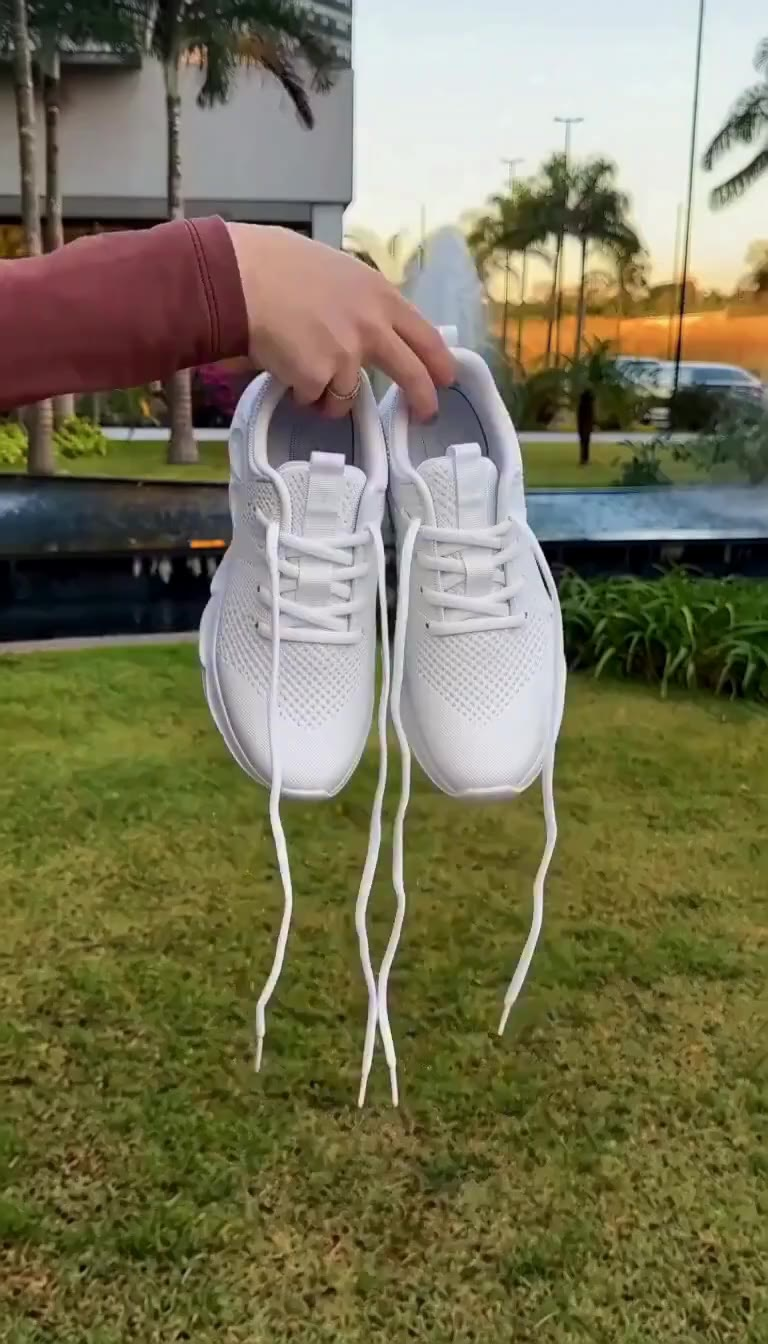
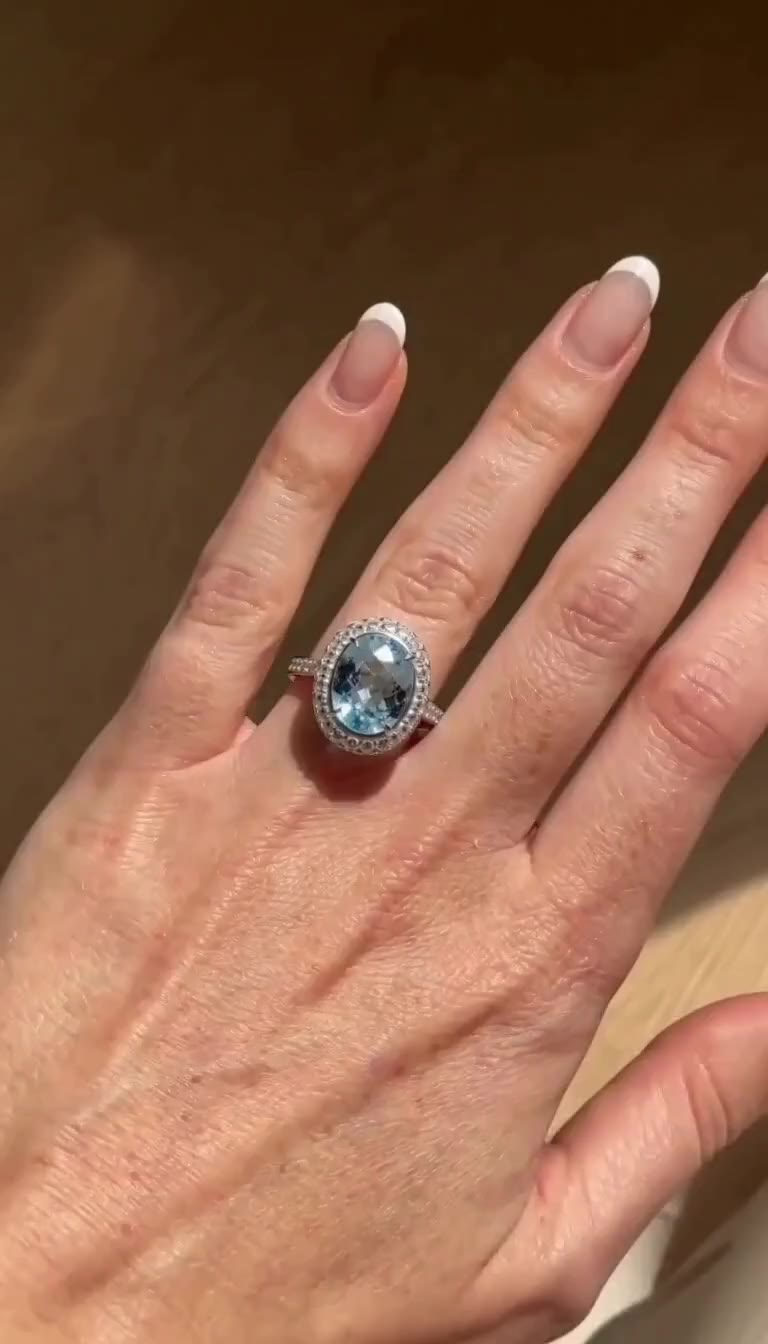
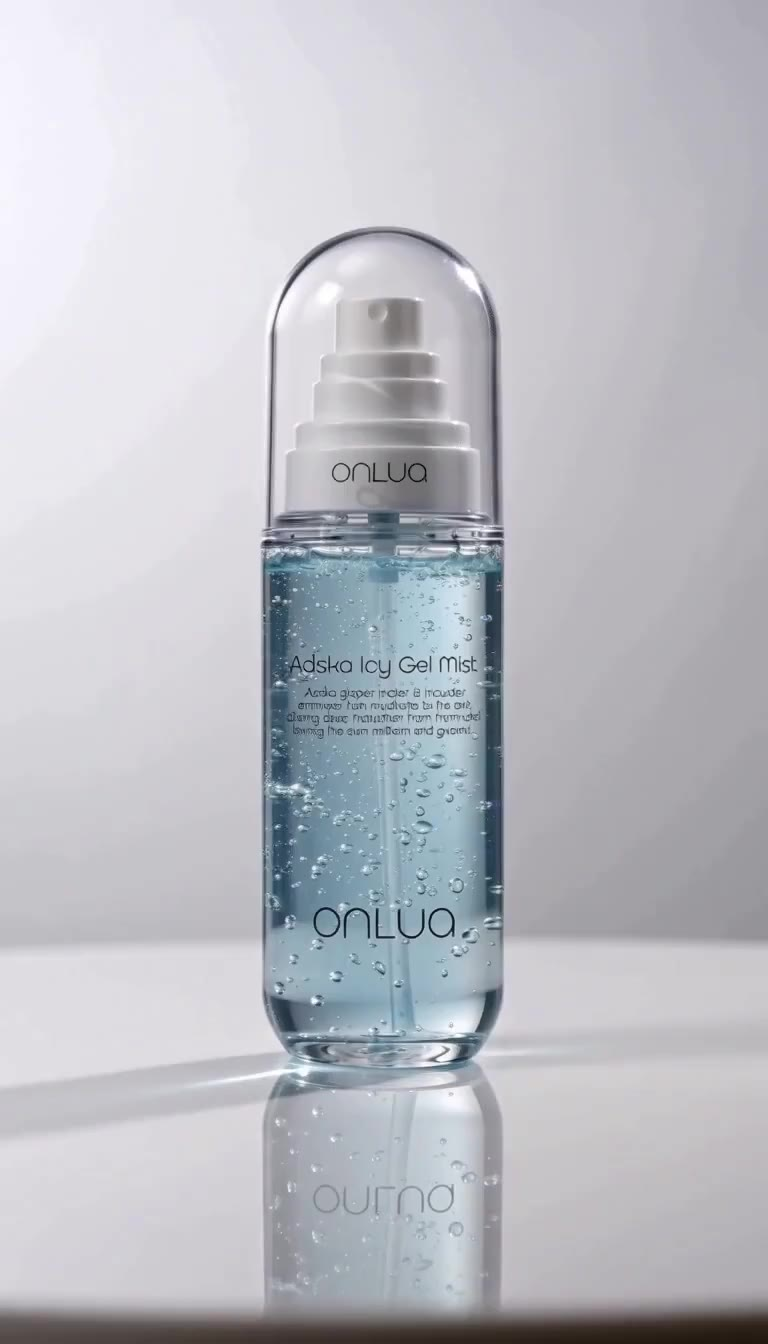
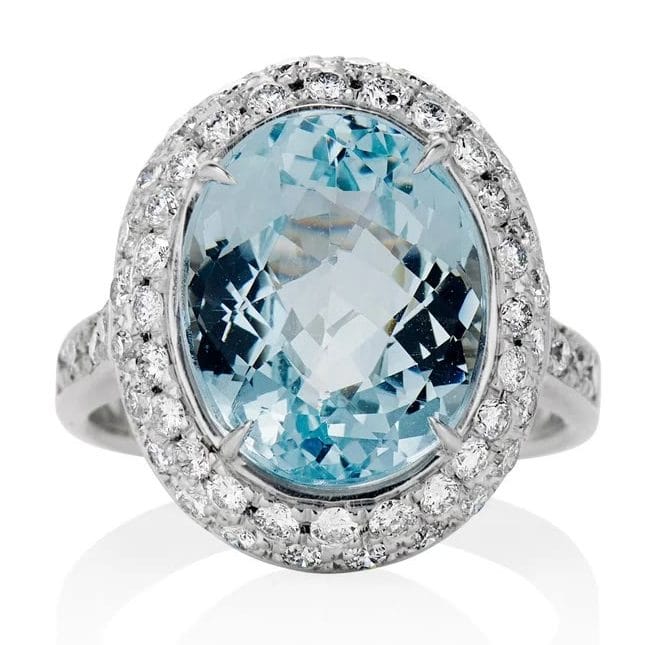
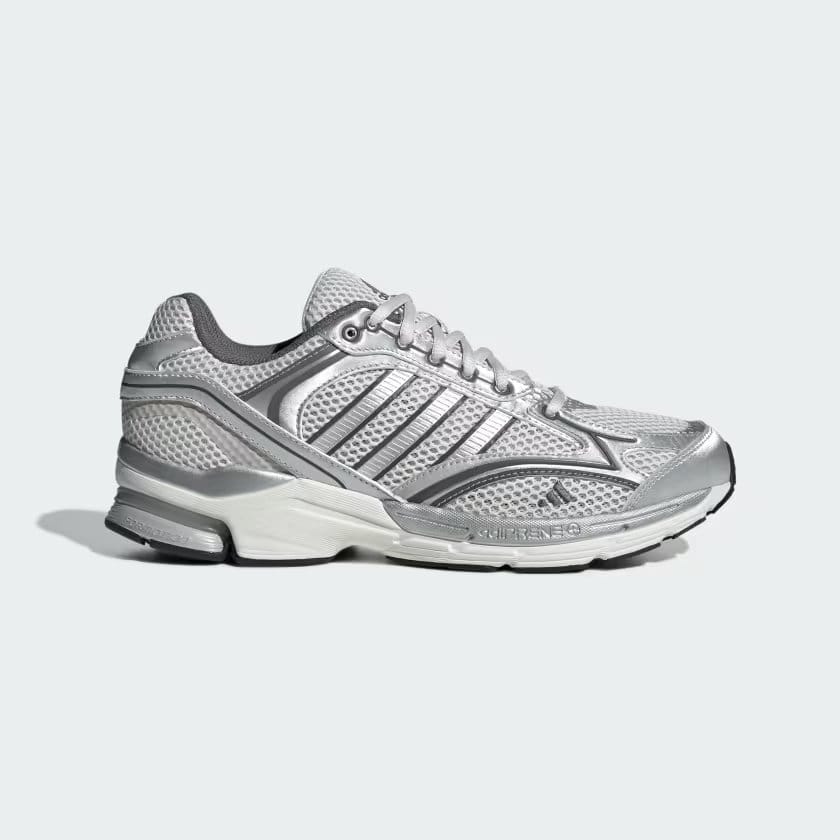
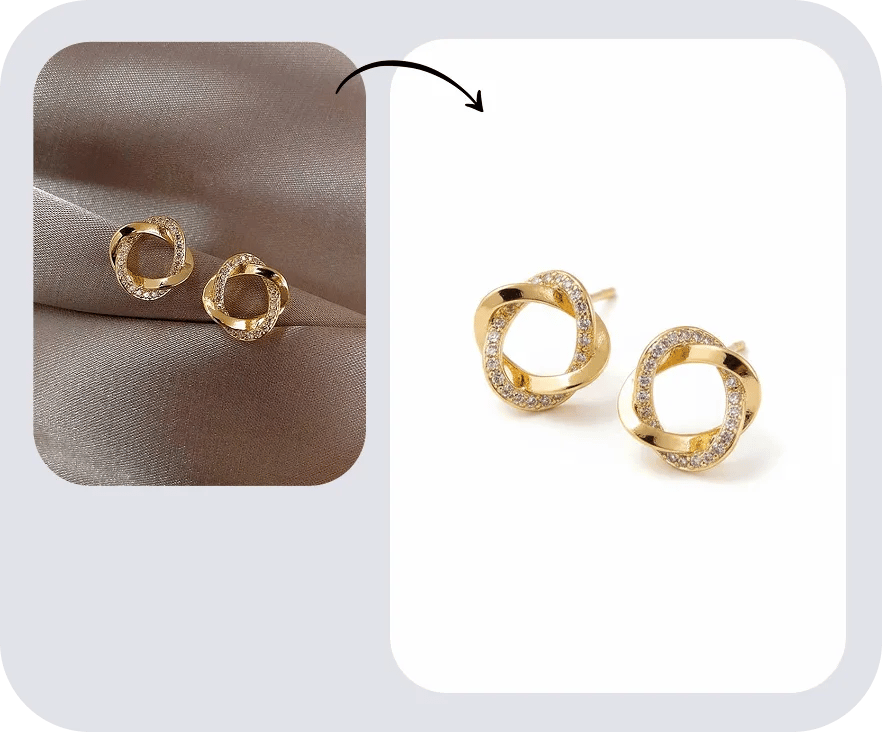
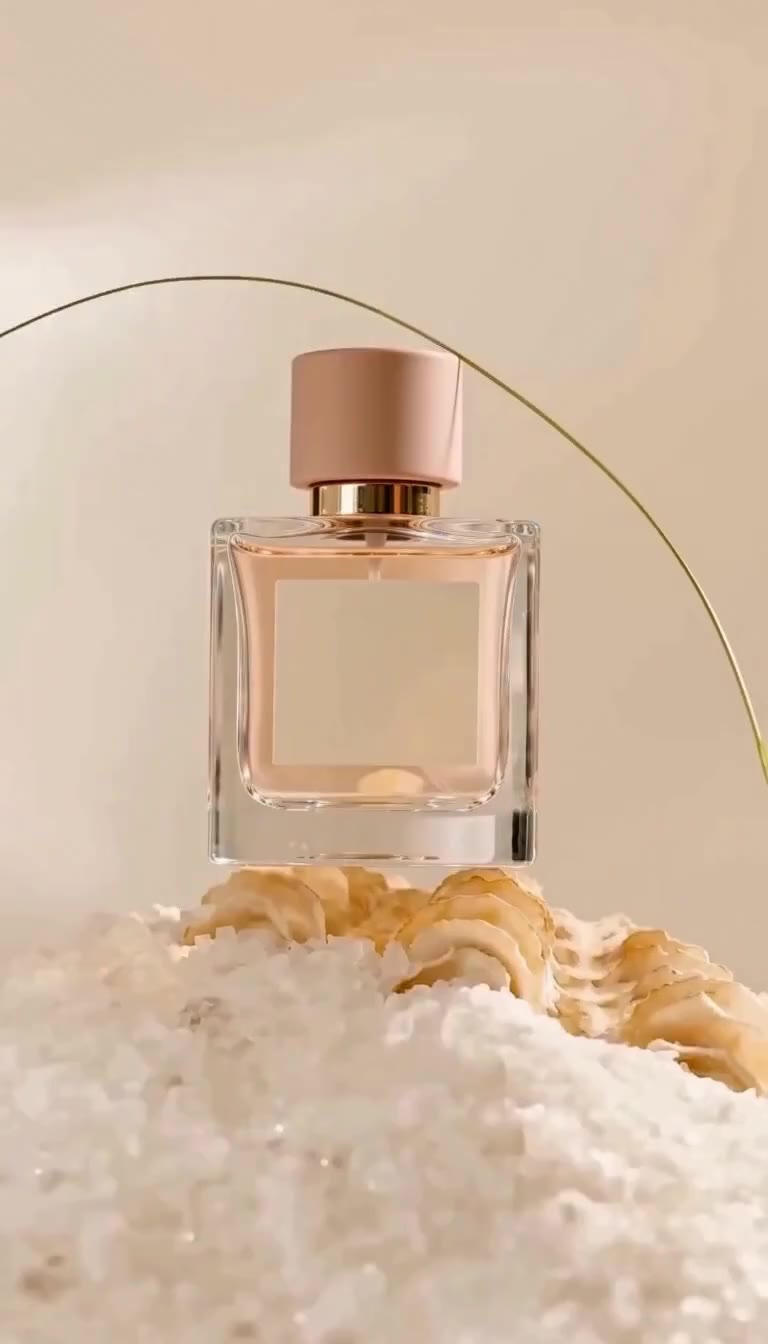
Product Video makes product-only videos: sneakers through smoke, shoes on a walk, a ring on a hand, a serum in close-up. Use them for brand-account posts and as ad creative. Add a photo of every side the shot shows, and compare the result with the real product before you post.
Make a product video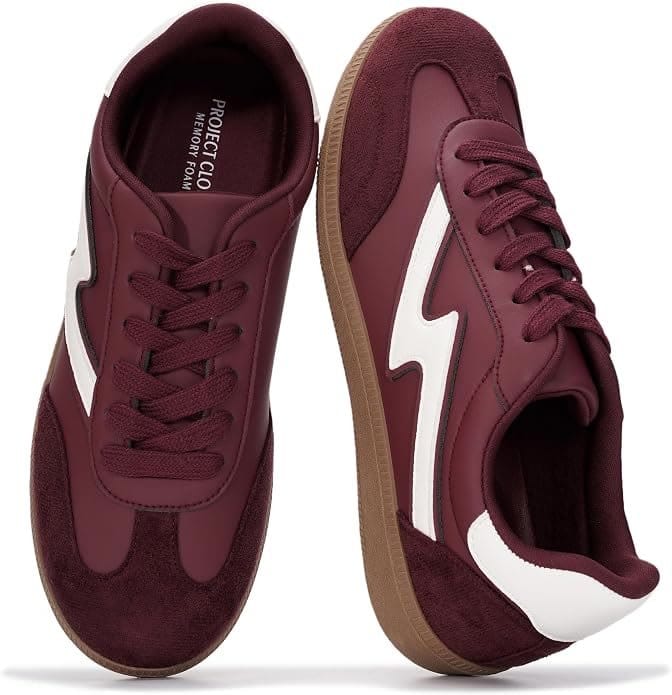
TikTok Video Size, Length and Ad Specs
TikTok recommends vertical 9:16 for in-feed video ads, at 540 x 960 pixels or more, according to the TikTok Business Help Center. A Snappyit 9:16 export at 768P or 2K is above that minimum, and its 4 to 15 second length is well inside TikTok’s posting limits.
| Requirement | What TikTok says | Snappyit setting |
|---|---|---|
| Aspect ratio (ads) | 9:16 recommended; 1:1 and 16:9 also accepted. | Choose 9:16 |
| Minimum size (ads) | 540 x 960 for 9:16; 640 x 640 for 1:1. | 768P or 2K |
| Ad length | Ad policy: at least 5 and at most 60 seconds. | Pick 5 to 15 seconds |
| Ad audio | An ad must contain audio. | Templates include music |
| Organic length | All creators can post videos of up to 3 minutes. | 4 to 15 seconds |
| File format | MP4 recommended; MOV and WebM also supported by the posting API. | Downloads are MP4 |
TikTok’s ad specification page allows non-Spark ads of up to 10 minutes, while its ad format policy sets 5 to 60 seconds; staying between 5 and 60 seconds satisfies both (specs, policy). For safe zones, TikTok provides downloadable templates on the specification page instead of fixed margins.
Sources, checked November 2026: TikTok Business Help Center: in-feed ad specifications · TikTok Business Help Center: ad format policy · TikTok for Developers: video restrictions.
TikTok-Style Video Templates
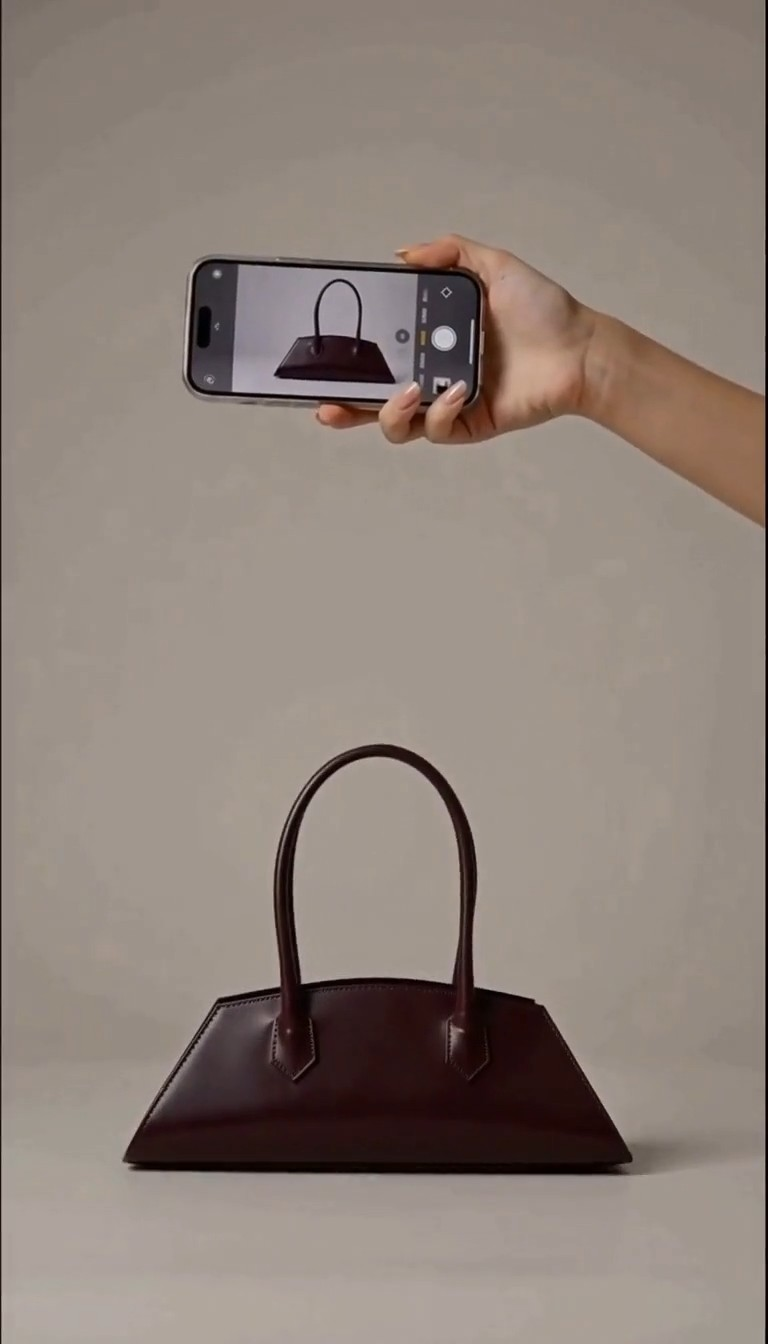
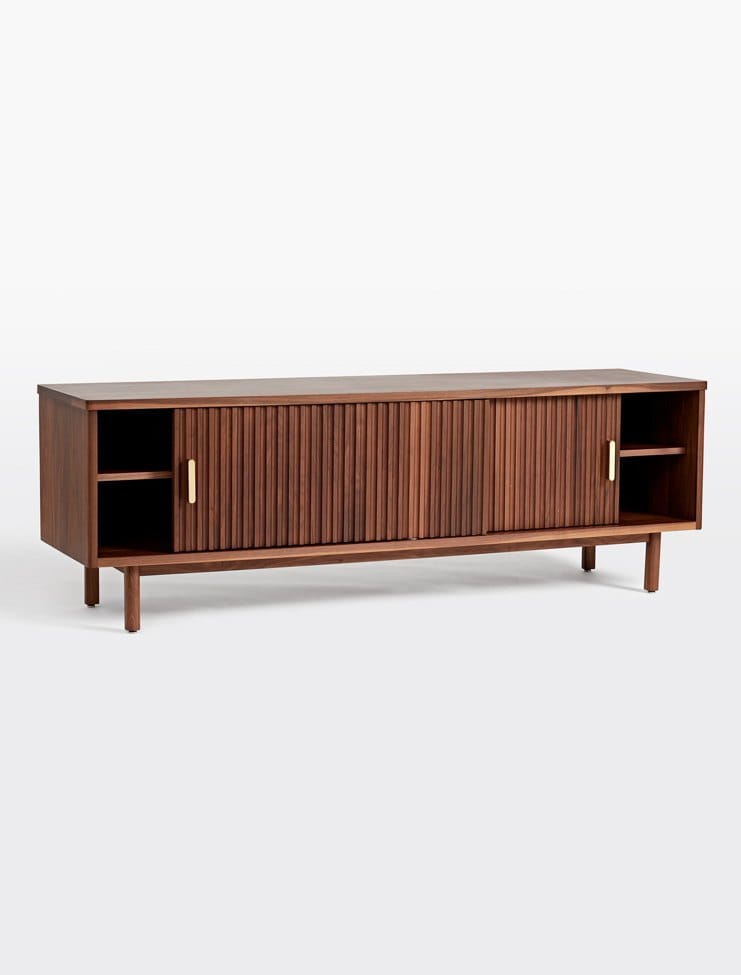
Every template comes with a sample video and a fixed shot plan. The ones below follow formats that are common on TikTok: hauls, phone reveals, on-feet shots and close-ups held to the camera. Tap one to open it in the video generator.
How to Make a TikTok Video with AI
Making a TikTok video with AI from product photos takes three steps: pick a template, add your photos, then generate and post.
Pick a template
Open Fashion Video for try-on and haul videos or Product Video for product-only videos, then choose a template whose sample matches what you sell.
Upload your product photos
Add the product photos listed on the template. Sharp, evenly lit photos work best, and the video needs a photo of each side it shows.
Generate, download and post
Choose 9:16, a length from 4 to 15 seconds and 768P or 2K, then generate. Download the video, post it in the TikTok app and turn on the AI-generated content setting.
Does TikTok Allow AI-Generated Videos?
Yes. TikTok allows AI-generated videos, and its Community Guidelines require creators to label AI-generated or significantly edited content that shows realistic-looking scenes or people (TikTok Community Guidelines). Before you post, tap More options and turn on the “AI-generated content” setting, as TikTok Creator Academy describes.
Effect on reach
TikTok says turning on the AI-generated content setting will not affect a video’s distribution as long as it follows the Community Guidelines. Source
If you skip the label
Unlabeled content may be removed, restricted or labeled by TikTok’s team. Source
AI in ads
Ads with AI-generated content need the AIGC label or a clear disclaimer. In TikTok Ads Manager, check “This ad contains AI-generated content”; undisclosed AI ads can be rejected or restricted. Policy · How to add it
Ads must move
TikTok’s ad policy says static images should not occupy more than 50% of an ad video. Snappyit templates produce moving footage, not slideshows. Source
Music for business accounts
TikTok says businesses should use its Commercial Music Library for commercial content. Templates include background music, so check the audio before a brand account posts. Source
Creator Rewards
TikTok’s Creator Rewards Program pays for original videos over one minute long, so 4 to 15 second clips do not qualify on their own. Source
Can You Use AI Product Videos on TikTok Shop?
TikTok Shop’s US policy allows AI-generated content only when it shows the product accurately, and it sets stricter rules for shoppable videos than TikTok does for ordinary posts. The policy says product promotion videos must clearly and accurately display the physical product, and it lists using AI to “make a static product appear animated” among misleading practices (TikTok Shop Academy: AI-generated content). Its quality rules ask sellers to feature their face and the physical product in videos (requirements for high-quality videos).
- Use Snappyit videos for brand-account posts and for ads, with the AI-generated content setting turned on.
- For a shoppable video with a product link, film the physical product, and read the current TikTok Shop policy for your region first.
- Whatever you post, compare the video with the real item: size, color, material and what is included must match.
Which Tool to Use for Your TikTok Video
Snappyit covers three starting points for a TikTok video: product photos, a finished photo and a text prompt. Template videos carry music but no narration, so use the text route for a video with speech.
| You have | You get | Use |
|---|---|---|
| Photos of clothing, shoes, bags or jewelry | A try-on or haul video with an AI model | Fashion Video |
| Photos of a product | A product-only video: reveals, on-feet shots, close-ups | Product Video |
| A model or lifestyle photo | The same photo with motion added | Image to Video |
| A text prompt, or a script that needs speech | A 3 to 15 second clip from a text prompt, sound optional | AI Image & Video Generator |
Who Uses AI TikTok Videos
Brands use AI TikTok videos to post more often and to test ad creative without filming each product.
- Brand accounts. Post a try-on or reveal video for each new product from the photos you already have.
- Ad creative testing. Make several 5 to 15 second versions from one set of photos and compare them in TikTok Ads Manager, with the AI disclosure checked. For hook and format ideas, see how to plan product video ads.
- Fashion and footwear sellers. Turn flat-lay or ghost mannequin photos into haul and on-feet videos between shoots.
- Jewelry and beauty sellers. Show a ring on a hand or a serum in close-up, formats that are hard to film well without a macro lens.
More AI Video Tools
YouTube Shorts Generator

AI Reel Generator
AI Fashion Video
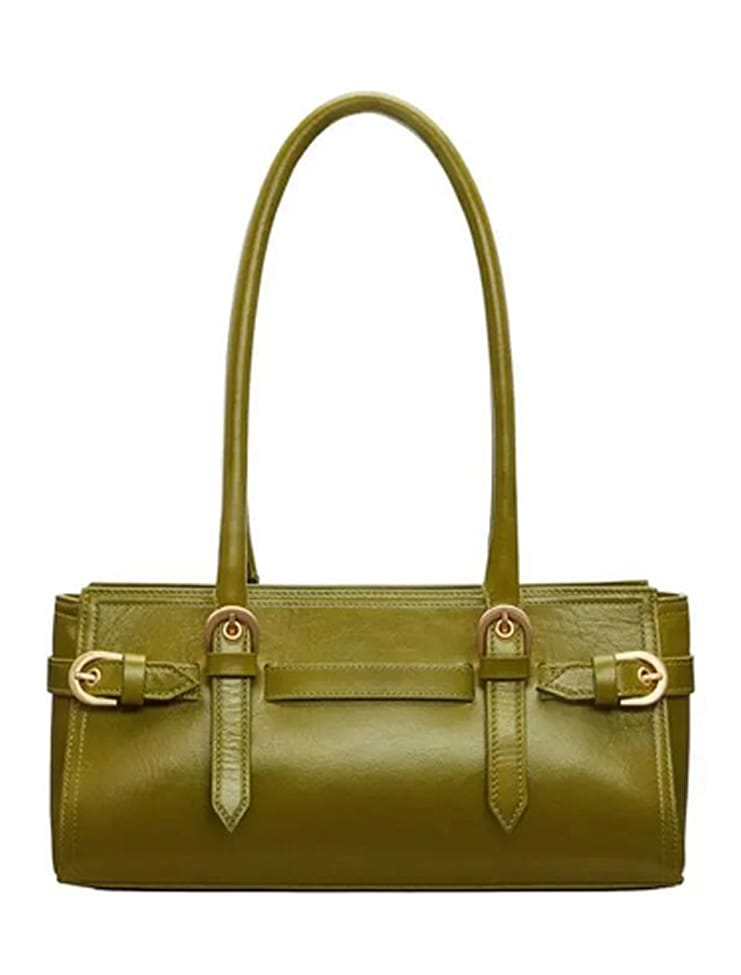
AI Product Video
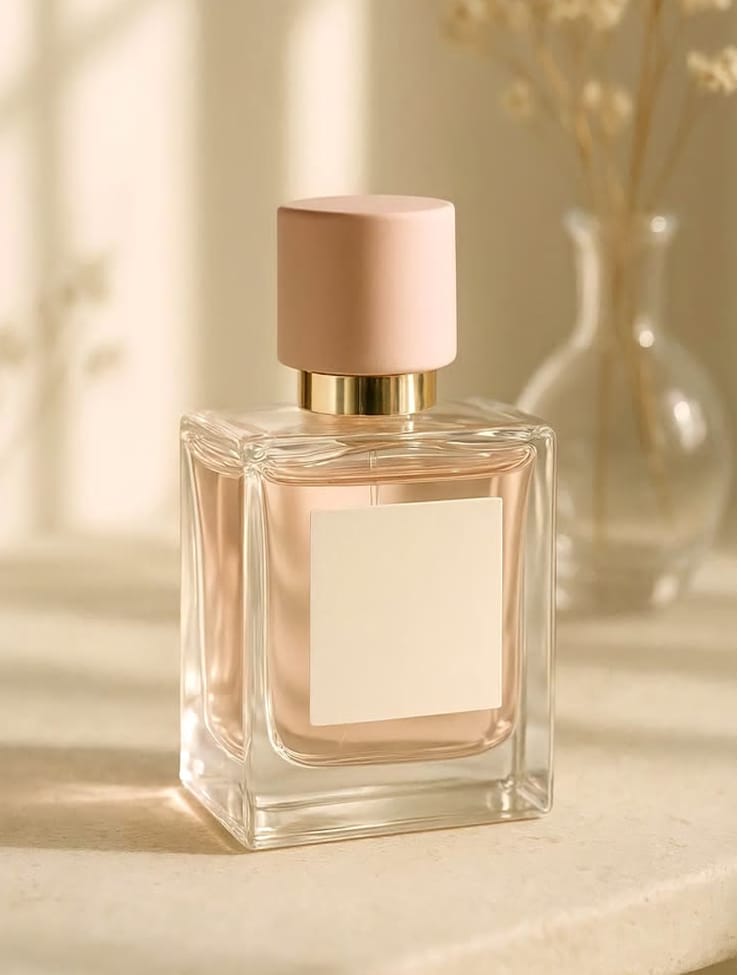
Image to Video
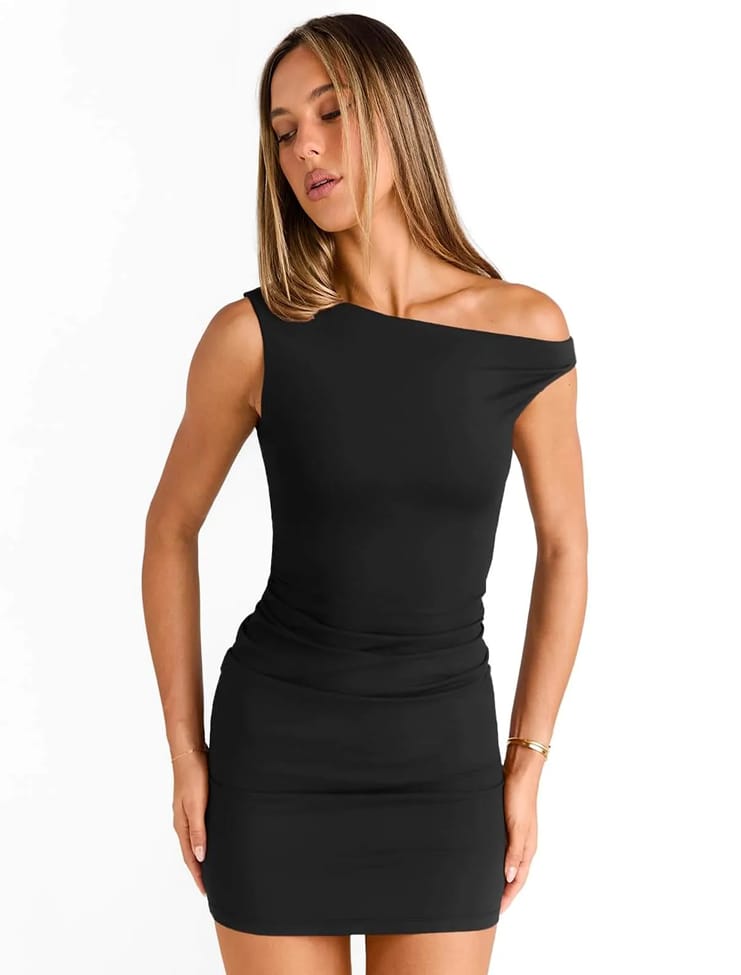
Edit with Prompt
Video Ad Maker
AI UGC Video Generator
360 Product Video Generator
Guides for Product Video Sellers
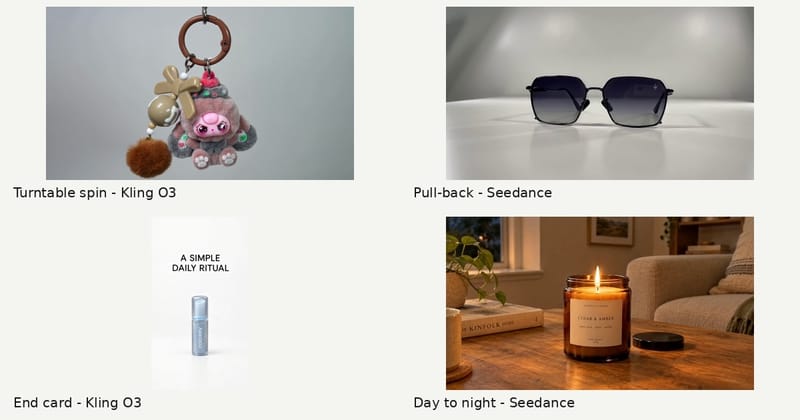 AI Product Video Prompts: 20 Tested ShotsTwenty product video prompts tested with Kling O3 and Seedance, with settings and reference-image inputs.
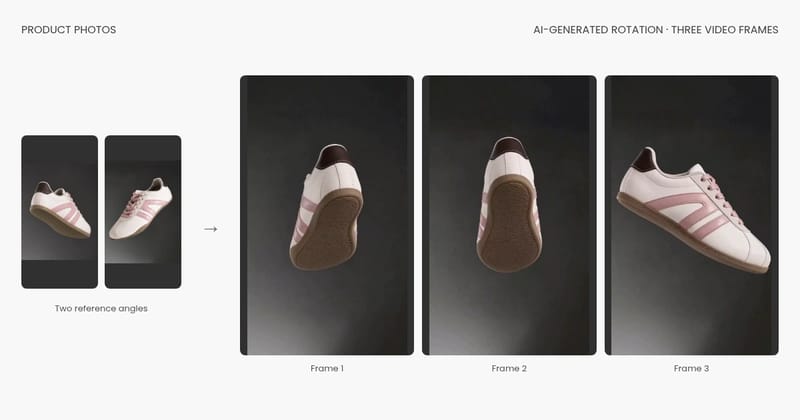 360 Product Video: 3 Ways to Make OneCompare turntable and AI methods and see how many photos each one needs.
 Amazon Product Video Requirements (2026)Format, length, file size and aspect ratio for listing, Sponsored Brands and Premium A+ videos.
 Etsy Listing Video Requirements (2026)Length, file size, formats and aspect ratio for Etsy listing videos, plus upload steps.
AI TikTok Video Generator FAQs
Can I create AI-generated TikTok videos?
Yes. TikTok allows AI-generated videos and requires a label on AI-generated content that shows realistic-looking scenes or people. Turn on the AI-generated content setting under More options before you post.
Is there a free AI TikTok video generator?
Snappyit gives new users one free video. Beyond that, videos are paid with credits, and you see the credit cost for your settings before you confirm. Sign in to generate.
Can I generate a TikTok video from text?
Yes, with the AI Image & Video Generator at snappyit.ai/generate. Describe the video in a prompt, select a video model and enable Generate sound for audio. Each clip runs 3 to 15 seconds.
What size and length should a TikTok video be?
Use vertical 9:16. TikTok’s ad specifications recommend 9:16 at 540 x 960 pixels or more, and its ad policy sets 5 to 60 seconds for ads. The same 9:16 file also works for Instagram Reels and YouTube Shorts.
Can I use AI videos for TikTok Shop?
Be careful. TikTok Shop’s US policy says product promotion videos must clearly and accurately display the physical product and lists making a static product appear animated as misleading. Use AI videos for brand posts and ads, and film the real product for shoppable videos.
Does the video have a watermark?
No. Snappyit does not add a watermark to the videos you download. Templates come with background music and no narration.
Explore More AI Product Photography Tools
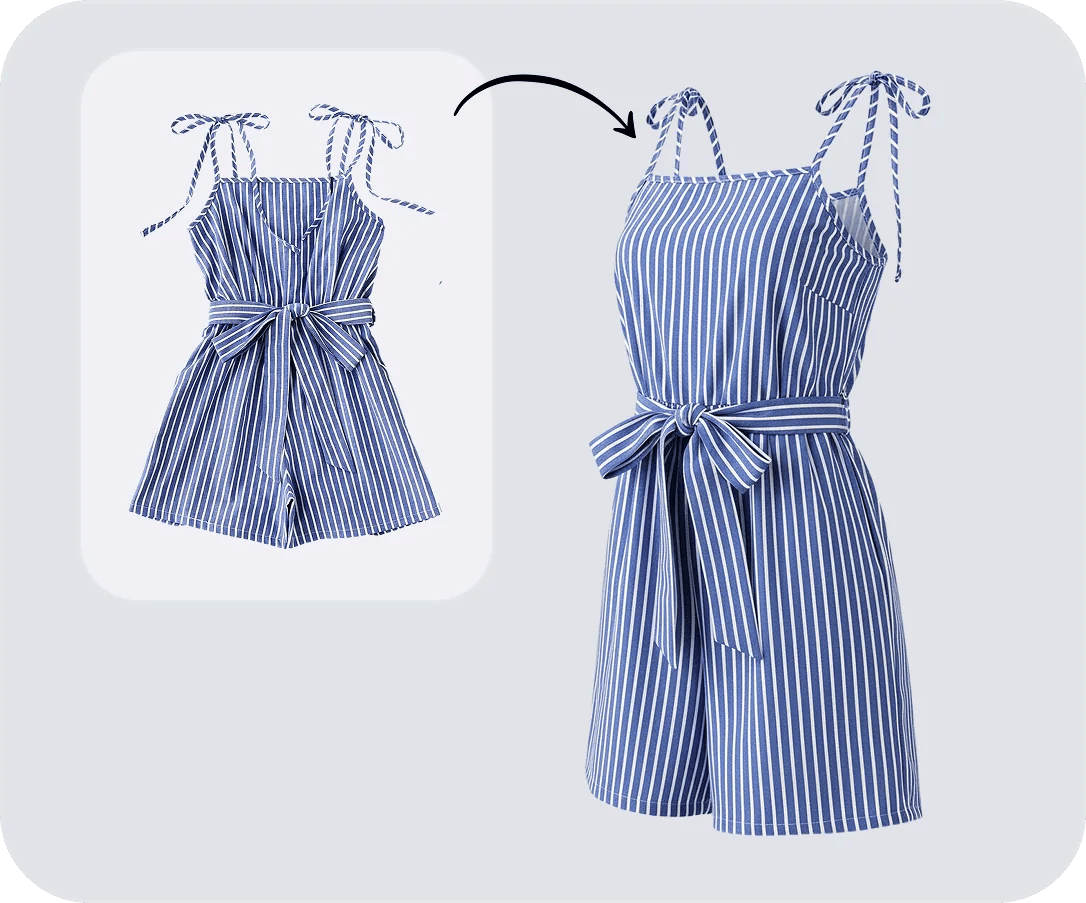
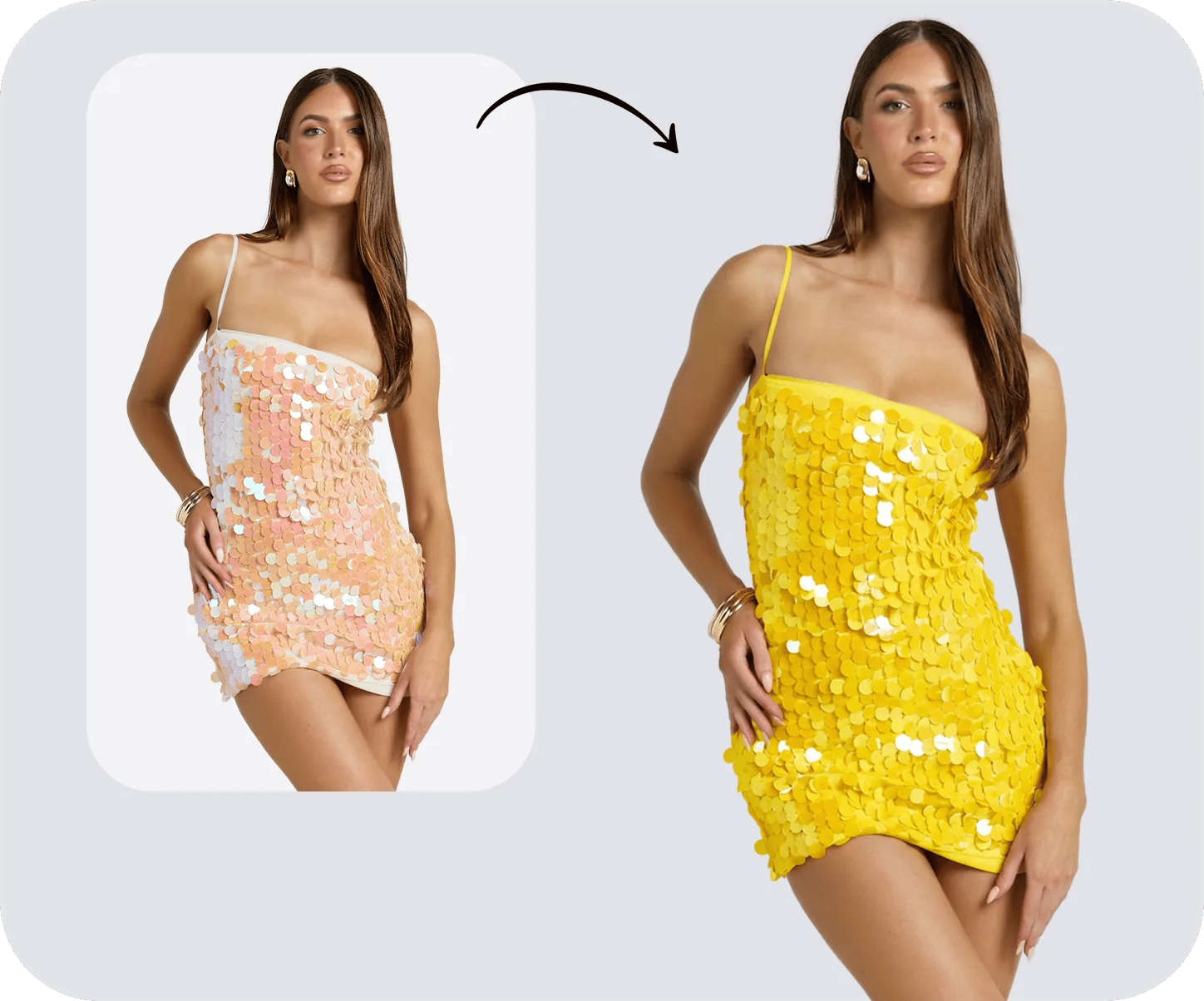
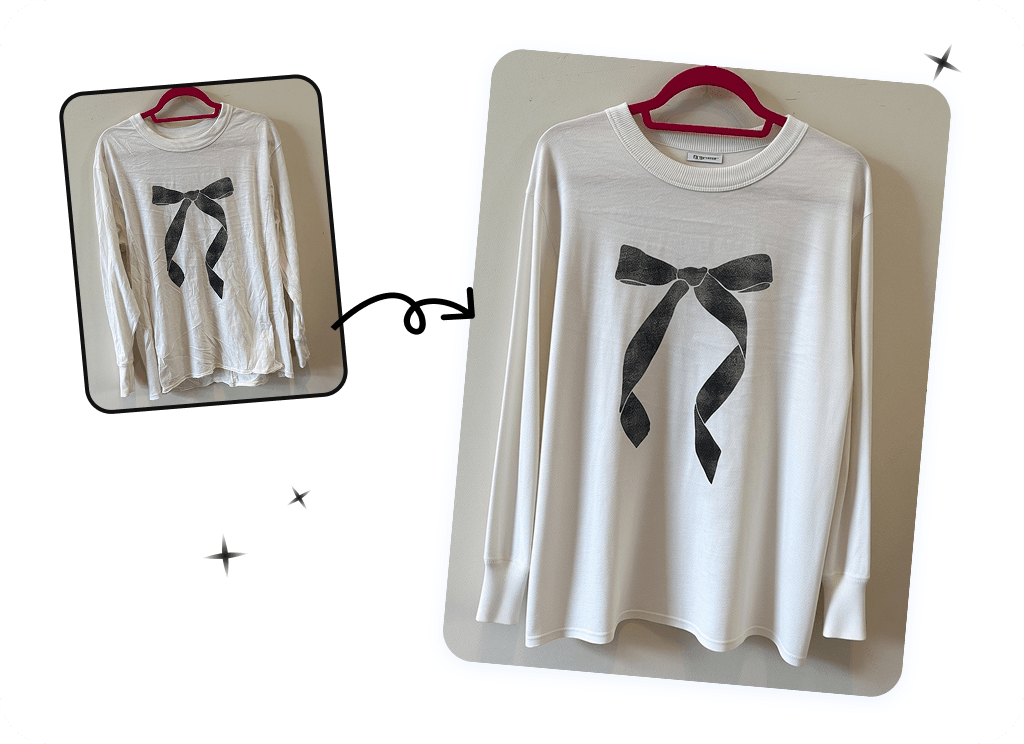
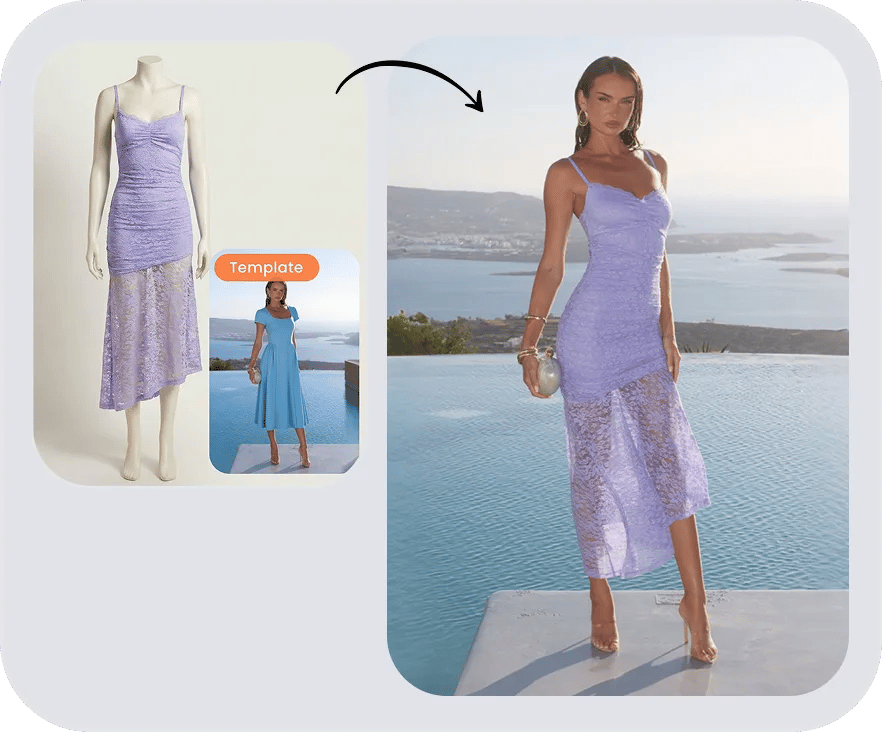
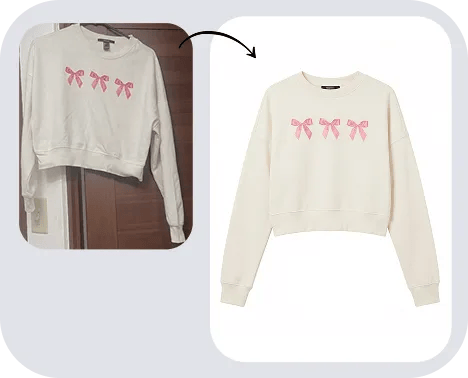
Make Your First TikTok Video from Product Photos
Start with the product photos you already have. Pick a template, generate a 9:16 video and post it with the AI-generated content setting on.