


Product Shorts from Your Product Photos
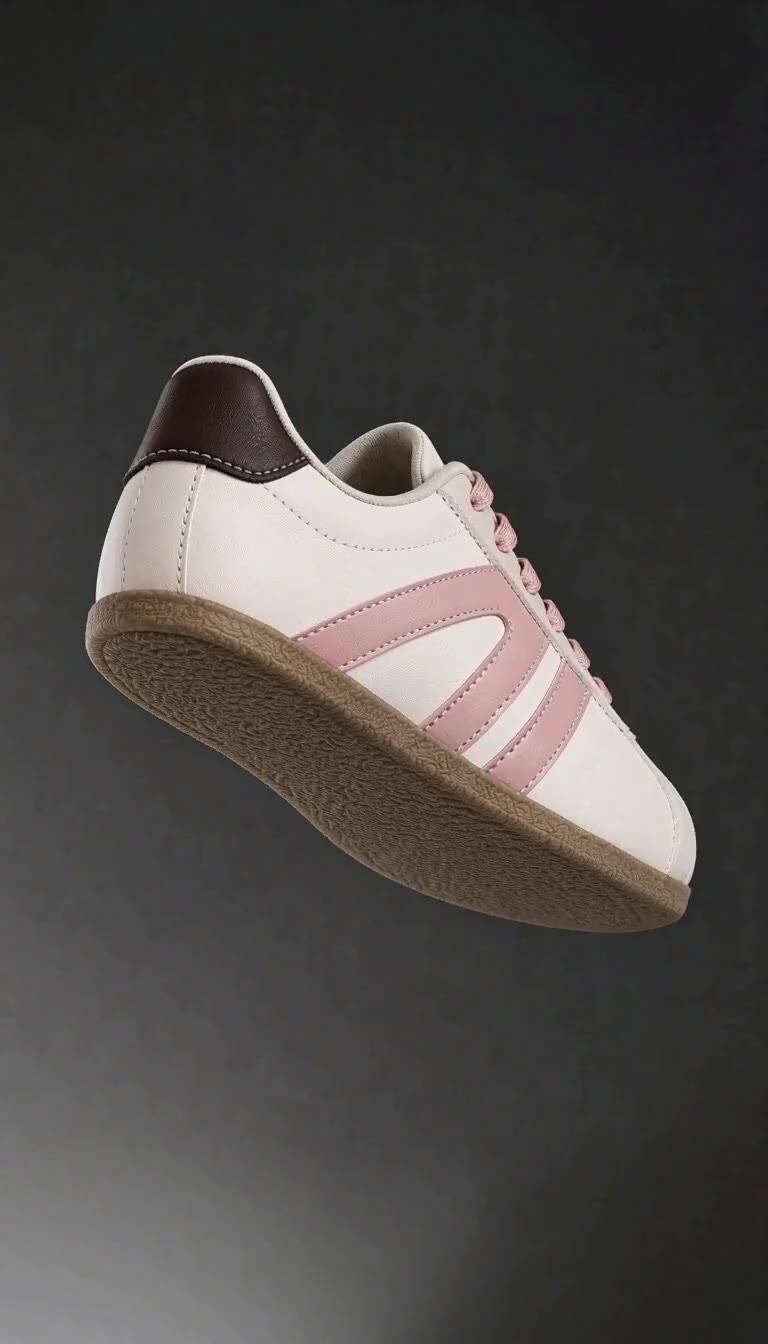
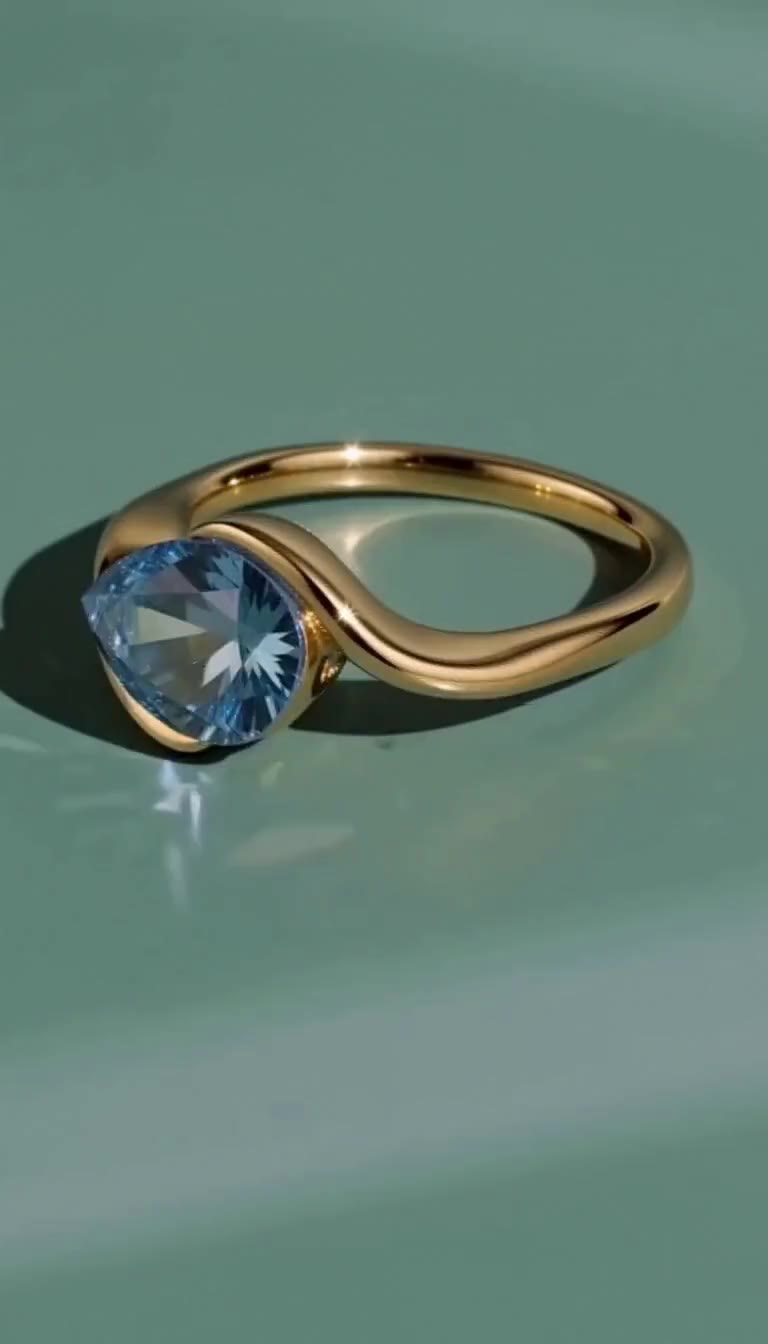
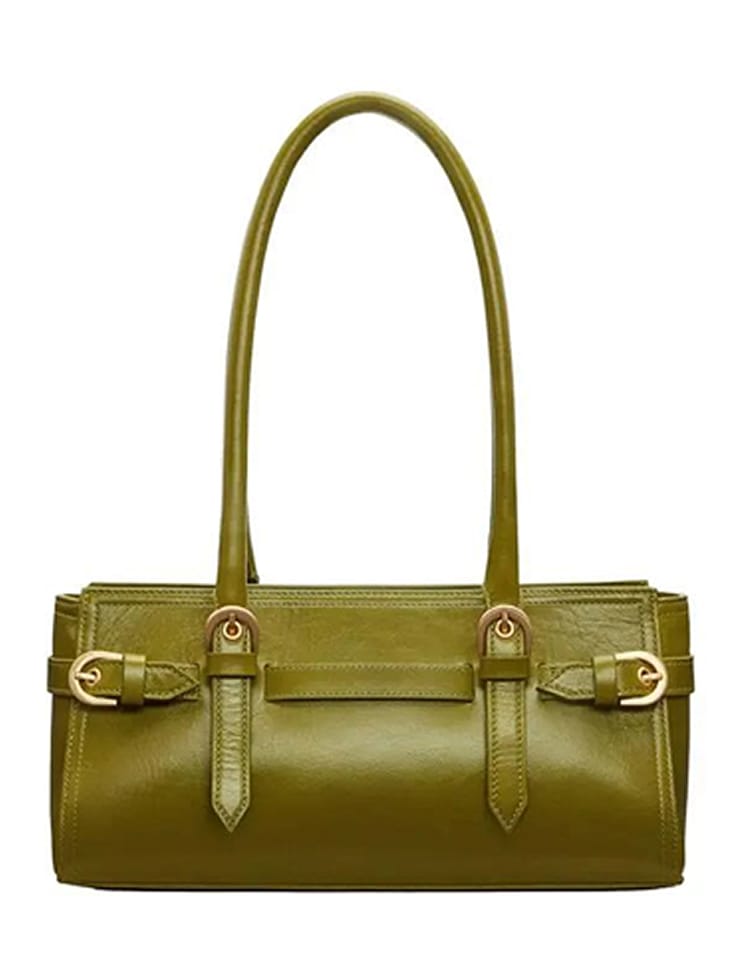
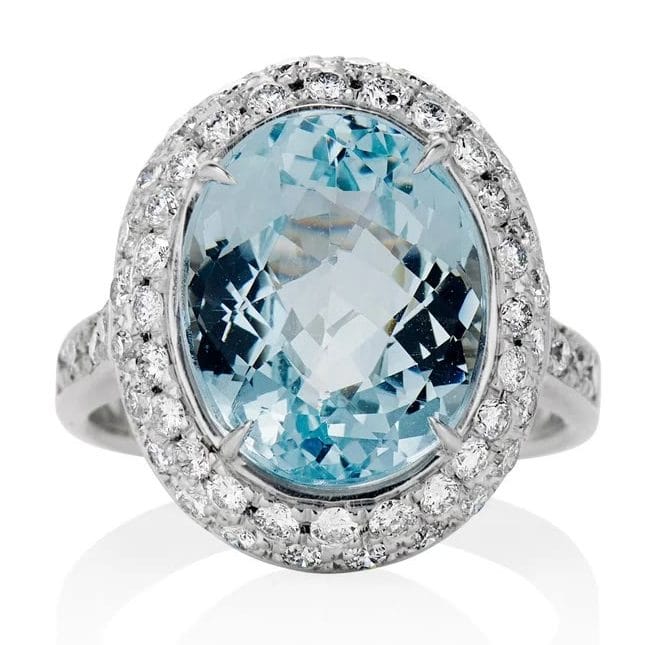
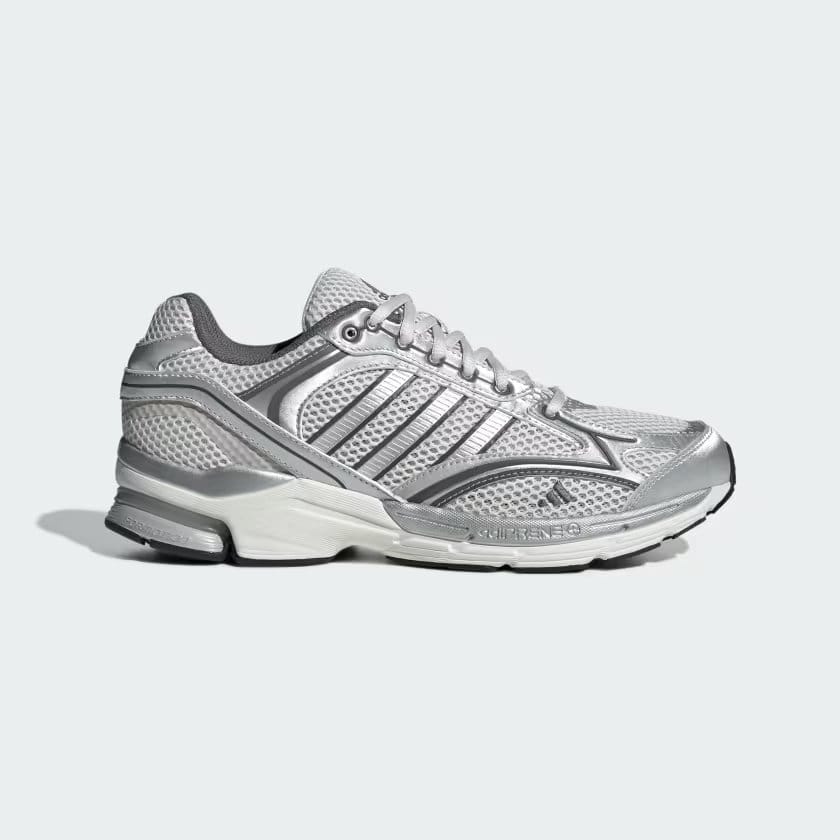
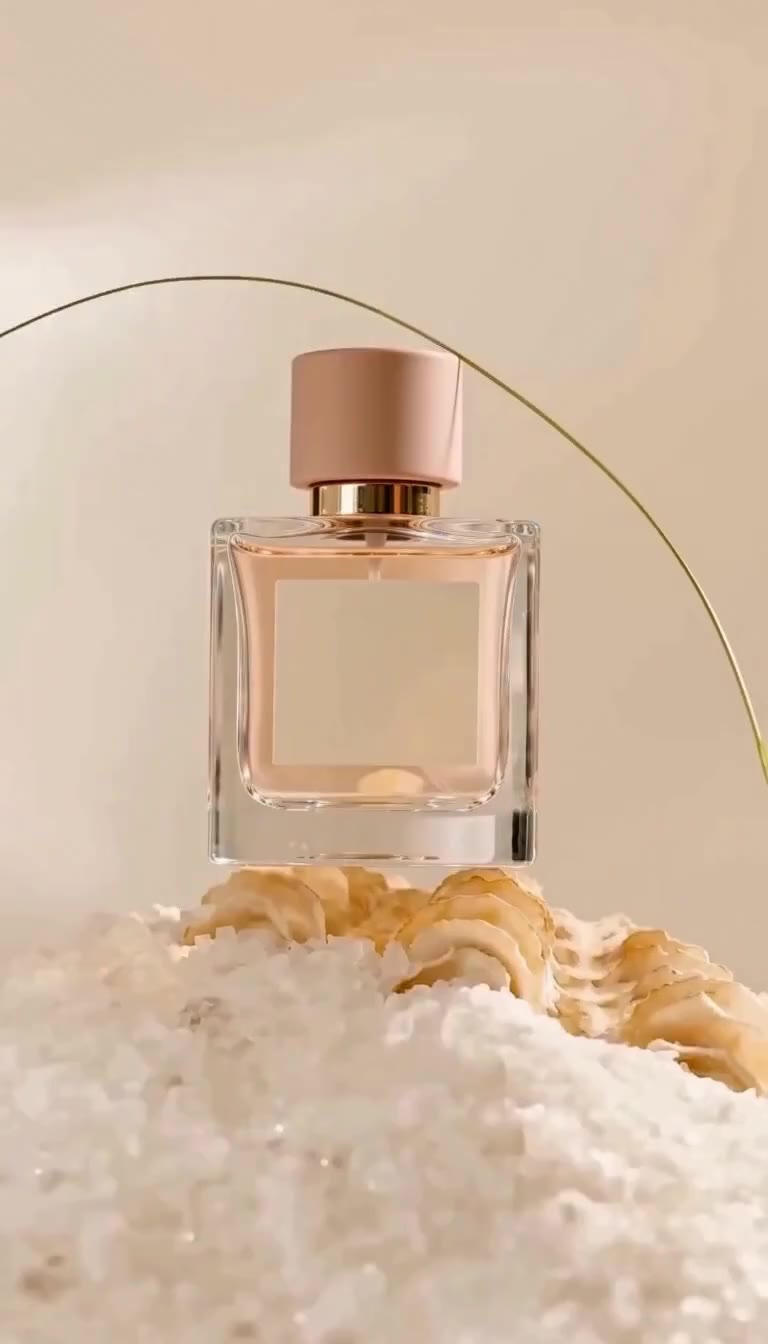
Product Video turns photos of one product into a Short that shows it from the angles a buyer would check. Templates cover 360° turns, tabletop and in-room shots, hand-held demos and macro close-ups for shoes, bags, jewelry, beauty and home products. Add a photo of every side the shot shows, because the AI has to guess any angle you leave out.
Make a product Short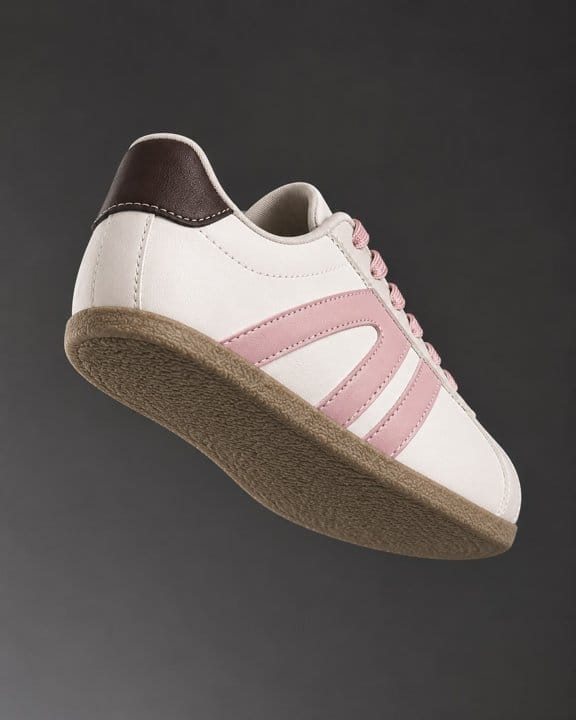
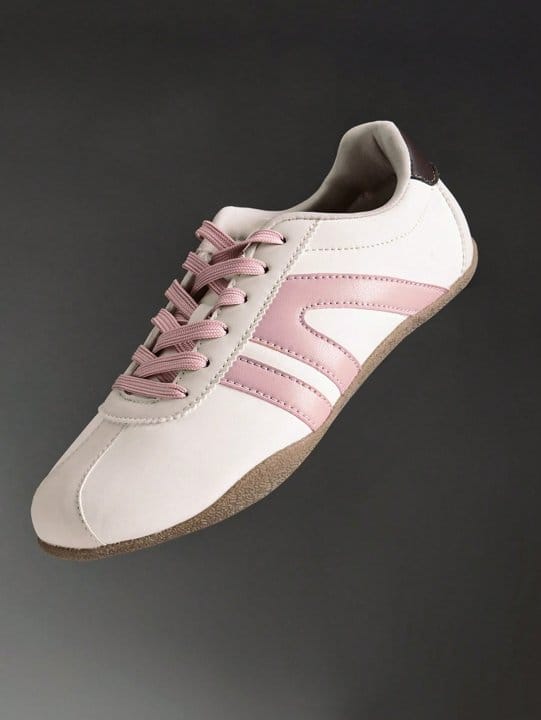

Try-On Shorts with an AI Model
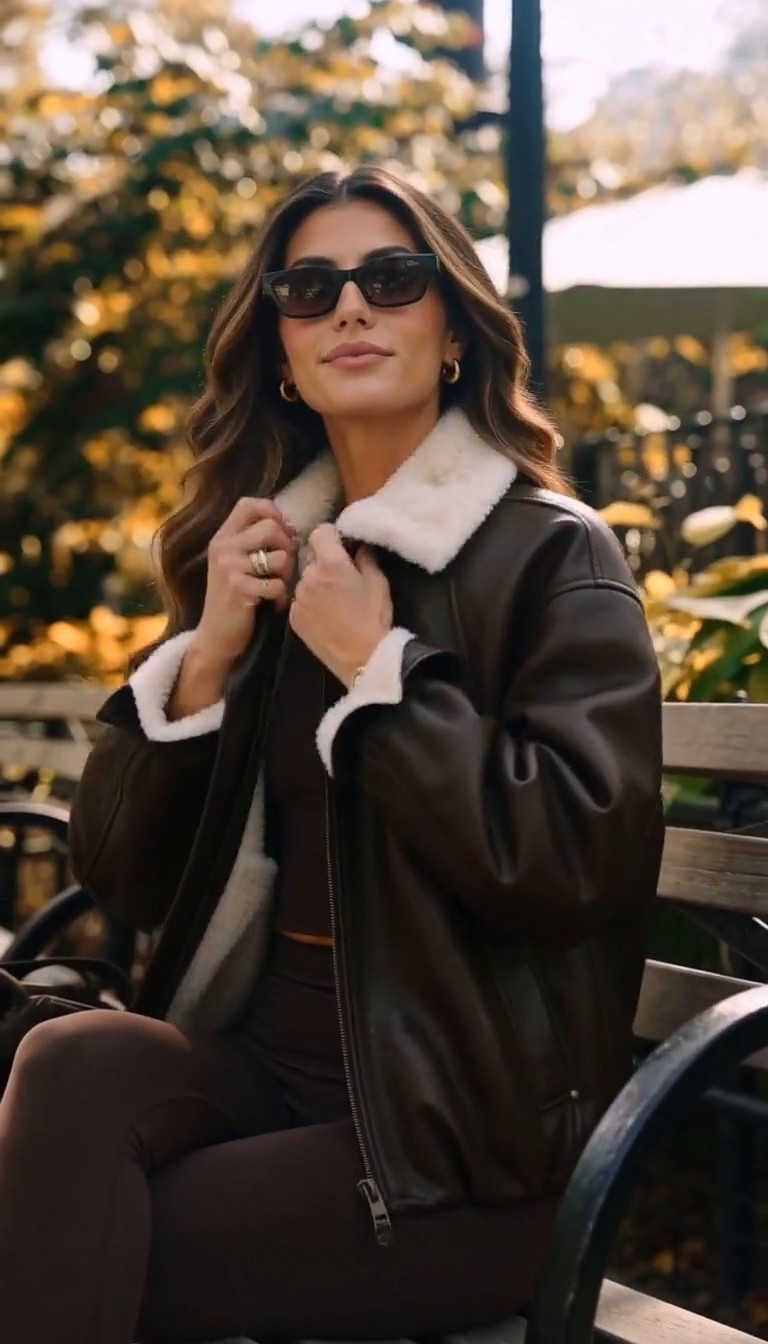
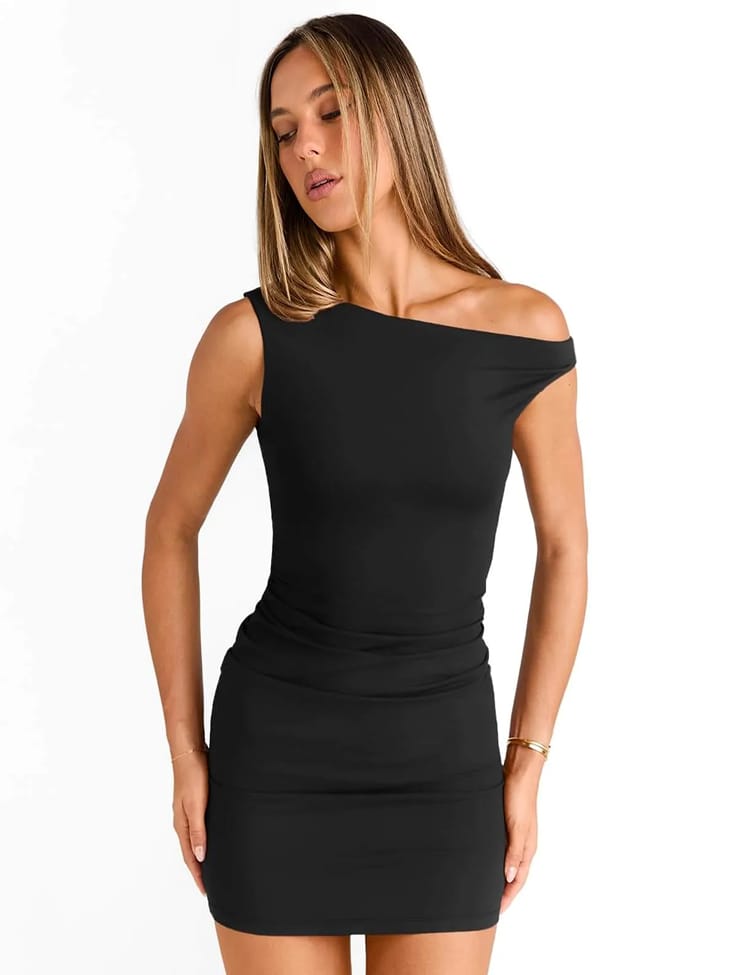
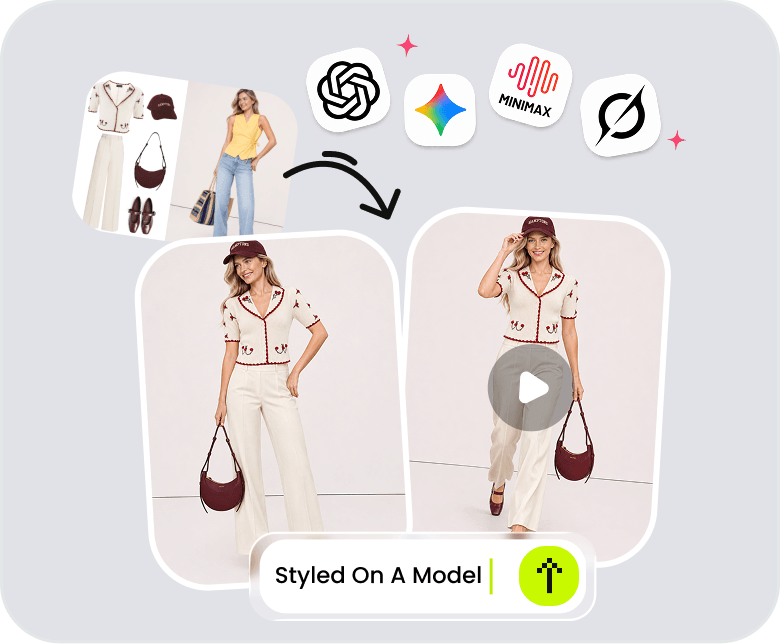
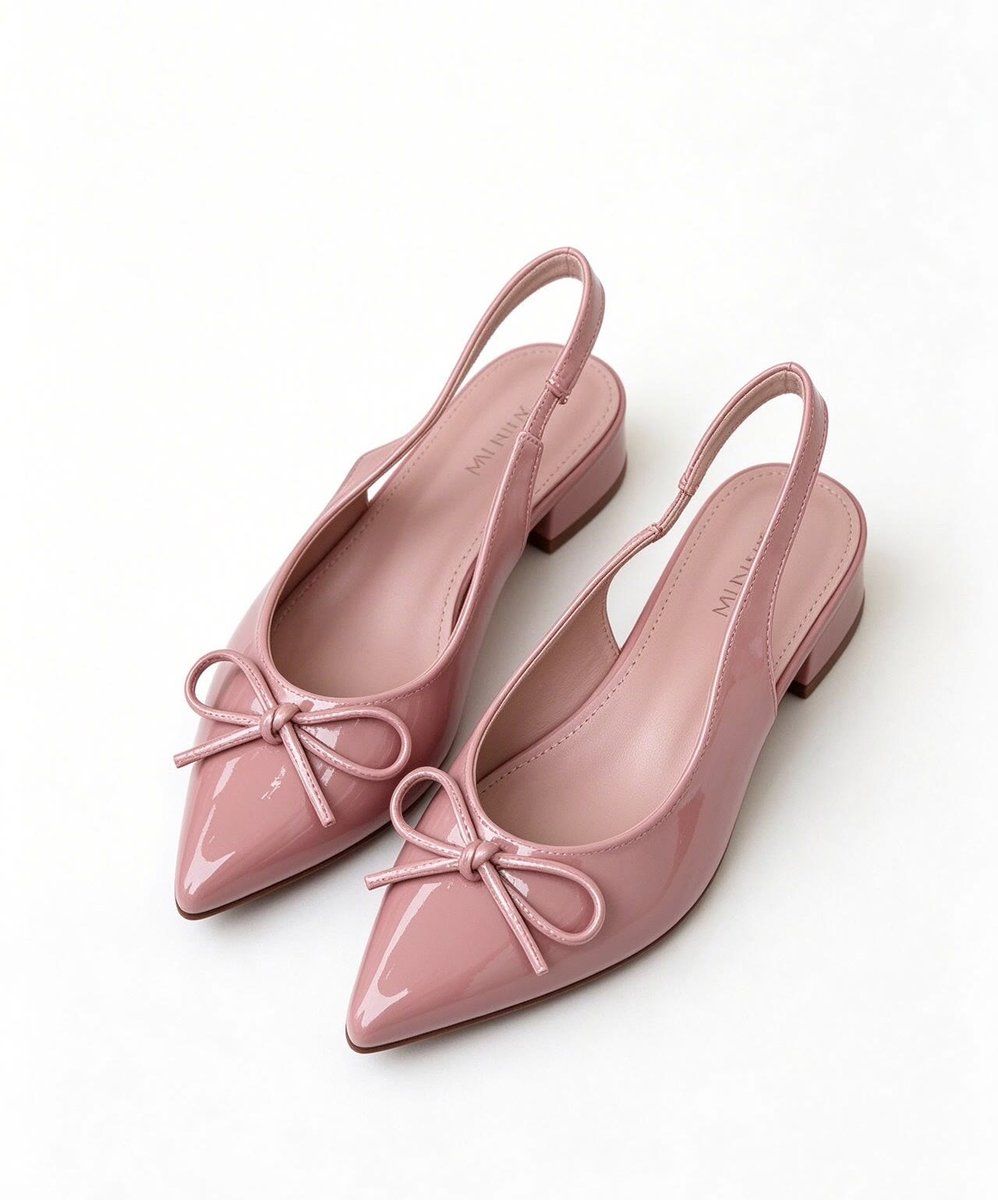
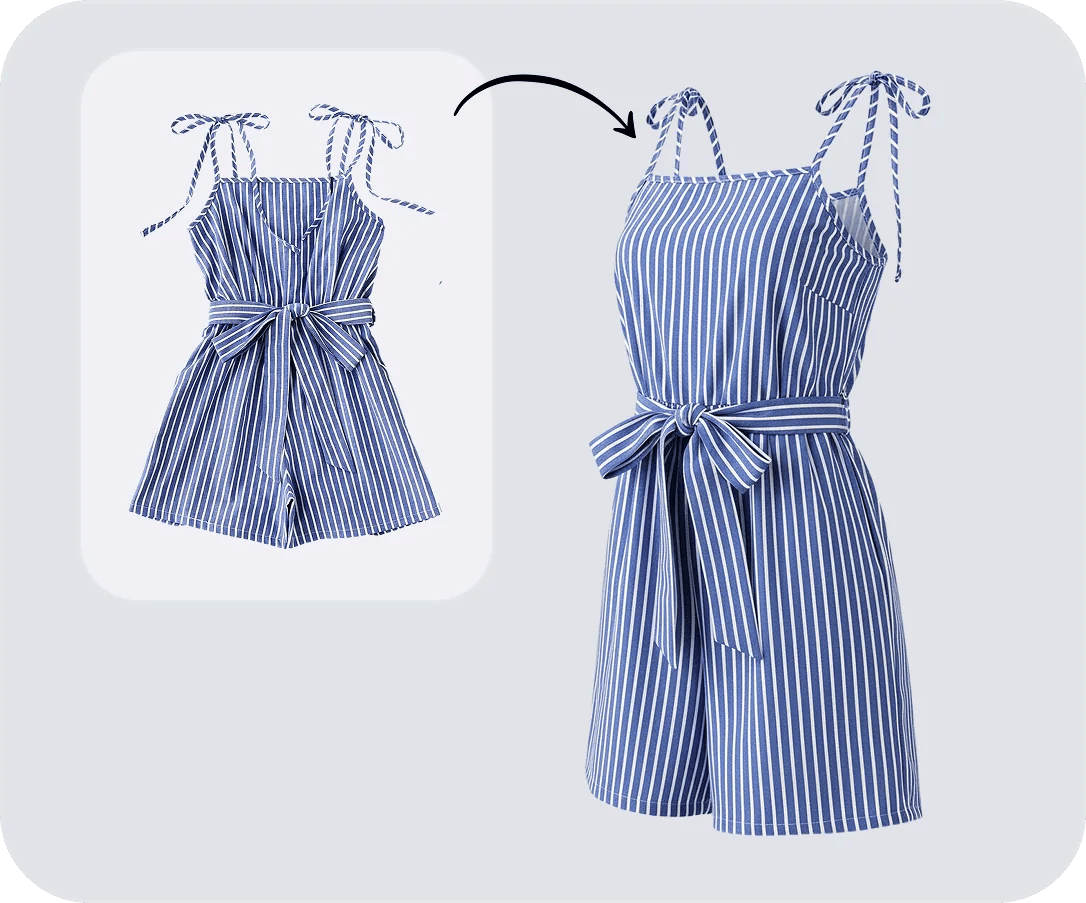
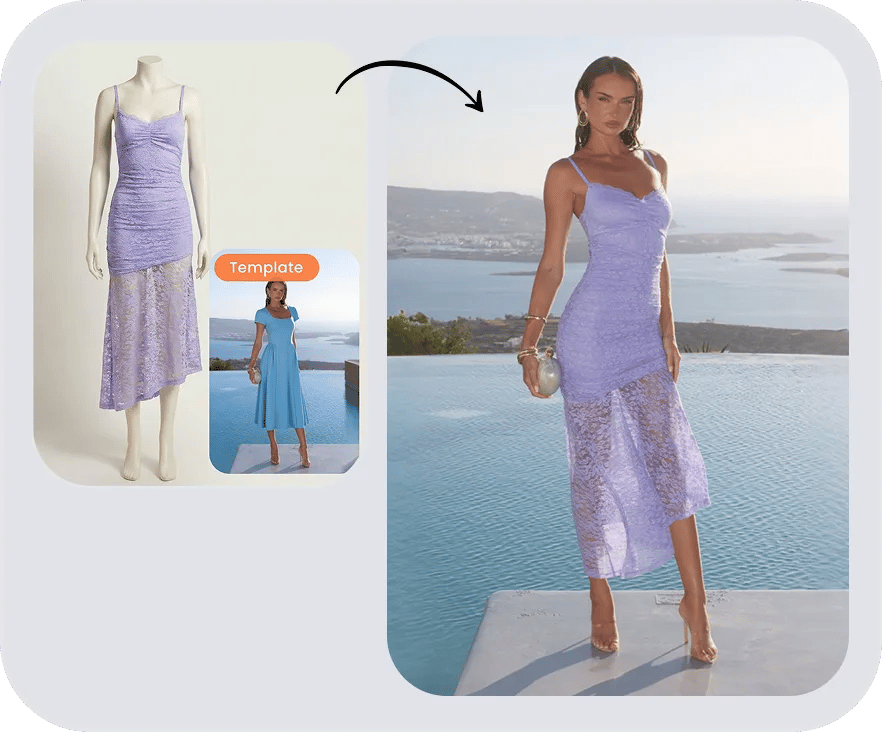
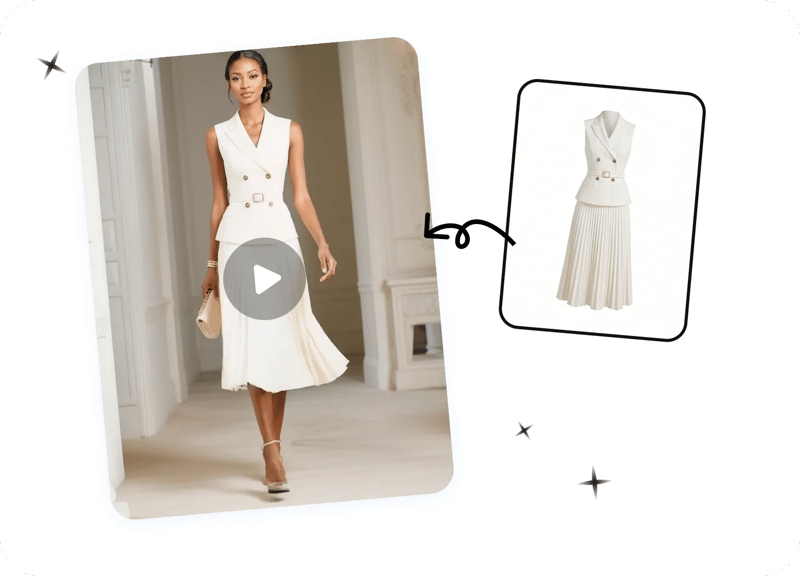
Fashion Video puts clothing, shoes, bags and jewelry on the AI model built into each template, so you get an outfit or try-on Short without a model shoot. Upload flat-lay, hanger or ghost mannequin photos of each item. The model and scene come from the template and cannot be swapped for your own model.
Make a try-on Short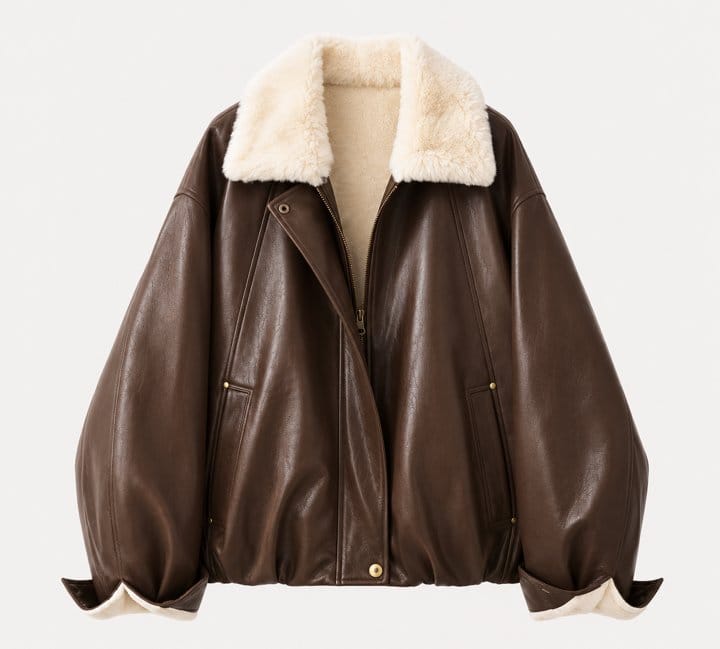
YouTube Shorts Size, Length and Format
YouTube treats a video as a Short when it has a square or vertical aspect ratio and runs up to three minutes; that rule has applied to uploads since October 15, 2024, according to YouTube Help. A Snappyit video is 4 to 15 seconds long, and a 9:16 or 1:1 export meets both conditions.
| Requirement | What YouTube says | Snappyit setting |
|---|---|---|
| Aspect ratio | Square or vertical. Use a wider ratio such as 16:9 if you do not want a Short. | Choose 9:16 or 1:1 |
| Length | Up to 3 minutes. | 4 to 15 seconds |
| Resolution | Shorts help lists a maximum resolution of 1080p. | 768P or 2K |
| Title | Up to 100 characters. | Write it when you upload |
| Where to upload | The YouTube app, or YouTube Studio on a computer. | Download the video first |
| Shorts ads | Vertical 9:16 recommended; only the first 60 seconds play in the Shorts feed. | Choose 9:16 |
For ads, Google recommends 10 to 30 second vertical videos for action-focused campaigns and lists 6 to 60 seconds for Video reach campaigns on Shorts (Shorts ads guide, Video reach specs). Pick 10 seconds or more in the generator if the video will run as an ad.
Sources, checked November 2026: YouTube Help: three-minute Shorts · YouTube Help: create Shorts · YouTube Help: upload Shorts · Google Ads Help: Shorts ads · Google Ads Help: Video reach specs.
Shorts Templates for Product Channels
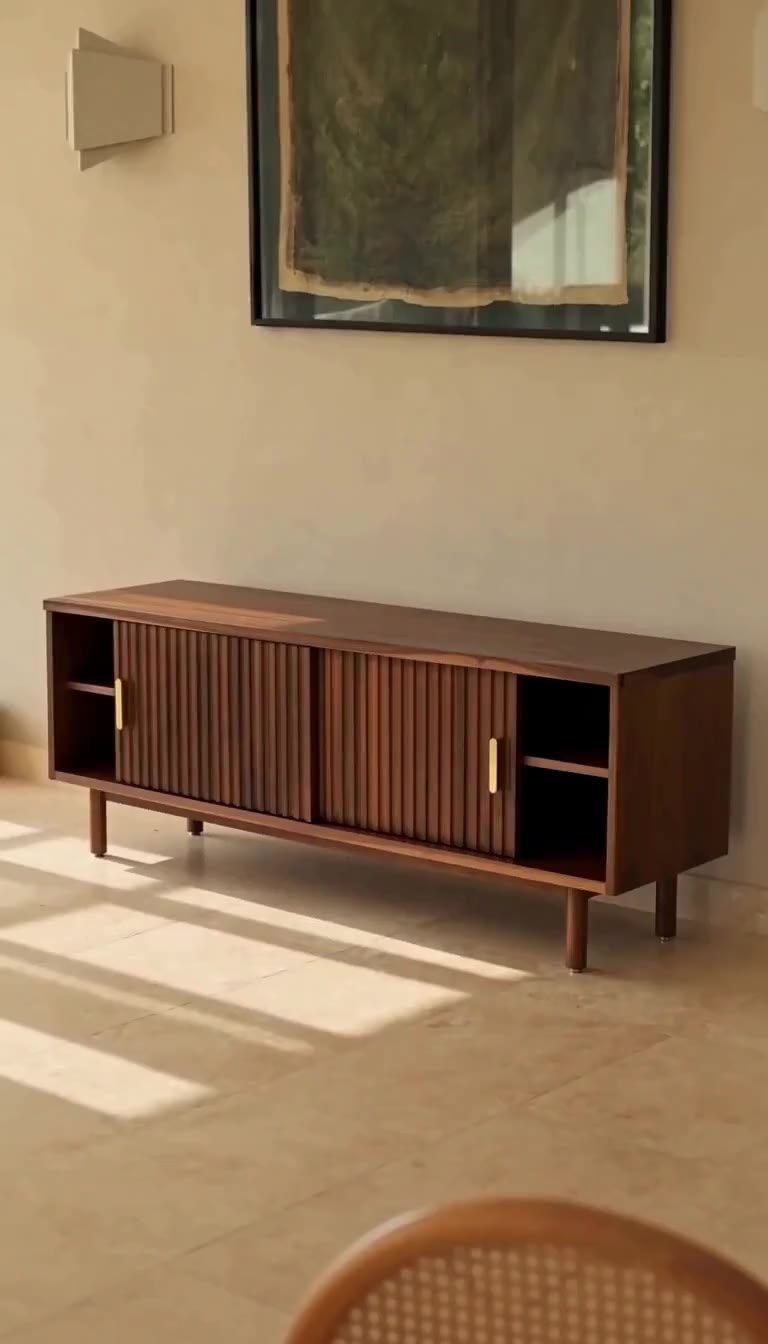
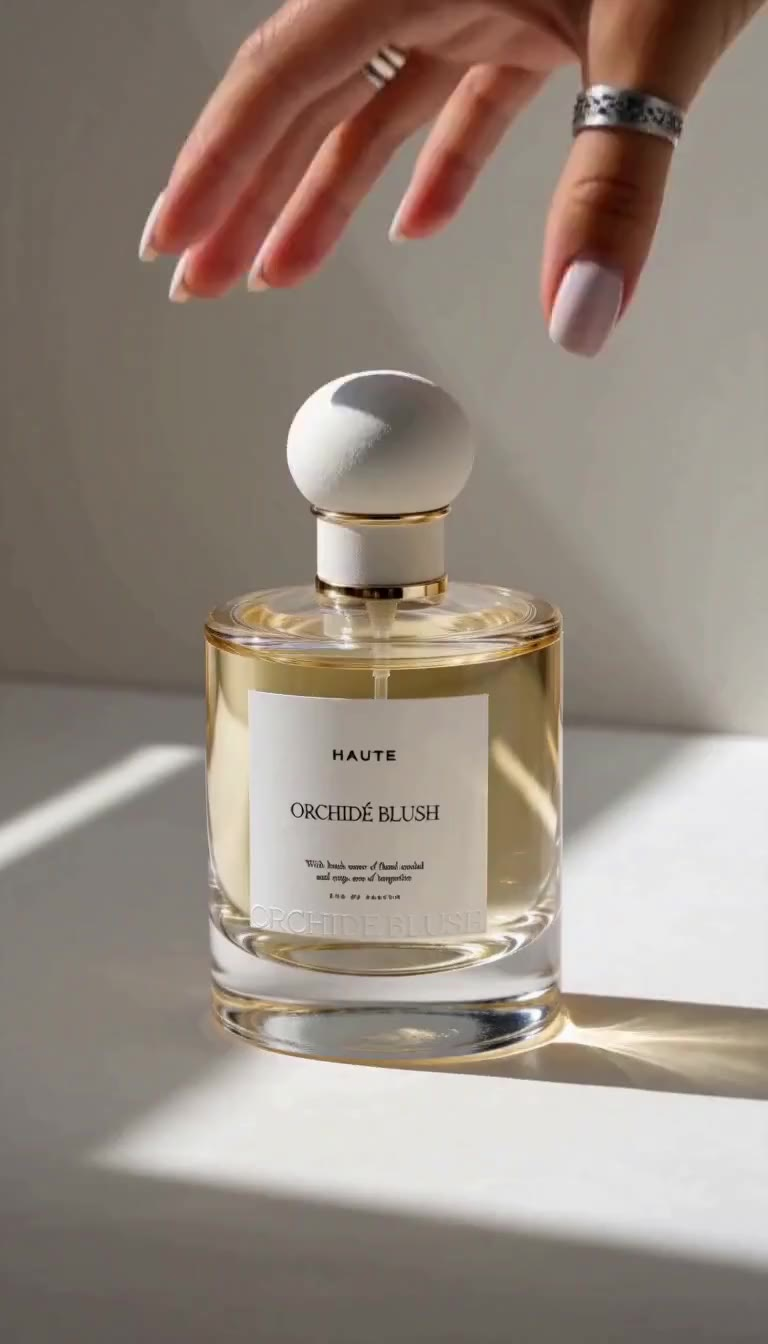
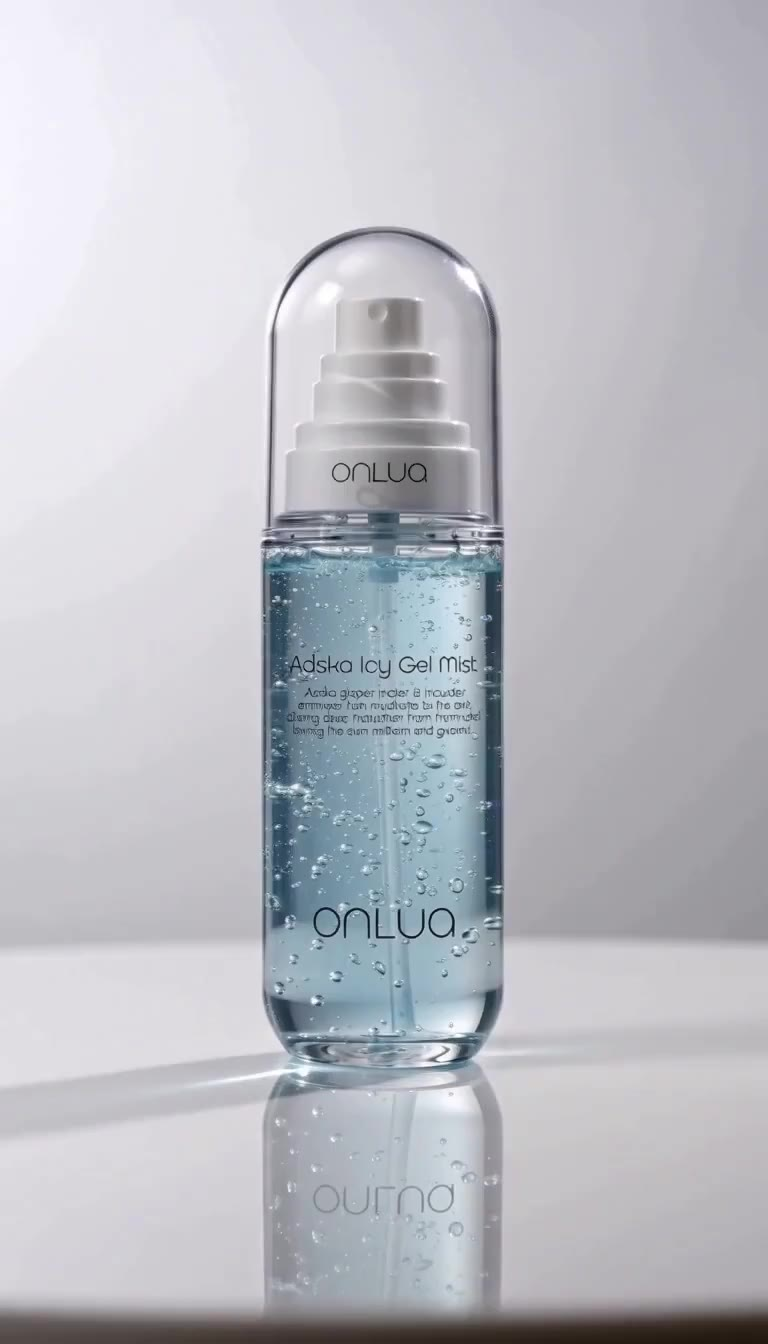
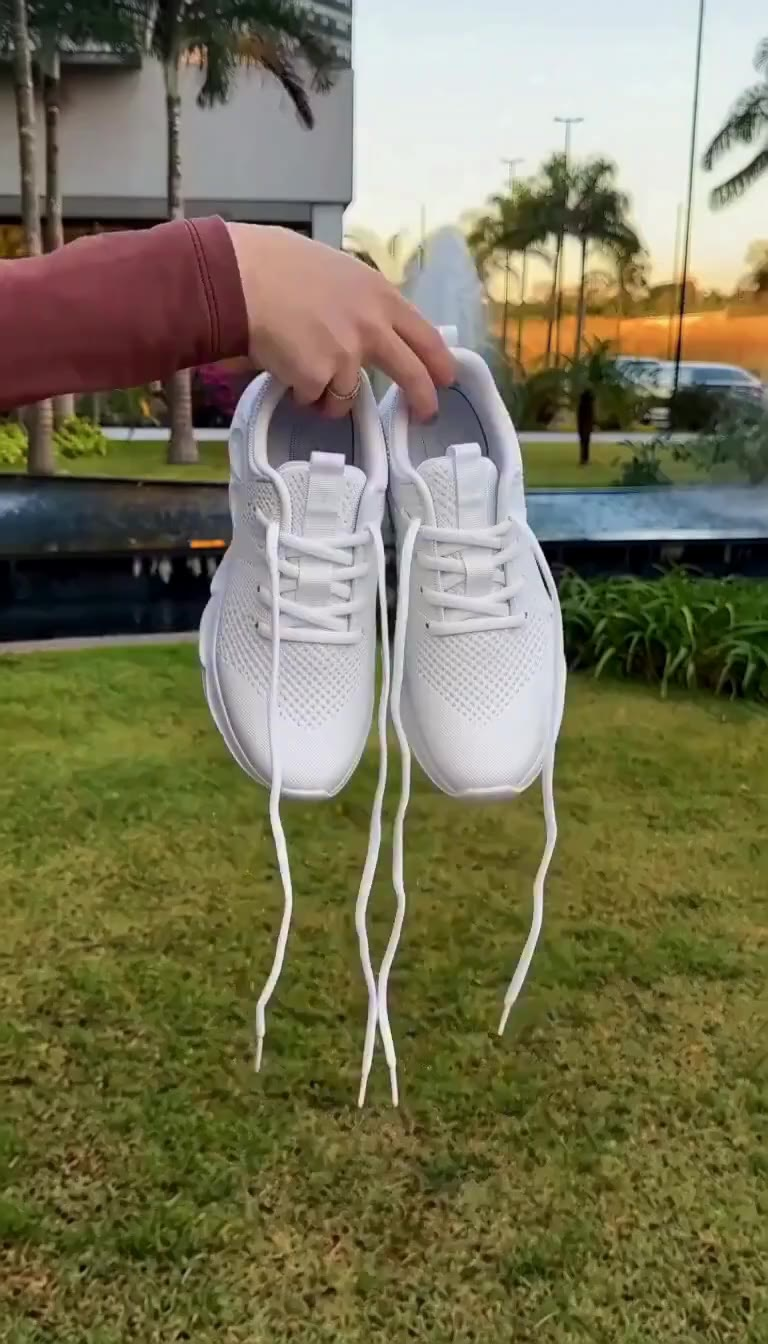
Each template is a finished shot plan: you add the photos, and the video follows the sample. The ones below suit product demos and showcases, the kind of Short that answers what the product looks like in use. Pick one to open it in the video generator.
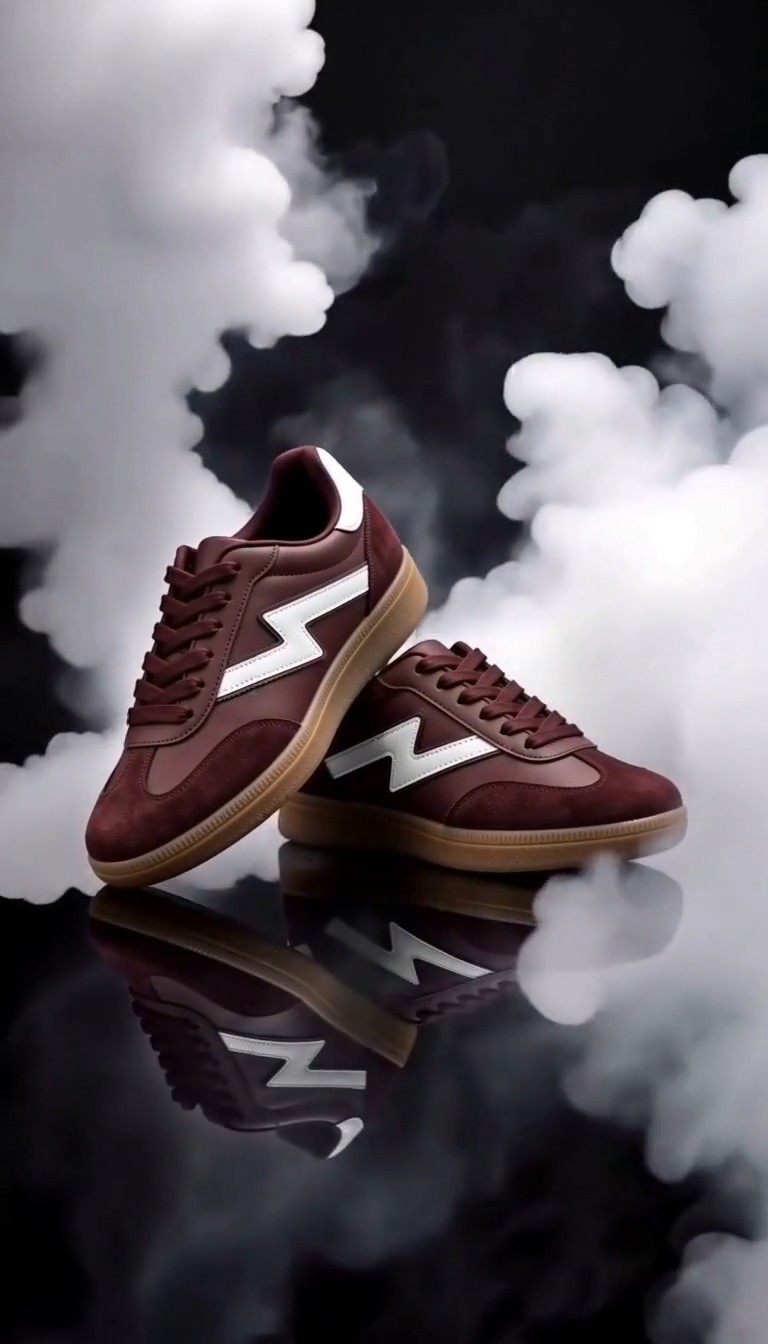
How to Make a YouTube Short from Photos
Making a YouTube Short from product photos takes three steps: pick a template, add your photos, then generate and upload.
Pick a template
Open Product Video for product-only shots or Fashion Video for try-on videos, then choose a template whose sample matches your product type.
Upload your product photos
Add the photos the template asks for. Use clear, well-lit shots, and include every side of the product the video shows.
Generate, download and upload
Choose 9:16, a length from 4 to 15 seconds and 768P or 2K, then generate. Download the video and upload it in the YouTube app or YouTube Studio.
Do You Need to Label AI-Generated Shorts on YouTube?
YouTube requires creators to disclose AI-generated or altered content that seems realistic, and the disclosure is made during upload, as YouTube Help explains. In YouTube Studio the setting is in the Attributes section under “AI use”: select Yes if the video meets the disclosure requirements.
When YouTube asks for disclosure
The rule covers realistic content, including a realistic scene that did not actually occur. YouTube’s page gives no product-video example, so judge by its test: if a viewer could take the video for real footage, select Yes. Source
What viewers see
YouTube adds a label when you select Yes. For photorealistic content the label may appear on the video player. Source
Effect on reach
YouTube states that disclosing AI content alone will not limit a video’s audience or its eligibility to earn money. Source
If you skip it
Creators who consistently choose not to disclose may get a label applied by YouTube or face penalties, including removal of content. Source
Template videos and monetization
YouTube’s monetization policy excludes content that looks mass-produced from a template without the creator’s own input. Vary your videos and add your own titles, descriptions and context. Source
Music in your video
Templates include background music. YouTube scans uploads with Content ID, and copyright-protected audio can lead to a claim, so check the audio before you publish. Source
Which Shorts Tool Fits What You Have
The right YouTube Shorts tool depends on what you start with: product photos, a finished photo or a written idea. Templates add background music only, so use the text-prompt route when the Short needs speech.
| You have | You get | Use |
|---|---|---|
| Photos of a product | A product-only Short: turns, close-ups, in-room and hand-held shots | Product Video |
| Photos of clothing, shoes, bags or jewelry | A try-on Short with an AI model | Fashion Video |
| A model or lifestyle photo | The same photo with motion added | Image to Video |
| A written idea, or a script that needs speech | A 3 to 15 second Short from a text prompt, sound optional | AI Image & Video Generator |
Who Makes Shorts This Way
Sellers use short AI product videos on YouTube when they have product photos but no footage.
- Store channels. Post a Short for each new product from the photos you already took for the listing.
- Ad testing. Make several versions of one product with different templates and run them as Shorts ads to see which one holds attention. The AI video ad maker page shows how to plan the hook and the product moment.
- Product launches. Pair a Short with the listing video you make for Amazon or Etsy, using the same photos.
- Channels with Shopping. Eligible channels can tag products in Shorts through YouTube Shopping; check the program requirements for your channel.
More AI Video Tools
AI Reel Generator

TikTok Video Generator
AI Fashion Video
AI Product Video
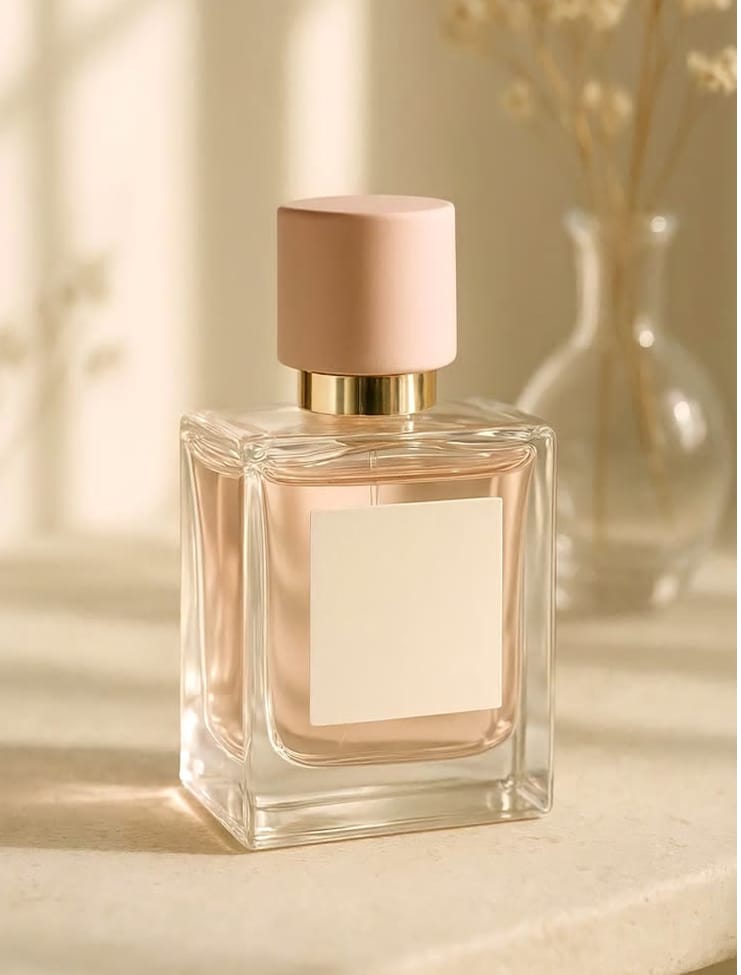
Image to Video
Edit with Prompt
Video Ad Maker
AI UGC Video Generator
360 Product Video Generator
Guides for Product Video Sellers
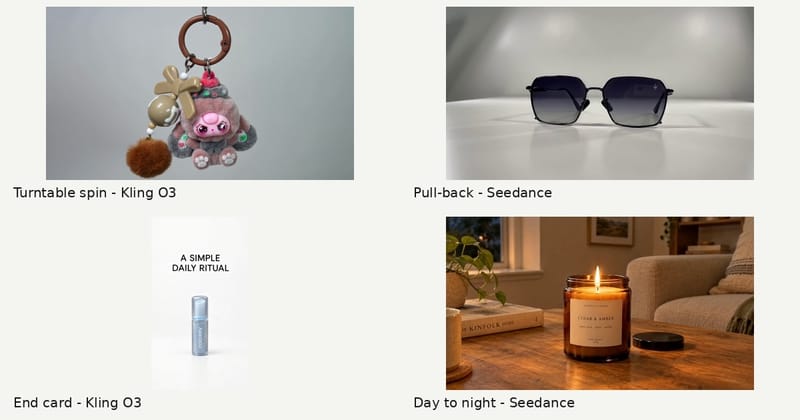 AI Product Video Prompts: 20 Tested ShotsTwenty product video prompts tested with Kling O3 and Seedance, with settings and reference-image inputs.
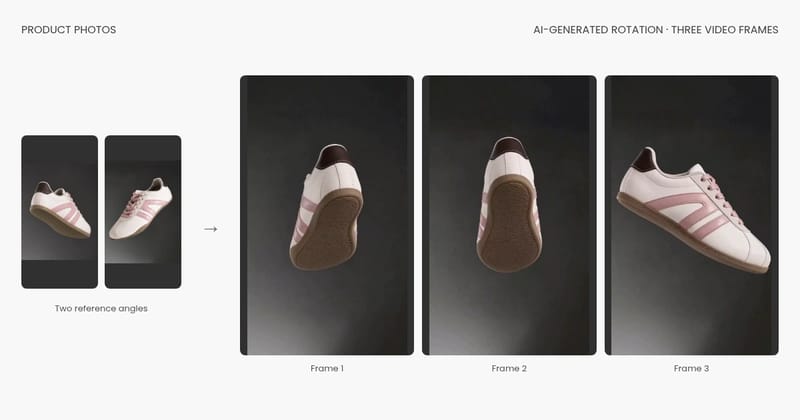 360 Product Video: 3 Ways to Make OneCompare turntable and AI methods and see how many photos each one needs.
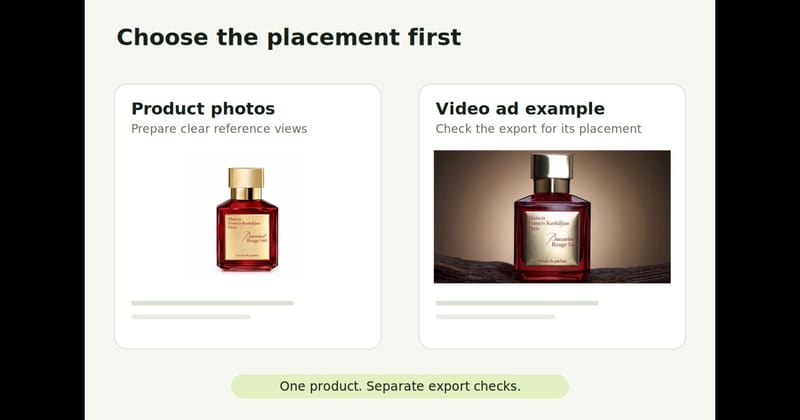 Amazon Product Video Requirements (2026)Format, length, file size and aspect ratio for listing, Sponsored Brands and Premium A+ videos.
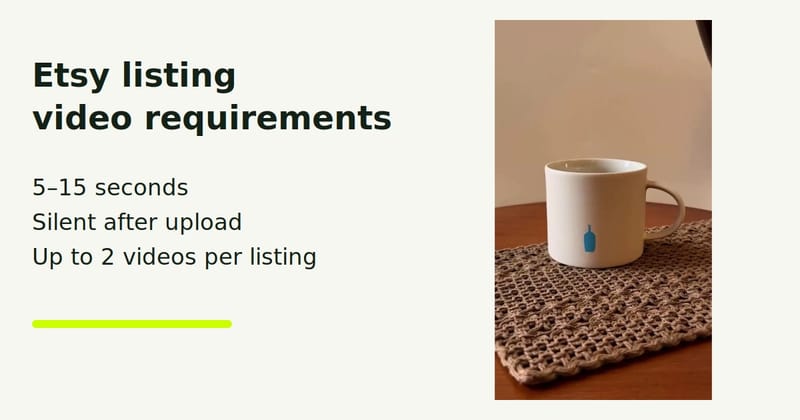 Etsy Listing Video Requirements (2026)Length, file size, formats and aspect ratio for Etsy listing videos, plus upload steps.
YouTube Shorts Generator FAQs
Is there a free YouTube Shorts generator?
Snappyit lets new users generate one video free. After that, each video uses credits, and the generator shows the cost of your settings before you submit. You need to sign in to generate.
Can I make YouTube Shorts from photos?
Yes. Upload product photos, pick a Product Video or Fashion Video template, and Snappyit generates a 4 to 15 second vertical video. Download it and upload it to YouTube as a Short.
What size and length should a YouTube Short be?
YouTube classifies square or vertical videos of up to three minutes as Shorts. Export 9:16 from Snappyit for a full-screen vertical Short; 1:1 also qualifies. The same 9:16 file works for TikTok and Instagram Reels.
Can I generate a YouTube Short from text?
Yes, in the AI Image & Video Generator at snappyit.ai/generate. Write a prompt, pick a video model and turn on Generate sound if you want audio. Clips run 3 to 15 seconds.
Do I need to disclose AI-generated Shorts on YouTube?
YouTube requires disclosure when AI-generated or altered content seems realistic. In YouTube Studio, select Yes under “AI use” during upload. YouTube says disclosure alone does not limit a video’s audience.
Does the video have a watermark?
No. Videos you download from Snappyit have no Snappyit watermark. Template videos include background music, and the templates do not add a voiceover.
Explore More AI Product Photography Tools
Make Your First Short from Product Photos
Start with the product photos you already have. Pick a template, generate a 9:16 video and upload it to your channel.